watermark_unique
watermark_unique is a flutter package to add text and image watermarks on an image. You can customize the watermark's position, color, background color, and padding.
Check on pub.dev: https://pub.dev/packages/watermark_unique
Documentation
Features
- Add text to image
- Add watermark to image
- Get result via File or Uint8List
Parameters for image that you can change
- Text
- Position by X
- Position by Y
- Text size
- Text color (withOpacity)
- Background text color (optional / withOpacity)
- Padding for text if background exist (optional)
- Quality of image with watermark
- Image format that you will use to compress
Usage
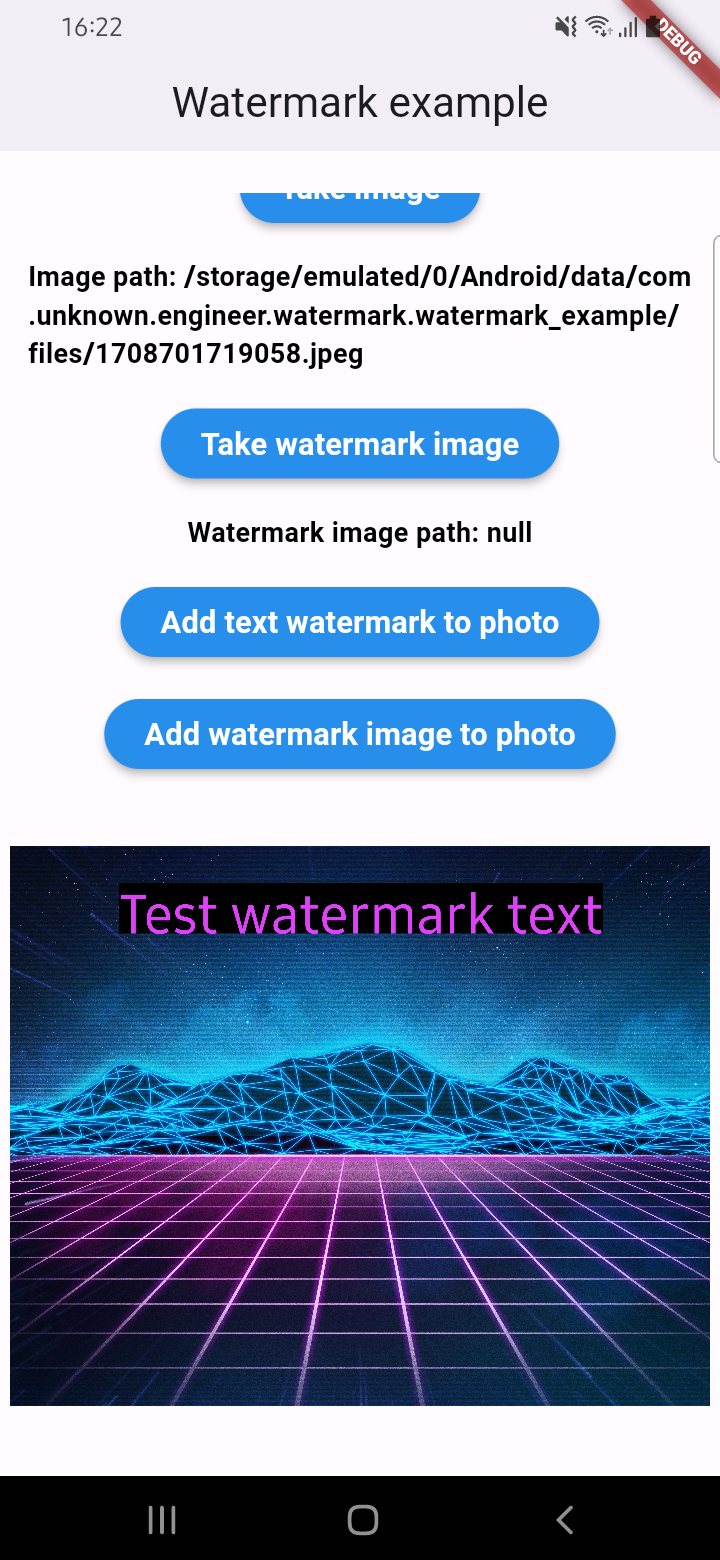
An example of how you can add text to an image (only IOS or Android):
final image = await watermarkPlugin.addTextWatermark(
filePath: photo!.path,
text: 'Test watermark text',
x: 500,
y: 400,
textSize: 250,
color: Colors.purpleAccent,
isNeedRotateToPortrait: true,
backgroundTextColor: Colors.black.withOpacity(0.5),
quality: 100,
backgroundTextPaddingLeft: 12,
backgroundTextPaddingTop: 12,
backgroundTextPaddingRight: 12,
backgroundTextPaddingBottom: 12,
imageFormat: ImageFormat.jpeg,
);
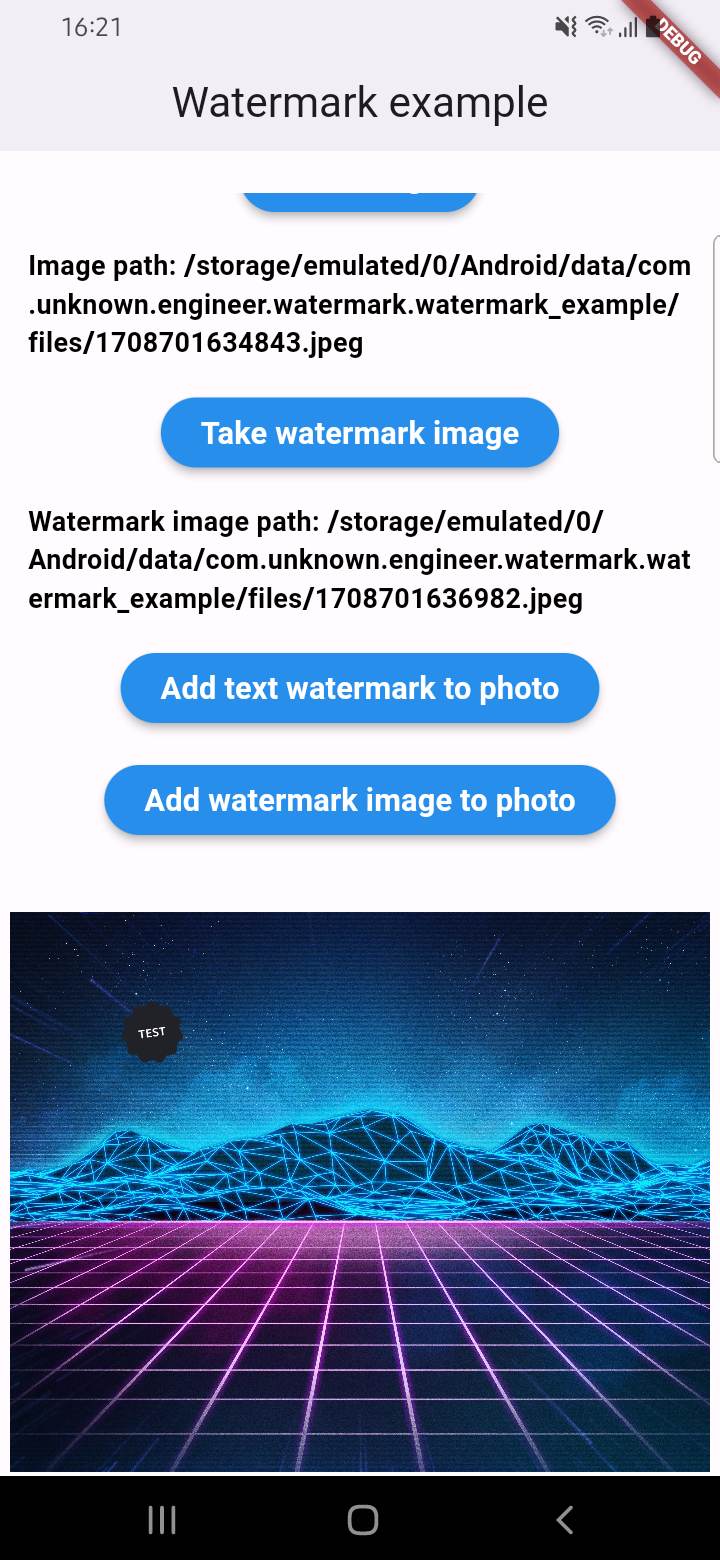
An example of how you can add a watermark to an image (only IOS or Android):
final image = await watermarkPlugin.addImageWatermark(
filePath: photo!.path,
watermarkImagePath: watermark!.path,
x: 500,
y: 400,
quality: 100,
imageFormat: ImageFormat.jpeg,
watermarkWidth: 300,
watermarkHeight: 300,
);
An example of how you can add text to an image and get results via Uint8List (IOS || Android || WEB):
final image = await watermarkPlugin.addTextWatermarkUint8List(
filePath: photo!.path,
text: 'Test watermark text',
x: 500,
y: 400,
textSize: 250,
color: Colors.purpleAccent,
isNeedRotateToPortrait: true,
backgroundTextColor: Colors.black,
backgroundTextPaddingLeft: 12,
backgroundTextPaddingTop: 12,
backgroundTextPaddingRight: 12,
backgroundTextPaddingBottom: 12,
);
An example of how you can add a watermark to an image and get results via Uint8List (IOS || Android || WEB):
final image = await watermarkPlugin.addImageWatermarkUint8List(
filePath: photo!.path,
watermarkImagePath: watermark!.path,
x: 500,
y: 400,
watermarkWidth: 300,
watermarkHeight: 300,
);
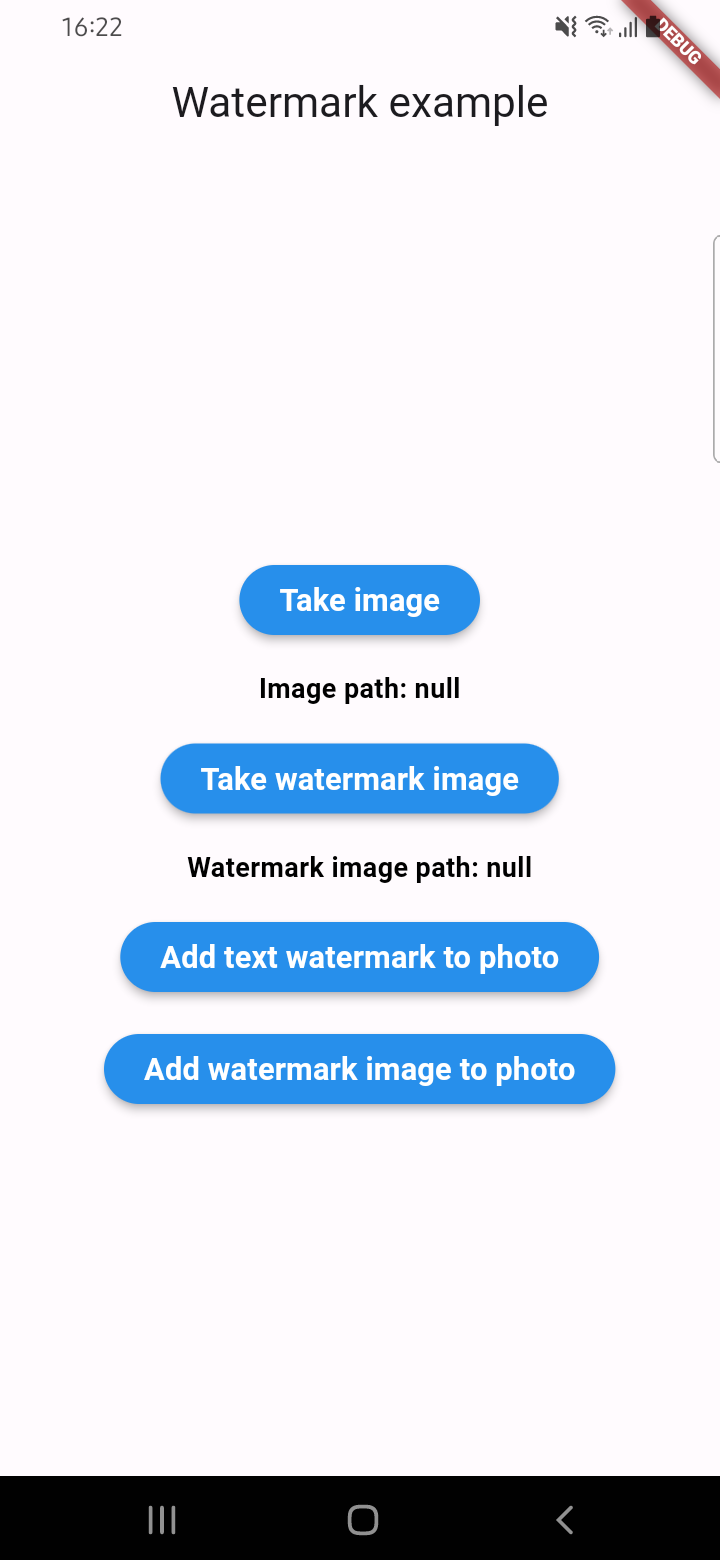
Example screenshots