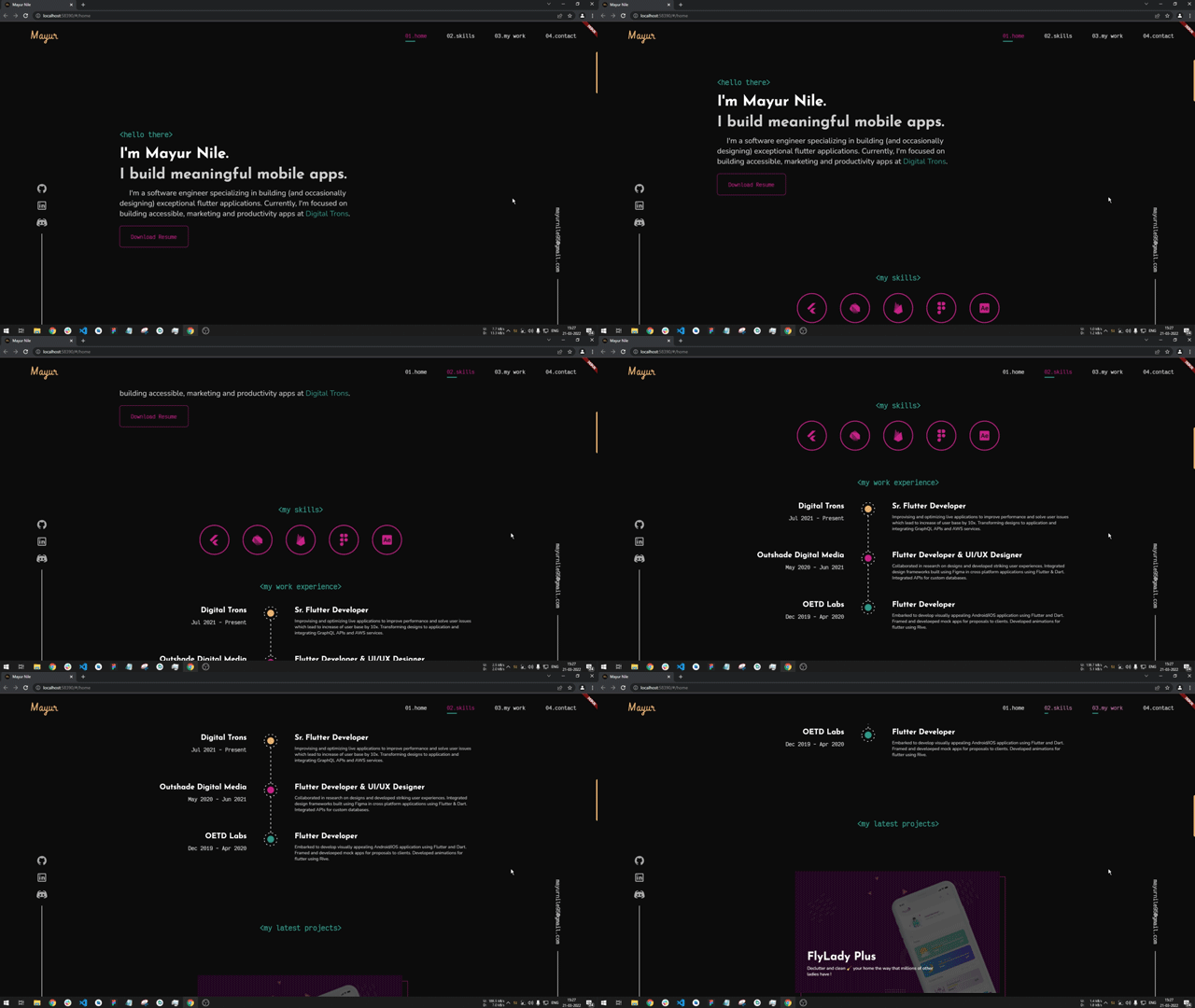
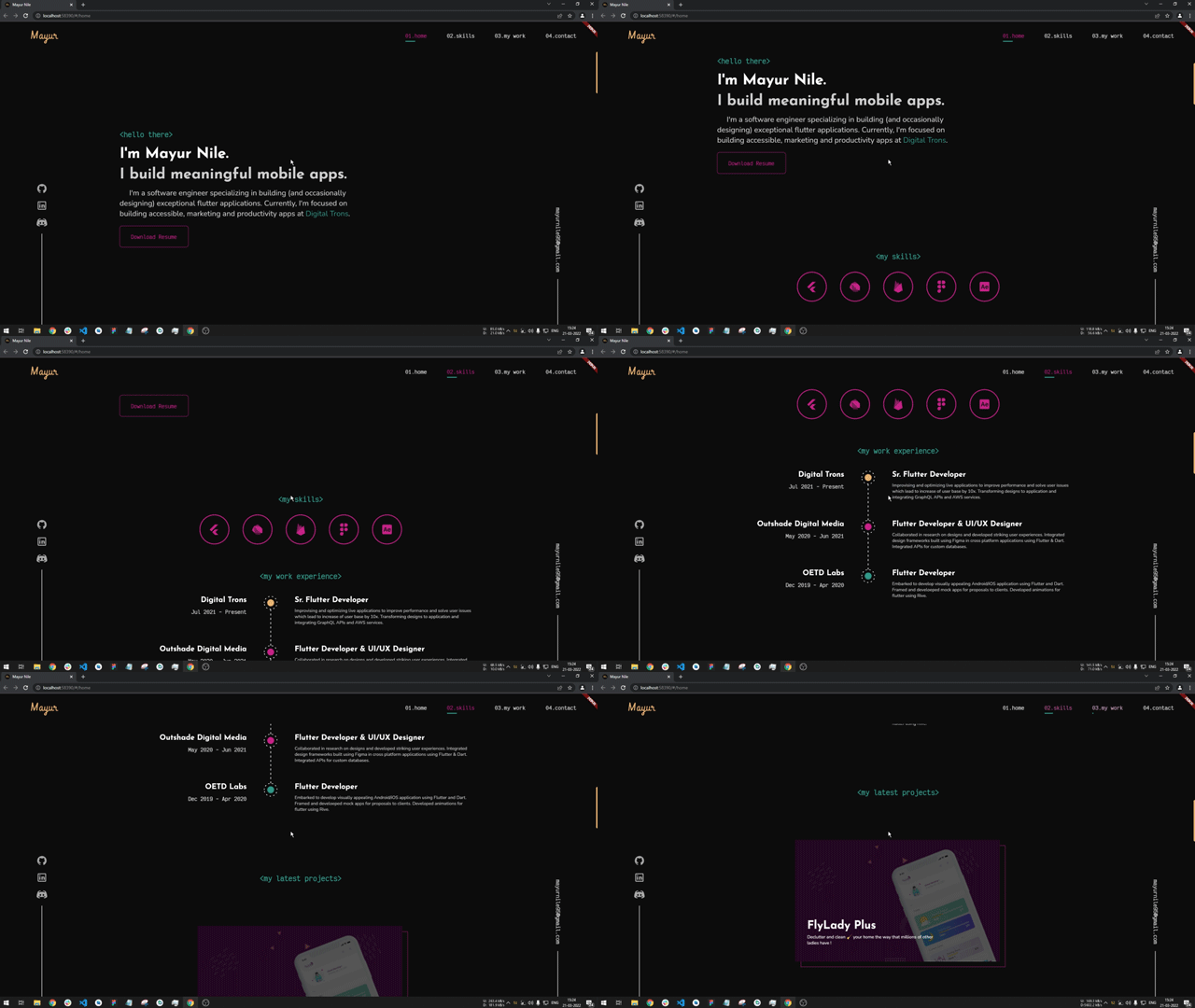
web_smooth_scroll 是一個專為 Flutter 設計的套件,旨在提升 Web 平台上的滾動體驗。它提供更順暢、更自然的滾動動畫,增強視覺吸引力和使用者互動性。透過優化滾動行為,它減少卡頓,為可滾動元件帶來流暢且美觀的感覺。此套件特別針對 Web 應用程式,因為平滑滾動對於現代 UX 標準至關重要。
適用情境
增強網頁應用的滾動體驗
建立流暢的使用者介面互動
提升網頁的感知效能
新增優雅的滾動效果
優化網頁應用中的滾動行為
主要特色
平滑滾動動畫
Web 特定優化
所需的設定最少
改進的捲動流暢度
可自訂的捲動行為
適合對象
尋求更好滾動體驗的Web開發者
包含長滾動內容的應用
以設計為重點的Web應用程式
重視視覺美感的專案
具有互動式內容的 Flutter Web 專案
使用建議
主要用於網路平台
可能需要在不同瀏覽器上進行測試
對行動裝置或桌面端的影響有限
基本滾動功能不需要
取決於瀏覽器對平滑捲動的支援
原始 README
以下為關聯原始碼儲存庫的 README 原文快照,最新內容請造訪原始碼儲存庫。
Web Smooth Scroll
A package to help you provide a smoother and aesthetic scroll feeling. The motivation behind this package is, while using the official Flutter SDK the scrolling experience on web is very jerky and feels laggy to overcome it and provide more quality scrolling this package is developed.
Motivation
While I was developing my portfolio website using Flutter I faced the issue of jerky scrolling so for a research in solving it I came across this package https://pub.dev/packages/smooth_scroll_web, but it has got some issues and currently not being maintained by the author. It has issues while scrolling and also when using with scrollbars the scroll behaviour is different. Also when user uses a trackpad to scroll it'll scroll to the bottom of the screen and makes the website completely unusable. Also that package doesn't supports null safety which is supported in this package. I've developed this package to overcome all this issues. I would like to thank Dezső Csete, for this motivation and providing a base to work on.
WebSmoothScroll can be used with any scrollable widget, just pass the same scroll controller to WebSmoothScroll as well as the scrollable widget. And also specify scroll physics to NeverScrollableScrollPhysics()
There are additional optional parameters one can use
WebSmoothScroll(
controller: _scrollController,
scrollSpeed: 2.1, // additional scroll extent for smooth animation
scrollAnimationLength: 800, // duration of animation of scroll in milliseconds
curve: Curves.easeInOutCirc, // curve of the animation
child: SingleChildScrollView(
physics: constNeverScrollableScrollPhysics(),
controller: _scrollController,
child: _buildScrollableList(),
),
),
Some points to be noted
This plugin is to be used only on web and not on any other platform, you can check if platform is web and render using WebSmoothScroll else don't use this plugin.
Remember to assign physics as NeverScrollableScrollPhysics() else you won't see any change in the scrolling behaviour