搜尋套件、儲存庫與 APP 分類

whatsapp_story_editor 封面
套件詳情v0.0.6

whatsapp_story_editor

一個 Flutter 套件,用於新增類似 WhatsApp 的故事編輯功能。

AndroidiOS
近 30 天下載
35
喜歡數
42
Pub 分數
140

安裝套件

flutter pub add whatsapp_story_editor

套件介紹

根據套件公開資料產生的選型評估,僅供參考。

一個 Flutter 套件,讓開發者能夠在其應用程式中整合類似 WhatsApp 的故事編輯功能。它提供加入文字、貼紙、繪圖和濾鏡的工具,支援 Android 與 iOS 平台。此套件簡化了互動性強、視覺豐富的故事製作,非常適合社交媒體或即時通訊應用。它透過平台通道利用原生功能,實現流暢的效能與一致的使用者體驗。

適用情境

  • 建立社群媒體故事
  • 使用故事功能建構訊息應用
  • 新增創意內容編輯
  • 啟用使用者產生的故事分享
  • 整合貼紙和文字疊加

主要特色

  • 文字和貼紙新增
  • 繪圖和素描工具
  • 過濾和效果應用
  • 跨平台相容性
  • 與 Flutter 的簡單整合

適合對象

  • 社交網絡應用
  • 訊息平台
  • 創意內容工具
  • 行動應用開發者
  • 基於故事的用戶參與

使用建議

  • 需要平台特定的設定
  • 有限的自定選項
  • 依賴原生 SDK
  • 可能需要額外的樣式
  • 最適合基本的故事編輯需求

原始 README

以下為關聯原始碼儲存庫的 README 原文快照,最新內容請造訪原始碼儲存庫。

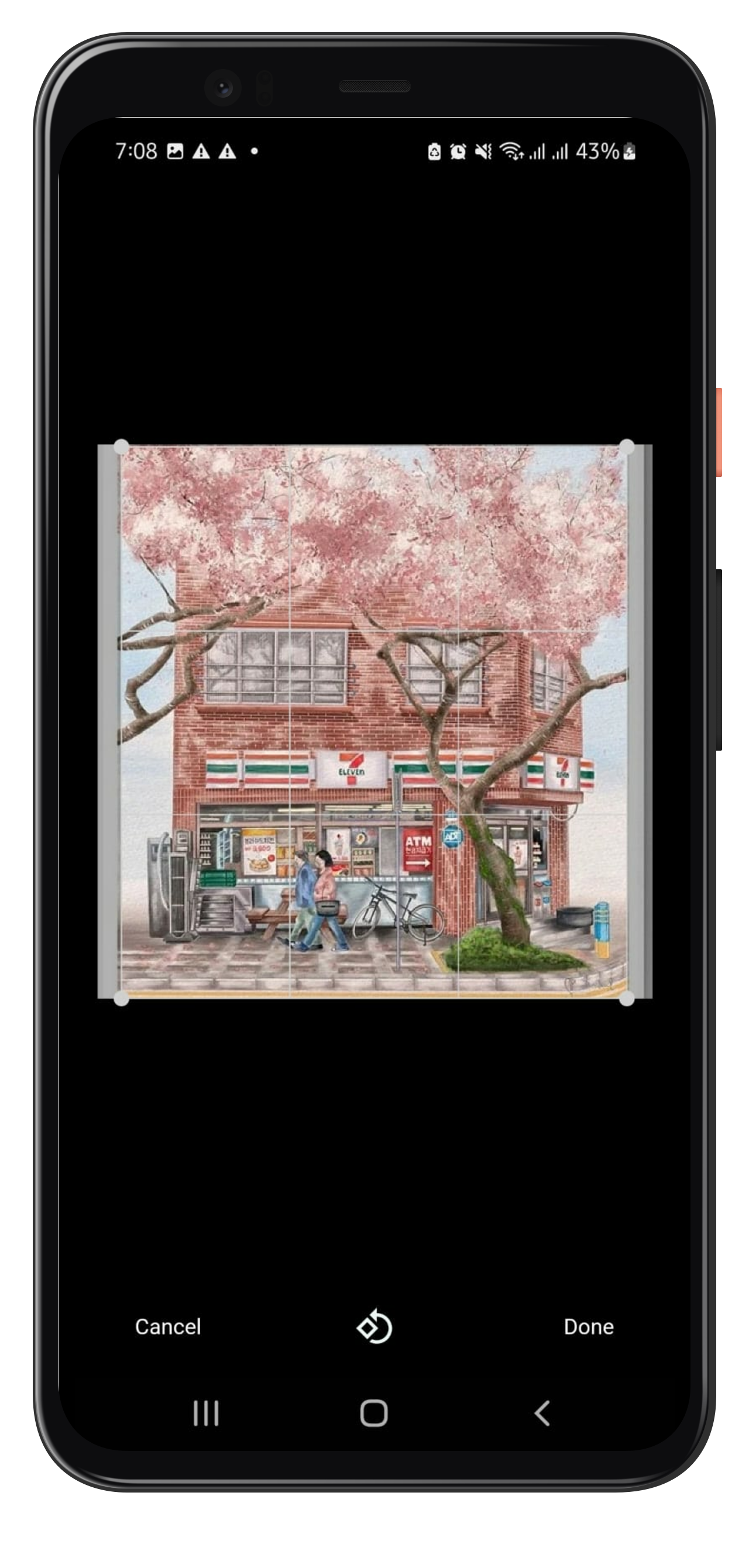
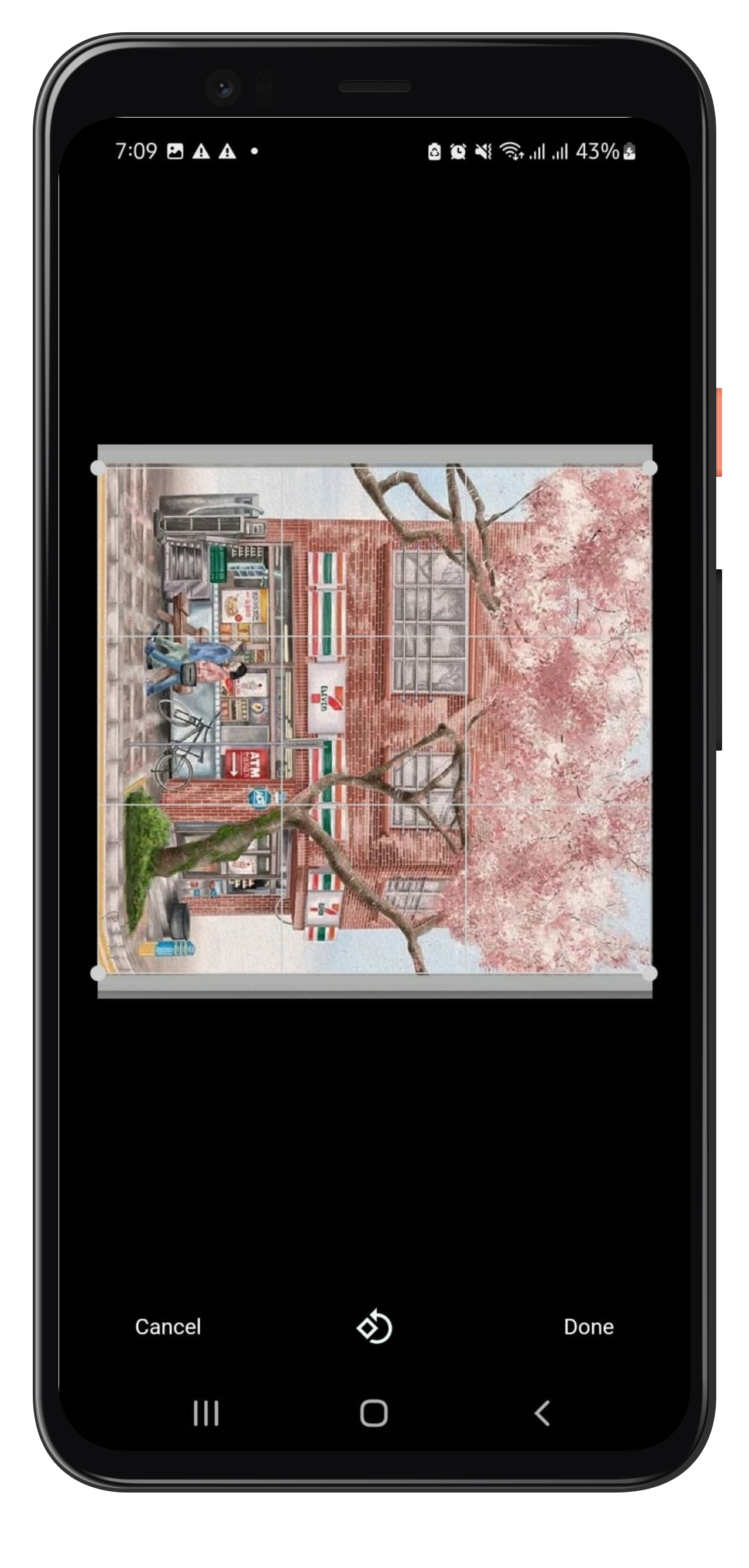
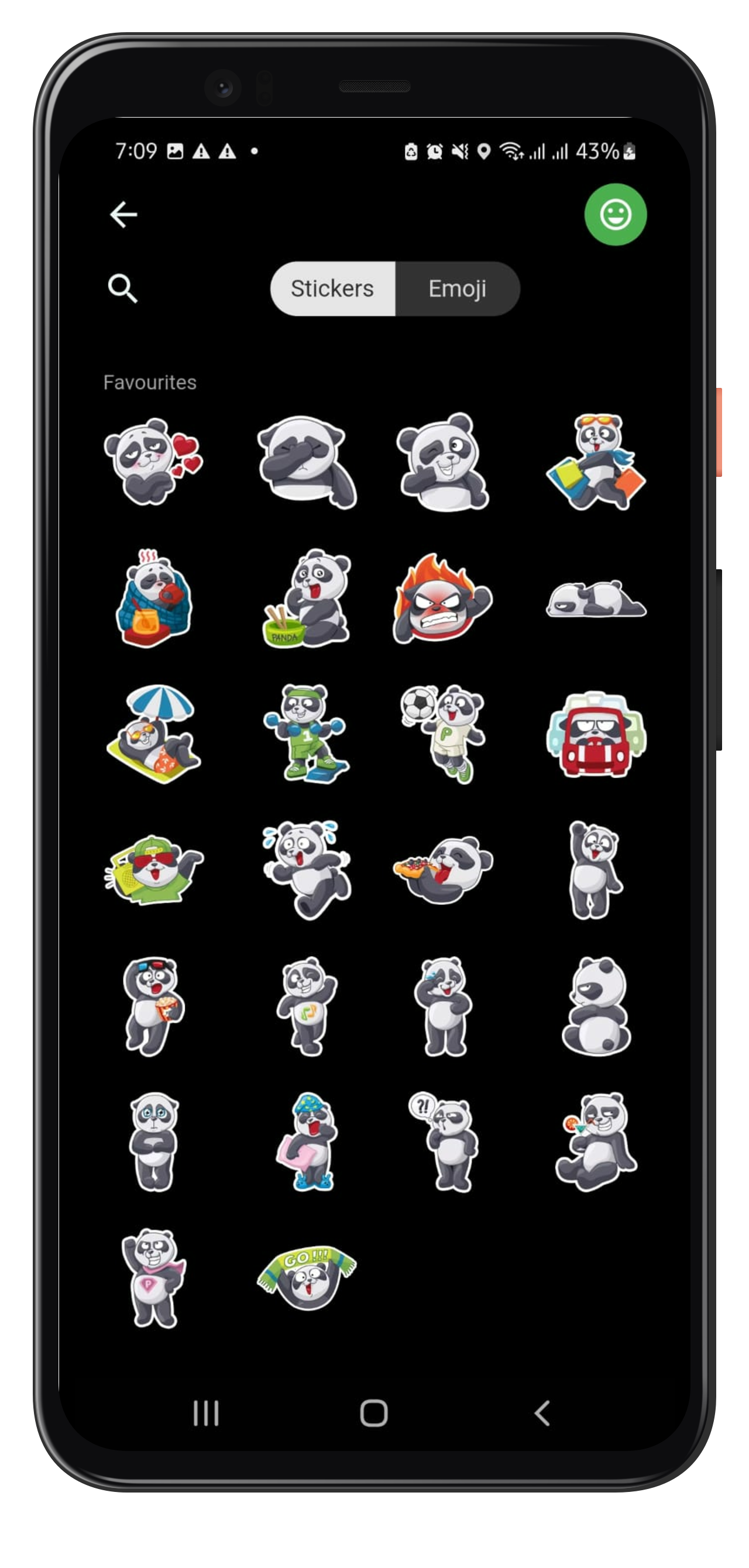
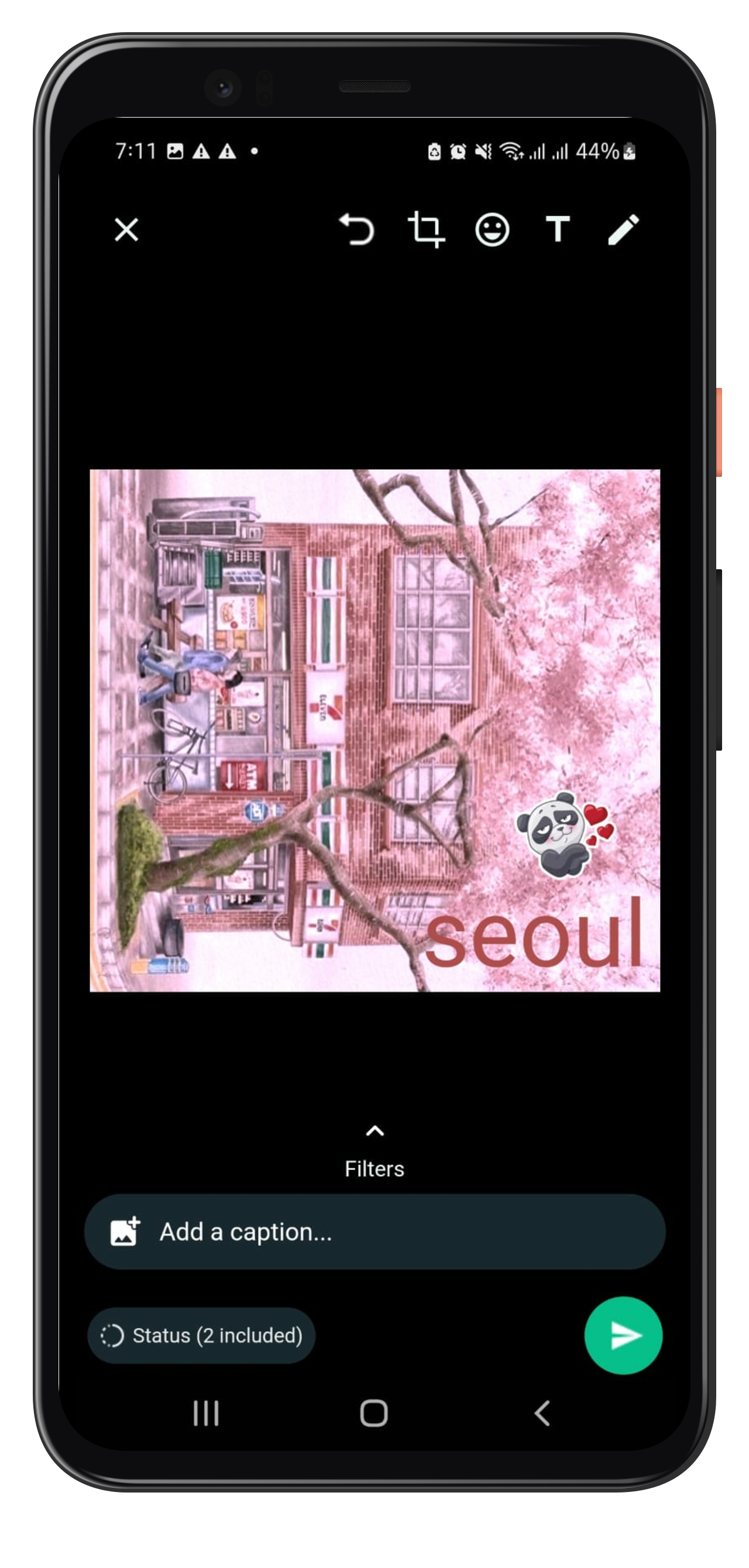
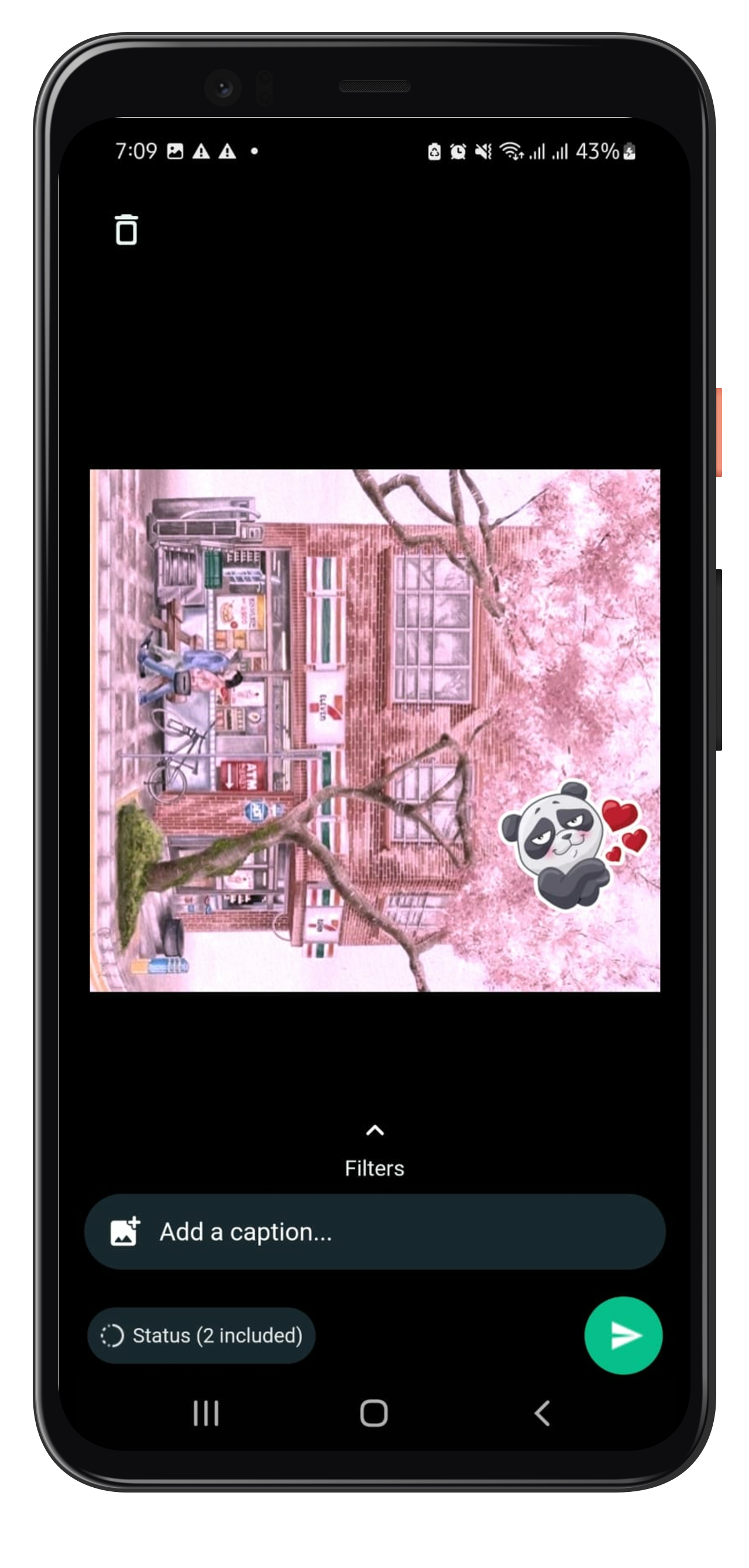
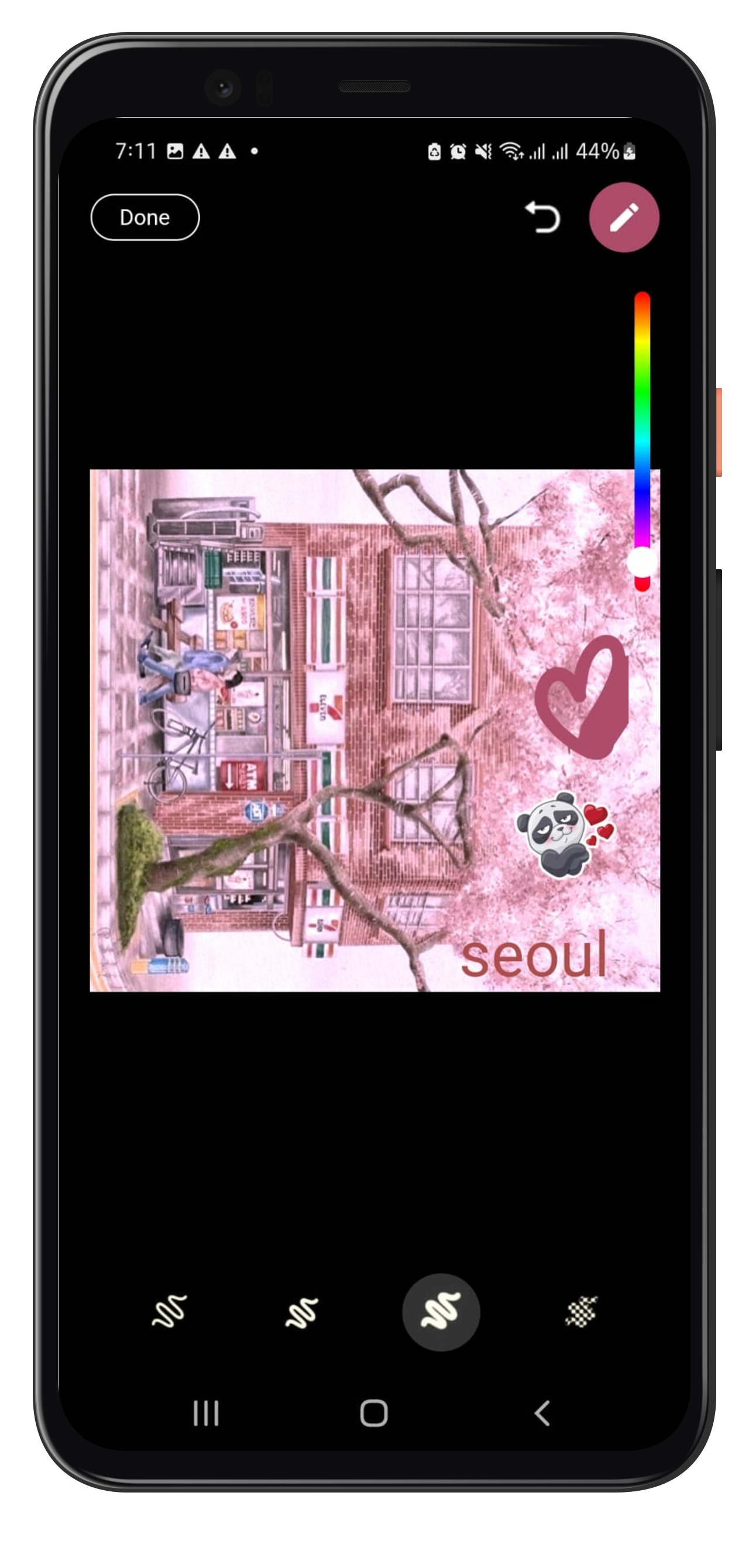
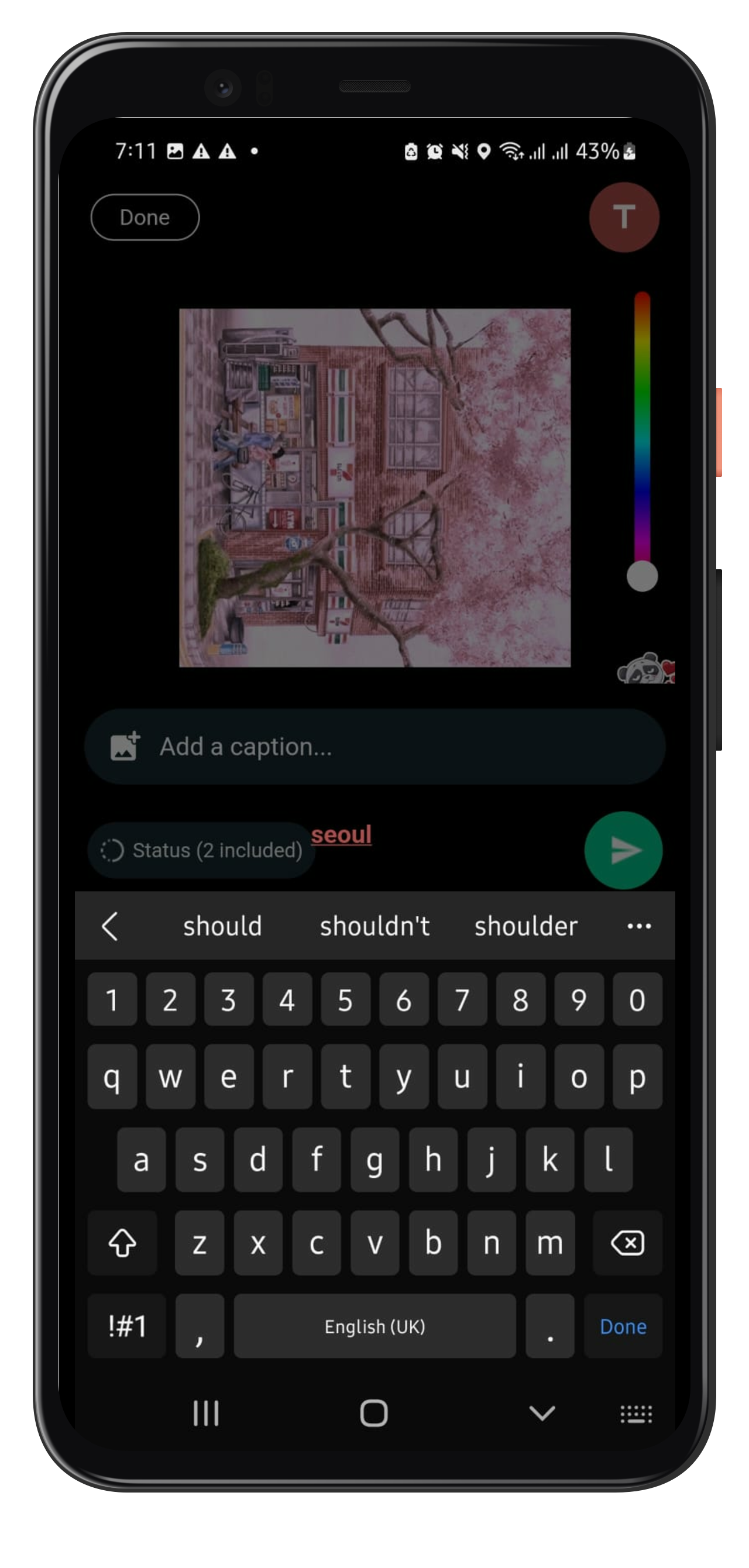
Flutter package to add story editing features similar to Whatsapp. Make Stories like whatsapp and add texts, stickers, painting on your photo along with basic features like crop, rotation, and also add captions to it.

How to Use

To use whatsapp_story_editor, follow the following steps:

Step1: Adding plugin dependency

add the plugin to your pubspec.yaml file:

whatsapp_story_editor: [latest_version]
Step2: Importing the package.

import the plugin in [your_file].dart

import 'package:whatsapp_story_editor/whatsapp_story_editor.dart';
Step3: Navigate to Whatsapp Story Editor Page

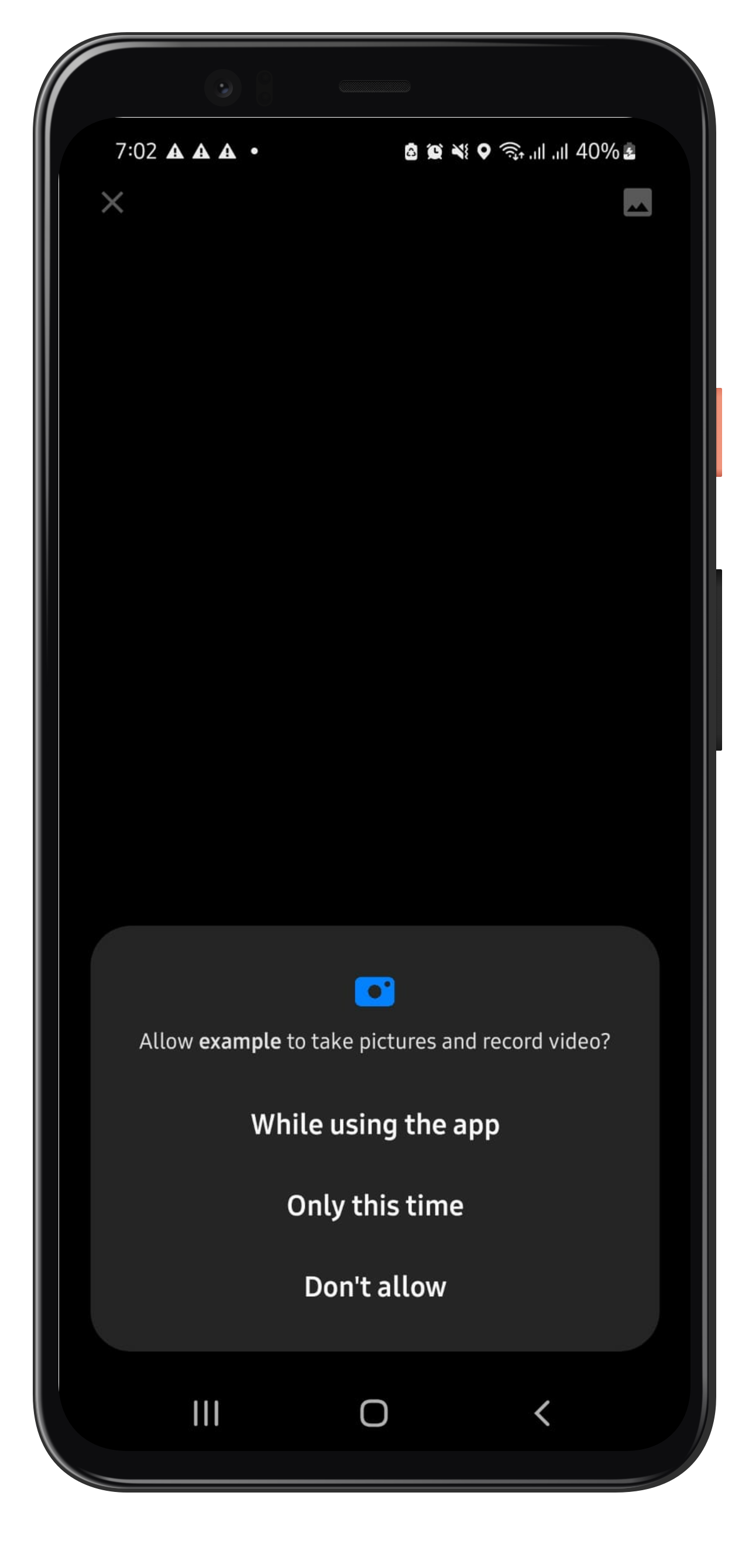
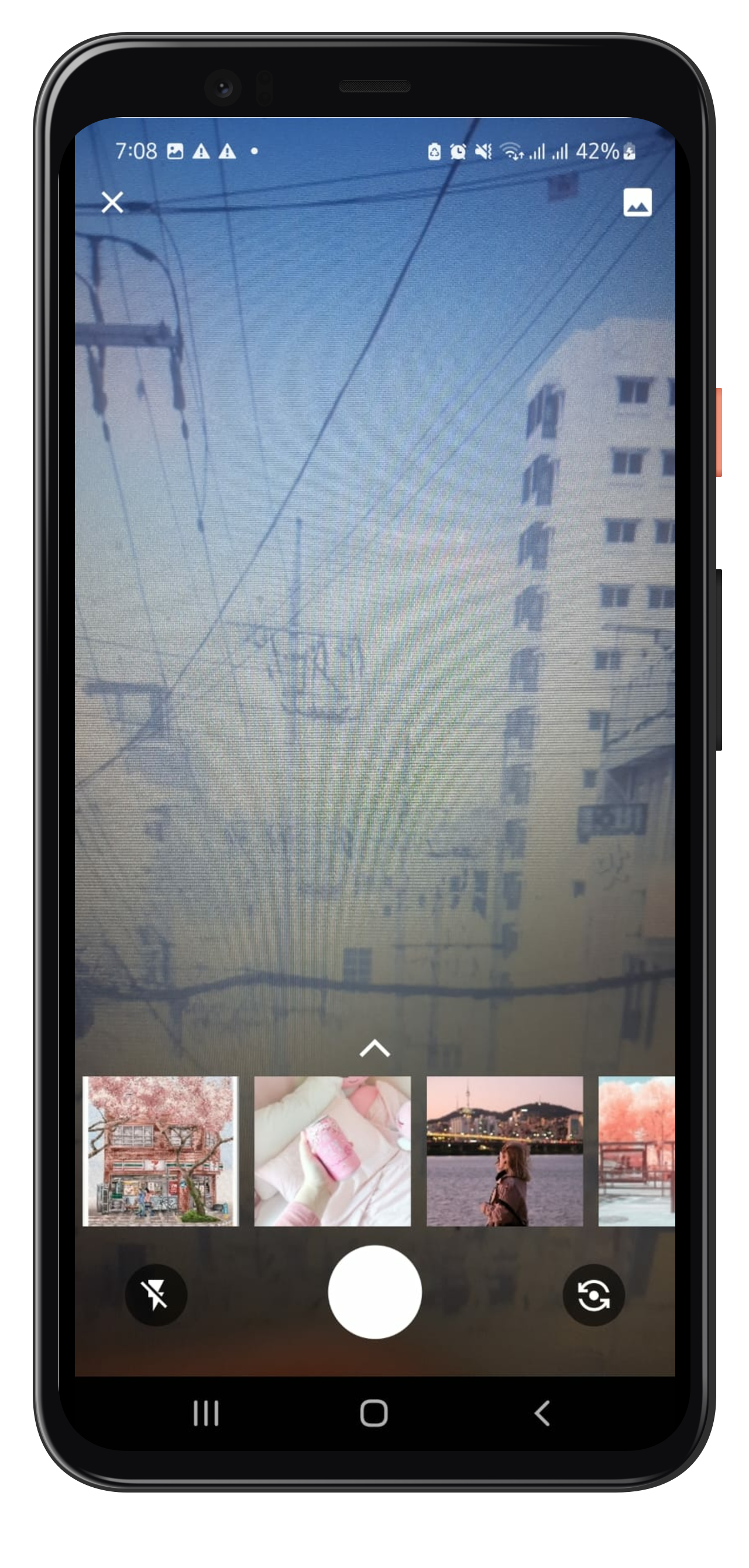
Navigate to WhatsappStortEditor Page on button click, you can find a whatsapp Camera button in the example file for reference. It will land you to the camera page which allows you to capture or select the photo from gallery upon your conscent.

 Navigator.push(
                context,
                MaterialPageRoute(builder: (context) => const WhatsappStoryEditor()),
);

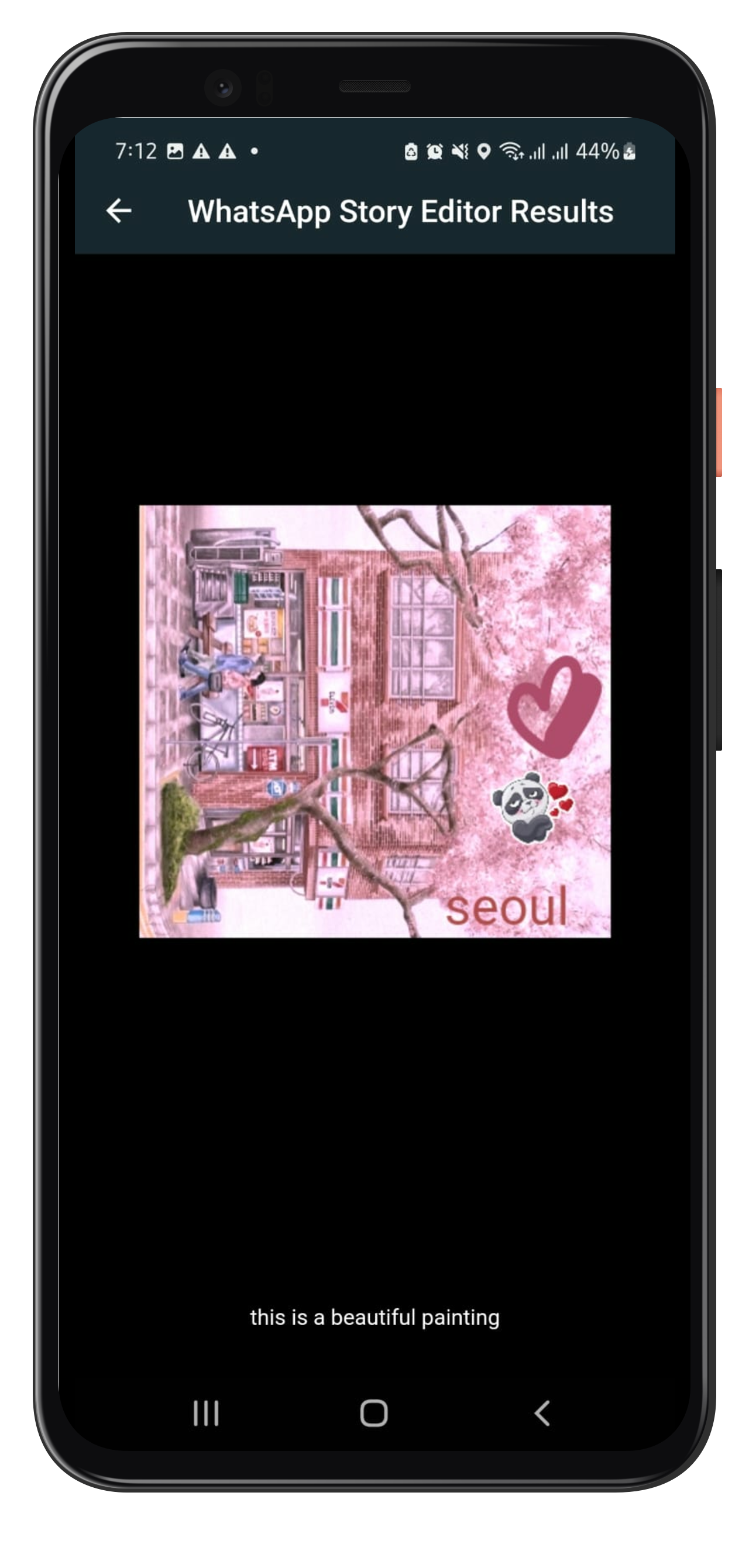
this returns an Object containing the edited photo and caption as Future as:

  Navigator.push(
                context,
                MaterialPageRoute(
                      builder: (context) => const WhatsappStoryEditor()),
                ).then((whatsappStoryEditorResult) {
                  if (whatsappStoryEditorResult != null) {
                    Navigator.push(
                      context,
                      MaterialPageRoute(
                          builder: (context) => SavedImageView(
                                image: whatsappStoryEditorResult.image,
                                caption: whatsappStoryEditorResult.caption,
                              )),
                    );
                }
                });
);

Note that the whatsappStoryEditorResult could be null if the user dosnt makes any edit on the photo and leaves. SavedImageView is the page where you could show the edited photo and caption. You may change as you need it to be.

Example

Please refer to the example file for detailed usage and example here

Example Images:

Created by Javeria Iffat

Future Work

For now, only one image editing capability is being handled by Whatsapp Story Editor in this version.

FAQ

In case you need: to add new feature or you get any error or any help, please contact me at javeriaiffat312@gmail.com or javeria.iffat@lums.edu.pk please be kind if you get any errors, text me I'll be more than happy to help you all.

THANK YOU!

所屬分類

依賴

依賴清單 11 項

原始碼儲存庫

使用此套件的專案

暫無相關資料。