
flutter-capstone
Capstone Project SIB Batch 6 x Alterra Academy

- Sterne
- 4
- Forks
- 5
- Letzter Push (UTC)
- 28.06.2024
- Projektstatus
- Aktiv
Original-README
Englischer Projektschnappschuss. Aktuelle Inhalte auf GitHub.
Greeve


This project belong to capstone project on Alterra Academy Flutter Path - Kampus Merdeka Batch 6.
Star ⭐ the repository if you like what you see😉.
🌿 About Greeve
Welcome to Greeve, where sustainable living becomes effortless! 🌍 Greeve is not just another eco-friendly app; it's your gateway to a greener lifestyle. We've identified three common challenges people face in their efforts to protect the environment: lack of information, motivation, and access to eco-friendly products. To overcome these issues, we have designed Greeve with a range of innovative features.
🌿 Greeve Features
📝 Register/Join Membership
Become part of the Greeve community. Sign up to access more challenges, rewards and benefits for sustainable living.
📊 Measure Environmental Impacts
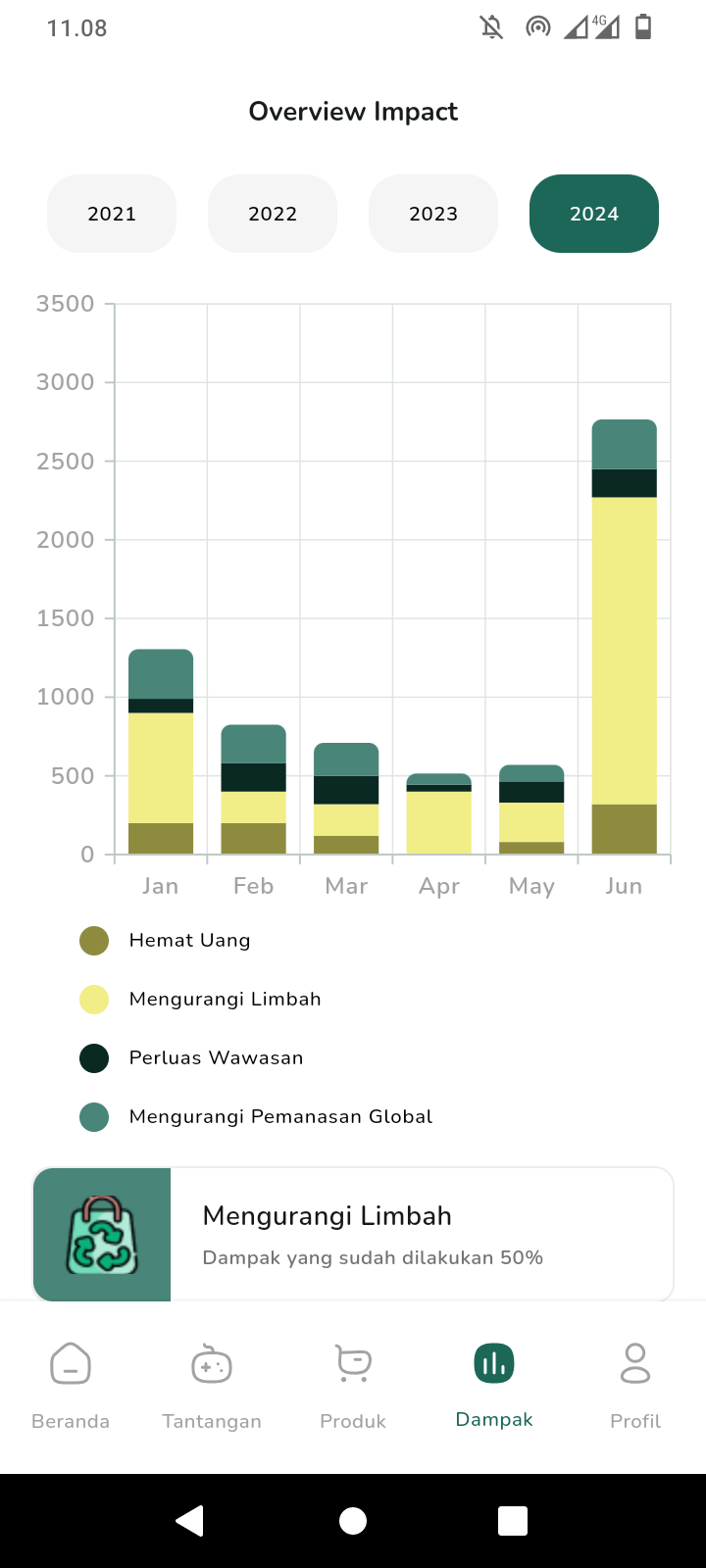
Track your environmental impact. Get detailed data on how your actions affect the planet and see your progress in reducing your carbon footprint.
🛒 View Environment-Friendly Products
Discover eco-friendly products. Browse our curated marketplace for items that help you make greener choices.
📚 View Challenges About the Environment
Stay informed and motivated. Access a wealth of information and participate in challenges designed to promote sustainable living.
💳 Purchase a Product (Manual Transfer)
Buy eco-friendly products with ease. Use our manual transfer payment option to make your purchases securely.
🎯 Personalized Content Recommendations
Enjoy content tailored to you. Our AI provides personalized recommendations based on your interests and eco-friendly goals.
💬 AI Chatbot
Get instant support and tips. Our AI chatbot is here to answer your questions and provide eco-friendly advice.
🏆 View Leaderboard of Challenges & Get Rewards
Compete and earn rewards. Participate in challenges, view the leaderboard, and earn rewards for your sustainable efforts.
Screenshots
Below are some screenshots that demonstrate the usage of the project:
| Loading Screen | Splash Screen | On Boarding Page 1 |
 |
 |
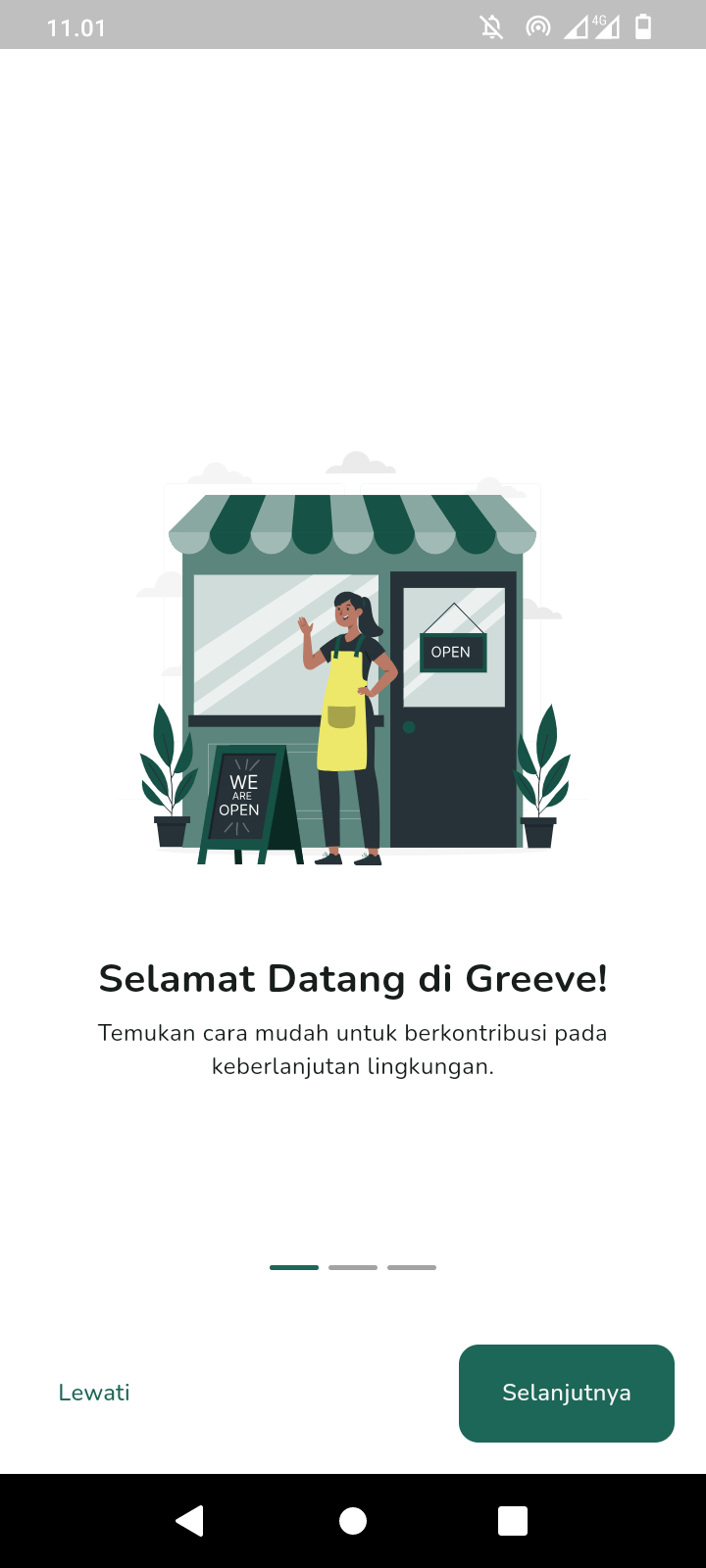 |
| On Boarding Page 2 | On Boarding Page 3 | Login Screen |
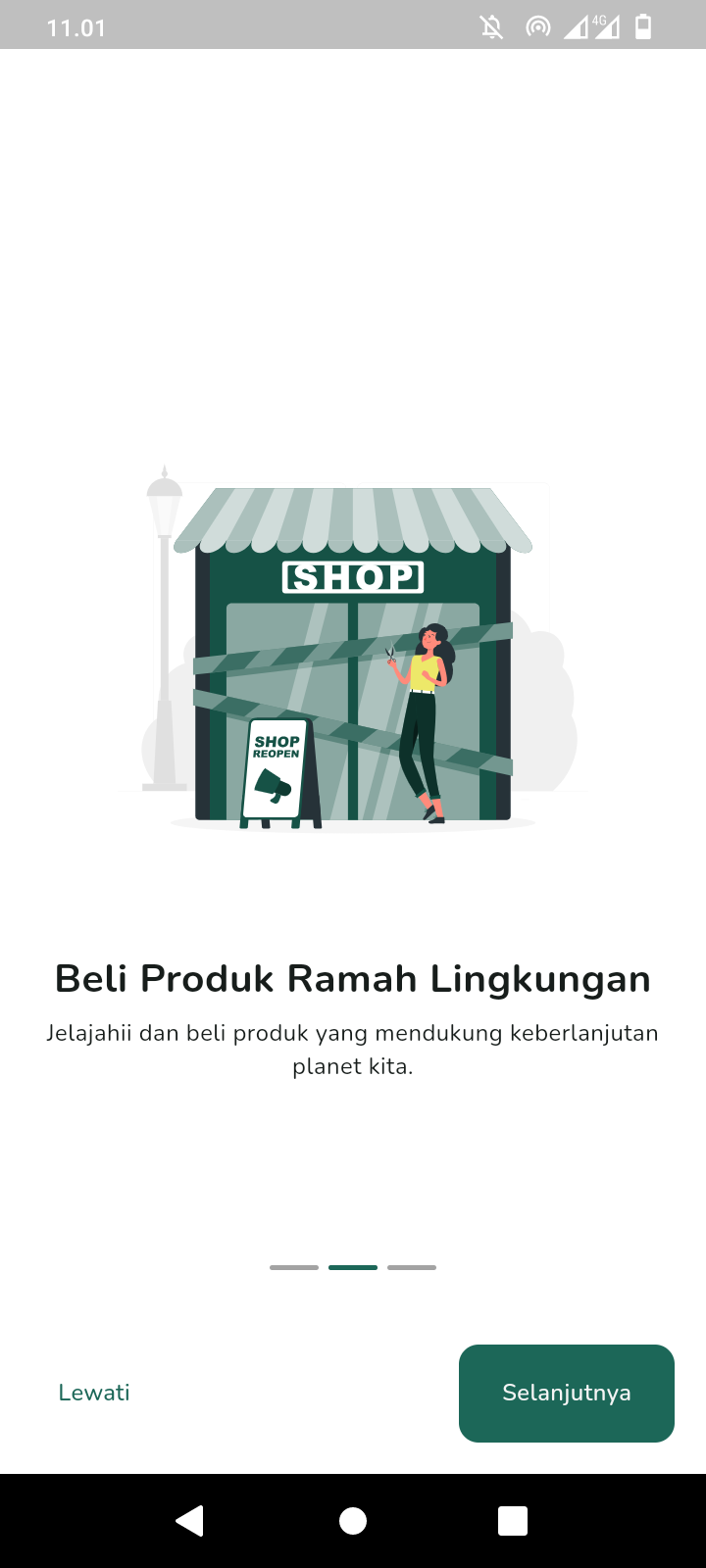 |
 |
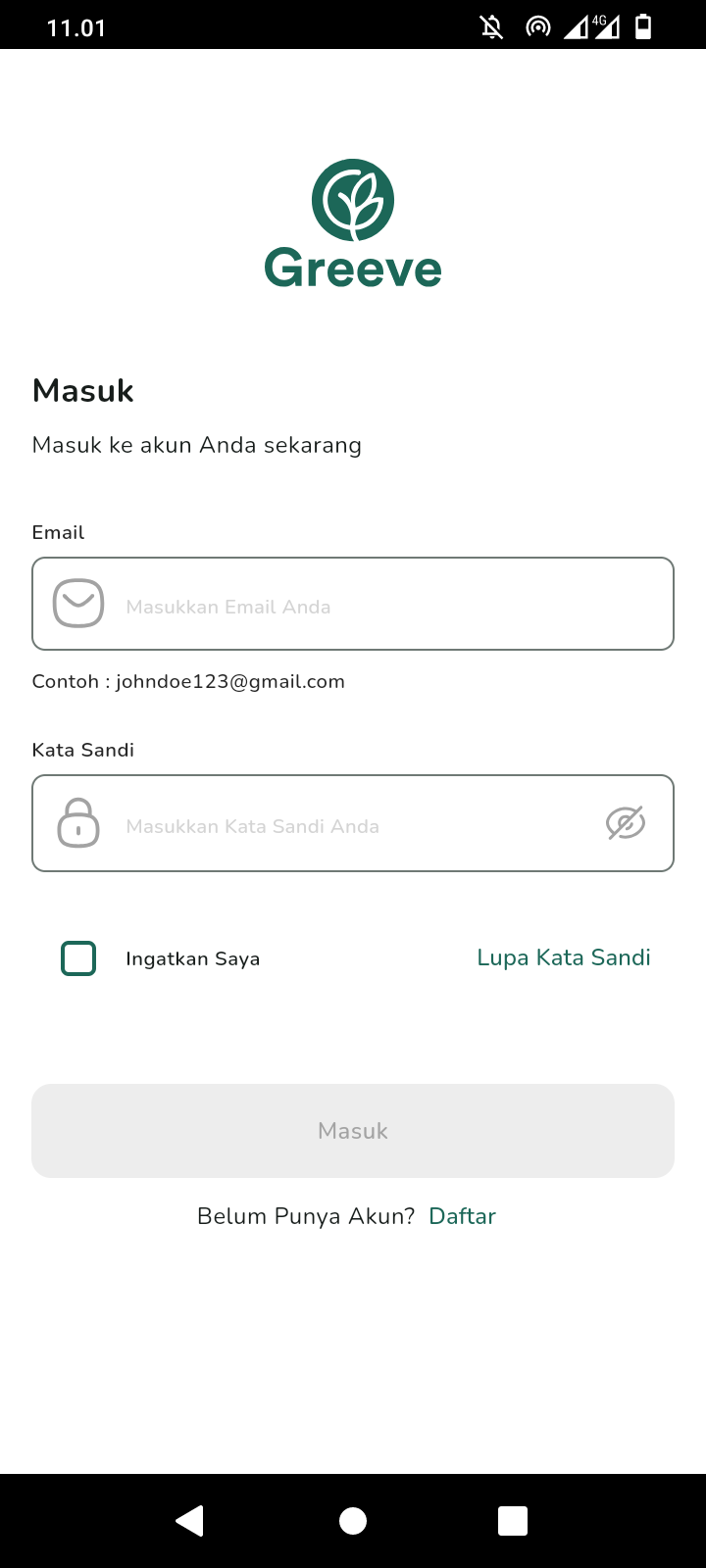 |
| Register Screen | Register Success Screen | Forgot Password Screen |
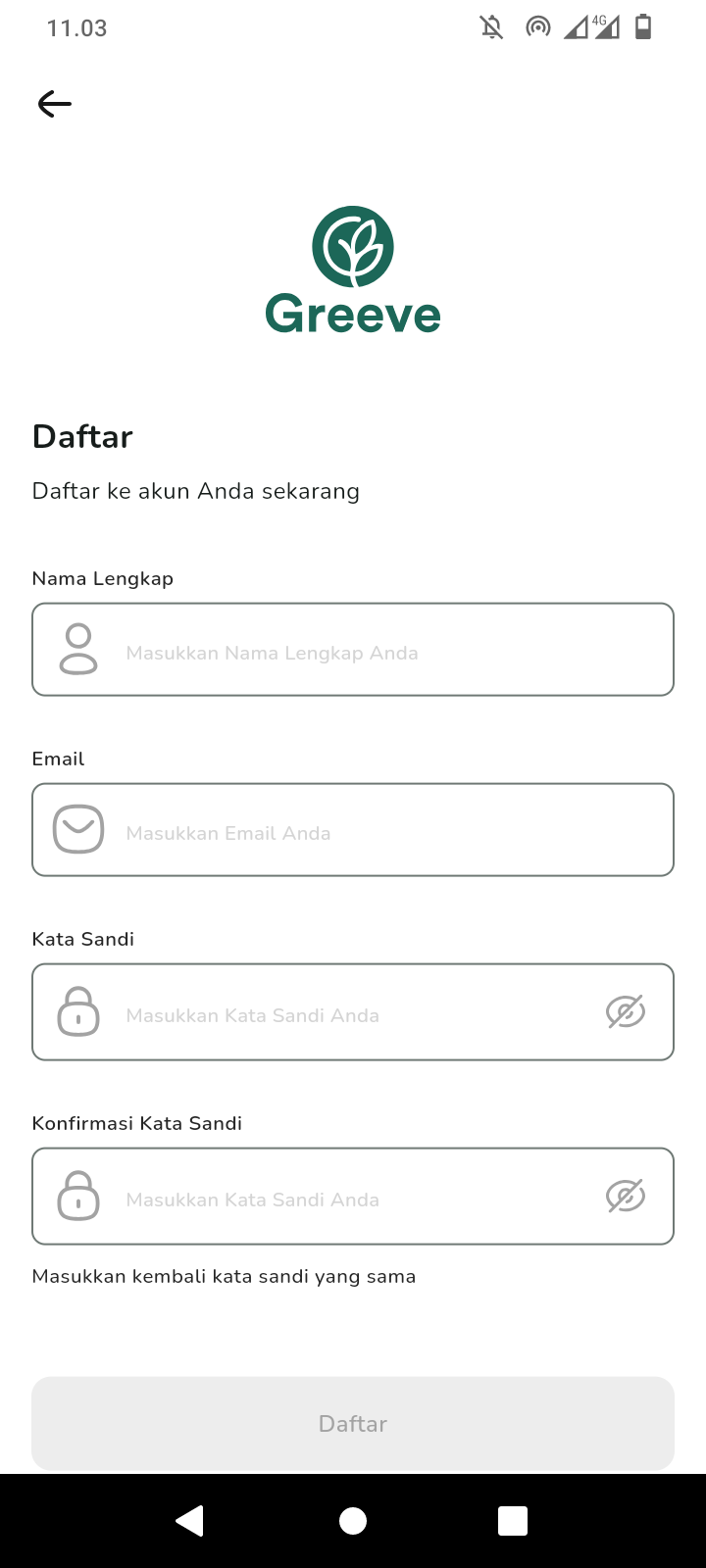 |
 |
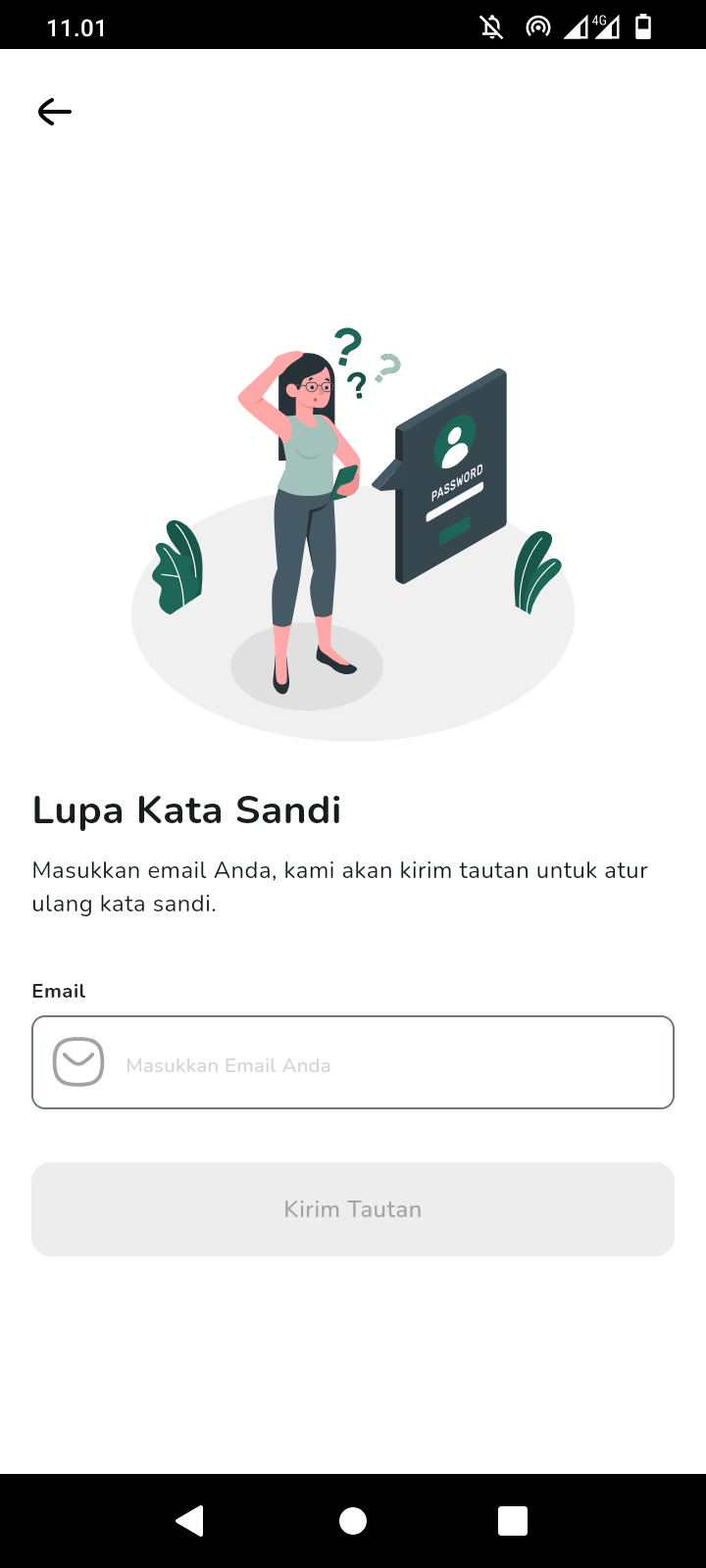 |
| OTP Screen | New Password Screen | New Password Success Screen |
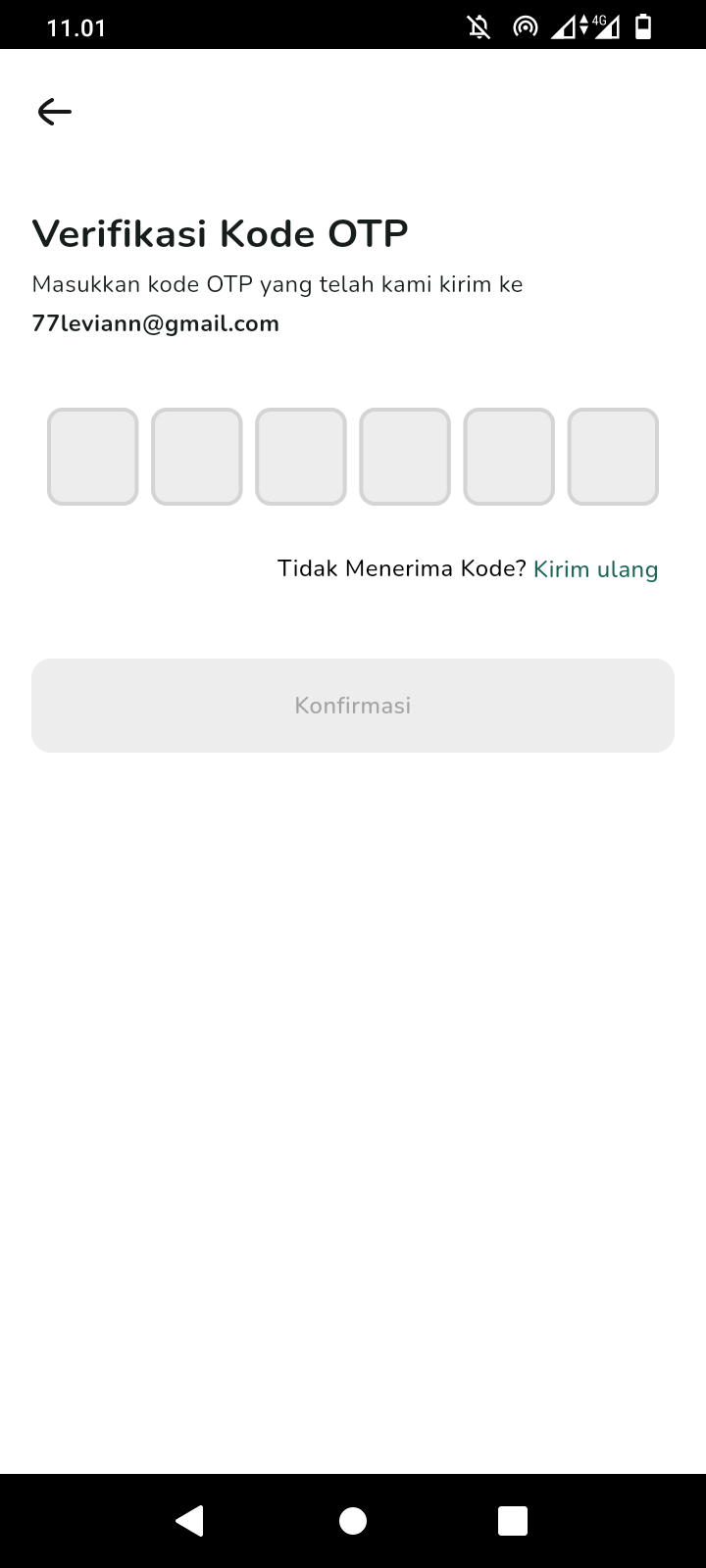 |
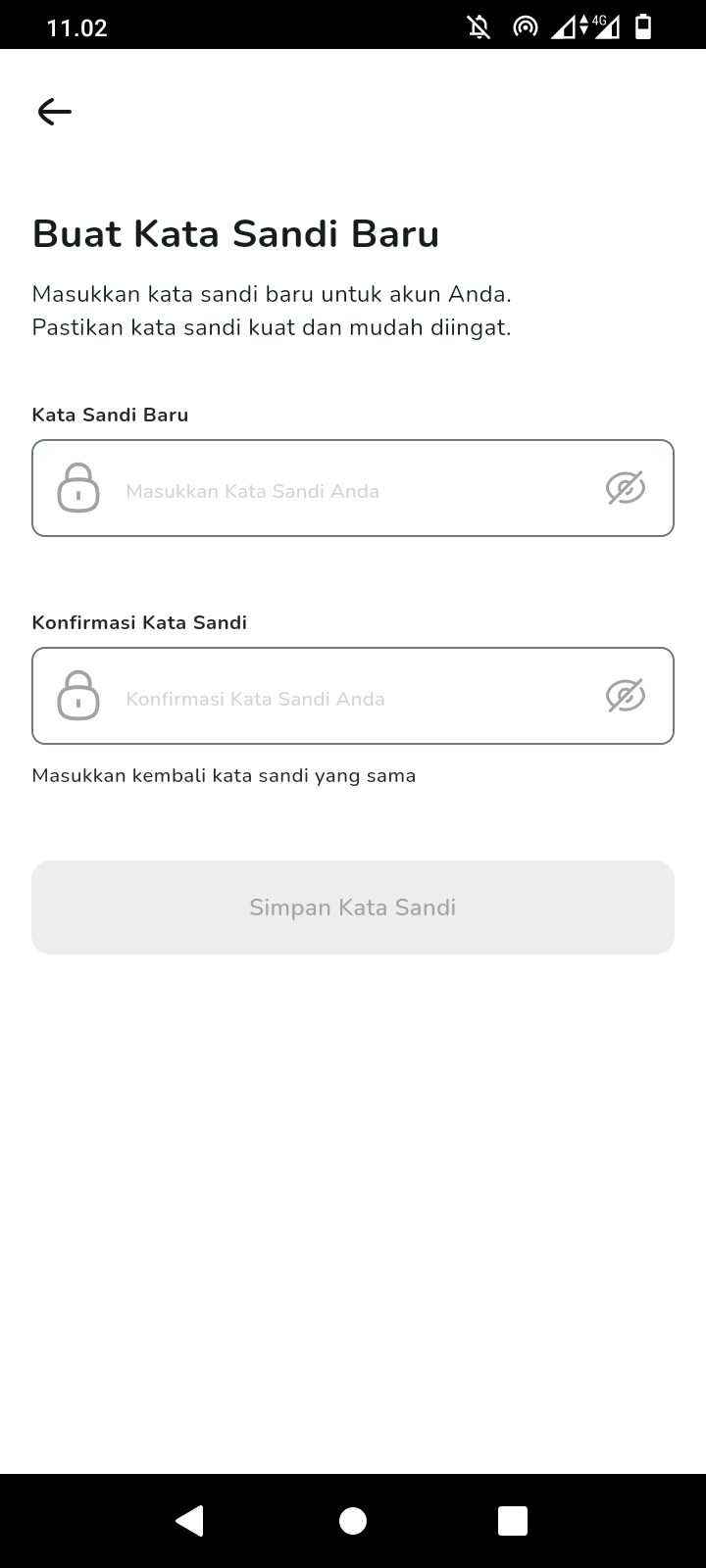 |
 |
| Showcase 1 | Showcase 2 | Showcase 3 |
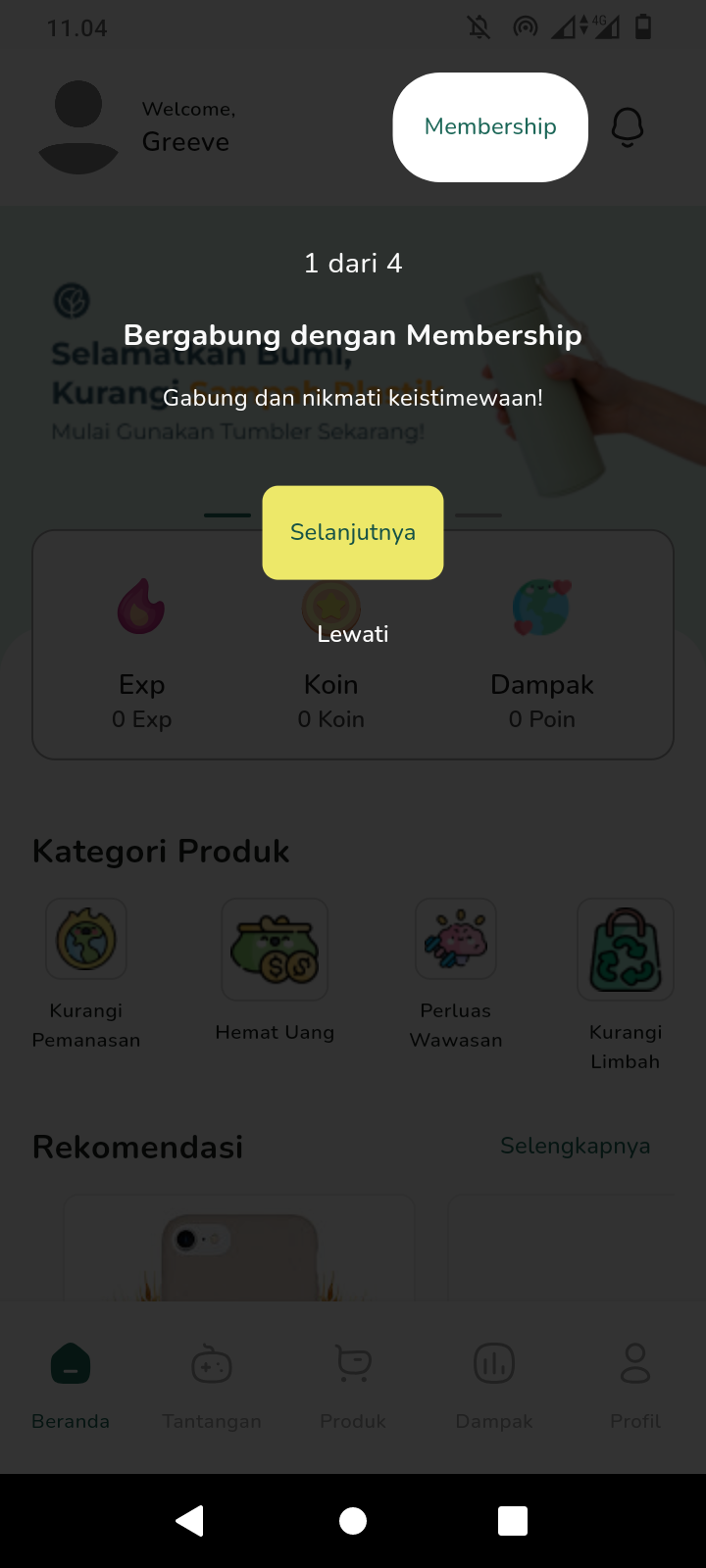 |
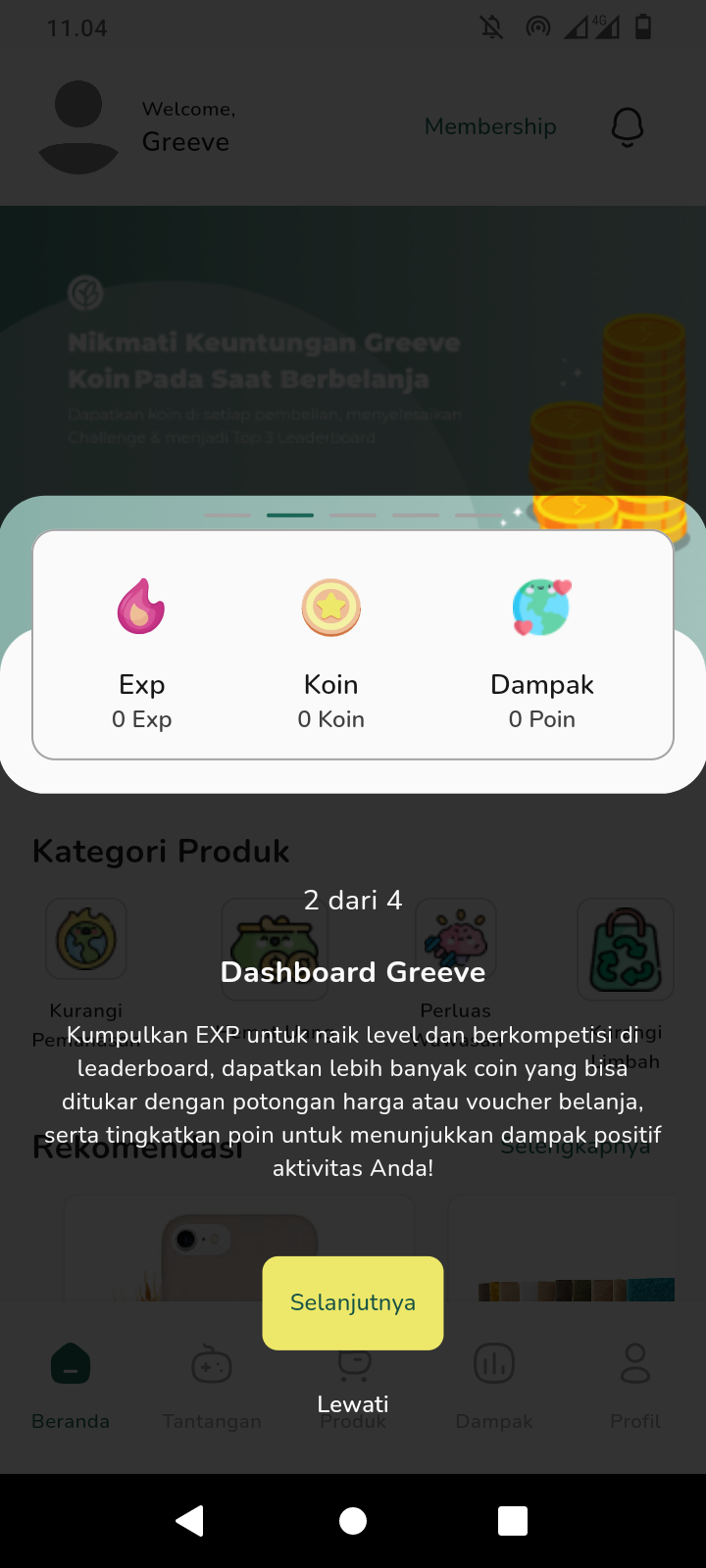 |
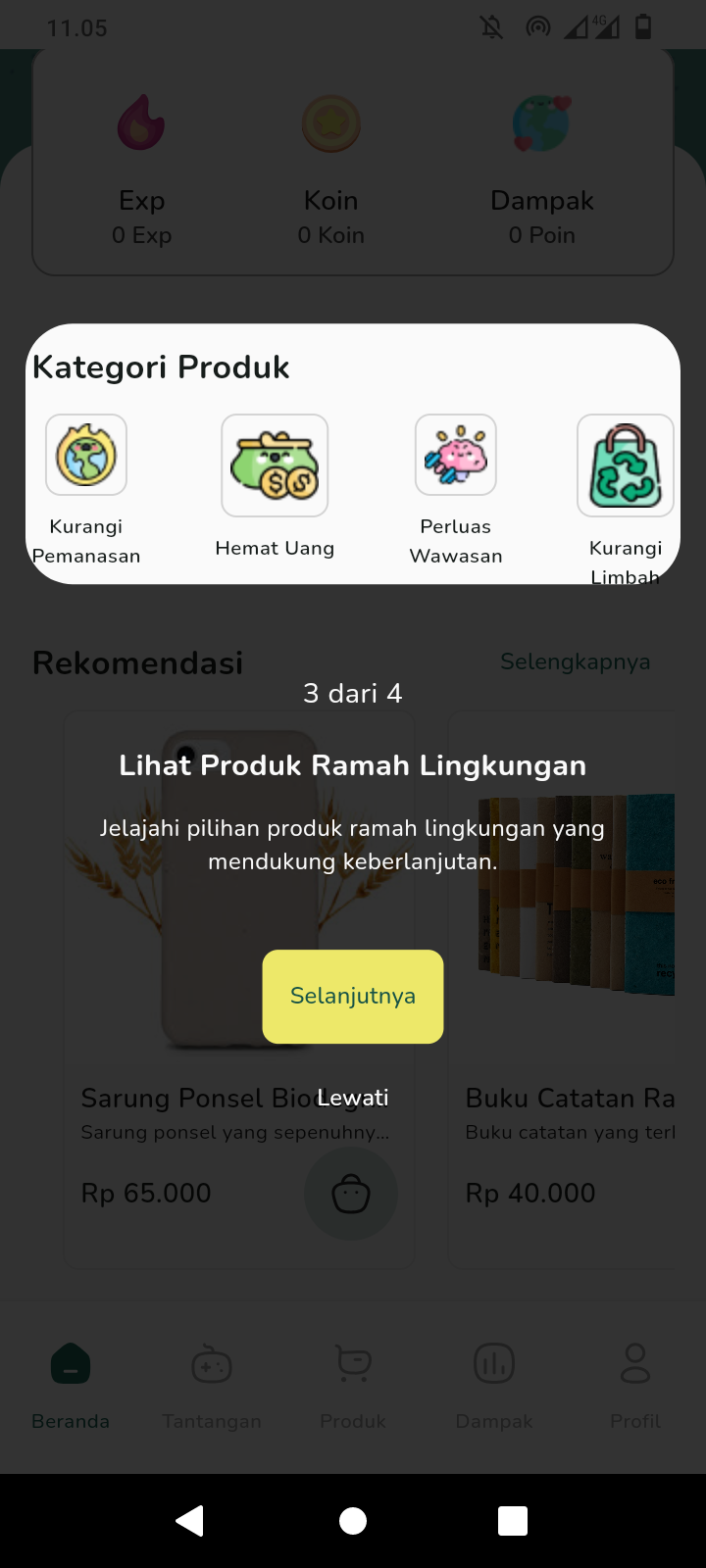 |
| Showcase 4 | Home Screen | Membership Selected Screen |
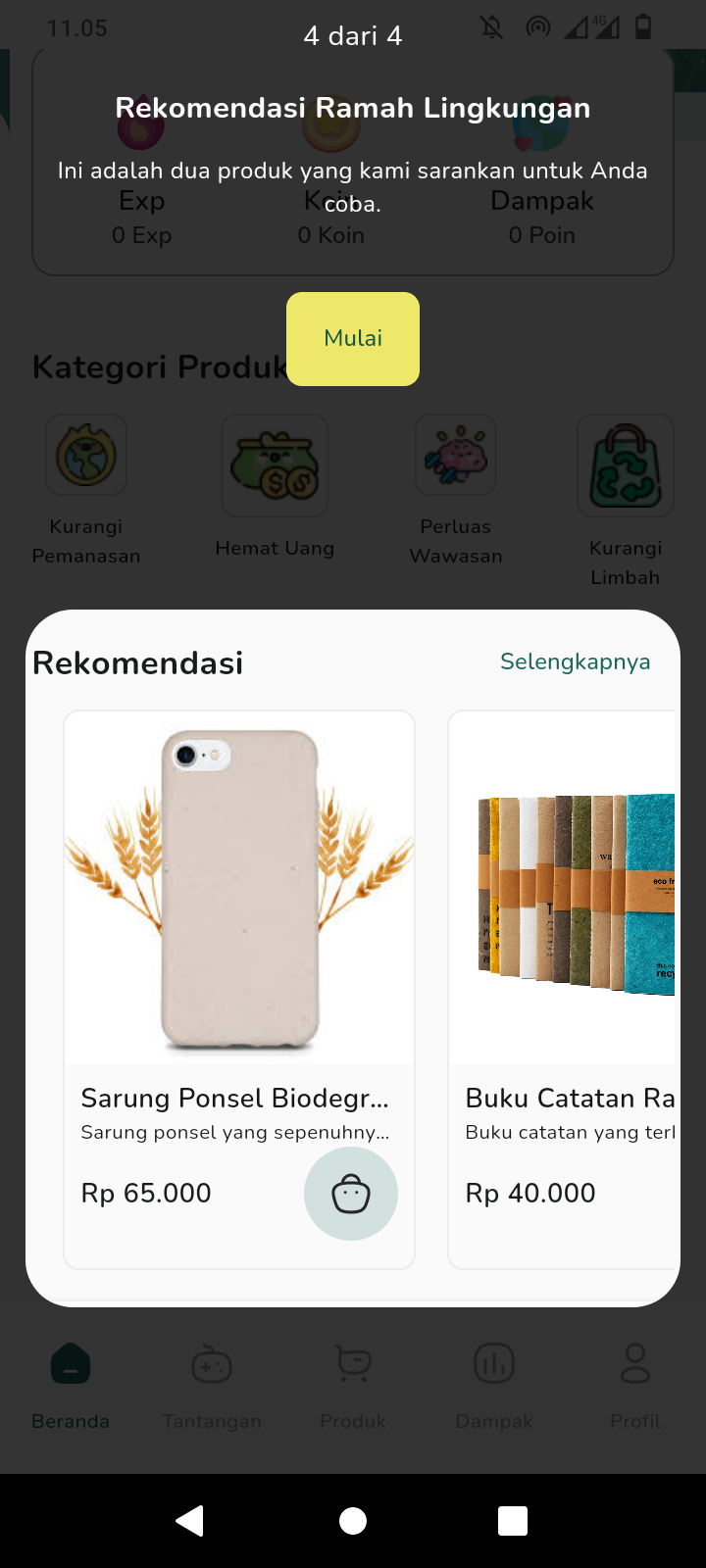 |
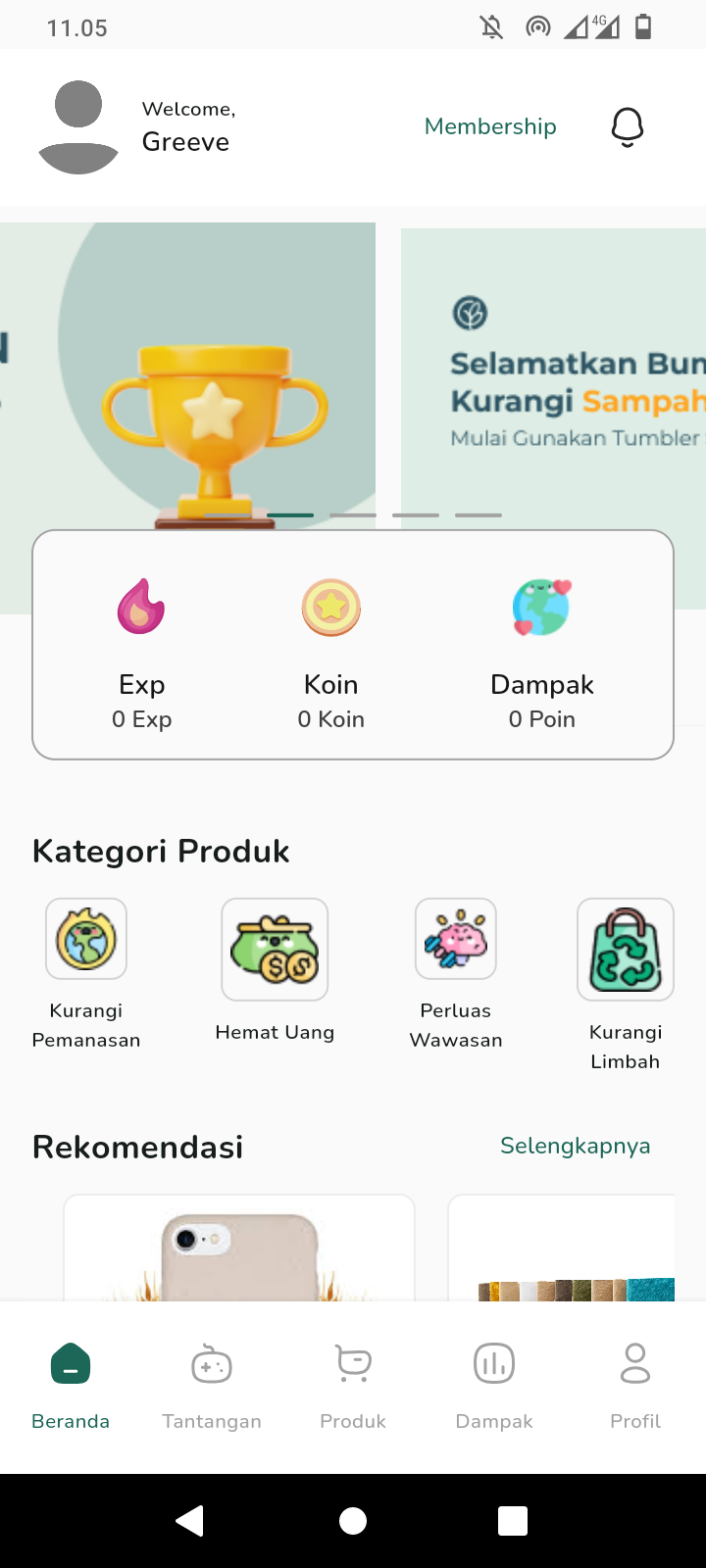 |
 |
| Membership Success Screen | Product Screen | Detail Product Screen |
 |
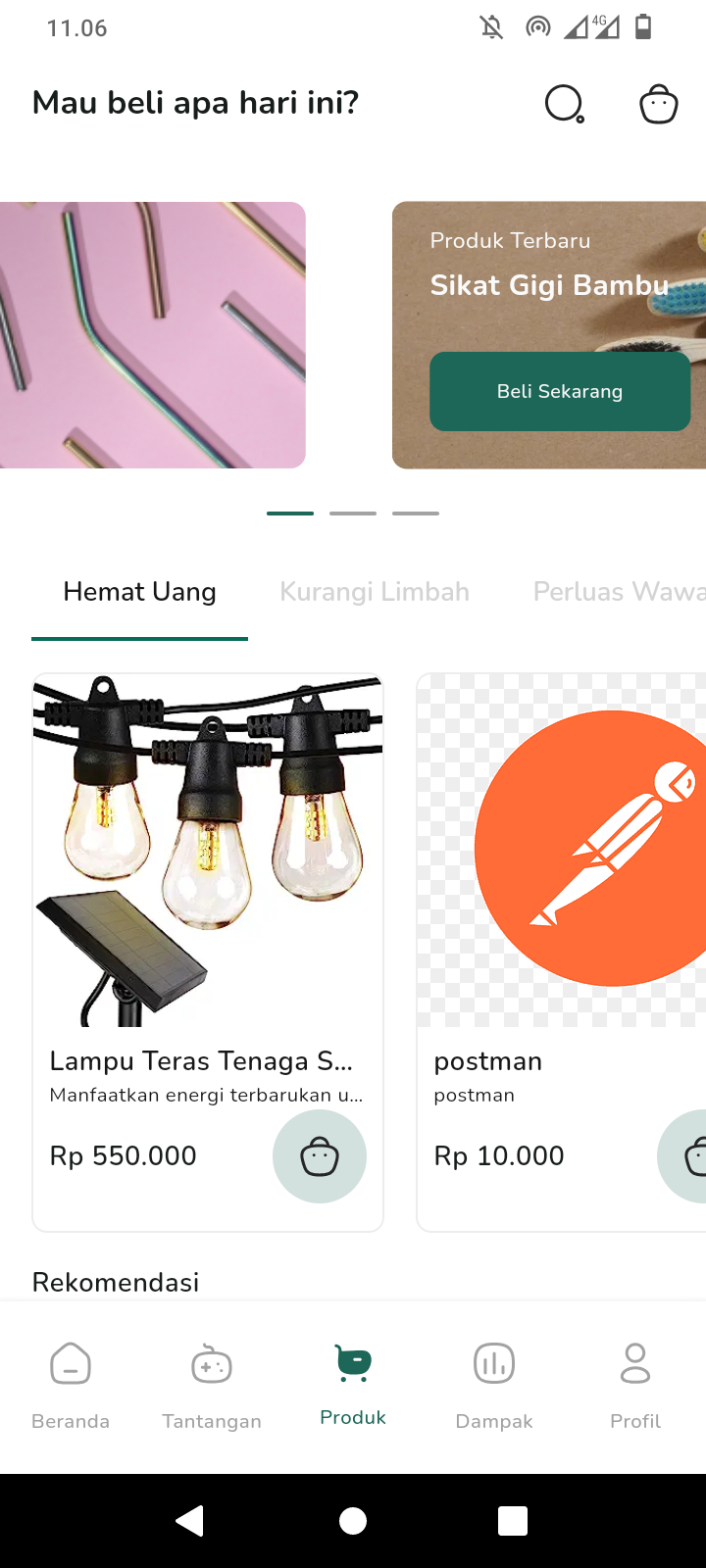 |
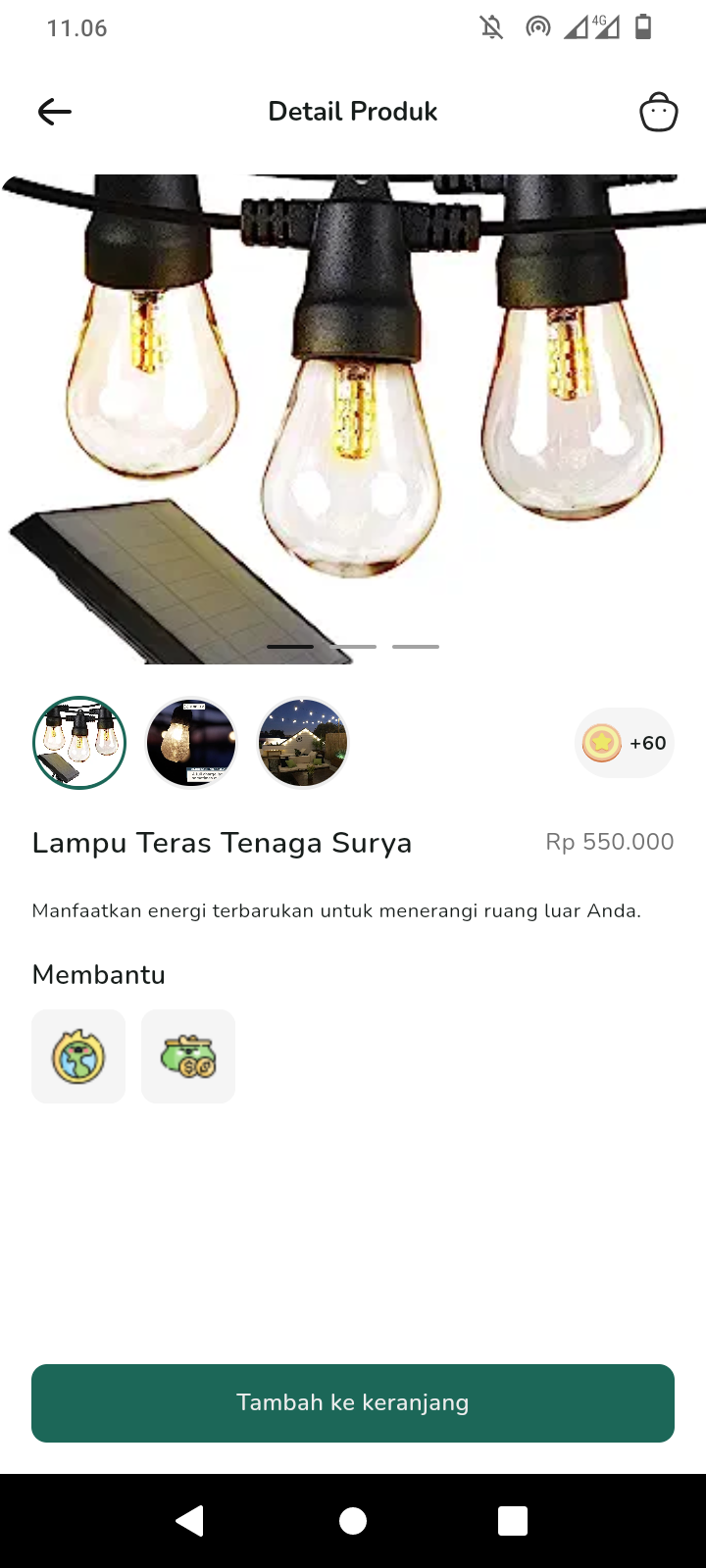 |
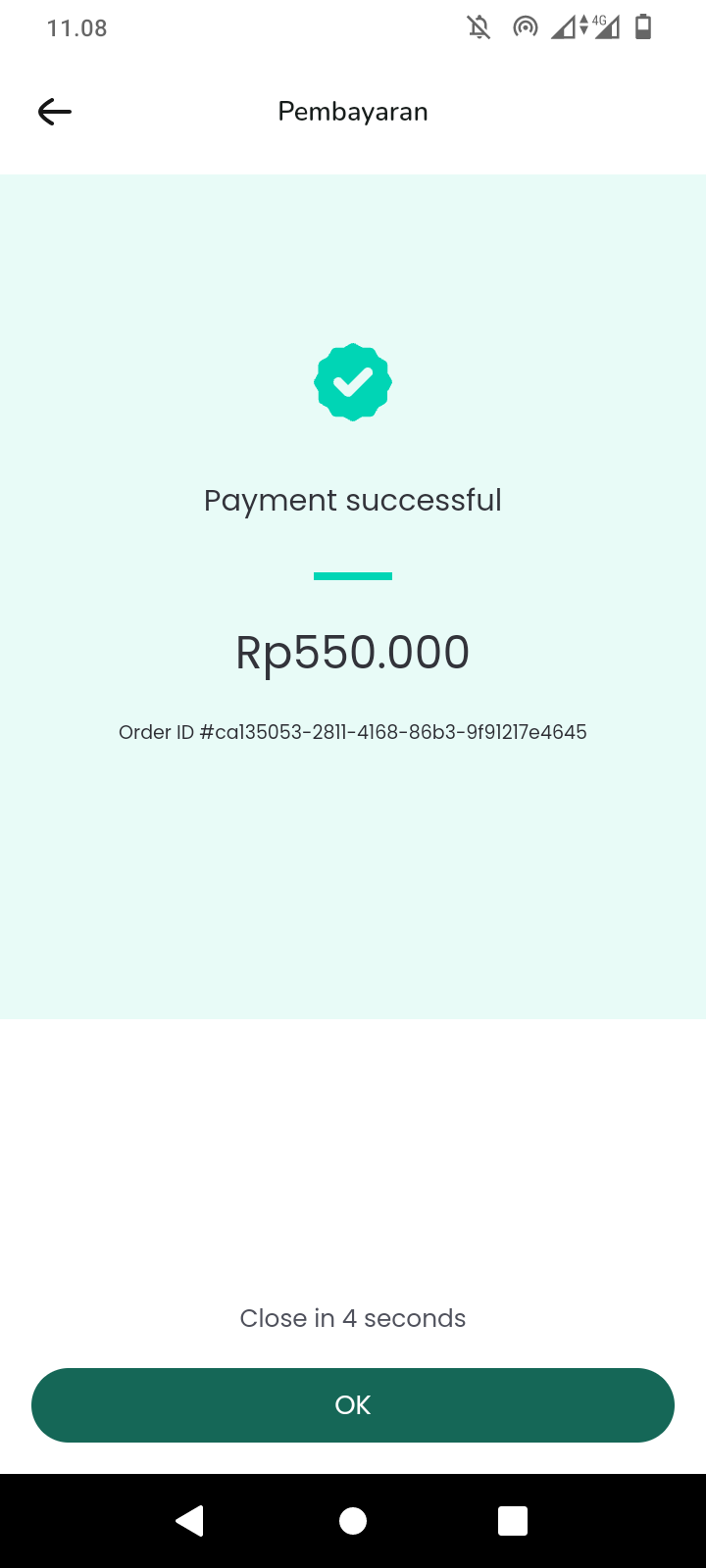
| Cart Screen | Payment Screen | Payment Success Screen |
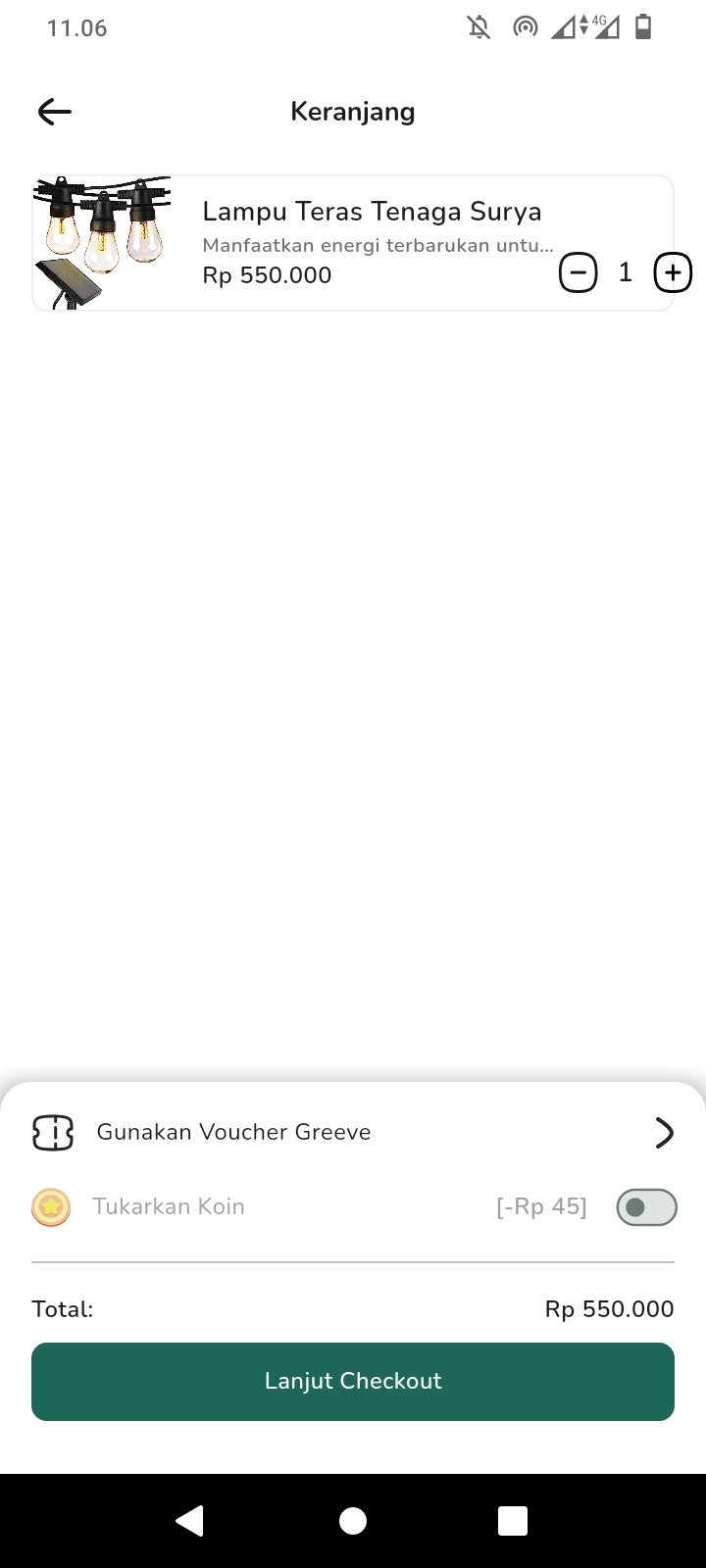 |
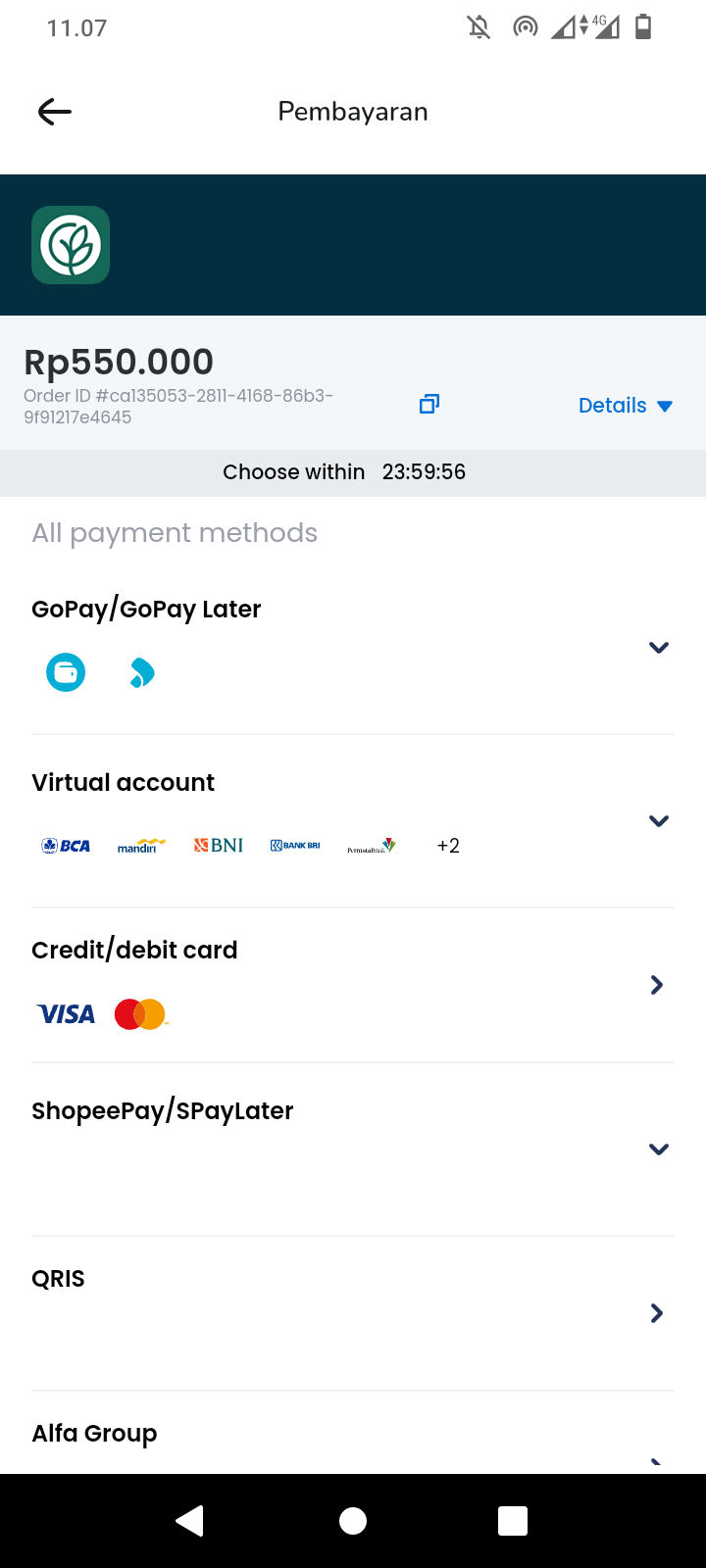 |
 |
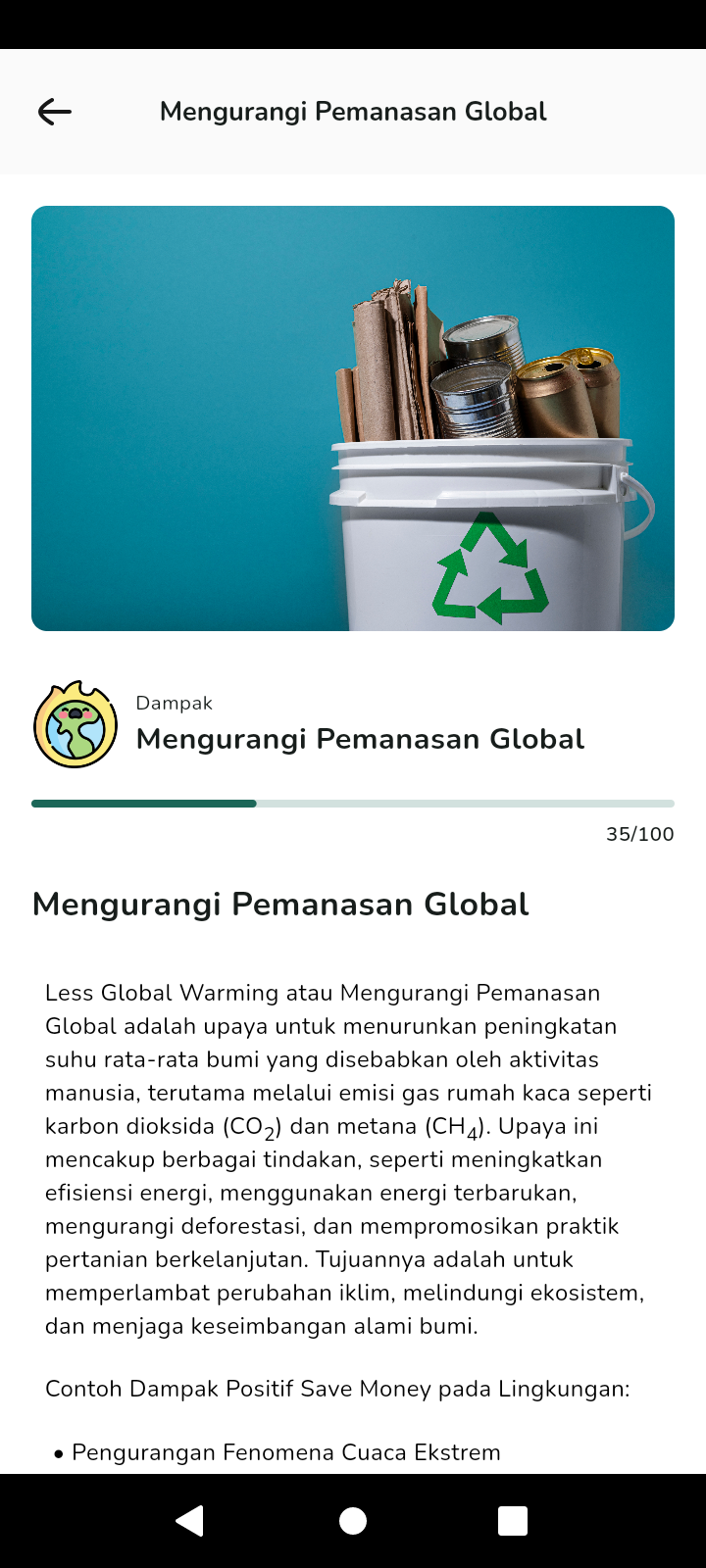
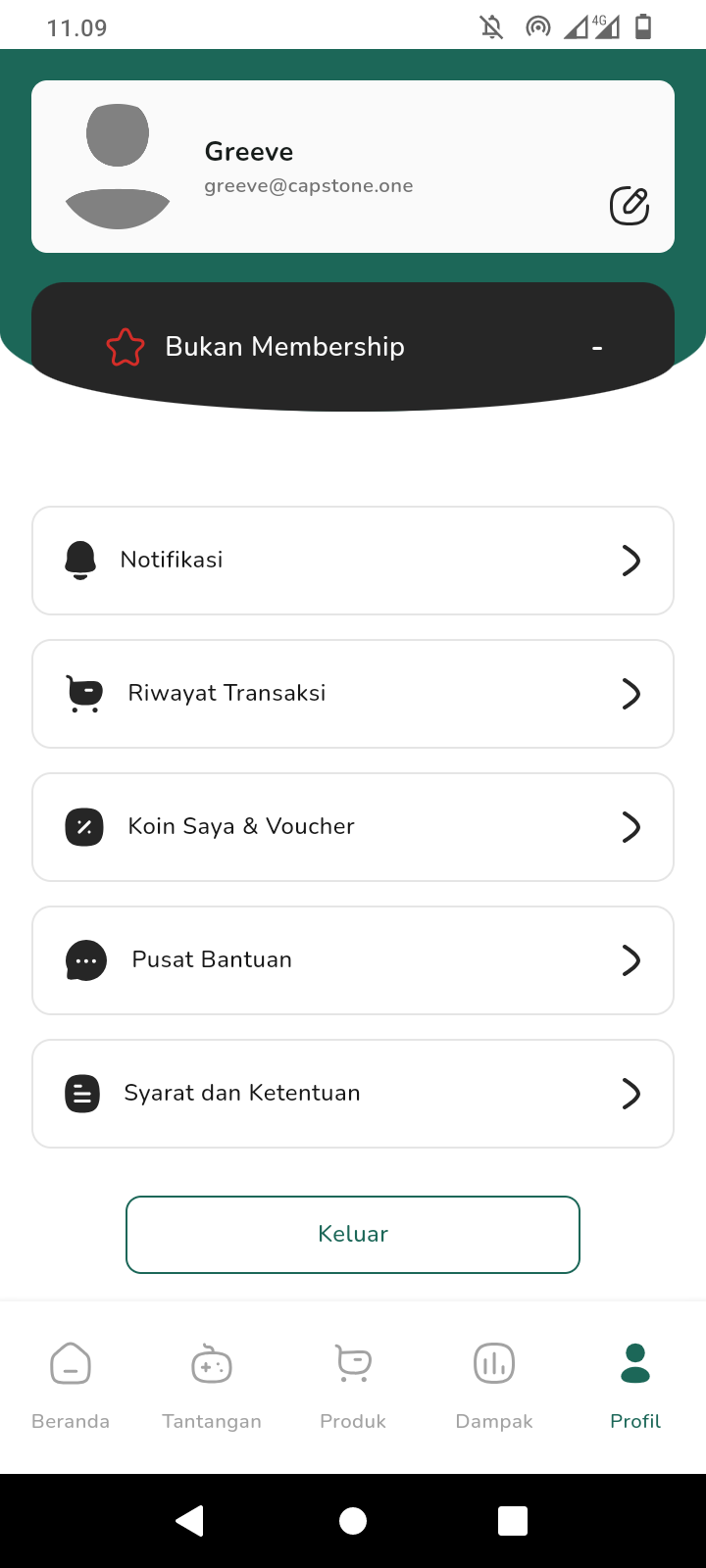
| Impact Screen | Detail Impact Screen | Profile Screen |
 |
 |
 |
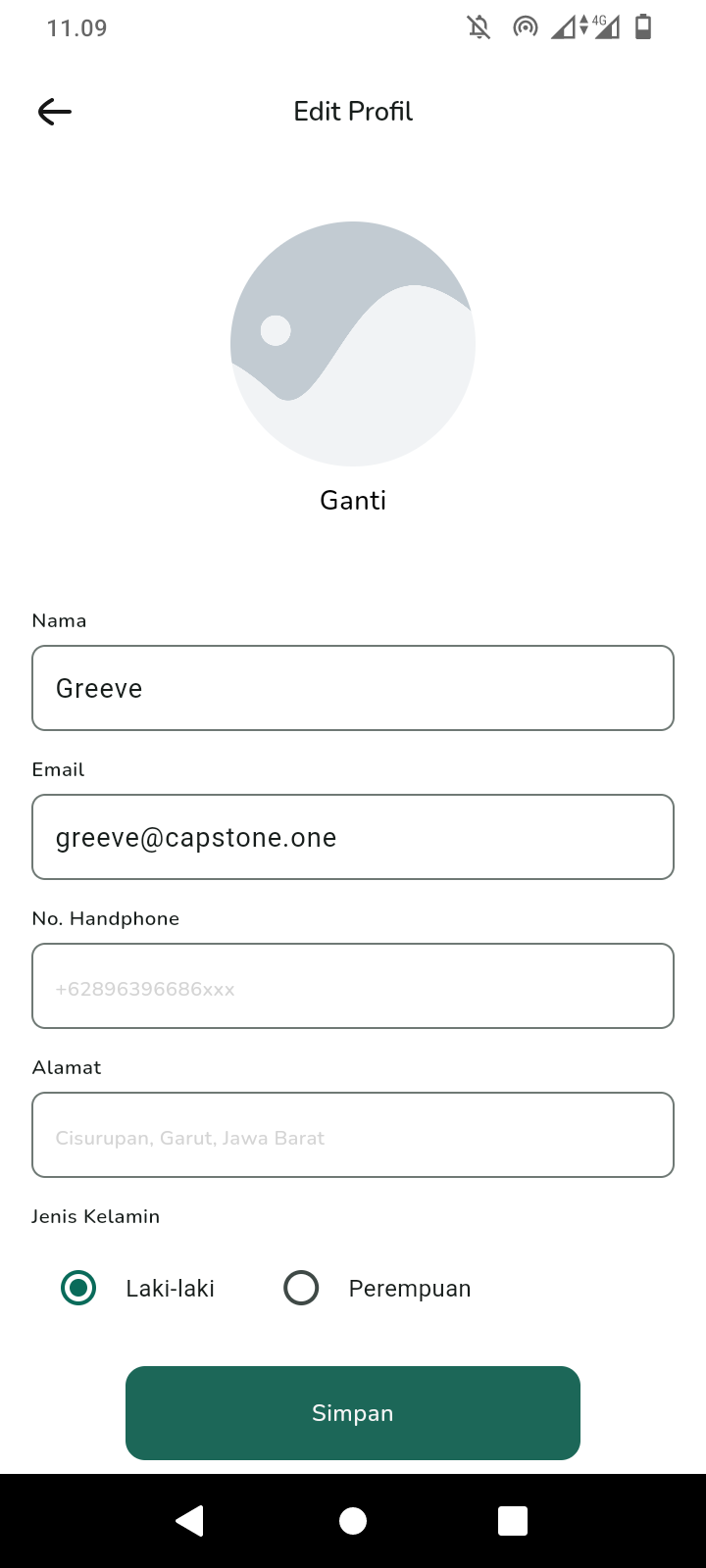
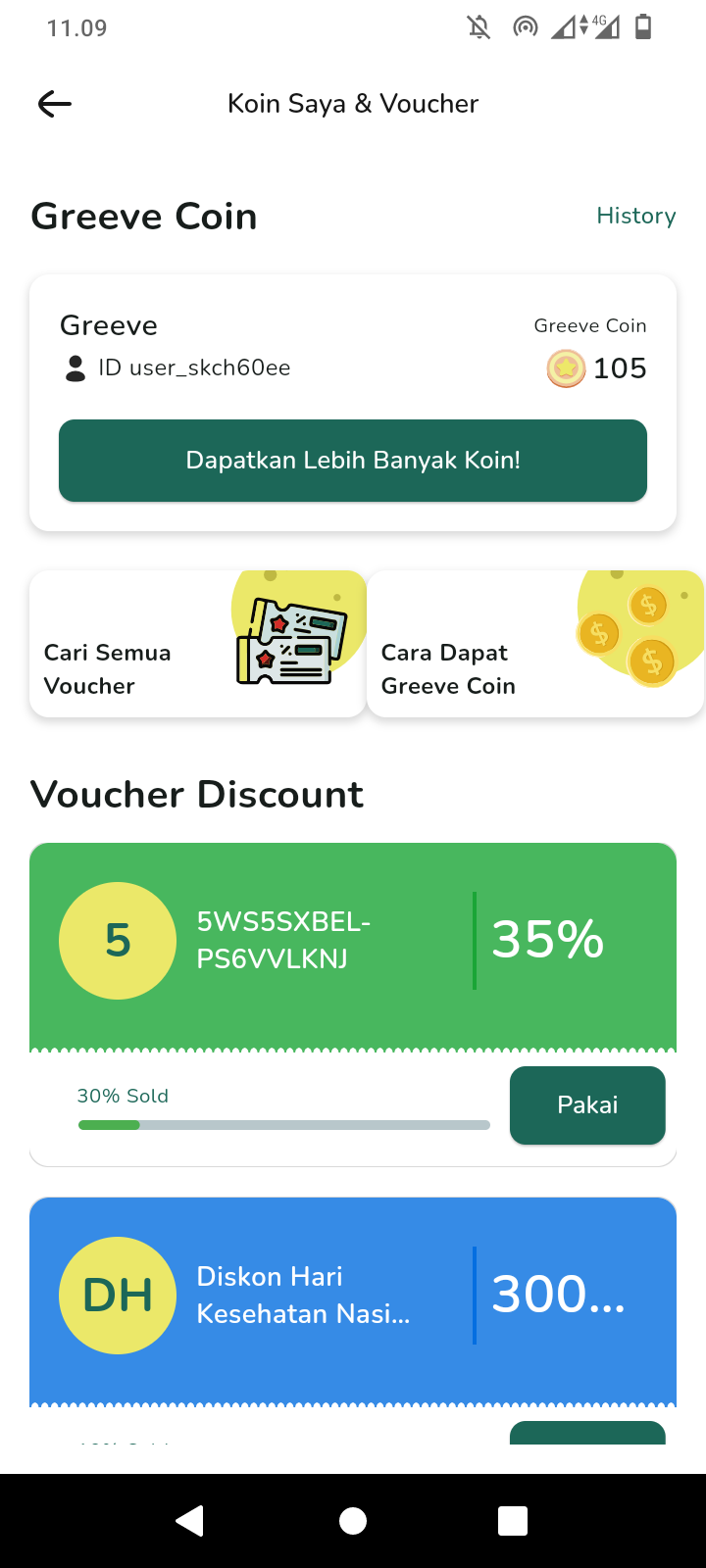
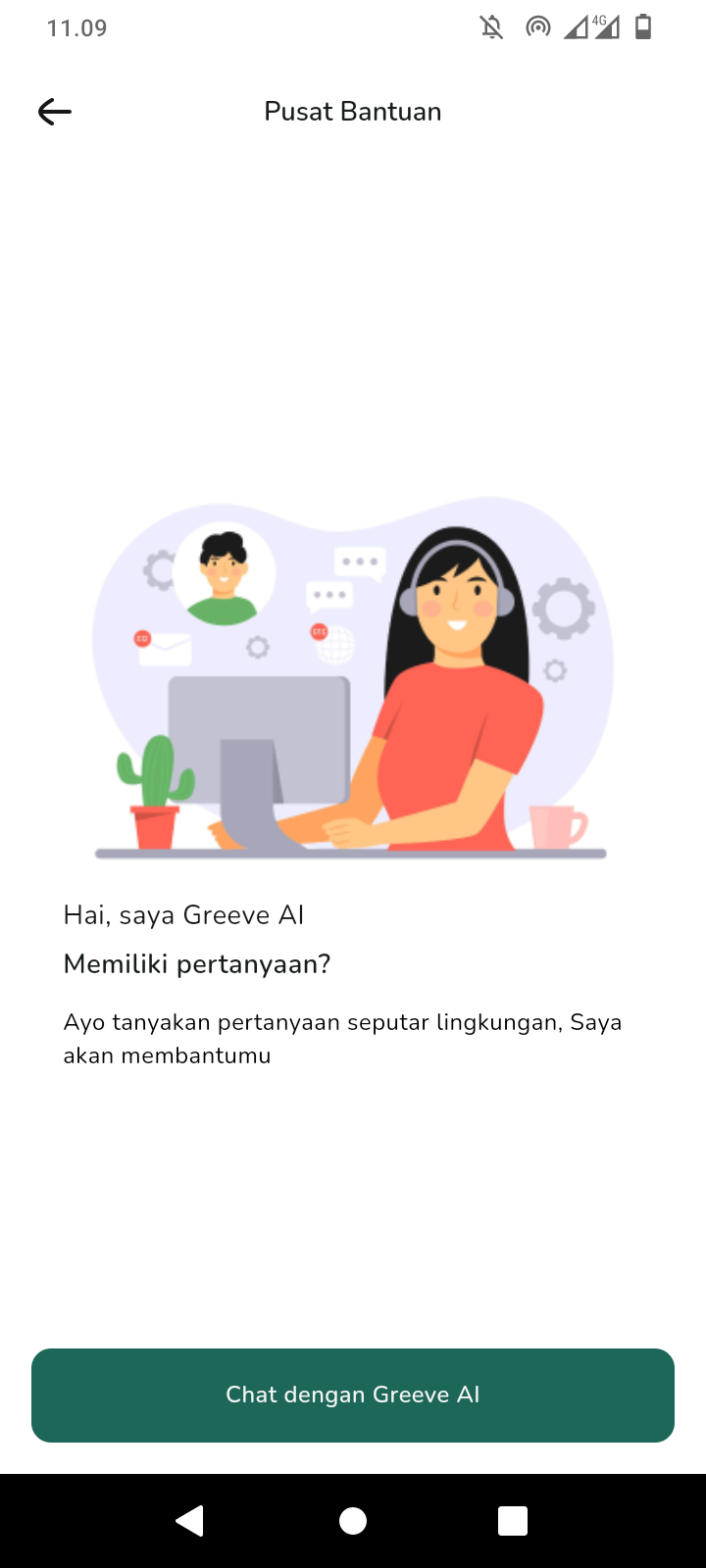
| Edit Profile Screen | Coin and Voucer Screen | Chatbot Screen 1 |
 |
 |
 |
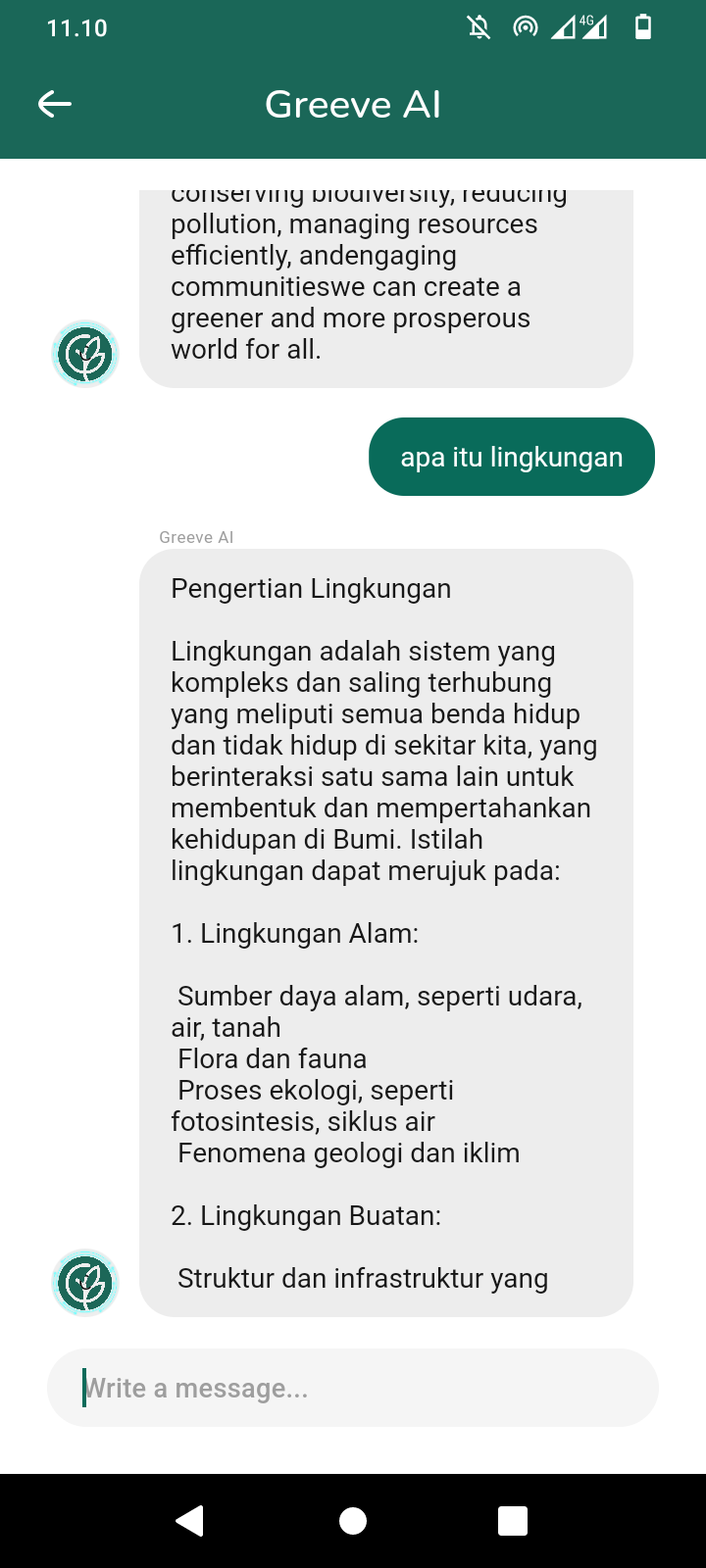
| Chatbot Screen 2 | Challenge Screen | List Challenge Screen |
 |
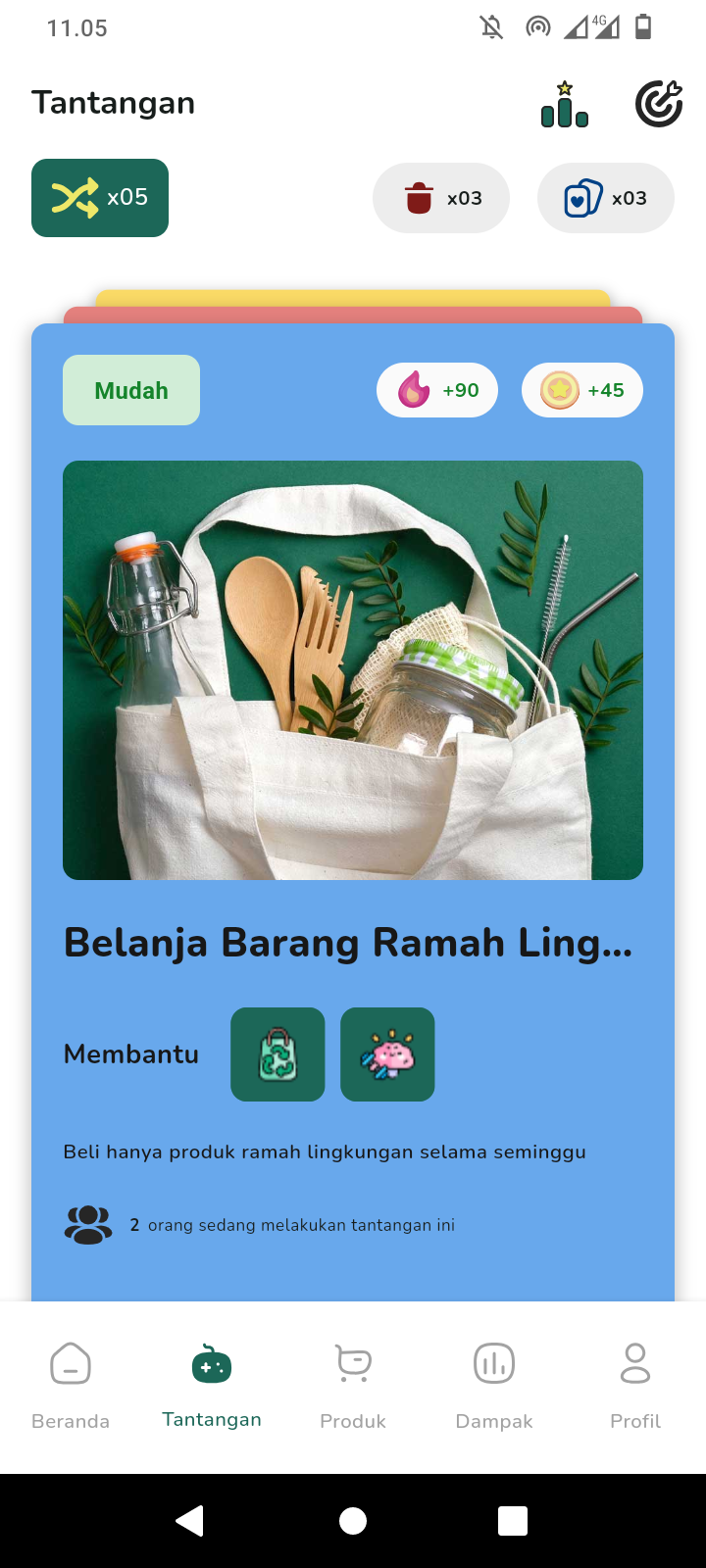 |
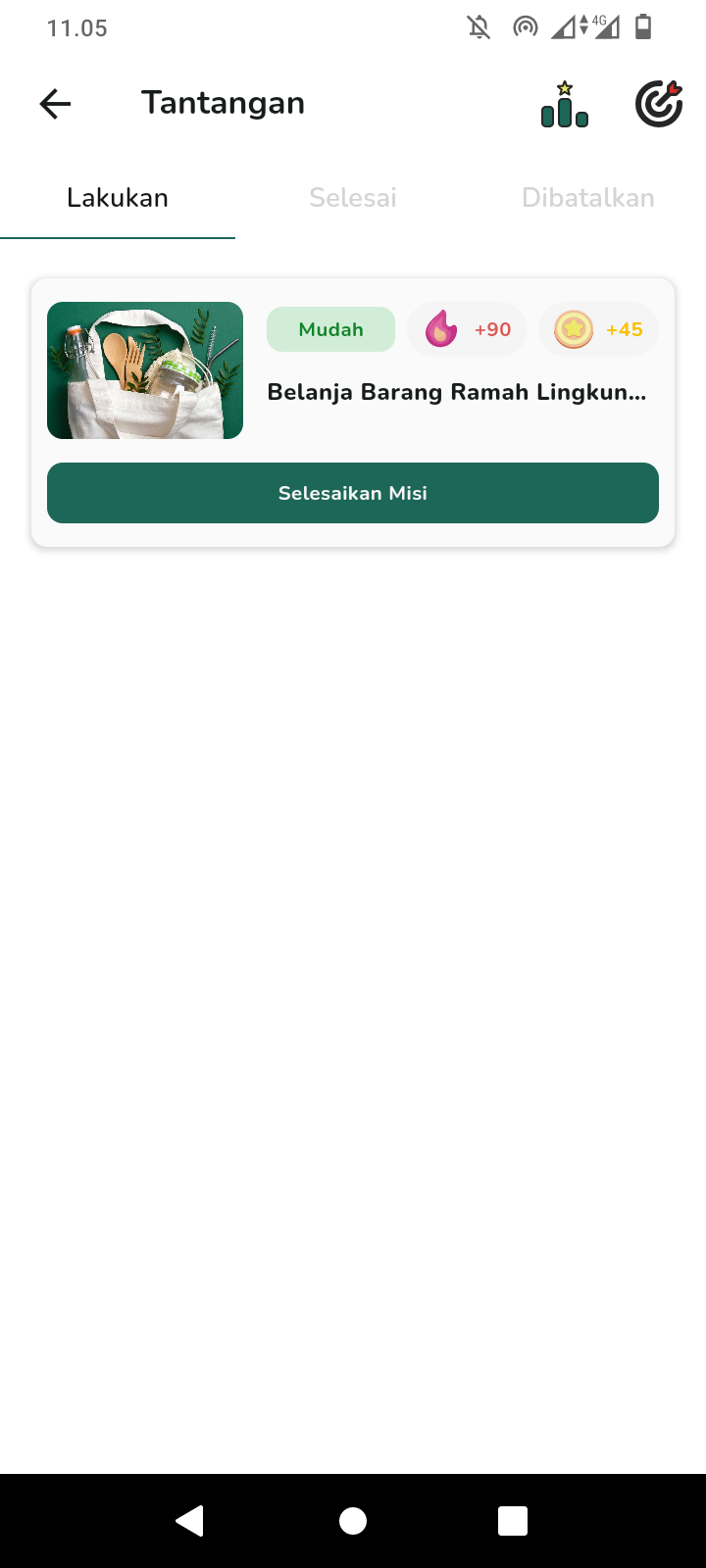 |
| Detail Challenge Screen | Leaderboard Screen | Transaction History Screen |
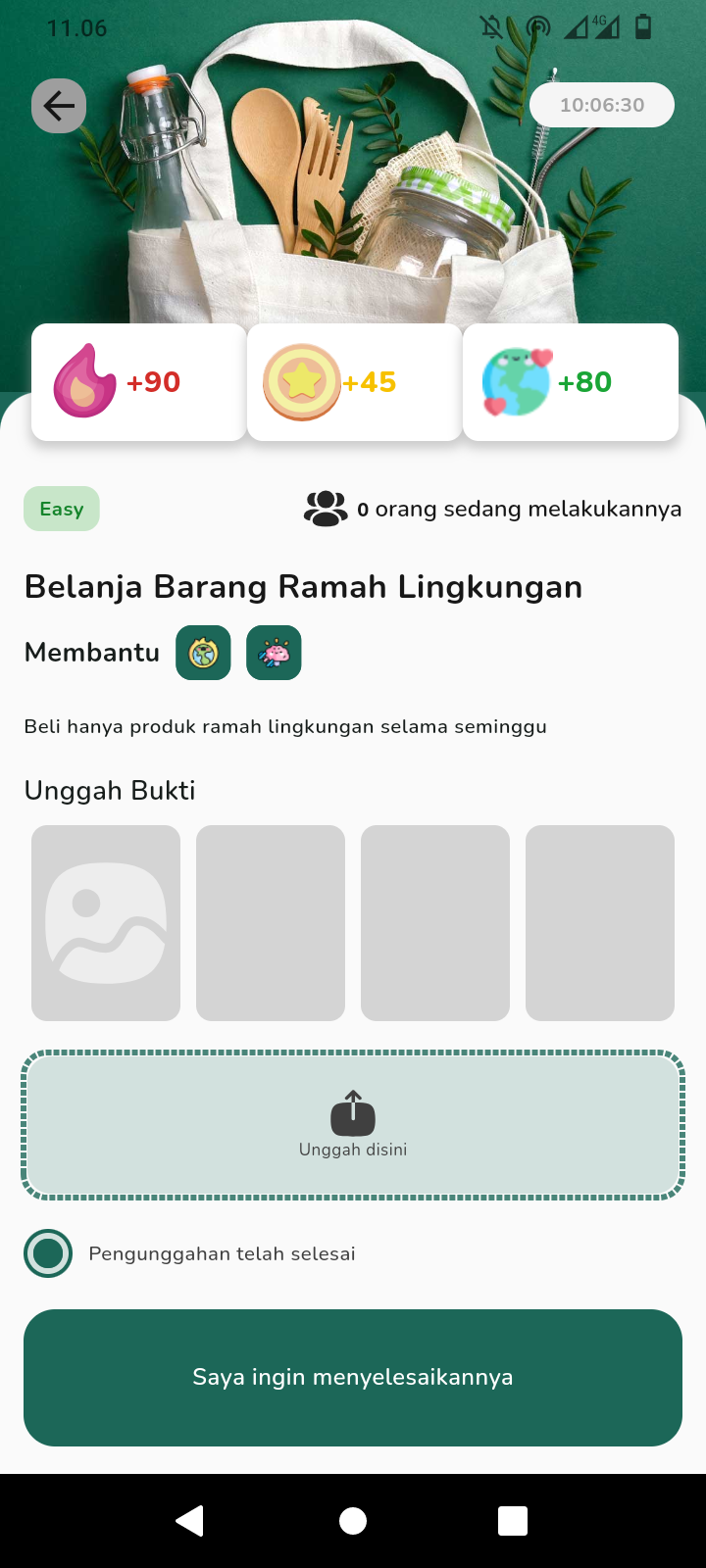 |
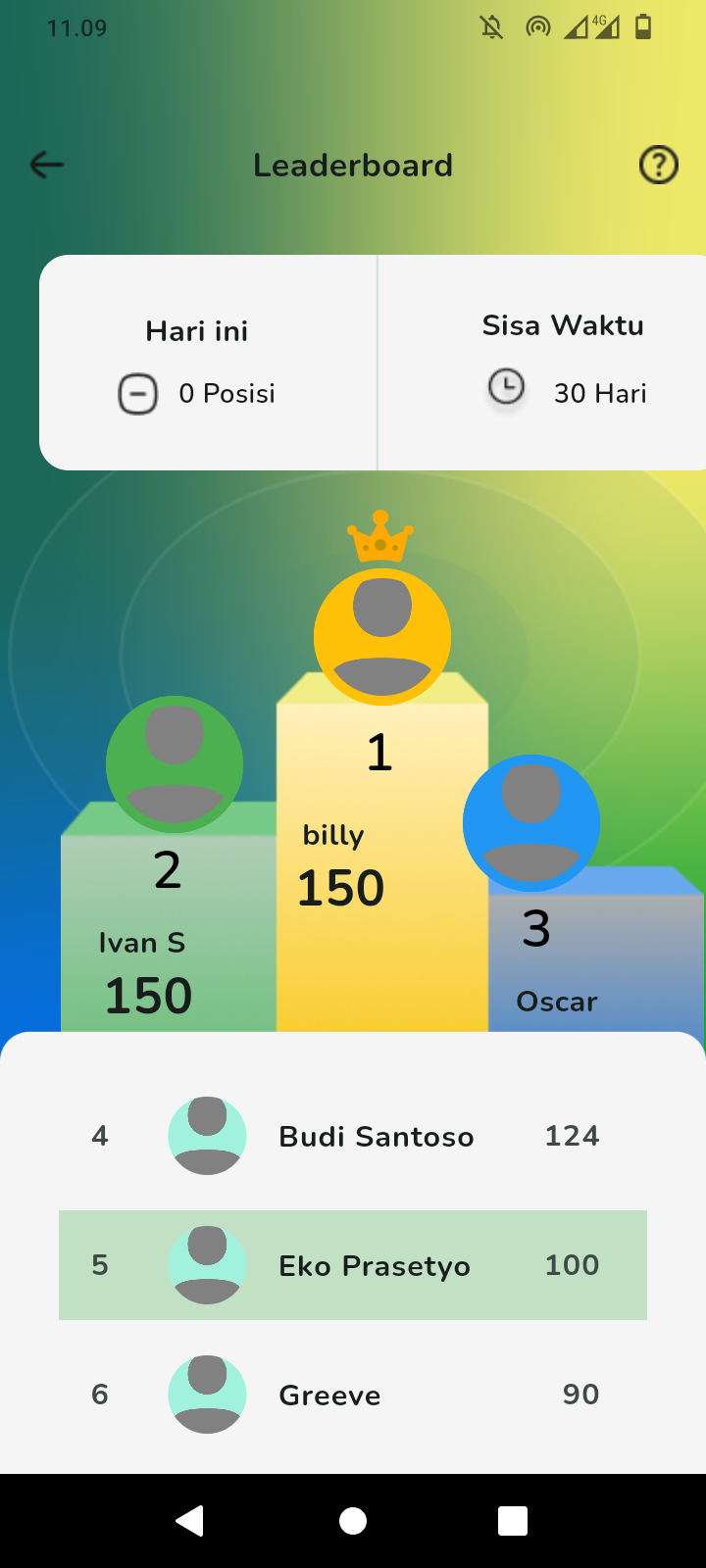 |
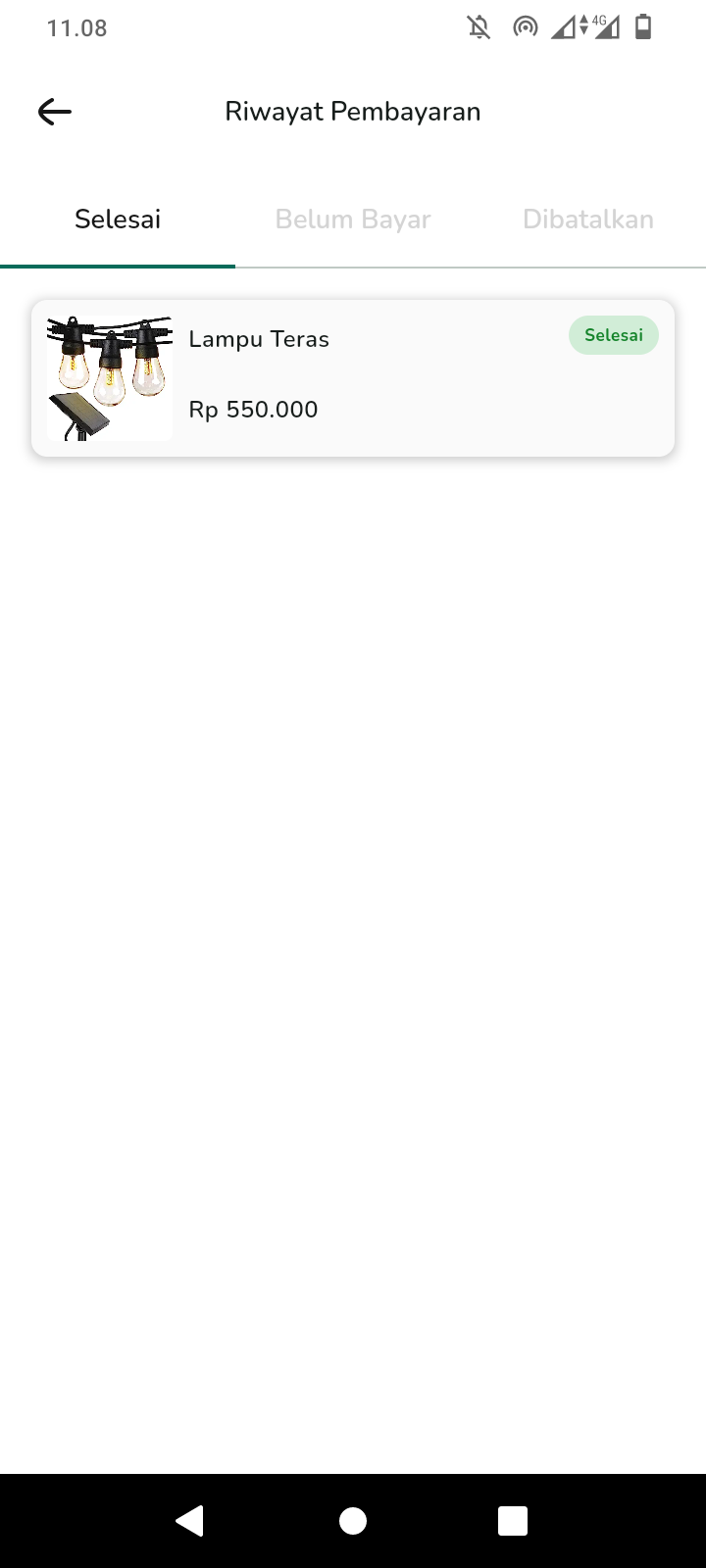 |
🛠️ Tech Stack
| Feature | Package |
|---|---|
| Splash Screen | another_flutter_splash_screen |
| Cached Network Image | cached_network_image |
| Carousel Slider | carousel_slider |
| Icons | cupertino_icons |
| Networking | dio |
| Dotted Border | dotted_border |
| Charts | fl_chart |
| Framework | flutter |
| Card Swiper | flutter_card_swiper |
| HTML Rendering | flutter_html |
| SVG Rendering | flutter_svg |
| State Management | get |
| HTML Parsing | html |
| Image Picker | image_picker |
| Infinite Scroll Pagination | infinite_scroll_pagination |
| Interactive Bottom Sheet | interactive_bottom_sheet |
| Internationalization | intl |
| JWT Decoder | jwt_decoder |
| Loading Indicator | loading_indicator |
| Percent Indicator | percent_indicator |
| Pin Code Fields | pin_code_fields |
| Shared Preferences | shared_preferences |
| UI Enhancement | shimmer |
| Sliding Up Panel | sliding_up_panel |
| Page Indicator | smooth_page_indicator |
| Charts | syncfusion_flutter_charts |
| Core Syncfusion Package | syncfusion_flutter_core |
| URL Launcher | url_launcher |
| WebView | webview_flutter |
| AI Recommendation | flutter_gemini |
| Chat Interface | dash_chat_2 |
| Environment Variables Management | flutter_dotenv |
| Translator | translator |
| Markdown Rendering | flutter_markdown |
| Tutorial Coach Mark | tutorial_coach_mark |
| Environment Variables Management | envied |
Dev Dependencies
| Feature | Package |
|---|---|
| Code Generation | build_runner |
| Envied Code Generator | envied_generator |
:hammer: Build it yourself
- Run the following command:
# Clone this repo git clone https://github.com/Alterra-Greeve/flutter-capstone.git # Install all dependencies and run the project flutter pub get flutter run - For chatbot feature, insert the API Key into your project's code. Open the
lib/utils/contants/gemini_ai.dartfile and replace ApiKey with the API Key you obtained.import 'package:flutter_gemini/flutter_gemini.dart'; class GeminiAi { static const String apiKey = 'YOUR_API_KEY_HERE'; }flutter_dotenvorenviedpackage. Make sure to install the package and add the .env file to your project by storing the API Key inside it. Then, you can access this API Key from your project's code. - Perform hot reload or hot restart.

Greeve ↗
Kategorien
Verwendete Abhängigkeiten
Abhängigkeiten 40 Einträge
- another_flutter_splash_screen
^1.2.0 - cached_network_image
^3.3.1 - carousel_slider
^4.2.1 - cupertino_icons
^1.0.2 - dio
^5.4.3+1 - dotted_border
^2.1.0 - fl_chart
^0.68.0 - flutter
{"sdk":"flutter"} - flutter_card_swiper
^7.0.1 - flutter_html
^3.0.0-beta.2 - flutter_svg
^2.0.10+1 - get
^4.6.6 - html
^0.15.4 - image_picker
^1.1.2 - infinite_scroll_pagination
^4.0.0 - interactive_bottom_sheet
^1.0.0 - intl
^0.19.0 - jwt_decoder
^2.0.1 - loading_indicator
^3.1.1 - percent_indicator
^4.2.3 - pin_code_fields
^8.0.1 - shared_preferences
^2.2.3 - shimmer
^3.0.0 - sliding_up_panel
^2.0.0+1 - smooth_page_indicator
^1.1.0 - syncfusion_flutter_charts
^26.1.35 - syncfusion_flutter_core
^26.1.35 - url_launcher
^6.3.0 - webview_flutter
^3.0.4 - flutter_gemini
^2.0.3 - dash_chat_2
^0.0.20 - flutter_dotenv
^5.1.0 - translator
^1.0.0 - flutter_markdown
^0.7.2+1 - tutorial_coach_mark
^1.2.11 - envied
^0.5.4+1 - build_runnerEntwicklung
^2.4.11 - envied_generatorEntwicklung
^0.5.4+1 - flutter_lintsEntwicklung
^2.0.3 - flutter_testEntwicklung
{"sdk":"flutter"}
Wie wähle ich ein passendes Repository?
Nach Anwendungsfall filtern, Aktivität vergleichen und vor der Nutzung das Originalprojekt prüfen.
- Nach Name, Autor oder Beschreibung suchen und nach Thema eingrenzen.
- Sterne, Forks und letzte Pushes vergleichen. Sterne zeigen Interesse, garantieren aber keine Qualität.
- Vor der Nutzung README, Lizenz und Issues auf GitHub prüfen.
Quellen und Pflege
“A repository is the most basic element of GitHub.”
GitHub Docs — About repositories ↗
- Alterra-Greeve/flutter-capstone · GitHub ↗
- GitHub Docs — Saving repositories with stars ↗
- Verzeichnis gepflegt von Ducafecat ↗