v0.257.0
lucide_icons
Eine Lucide-Ikonenbibliothek für Flutter-Anwendungen. Fork von Feather Icons, offen für Beiträge von jedem.
123Likes 171.00030-Tage-Downloads45Pub-Punkte
AndroidiOSWebmacOSWindowsLinux
Eine wunderschön gestaltete, anpassbare Taschenrechner-App mit einem weichen, modernen Neumorphic-Stil. In Flutter für Android und iOS entwickelt.

Englischer Projektschnappschuss. Aktuelle Inhalte auf GitHub.
A beautifully designed, customizable calculator app with a soft, modern neumorphic style. Built in Flutter for Android and iOS.

Download:

iOS: Due to App Store restrictions, sideloading is required, checkout Sideloadly or AltStore for more info about sideloading.
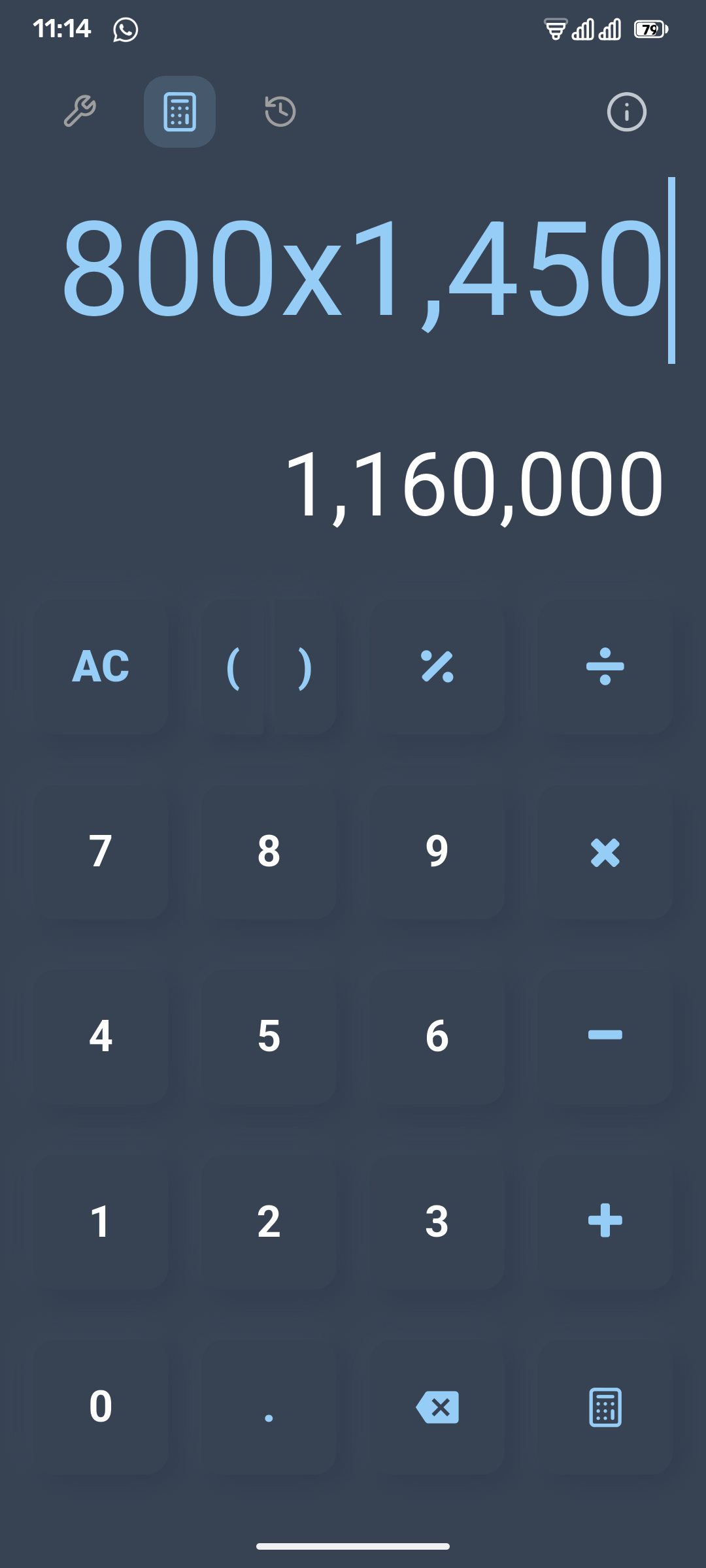
|
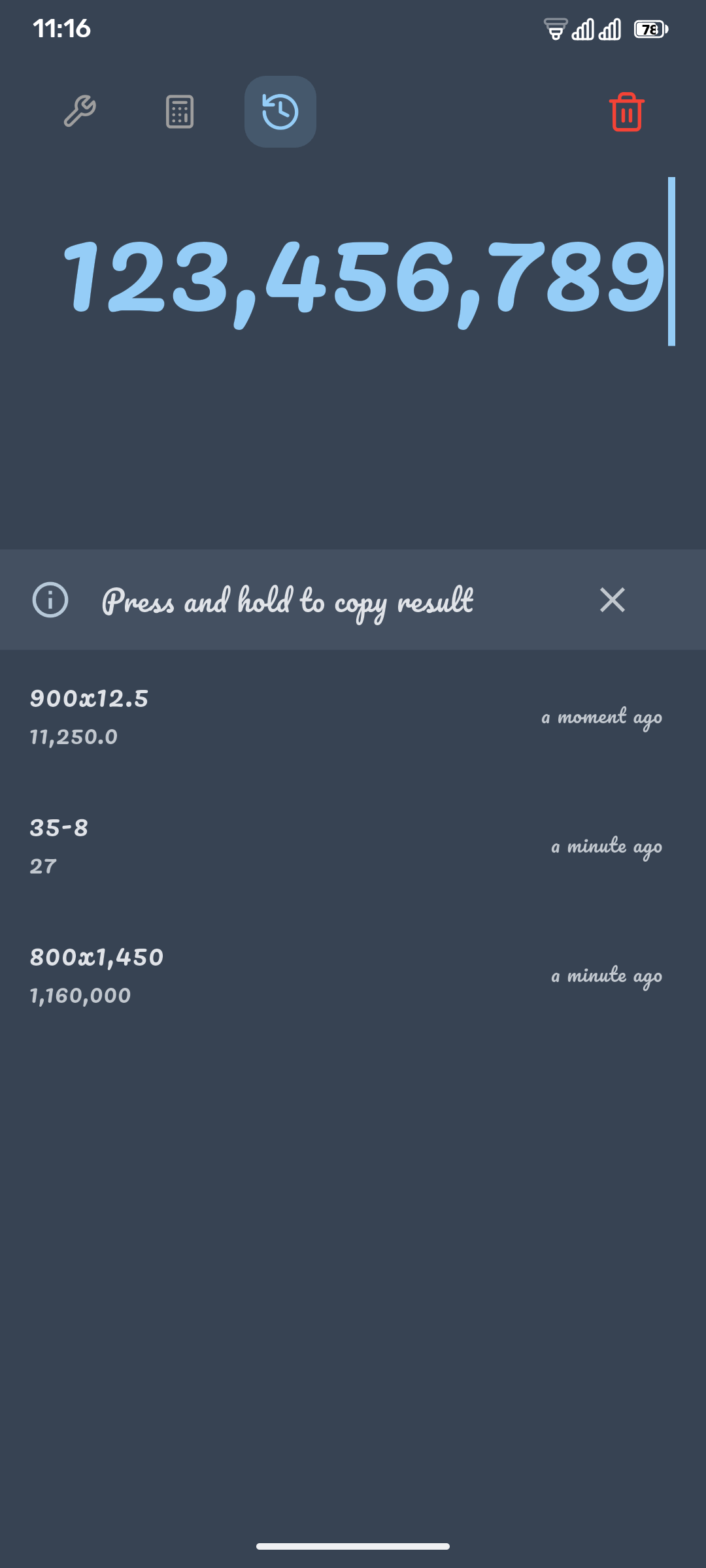
|
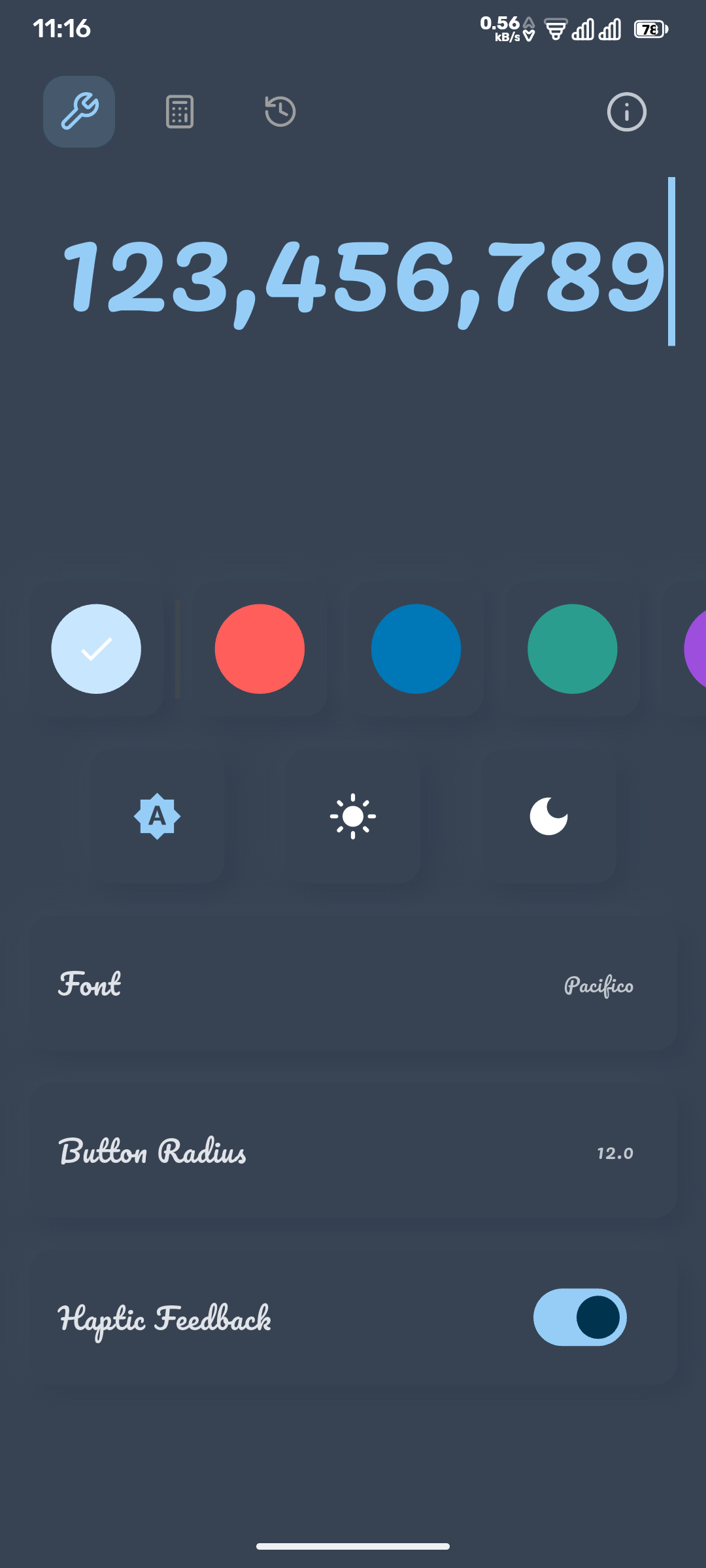
|
Clone the repository:
git clone https://github.com/mllrr96/Neumorphic-Calculator.git
Navigate into the project directory:
cd Neumorphic-Calculator
Install dependencies:
flutter pub get
Run the app:
flutter run
Contributions are welcome! Please fork the repository and submit a pull request with your improvements.
This project is open source and available under the MIT License.
For any inquiries or suggestions, please feel free to email me at [ragheb.github@gmail.com](mailto:ragheb.github@gmail.com).
Eine Lucide-Ikonenbibliothek für Flutter-Anwendungen. Fork von Feather Icons, offen für Beiträge von jedem.
Ein Leitfaden, der Ihnen hilft, Ihre App und ihre Funktionen auf schöne, einfache und anpassbare Weise vorzustellen. Tutorial | Leitfaden | Coach.
Eine Bibliothek zum Parsen und Auswerten mathematischer Ausdrücke mit Unterstützung für reelle Zahlen, Vektoren und grundlegende Intervallarithmetik.
Flutter-TextField-Widget, der den Textfeldbereich automatisch anpasst, um perfekt in seine Grenzen zu passen.
Ein Flutter-Plugin zum Abrufen und Beobachten der Systemakzentfarbe. Unterstützt Android, iOS, Web, Windows, macOS und Linux.
Ein Paket, das Ihnen bei der Arbeit mit Brüchen und gemischten Brüchen hilft.
Abhängigkeiten 25 Einträge
{"sdk":"flutter"}^1.0.6^3.0.0^3.0.0^6.2.1^2.2.3^2.0.5^2.2.3^0.20.2^6.3.0^5.0.2^3.7.0^2.4.0^4.0.0^1.2.11^3.1.2^3.0.0^4.7.2^1.2.1^0.257.0^0.14.4^8.3.0{"sdk":"flutter"}^5.0.0—Nach Anwendungsfall filtern, Aktivität vergleichen und vor der Nutzung das Originalprojekt prüfen.
“A repository is the most basic element of GitHub.”
GitHub Docs — About repositories ↗