
clean_architecture_digital_marketplace
Develop an E-Commerce app in Flutter with clean architecture using Bloc, Firebase and the Stripe.

- Stars
- 117
- Forks
- 17
- Last push (UTC)
- Oct 19, 2025
- Project status
- Active
Original README
English project snapshot. Visit GitHub for the latest content.
Clean Architecture Flutter E-Commerce App
Project Setup
Before you run the project, make sure to follow the steps below to properly set up the environment, generate necessary files, and run the tests.
1. Setup the .env file
You need to set up the .env file in the root directory of the project with your environment-specific variables.
Example:
Create a .env file in the root directory and include the following keys (replace with your values):
STRIPE_TEST_PUBLISHABLE_KEY=your_publishable_key
STRIPE_TEST_SECRET_KEY=your_secret_key
2. Generate Required Files
Run the following command to generate the necessary files (e.g., mocks, code related to the environment variables):
dart run build_runner build
3. (Optional) Configure Firebase Service Account for Push Notifications
If you wish to enable push notifications, you need to configure the 'firebaseServiceAccountJson' used in the project.
All setup instructions are included directly in the file:
core/constants/firebase_values.dart
Make sure to follow the comments inside that file to generate and insert your Firebase service account values correctly.
Features
User View
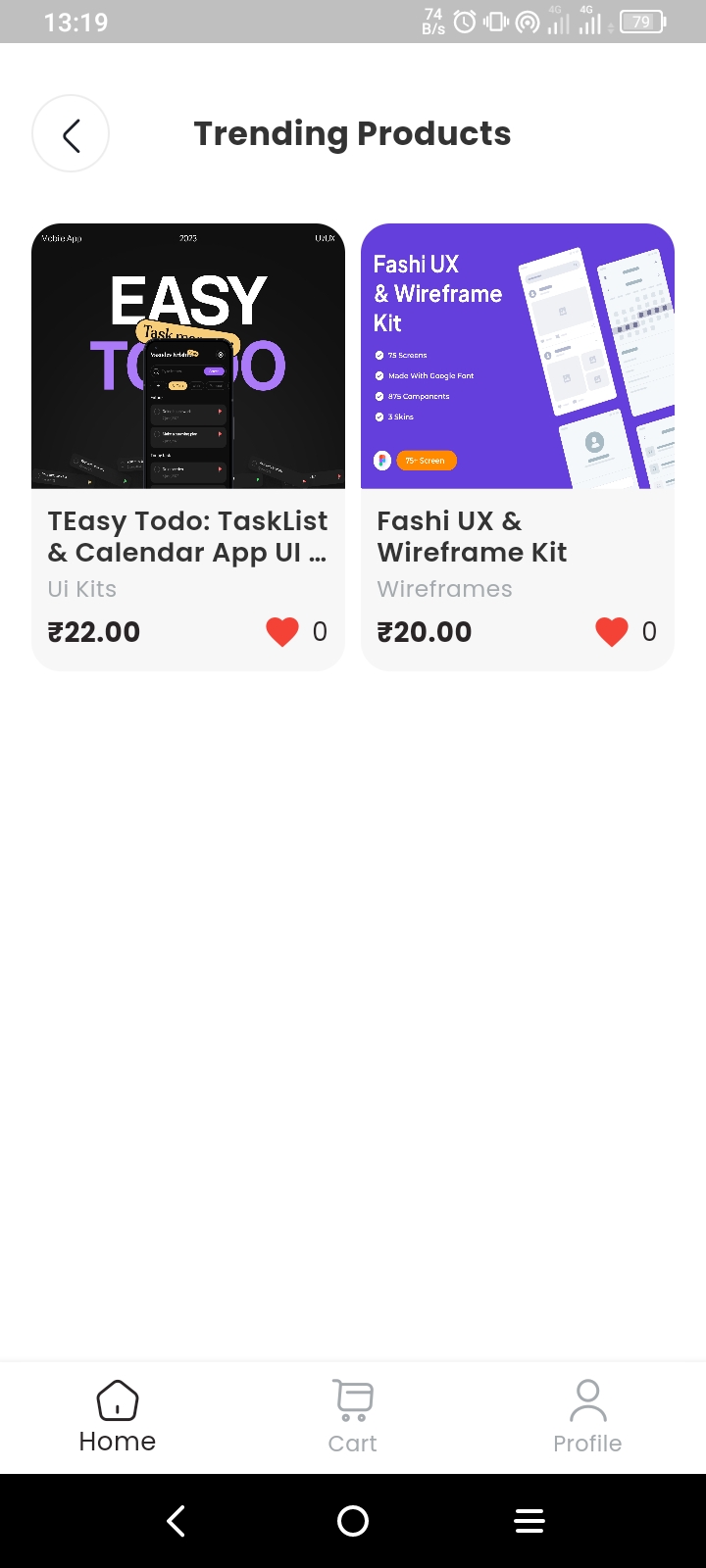
- View Products
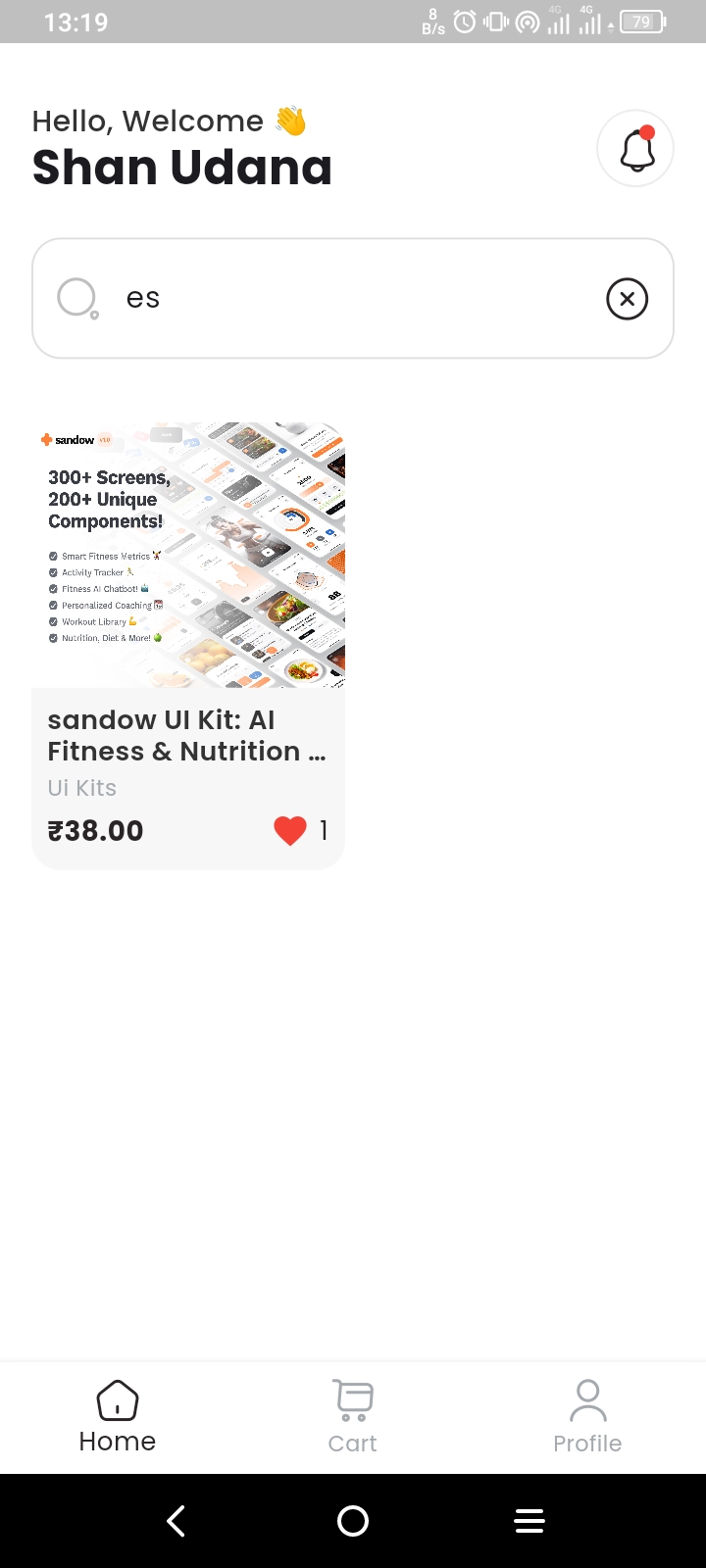
- Search Products
- Add Products to Cart
- Purchase Products
- Add to Favorites
- View Purchase History
- Download Purchased Products
- View Notifications
- Change Theme
- Change Language
Admin View
- Access Admin Dashboard
- Manage Products
- Manage Categories
- Manage Users
- Manage Notifications
- Change Theme
- Change Language
Screenshots
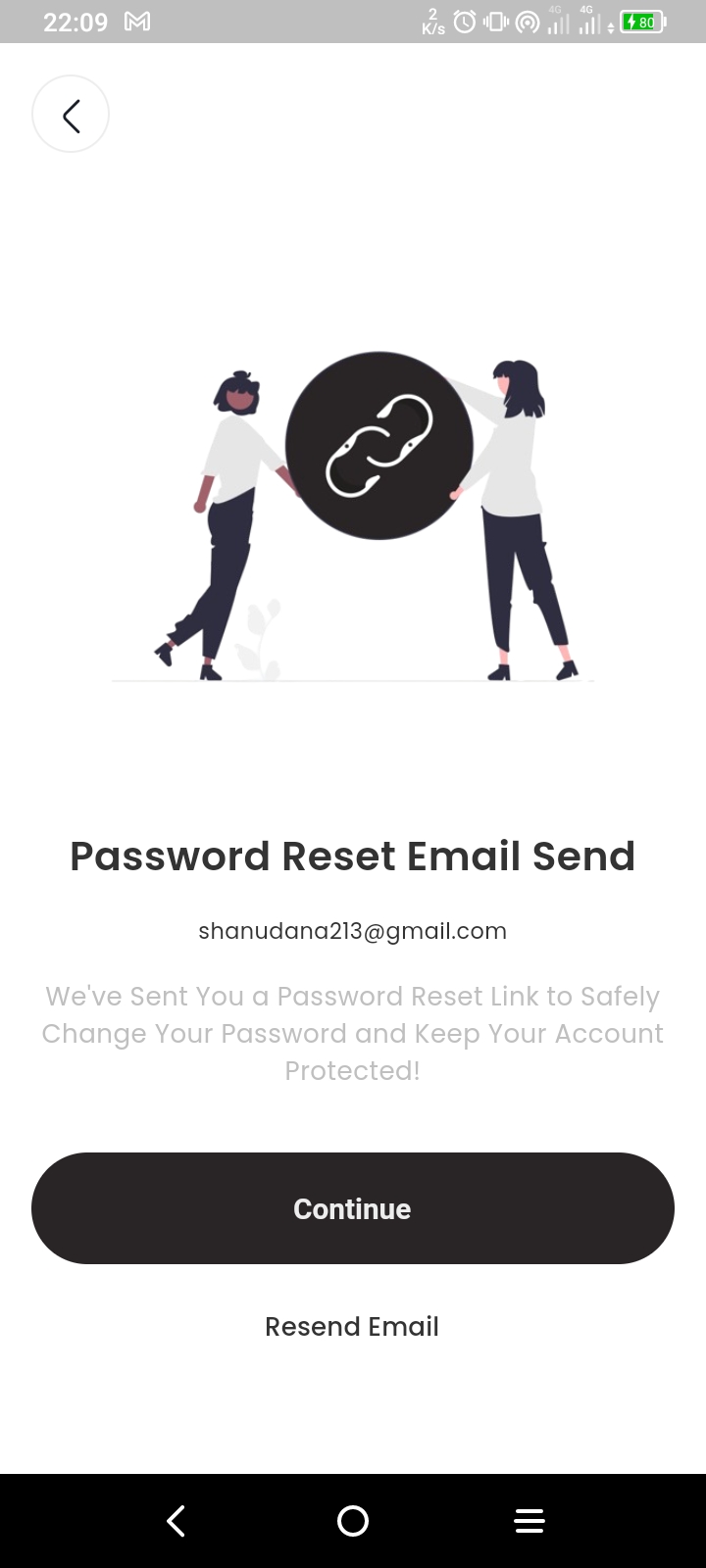
Auth View
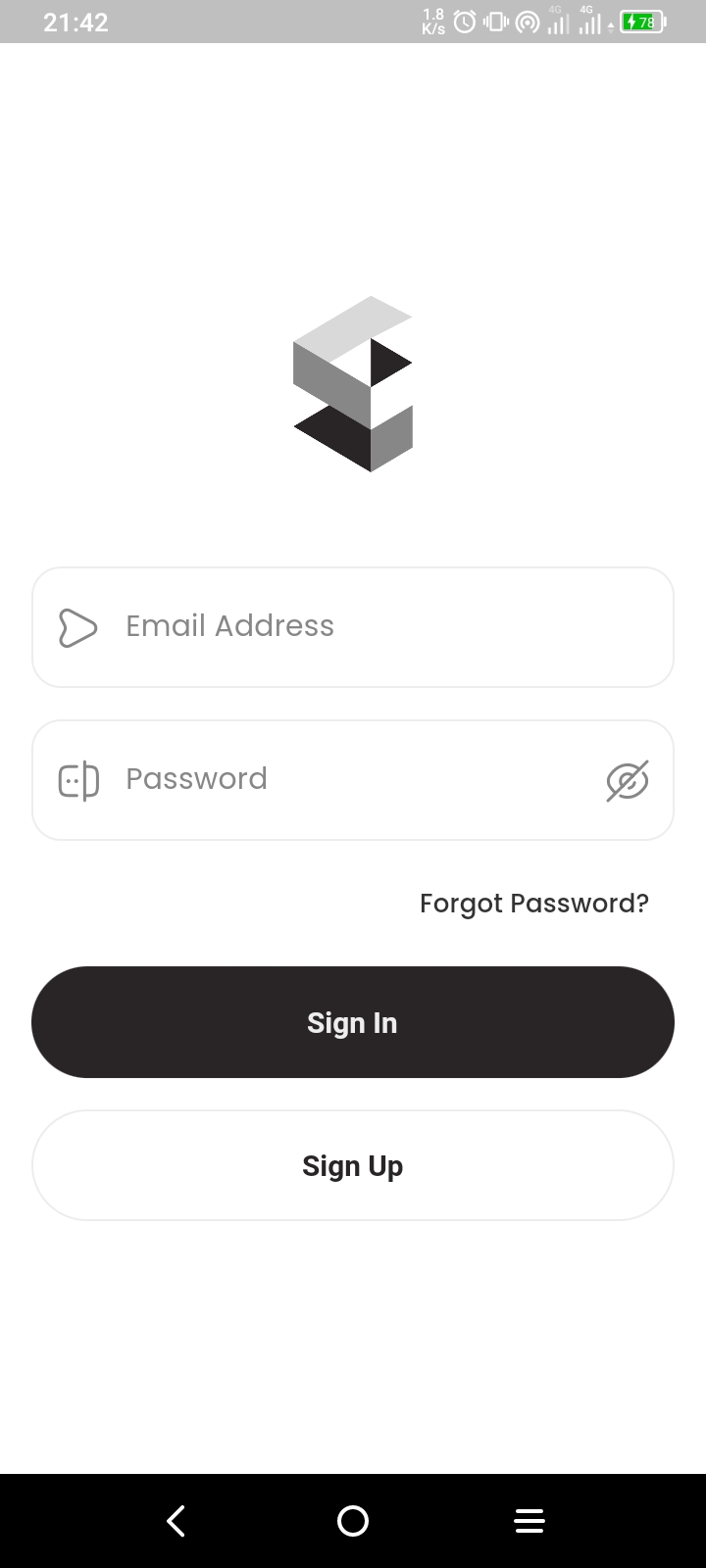
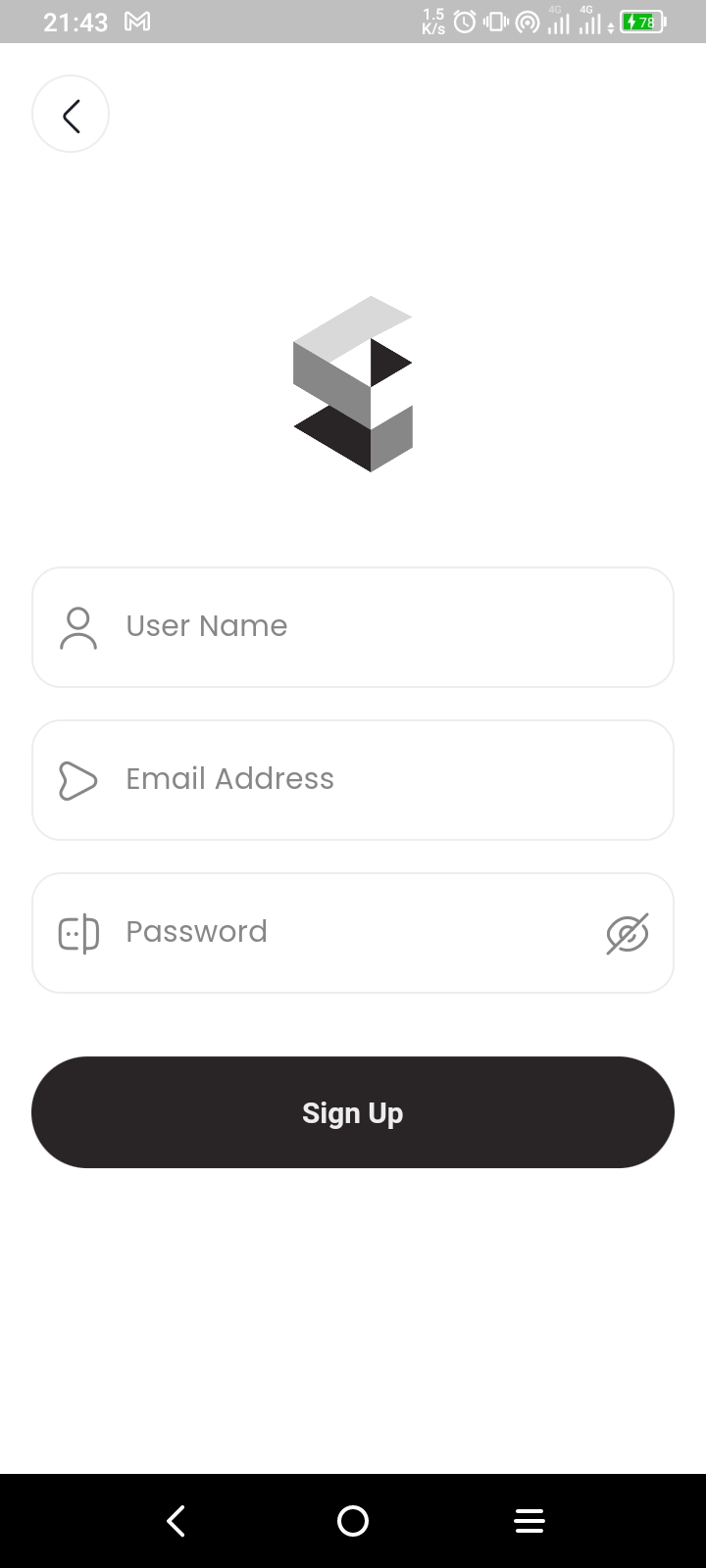
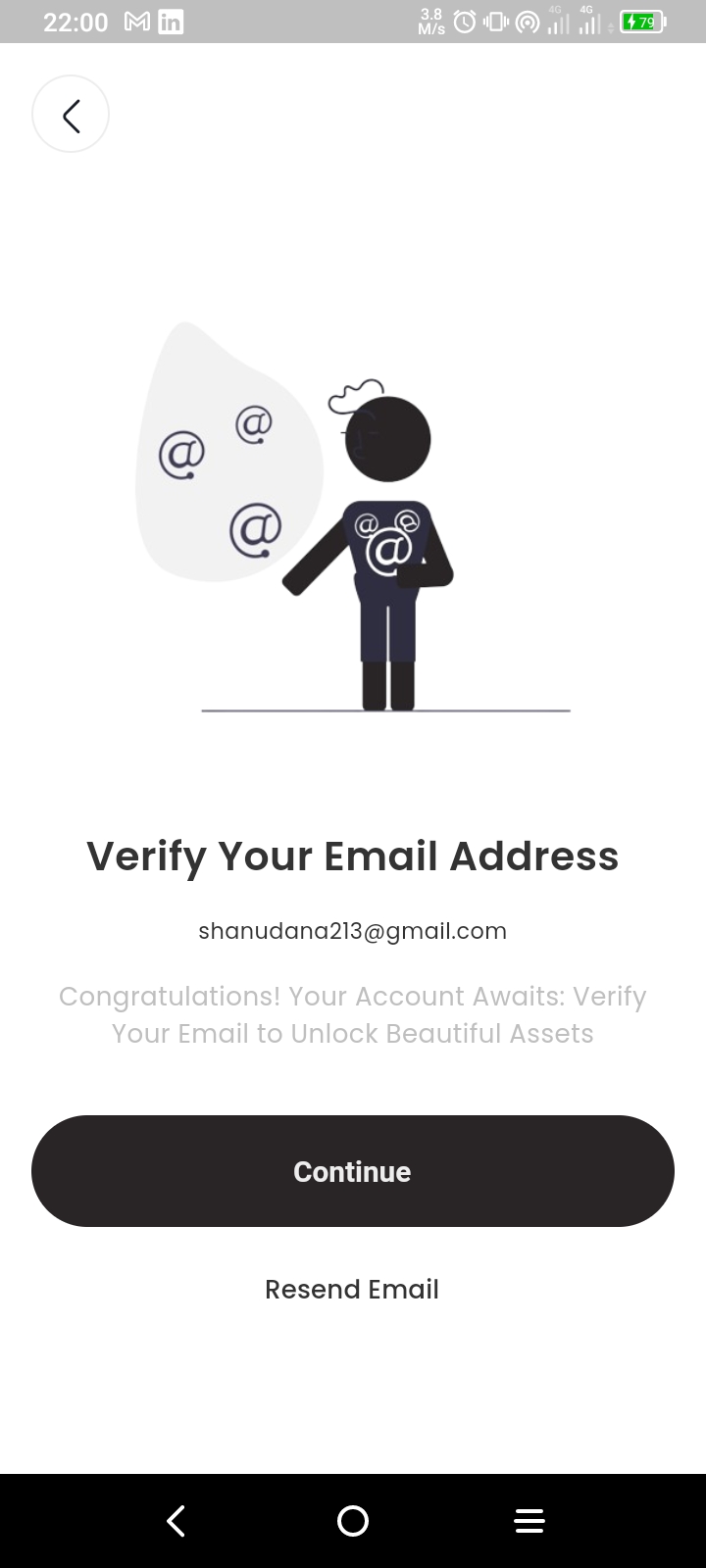
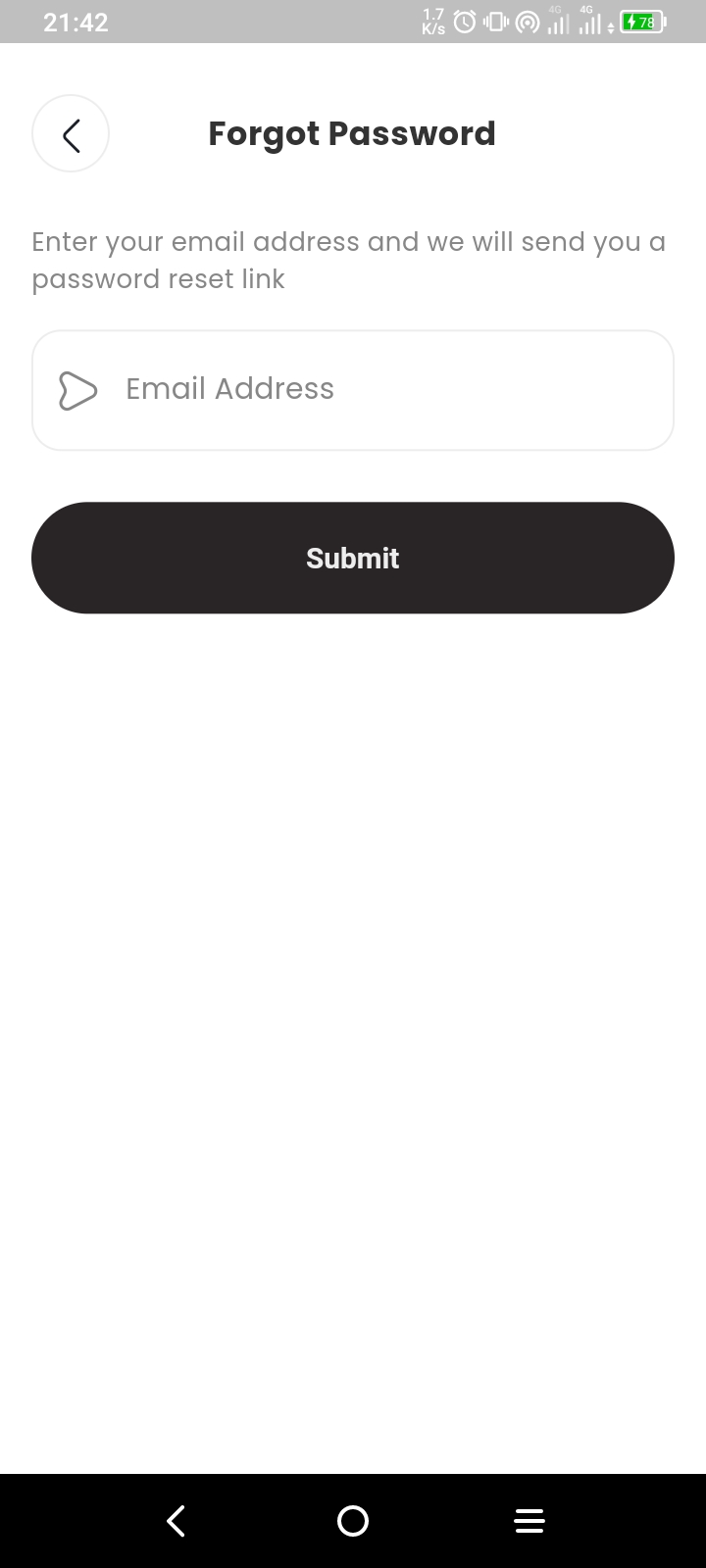
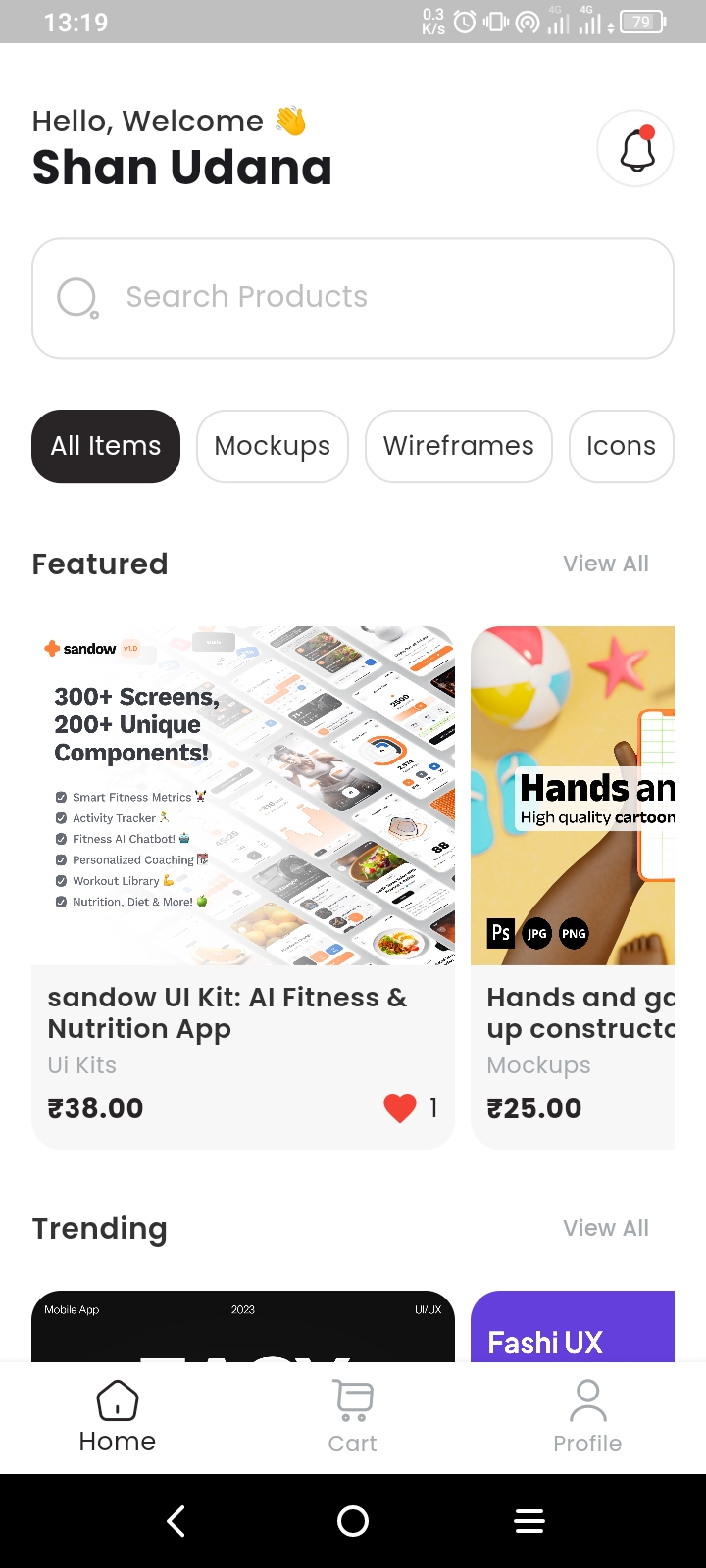
User View
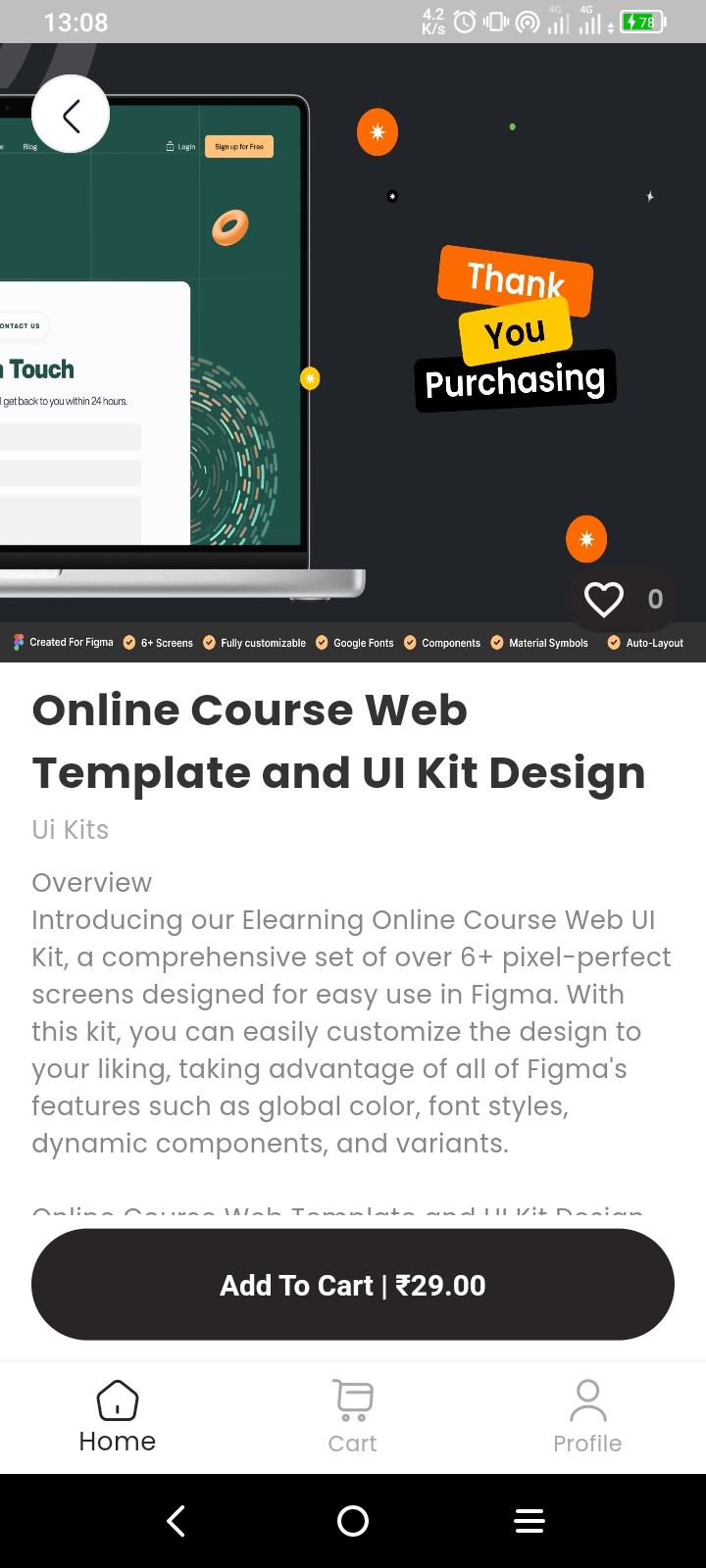

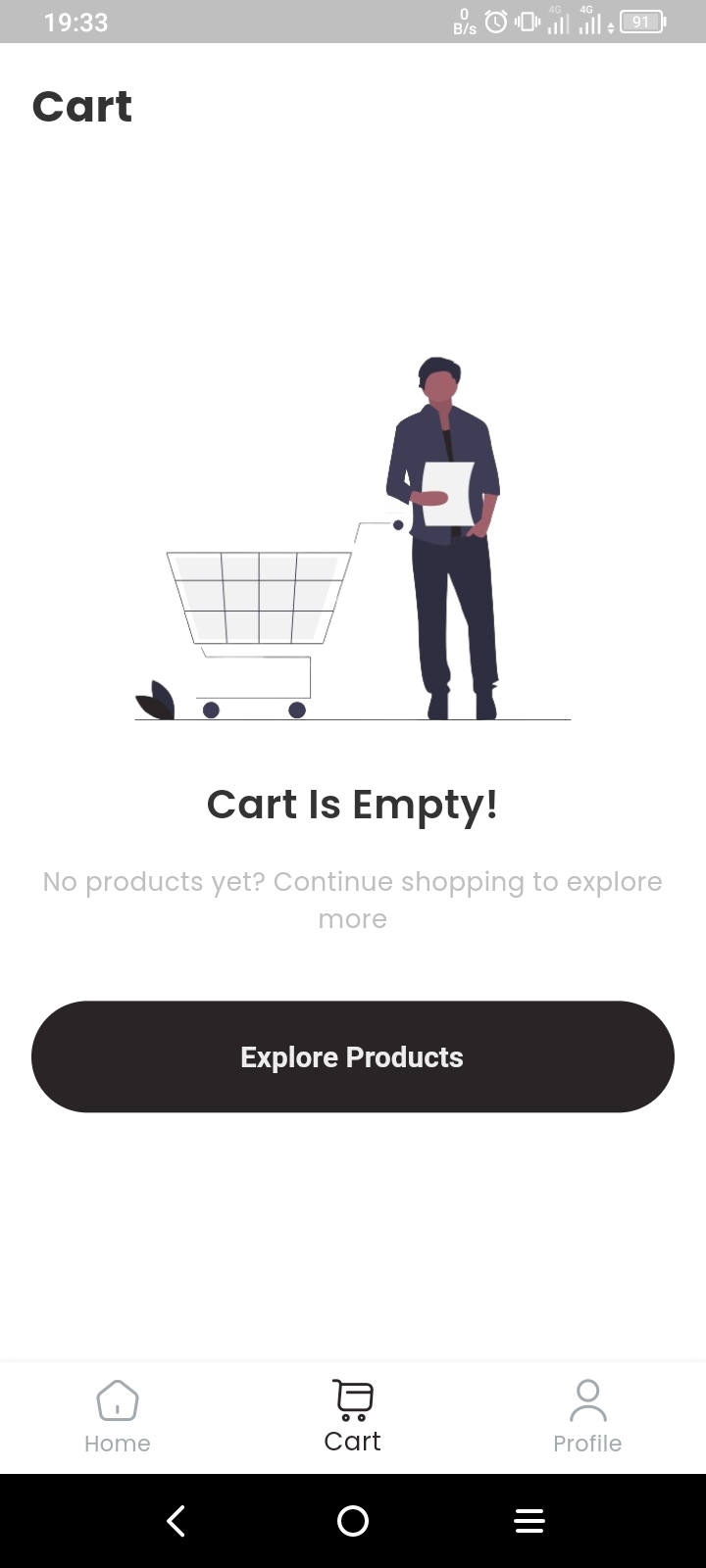
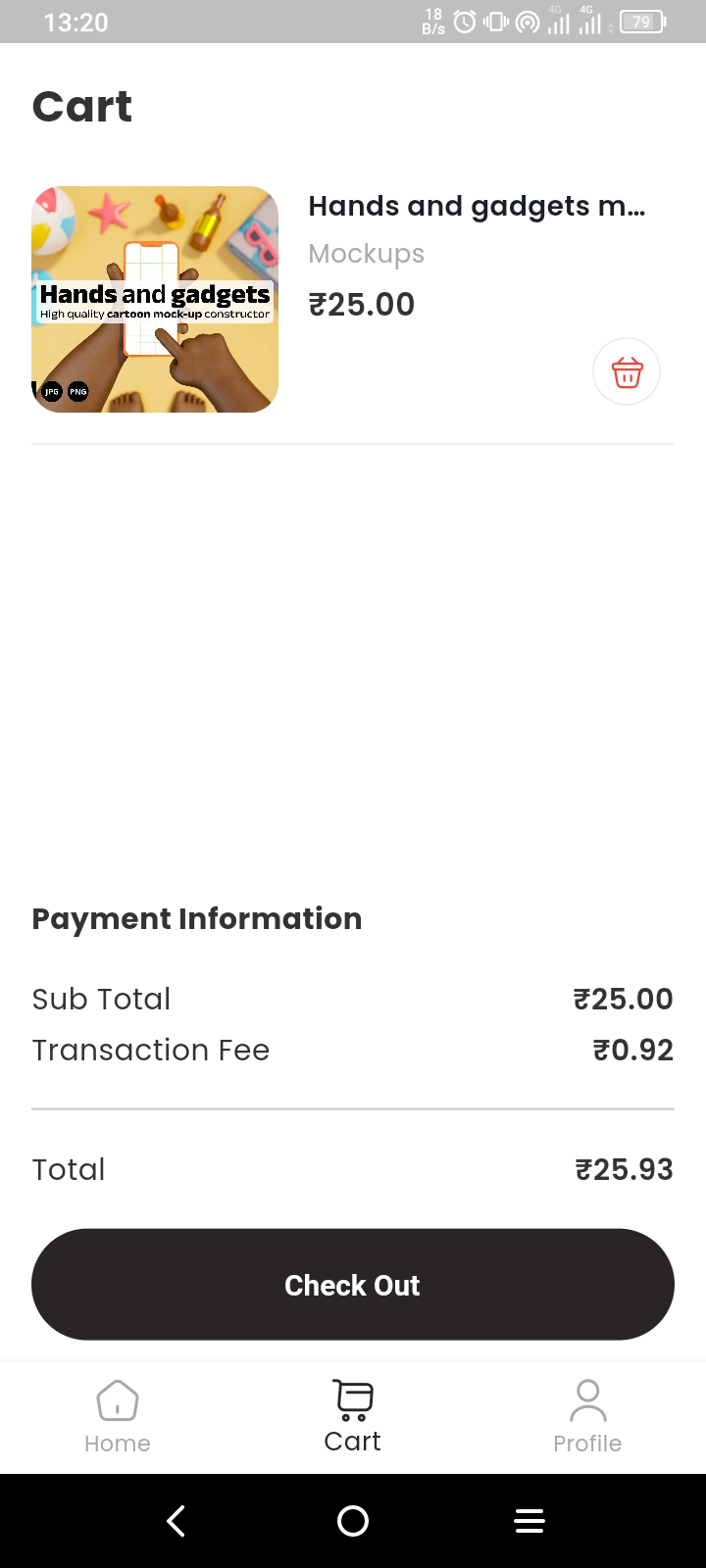
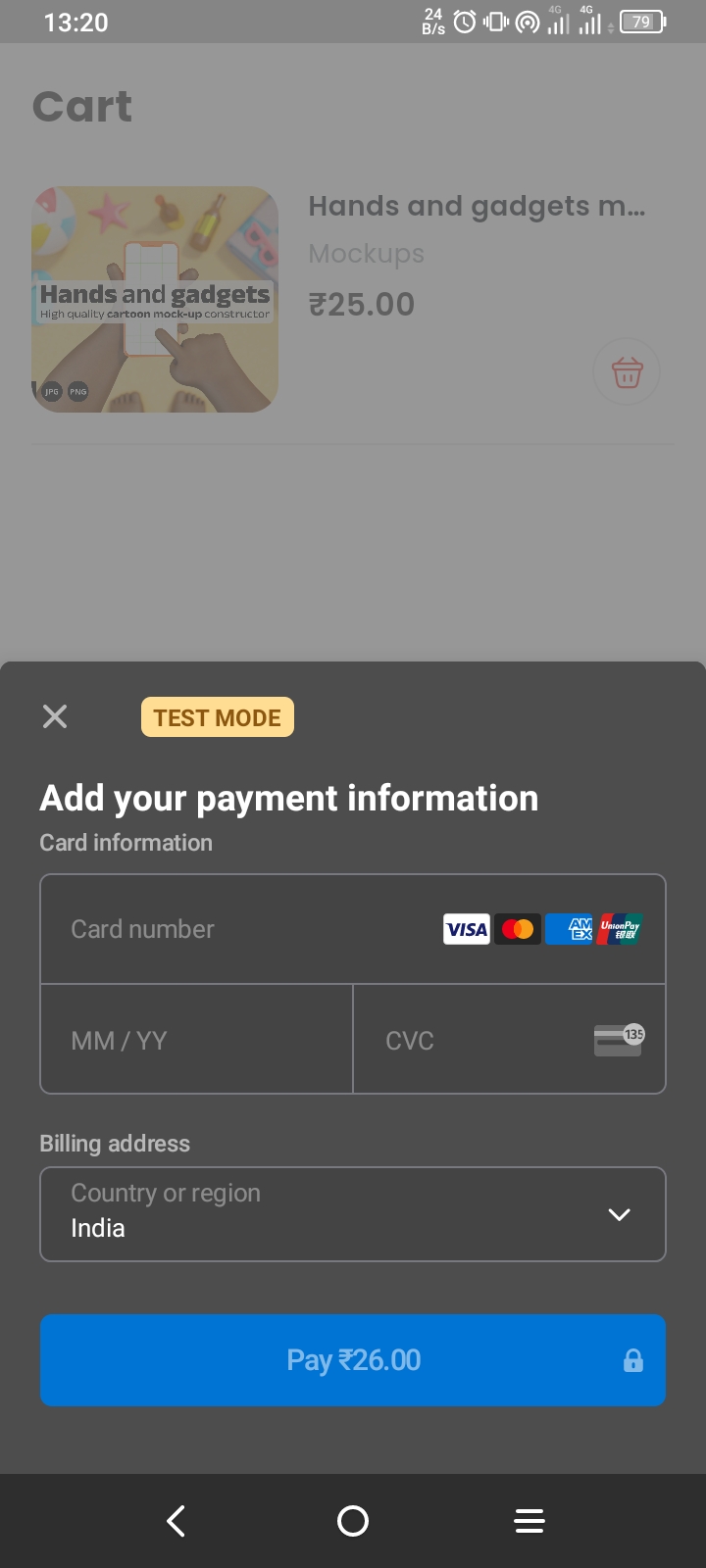
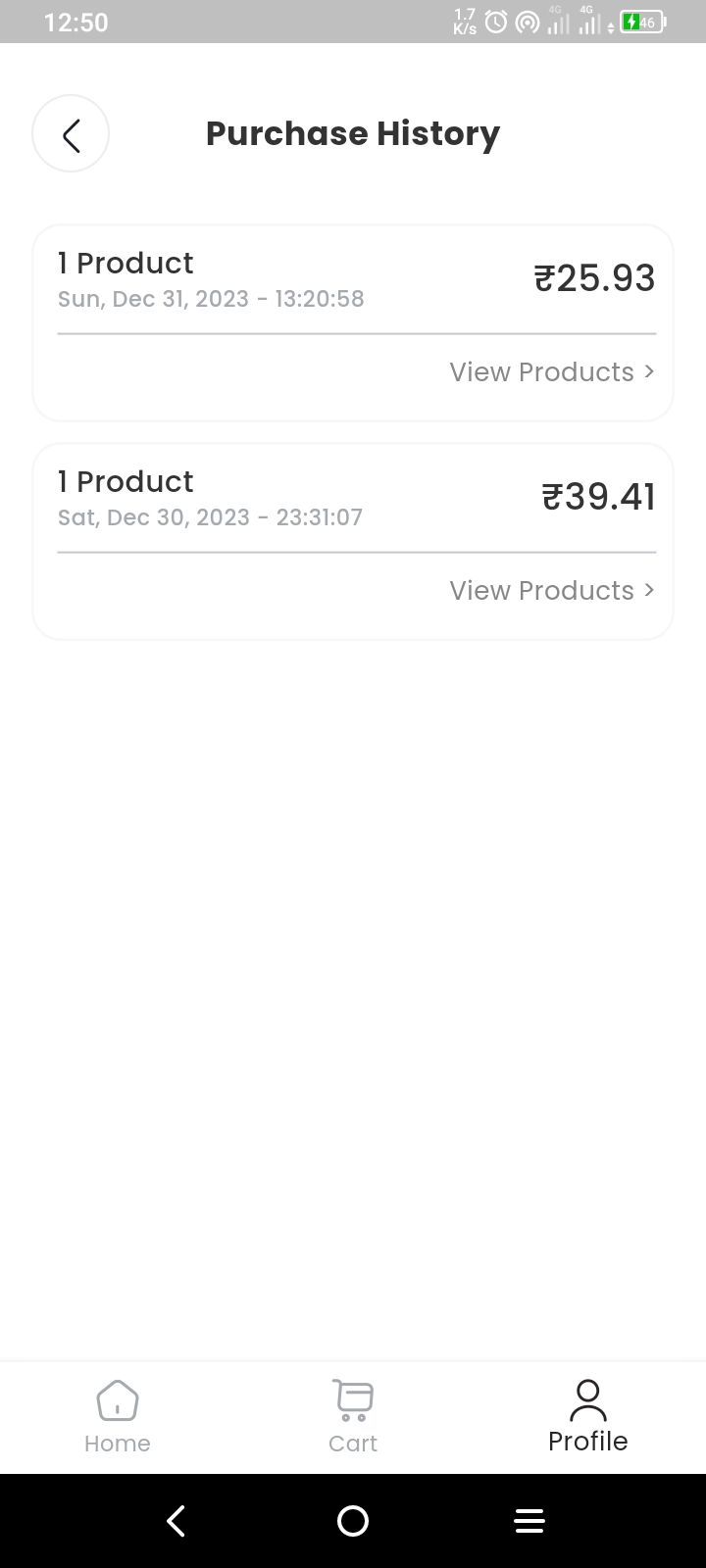
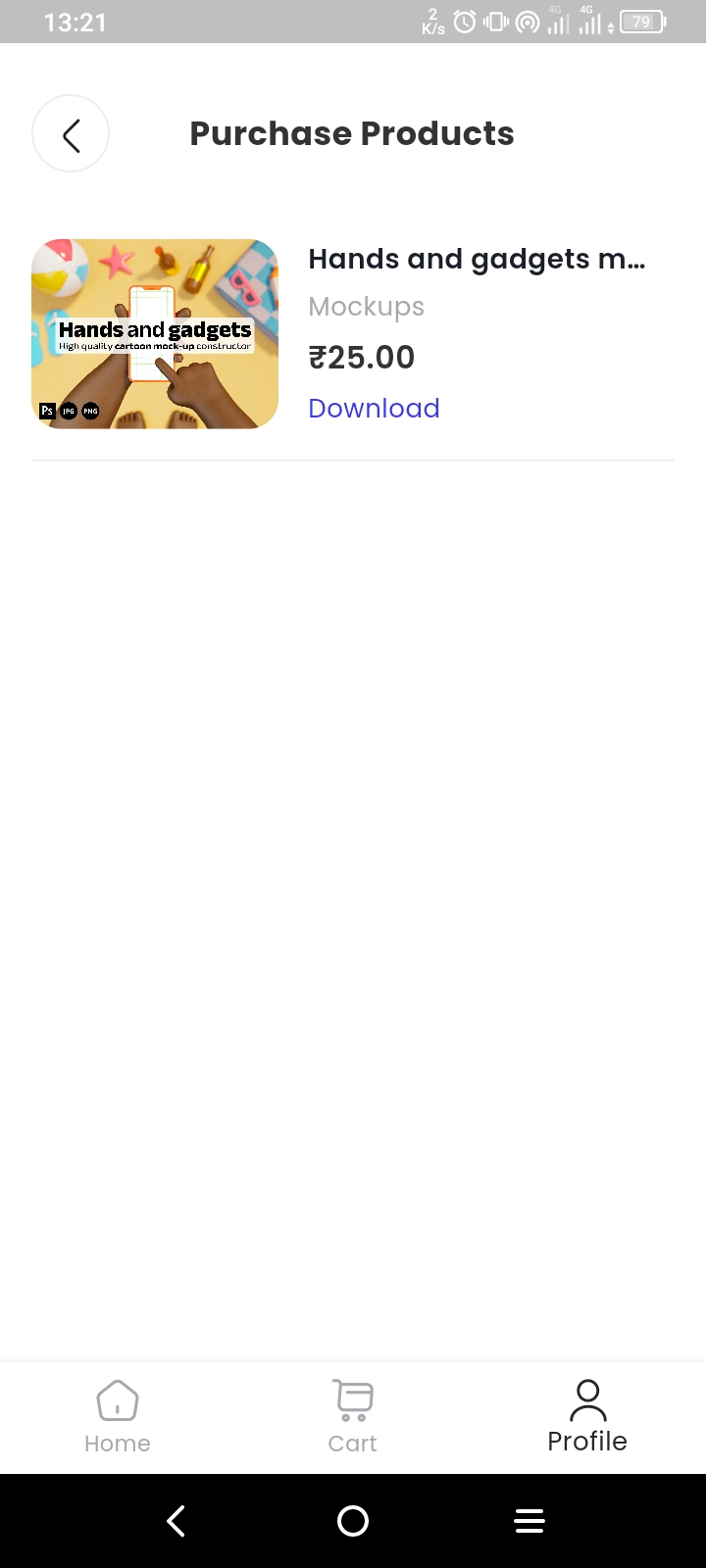
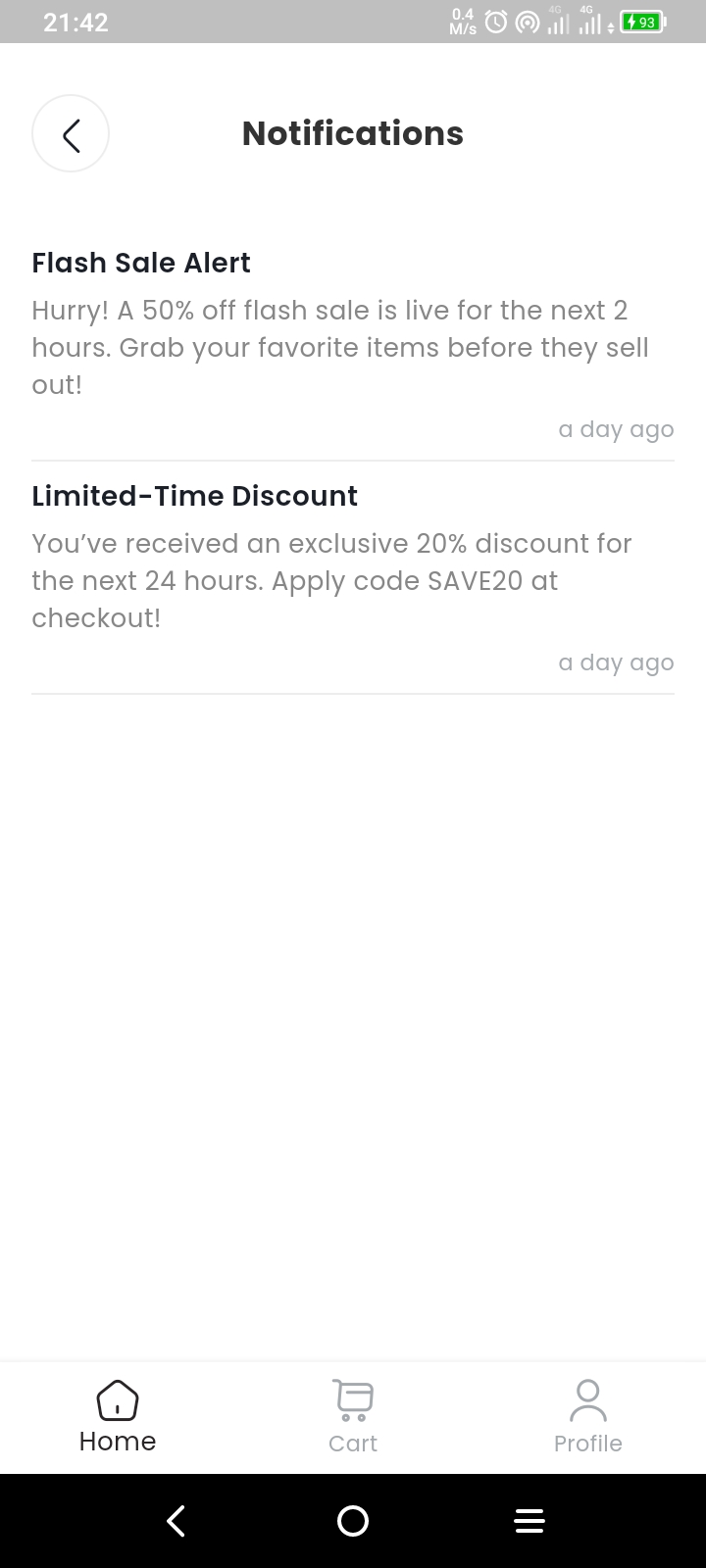
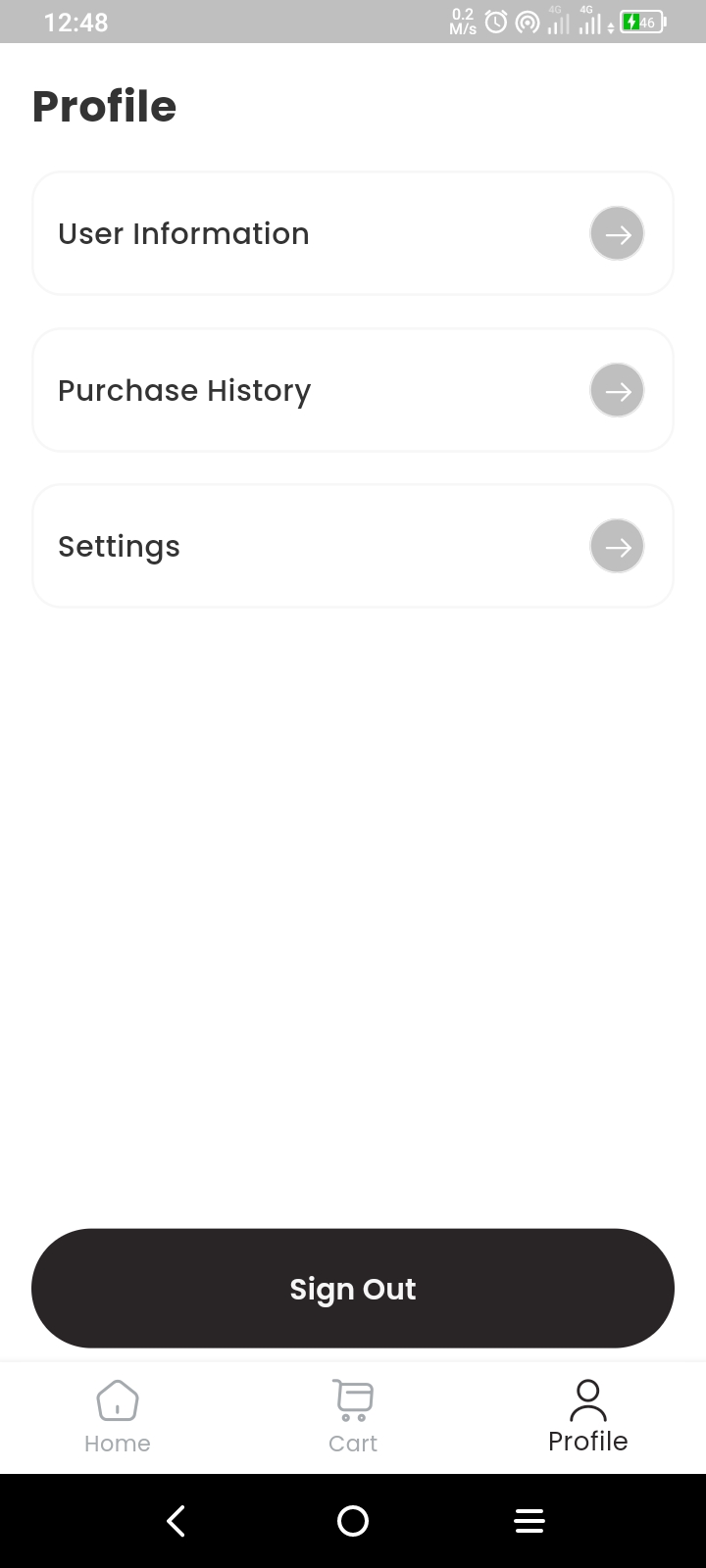
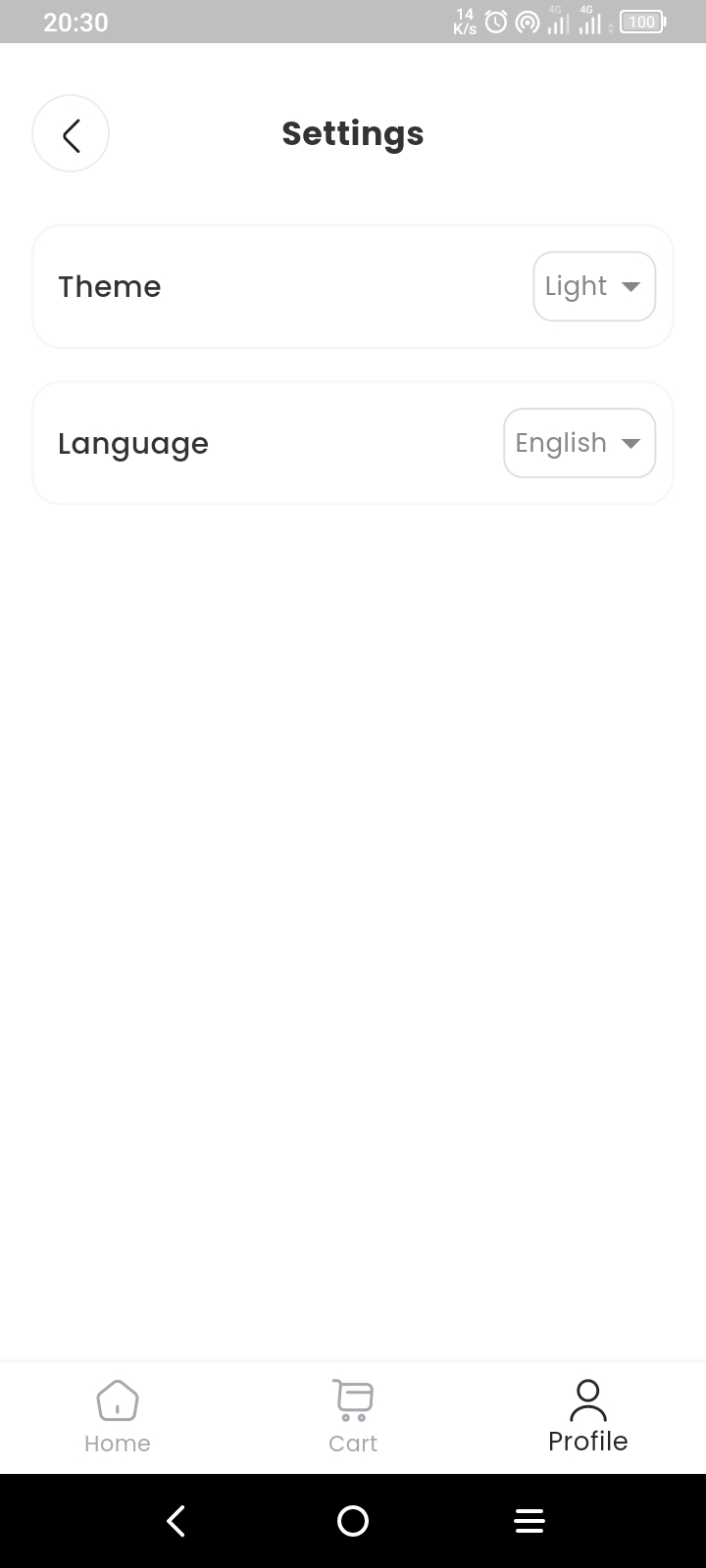
Admin View
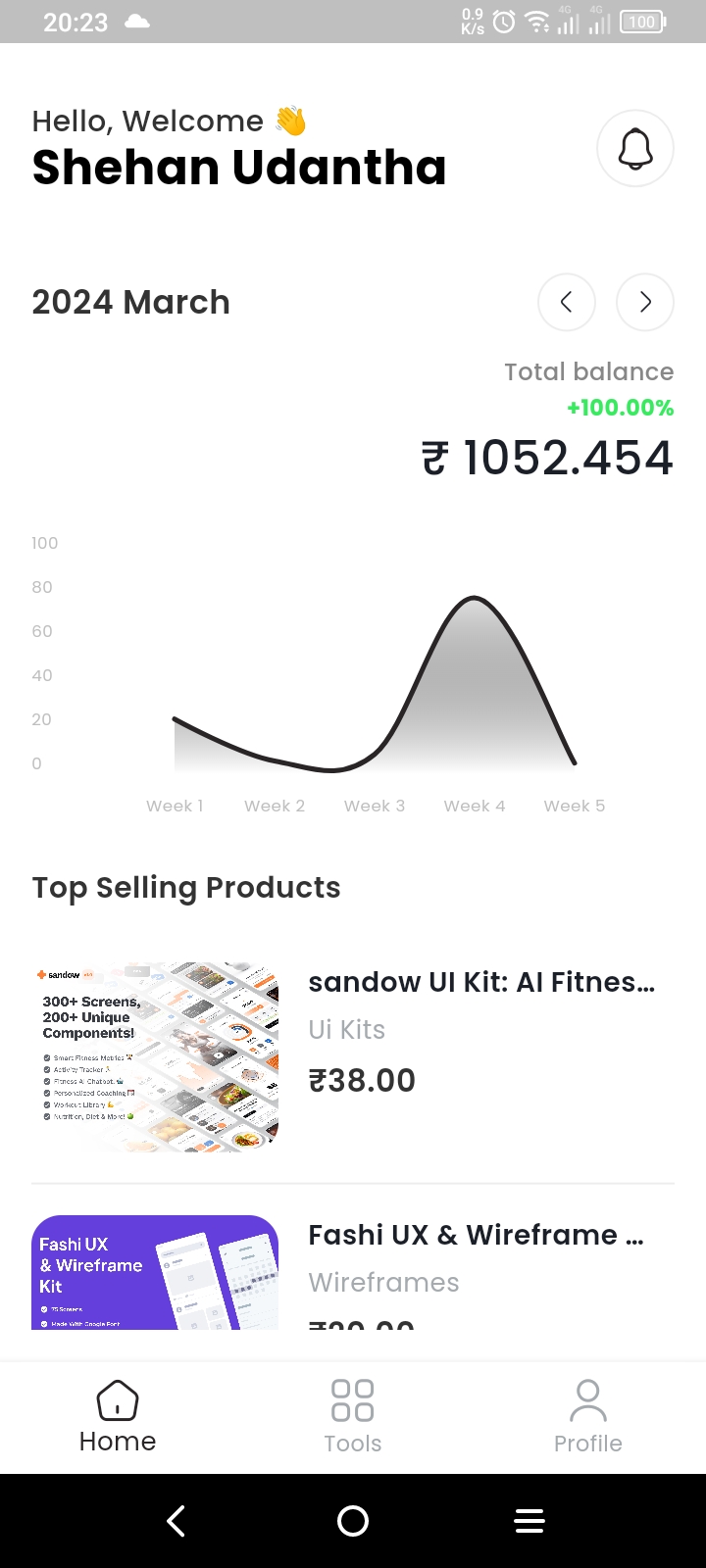
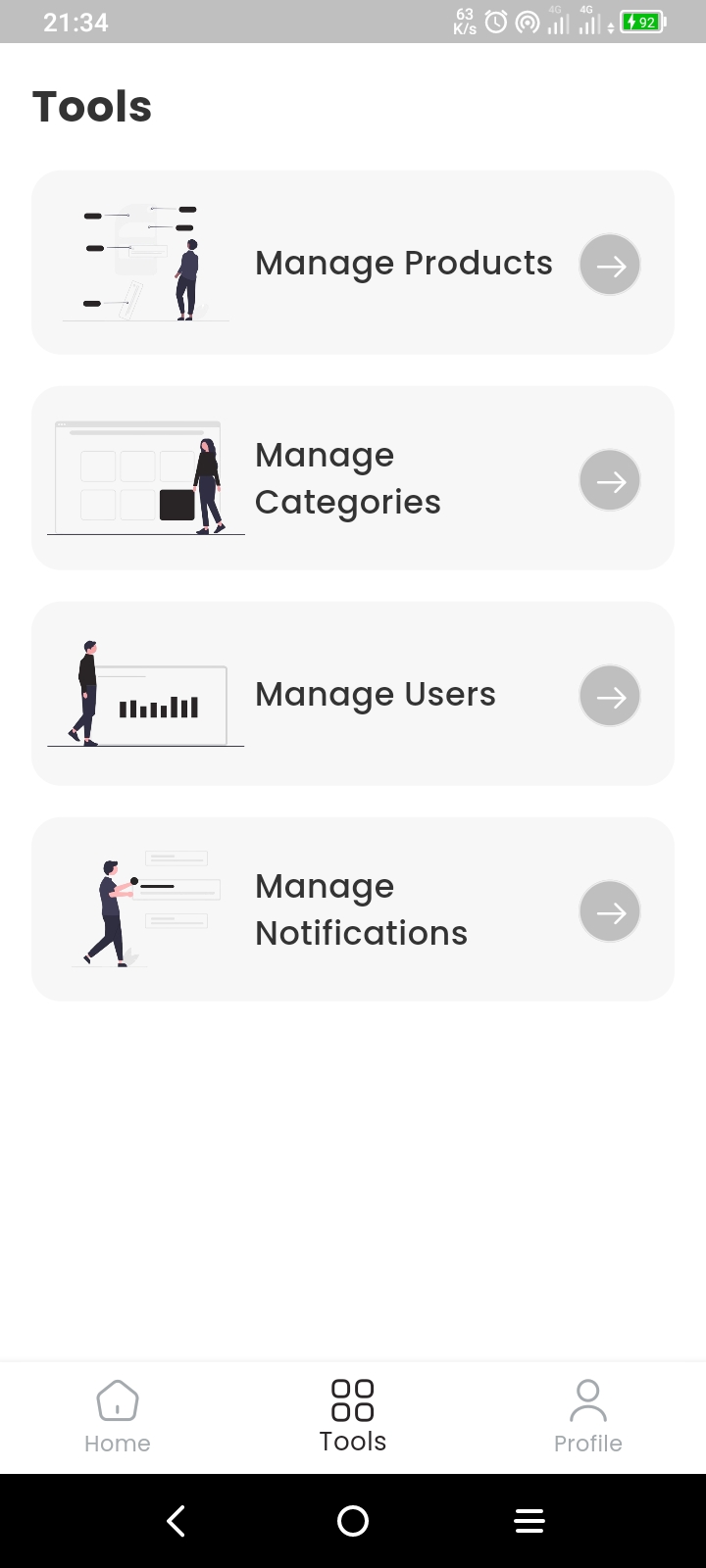
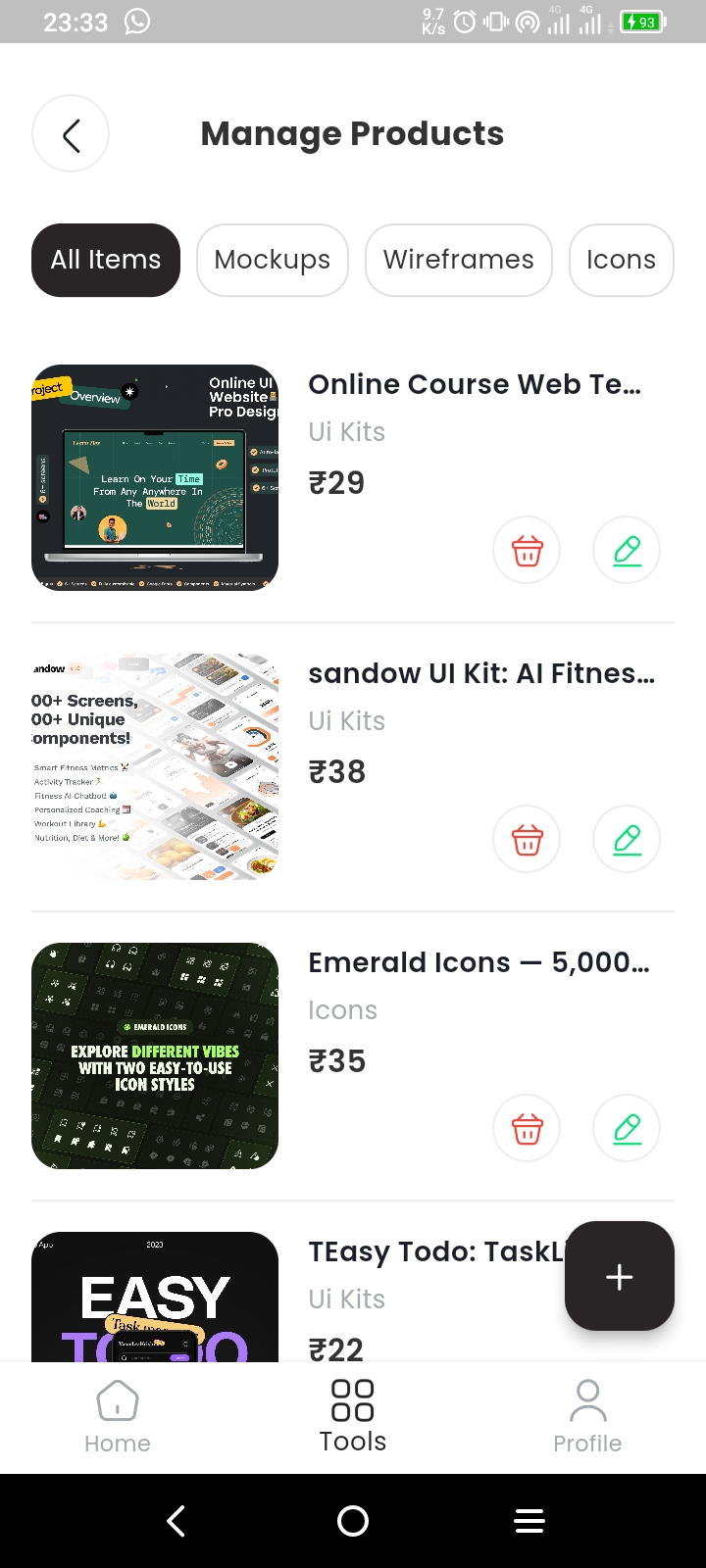
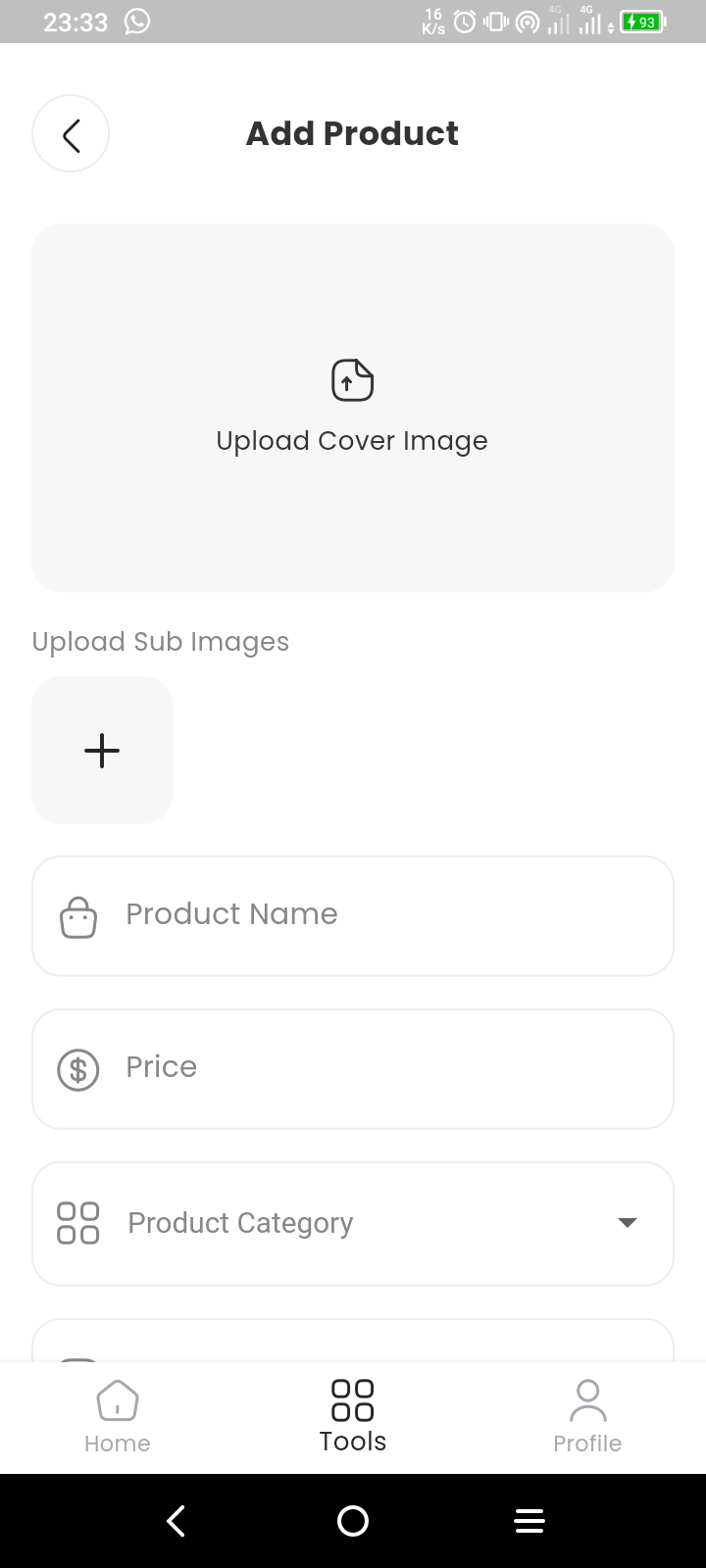
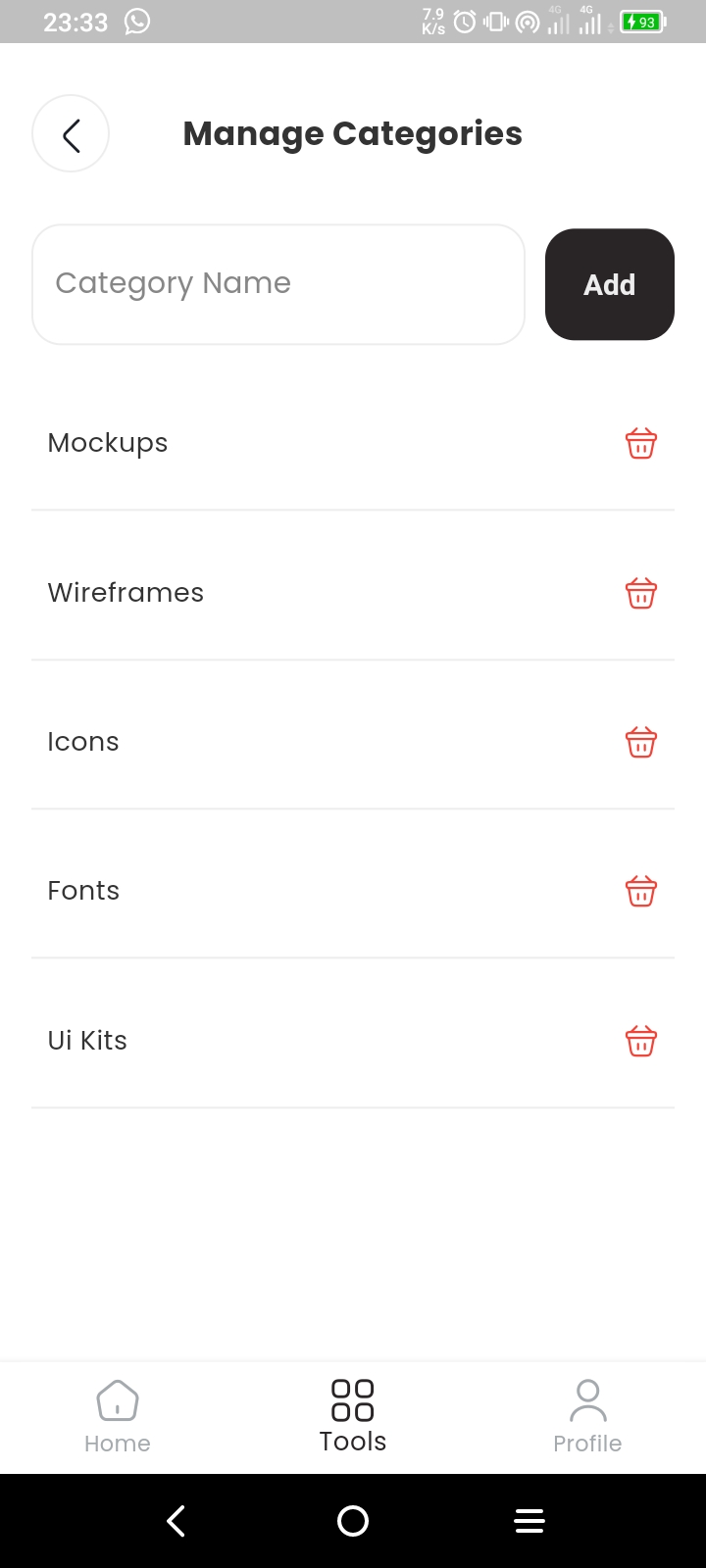
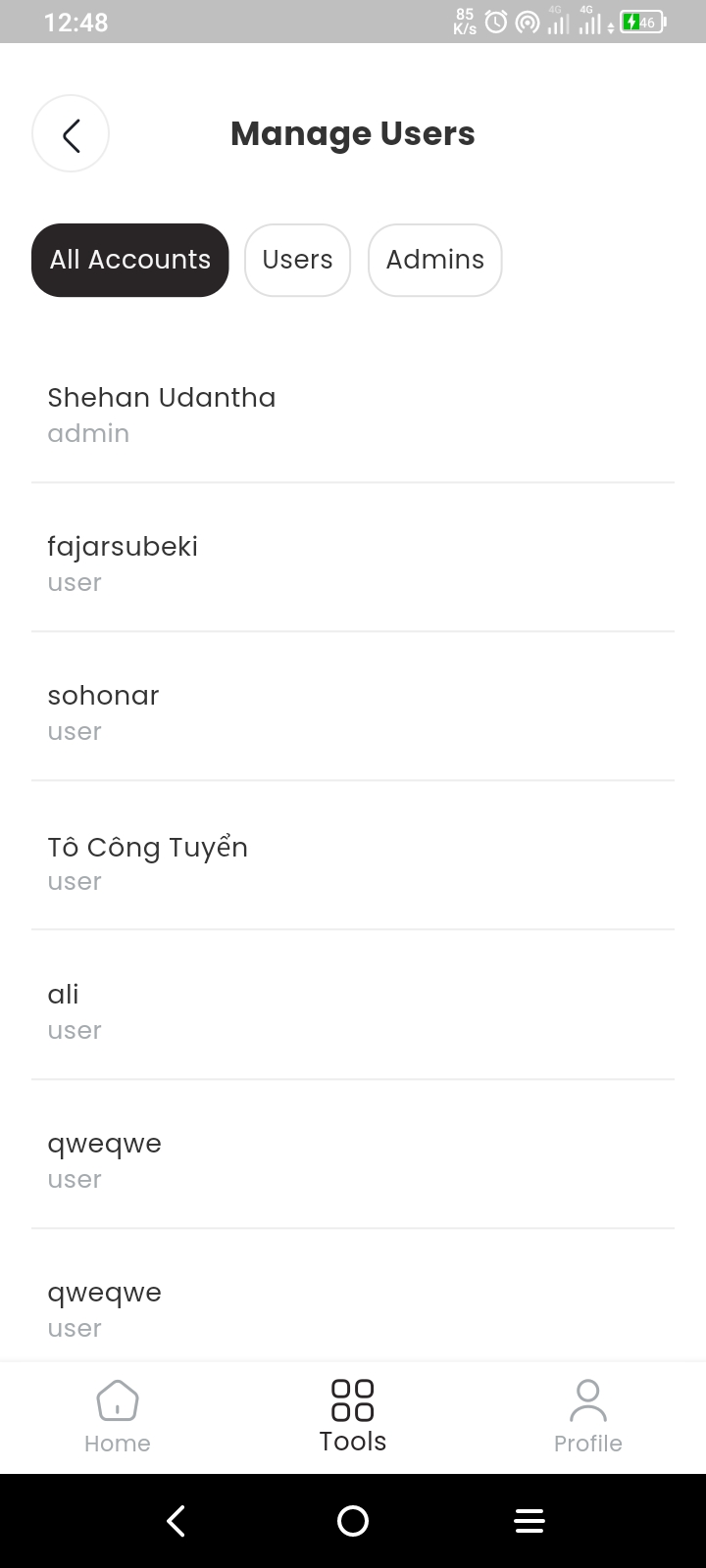
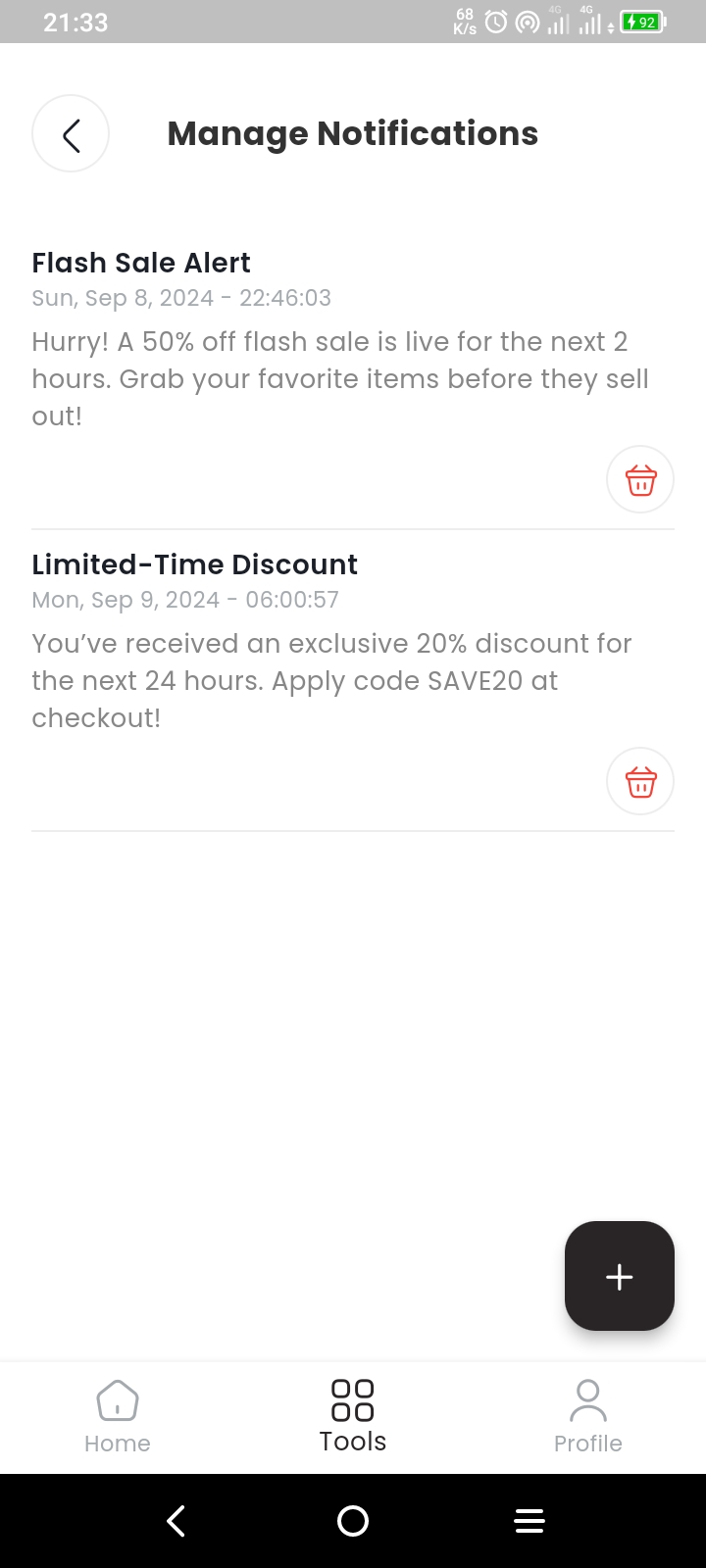
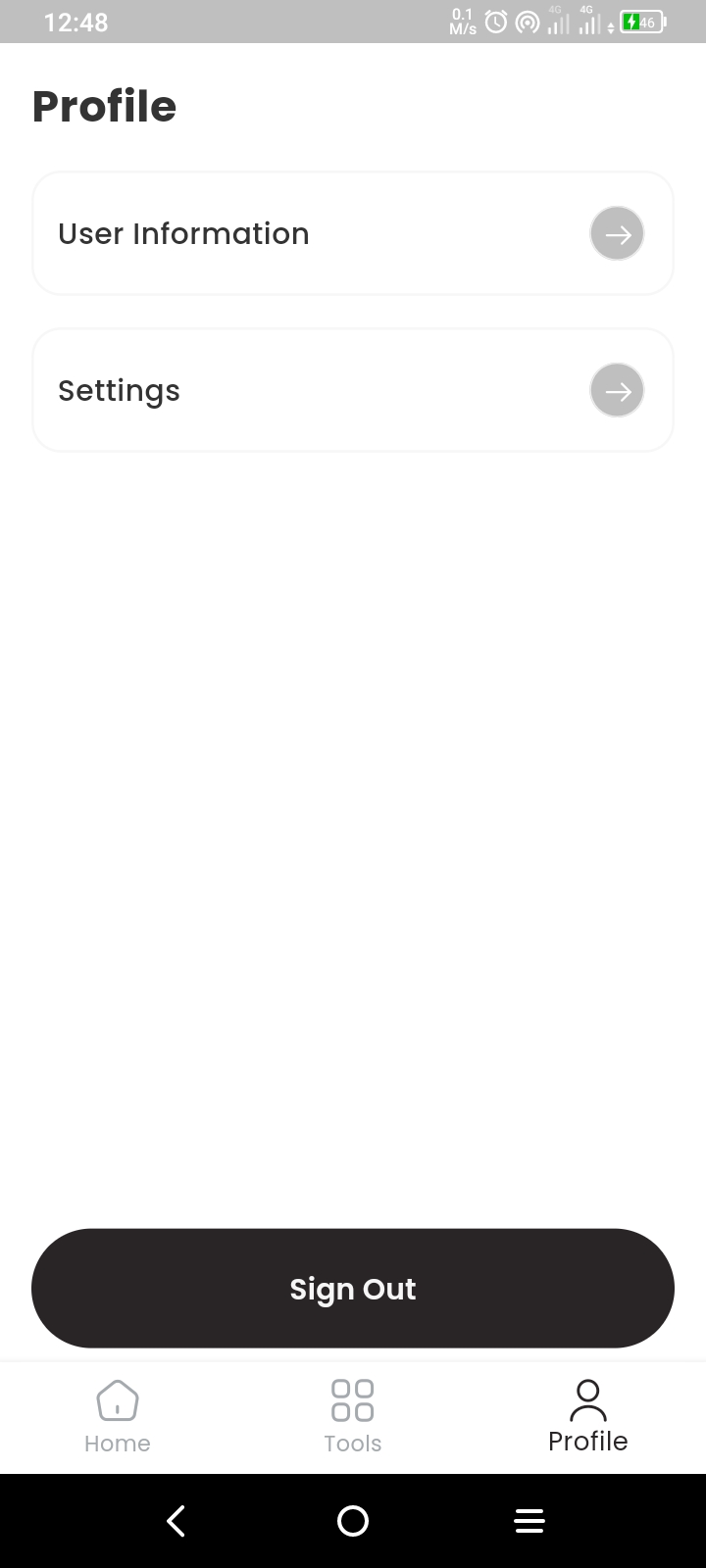
All product images used in this app are for educational purposes only.

Shehan Udantha ↗
Categories
Dependencies used
Dependency list 42 items
- cached_network_image
^3.4.0 - connectivity_plus
^6.0.5 - cupertino_icons
^1.0.8 - dartz
^0.10.1 - equatable
^2.0.5 - file_picker
^8.1.7 - cloud_firestore
^5.4.0 - firebase_auth
^5.2.0 - firebase_core
^3.4.0 - firebase_storage
^12.2.0 - firebase_messaging
^15.1.0 - firebase_crashlytics
^4.1.0 - flutter
{"sdk":"flutter"} - flutter_bloc
^9.0.0 - flutter_stripe
^11.3.0 - get_it
^8.0.3 - go_router
^14.2.7 - http
^1.2.2 - iconsax
^0.0.8 - intl
^0.20.2 - uuid
^4.5.0 - permission_handler
^11.3.1 - like_button
^2.0.5 - flutter_local_notifications
^18.0.1 - googleapis
^13.2.0 - googleapis_auth
^1.6.0 - hive
^2.2.3 - path_provider
^2.1.4 - timeago
^3.7.0 - shared_preferences
^2.3.2 - fl_chart
^1.0.0 - envied
^1.0.0 - flutter_localizations
{"sdk":"flutter"} - flutter_lintsDevelopment
^5.0.0 - mockitoDevelopment
^5.4.4 - build_runnerDevelopment
^2.4.13 - flutter_testDevelopment
{"sdk":"flutter"} - envied_generatorDevelopment
^1.0.1 - bloc_testDevelopment
^10.0.0 - fake_cloud_firestoreDevelopment
^3.1.0 - firebase_storage_mocksDevelopment
^0.7.0 - mock_exceptionsDevelopment
^0.8.2
Rankings
How do I choose a repository?
Start with your use case, compare repository activity, and check the original project before adopting it.
- Search by repository name, owner or description, then narrow the results by topic.
- Compare stars, forks and recent pushes. Stars show community interest, not a guarantee of quality.
- Read the README, license and issues on GitHub before using a project.
Sources and maintenance
“A repository is the most basic element of GitHub.”
GitHub Docs — About repositories ↗