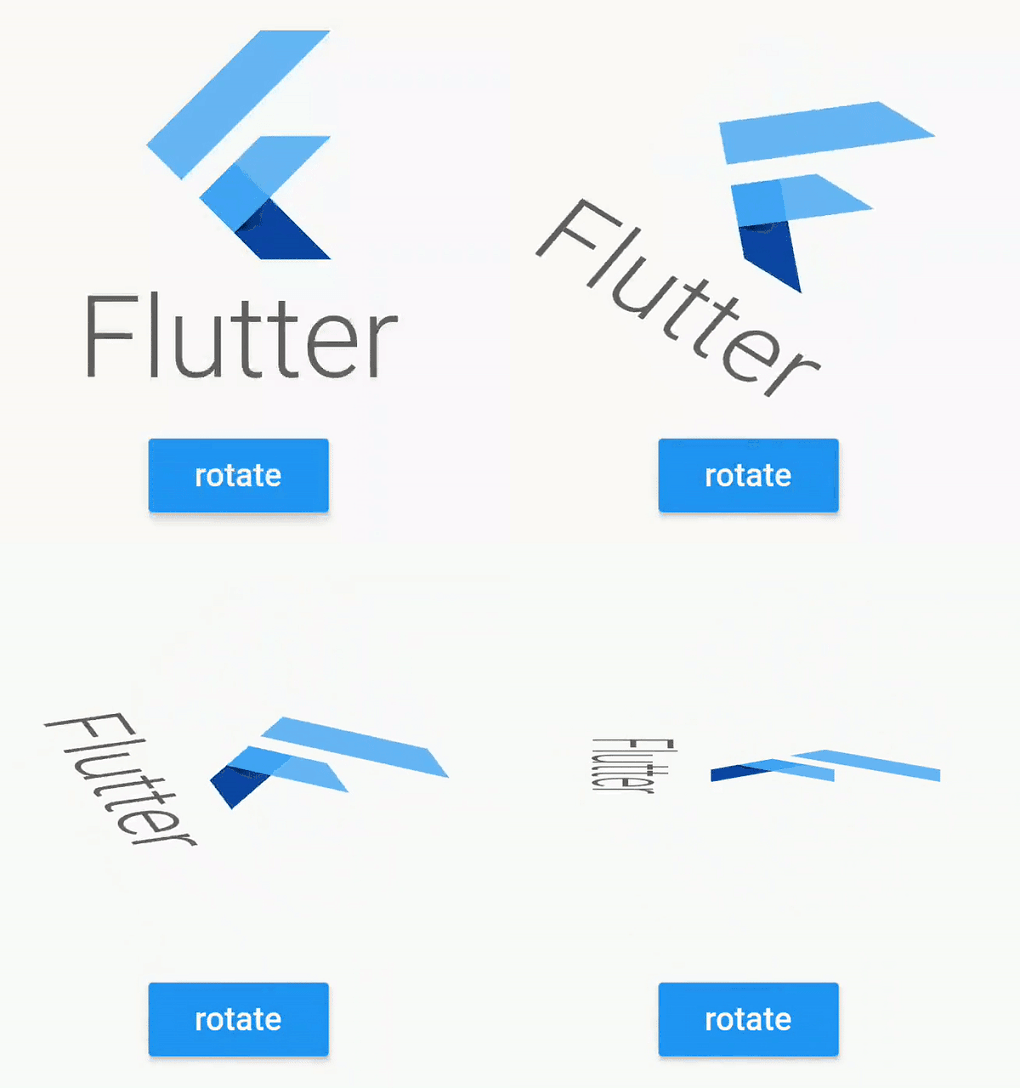
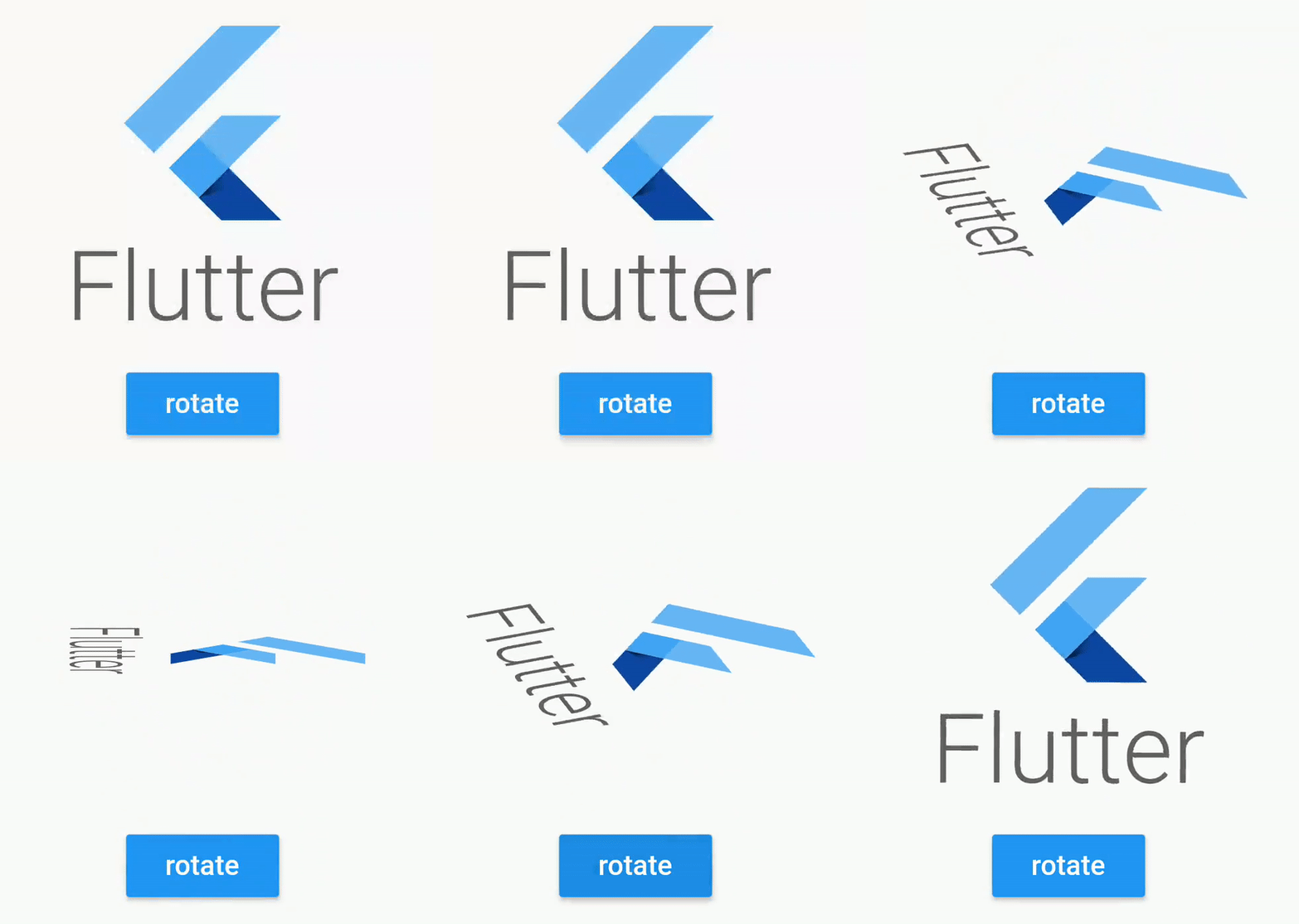
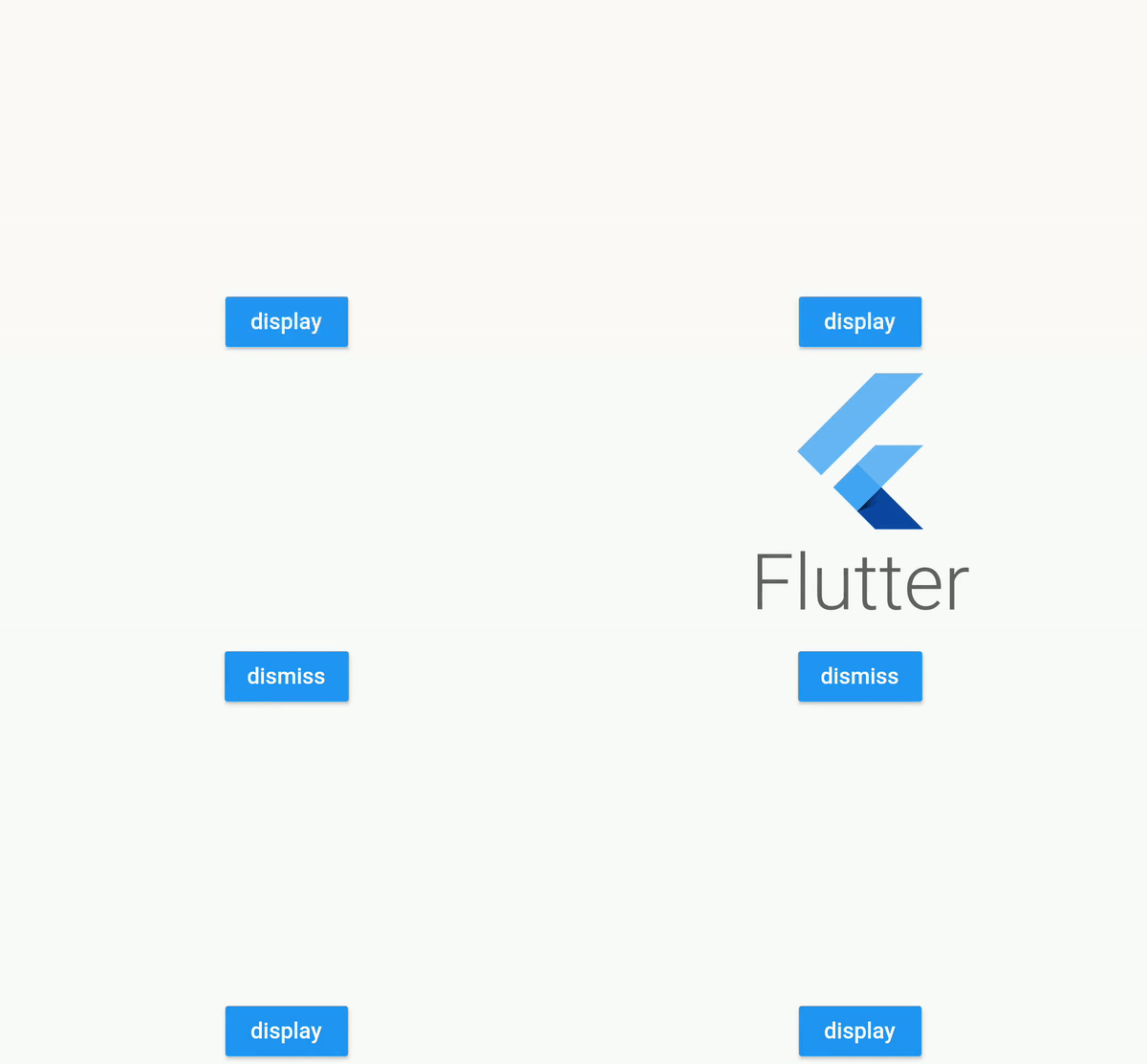
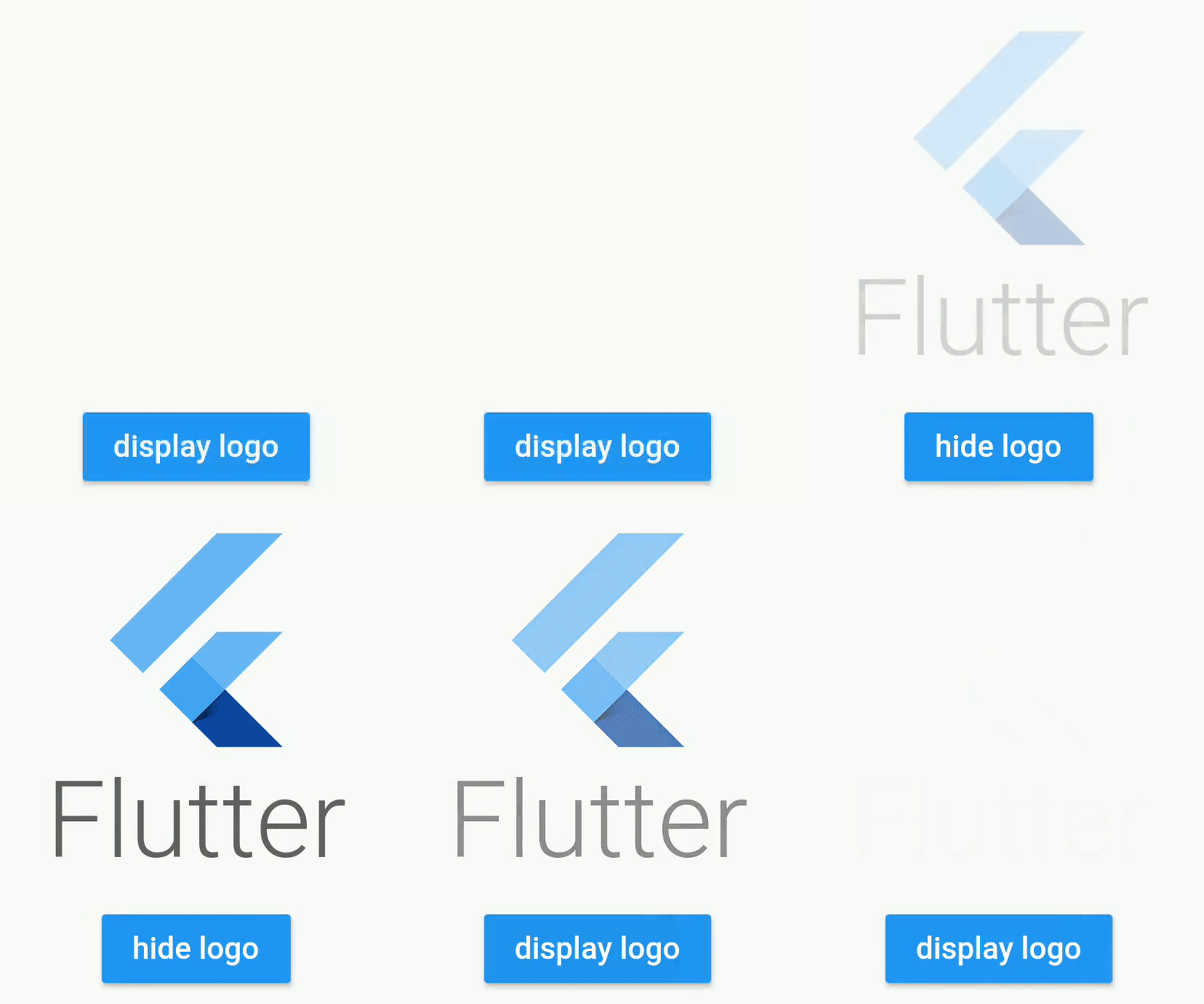
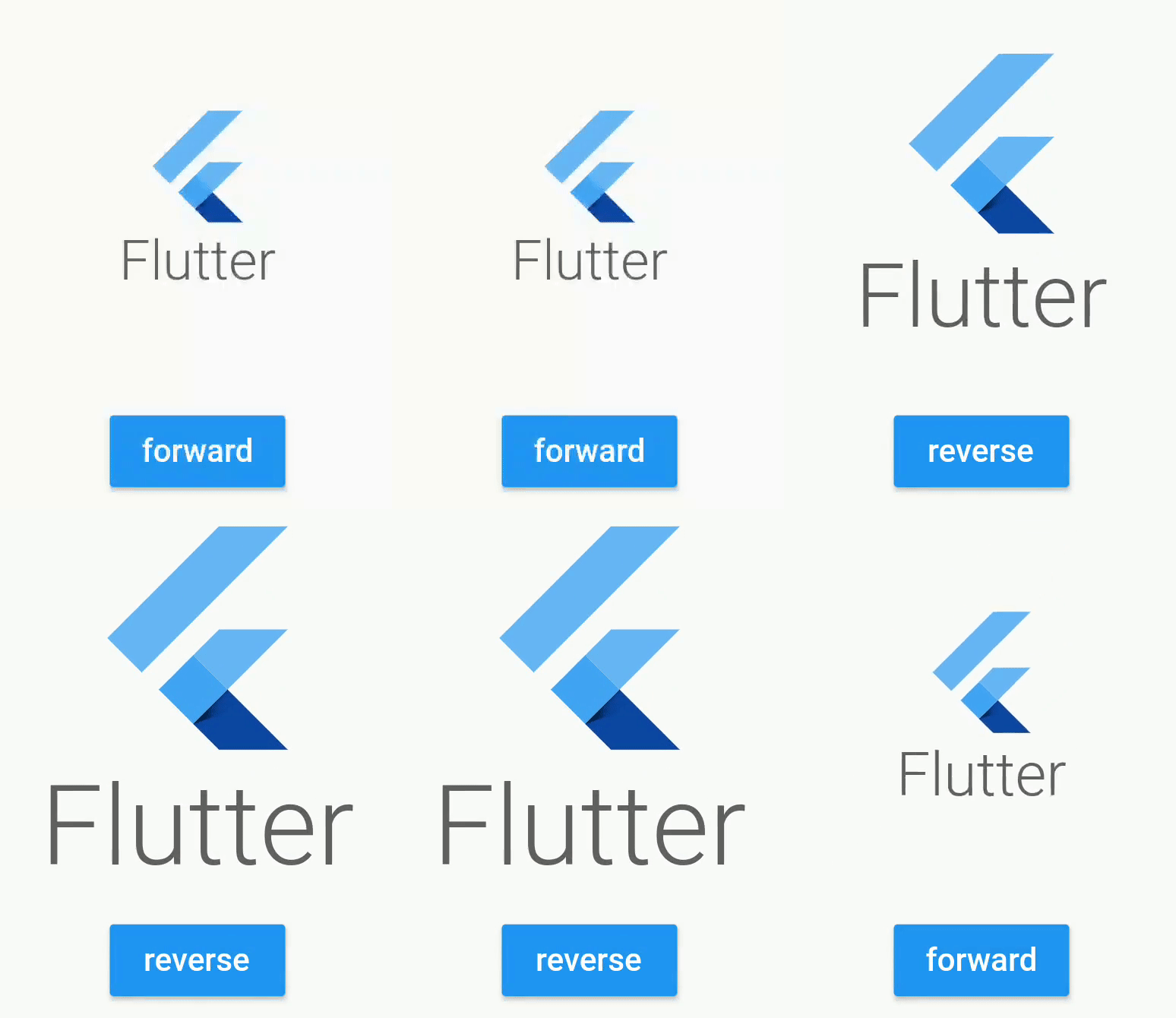
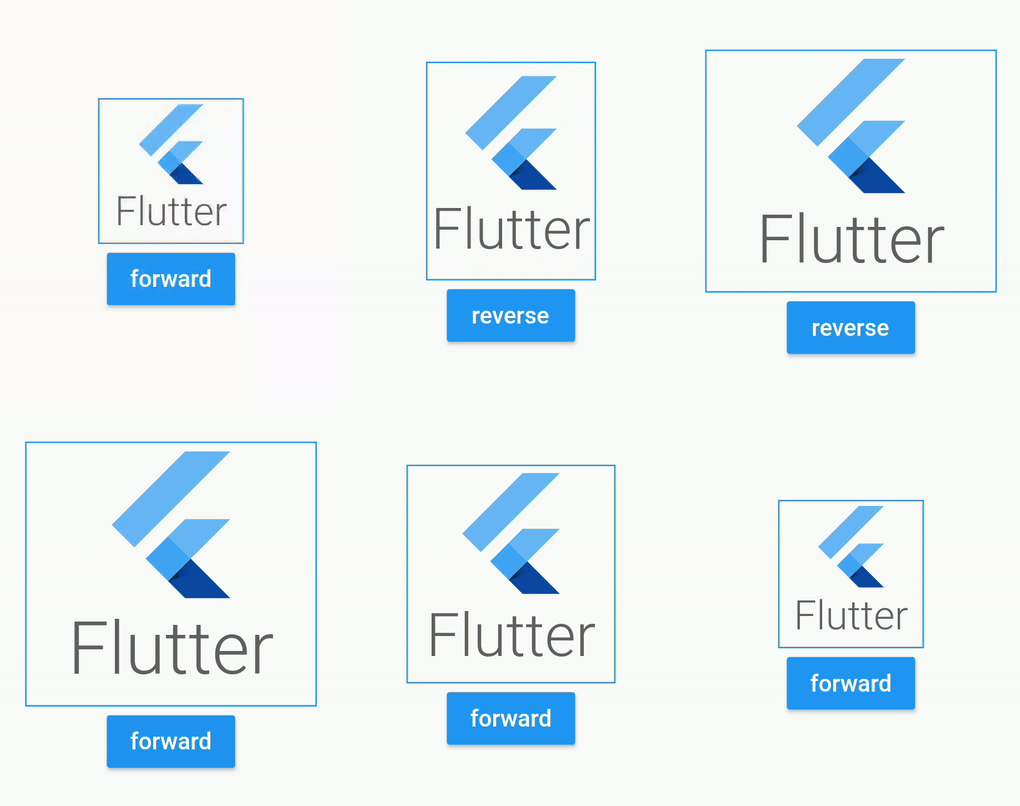
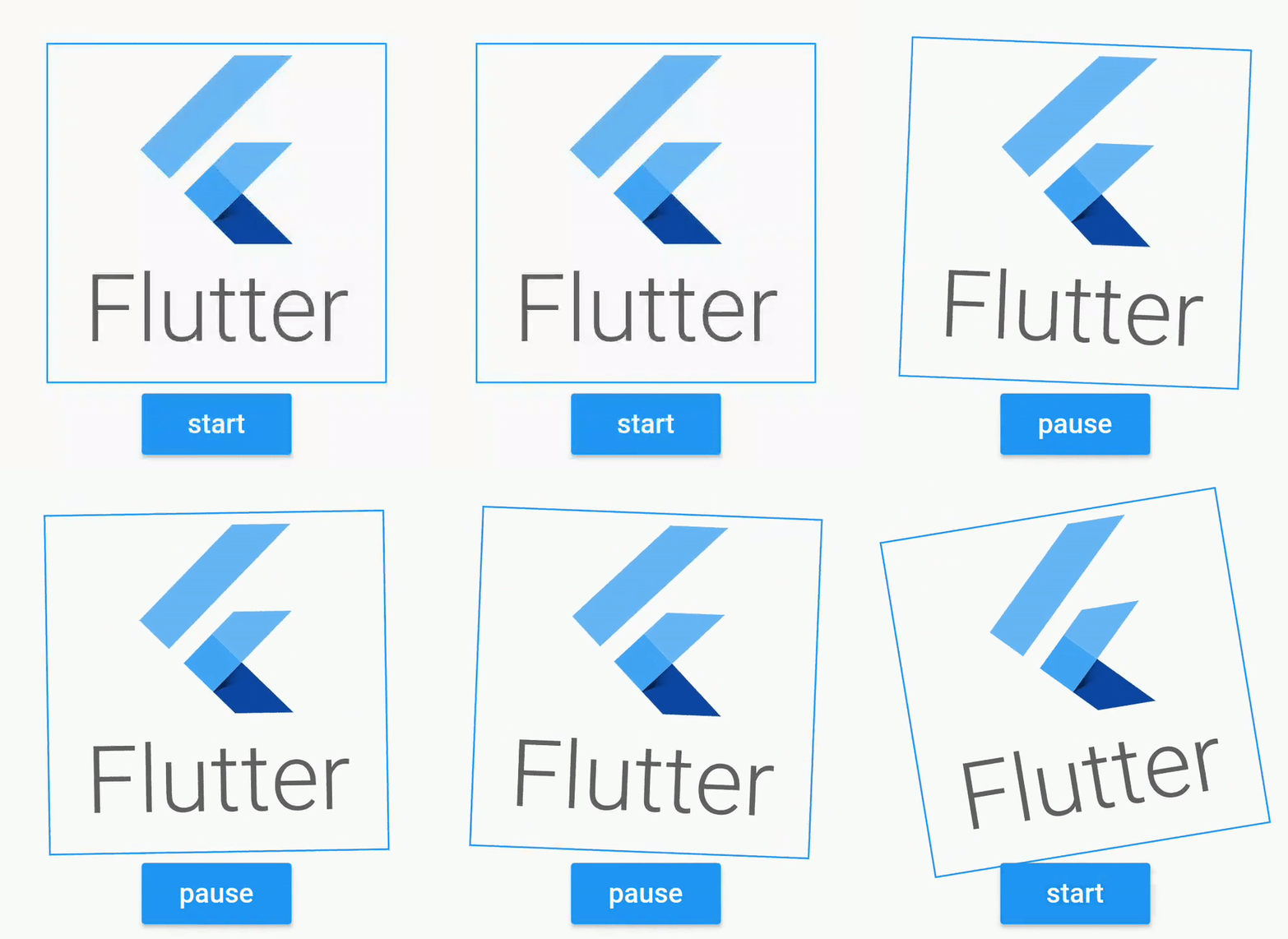
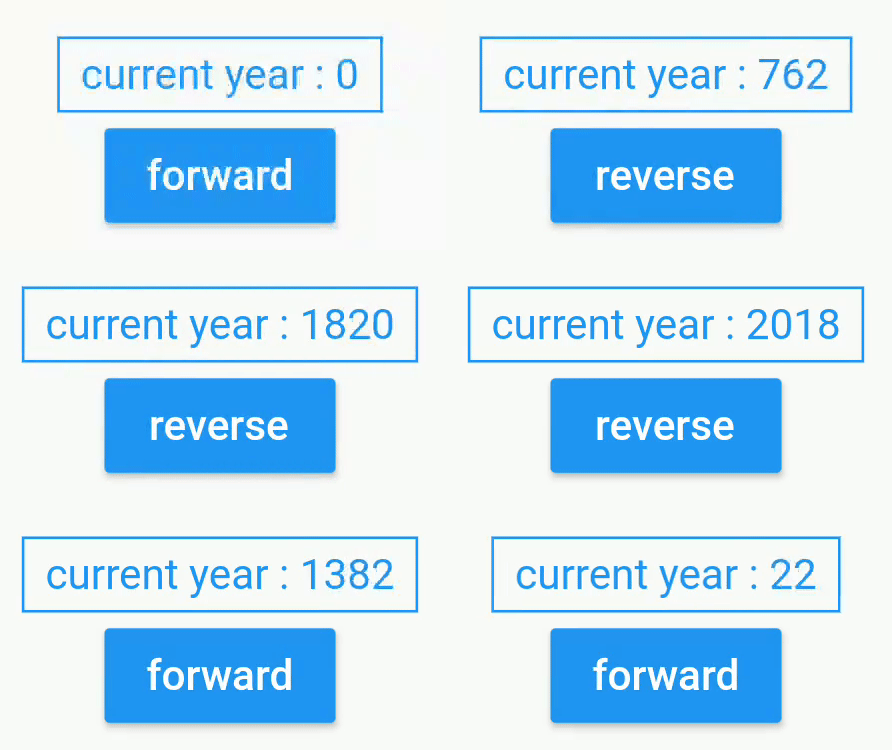
Easily add animations on your screen with AnimatedWidgets. Add always your animated widgets in your component's tree, then activate them when you want to activate the animations.
Package selection guidance compiled from public package information, community data, and project usage.
AnimatedWidgets is a Flutter package that simplifies the addition of animations to UI components. It allows developers to embed animated widgets directly into the widget tree and trigger animations on demand. With minimal setup, it enhances user interfaces by enabling smooth transitions and dynamic effects without complex code. Ideal for creating engaging, interactive experiences in apps requiring visual feedback or motion. The package is lightweight and integrates seamlessly with existing Flutter projects.
Use cases
Adding subtle entrance animations to UI elements
Creating interactive button feedback
Animating lists or cards during scroll
Enhancing splash screens with dynamic effects
Building responsive form inputs with visual cues
Key features
Simple integration into widget trees
On-demand animation triggering
Lightweight and performant
Supports common animation patterns
Easy customization of timing and behavior
Suitable for
Beginner to intermediate Flutter developers
Apps needing visual polish
Interactive UI components
Prototyping rapid animations
Projects focused on user engagement
Considerations
Limited to basic animation types
No built-in support for complex choreography
Requires manual management of animation states
Not optimized for high-frequency updates
Depends on Flutter's animation engine performance
Original README
Original README snapshot from the linked source repository. Visit the repository for the latest content.
animated_widgets
Easily add animations on your screen with AnimatedWidgets.
Optimized for MVVM using Bloc, updating the enabled value of the widget will forward or reverse the animation.
Available widgets : TranslationAnimatedWidget, OpacityAnimatedWidget, RotationAnimatedWidget, ScaleAnimatedWidget, SizeAnimatedWidget
For example : add a TranslationAnimatedWidget on a button, then activate it to display it !
TranslationAnimatedWidget(
enabled: this.displayMyWidget, //update this boolean to forward/reverse the animation
values: [
Offset(0, 200), // disabled value valueOffset(0, 250), //intermediate valueOffset(0, 0) //enabled value
],
child: /* your widget */
),
or using a tween constructor
RotationAnimatedWidget.tween(
    enabled: this.displayMyWidget, //update this boolean to forward/reverse the animation
    rotationDisabled: Rotation.degrees(z: 0),
    rotationEnabled: Rotation.degrees(z: 90),
    child: /* your widget */
),
Animated widget is available at
https://pub.dev/packages/animated_widgets
dependencies:animated_widgets:
Getting Started with Flutter
For help getting started with Flutter, view our
online documentation, which offers tutorials,
samples, guidance on mobile development, and a full API reference.
License
Copyright 2019 florent37, Inc.

Licensed under the Apache License, Version 2.0 (the "License");
you may not use this file except in compliance with the License.
You may obtain a copy of the License at

   http://www.apache.org/licenses/LICENSE-2.0

Unless required by applicable law or agreed to in writing, software
distributed under the License is distributed on an "AS IS" BASIS,
WITHOUT WARRANTIES OR CONDITIONS OF ANY KIND, either express or implied.
See the License for the specific language governing permissions and
limitations under the License.