Search packages, repositories and app categories

GitHub repositorymateusz-bak/openreads

Openreads

A mobile books tracker written in Flutter that respects your privacy.

Openreads project cover
Stars
1.7K
Forks
127
Last push (UTC)
Sep 14, 2026
Project status
Active

Original README

English project snapshot. Visit GitHub for the latest content.

Openreads

GitHub tag (latest by date) GitHub Workflow Status (with event) Weblate project translated Join the community Mastodon Follow

Get it on Github Get it on F-Droid Get it on Google Play Download on App Store

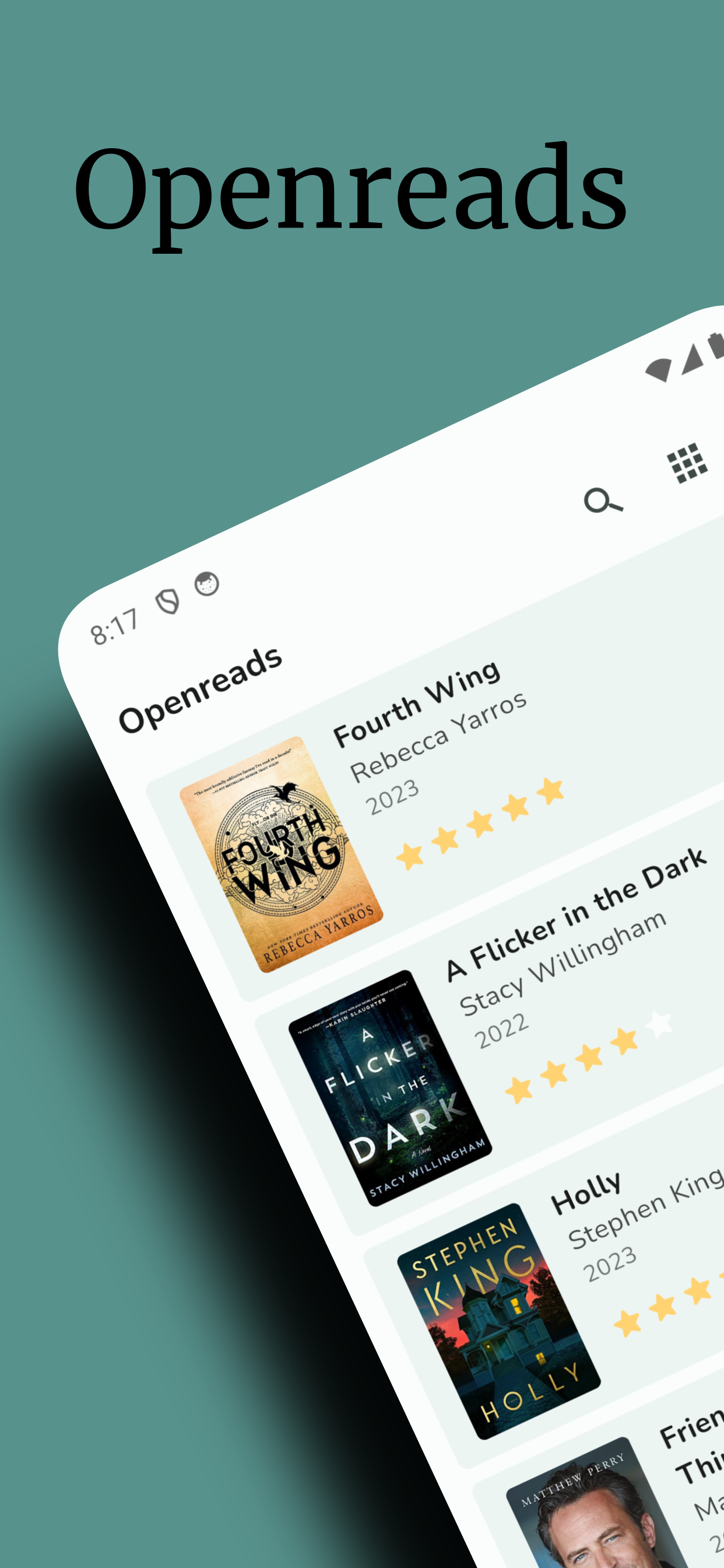
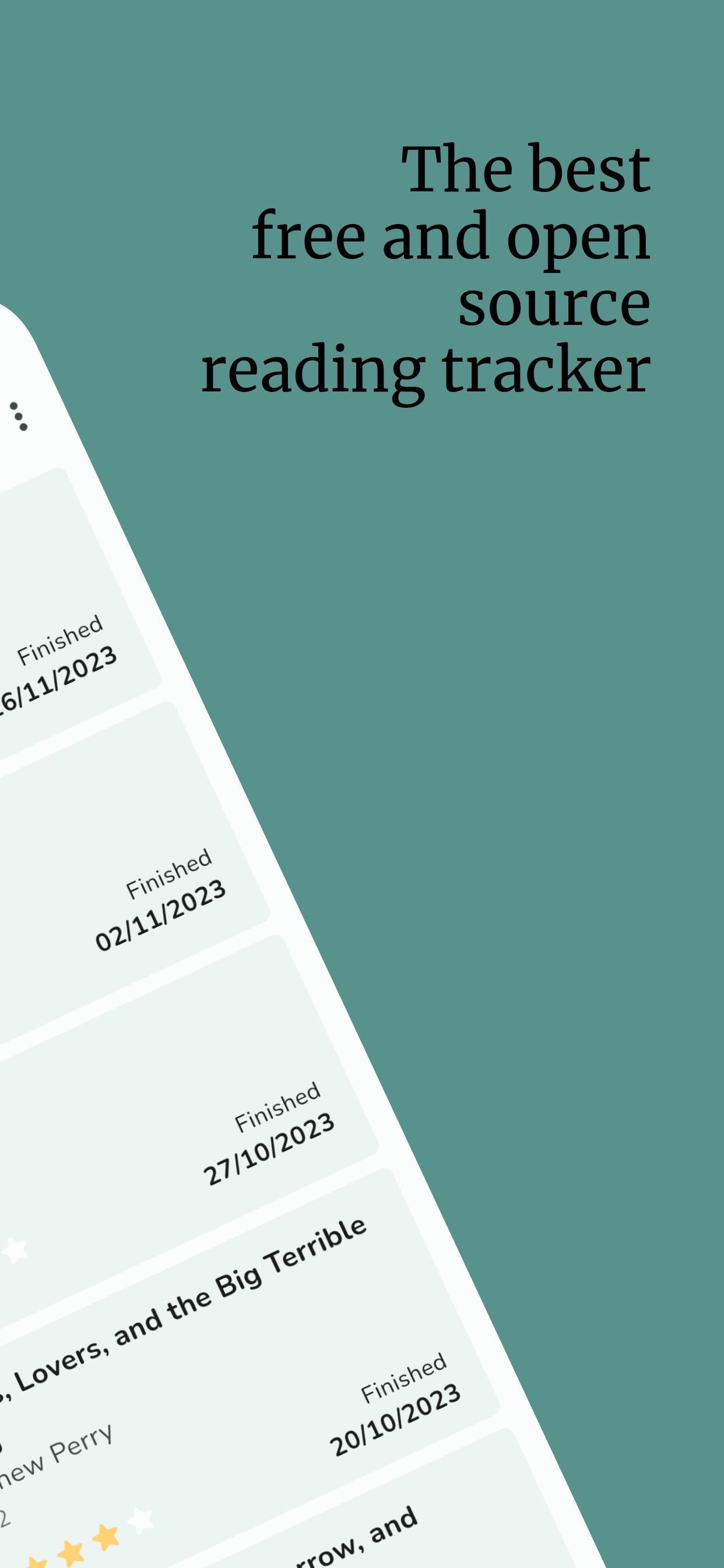
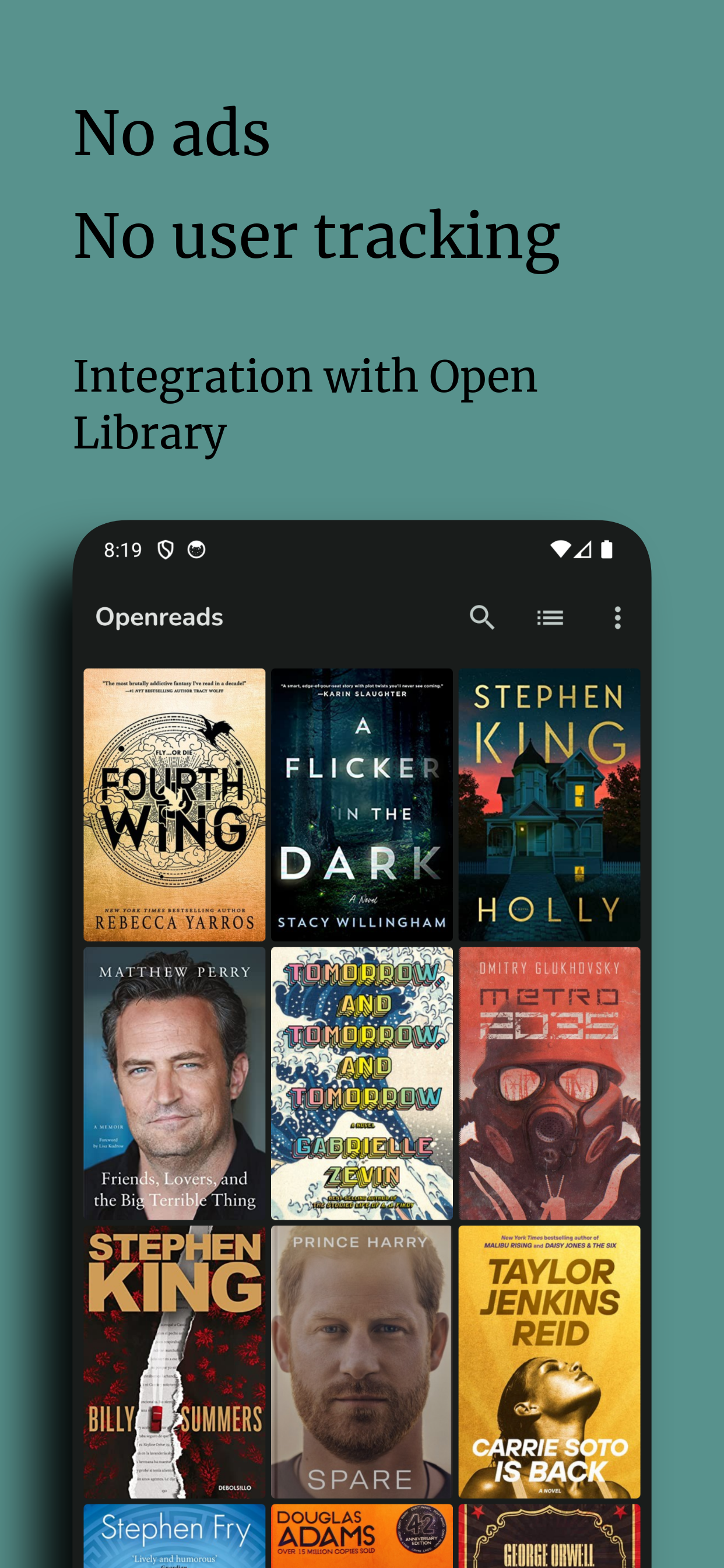
Openreads is a privacy oriented and open source cross-platform app written in Flutter available for Android and iOS for keeping track of your books.
There are four lists provided so you won't get confused:
  • books you finished,
  • books you are currently reading,
  • books you want to read later,
  • books you didn't finish.

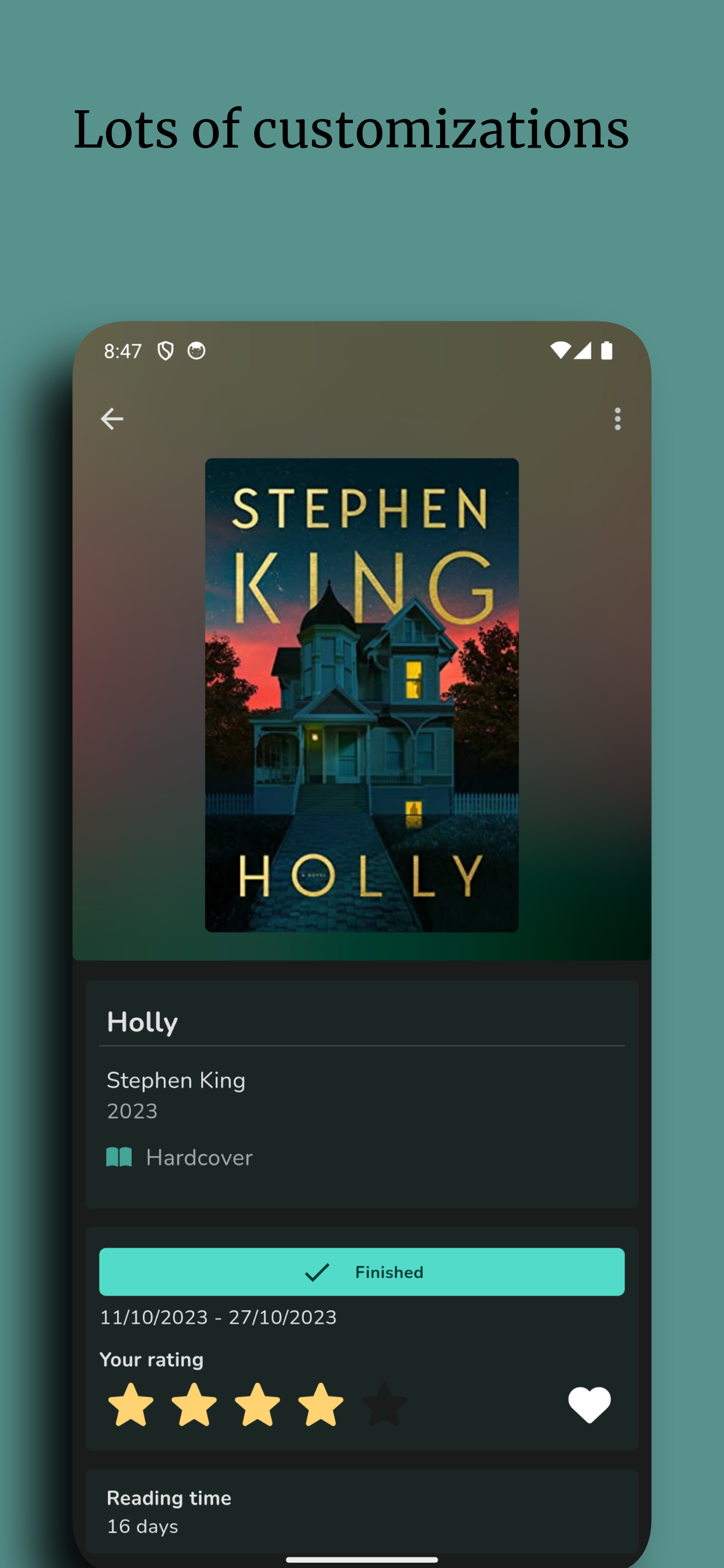
You can use custom tags and filter through them.

A book can be added by:
  • looking it up in the Open Library database,
  • scanning its barcode,
  • adding its details manually.
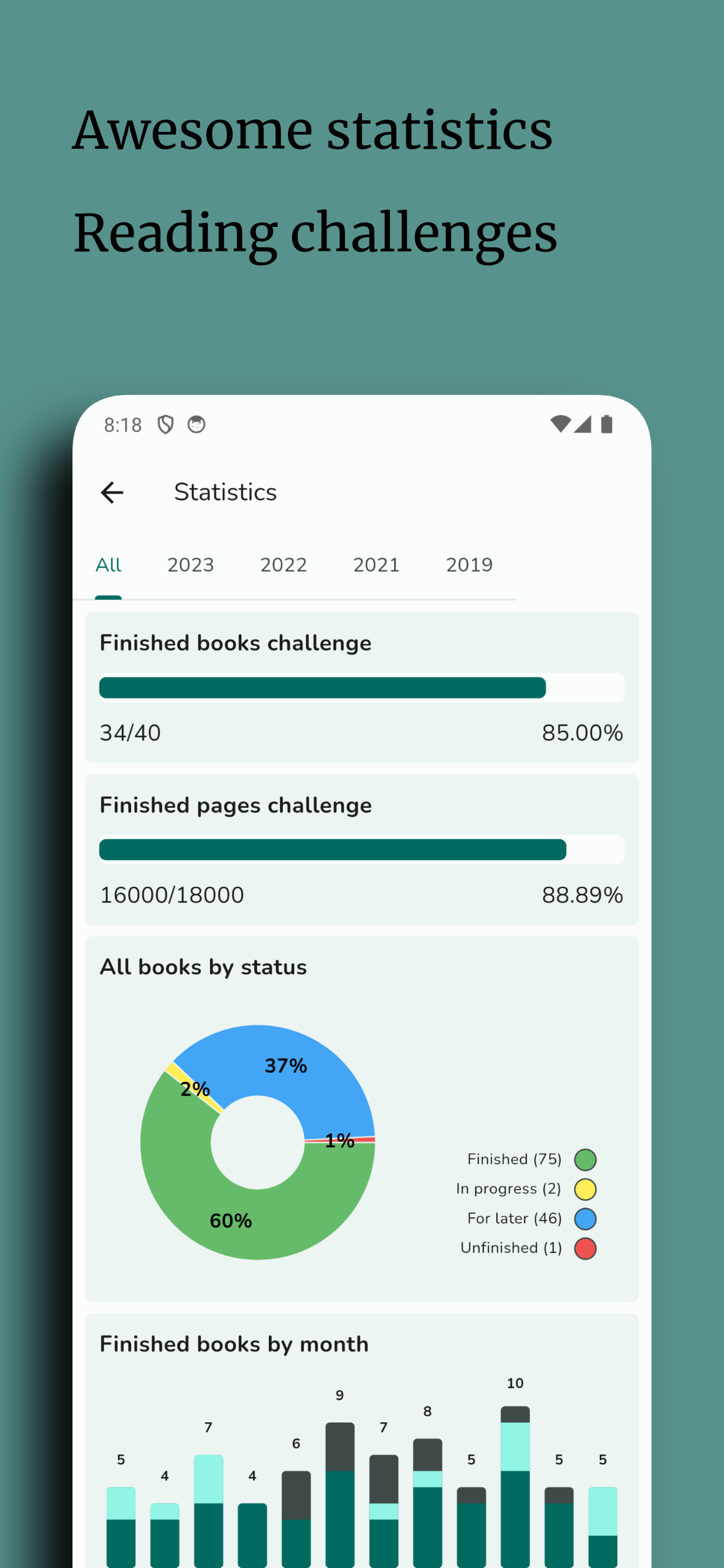
You can also view some cool statistics!


🤝 Contributing

Do you want to support Openreads development? You are welcome to take below actions:

🪙 Become a Sponsor

Fund the project, or simply say thank you.

Become a GitHub Sponsor

📣 Spread the word about Openreads
👍 Vote on Alternativeto.net

Alternativeto.net link

🌟 Give a star to the project

Github.com link

📖 Translate Openreads

Go to Weblate and help with the translations.

Translation status
🐞 Report bugs or new ideas

Submit an issue here: Openreads issues.

📝 Contributors guide

Take a look at our CONTRIBUTING.md file.

📄 Attributions

👁️‍🗨️ Icons

Font Awesome

❓ FAQ

  • What platforms is Openreads available for?
    The app is written in the cross-platform framework Flutter. Android and iOS versions are available. Be aware that releasing an app to the App Store requires paid Apple Developer account ($99 per year) so please consider donating.
  • Does Openreads support importing/exporting CSV file?
    Yes! See format of the CSV file: Openreads CSV format
  • From which apps can Openreads import CSV files?
    GoodReads, BookWyrm
  • Which data providers does OpenReads use?
    Currently the one and only data source for the app is OpenLibrary, a FOSS crowdsourced library. Other sources (like BookBrainz) are considered for the future. There are no plans to add proprietary sources to the app (see: https://github.com/mateusz-bak/openreads/issues/90#issuecomment-1722339001)
  • Is it possible to upload my book's data to OpenLibrary?
    Not for now; see https://github.com/mateusz-bak/openreads/issues/85

🏗️ Build Process

  1. Clone or download this repository

    git clone https://github.com/mateusz-bak/openreads.git
    cd openreads
    
  2. Download dependencies

    flutter pub get
    
  3. Build and install the app on your device
    ⚠️⚠️⚠️
    WARNING: If you already have the Openreads app installed on your device, this step will uninstall it before installing the debug version. This deletes all app data, to keep your books please make a backup first.
    ⚠️⚠️⚠️

    flutter run
    
Mateusz Bąk GitHub avatar
GitHub author

Mateusz Bąk ↗

Software Developer, Site Reliability Engineer.

LanguagesDartRubySwiftKotlinObjective-C

Categories

Flutter dependencies

Dependencies used

Dependency list 56 items

App categories

Rankings

How do I choose a repository?

Start with your use case, compare repository activity, and check the original project before adopting it.

  1. Search by repository name, owner or description, then narrow the results by topic.
  2. Compare stars, forks and recent pushes. Stars show community interest, not a guarantee of quality.
  3. Read the README, license and issues on GitHub before using a project.

Sources and maintenance

“A repository is the most basic element of GitHub.”

GitHub Docs — About repositories ↗