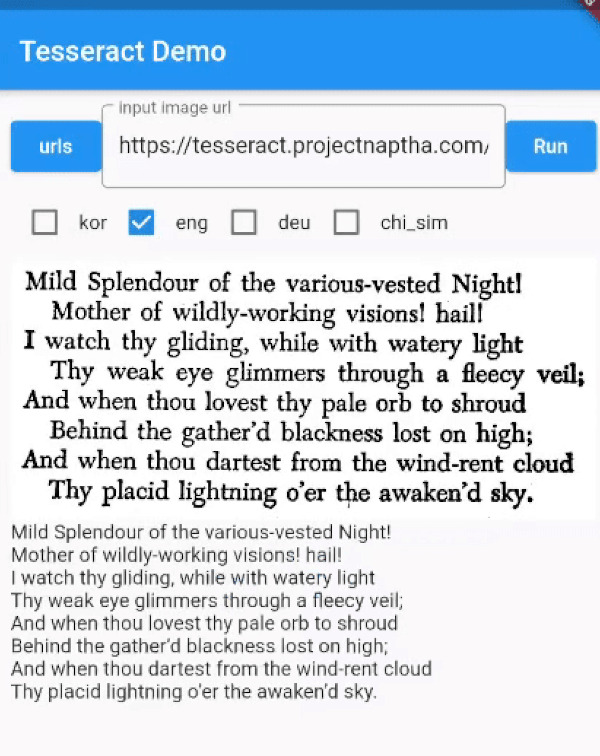
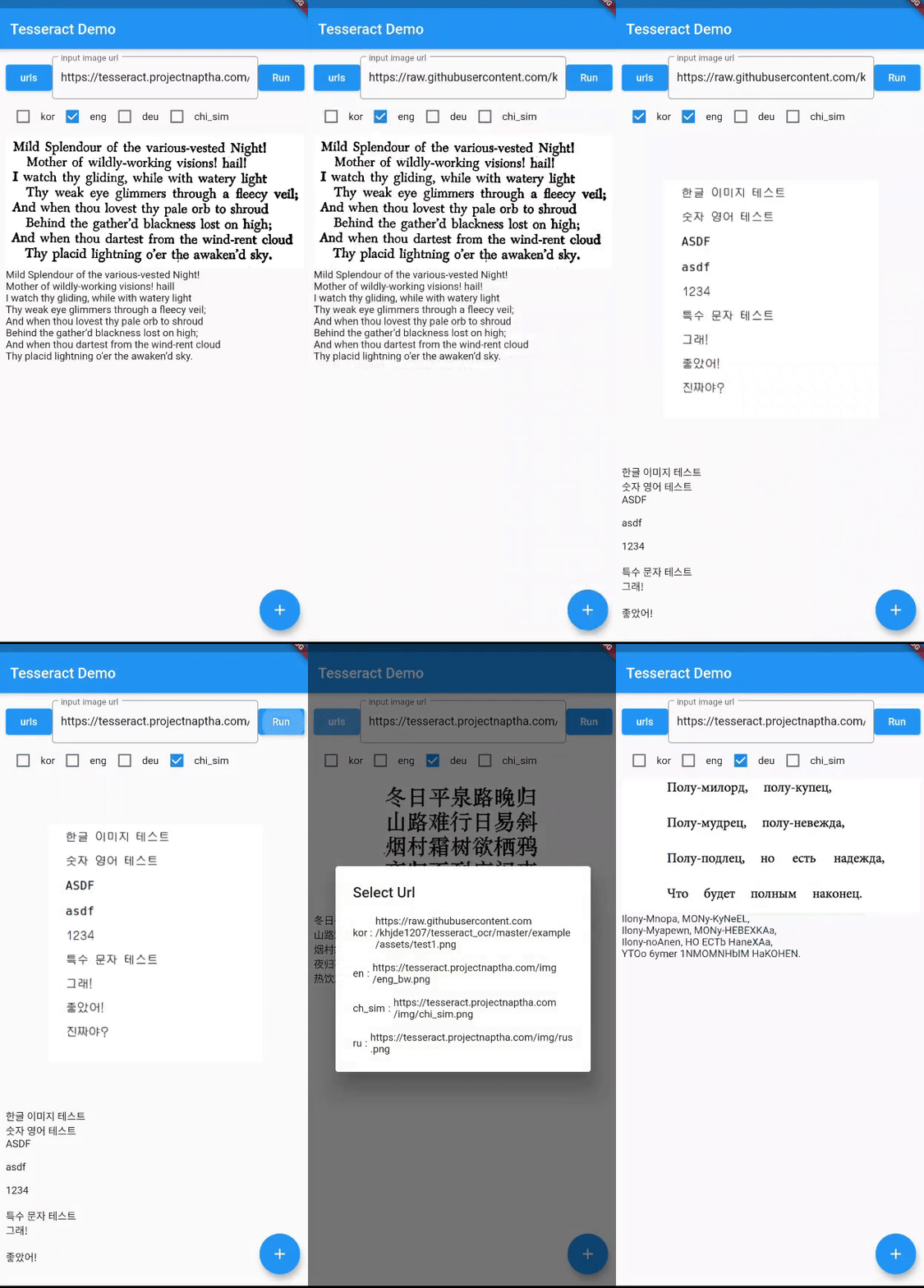
Tesseract 4 adds a new neural net (LSTM) based OCR engine which is focused on line recognition. It has unicode (UTF-8) support, and can recognize more than 100 languages.
Package selection guidance compiled from public package information, community data, and project usage.
Flutter Tesseract OCR is a Flutter plugin that integrates Tesseract 4's advanced neural net (LSTM) based OCR engine, enabling accurate text recognition from images across more than 100 languages. It supports Unicode (UTF-8), making it ideal for multilingual applications. The plugin works on Android, iOS, and Web platforms, offering developers a reliable solution for document scanning and text extraction within Flutter apps.
Use cases
Document scanning in mobile apps
Text extraction from images
Multilingual text recognition
Automated form data capture
Image-based search functionality
Key features
LSTM-based OCR engine
Support for 100+ languages
Unicode (UTF-8) text output
Cross-platform compatibility
High accuracy in line-level recognition
Suitable for
Mobile apps requiring OCR
Document management tools
Language-agnostic text extraction
Web and mobile hybrid projects
Apps with image-to-text workflows
Considerations
Requires image preprocessing for best results
Performance may vary on low-end devices
Additional setup needed for non-default languages
Limited offline support without bundled models
Model size impacts app bundle size
Original README
Original README snapshot from the linked source repository. Visit the repository for the latest content.
Tesseract OCR for Flutter
Fork note (onestudi0/tesseract_ocr): This fork exists solely to fix android/build.gradle,
which still declares the defunct jcenter() repository — current Gradle rejects the jcenter()
DSL method outright, so upstream fails to build at all as of this writing. This fork replaces it
with mavenCentral(). No other changes. If upstream (khjde1207/tesseract_ocr) ever merges an
equivalent fix, switch back to the pub.dev release and drop the dependency_overrides pointing
here.
You must add trained data and trained data config file to your assets directory.
You can find additional language trained data files here Trained language files
add tessdata folder under assets folder, add tessdata_config.json file under assets folder:
//args support android / Web , i don't have a macString text = awaitFlutterTesseractOcr.extractText('/path/to/image', language: 'kor+eng',
args: {
"psm": "4",
"preserve_interword_spaces": "1",
});
You can leave language empty, it will default to `'eng'.