
v2.19.0
google_maps_flutter
一个用于在 iOS 和 Android 应用程序中集成 Google 地图的 Flutter 插件。
4630喜欢 114万近 30 天下载150Pub 分数
AndroidiOSWeb
Flutter 应用程序,用于与群组共享位置。(开发中)

一个用于在 iOS 和 Android 应用程序中集成 Google 地图的 Flutter 插件。
适用于 Flutter 的 GraphQL 客户端,将现代 GraphQL 客户端的所有功能集成到一个易于使用的包中。
AutoRoute 是一种声明式路由解决方案,所有导航所需的内容都会自动为您生成。
 v2.0.0+1
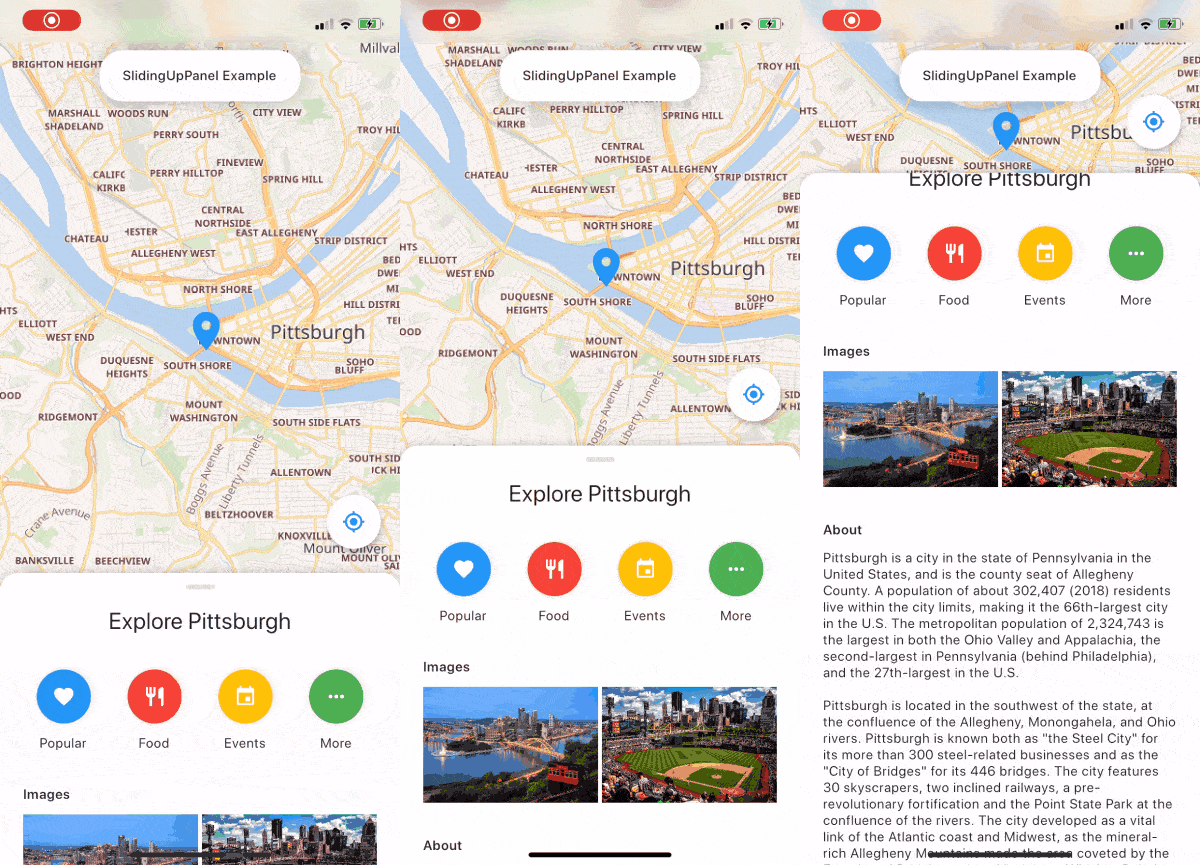
一个可拖动的 Flutter 小部件,让实现 SlidingUpPanel 变得更加简单!
Flutter 的地理定位插件。此插件为通用位置(GPS 等)功能提供跨平台(iOS、Android)API。
 v10.0.2
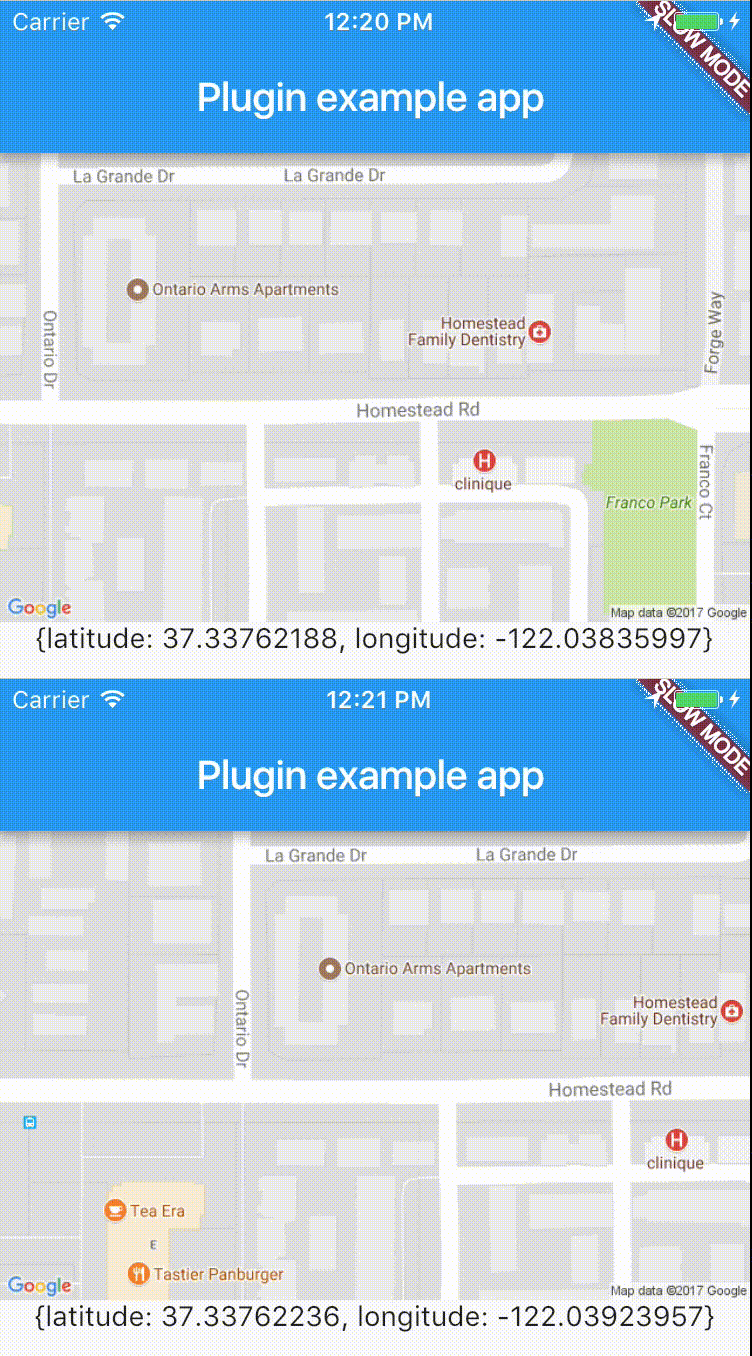
跨平台插件,可轻松实时访问设备位置。
 v7.0.0
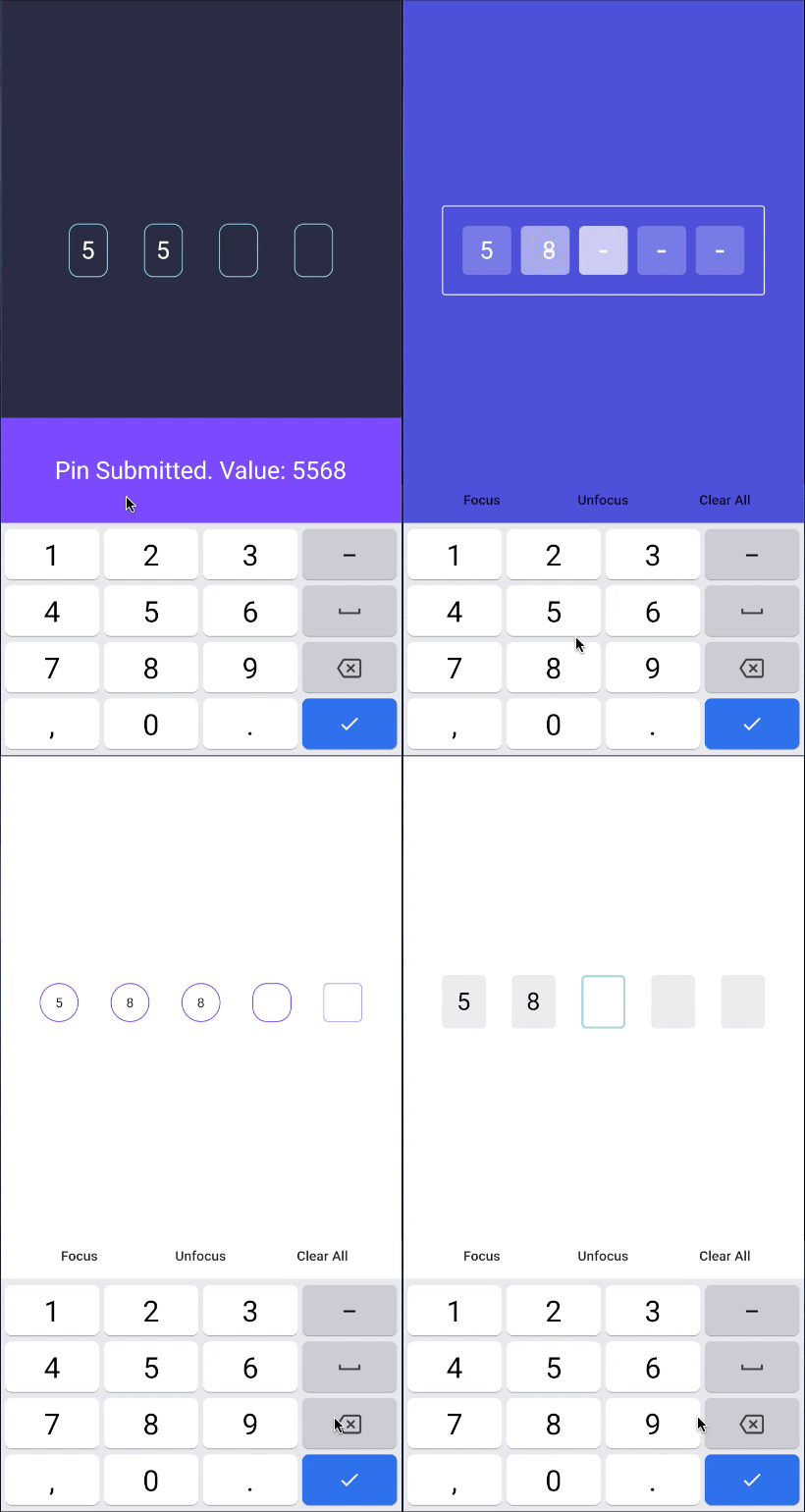
PIN码输入(OTP)文本字段,iOS短信自动填充,Android短信自动填充一次性验证码,密码,口令,验证码,安全,优惠券,Wowcher,2FA,两步验证
provider 对叠加层的支持,轻松构建吐司和内部通知
 v3.1.0
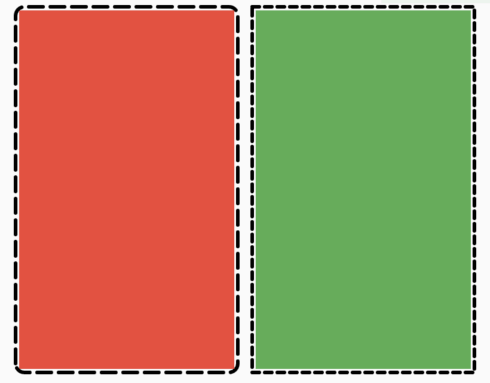
一个 Flutter 包,可让用户轻松地为任意控件添加虚线边框。
一个用于在 iOS、Android、Web 和 OpenHarmony 上处理振动 API 的插件。
用于在 Column 和 Row 等 Flex 小部件或滚动视图中轻松添加间距的 Flutter 小部件。
使用单个命令更改应用包名称。自动更新 AndroidManifest、build.gradle、MainActivity 文件,并将 MainActivity 文件移动到新的目录结构中。
any^1.0.5^2.1.0^1.1.1{"sdk":"flutter"}^3.2.0^2.0.2^4.1.0^17.2.1+1^1.0.0^5.2.0^8.2.4any4.1.4^7.6.4^2.5.3^2.2.3^0.17.0^7.0.0—^0.5.1^2.1.0^2.0.4^6.1.1^0.27.7^9.0.0^2.0.7^3.3.1^3.0.1^2.0.0+1^0.5.1^0.8.0^0.0.2any^3.0.1—^8.1.1^8.1.4^8.1.5^2.4.1{"git":{"url":"https://github.com/letsar/flutter_slidable.git","ref":"master"}}^5.1.2^0.13.6^5.0.0^1.9.0—^6.2.1^1.5.0^2.1.0^3.0.0^2.1.2^0.13.1{"sdk":"flutter"}^2.5.2^1.16.5—^4.9.0^6.8.0以下为英文项目原文快照,最新内容请访问 GitHub。
https://ccextractor-beacon-docs.netlify.app/
The source code of documentation can be found here: https://github.com/CCExtractor/Beacon-Documentation
This project is a flutter build native interface to ease the group travelling (or hiking). By using this, the group leader would be able to share his location with the entire crew, and in case if someone loses contact with the group, he can quickly get in the right place by following the beacon.
You can test Beacon in your own development environment. This section shows you how:
You'll need to set up the IDE and mobile device emulator, or any mobile testing device on your local system.
Flutter Environment: You'll need to have the following installed:
Ensure you are testing the app using Flutter version 3.0.1 and above.
For checking flutter version:
flutter --version in terminalIf your version is not upto date, follow these steps to upgrade:
flutter channel stable to switch to the channel having stable version of flutter updatesflutter upgrade to get the latest flutter versionDevelopment Environment: For setting up the development environment, follow the steps given below.
git clone https://github.com/<username>/beacon.gitcd into beaconflutter doctorflutter pub getflutter runFor help getting started with Flutter, view our online documentation, which offers tutorials, samples, guidance on mobile development, and a full API reference.
This project follows Clean architecture with following structure:
beacon/
├── lib/
│   ├── config/                         # Configuration files
│   ├── core/                           # Core application logic
│   ├── data/
│   │   ├── datasources/
│   │   │   ├── local/                  # Local data sources
│   │   │   └── remote/                 # Remote data sources
│   │   ├── models/                     # Data models
│   │   └── repositories/               # Data repositories
│   ├── domain/
│   │   ├── entities/                   # Domain entities
│   │   ├── repositories/               # Domain repositories
│   │   └── usecases/                   # Domain use cases
│   ├── presentation/
│   │   ├── auth/
│   │   │   ├── cubit/                  # Authentication Cubit
│   │   │   ├── widget/                 # Authentication widgets
│   │   │   └── screen/                 # Authentication screens
│   │   ├── home/
│   │   │   ├── cubit/                  # Home Cubit
│   │   │   ├── widget/                 # Home widgets
│   │   │   └── screen/                 # Home screens
│   │   ├── group/
│   │   │   ├── cubit/                  # Group Cubit
│   │   │   ├── widget/                 # Group widgets
│   │   │   └── screen/                 # Group screens
│   │   ├── hike/
│   │   │   ├── cubit/                  # Hike Cubit
│   │   │   ├── widget/                 # Hike widgets
│   │   │   └── screen/                 # Hike screens
│   │   ├── widgets/                    # Shared widgets used across all presentation folders
│   │   └── splash_screen.dart          # Initial screen displayed while loading
├── main.dart                           # App entry point
├── theme/                              # Theme configurations
├── locator.dart                        # Dependency injection setup (using get_it)
├── router.dart                         # App navigation routes
https://raw.githubusercontent.com/CCExtractor/beacon/HEAD/screenshots/1.jpg https://raw.githubusercontent.com/CCExtractor/beacon/HEAD/screenshots/2.jpg https://raw.githubusercontent.com/CCExtractor/beacon/HEAD/screenshots/3.jpg https://raw.githubusercontent.com/CCExtractor/beacon/HEAD/screenshots/4.jpg
https://raw.githubusercontent.com/CCExtractor/beacon/HEAD/screenshots/5.png https://raw.githubusercontent.com/CCExtractor/beacon/HEAD/screenshots/6.png https://raw.githubusercontent.com/CCExtractor/beacon/HEAD/screenshots/7.png https://raw.githubusercontent.com/CCExtractor/beacon/HEAD/screenshots/8.png
https://raw.githubusercontent.com/CCExtractor/beacon/HEAD/screenshots/9.png https://raw.githubusercontent.com/CCExtractor/beacon/HEAD/screenshots/10.png
Whether you have some feauture requests/ideas, code improvements, refactoring, performance improvements, help is always Welcome. The more is done, better it gets.
If you found any bugs, consider opening an issue.
To know the details about features implemented till Google Summer of Code'21 and future todo's please visit this blog
We would love to hear from you! You may join gsoc-beacon channel of CCExtractor community through slack: