 v5.9.3
flutter_screenutil
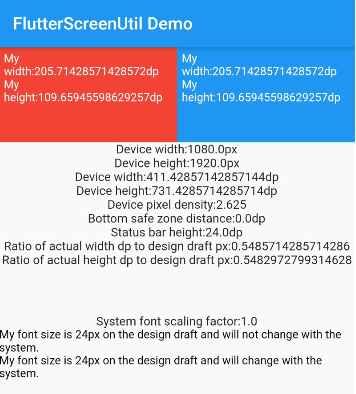
一个用于适配屏幕和字体大小的Flutter插件。确保在不同型号上都能良好显示
5120喜欢 42.1万近 30 天下载150Pub 分数
AndroidiOSWebmacOSWindowsLinux
OpSo 是一个 Flutter 应用,提供有关各种开源项目的全面信息

以下为英文项目原文快照,最新内容请访问 GitHub。
OpSo is a Flutter app that provides comprehensive information about various open-source programs, including Google Summer of Code, Summer of Bitcoin, Linux Foundation, and more. It allows users to explore different open-source opportunities, learn about their eligibility criteria, and access important resources.
| 🌟 Stars | 🍴 Forks | 🐛 Issues | 🔔 Open PRs | 🔕 Close PRs |
 |
 |
 |
 |
 |
 License

This project is licensed under the MIT License.
Thank you for considering contributing to OpSo! We welcome contributions from the community to help improve the app and add new features. Below are some guidelines for contributing:
If you encounter any bugs or have ideas for new features, please open an issue on GitHub. Make sure to provide detailed information about the issue or feature request, including steps to reproduce the bug if applicable.
We appreciate any code contributions that enhance the functionality or improve the user experience of OpSo. To contribute code, follow these steps:
git checkout -b feature-name.git commit -m "Add feature XYZ".git push origin feature-name.main branch of the original repository.To run the OpSo app locally, you need to have Flutter and Dart installed on your machine. Follow these steps:
git clone https://github.com/andoriyaprashant/OpSo.git
cd OpSo
flutter pub get
flutter doctor
flutter run
If you would like to add information about a new open-source program to OpSo, you can contribute by:
Good documentation is essential for the success of any open-source project. If you notice any areas where the documentation can be improved, feel free to make updates or additions.
 Open Source Programs
|
|
GSSOC 2024 |
| This project is part of GirlScript Summer of Code. We enthusiastically welcome community contributions to enhance OpSo. |
 Code of Conduct
Please note that by contributing to OpSo, you agree to abide by the code of conduct. We expect all contributors to uphold the principles of respect, inclusivity, and collaboration.
一个用于适配屏幕和字体大小的Flutter插件。确保在不同型号上都能良好显示
一个包含一系列酷炫且美观的文字动画的 Flutter 包项目。
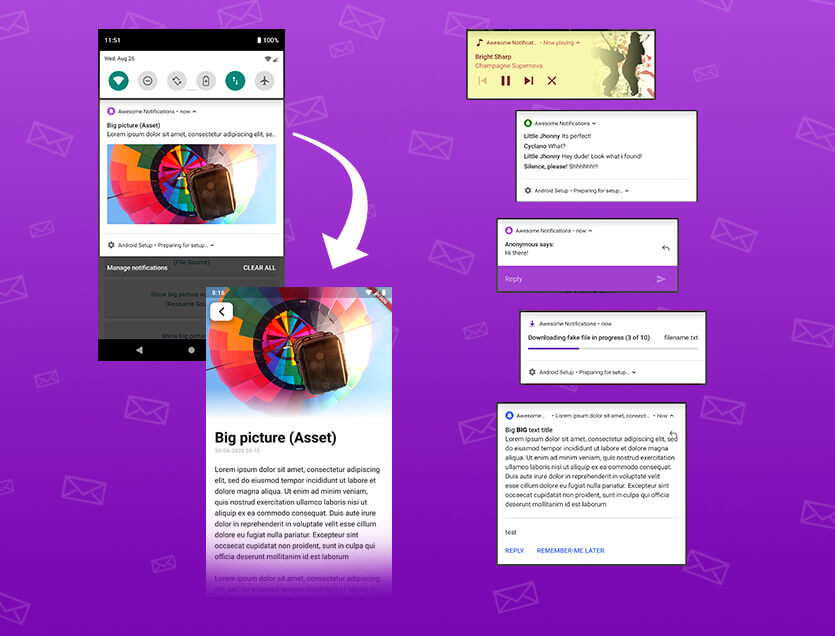
一个完整的解决方案,用于创建本地和推送通知,自定义按钮、图片、声音、表情符号,并为Flutter应用应用多种不同的布局。
一个用于帮助您使用 Flutter 构建高度可定制时间线的包。
允许动态切换亮色和暗色主题,并添加系统自适应主题支持。
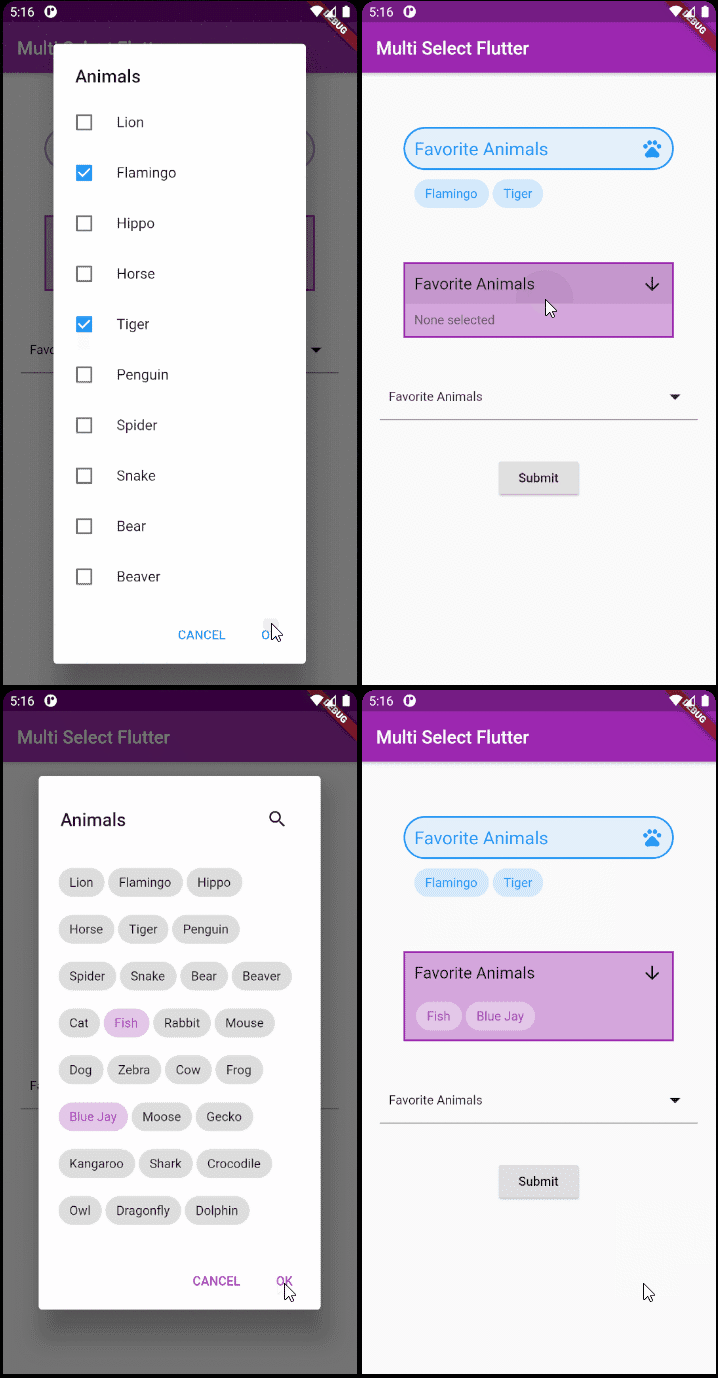
一个灵活的 Flutter 多选包。按您想要的方式创建多选控件。
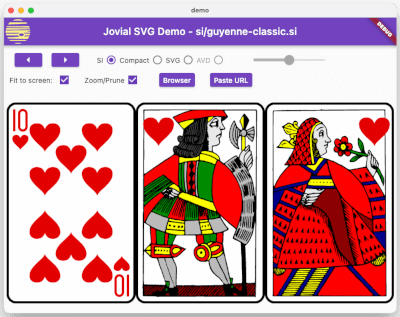
SVG - 强大的可缩放矢量图形图像渲染,支持定义明确的 SVG 配置文件、快速加载的二进制存储格式以及动画。
Google AI Dart SDK 使开发者能够使用 Google 的前沿生成式 AI 模型(如 Gemini)。
依赖清单 21 项
^1.0.6{"sdk":"flutter"}^10.7.0^0.15.4^1.2.1^6.2.6^2.0.11^0.4.7^5.4.3+1^4.2.2^3.6.0^2.0.0^2.0.10+1^5.9.1^4.1.3^1.1.23^0.10.1^5.2.1^0.14.2^5.0.0{"sdk":"flutter"}先按使用场景筛选,再比较项目活跃情况,最后到原始仓库核对使用要求。
“A repository is the most basic element of GitHub.”
GitHub Docs — About repositories ↗