v6.1.5+1
provider
一个围绕 InheritedWidget 的包装器,使其更易于使用且更具可重用性。
1.1万喜欢 117万近 30 天下载150Pub 分数
AndroidiOSWebmacOSWindowsLinux
矩阵中最可爱的即时通讯应用

以下为英文项目原文快照,最新内容请访问 GitHub。
FluffyChat is an open source, nonprofit and cute [matrix] client written in Flutter. The goal of the app is to create an easy to use instant messenger which is open source and accessible for everyone.



Please visit the website for installation instructions:
FluffyChat supports configuration via MDM on Android&iOS (since v2.10.0) and via a config.json file on web. You can see the populated configuration for MDM on Android in this file under /android/app/src/main/res/xml/app_restrictions.xml.
An example configuration can be found in the config.sample.json file.
git clone https://github.com/krille-chan/fluffychat.git
cd fluffychat
./scripts/add-firebase-messaging.sh
flutter runflutter build apkcfgutil) enabled1 if you want the IPA to be deployed to connected devices after building, otherwise unset./scripts/build-ios.sh./scripts/prepare-web.sh # To install Vodozemac
flutter build web --release
config.json at the same path as fluffychat.
An example can be found at config.sample.json. All values there are optional.
Please only the values, you really need. If you e.g. only want
to change the default homeserver, then only modify the defaultHomeserver key.sudo apt install libjsoncpp1 libsecret-1-dev libsecret-1-0 librhash0 libwebkit2gtk-4.0-dev lld
flutter build linux --release
flutter build windows --release
flutter build macos --release
You need to have docker installed locally! Run the preparation script before every test run:
./scripts/prepare_integration_test.sh
Then run all tests with:
flutter test integration_test/mobile_test.dart
Fabiyamada is a graphics designer and has made the fluffychat logo and the banner. Big thanks for her great designs.
Also thanks to all translators and testers! With your help, fluffychat is now available in more than 12 languages.
The Matrix Foundation for making and maintaining the emoji translations used for emoji verification, licensed Apache 2.0
Special thanks to MTRNord, Sorunome and Advocatux.
一个围绕 InheritedWidget 的包装器,使其更易于使用且更具可重用性。
一个抽象,用于跨多个平台处理文件。
使用原生文件选择 UI 打开和保存文件,或选择目录的 Flutter 插件。
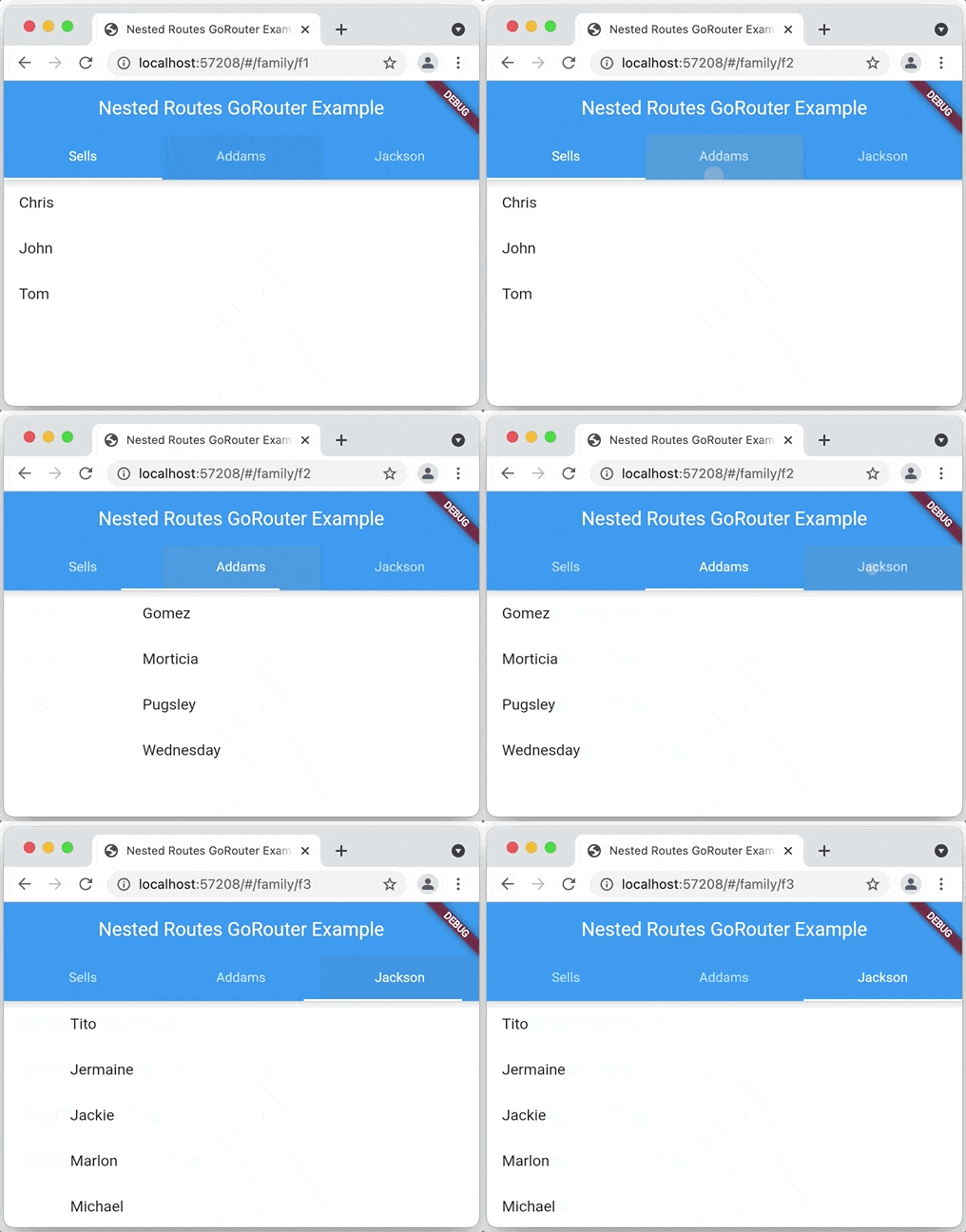
一个基于 Navigation 2 的 Flutter 声明式路由器,支持深度链接、数据驱动路由等
用于从 Android 和 iOS 图像库中选择图片以及使用相机拍摄新照片的 Flutter 插件。
Flutter 插件,可在 Android、iOS、macOS 和 Web 上与其他 Flutter 小部件一起显示内联视频。
基于 GoogleWebRTC 的 iOS/Android/Desktop/Web 的 Flutter WebRTC 插件。
基于 ffi 的 sqflite 实现,适用于桌面和单元测试。
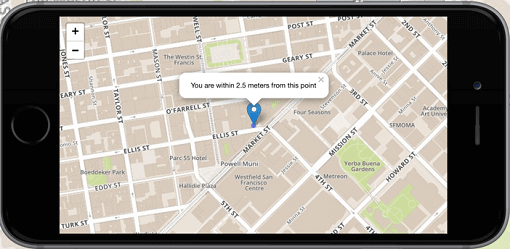
Flutter 的首选非商业地图客户端:易于使用、功能多样、无供应商依赖、完全跨平台,且 100% 纯 Flutter
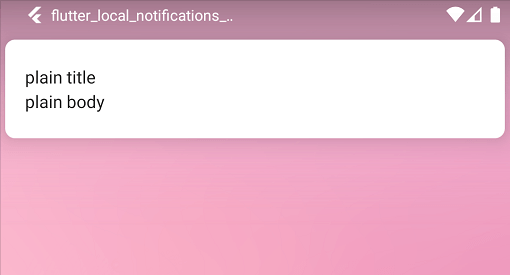
一个跨平台插件,用于在 Flutter 应用中显示和调度本地通知,并支持针对每个平台进行自定义。
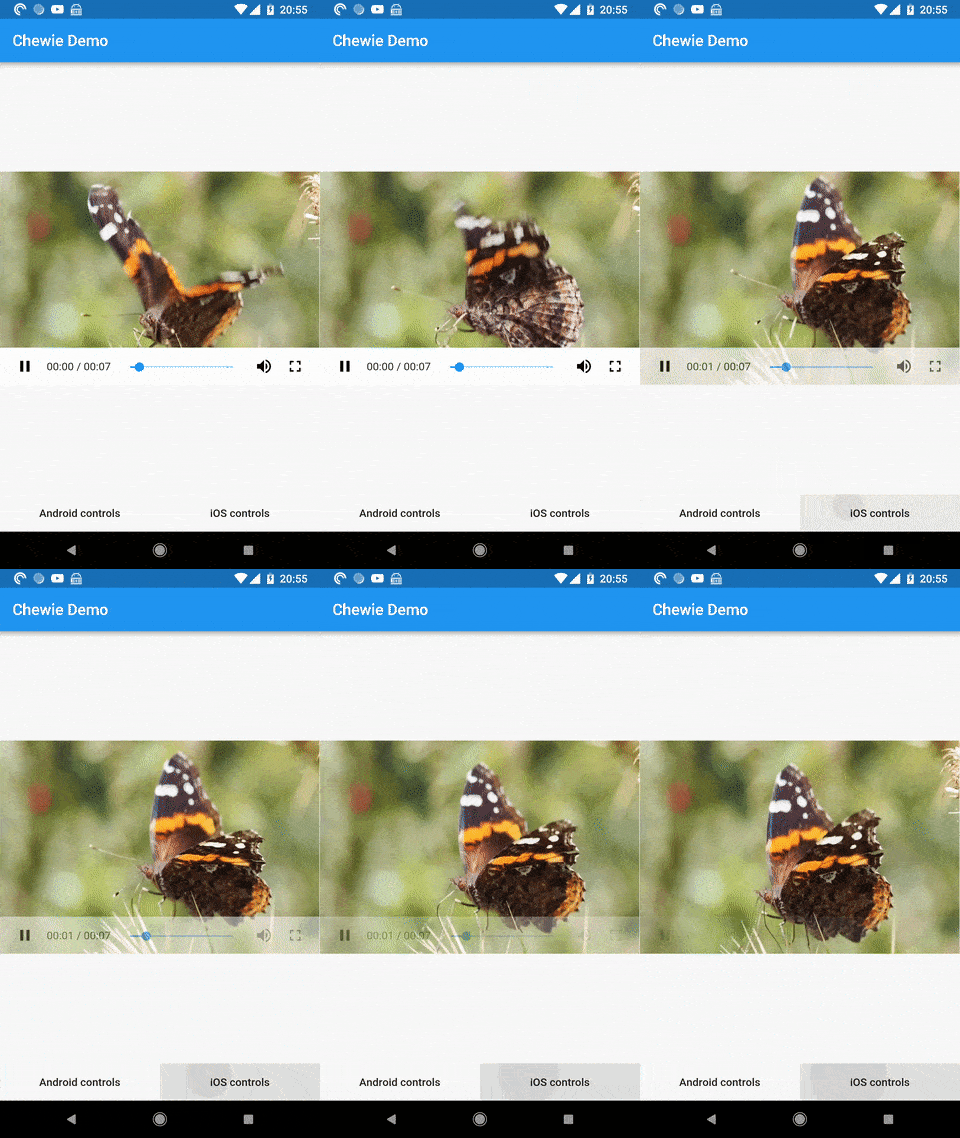
一个带有 Cupertino 和 Material 播放控件的 Flutter 视频播放器
自定义 Flutter 的默认白色原生启动画面,支持背景颜色和启动图片。支持深色模式、全屏等更多功能。
依赖清单 85 项
^4.2.0^2.13.1^3.2.0^1.2.1^1.15.0^1.18.0^1.0.17^0.3.51.1.0^0.8.4^13.2.0^2.1.0^4.5.4^12.0.0^1.1.0{"sdk":"flutter"}^3.1.5^11.0.3^6.0.0^22.3.1{"sdk":"flutter"}^8.3.2^2.0.0^11.1.1^2.0.0^0.8.1^5.1.0^1.6.2+hotfix.3^14.0.3^18.0.1^0.4.2^0.7.0^0.15.7^1.6.0^4.10.1^1.2.30.20.3^0.10.6^2.1.0^0.10.1^1.9.1^2.12.0^3.0.2^3.5.1^1.2.01.2.0{"git":{"url":"https://github.com/famedly/matrix-dart-sdk.git","ref":"krille/refactor-device-keys-list-storing"}}^1.2.1^1.0.9^2.1.0^0.5.0^0.1.4^10.2.0^1.9.5^0.5.0^1.9.0^2.1.6^2.6.0^3.6.0^6.0.2^1.0.0^2.3.0^1.0.0^1.8.1^7.1.1^3.0.1^13.3.0^2.5.5^2.0.0^2.5.13^2.4.3^0.3.0^6.2.0^0.2.0^2.3.0^6.3.2^4.6.0^2.14.0^1.8.0^4.3.0^0.14.4^6.0.0{"sdk":"flutter"}{"sdk":"flutter"}^1.6.2先按使用场景筛选,再比较项目活跃情况,最后到原始仓库核对使用要求。
“A repository is the most basic element of GitHub.”
GitHub Docs — About repositories ↗