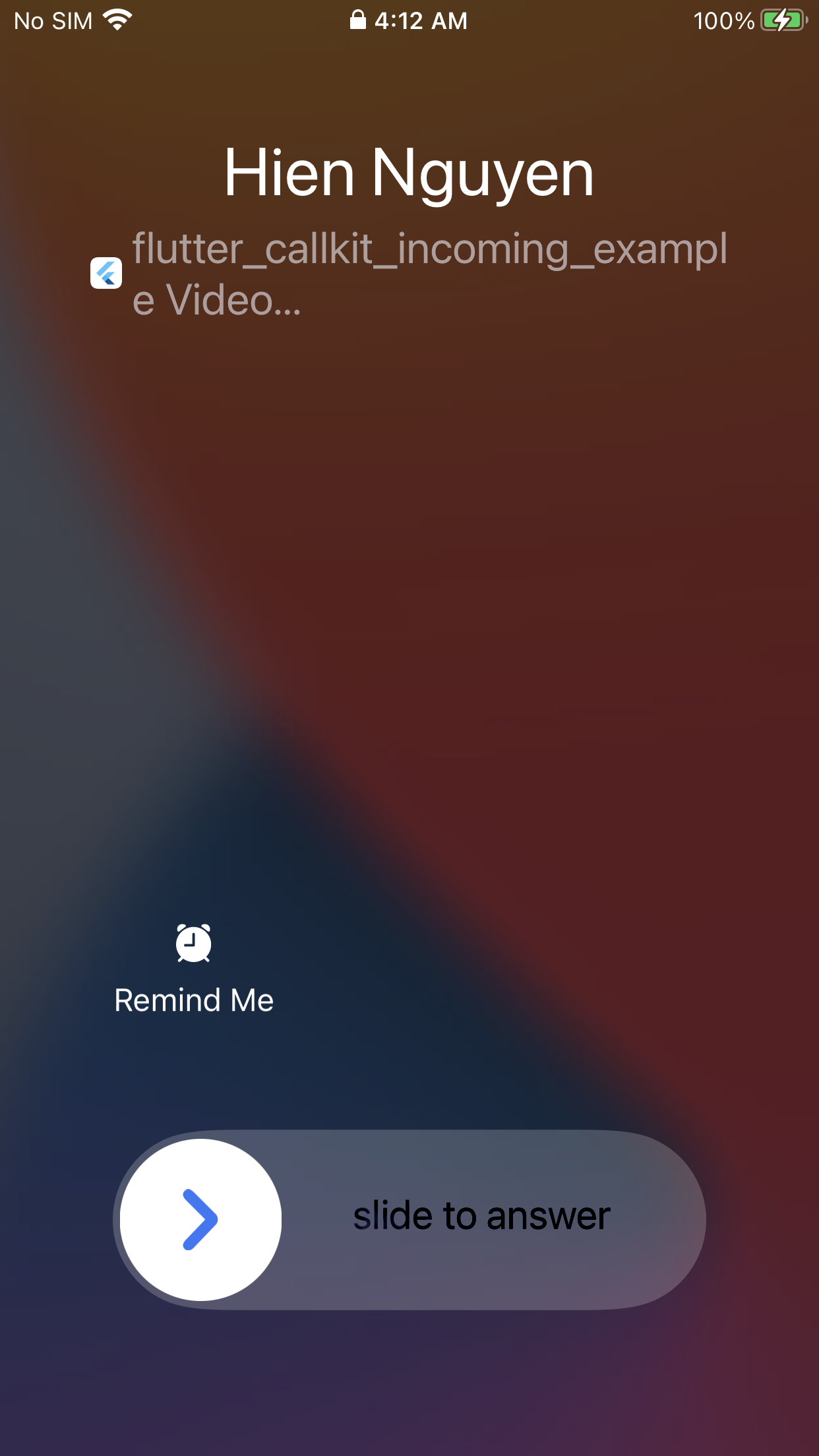
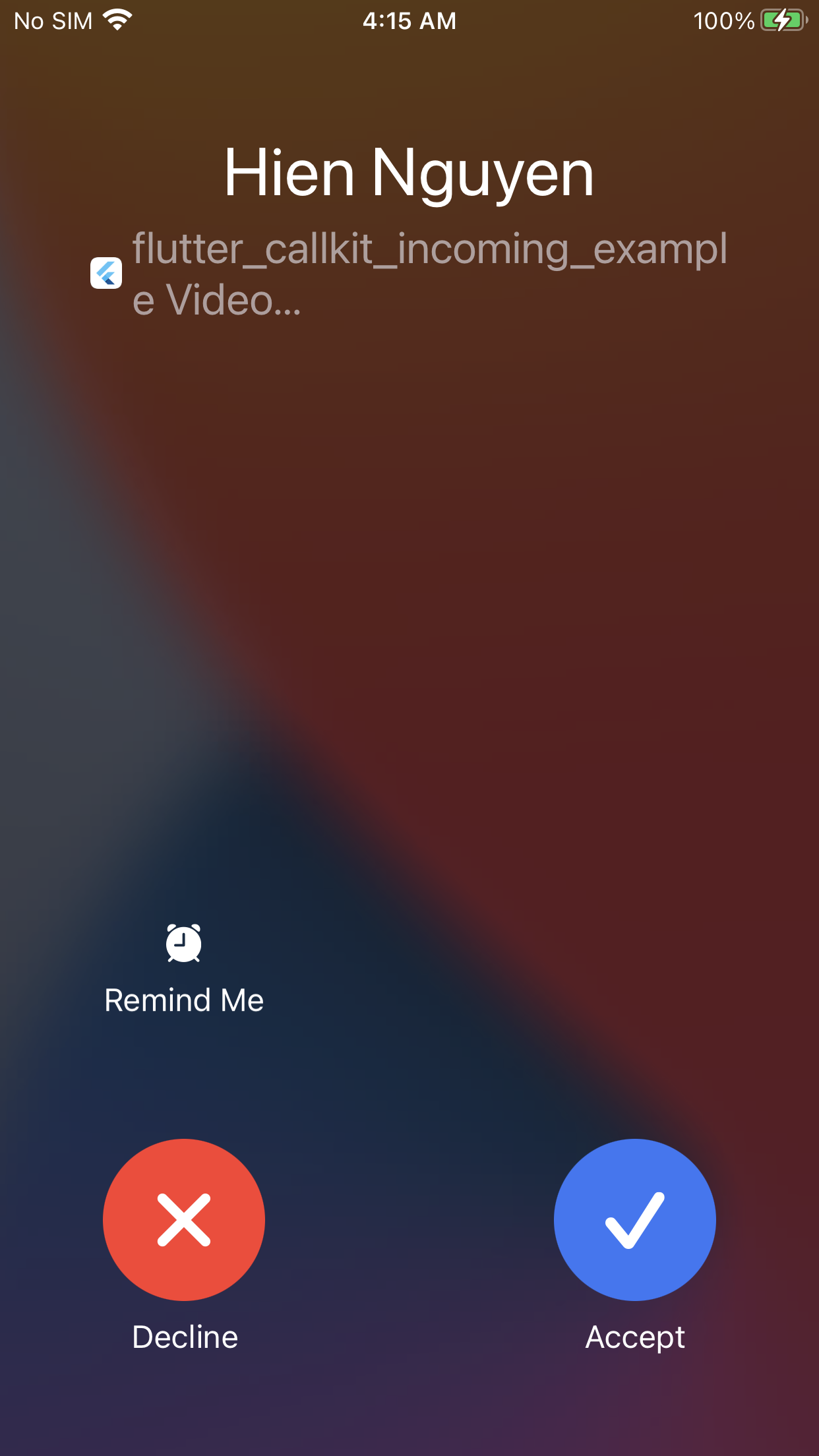
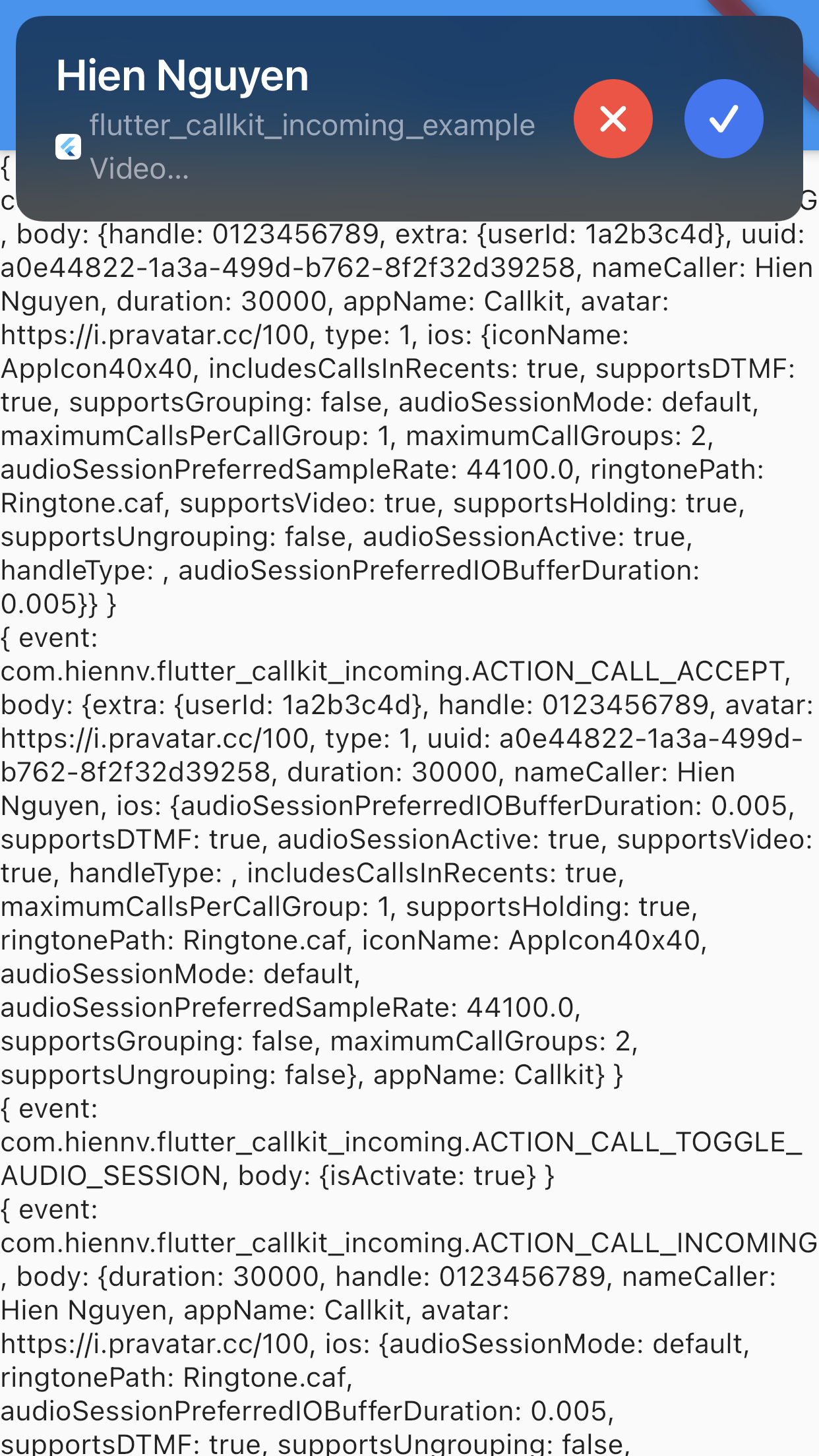
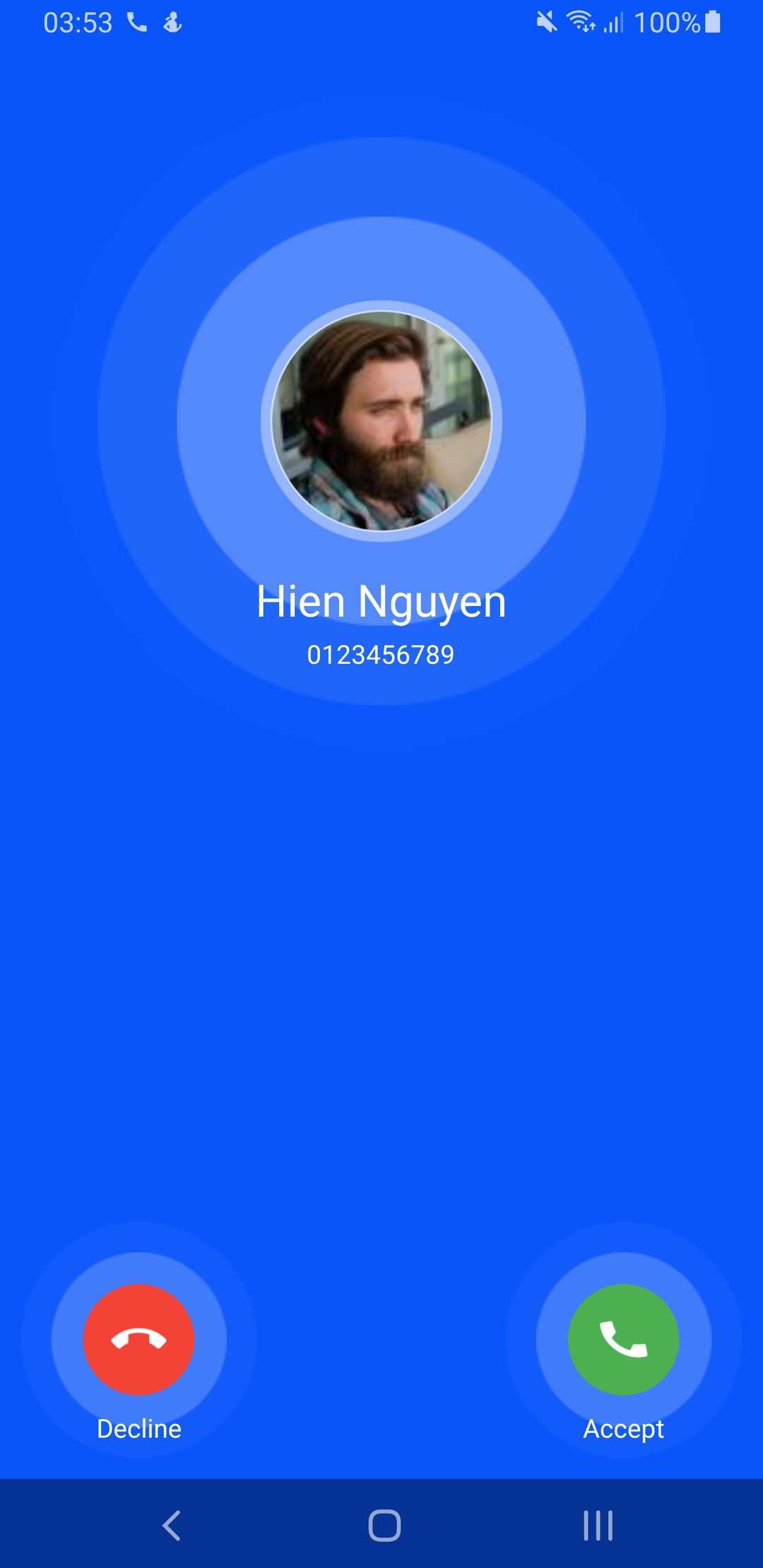
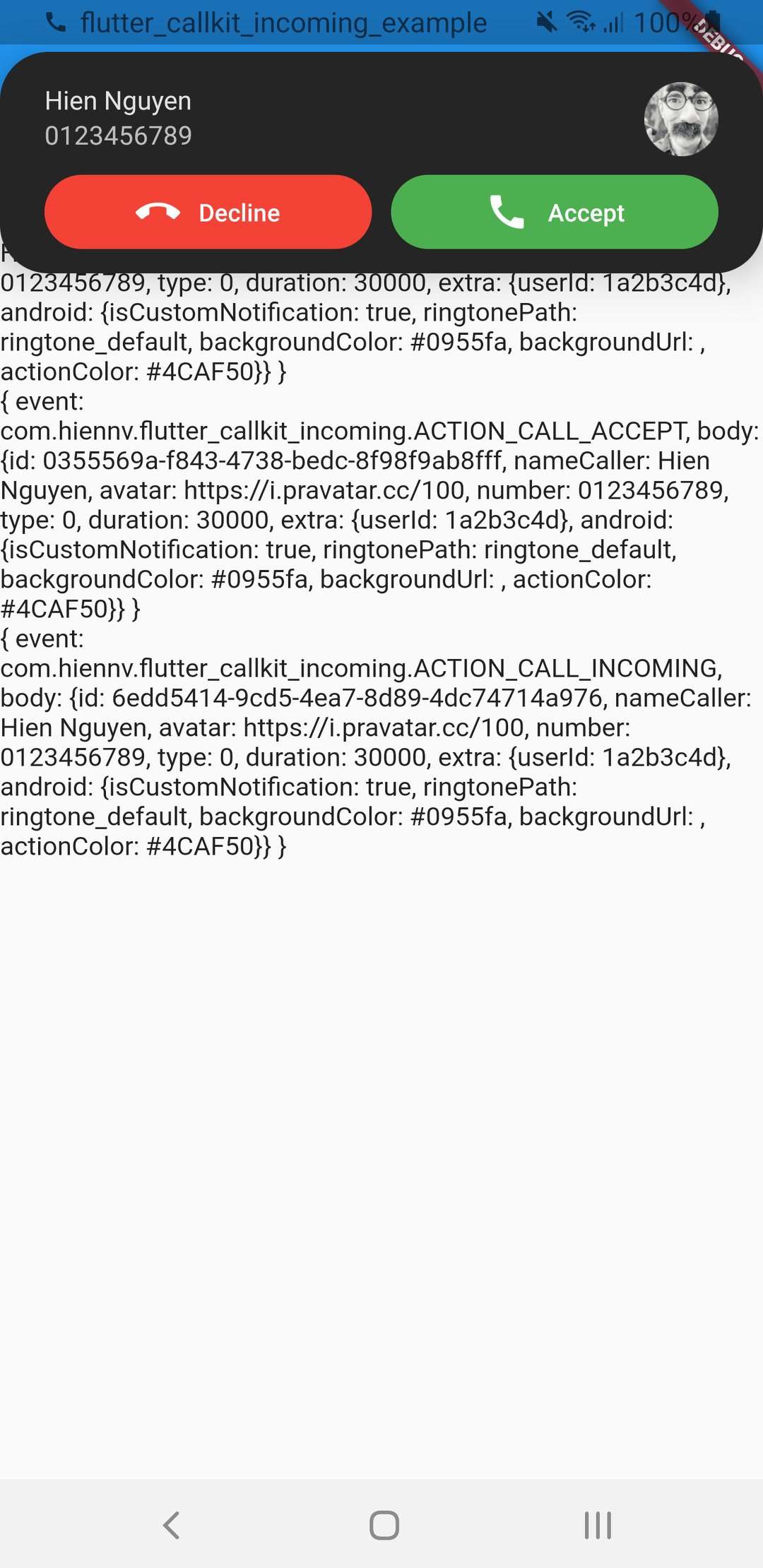
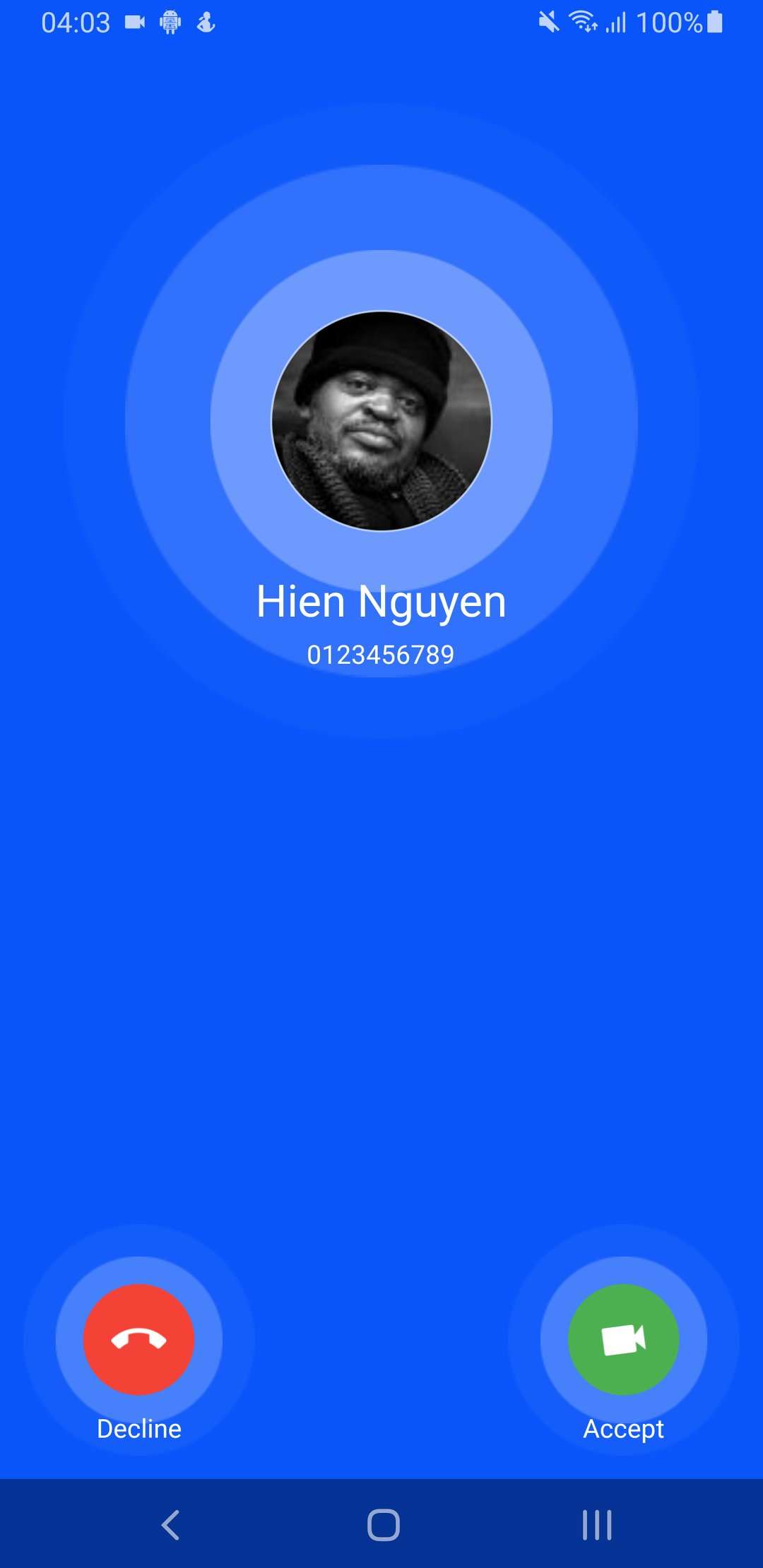
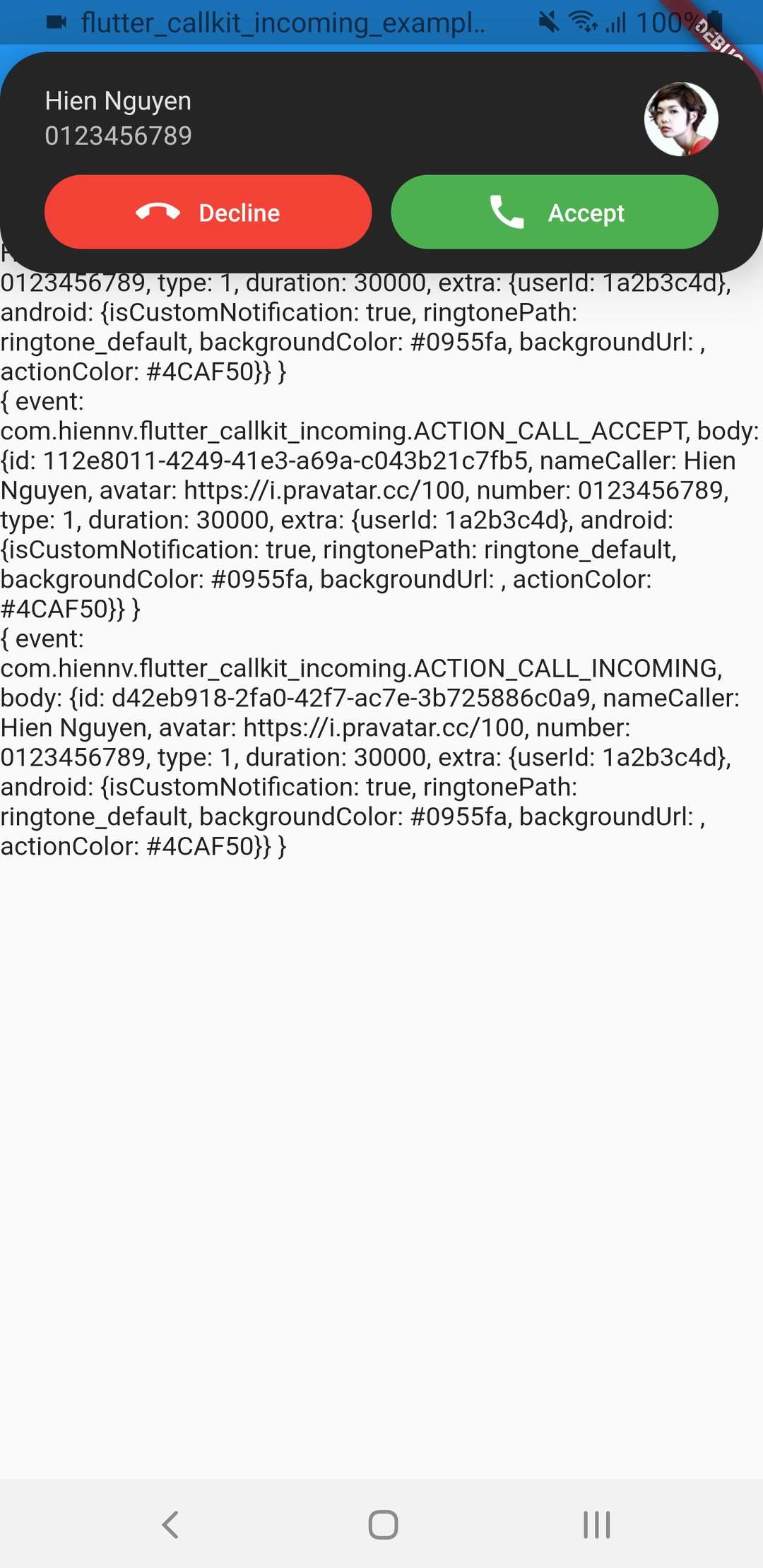
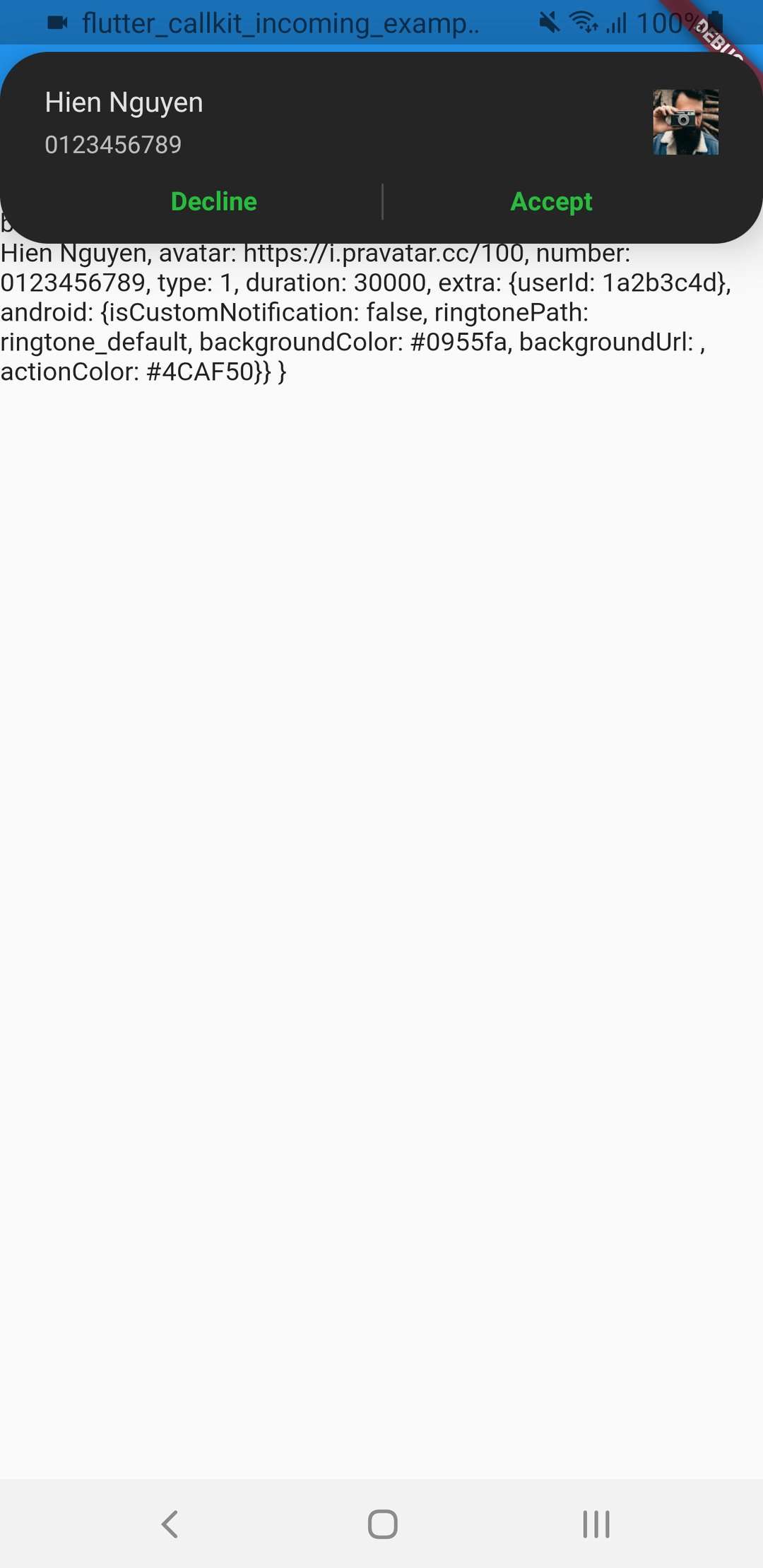
Note: Please do not use on simulator (Callkit framework is not fully supported on simulator for incoming VoIP calls).
🚀 Installation
1. Install Packages
For version >= v2.5.0, please make sure install and use Java SDK version >= 17 (Android)
Run this command:
flutter pub add flutter_callkit_incoming
Or add to pubspec.yaml:
dependencies:flutter_callkit_incoming:^latest
2. Configure Project
Android
AndroidManifest.xml:
<manifest...>
...
<!-- Using for load image from internet --><uses-permissionandroid:name="android.permission.INTERNET"/><application...><activity...android:name=".MainActivity"android:launchMode="singleInstance"><!-- add this -->
...
</application></manifest>
Proguard Rules:
The following rule needs to be added in the proguard-rules.pro to avoid obfuscated keys:
<key>UIBackgroundModes</key><array><string>voip</string><string>remote-notification</string><string>processing</string><!-- you can add this if needed --></array>
Swift Package Manager (SPM) Support (Flutter 3.24+)
This plugin natively supports Swift Package Manager (SPM). To configure your project to build using SPM instead of CocoaPods, run:
flutter config --enable-swift-package-manager
[!IMPORTANT]
Swift Package Manager is highly recommended for modern Flutter projects as CocoaPods is in maintenance mode and will become read-only in December 2026.
Note: For Firebase Message: @pragma('vm:entry-point')
https://github.com/firebase/flutterfire/blob/master/docs/cloud-messaging/receive.md#apple-platforms-and-android
Request Notification Permission (Android 13+/iOS)
For Android 13+, please requestNotificationPermission or requestPermission of firebase_messaging before showCallkitIncoming:
awaitFlutterCallkitIncoming.requestNotificationPermission({
"title": "Notification permission",
"rationaleMessagePermission": "Notification permission is required, to show notification.",
"postNotificationMessageRequired": "Notification permission is required, Please allow notification permission from setting."
});
Request Full Intent Permission (Android 14+)
For Android 14+, please use canUseFullScreenIntent and requestFullIntentPermission:
// Check if can use full screen intentawaitFlutterCallkitIncoming.canUseFullScreenIntent();
// Request full intent permissionawaitFlutterCallkitIncoming.requestFullIntentPermission();
Important: Make sure using SwiftFlutterCallkitIncomingPlugin.sharedInstance?.setDevicePushTokenVoIP(deviceToken) inside AppDelegate.swift (Example)
func pushRegistry(_ registry: PKPushRegistry, didUpdate credentials: PKPushCredentials, for type: PKPushType) {
    print(credentials.token)
    let deviceToken = credentials.token.map { String(format: "%02x", $0) }.joined()
    // Save deviceToken to your server
    SwiftFlutterCallkitIncomingPlugin.sharedInstance?.setDevicePushTokenVoIP(deviceToken)
}

func pushRegistry(_ registry: PKPushRegistry, didInvalidatePushTokenFor type: PKPushType) {
    print("didInvalidatePushTokenFor")
    SwiftFlutterCallkitIncomingPlugin.sharedInstance?.setDevicePushTokenVoIP("")
}
Listen Events
FlutterCallkitIncoming.onEvent.listen((CallEvent event) {
switch (event!.event) {
caseEvent.actionCallIncoming:
// TODO: received an incoming callbreak;
caseEvent.actionCallStart:
// TODO: started an outgoing call// TODO: show screen calling in Flutterbreak;
caseEvent.actionCallAccept:
// TODO: accepted an incoming call// TODO: show screen calling in Flutterbreak;
caseEvent.actionCallDecline:
// TODO: declined an incoming callbreak;
caseEvent.actionCallEnded:
// TODO: ended an incoming/outgoing callbreak;
caseEvent.actionCallTimeout:
// TODO: missed an incoming callbreak;
caseEvent.actionCallCallback:
// TODO: click action `Call back` from missed call notificationbreak;
caseEvent.actionCallToggleHold:
// TODO: only iOSbreak;
caseEvent.actionCallToggleMute:
// TODO: only iOSbreak;
caseEvent.actionCallToggleDmtf:
// TODO: only iOSbreak;
caseEvent.actionCallToggleGroup:
// TODO: only iOSbreak;
caseEvent.actionCallToggleAudioSession:
// TODO: only iOSbreak;
caseEvent.actionDidUpdateDevicePushTokenVoip:
// TODO: only iOSbreak;
caseEvent.actionCallCustom:
// TODO: for custom actionbreak;
}
});
Call from Native (iOS/Android)
Swift (iOS):
var info = [String: Any?]()
info["id"] = "44d915e1-5ff4-4bed-bf13-c423048ec97a"
info["nameCaller"] = "Hien Nguyen"
info["handle"] = "0123456789"
info["type"] = 1
// ... set more data
SwiftFlutterCallkitIncomingPlugin.sharedInstance?.showCallkitIncoming(flutter_callkit_incoming.Data(args: info), fromPushKit: true)

// Please make sure call `completion()` at the end of the pushRegistry(......, completion: @escaping () -> Void)
// or `DispatchQueue.main.asyncAfter(deadline: .now() + 1.5) { completion() }`
// if you don't call completion() in pushRegistry(......, completion: @escaping () -> Void), there may be app crash by system when receiving VoIP
@UIApplicationMain
@objc class AppDelegate: FlutterAppDelegate, PKPushRegistryDelegate, CallkitIncomingAppDelegate {

    override func application(
        _ application: UIApplication,
        didFinishLaunchingWithOptions launchOptions: [UIApplication.LaunchOptionsKey: Any]?
    ) -> Bool {
        GeneratedPluginRegistrant.register(with: self)

        // Setup VOIP
        let mainQueue = DispatchQueue.main
        let voipRegistry: PKPushRegistry = PKPushRegistry(queue: mainQueue)
        voipRegistry.delegate = self
        voipRegistry.desiredPushTypes = [PKPushType.voIP]

        // Use if using WebRTC
        // RTCAudioSession.sharedInstance().useManualAudio = true
        // RTCAudioSession.sharedInstance().isAudioEnabled = false

        //Add for Missed call notification
        if #available(iOS 10.0, *) {
          UNUserNotificationCenter.current().delegate = self as UNUserNotificationCenterDelegate
        }

        return super.application(application, didFinishLaunchingWithOptions: launchOptions)
    }

    // Add for Missed call notification(show notification when foreground)
    override func userNotificationCenter(_ center: UNUserNotificationCenter,
                                willPresent notification: UNNotification,
                                withCompletionHandler completionHandler:
                                   @escaping (UNNotificationPresentationOptions) -> Void) {

        CallkitNotificationManager.shared.userNotificationCenter(center, willPresent: notification, withCompletionHandler: completionHandler)
    }

    // Add for Missed call notification(action when click callback in missed notification)
    override func userNotificationCenter(_ center: UNUserNotificationCenter,
                                         didReceive response: UNNotificationResponse,
                                         withCompletionHandler completionHandler: @escaping () -> Void) {
        if response.actionIdentifier == CallkitNotificationManager.CALLBACK_ACTION {
            let data = response.notification.request.content.userInfo as? [String: Any]
            SwiftFlutterCallkitIncomingPlugin.sharedInstance?.sendCallbackEvent(data)
        }
        completionHandler()
    }

    // Func Call API for Accept
    func onAccept(_ call: Call, _ action: CXAnswerCallAction) {
        let json = ["action": "ACCEPT", "data": call.data.toJSON()] as [String: Any]
        print("LOG: onAccept")
        self.performRequest(parameters: json) { result in
            switch result {
            case .success(let data):
                print("Received data: \(data)")
                // Make sure call action.fulfill() when you are done (connected WebRTC - Start counting seconds)
                action.fulfill()
            case .failure(let error):
                print("Error: \(error.localizedDescription)")
            }
        }
    }

    // Func Call API for Decline
    func onDecline(_ call: Call, _ action: CXEndCallAction) {
        let json = ["action": "DECLINE", "data": call.data.toJSON()] as [String: Any]
        print("LOG: onDecline")
        self.performRequest(parameters: json) { result in
            switch result {
            case .success(let data):
                print("Received data: \(data)")
                // Make sure call action.fulfill() when you are done
                action.fulfill()
            case .failure(let error):
                print("Error: \(error.localizedDescription)")
            }
        }
    }

    // Func Call API for End
    func onEnd(_ call: Call, _ action: CXEndCallAction) {
        let json = ["action": "END", "data": call.data.toJSON()] as [String: Any]
        print("LOG: onEnd")
        self.performRequest(parameters: json) { result in
            switch result {
            case .success(let data):
                print("Received data: \(data)")
                // Make sure call action.fulfill() when you are done
                action.fulfill()
            case .failure(let error):
                print("Error: \(error.localizedDescription)")
            }
        }
    }

    func onTimeOut(_ call: Call) {
        let json = ["action": "TIMEOUT", "data": call.data.toJSON()] as [String: Any]
        print("LOG: onTimeOut")
        self.performRequest(parameters: json) { result in
            switch result {
            case .success(let data):
                print("Received data: \(data)")
            case .failure(let error):
                print("Error: \(error.localizedDescription)")
            }
        }
    }

    func didActivateAudioSession(_ audioSession: AVAudioSession) {
        // Use if using WebRTC
        // RTCAudioSession.sharedInstance().audioSessionDidActivate(audioSession)
        // RTCAudioSession.sharedInstance().isAudioEnabled = true
    }

    func didDeactivateAudioSession(_ audioSession: AVAudioSession) {
        // Use if using WebRTC
        // RTCAudioSession.sharedInstance().audioSessionDidDeactivate(audioSession)
        // RTCAudioSession.sharedInstance().isAudioEnabled = false
    }
}
Please check full example:Example
**Create MMainApplication.kt in your source directory **
MainApplication.kt:
import android.app.Application
import android.os.Bundle
import android.content.Context
import android.content.Intent
import android.util.Log
import com.hiennv.flutter_callkit_incoming.CallkitEventCallback
import com.hiennv.flutter_callkit_incoming.FlutterCallkitIncomingPlugin
import io.flutter.embedding.android.FlutterActivity
import org.json.JSONObject
import java.io.OutputStreamWriter
import java.net.HttpURLConnection
import java.net.URL

private const val BASE_URL = "https://your-url/"
private const val TAG = "com.medeet.app.MainApplication"


class MainApplication : Application() {  // or FlutterApplication


  private var callkitEventCallback = object: CallkitEventCallback{
    override fun onCallEvent(event: CallkitEventCallback.CallEvent, callData: Bundle) {
      when (event) {
        CallkitEventCallback.CallEvent.ACCEPT -> {
          // Save accepted call id to SharedPreferences
          Log.d(TAG, "onAccept - Kotlin")

        }
        CallkitEventCallback.CallEvent.DECLINE -> {
          Log.d(TAG, "on Decline - Kotlin")
          val extra = callData.getSerializable("EXTRA_CALLKIT_EXTRA") as? HashMap<String, Any?>
          Log.d(TAG, "on Decline - $extra")
          sendDeclineCall(extra)
        }
        else -> {
          // Handle other cases or do nothing
        }
      }

    }
  }

  //Replace with your custom integration
  private fun sendDeclineCall(extra: HashMap<String, Any?>?) {
    // Read access token from SharedPreferences
    val prefs = applicationContext.getSharedPreferences(
      "FlutterSharedPreferences", Context.MODE_PRIVATE
    )
    val accessToken = prefs.getString("flutter.native_access_token", null)

    if (accessToken.isNullOrEmpty()) {
      Log.d(TAG, "declineCall - No access token found")
      return
    }
    val jsonBody = JSONObject((extra ?: emptyMap<String, Any?>()) as Map<*, *>)


    Log.d(TAG, "declineCall - body: $jsonBody")

    // Send request on background thread
    Thread {
      try {
        val url = URL("$BASE_URL/declineCall")
        val connection = url.openConnection() as HttpURLConnection
        connection.requestMethod = "POST"
        connection.setRequestProperty("Content-Type", "application/json")
        connection.setRequestProperty("Accept", "application/json")
        connection.setRequestProperty("Authorization", "Bearer $accessToken")
        connection.doOutput = true

        val writer = OutputStreamWriter(connection.outputStream)
        writer.write(jsonBody.toString())
        writer.flush()
        writer.close()
        val responseCode = connection.responseCode
        Log.d(TAG, "declineCall - Response status: $responseCode")
        connection.disconnect()
      } catch (e: Exception) {
        Log.e(TAG, "declineCall - Request error: ${e.message}")
      }
    }.start()
  }

  override fun onCreate() {
    super.onCreate()
    FlutterCallkitIncomingPlugin.registerEventCallback(callkitEventCallback)

  }
}
Add this to your app level build file
   defaultConfig {

      ......
        //Replace with your package name e.g "com.example.app.MainApplication"
        manifestPlaceholders["applicationName"] = "com.example.flutter_callkit_incoming_example.MainApplication"

    }
Point ${applicationName} at your new class in Android manifest
UUID identifier for each call. UUID should be unique for every call and when the call is ended, the same UUID for that call to be used. Suggest using uuid. ACCEPT ONLY UUID
Required
nameCaller
Caller's name
None
appName
App's name. Used for display inside Callkit (iOS).
App Name, Deprecated for iOS > 14, default using App name
avatar
Avatar's URL used for display for Android. /android/src/main/res/drawable-xxxhdpi/ic_default_avatar.png
None
handle
Phone number/Email/Any
None
type
0 - Audio Call, 1 - Video Call
0
duration
Incoming call/Outgoing call display time (second). If the time is over, the call will be missed
30000
textAccept
Text Accept used in Android
Accept
textDecline
Text Decline used in Android
Decline
extra
Any data added to the event when received
{}
headers
Any data for custom header avatar/background image
{}
missedCallNotification
Android data needed to customize Missed Call Notification
Below
callingNotification
Android data needed to customize Calling Notification
Below
android
Android data needed to customize UI
Below
ios
iOS data needed
Below
Missed Call Notification
Property
Description
Default
subtitle
Text Missed Call used in Android/iOS (show in missed call notification)
Missed Call
callbackText
Text Call back used in Android/iOS (show in missed call notification action)
Call back
showNotification
Show missed call notification when timeout
true
isShowCallback
Show callback action from missed call notification
true
Calling Notification
Property
Description
Default
subtitle
Text used in Android (show in calling notification)
Calling...
callbackText
Text used in Android (show in calling notification action)
Hang Up
showNotification
Show calling notification when start call/accept call
true
isShowCallback
Show hang up action from calling notification
true
Android
Property
Description
Default
isCustomNotification
Using custom notifications
false
isCustomSmallExNotification
Using custom notification small on some devices clipped out in Android
false
isShowLogo
Show logo app inside full screen. /android/src/main/res/drawable-xxxhdpi/ic_logo.png
false
logoUrl
Logo app inside full screen. Example: http://... https://... or "assets/abc.png"
None
ringtonePath
File name of a ringtone ex: ringtone_default. Put file into /android/app/src/main/res/raw/ringtone_default.mp3
system_ringtone_default using ringtone default of the phone
backgroundColor
Incoming call screen background color
#0955fa
backgroundUrl
Using image background for Incoming call screen. Example: http://... https://... or "assets/abc.png"
None
actionColor
Color used in button/text on notification
#4CAF50
textColor
Color used for the text in full screen notification
#ffffff
incomingCallNotificationChannelName
Notification channel name of incoming call
Incoming call
missedCallNotificationChannelName
Notification channel name of missed call
Missed call
isShowCallID
Show call id app inside full screen/notification
false
isShowFullLockedScreen
Show full screen on Locked Screen (please make sure call requestFullIntentPermission for Android 14+)
true
iOS
Property
Description
Default
iconName
App's Icon. Used for display inside Callkit (iOS)
CallKitLogo using from Images.xcassets/CallKitLogo
handleType
Type handle call generic, number, email, Recommended to use generic for more reasonable callkit display