一个高度可定制的 Flutter 小部件,可轻松渲染二维码。它允许开发者通过大小、颜色、形状和 logo 集成等选项来调整二维码的外观。该包支持 Android、iOS、Web、macOS、Windows 和 Linux 等多个平台,非常适合跨平台应用。凭借简洁的 API 和内置的样式功能,它无需外部依赖即可简化二维码生成。非常适合需要品牌化或交互式二维码的应用。
适合场景
生成品牌二维码
向二维码添加徽标
在网页和移动应用中嵌入二维码
创建动态二维码
在仪表板中显示二维码
主要特点
可定制的颜色和尺寸
Logo叠加支持
跨平台兼容性
简单 API
高度可配置的设计
内置错误校正
适合对象
移动应用开发者
Web 应用程序创建者
注重设计的项目
电子商务和营销应用
需要用户生成二维码的应用程序
使用建议
可能需要对大批量数据进行性能优化
有限的高级二维码数据编码选项
徽标缩放可能会影响可读性
不适合高容量二维码生成
依赖于平台特定的渲染功能
原始 README
以下为关联源码仓库的 README 原文快照,最新内容请访问源码仓库。
Pretty QR Code
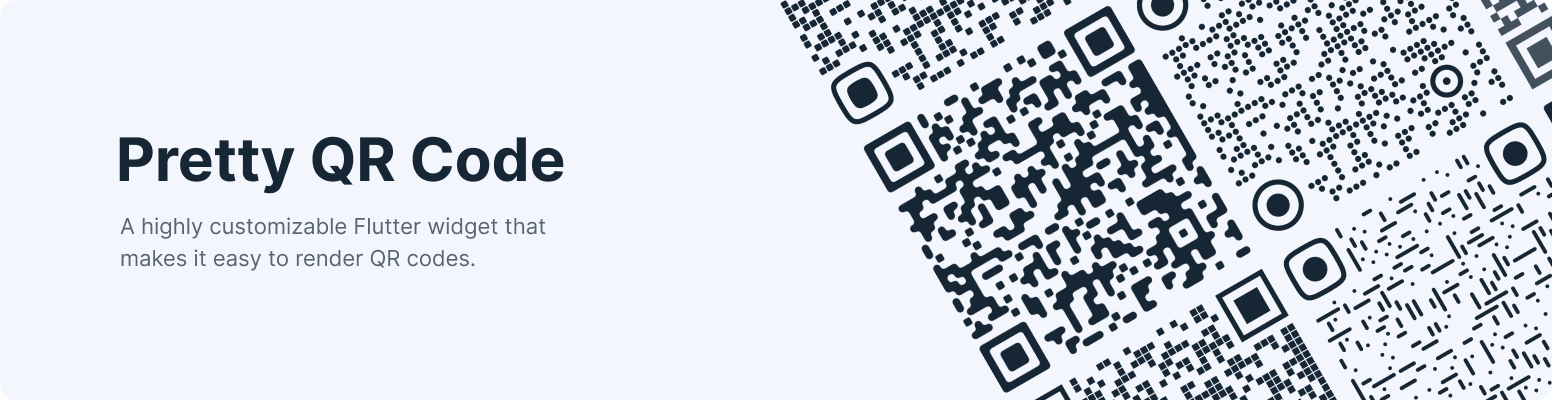
A highly customizable Flutter widget that makes it easy to render QR codes. Built on top of the qr package.
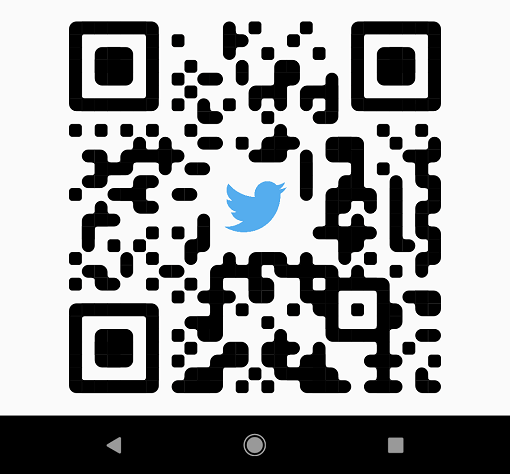
Shapes - The widget provides functionality for rendering various built-in shapes, namely smooth, squares and dots, or you can even create your patterns using the package API.
PrettyQrView.data(
data: 'lorem ipsum dolor sit amet',
decoration: constPrettyQrDecoration(
image: PrettyQrDecorationImage(
image: AssetImage('images/flutter.png'),
),
quietZone: PrettyQrQuietZone.standart,
),
)
If you want to pass non-string data or want to specify a QR version, consider using the default PrettyQrView constructor:
@protectedlateQrImage qrImage;
@overridevoidinitState() {
super.initState();
final qrCode = QrCode(
8,
QrErrorCorrectLevel.H,
)..addData('lorem ipsum dolor sit amet');
qrImage = QrImage(qrCode);
}
@overrideWidgetbuild(BuildContext context) {
returnPrettyQrView(
qrImage: qrImage,
decoration: constPrettyQrDecoration(),
);
}
Note: Do not create QrImage inside the build method; otherwise, you may have an undesired jank in the UI thread.
Combine several styles
To combine multiple styles in a single QR code, you can use PrettyQrCustomShape, as shown in the example below:
PrettyQrView.data(
data: 'lorem ipsum dolor sit amet',
decoration: constPrettyQrDecoration(
shape: PrettyQrShape.custom(
PrettyQrSquaresSymbol(),
finderPattern: PrettyQrSmoothSymbol(),
alignmentPatterns: PrettyQrDotsSymbol(),
),
),
)
Save the symbol as an image
You can save the QR code as an image using the toImage or toImageAsBytes extension methods that apply to QrImage. Optionally, the configuration parameter may be used to set additional saving options, such as pixel ratio or text direction.
final qrCode = QrCode.fromData(
data: 'lorem ipsum dolor sit amet',
errorCorrectLevel: QrErrorCorrectLevel.H,
);
final qrImage = QrImage(qrCode);
final qrImageBytes = await qrImage.toImageAsBytes(
size: 512,
format: ImageByteFormat.png,
decoration: constPrettyQrDecoration(),
);
See the example folder for more code samples of the various possibilities.
Contributing
Contributions are welcomed!
Here is a curated list of how you can help:
Fix typos/grammar mistakes
Report parts of the documentation that are unclear
Report bugs and scenarios that are difficult to implement