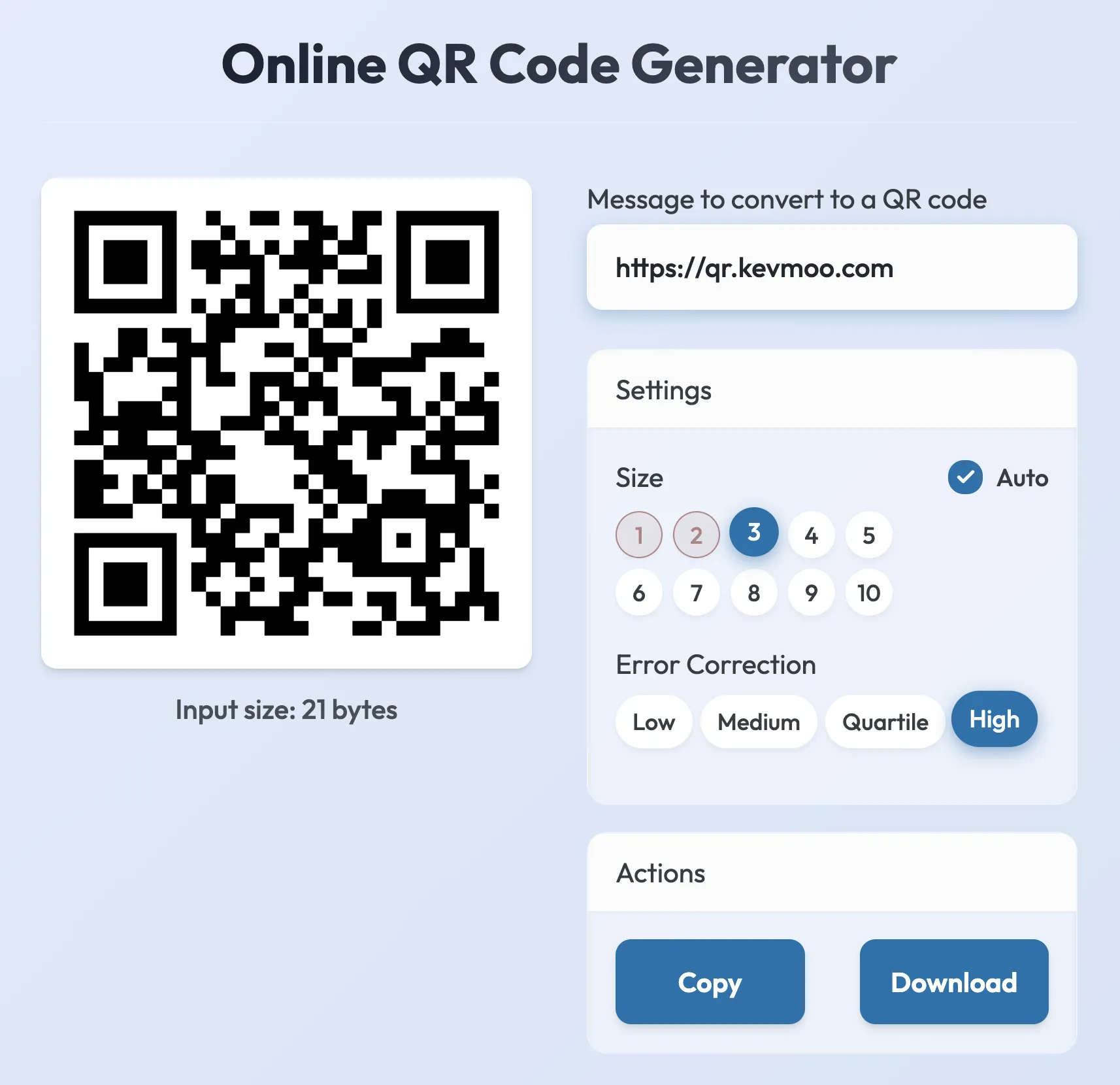
To build your QR code data you should do so as such:
final qrCode = QrCode(
  payload: QrPayload.fromString('Hello, world in QR form!'),
  errorCorrectLevel: QrErrorCorrectLevel.low,
);
final qrImage = QrImage(qrCode);
To enable Extended Channel Interpretation (ECI) mode or build multi-part data,
you can use QrPayload:
final payload = QrPayload()
  ..addECI(QrEciValue.utf8)
  ..addString('Hello, world in QR form!');

final qrCode = QrCode(
  payload: payload,
  errorCorrectLevel: QrErrorCorrectLevel.low,
);
Now you can use your qrImage instance to render a graphical representation of
the QR code. A basic implementation would be as such:
for (var x = 0; x < qrImage.moduleCount; x++) {
  for (var y = 0; y < qrImage.moduleCount; y++) {
    if (qrImage.isDark(y, x)) {
      // render a dark square on the canvas
    }
  }
}