
v14.0.1
firebase_storage
适用于 Firebase Cloud Storage 的 Flutter 插件,这是一项功能强大、简单且成本效益高的对象存储服务,适用于 Android 和 iOS。
1760喜欢 89.2万近 30 天下载140Pub 分数
AndroidiOSWebmacOSWindows
使用 Flutter 构建的开源在线学习平台 — 课程、测验、作业、考勤和实时消息

适用于 Firebase Cloud Storage 的 Flutter 插件,这是一项功能强大、简单且成本效益高的对象存储服务,适用于 Android 和 iOS。
 v2.0.0
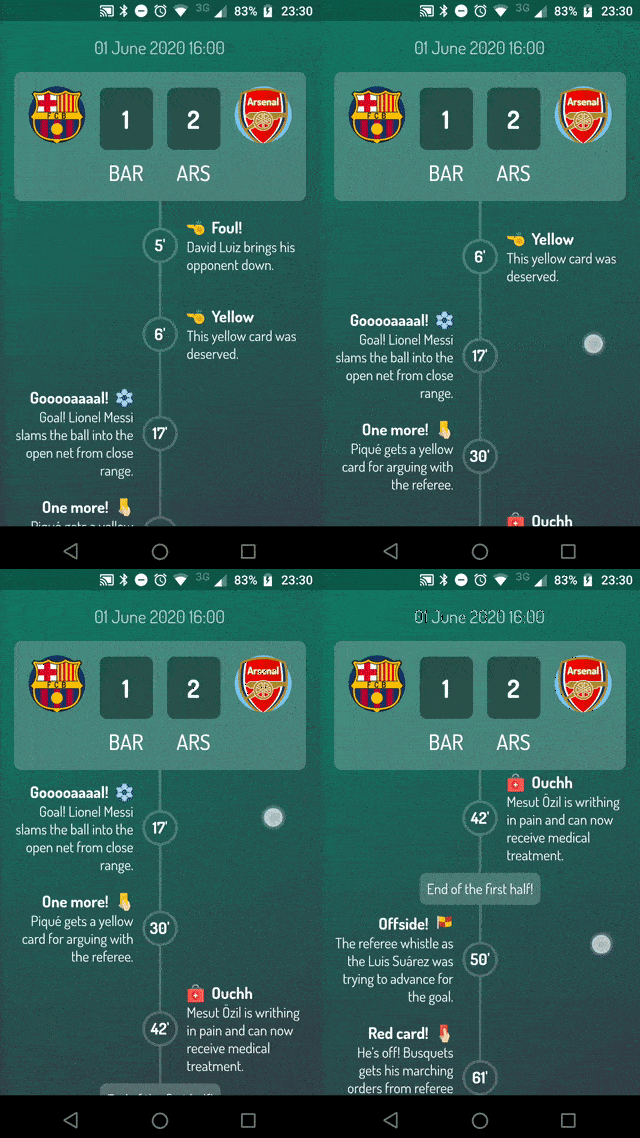
一个用于帮助您使用 Flutter 构建高度可定制时间线的包。
适用于 web、flutter、dartvm 的 socket.io-client 的 Dartlang 版本
 v2.1.0
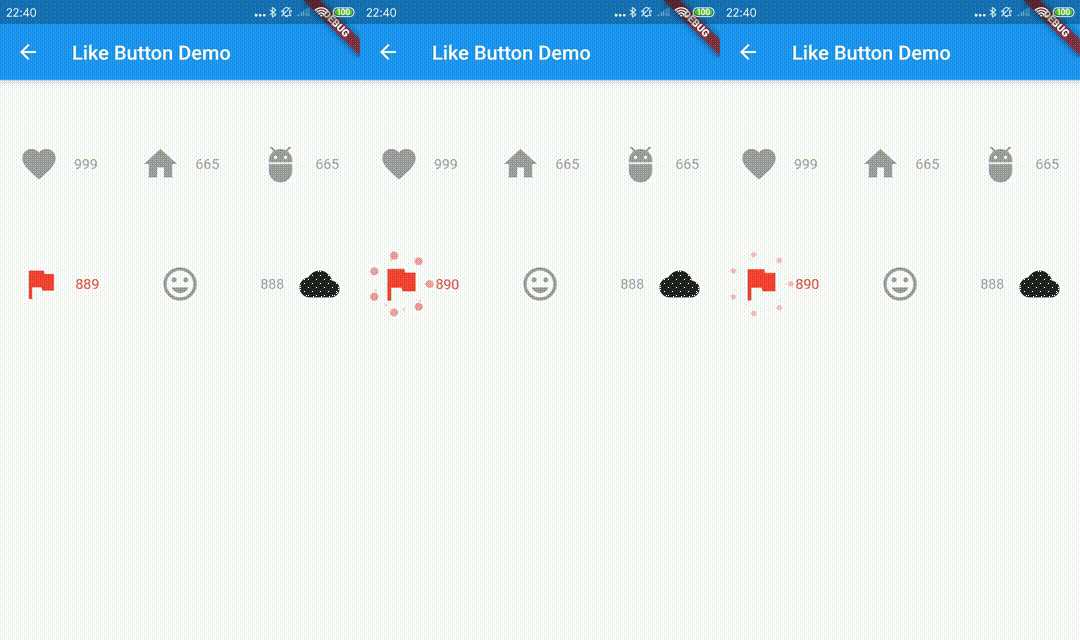
Like Button 是一个 Flutter 库,允许你创建一个类似于 Twitter 点赞时心形动画效果的按钮。
一个完全用 Dart 编写的快速、超轻量且同步的键值存储
FlutterIsolate 提供了一种在 Flutter 中启动 Dart Isolate 的方法,该方法可与 Flutter 插件配合使用。
 v16.0.1
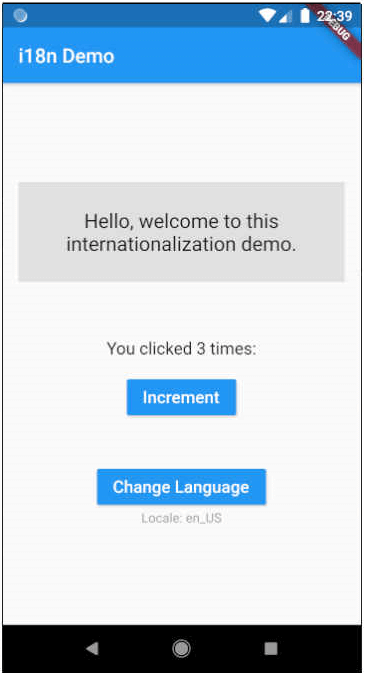
Flutter 的翻译和国际化 (i18n)。适用于大型和小型项目的简易用法。使用 Dart 扩展减少样板代码。
 v2.1.0
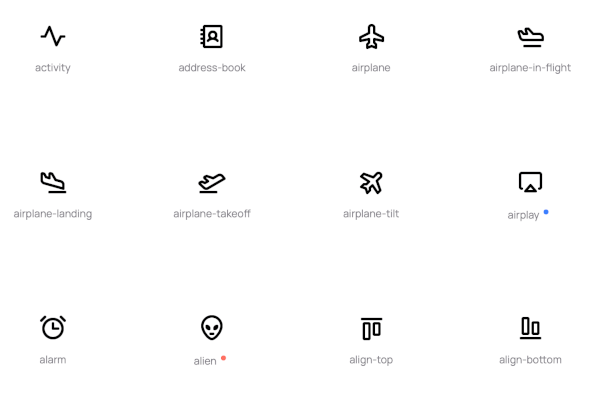
Phosphoricons 在 Flutter 中的实现。772 个图标及更多。细线、轻量、常规、粗体、填充。
轻松动画 - 无需控制器,无需计时器,仅包含必要的部分。
 v3.0.1
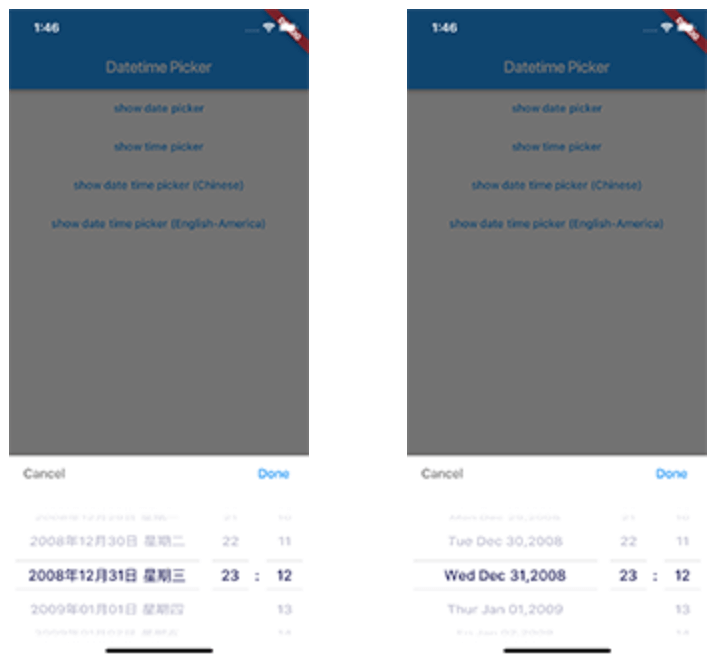
适用于 Flutter 的日期时间选择器,您可以在英文、荷兰语和中文中选择日期/时间/日期和时间,并且还可以自定义自己的选择器内容
集成开放的 MoMo.VN 应用程序进行支付。完成后,系统将记录成功或失败的数据,并据此处理下一步。
{"sdk":"flutter"}{"sdk":"flutter"}^1.0.2^4.0.0^7.2.0^2.0.0^7.2.0^2.0.0^9.0.2^0.18.0^2.0.3^0.5.0^2.0.0^3.0.1^1.2.0^0.40.2^2.0.1^5.0.1^4.3.8^2.0.3^10.1.0^4.2.7^2.9.0^14.4.0^11.1.0^4.5.0^3.1.0^0.8.6^2.0.3^1.3.1^0.9.2{"git":"https://github.com/Askany-NDN/momo.vn.git"}^0.9.20^0.27.4{"sdk":"flutter"}^1.9.2^5.0.15以下为英文项目原文快照,最新内容请访问 GitHub。
Not available on Google Play Store and AppStore
https://askany.com/images/app-store.png https://askany.com/images/ch-play.png
Cloudmate is an open-source online learning platform developed with Flutter to help teachers and students connect and interact with each other through a variety of features. With Cloudmate, teachers can create classes, quizzes, and assignments, as well as take attendance and communicate with students using the built-in messaging system. Meanwhile, students can join classes, complete assignments, and take quizzes to test their knowledge.
admin@gmail.com123456backend: Cloudmate Backend Sourceadmin: Cloudmate Admin SourceTo get started with Cloudmate, follow these steps:
flutter pub get.flutter run.Doctor summary (to see all details, run flutter doctor -v):
[✓] Flutter (Channel stable, 3.10.5, on macOS 13.3.1 22E772610a darwin-arm64
(Rosetta), locale en-VN)
[✓] Android toolchain - develop for Android devices (Android SDK version 33.0.0)
[✓] Xcode - develop for iOS and macOS (Xcode 14.3)
[✓] Chrome - develop for the web
[✓] Android Studio (version 2022.2)
[✓] VS Code (version 1.79.2)
[✓] Connected device (2 available)
[✓] Network resources
• No issues found!
We welcome contributions from anyone! To contribute to Cloudmate, please follow these steps:
master branch.master branch.