
 v11.6.0
flutter_quill
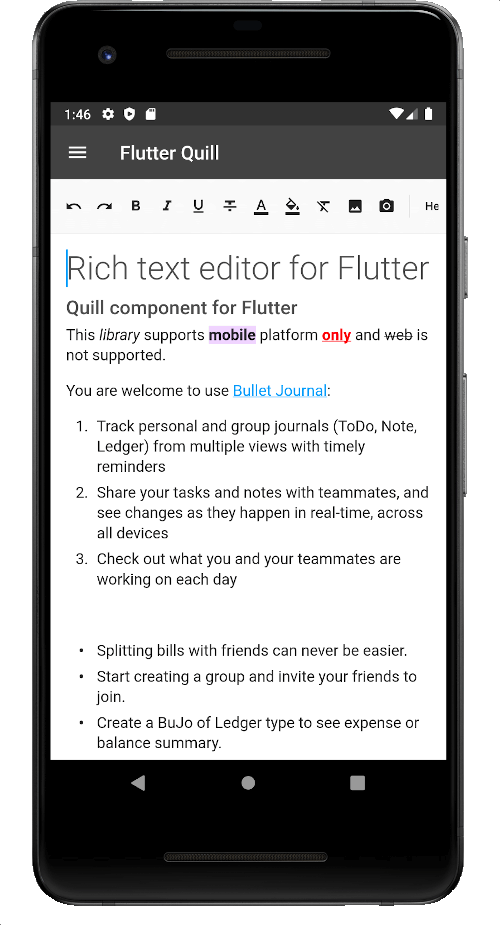
Android、iOS、Web、デスクトッププラットフォーム用に構築されたリッチテキストエディタです。Flutter用のWYSIWYGエディタおよびQuillコンポーネントです。
2160いいね 32万30日間ダウンロード150Pub ポイント
AndroidiOSmacOSWindowsLinux
クルード・バーナール大学のアプリ
 v11.6.0
Android、iOS、Web、デスクトッププラットフォーム用に構築されたリッチテキストエディタです。Flutter用のWYSIWYGエディタおよびQuillコンポーネントです。
 v3.0.0
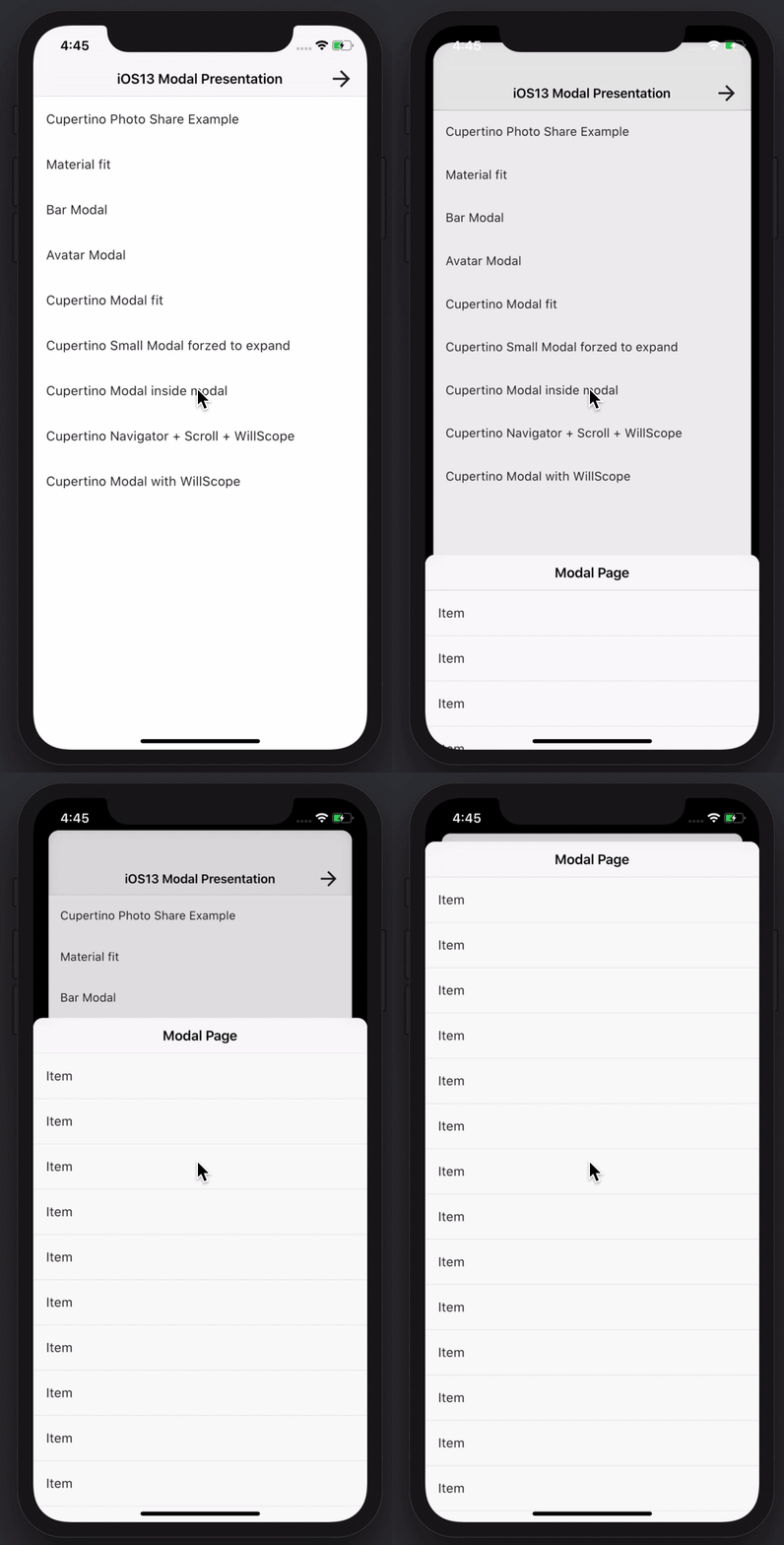
素晴らしい機能を持つモーダルボトムシートを作成します。Material、Cupertino iOS 13、または独自のスタイルを構築できます
Dart VM および Flutter 向けの、暗号化をサポートする NoSQL 永続埋め込みファイルシステムドキュメントベースのデータベース。
 v0.4.2
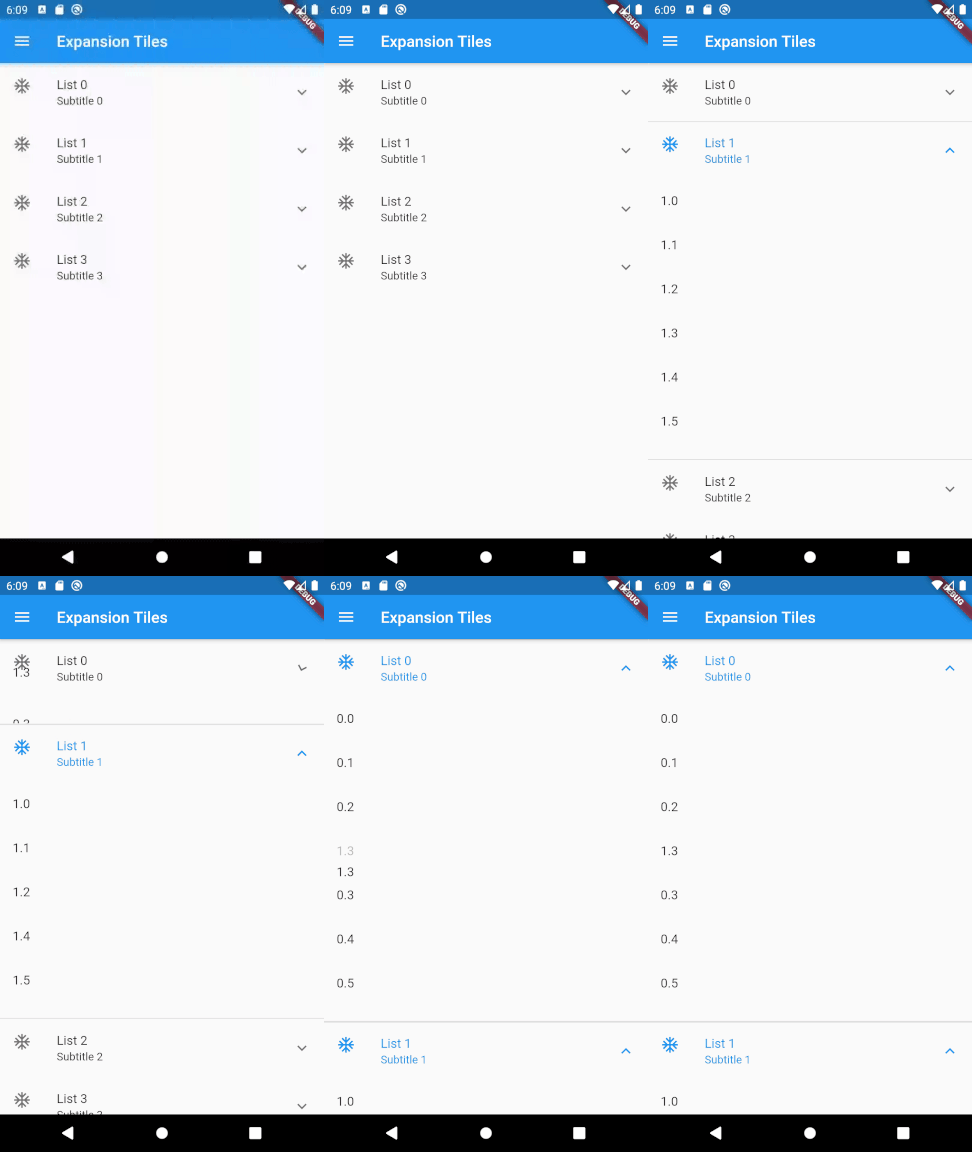
2段階のリストのドラッグアンドドロップによる並べ替えを可能にするFlutterパッケージ。
Flutter スクリーンショットパッケージ(実行時)。任意のウィジェットを画像としてキャプチャします。
ジェネリクス、継承、カスタマイズなど、完全なサポートを備えた、JSON シリアル化およびデータクラスの改善。
セキュアストレージ:バイオメトリックロックで保護可能な暗号化データストア。iOS、Android、macOSをサポート。Linux、Windows、Web(localStorage)については部分的サポート。
hive_ce を使用した、データベースキャッシュストアに依存しない HTTP クライアントの実装。
 v3.3.1
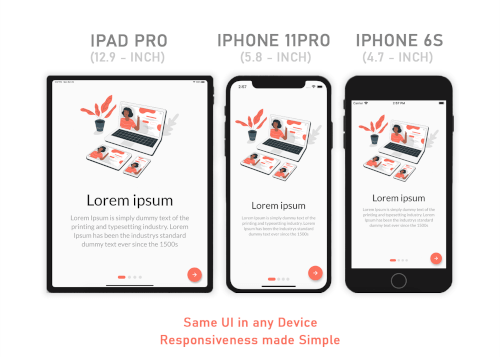
Responsive Sizer は、ヘルパー小道具と拡張機能を提供することで、応答性のあるレイアウトの実装を支援します。
メール開発者向けのIMAP、POP3、SMTP。メール送信に低レベルAPIと高レベルAPIのどちらかを選択できます。MIMEメッセージの解析と生成。メール設定の検出。
 v10.3.0
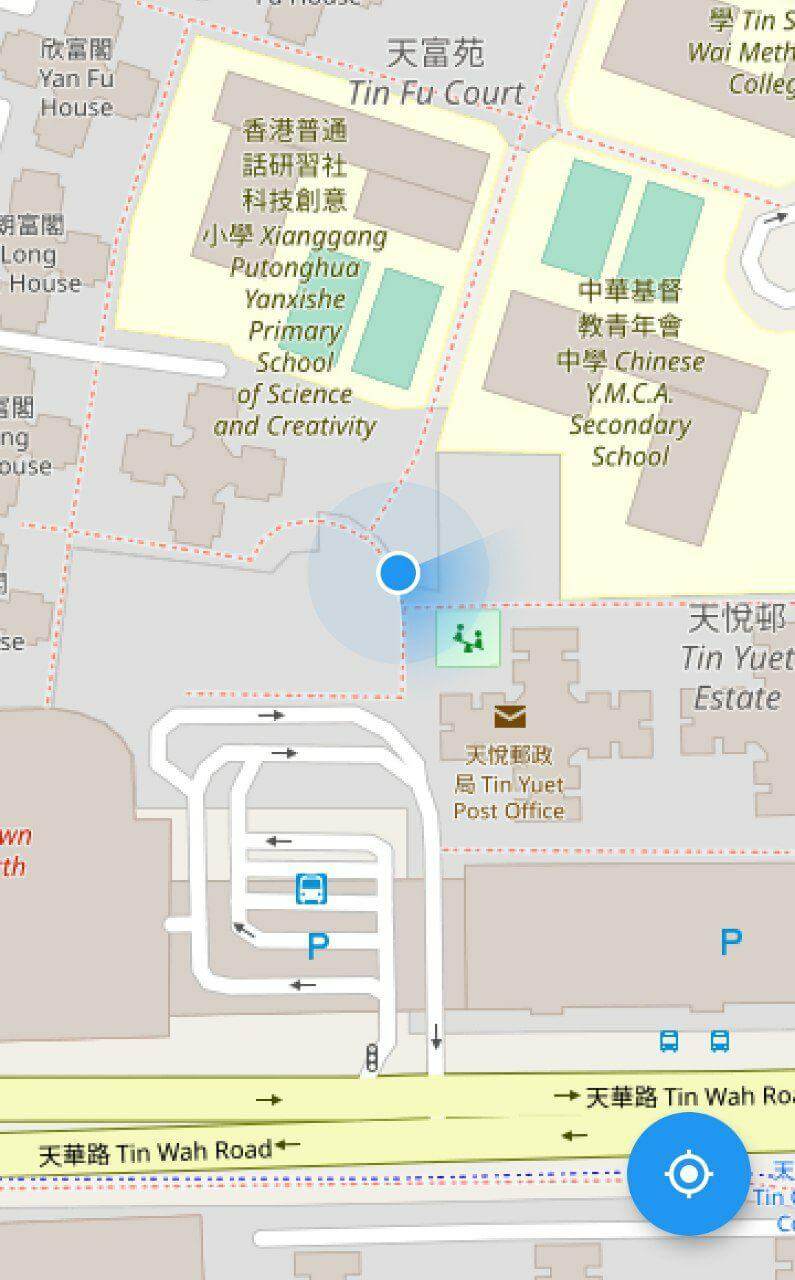
デバイスの現在位置を表示するためのFlutterマッププラグイン。
 v8.1.2
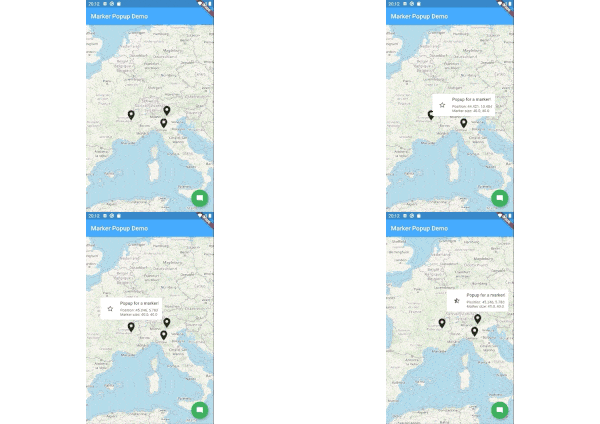
flutter_map のマーカー ポップアップ。
依存関係一覧 1 件
^6.3.2以下は英語原文のスナップショットです。最新版は GitHub をご覧ください。
Releases Playstore License Discord
Features | Download | Contribute | Build | License
Banner
Onyx is an unofficial, open-source application that lets you access all Université Claude Bernard Lyon 1 services from your phone.
Calendar Screenshot Email Screenshot Grades Screenshot Map Screenshot Izly Screenshot
An application for students, by students. Feel free to contribute to this project by opening issues or pull requests. We really appreciate any help. You can also chat with us on Discord.
https://contrib.rocks/image?repo=onyx-lyon1/onyx
Thanks to weblate for the translation platform !
To build the app, follow these steps:
Install Flutter from flutter.dev.
You will need those libraries:
On Debian/Ubuntu like distros, they can be installed with this single command :
sudo apt install pkg-config libgtk-3-dev libglib2.0-dev libsecret-1-dev zenity
You will need a recent version of Android Sdk.
You can then run flutter doctor to check if it's detected by flutter.
Please make sure you are on the main branch before proceeding with the build process.
Navigate to the apps/onyx directory and execute the following command based on your
target platform:
flutter build apk --profile --no-tree-shake-icons (the --profile flag build the app without the signing key but with
full optimizations)
apps/onyx/build/app/outputs/flutter-apk/app-release.apk.flutter build linux --no-tree-shake-icons
apps/onyx/build/linux/x64/release/bundle/Onyx.flutter build appbundle --profile --no-tree-shake-icons (the --profile flag build the app without the signing
key but with full optimizations)
apps/onyx/build/app/outputs/bundle/release/app-release.aab.To set up your development environment:
packages/ directory.dart pub global activate melos.melos bs or melos bootstrap to link the local libraries in the app and retrieve all dependencies.apps/onyx directory and run flutter clean to ensure a clean environment.flutter run to start the app.melos generate to generate automatically generated files (usually not needed unless you
modify them).melos test to run unit tests for all the libraries.melos analyze to perform static analysis on the libraries and the Onyx app.melos clean.git update-index --assume-unchanged apps/onyx/assets/key.txt
and git update-index --assume-unchanged apps/onyx/assets/iv.txt to ignore
changes to this file.if you are using the flake, to create an virtual device, run : avdmanager create avd --force --name phone --package 'system-images;android-33;google_apis_playstore;x86_64'
then to run it simply run : emulator -avd phone -skin 720x1280
To run end-to-end tests:
curl -Ls "https://get.maestro.mobile.dev" | bash (Applicable for Mac
OS, Linux, or Windows with WSL)apps/onyx/integration_test directory.
4. After installing the app on an Android device (physical or virtual), run the following command to execute the
tests: maestro test general_test.yaml Maestro will automatically run the tests.Now, you're all set to build and test your Flutter app. 🎉
This work is licensed under the GPL-3.0 License. To view a copy of this license, visit https://www.gnu.org/licenses/
powered by the cat