
 v11.6.0
flutter_quill
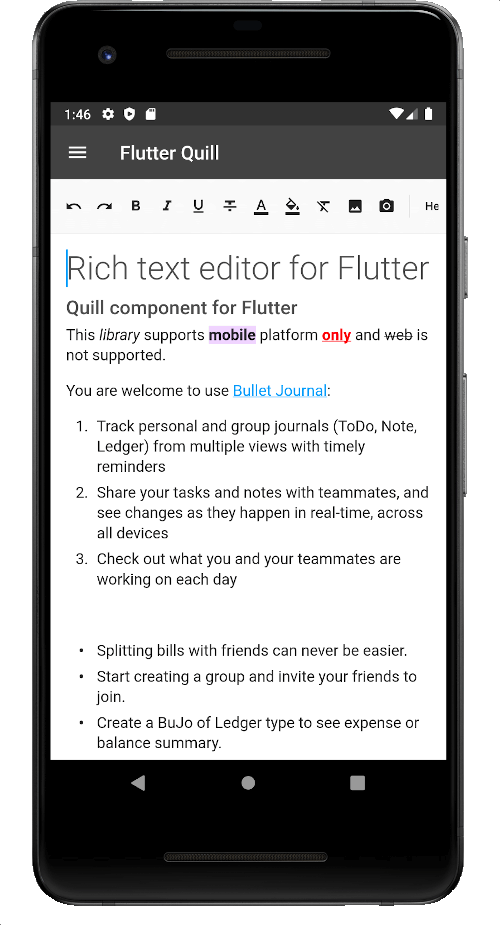
Android、iOS、Web、デスクトッププラットフォーム用に構築されたリッチテキストエディタです。Flutter用のWYSIWYGエディタおよびQuillコンポーネントです。
2150いいね 25万30日間ダウンロード150Pub ポイント
AndroidiOSmacOSWindowsLinux
Virlow Flutter レコーダーは、録音されたオーディオをトランスクリプトできるオープンソースのFlutterアプリです。また、要約(TL;DR)やショートハンドノートも含まれており、トランスクリプトを編集し、必要に応じて追加のメモを追加できるリッチテキストエディタも搭載しています。
 v11.6.0
Android、iOS、Web、デスクトッププラットフォーム用に構築されたリッチテキストエディタです。Flutter用のWYSIWYGエディタおよびQuillコンポーネントです。
 v3.0.0
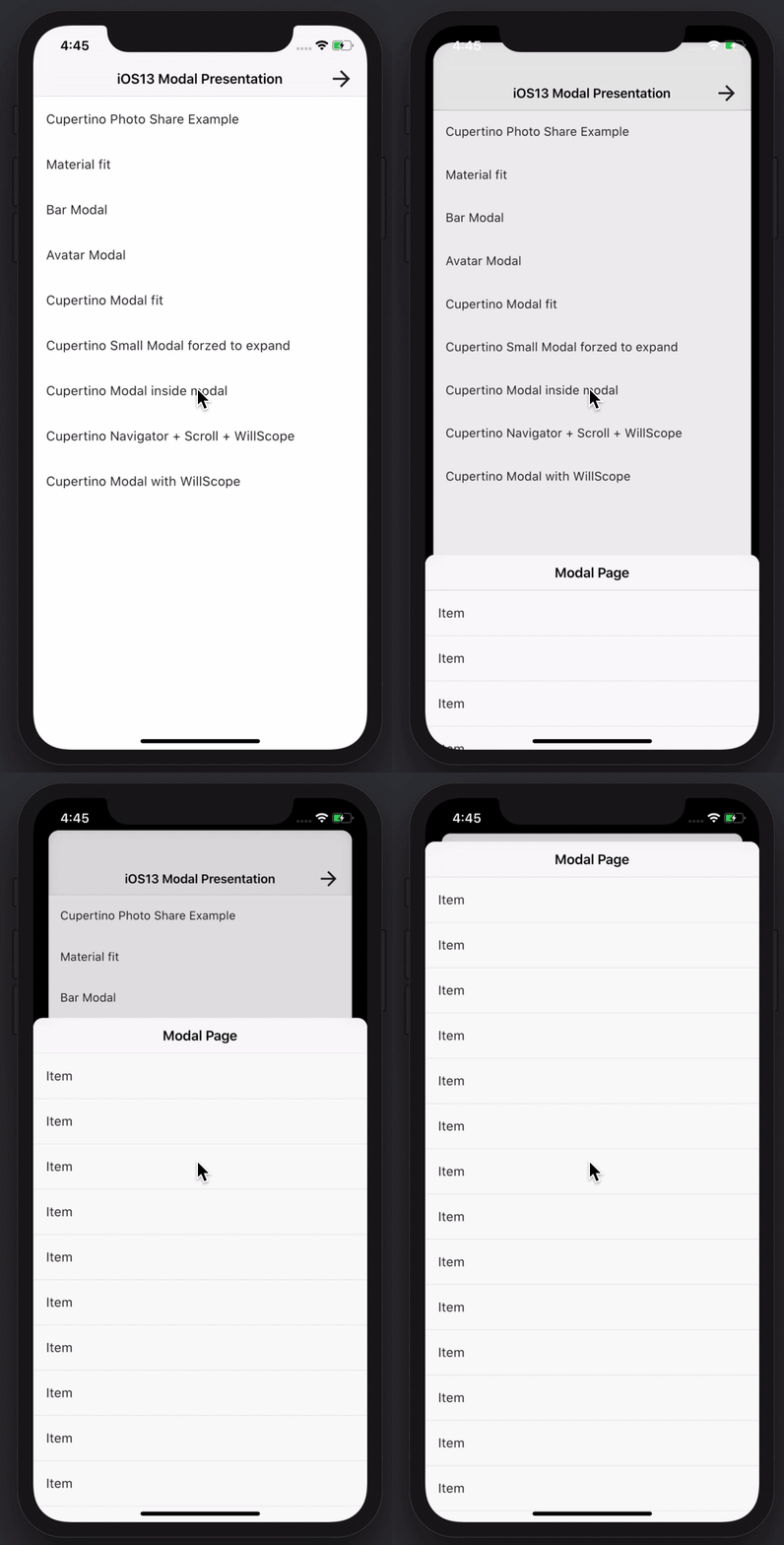
素晴らしい機能を持つモーダルボトムシートを作成します。Material、Cupertino iOS 13、または独自のスタイルを構築できます
GraphQL および REST 操作をサポートする Amplify Flutter API カテゴリプラグイン。
AWS Cognito プロバイダーを使用する Amplify Flutter Auth カテゴリプラグイン。
Amplify Auth カテゴリ用の事前構築済みサインインおよびサインアップ体験
AWS Amplify ライブラリ用の最上位レベルの Flutter パッケージ。
 v9.30.0
オーディオ再生および録音用の完全なAPI。Tauファミリーの一員。オーディオプレイヤー、オーディオレコーダー。ウクライナのために祈りましょう。
 v6.0.0
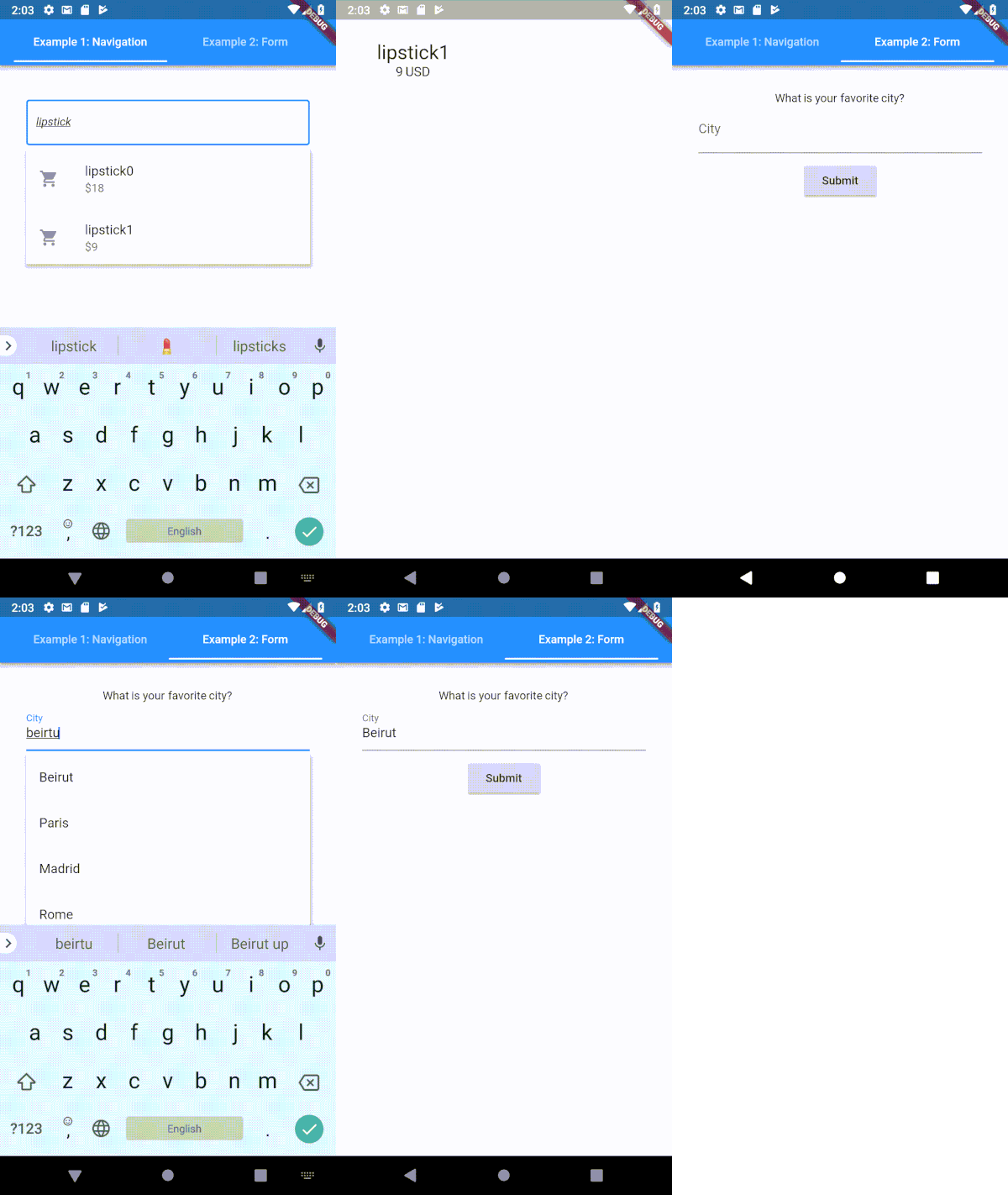
Flutter用に高度にカスタマイズ可能なタイプヘア(自動補完)テキスト入力フィールド
web、flutter、dartvm用のsocket.io-clientのDartlangポート
 v6.0.0
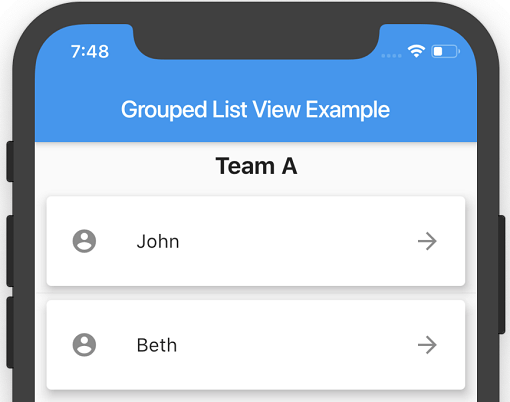
FlutterのListViewで、リスト項目をセクションにグループ化できます。
 v6.0.0
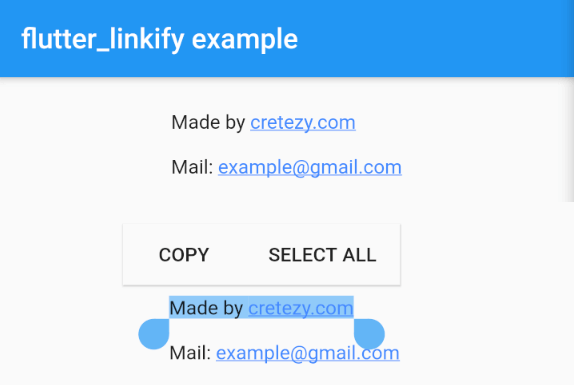
Flutter用にテキスト内のURLとメールアドレスをクリック可能なインラインリンクに変換します。
 v3.4.0
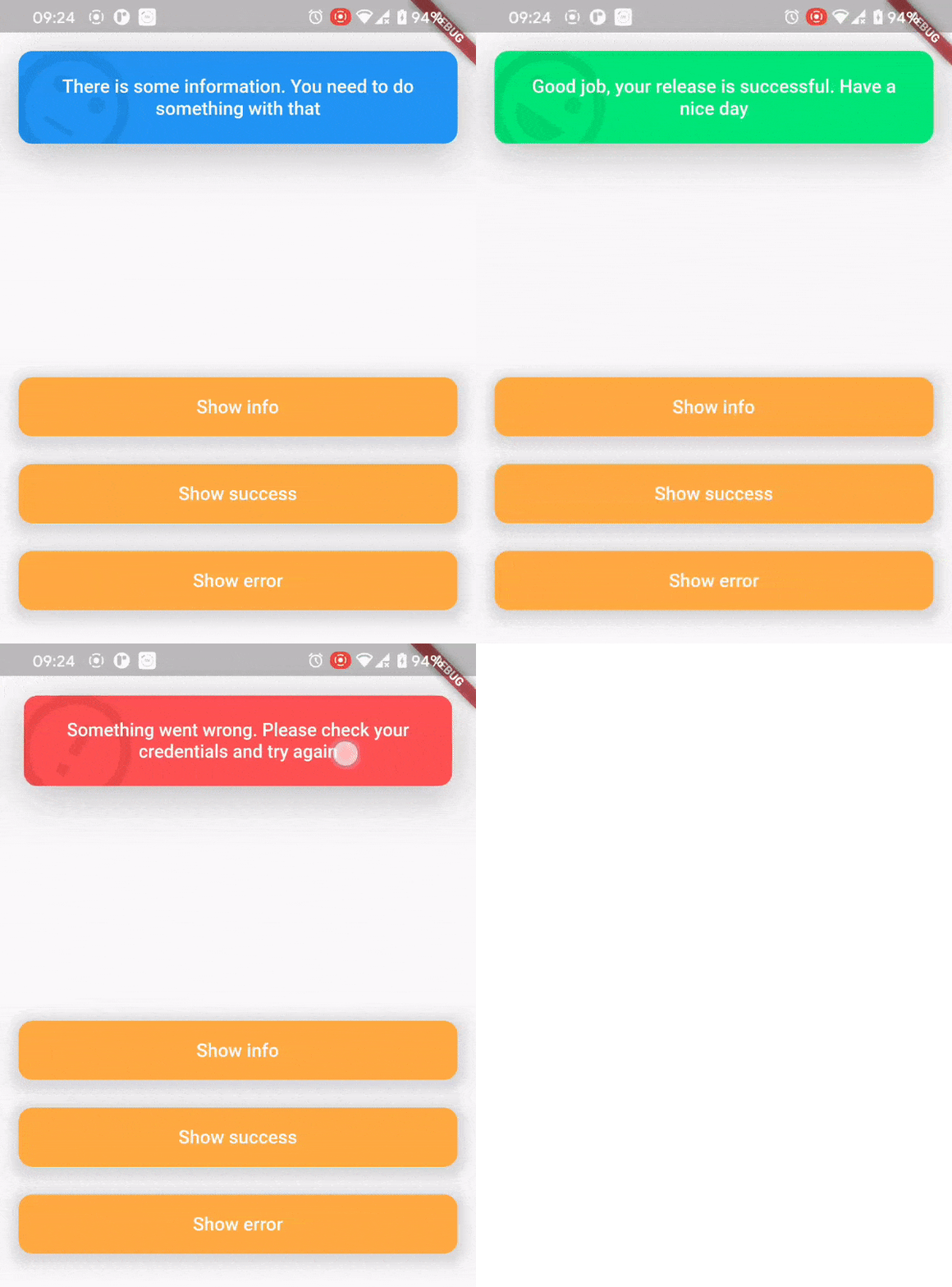
トップスナックバーのパッケージは、ユーザーに何が起こったかを快適かつ便利に伝えるために作成されました。
^0.1.6+1{"sdk":"flutter"}^1.0.4^5.0.2^2.0.0^5.0.3^2.0.0^9.2.13^4.0.0^5.1.1^2.2.1^1.1.0^0.13.4^0.17.0^0.9.21^2.0.1^9.2.0^2.0.0-beta.4-nullsafety.0^1.1.1^6.1.2^3.0.6^0.27.3{"git":{"url":"https://github.com/virlow-voice/flutter-sound-stream"}}^0.6.0^0.6.0^0.2.0^0.6.0^2.1.0{"sdk":"flutter"}^2.0.1以下は英語原文のスナップショットです。最新版は GitHub をご覧ください。
Version 2.2.0-beta
The Virlow Flutter Recorder is an open-source Flutter application that can transcribe recorded audio, plus it includes TL;DR and Short Hand Notes for your transcription. It also consists of a rich text editor that allows you to edit the transcription plus add any additional notes you require.
https://raw.githubusercontent.com/virlow-voice/virlow-flutter-recorder/HEAD/virlow.gif
The Virlow Flutter Recorder leverages the Virlow Speech-to-Text API for transcription as well as TL;DR and Short Hand Notes. The Virlow API can automatically convert audio/video files and live audio streams to text with Virlow’s Speech-to-Text APIs. Powered by cutting edge AI models.
Find instructions for setting up your development machine with the Flutter framework on Flutter’s Get started page. The specific steps vary by platform
This project uses the Virlow Speech-to-Text API. You will need to register and generate an API key to use this within your own project.
To run your project, you’ll need to use one of the following options:
Clone this repository.
Update the assets/cfg/app_settings.json with your Virlow API key.
Run flutter pub get.
In VS Code select a platform — for example, the Pixel mobile emulator — and wait while the emulator launches.
Once the emulator is ready, build and run by pressing F5, by selecting Debug ▸ Start Debugging from the menu or by clicking the triangular Play icon in the top right.