
v3.0.0
flutter_html
정적 HTML과 CSS를 Flutter 위젯으로 렌더링하기 위한 Flutter 위젯입니다.
2.2천좋아요 74.1만30일 다운로드90Pub 점수
AndroidiOSWebmacOSWindowsLinux
DailyAL - MyAnimeList 클라이언트

정적 HTML과 CSS를 Flutter 위젯으로 렌더링하기 위한 Flutter 위젯입니다.
 v5.1.2
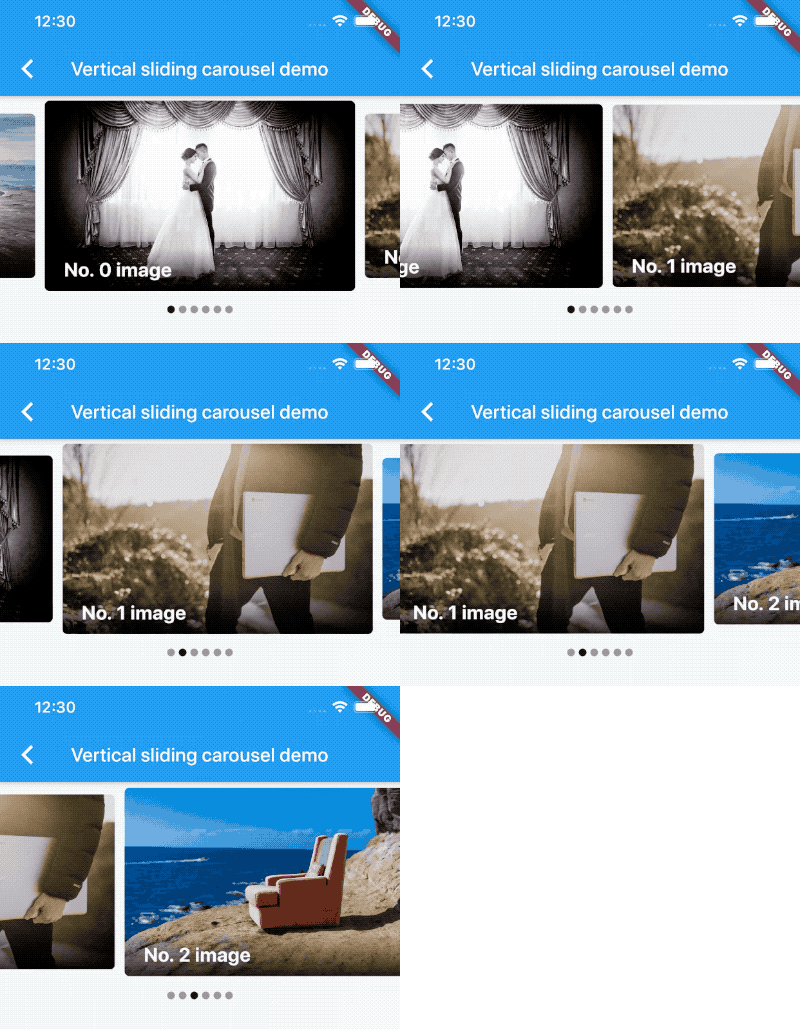
무한 스크롤과 사용자 정의 자식 위젯을 지원하는 카루셀 슬라이더 위젯입니다.
항목으로 프로그래밍 방식으로 스크롤할 수 있는 보조 메서드가 포함된 목록입니다.
자식의 가시성을 감지하고 콜백을 알리는 위젯입니다.
사용자가 화면을 아래로 스크롤할 때 항목 페이지를 지연 로드하고 표시합니다.
Flutter에서 스크롤 가능한 위젯의 특정 자식으로 스크롤하기
네트워크를 통해 요청할 때 유용한 비동기 함수를 자동 재시도 로직과 지수 백오프로 래핑하는 유틸리티입니다.
 v1.5.1
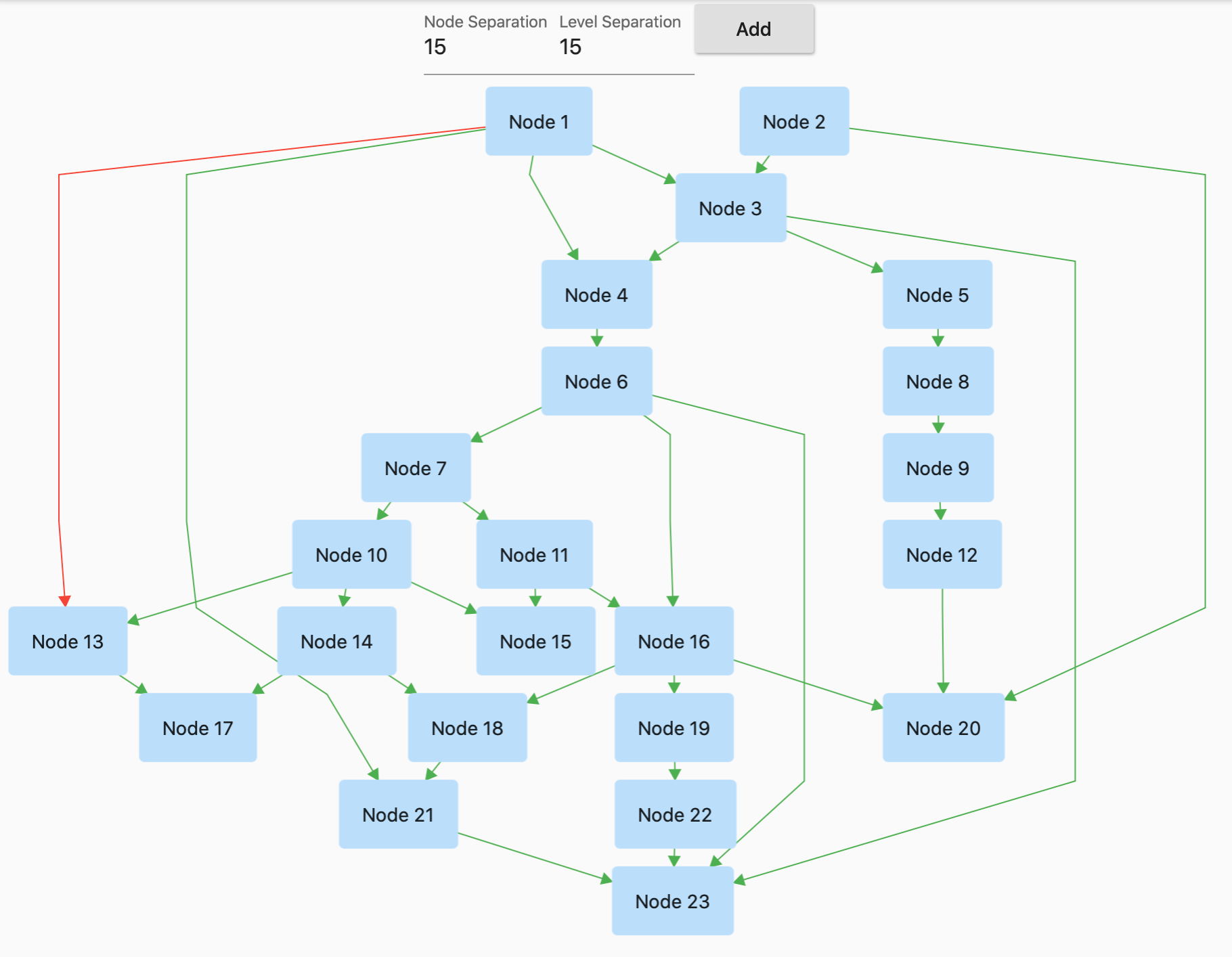
GraphView는 그래프 구조로 데이터를 표시하는 데 사용됩니다. 트리 레이아웃, 방향성 및 계층 그래프를 표시할 수 있습니다. 가계도, 계층 보기 등에 유용합니다.
 v3.1.0
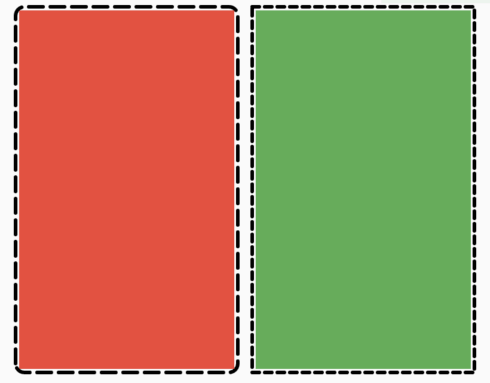
어떤 위젯에도 쉽게 점선 테두리를 추가할 수 있도록 해주는 플러터 패키지입니다.
이 플러그인을 사용하면 Flutter 데스크톱 앱에서 시스템 트레이를 정의할 수 있습니다.
SDK 컬렉션을 기반으로 하는 불변 컬렉션입니다. 각 SDK 컬렉션 클래스는 새로운 불변 컬렉션 클래스와 해당하는 변경 가능한 빌더 클래스로 분할됩니다.
.env 파일을 사용하여 어떤 플러터 애플리케이션도 전역 변수로 쉽게 구성할 수 있습니다.
{"sdk":"flutter"}^1.2.2^6.1.2^2.3.2^0.5.1^0.5.2^3.4.1^9.2.2^6.3.0^5.0.0^3.0.0^0.20.0^9.0.0^6.0.5^5.0.0^0.15.0^2.0.0^0.3.8^0.68.0^3.0.0-beta.2^3.0.1^10.0.2^5.1.0^20.1.0^0.10.0^2.1.0^3.5.1^1.0.1^1.1.2^4.0.0^2.1.0^3.1.2^3.0.0^0.4.0+2^0.15.0^5.6.0^4.0.0^2.0.3^1.7.0^10.1.2^5.1.0{"path":"./dal-api"}{"path":"./dal-api/dal_commons"}{"sdk":"flutter"}^1.0.0^1.1.1^1.18.0^8.1.2^11.3.1^2.1.4^9.0.0^2.1.1^1.2.0^0.7.0{"git":{"url":"https://github.com/JICA98/add_2_calendar.git"}}{"sdk":"flutter"}^4.0.1^6.7.1^2.1.7^2.8.4^3.16.13아래는 영문 원문 스냅샷입니다. 최신 내용은 GitHub에서 확인하세요.
Discord Users Github downloads GitHub stars License: MIT Languages
Note: The app has been delisted from the Google Play Store. Please use GitHub Releases or F-Droid to download the app.
Explore the extensive MyAnimeList database to discover your favorite anime and manga. Engage in forums with millions of discussions at your fingertips. Access detailed reviews and receive numerous recommendations for all anime and manga on MyAnimeList.
Discover Seasonal Anime, Top Upcoming Anime, Most Popular Anime, Anime Ranking Lists, All-time Favorites, and more.
Access Anime/Manga Synopses, Related and Recommended content.
Read Detailed Anime reviews and view Anime/Manga Statistics.
Choose from 4 distinct Dark Themes: Spring, Summer, Fall, and Winter.
Customize the Bottom Navigation bar and adjust cache update frequency.
Perform advanced searches directly from the search bar using "@" and "#" with ease.
Experience faster search loading times with caching mechanisms.
Quickly Edit/Update your Anime/Manga List.
Sort your list by Title, List Score, Start Date, and Updated Date.
git clonedal-code.code-workspace to open the project in VSCodeupdate_gradle.sh to make the gradle files ready for developmentflutter pub get to install dependenciesflutter run or F5 in VSCodeintl generate to generate localization filesbuild runner to generate necessary filespython translate to generate translation files