
 v2.2.1
vs_story_designer
이 패키지는 인스타그램 스토리 생성기의 스타일로 만들어졌으며, 이미지, 텍스트, 손가락으로 그린 그림을 포함한 이미지를 만들 수 있습니다.
46좋아요 24030일 다운로드140Pub 점수
AndroidiOS
VickySalunkhe/vs_story_designer open-source repository details.
아래는 영문 원문 스냅샷입니다. 최신 내용은 GitHub에서 확인하세요.
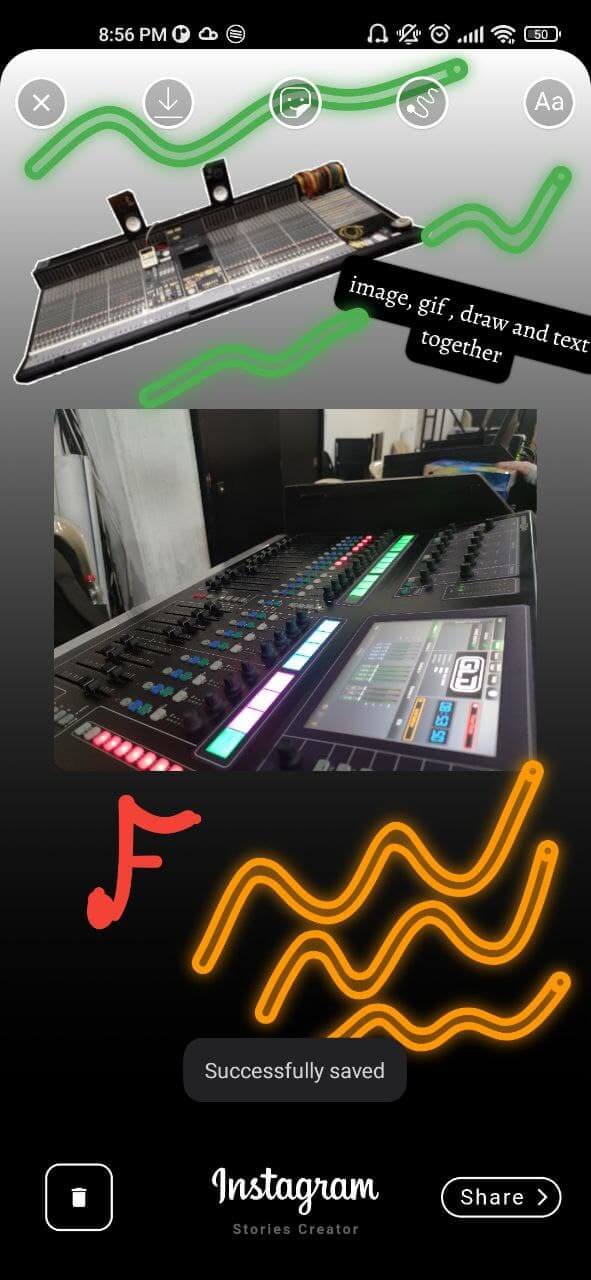
This is a package created in the style of the instagram story creator, with which you can create images with images, texts, finger drawing. They can be exported as an image to the gallery or shared directly to social networks.
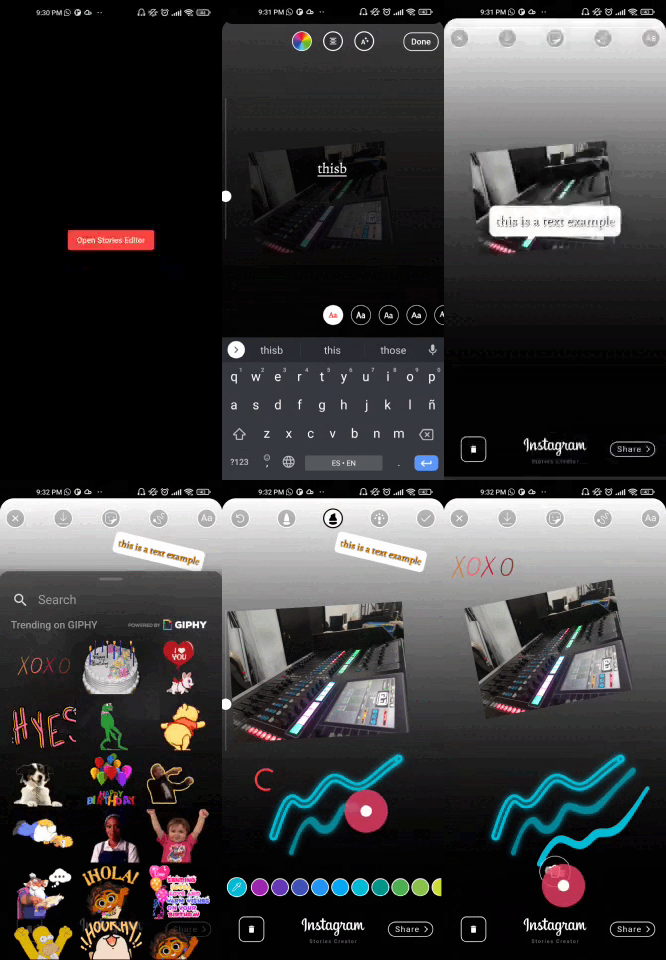
[✔️] Draggable image
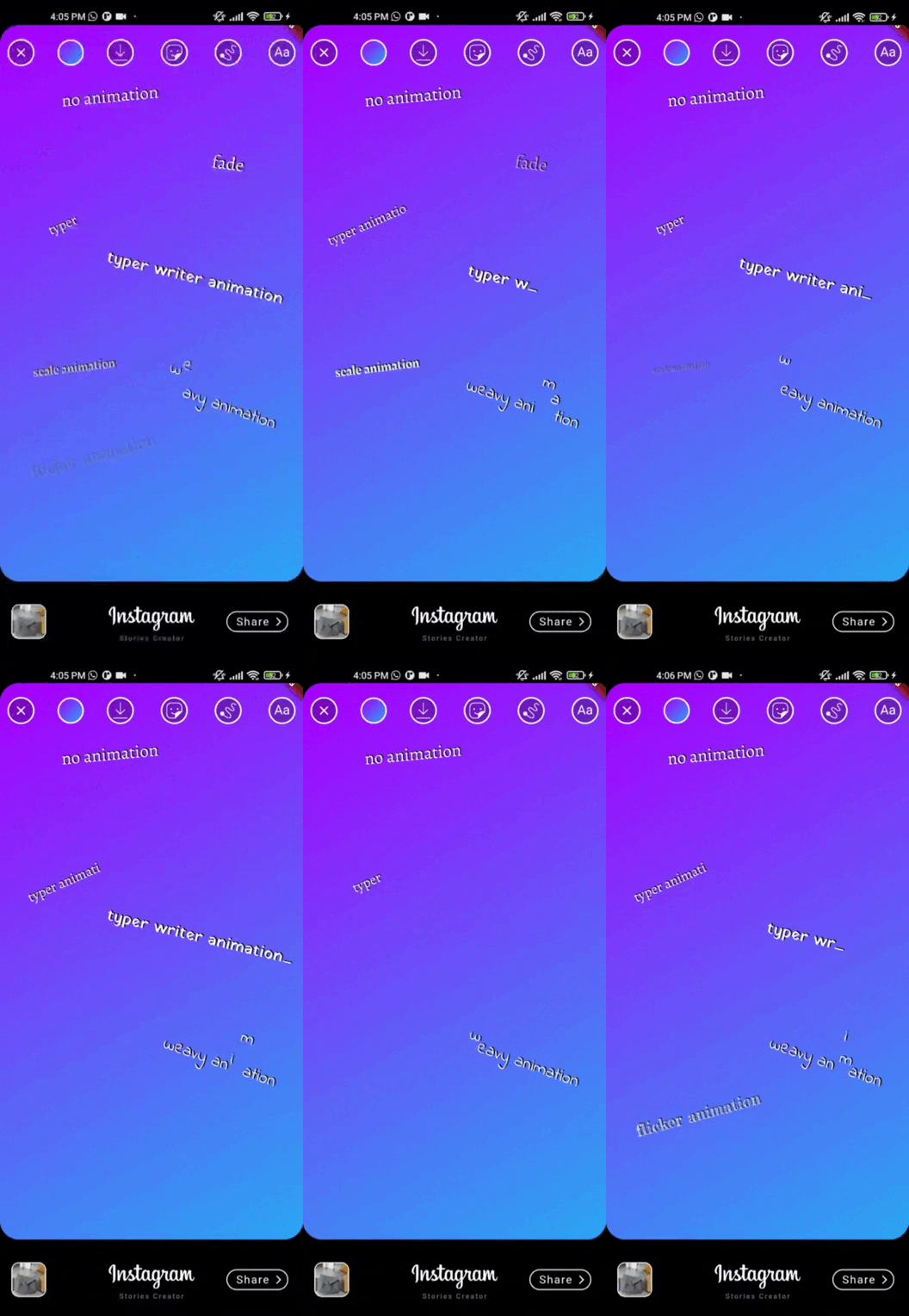
[✔️] Draggable text
[✔️] Gradient container background
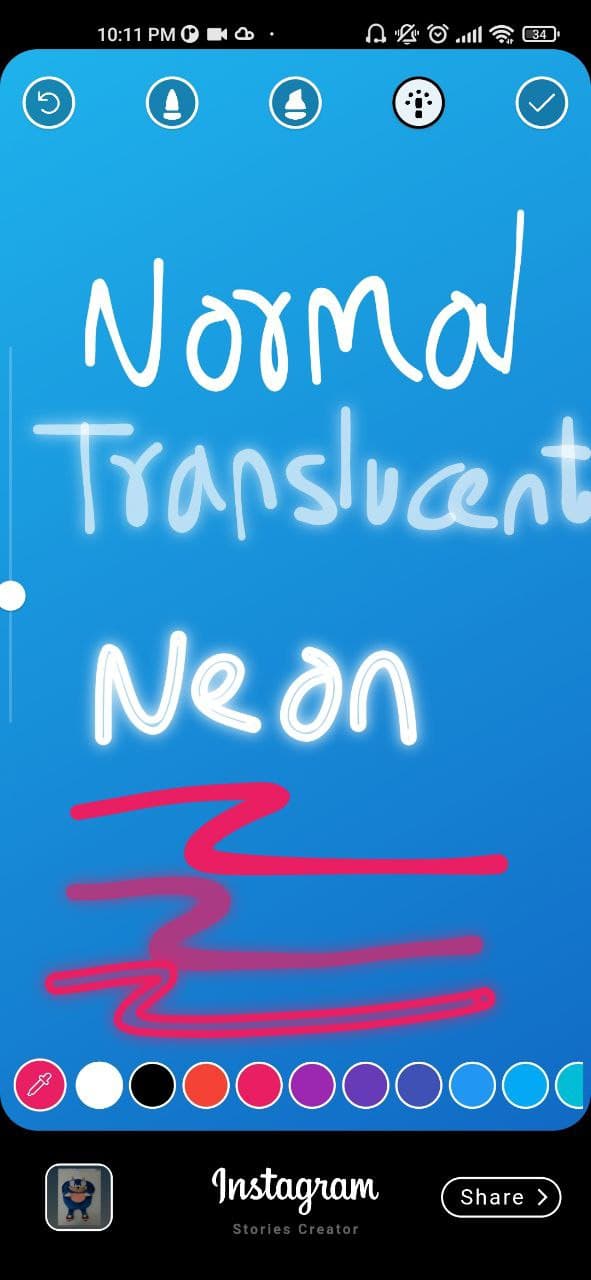
[✔️] Finger painting (normal/translucent/neon)
[✔️] Custom colors, gradients and Google font families
[✔️] Media Picker (vs_media_picker)
[✔️] Save draft as image
[✔️] Get draft local path uri
If you don't see the images go to the github repository and by the way give me a star :D
This package has been tested in Android and ios, some features works on flutter web
Add vs_story_designer: 2.2.1 to your pubspec.yaml dependencies and then import it.
import 'package:vs_story_designer/vs_story_designer.dart';
add uses-permission AndroidManifest.xml file
 <uses-permission android:name="android.permission.READ_EXTERNAL_STORAGE" />
 <uses-permission android:name="android.permission.WRITE_EXTERNAL_STORAGE"
     android:maxSdkVersion="31" />
 <uses-permission android:name="android.permission.INTERNET" />
 <uses-permission android:name="android.permission.VIBRATE"/>
 <!-- Permission is required if you are targeting android 33 and above -->
 <uses-permission android:name="android.permission.READ_MEDIA_IMAGES"/>
 <uses-permission android:name="android.permission.READ_MEDIA_VIDEO"/>
 <uses-permission android:name="android.permission.READ_MEDIA_AUDIO"/>
add this config to your config.plist
<key>NSPhotoLibraryUsageDescription</key>
<string>Privacy - Photo Library Usage Description</string>
<key>NSMotionUsageDescription</key>
<string>Motion usage description</string>
<key>NSPhotoLibraryAddUsageDescription</key>
<string>NSPhotoLibraryAddUsageDescription</string>
Create a VSStoryDesigner() widget with the follow params:
VSStoryDesigner(
    giphyKey: '[YOUR GIPHY API KEY]', /// (String), //disabled feature for now
    onDone: (String uri){
      /// uri is the local path of final render Uint8List
      /// here your code
    },
    mediaPath: mediaPath // OPTIONAL, pass path of media, image to use inside the package by default.
    themeType: ThemeType.dark, // OPTIONAL, DEFAULT ThemeType.dark
    centerText : "Start Designing" //mandatory param, this text will appear in center of story designer
    colorList: [] /// (List<Color>[]) optional param
    gradientColors: [] /// (List<List<Color>>[]) optional param
    middleBottomWidget: Container() /// (Widget) optional param, you can add your own logo or text in the bottom tool
    fontFamilyList: [] /// (List<FontType>) optional param
    isCustomFontList: '' /// (bool) if you use a own font list set value to "true"
    onDoneButtonStyle: Container() /// (Widget) optional param, you can create your own button style
    onBackPress: /// (Future<bool>) optional param, here you can add yor own style dialog
    editorBackgroundColor: /// (Color) optional param, you can define your own background editor color
    galleryThumbnailQuality: /// (int = 200) optional param, you can set the gallery thumbnail quality (higher is better but reduce the performance)
);
import 'package:flutter/material.dart';
import 'package:provider/provider.dart';
import 'package:share_plus/share_plus.dart';
import 'package:vs_story_designer/vs_story_designer.dart';

void main() {
  runApp(const MyApp());
}

class MyApp extends StatelessWidget {
  const MyApp({Key? key}) : super(key: key);

  @override
  Widget build(BuildContext context) {
    return MaterialApp(
      title: 'Flutter Story Designer Demo',
      theme: ThemeData(
        primarySwatch: Colors.blue,
      ),
      home: const Example(),
    );
  }
}

class Example extends StatefulWidget {
  const Example({Key? key}) : super(key: key);


  @override
  State<Example> createState() => _ExampleState();
}

class _ExampleState extends State<Example> {

  @override
  Widget build(BuildContext context) {
    return Scaffold(
        backgroundColor: Colors.black,
        resizeToAvoidBottomInset: false,
        body: Center(
          child: ElevatedButton(
            onPressed: (){
              Navigator.push(context, MaterialPageRoute(builder: (context) => VSStoryDesigner(
                centerText: "Start Your Design",
                // fontFamilyList: const [
                //   FontType.abrilFatface,
                //   FontType.alegreya,
                //   FontType.typewriter
                // ],
                onDone: (uri){
                  debugPrint(uri);
                  Share.shareFiles([uri]);
                },
              ))
              );
            },
            child: const Text('Open Story Designer'),
          ),
        )
    );
  }
}
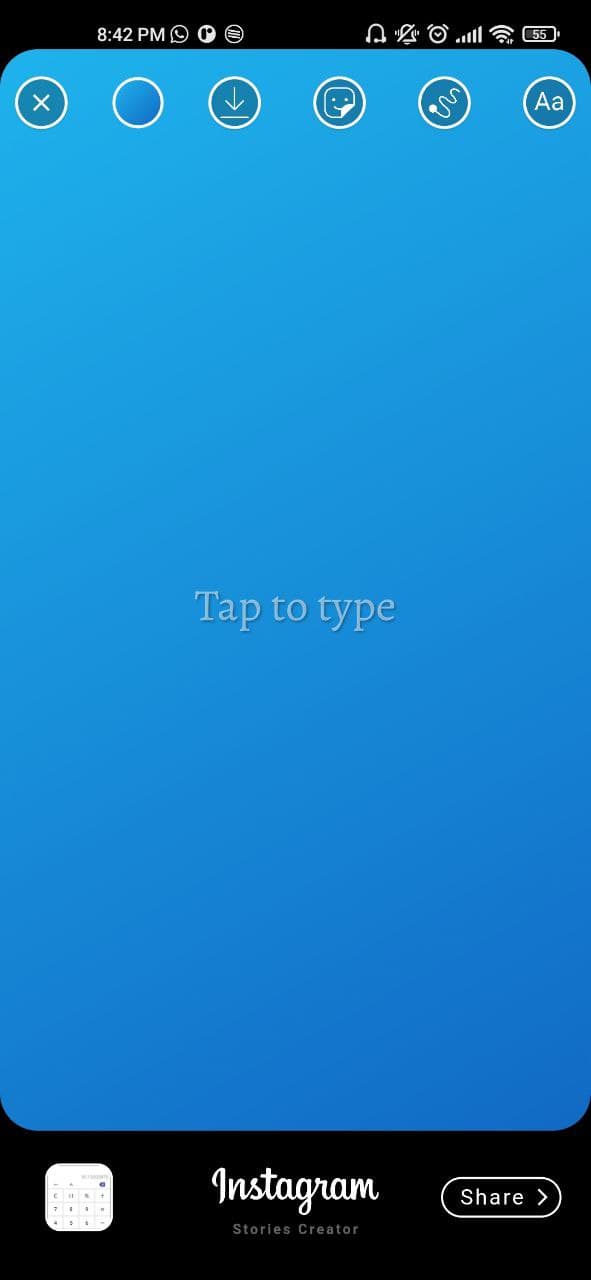
initial view

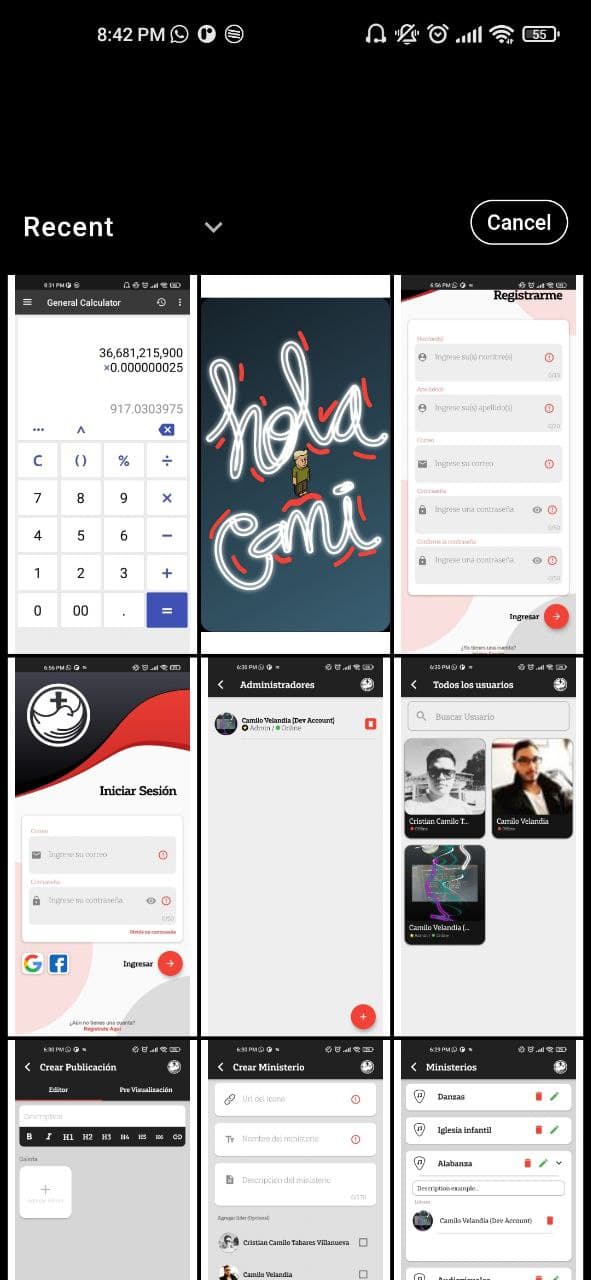
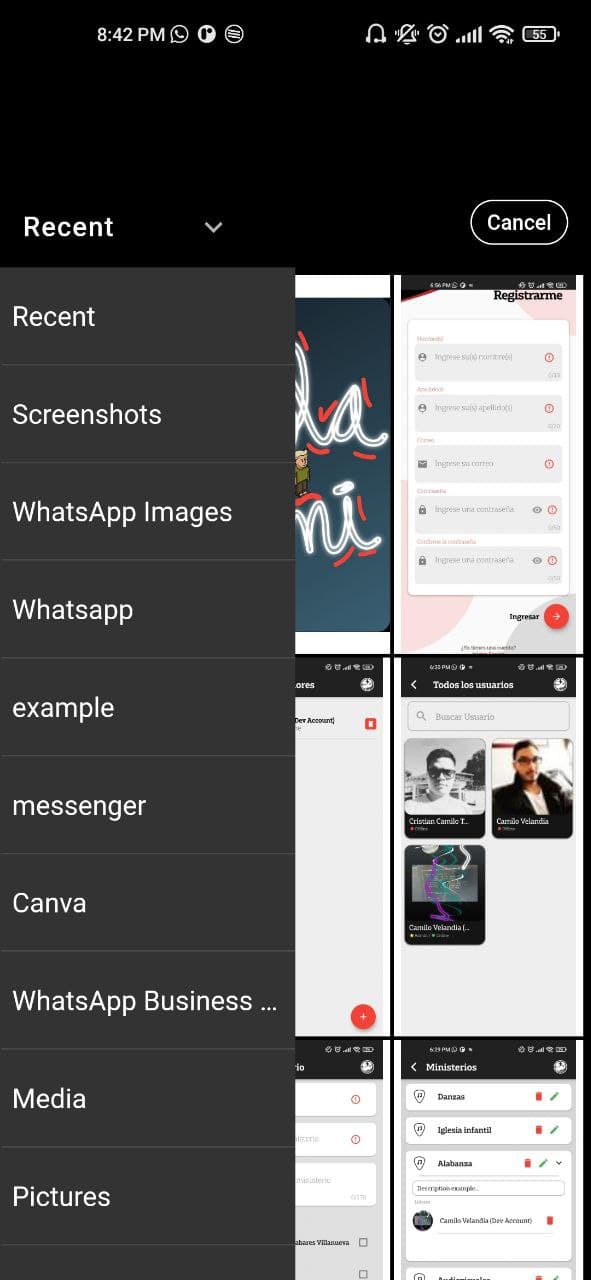
Custom image picker made with Photo_manager package
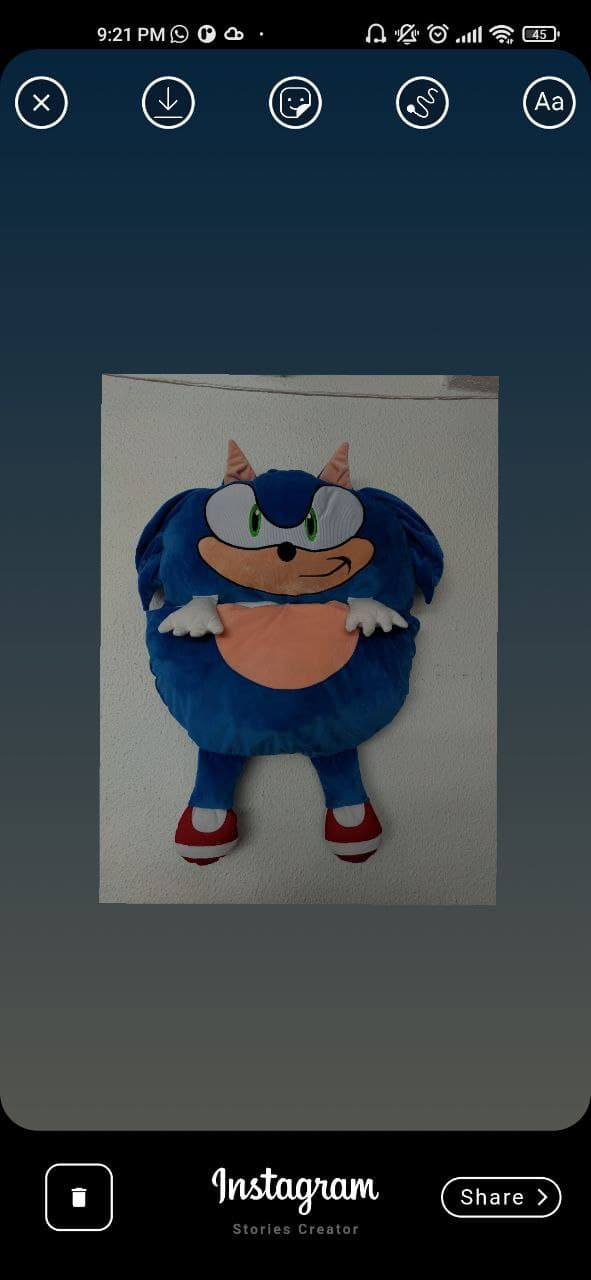
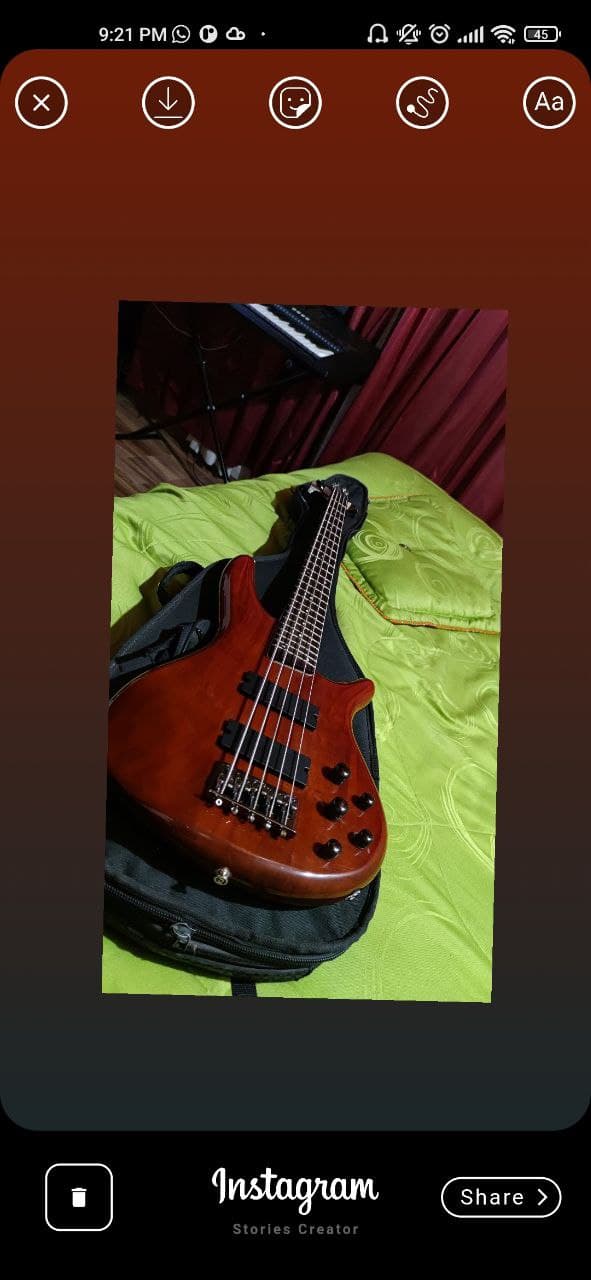
Gradient background taking image color pixel
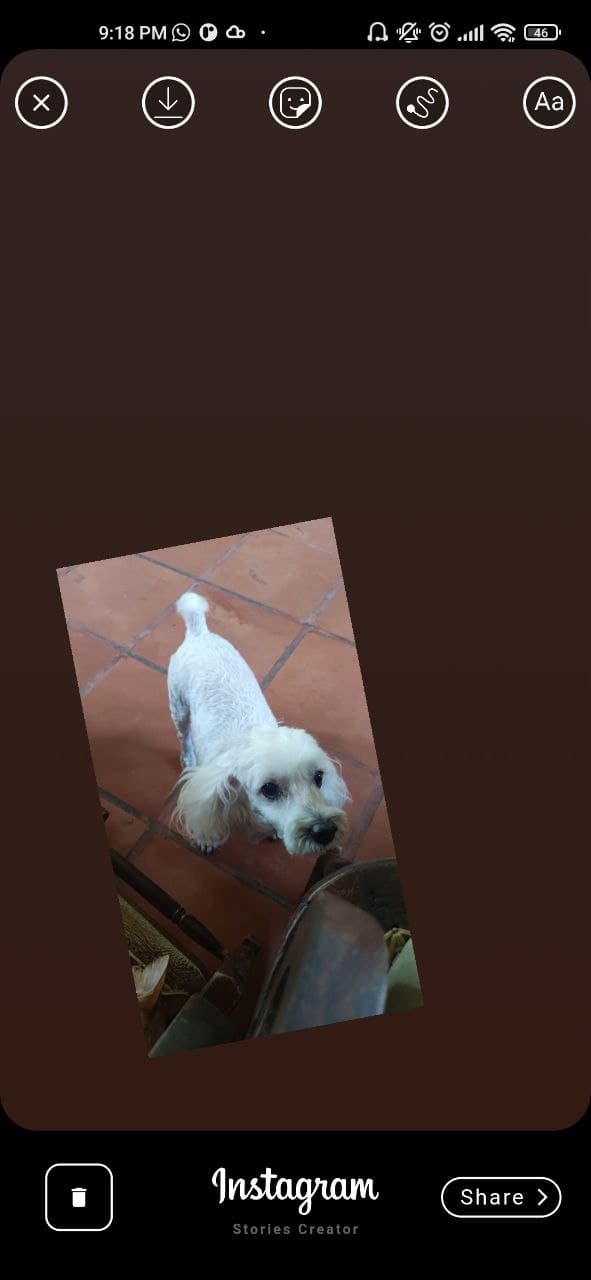
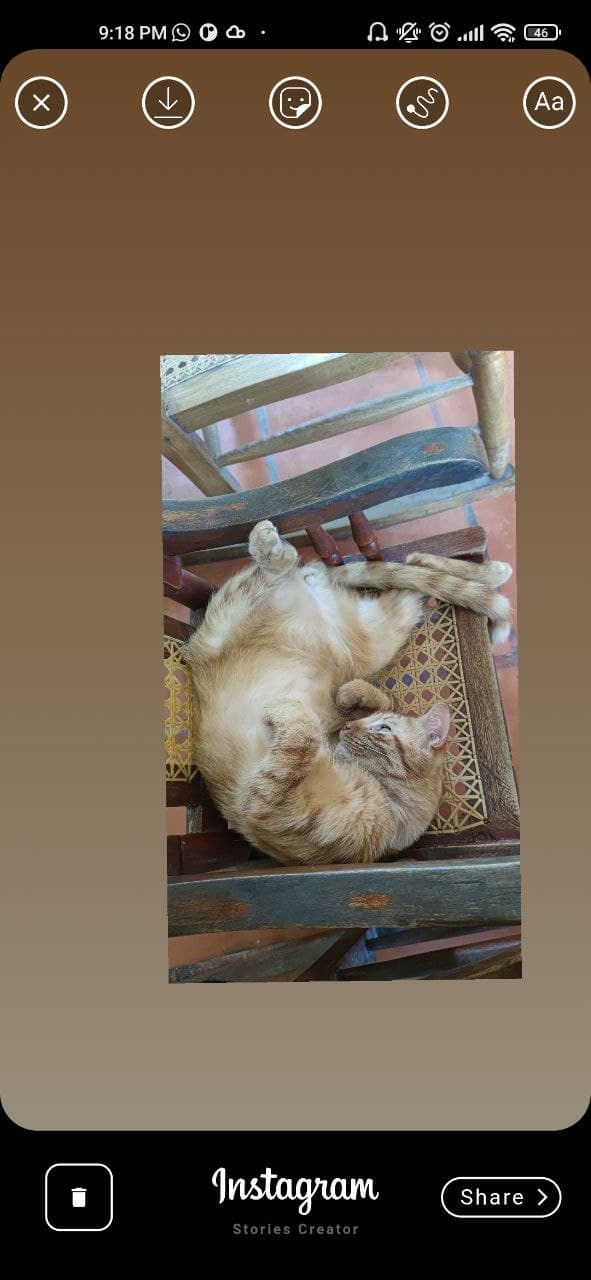
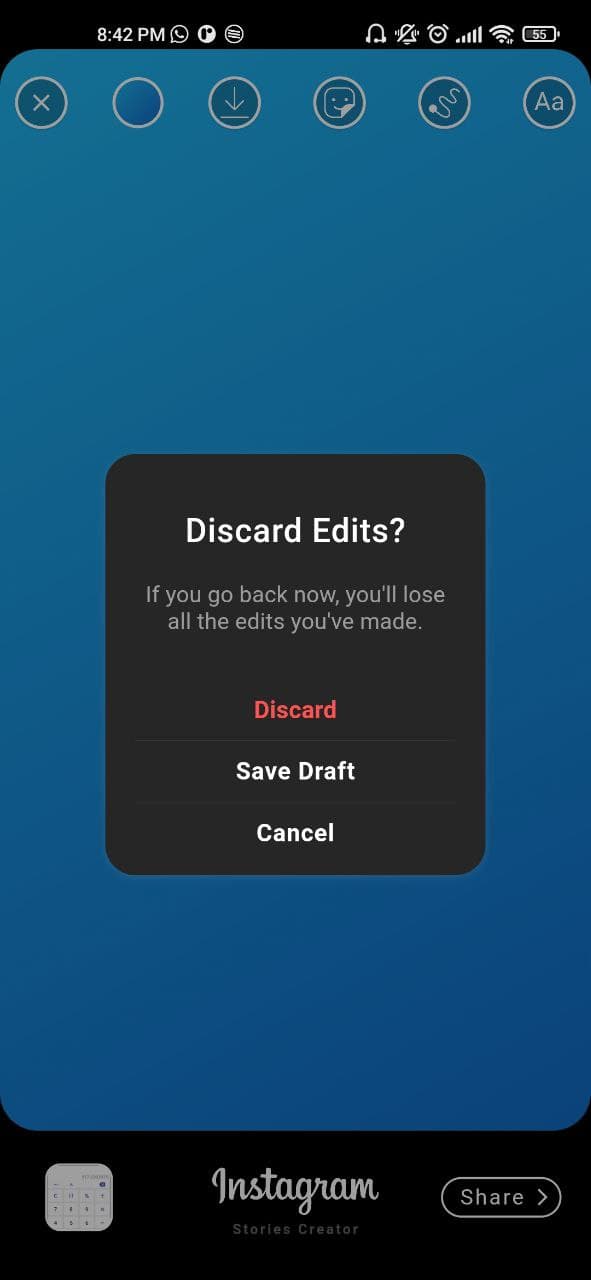
Exit Dialog
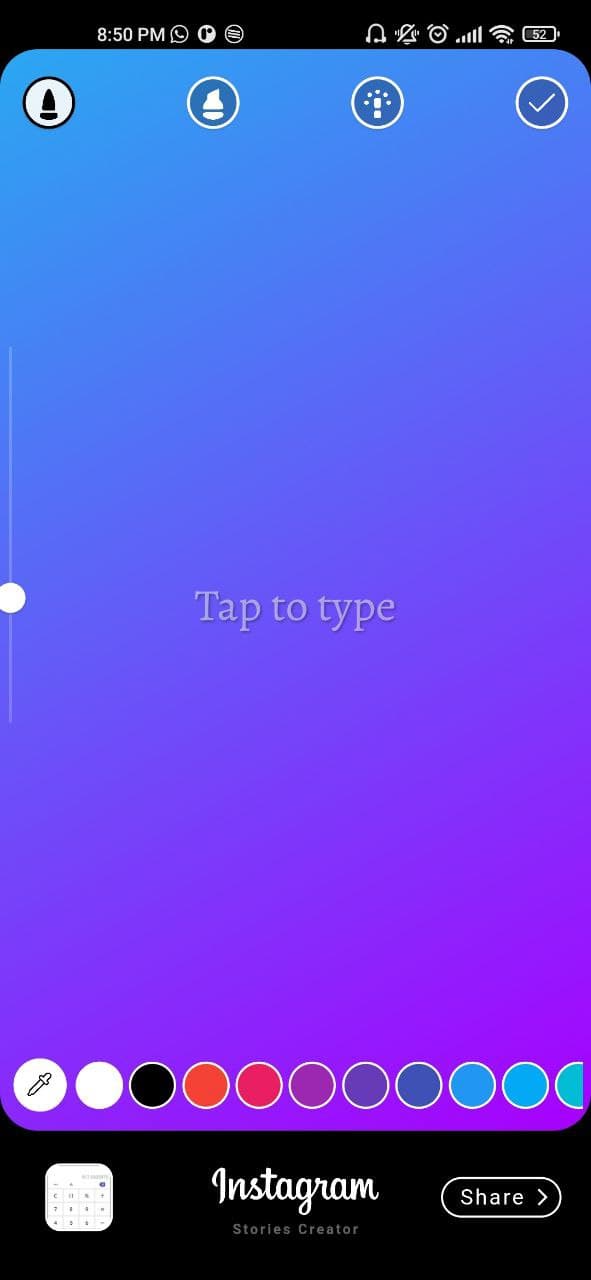
Custom finger Drawing made with perfect_freehand package
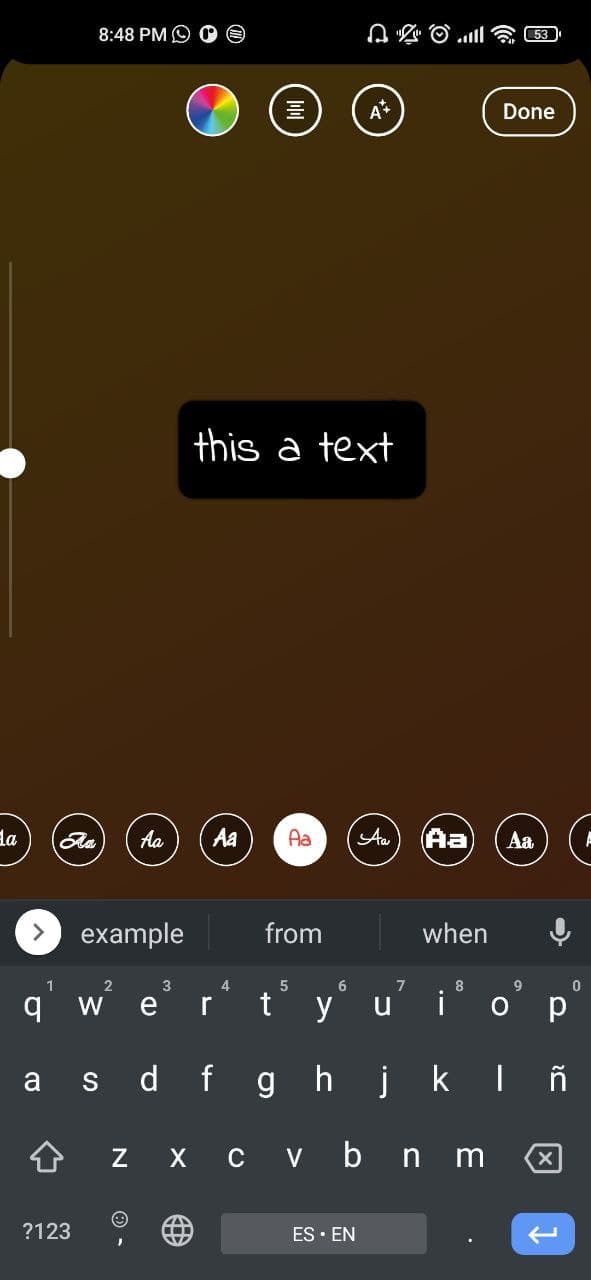
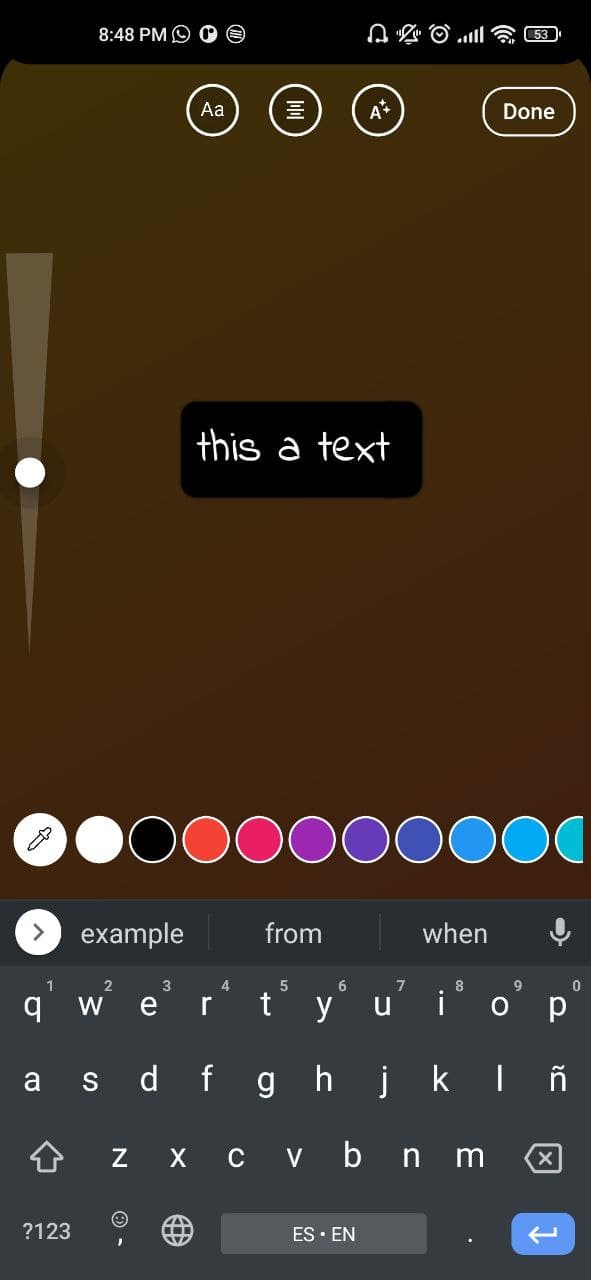
Text Editor
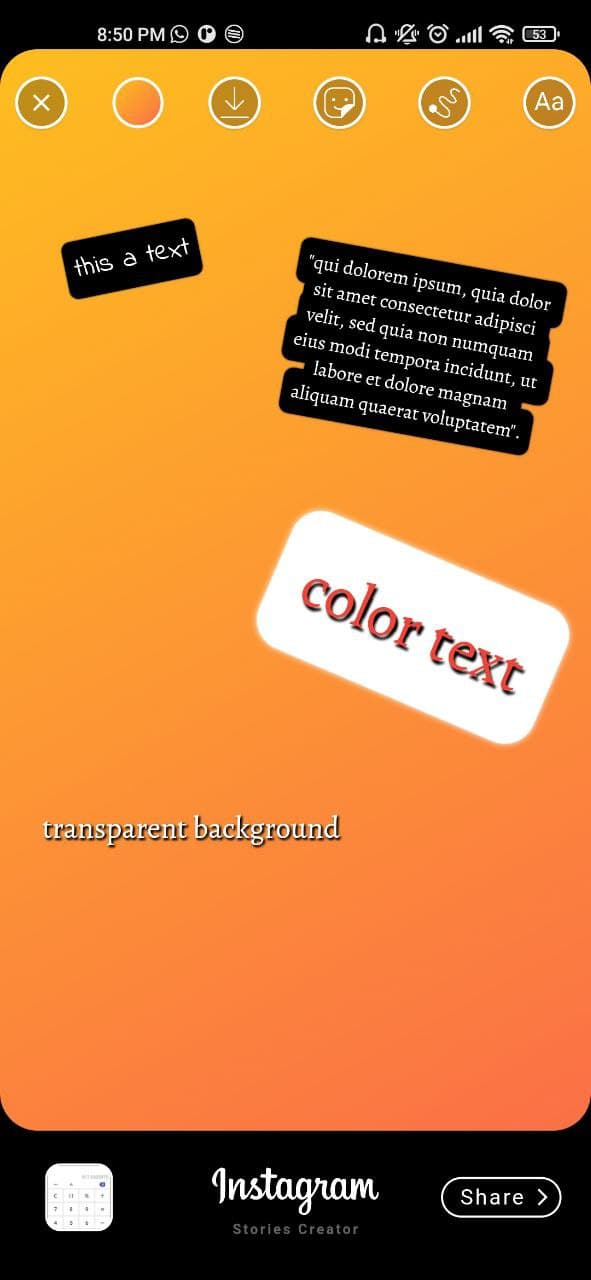
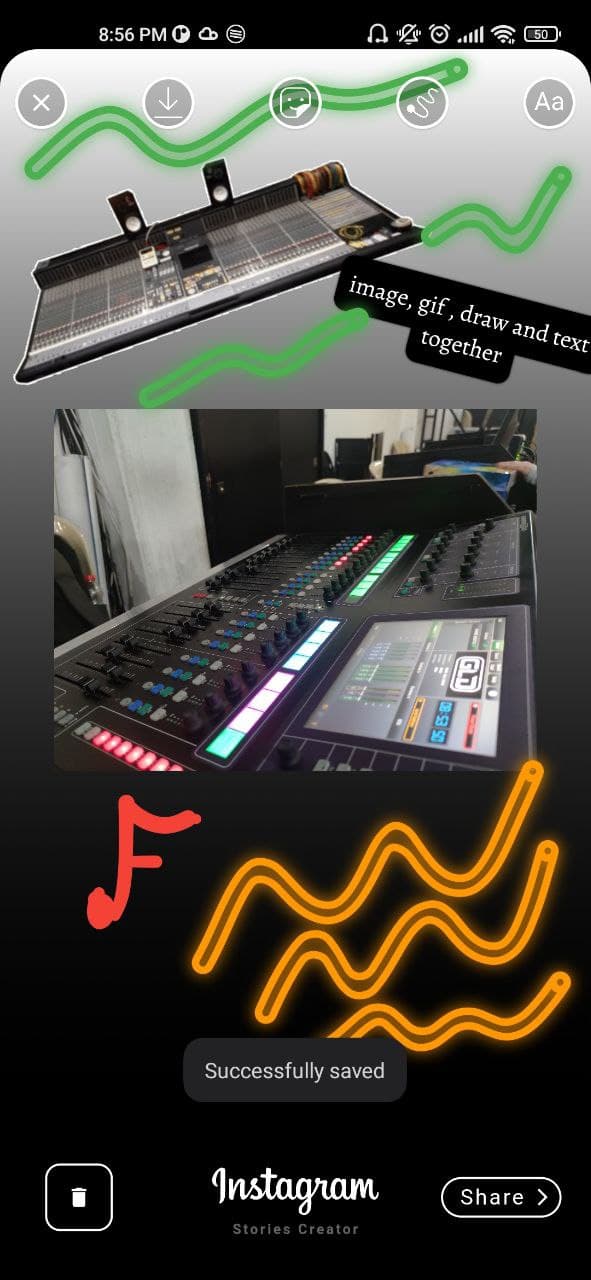
All features together
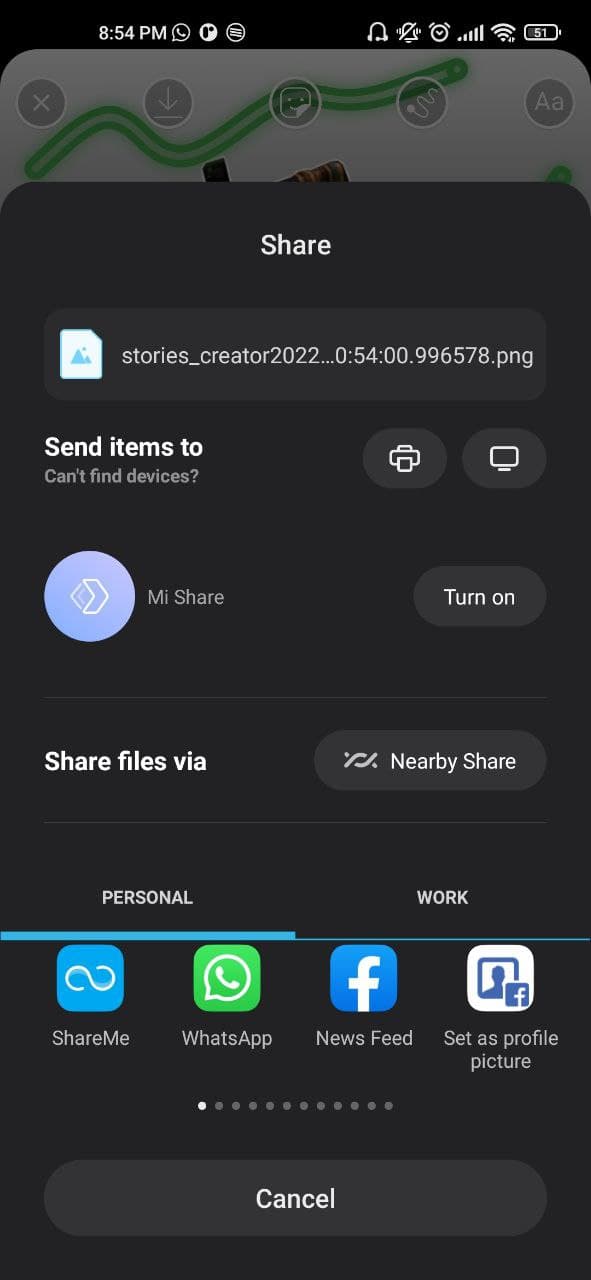
Share to social networks made with share_plus package
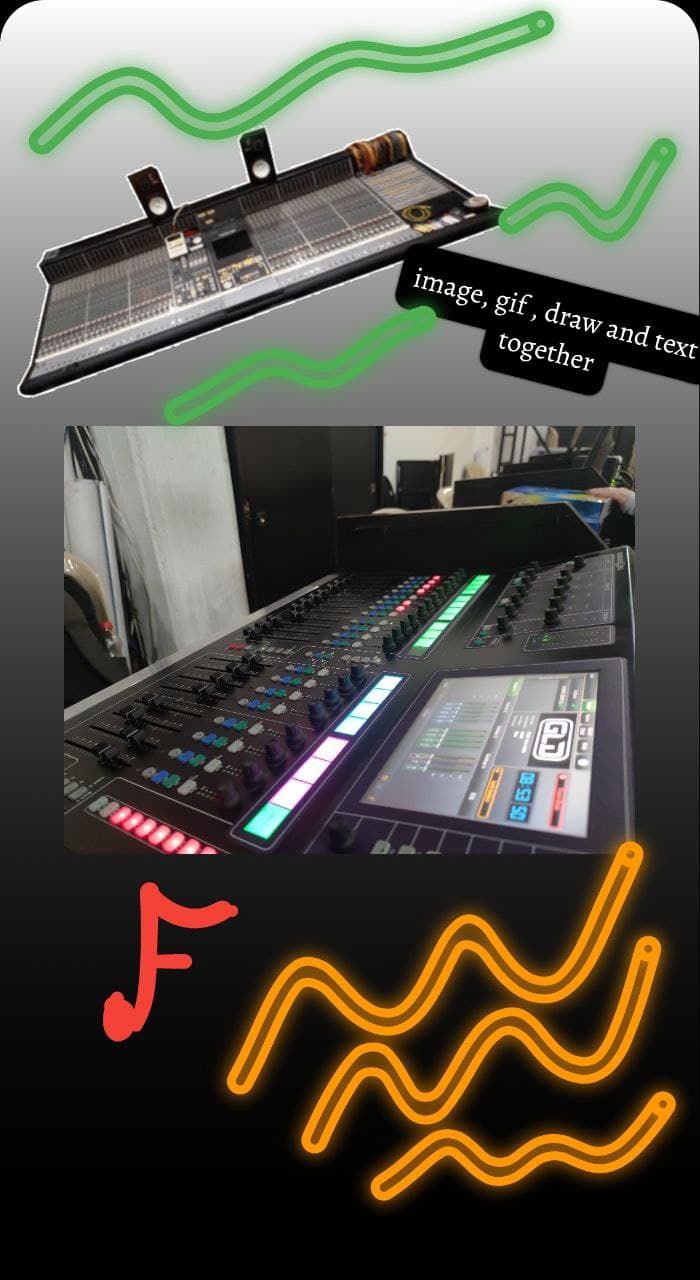
Saved image
의존성 목록 15 개
{"sdk":"flutter"}^6.1.1^4.5.4^2.1.5^0.15.0^6.2.1^4.0.1^1.0.4^2.3.2^5.0.1^8.2.12^3.0.0^5.9.3{"sdk":"flutter"}^3.0.1사용 목적에 따라 검색하고 개발 활동을 비교한 뒤 원본 저장소에서 요구 사항을 확인하세요.
“A repository is the most basic element of GitHub.”
GitHub Docs — About repositories ↗