
 v1.0.25
fast_ui_kit
Fast UI Kit은 Flutter에서 애플리케이션을 빠르게 개발하기 위한 UI 키트입니다.
43좋아요 20630일 다운로드50Pub 점수
AndroidiOSmacOSWindowsLinux
flutter ui 키트
아래는 영문 원문 스냅샷입니다. 최신 내용은 GitHub에서 확인하세요.
The "Fast UI Kit" is a Flutter package that aims to simplify application development by providing a collection of ready-to-use components. Similar to Quasar, it offers a set of components that can be used to quickly and efficiently create user interfaces while maintaining a consistent and elegant design.
The main goal of the "Fast UI Kit" is to expedite the development process by allowing developers to utilize pre-defined components instead of building each element from scratch. This saves time and effort while helping to maintain a cohesive visual appearance throughout the application.

✅ Dark Mode suporte ✅ Color scheme suporte
The components screenshots with colors scheme green selected



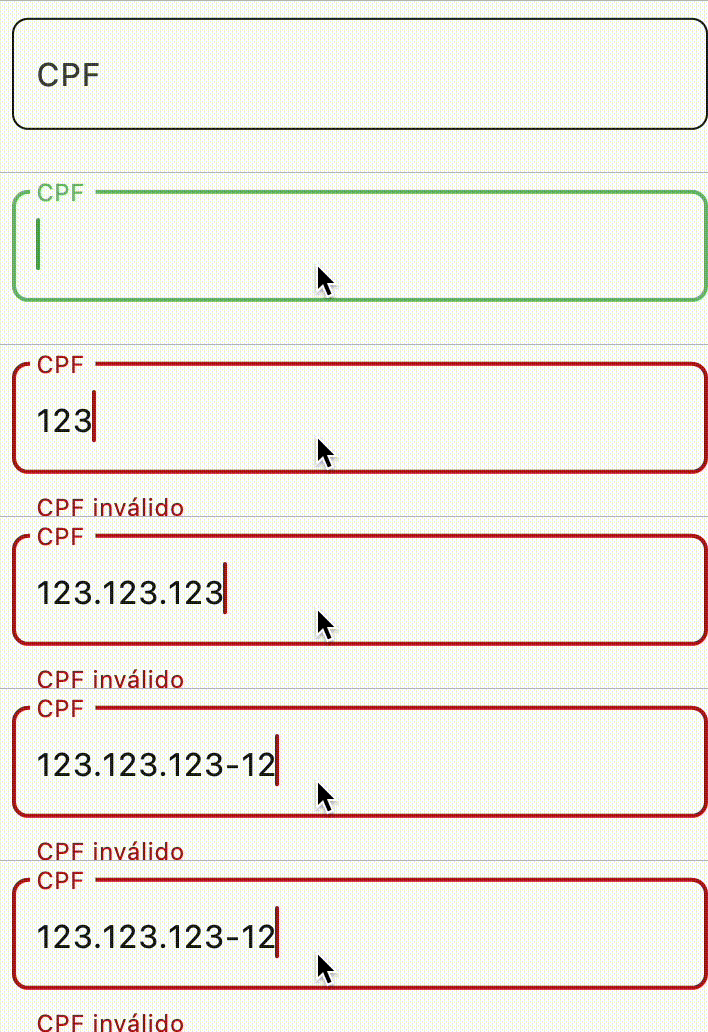

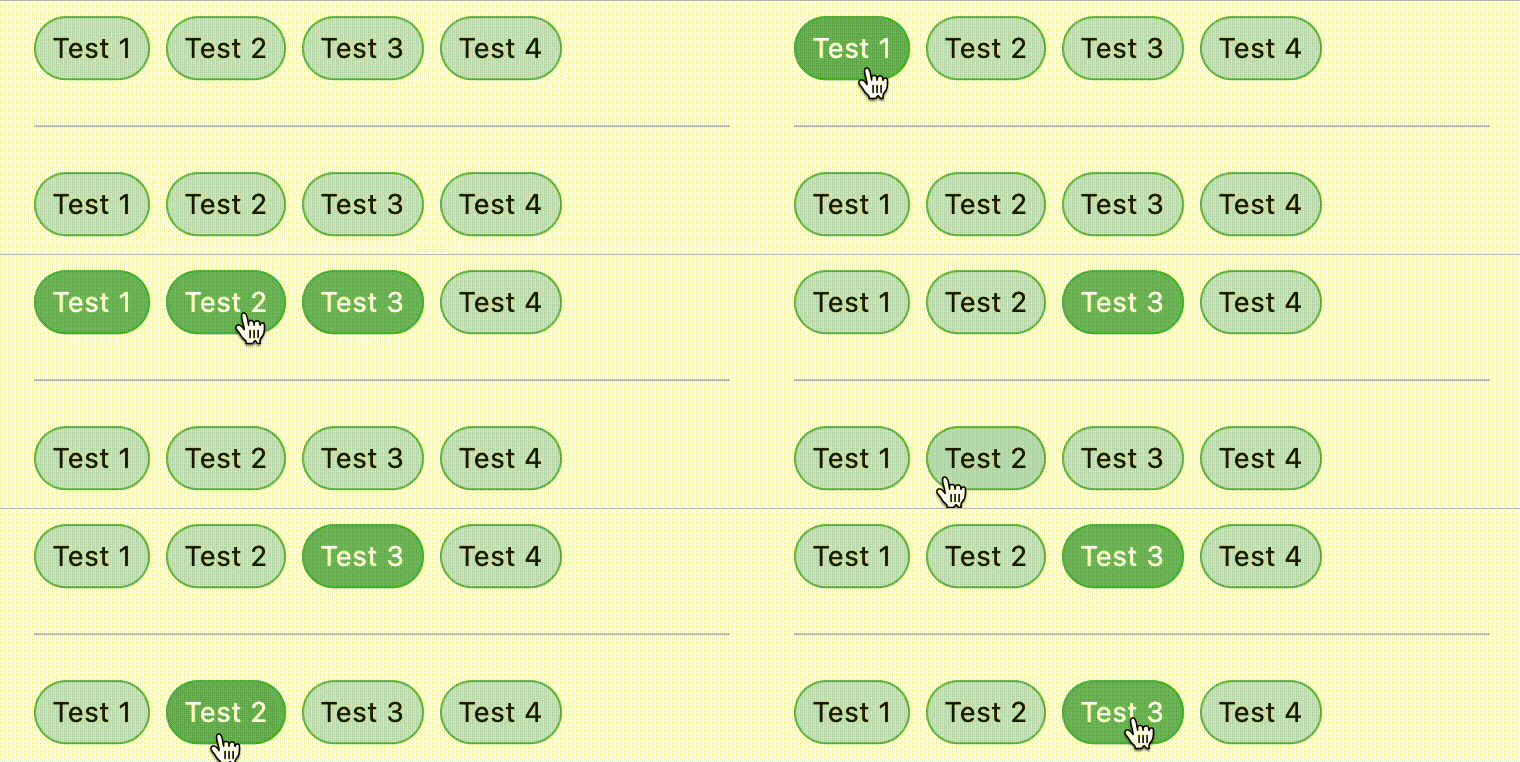

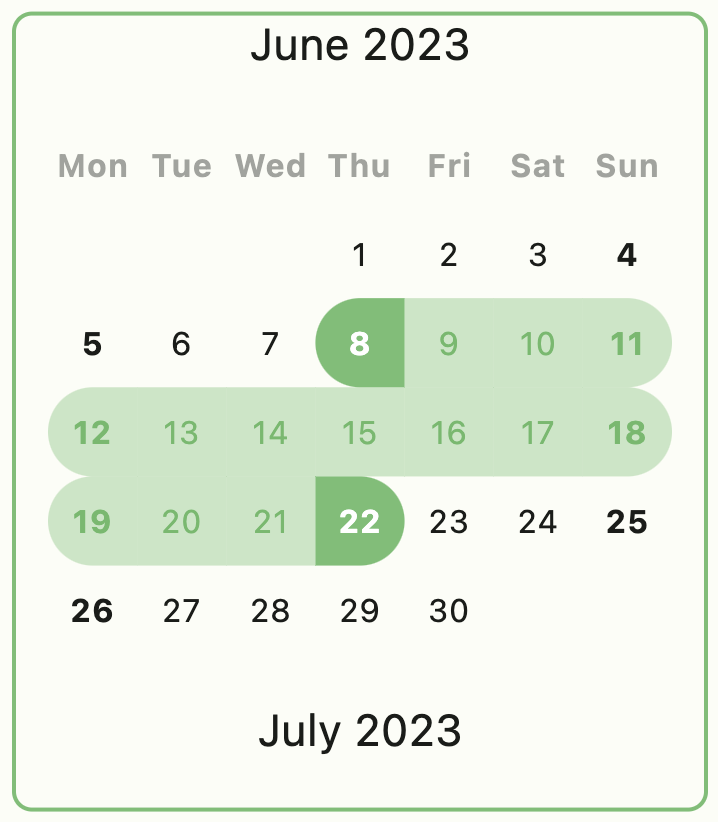


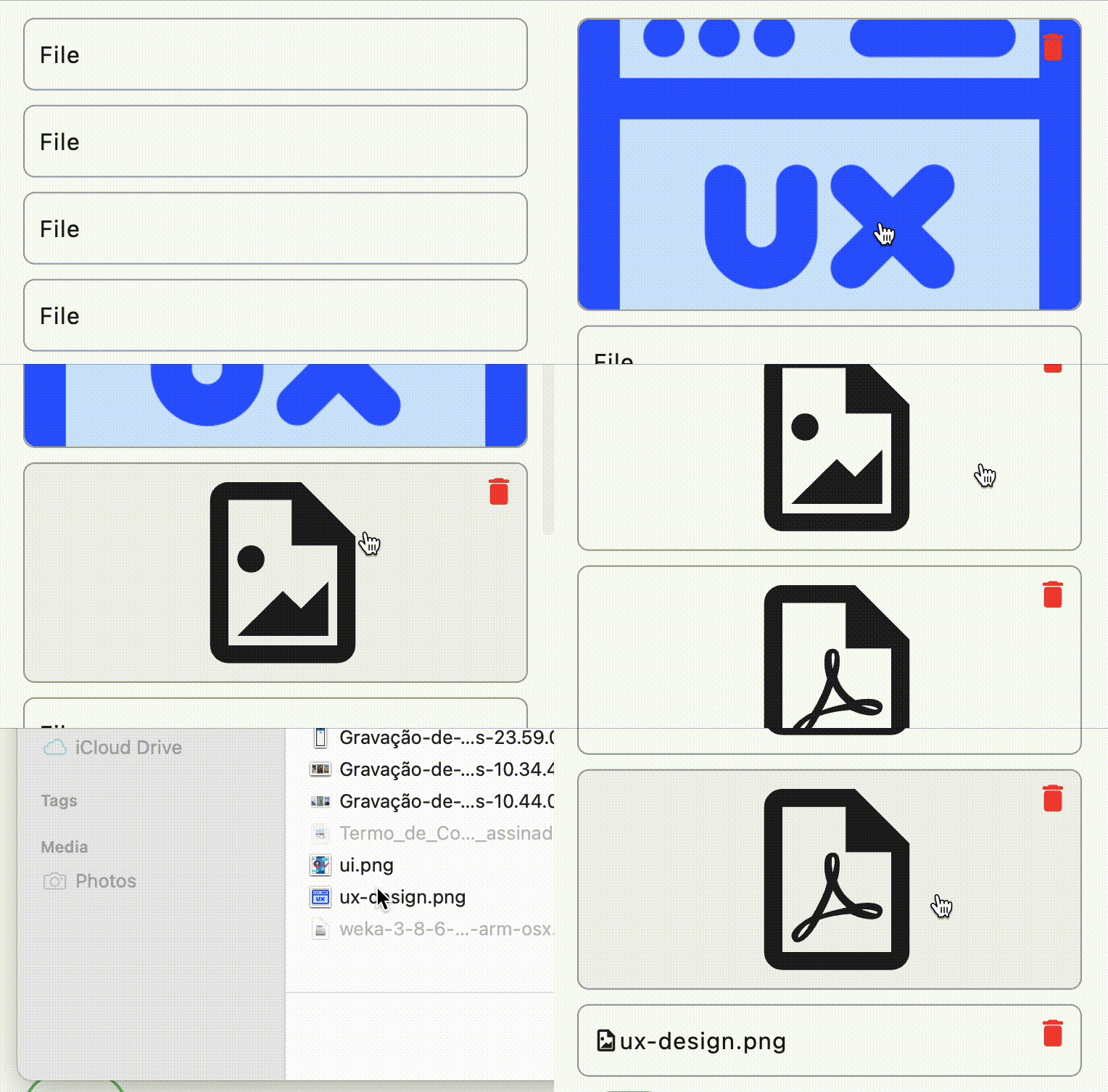
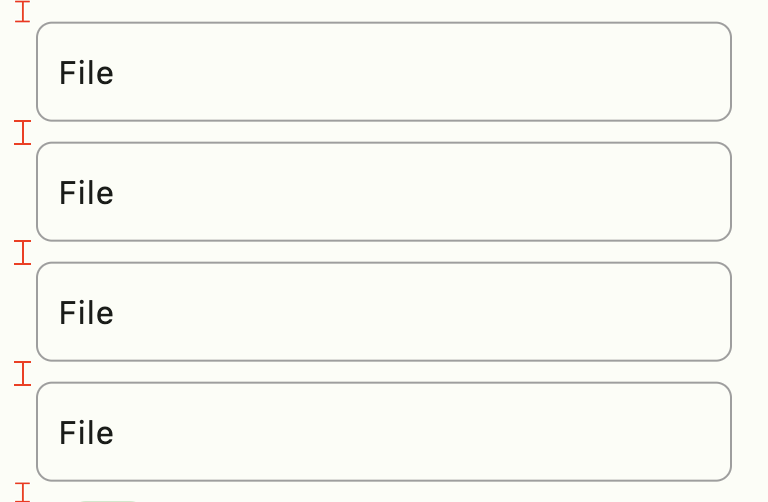
Use FastColumn to have a vertical gap between components
class MyApp extends StatelessWidget {
  MyApp({super.key});

  final theme = FastTheme(seed: Colors.green);

  @override
  Widget build(BuildContext context) {
    return MaterialApp(
      darkTheme: theme.dark,
      theme: theme.light,
      home: const HomePage(),
    );
  }
}
Icon(FastIcons.library.icon)color schemecurrent themebutton scheme of colorsbrightness of applicationexample:
context.showMessage(
  'Update user successful',
  title: 'Sucesso', //optional field
  type: MessageVariant.success, //optional field
  position: MessagePosition.top, //optional field
  style: Style.flat, //optional field
);
Feito com ❤️ by Weliton Sousa

의존성 목록 13 개
^3.0.2^11.0.2{"sdk":"flutter"}^4.2.0^1.0.5^1.0.1^6.1.0^1.4.1^4.1.0^3.0.1^3.0.0{"sdk":"flutter"}^4.0.0사용 목적에 따라 검색하고 개발 활동을 비교한 뒤 원본 저장소에서 요구 사항을 확인하세요.
“A repository is the most basic element of GitHub.”
GitHub Docs — About repositories ↗