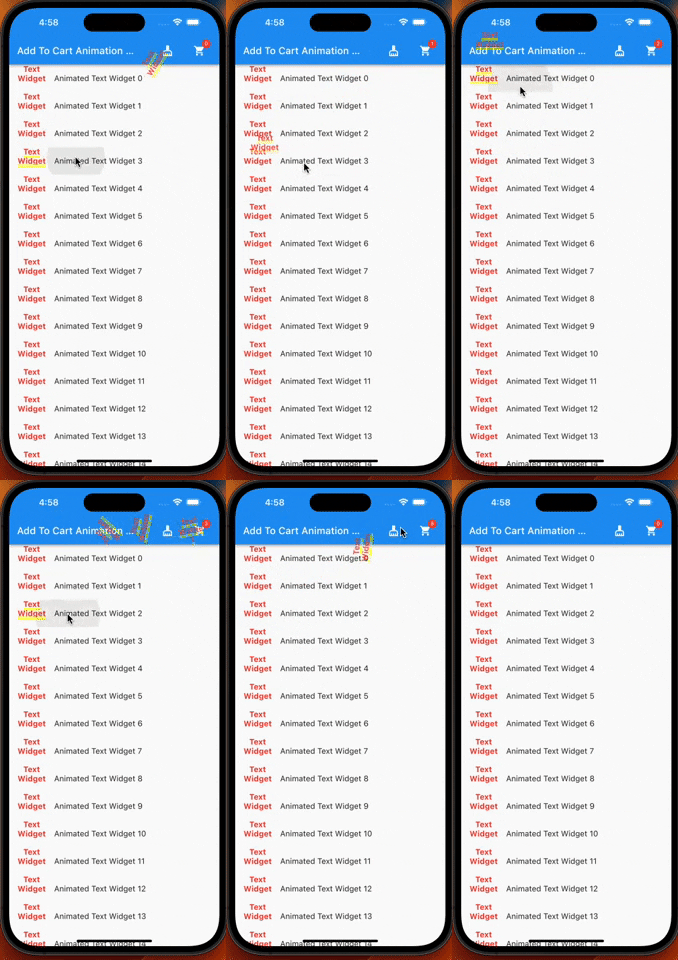
Um plugin do Flutter que fornece animação de adicionar ao carrinho. Preparei-o especialmente para aplicativos de compras, mas você também pode usá-lo em outros aplicativos.
Orientação gerada a partir de informações públicas. Apenas para referência.
Um plugin Flutter que fornece uma animação suave de adição ao carrinho, ideal para aplicativos de compras. Permite que os usuários visualizem itens sendo adicionados ao carrinho com um movimento dinâmico e envolvente. A animação pode ser personalizada e integrada a diversos componentes da interface. Embora projetado especificamente para aplicativos de comércio eletrônico, é flexível o suficiente para uso em outros contextos que exigem interações intuitivas com o carrinho. O pacote oferece suporte a todas as principais plataformas, incluindo Android, iOS, Web, macOS, Windows e Linux.
Casos de uso
Adição de produtos no aplicativo de comércio eletrônico
Experiências interativas de carrinho de compras
Feedback visual para seleção de item
Melhorando o engajamento do usuário em aplicativos de varejo
Animações personalizadas em aplicativos móveis e web
Principais recursos
Animação suave de adicionar ao carrinho
Compatibilidade multiplataforma
Integração fácil com a interface existente
Comportamento de animação personalizável
Suporta múltiplos destinos de destino
Indicado para
Aplicativos de compras e varejo
Aplicativos que precisam de feedback visual do carrinho
Desenvolvedores procurando soluções simples de animação
Projetos Flutter direcionados para múltiplas plataformas
Desenvolvedores focados em melhorias de UI/UX
Considerações
Requer posicionamento adequado do ícone do carrinho ou alvo
Pode ser necessário ajuste de desempenho em dispositivos de baixa potência
Limitado a padrões básicos de animação do carrinho
Não adequado para fluxos interativos complexos
Depende da hierarquia correta de widget para melhores resultados
README original
Snapshot do README original do repositório-fonte vinculado. Consulte o repositório para o conteúdo mais recente.
Add To Cart Animaiton
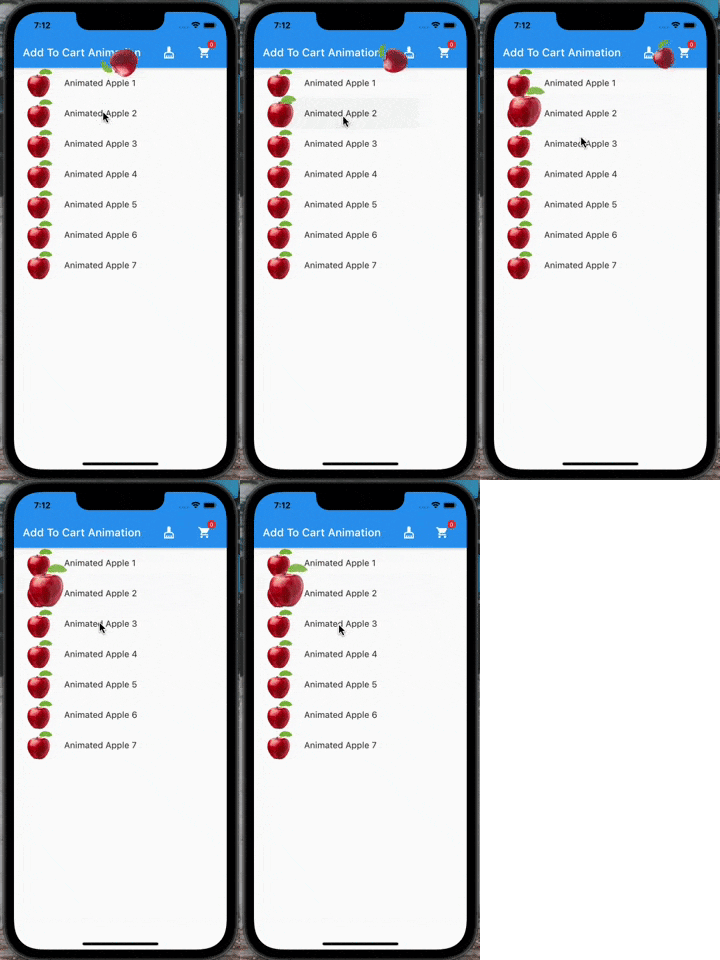
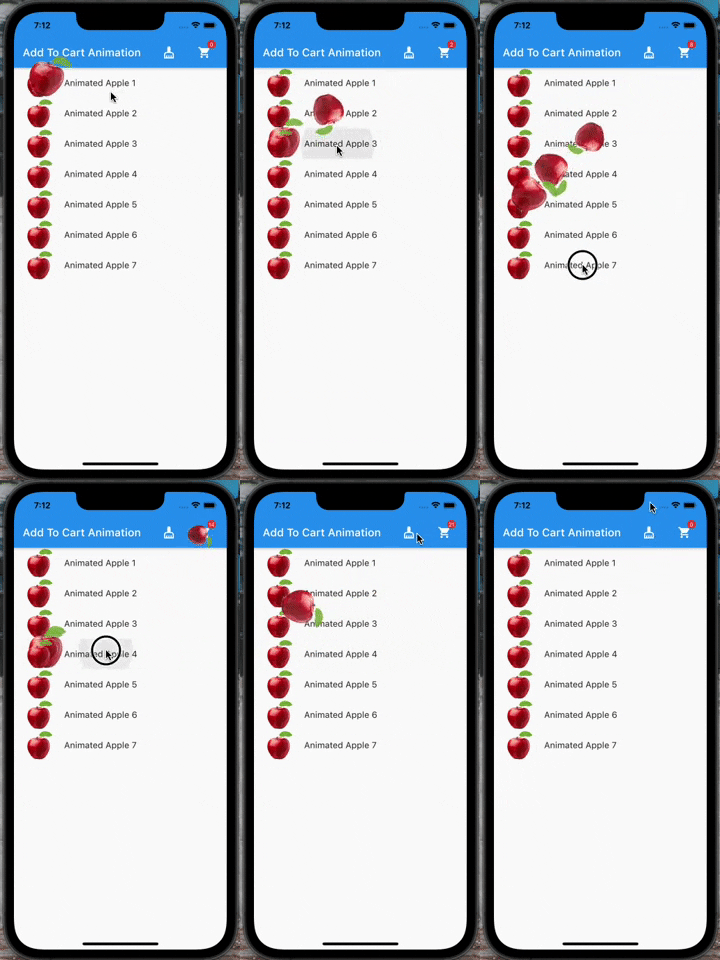
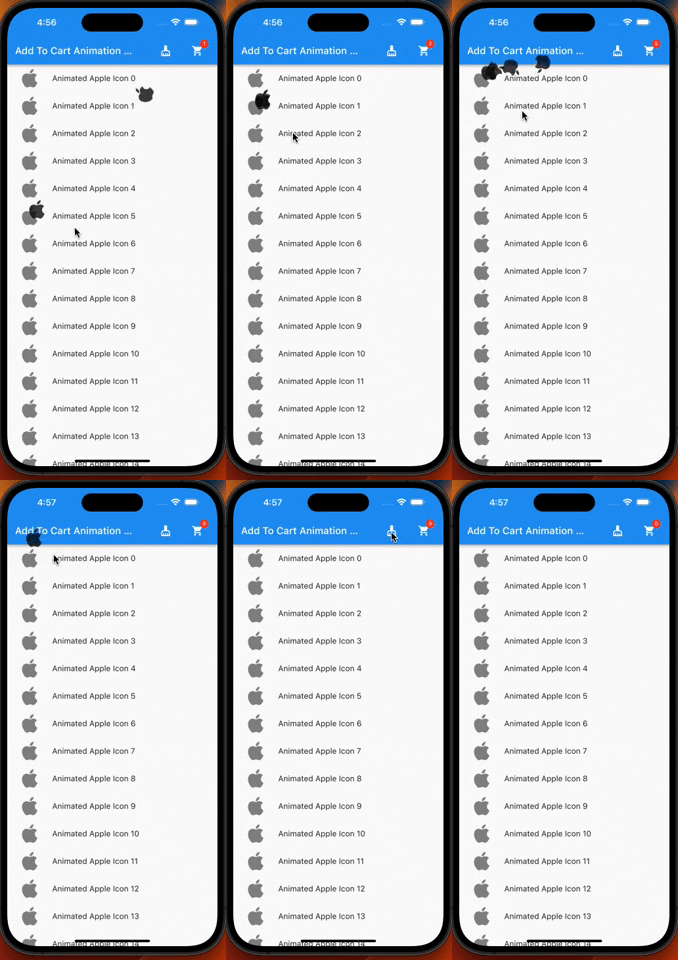
A flutter plugin which provide you add to cart animation. I have prepared it to special to shopping apps however you can use it on the others apps too, becasue it accept every widget to drag as in the gif. So It can be useful at shopping, game, news and other category apps.
| |
Features
Product container accepts every widget.
The cart and cart's badge can be invisible.
The product animation is fully controlled(duration, curve)
The first jump animation is fully controlled(active, duration, curve)
If you need it, you can add it to your project easily. It is easy to use
Add the dependency to your pubspec.yaml:
add_to_cart_animation:^2.0.4
And check the example code to solve how it works.
import'package:add_to_cart_animation/add_to_cart_animation.dart';
import'package:flutter/material.dart';
voidmain() {
runApp(constMyApp());
}
classMyAppextendsStatelessWidget{
constMyApp({super.key});
// This widget is the root of your application.@overrideWidgetbuild(BuildContext context) {
returnMaterialApp(
title: 'Add To Cart Animation Example',
theme: ThemeData(
primarySwatch: Colors.blue,
),
home: constMyHomePage(title: 'Add To Cart Animation Example'),
debugShowCheckedModeBanner: false,
);
}
}
classMyHomePageextendsStatefulWidget{
constMyHomePage({Key? key, requiredthis.title}) : super(key: key);
finalString title;
@overrideMyHomePageStatecreateState() => MyHomePageState();
}
classMyHomePageStateextendsState<MyHomePage> {
// We can detect the location of the cart by this GlobalKey<CartIconKey>GlobalKey<CartIconKey> cartKey = GlobalKey<CartIconKey>();
lateFunction(GlobalKey) runAddToCartAnimation;
var _cartQuantityItems = 0;
@overrideWidgetbuild(BuildContext context) {
returnAddToCartAnimation(
// To send the library the location of the Cart icon
cartKey: cartKey,
height: 30,
width: 30,
opacity: 0.85,
dragAnimation: constDragToCartAnimationOptions(
rotation: true,
),
jumpAnimation: constJumpAnimationOptions(),
createAddToCartAnimation: (runAddToCartAnimation) {
// You can run the animation by addToCartAnimationMethod, just pass trough the the global key of the image as parameterthis.runAddToCartAnimation = runAddToCartAnimation;
},
child: Scaffold(
appBar: AppBar(
title: Text(widget.title),
centerTitle: false,
actions: [
// Adding 'clear-cart-button'IconButton(
icon: constIcon(Icons.cleaning_services),
onPressed: () {
_cartQuantityItems = 0;
cartKey.currentState!.runClearCartAnimation();
},
),
constSizedBox(width: 16),
AddToCartIcon(
key: cartKey,
icon: constIcon(Icons.shopping_cart),
badgeOptions: constBadgeOptions(
active: true,
backgroundColor: Colors.red,
),
),
constSizedBox(
width: 16,
)
],
),
body: ListView(
children: List.generate(
15,
(index) => AppListItem(
onClick: listClick,
index: index,
),
),
),
),
);
}
voidlistClick(GlobalKey widgetKey) async {
awaitrunAddToCartAnimation(widgetKey);
await cartKey.currentState!
.runCartAnimation((++_cartQuantityItems).toString());
}
}
classAppListItemextendsStatelessWidget{
finalGlobalKey widgetKey = GlobalKey();
finalint index;
finalvoidFunction(GlobalKey) onClick;
AppListItem({super.key, requiredthis.onClick, requiredthis.index});
@overrideWidgetbuild(BuildContext context) {
// Container is mandatory. It can hold images or whatever you wantContainer mandatoryContainer = Container(
key: widgetKey,
width: 60,
height: 60,
color: Colors.transparent,
child: Image.network(
"https://cdn.jsdelivr.net/gh/omerbyrk/add_to_cart_animation/example/assets/apple.png",
width: 60,
height: 60,
),
);
returnListTile(
onTap: () => onClick(widgetKey),
leading: mandatoryContainer,
title: Text(
"Animated Apple Product Image $index",
),
);
}
}
By the way, you can run the example project in the plugin to check it deeply.

 |
 |