Orientação gerada a partir de informações públicas. Apenas para referência.
Um plugin Flutter que permite a integração com os Serviços de Pagamento da Amazon (Payfort) para pagamentos seguros dentro do aplicativo em plataformas Android e iOS. Ele fornece uma interface simples para gerenciar o processamento de pagamentos, tokenização e gestão de transações em aplicativos Flutter. O plugin foi projetado para funcionar perfeitamente com as APIs do Payfort, oferecendo aos desenvolvedores uma maneira confiável de aceitar pagamentos globalmente. Com suporte a múltiplos métodos de pagamento e tratamento robusto de erros, simplifica a implementação de fluxos de pagamento em aplicativos móveis.
Casos de uso
Compras no aplicativo
Checkout de comércio eletrônico
Integração de carteira móvel
Faturamento de assinatura
Integração de gateway de pagamento
Principais recursos
Suporte multiplataforma (Android e iOS)
Tokenização segura
Integração fácil com a API do Payfort
Gerenciamento de status da transação
Suporte para múltiplos métodos de pagamento
Indicado para
Aplicativos de comércio eletrônico
Soluções de pagamento móvel
Aplicativos que exigem suporte a pagamentos globais
Desenvolvedores usando Payfort
Projetos Flutter que precisam de transações seguras
Considerações
Requer configuração da conta Payfort
Necessita de validação do lado do servidor adequada
Depende da disponibilidade da API Payfort
Pode exigir configuração adicional para testes em sandbox
Documentação limitada em comparação com provedores principais
README original
Snapshot do README original do repositório-fonte vinculado. Consulte o repositório para o conteúdo mais recente.
Flutter Payfort (Amazon Payment Services)
Amazon Payment Services is the new name for PayFort. Flutter amazon_payfort plugin for Amazon Payment Services (Payfort). It supports both android and iOS. For More information visit Amazon Payment Services
Get Started
Step 1: Access your test account
You have to make sure that you get access to a test account, our full test environment that allows you to simulate and process simulation transactions. You can contact merchantsupport-ps@amazon.com to get your test account.
Step 2: Use the correct integration type
Before building the integration, you need to make sure that you are selecting and using the proper parameters in the API calls as per the required integration type. All the mandatory parameters are mentioned in every section in the API reference.
Step 3: Create the transaction request
Processing a valid API request depends on specifying the right transaction parameters, you need to check the documentation and read every parameter’s range of possible values in order to reduce the errors in processing the transaction.
Step 4: Process the transaction response
After each payment is processed, Amazon Payment Services returns the transaction’s response on the URL configured in your account under Technical Settings channel configuration.
You need to validate the response parameters returned on this URL by calculating the signature for the response parameters using the SHA Response Phrase configured in your account under Security Settings.
Amazon Payment Services accepts configuring HTTPS URLs only in your Account Technical Settings and for return_url parameter. Amazon Payment Services supports the return_url type to be POST method only under your Technical Settings. Please make sure that your redirection or return_url handles the response as POST Method. For any further support please contact: integration-ps@amazon.com
Step 5: Test and go-live
You can use our testing payment card numbers to test your integration and to simulate your test cases. Amazon Payment Services requires that you test your integration before going live to verify the integration and to make sure it is implemented properly.
Amazon Payment Services requires to test your integration before going live to verify the integration and make sure it’s implemented properly.
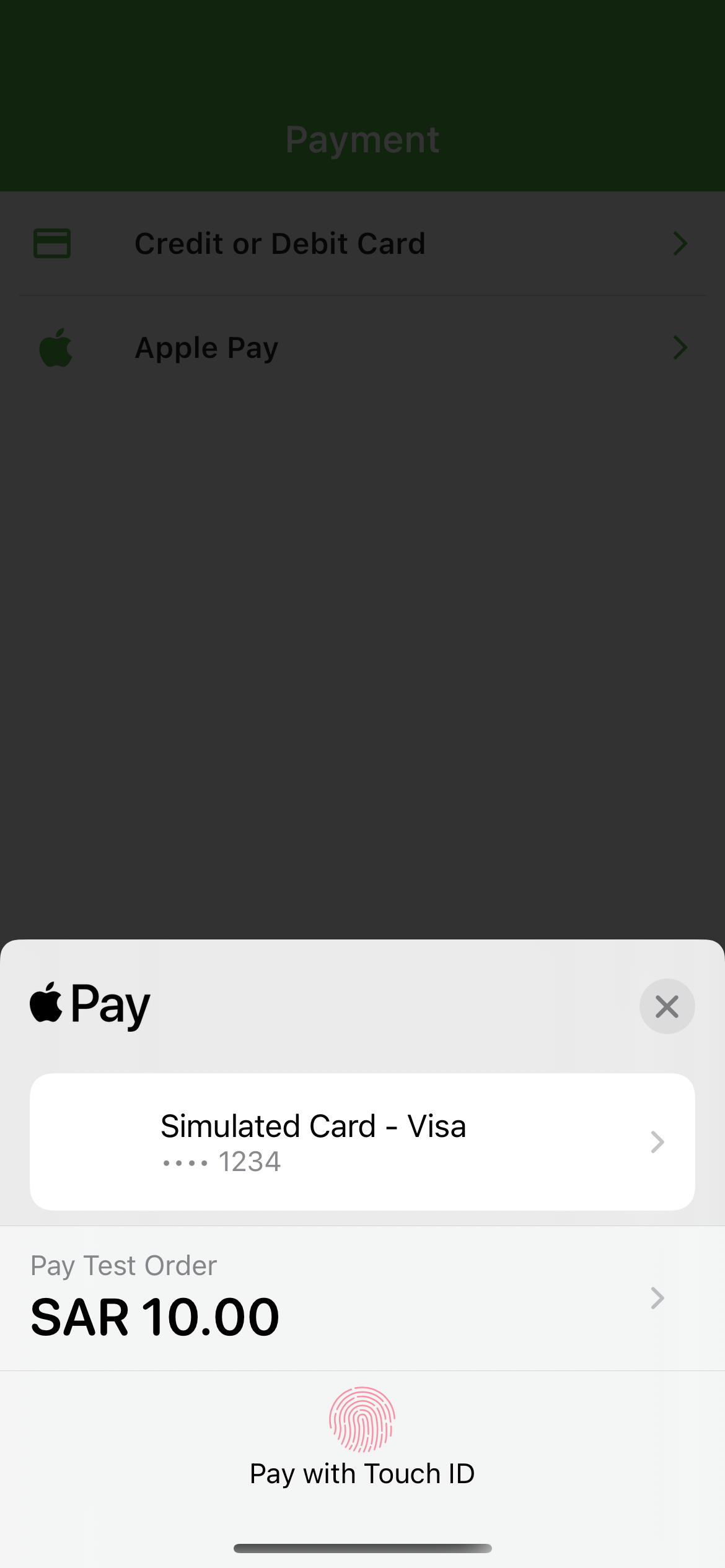
Screenshots
Installation
dart pub add amazon_payfort
Requirements
Android
This plugin requires several changes to be able to work on Android devices. Please make sure you follow all these steps:
Use Android 5.0 (API level 21) and above
Use Kotlin version 1.5.0 and above
iOS
Compatible with apps targeting iOS 12 or above.
To upgrade your iOS deployment target to 12.0, you can either do so in Xcode under your Build Settings, or by modifying IPHONEOS_DEPLOYMENT_TARGET in your project.pbxproj directly.
You will also need to update in your Podfile:
platform :ios, '12.0'
Payfort initialization
To initialize Payfort in your Flutter app, use the AmazonPayfort base class.
AmazonPayfort required Merchant Identifier, Access Code, SHA Type, SHA Request Phrase. For Apple pay required ApplePay Merchant Id
Dart API
The library offers several methods to handle stripe related actions: