Orientação gerada a partir de informações públicas. Apenas para referência.
AppFlowyBoard é um widget Flutter projetado para criar interfaces do tipo quadro com múltiplos grupos, permitindo interações intuitivas de arrastar e soltar entre grupos. É ideal para organizar tarefas, projetos ou conteúdo em um layout visual e flexível. Construído para uso em múltiplas plataformas, suporta Android, iOS, macOS, Windows e Linux. O widget faz parte do ecossistema AppFlowy, destacando produtividade e gerenciamento de dados amigável ao usuário. Sua arquitetura modular permite que desenvolvedores personalizem facilmente o comportamento dos grupos e as interações dos itens.
Casos de uso
Gerenciamento de tarefas
Planejamento de projeto
Organização de conteúdo
Design de fluxo de trabalho visual
Edição colaborativa
Principais recursos
Layout de quadro multi-grupo
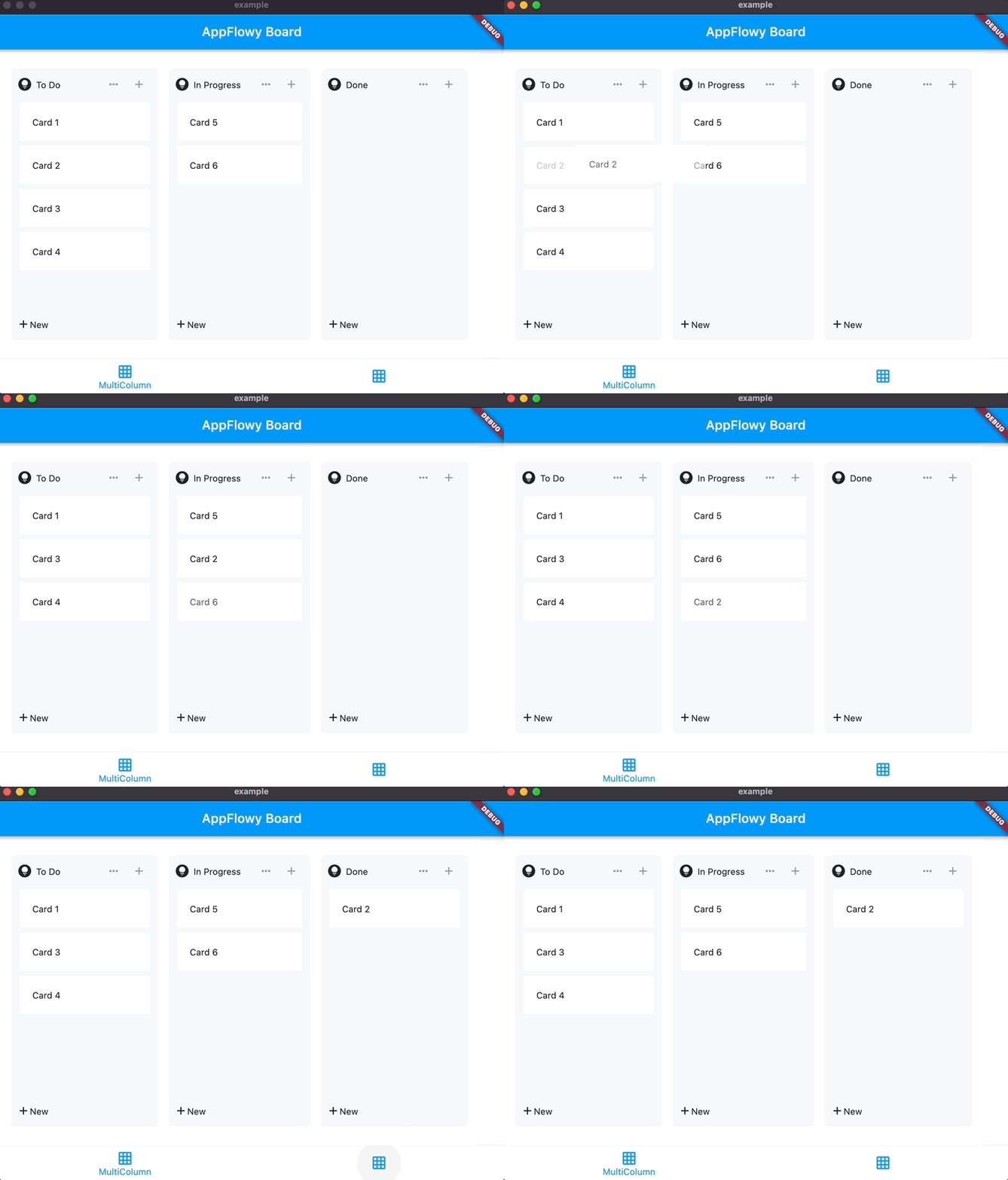
Arrastar e soltar entre grupos
Suporte multiplataforma
itens de grupo personalizáveis
componentes de interface extensíveis
Indicado para
Aplicativos de produtividade
Ferramentas estilo Kanban
Construtores de painel
Ferramentas para desenvolvedores
Exibições interativas de dados
Considerações
Requer conhecimento sobre gestos do Flutter
Pode ser necessário gerenciamento adicional de estado
Documentação limitada além do GitHub
Mais adequado para tabuleiros médios a grandes
Depende do ecossistema AppFlowy para funcionalidade completa
README original
Snapshot do README original do repositório-fonte vinculado. Consulte o repositório para o conteúdo mais recente.
appflowy_board
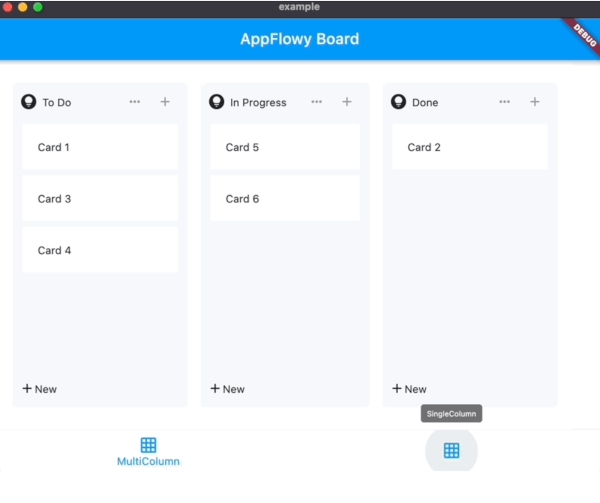
AppFlowy Board
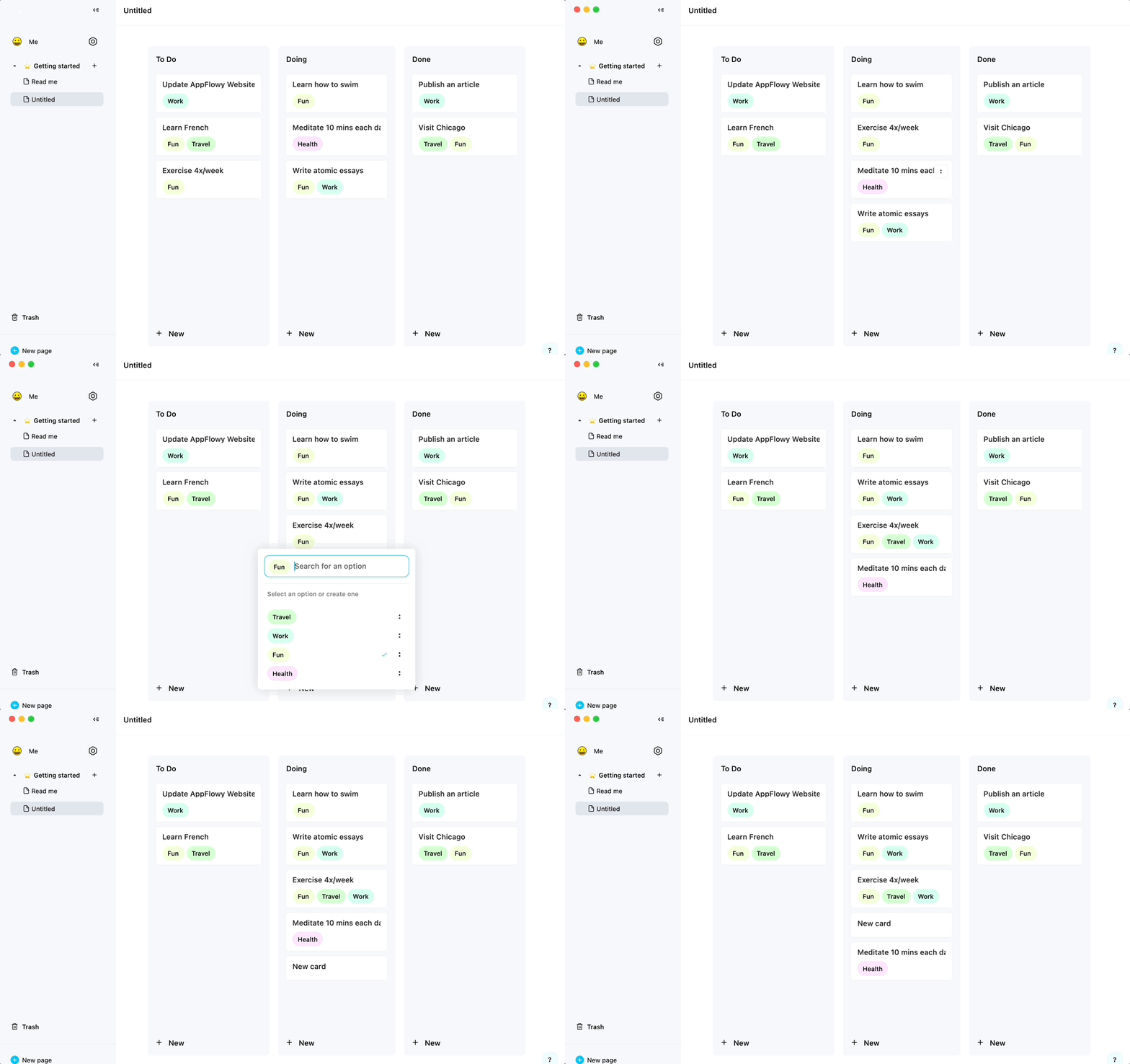
A customizable and draggable Kanban Board widget for Flutter
This will add a line like this to your package's pubspec.yaml:
dependencies:
  appflowy_board: ^0.1.0
Create your first board
Initialize an AppFlowyBoardController for the board. It contains the data used by the board. You can
register callbacks to receive the changes of the board.
finalAppFlowyBoardController controller = AppFlowyBoardController(
onMoveGroup: (fromGroupId, fromIndex, toGroupId, toIndex) {
debugPrint('Move item from $fromIndex to $toIndex');
},
onMoveGroupItem: (groupId, fromIndex, toIndex) {
debugPrint('Move $groupId:$fromIndex to $groupId:$toIndex');
},
onMoveGroupItemToGroup: (fromGroupId, fromIndex, toGroupId, toIndex) {
debugPrint('Move $fromGroupId:$fromIndex to $toGroupId:$toIndex');
},
);
Provide an initial value of the board by initializing the AppFlowyGroupData. It represents a group data and contains list of items. Each item displayed in the group requires to implement the AppFlowyGroupItem class.
voidinitState() {
final group1 = AppFlowyGroupData(id: "To Do", items: [
TextItem("Card 1"),
TextItem("Card 2"),
]);
final group2 = AppFlowyGroupData(id: "In Progress", items: [
TextItem("Card 3"),
TextItem("Card 4"),
]);
final group3 = AppFlowyGroupData(id: "Done", items: []);
controller.addGroup(group1);
controller.addGroup(group2);
controller.addGroup(group3);
super.initState();
}
classTextItemextendsAppFlowyGroupItem{
finalString s;
TextItem(this.s);
@overrideStringget id => s;
}
Finally, return a AppFlowyBoard widget in the build method.
To quickly grasp how it can be used, look at the /example/lib folder.
First, run main.dart to play with the demo.
Second, let's delve into multi_board_list_example.dart to understand a few key components:
A Board widget is created via instantiating an AppFlowyBoard object.
In the AppFlowyBoard object, you can find the AppFlowyBoardController, which is defined in board_data.dart, is fed with pre-populated mock data. It also contains callback functions to materialize future user data.
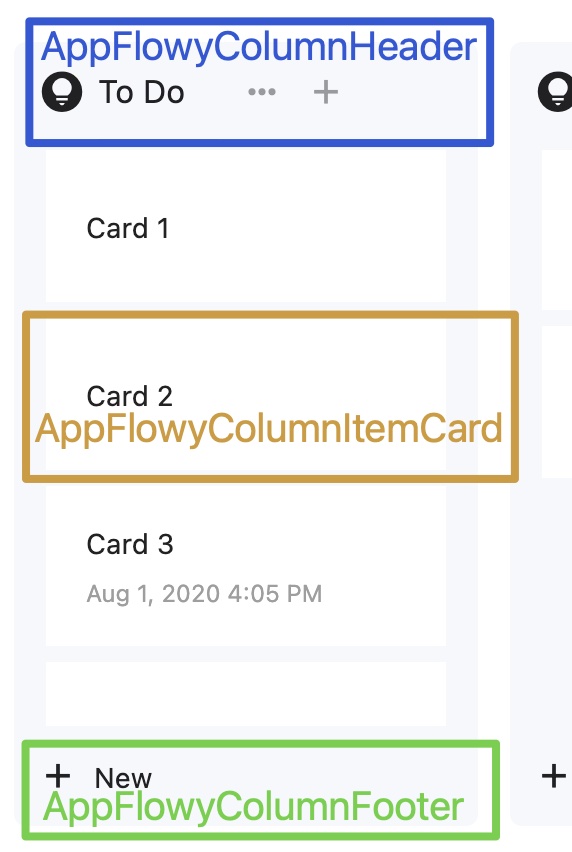
Three builders: AppFlowyBoardHeaderBuilder, AppFlowyBoardFooterBuilder, AppFlowyBoardCardBuilder. See below image for what they are used for.
Glossary
Please refer to the API documentation.
Contributing
Contributions are what make the open source community such an amazing place to learn, inspire, and create. Any contributions you make are greatly appreciated.