Buscar pacotes, repositórios e categorias de apps

Capa de atreeon_get_child_size
Detalhes do pacotev0.1.1+1

atreeon_get_child_size

Um widget que retorna o tamanho do objeto filho. O retorno de chamada [onChange] será executado sempre que o tamanho do widget mudar.

AndroidiOSWebmacOSWindowsLinux
Downloads em 30 dias
12
Curtidas
2
Pontos Pub
160

Instalar pacote

flutter pub add atreeon_get_child_size

Visão geral do pacote

Orientação gerada a partir de informações públicas. Apenas para referência.

O pacote atreeon_get_child_size fornece um widget do Flutter que mede e expõe o tamanho do seu widget filho. Dispara uma função onChange sempre que as dimensões da criança mudarem, permitindo respostas dinâmicas às atualizações de layout. Ideal para cenários que exigem rastreamento em tempo real do tamanho, como layouts responsivos ou animações baseadas nas dimensões do container. O widget é leve e se integra perfeitamente a aplicativos Flutter existentes em todas as principais plataformas.

Casos de uso

  • Ajustes de interface responsiva
  • Disparadores de animação dinâmica
  • Depuração de layout
  • Monitoramento em tempo real do tamanho
  • Cálculos de layout personalizados

Principais recursos

  • Atualizações em tempo real do tamanho
  • Suporte a callback OnChange
  • Compatibilidade multiplataforma
  • Sobrecarga de desempenho mínima
  • Integração simples com widgets existentes

Indicado para

  • Desenvolvedores que precisam de feedback de tamanho
  • Componentes da interface que exigem dimensionamento dinâmico
  • Depuração de problemas de layout
  • Animações baseadas em dimensões
  • Desenvolvimento de aplicativos multiplataforma

Considerações

  • Pode causar reconstruções se usado em contextos sensíveis
  • Requer manipulação cuidadosa em árvores complexas
  • Não adequado para necessidades de tamanho estático
  • Impacto potencial no desempenho em árvores de widgets grandes
  • Limitado à medição de tamanho de filho imediato
README original

Snapshot do README original do repositório-fonte vinculado. Consulte o repositório para o conteúdo mais recente.

atreeon_get_child_size

A widget that returns the size of the child object. The [onChange] callback will run everytime the widget's size has changed.

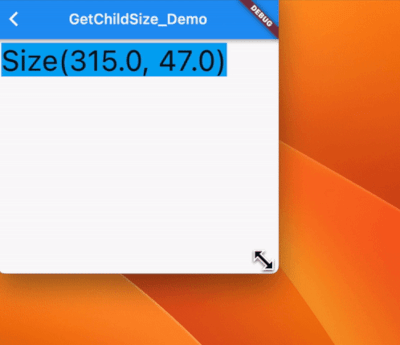
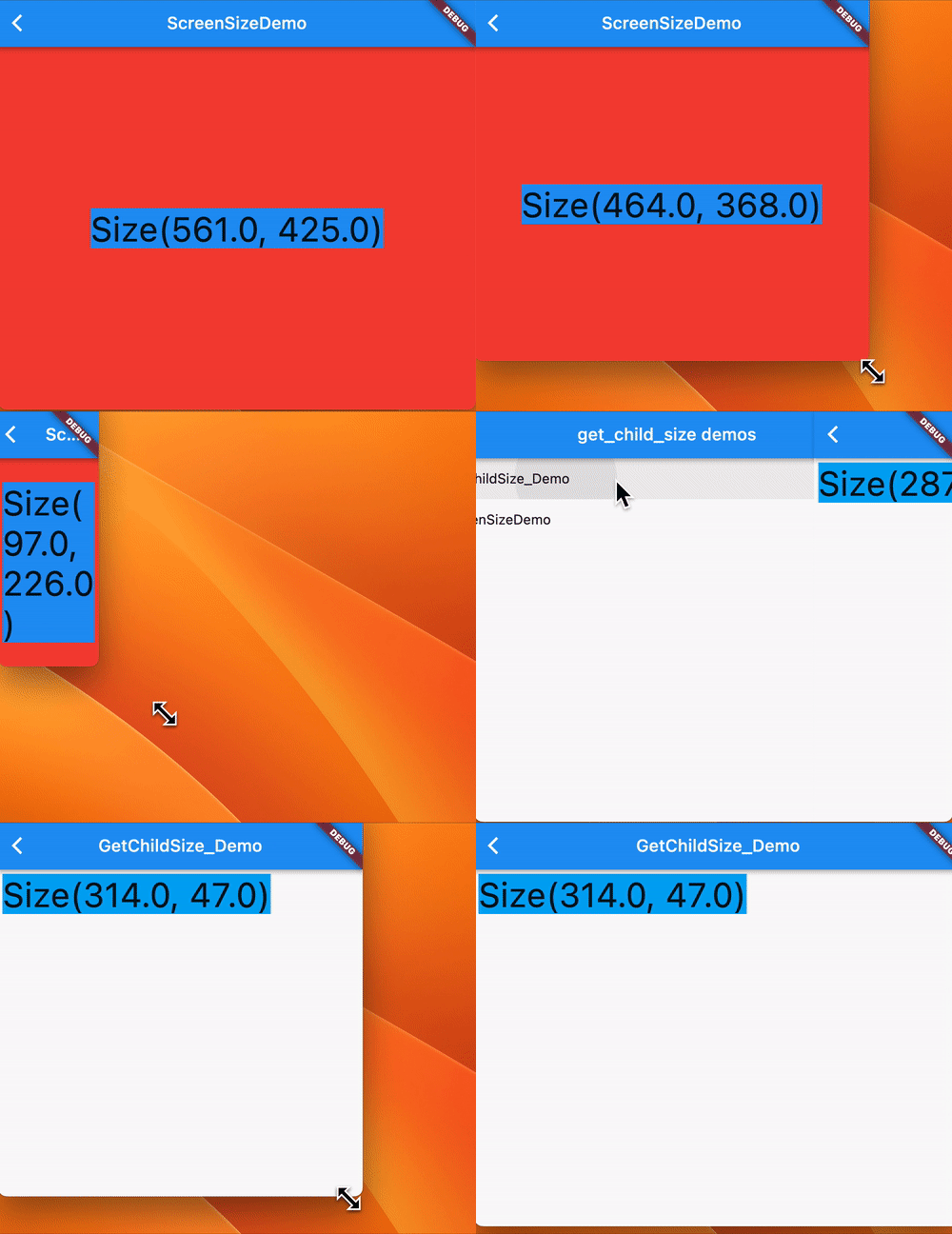
atreeon_get_child_size example

Waring! will result in multiple passes from the layout algorithm if you rebuild a widget from onChange; it will affect performance. This can happen even when just writing out to text the screen size. For example if you have more go from a '10' in the output to a '100', that can affect the size of a widget. Use with care.

This is a fundamental restriction in how widgets are built -> constraints go down & sizes go up -> if the constraints change the size could change.

Example

class _GetChildSize_DemoState extends State<GetChildSize_Demo> {
  void initState() {
    super.initState();
  }

  Size myChildSize = Size(10, 10);

  Widget build(BuildContext context) {
    return Column(
      children: [
        Text(myChildSize.height.toString()),
        Expanded(
          child: GetChildSize(
            onChange: (size) {
              setState(() {
                myChildSize = size;
              });
            },
            child: Text(myChildSize.height.toString()),
          ),
        )
      ],
    );
  }
}

Features

  • returns the size of the child object and runs a callback
Other Info
Discussion on code & implementation

https://github.com/flutter/flutter/issues/14488

If you just want to know the dimensions between layouts (i.e. you're not using them to affect the layout), you can just read them right out of the rendering tree (get the RenderObject from the BuildContext, etc).

However, if you are using the dimensions to actually affect the layout, then that will lead to horrible effects like lagging one frame behind, or worse. In those cases, you want to just build your own render object, or use a layout builder, or similar, depending on exactly what your use case is.

I need the size of a child to use it in the parent's build.

Fundamentally that's not possible, because at the time of the parent's build the child hasn't laid out yet. If you want to get the child's size during the parent's layout, you can do that by creating your own RenderObject. Just look at how e.g. Align is implemented.

Categorias

Repositório-fonte

Projetos que usam este pacote