Orientação gerada a partir de informações públicas. Apenas para referência.
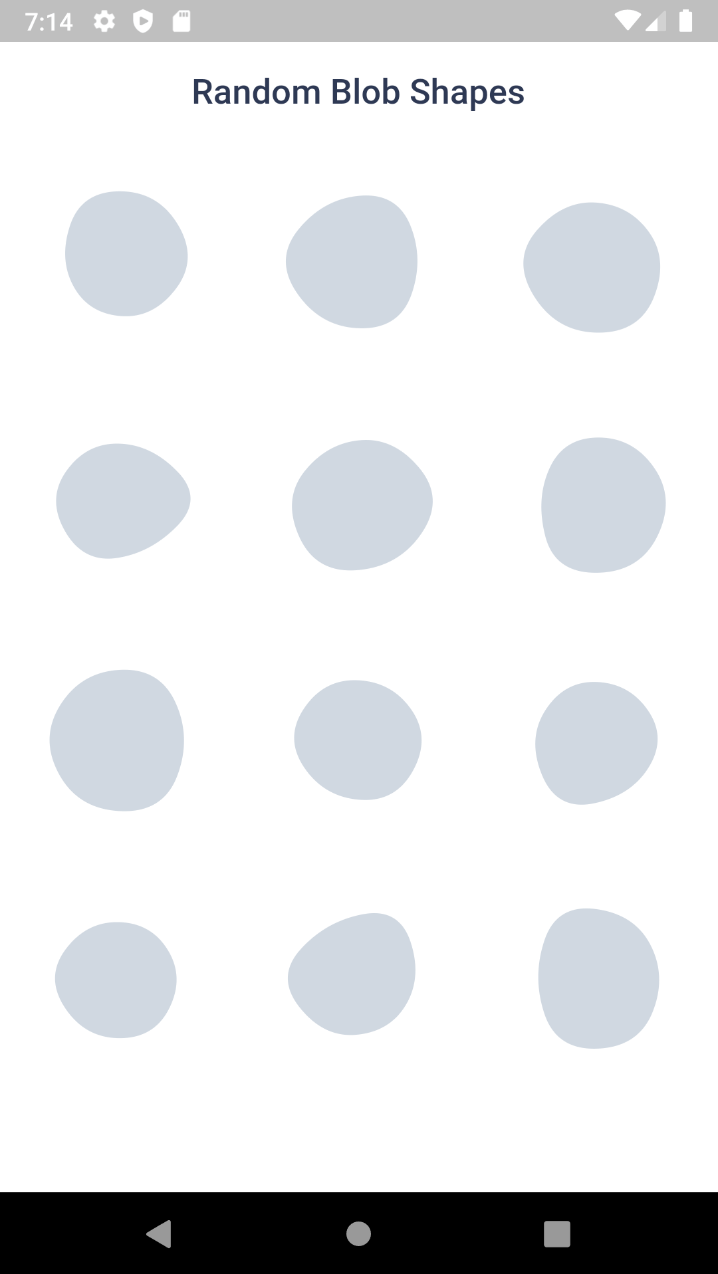
Blobs é um pacote Flutter que permite aos desenvolvedores criar blobs visualmente atraentes e personalizáveis — formas orgânicas e fluidas — em múltiplas plataformas. Ele suporta geração fixa e aleatória de blobs, animações suaves e exportação para SVG para uso em designs. Ideal para fundos, ilustrações ou elementos decorativos, simplifica a integração de formas dinâmicas e artísticas em aplicativos. O pacote é leve e funciona perfeitamente em Android, iOS, Web, macOS, Windows e Linux.
Casos de uso
Design de fundo do aplicativo
Elementos de interface animados
ilustrações decorativas
gráficos baseados em SVG
componentes artísticos interativos
Visuais de aplicativos móveis e web
Principais recursos
Geração fixa e aleatória de blob
Animações suaves
Suporte à exportação SVG
Compatibilidade multiplataforma
parâmetros de forma personalizáveis
Integração fácil com widgets do Flutter
Indicado para
Designers de UI procurando elementos criativos
Desenvolvedores criando interfaces artísticas
Projetos que exigem formas orgânicas
Aplicativos com layouts intensivos em visual
Prototipagem de designs interativos
Desenvolvimento de aplicativos multiplataforma
Considerações
Impacto no desempenho com muitos blobs animados
Controle limitado sobre a geometria precisa
Mais adequado para uso decorativo do que funcional
Pode exigir ajustes para renderização ótima em dispositivos de baixa gama
Não ideal para operações vetoriais complexas
README original
Snapshot do README original do repositório-fonte vinculado. Consulte o repositório para o conteúdo mais recente.
Blob.animatedRandom() - Generate blobs and animate the shape change
Blob.fromID() - Use one or more ID's for fixed blobs
Blob.animatedFromID() - Animate the shape change
⚙️ Blob Size
Size of the blob (mandatory).
Blob.random(size:200),
⚙️ Customise shape
edgesCount is the nodes count. More the value, more the complexity. Minimum is 3 and max is 300. But for cool shapes you can stick between 3-20. Default is 7
minGrowth is the minimum size of the blob. Smaller the value, more the randomness. Value should be an interger between 2-9. Default is 4.
You can use BlobController, if you want to change the shape programatically. As o now it has only one method called change(). When you call this, the shape will be changed and returns some useful info of the blob (BlobData).
When you set debug to true, it will show you circles and lines that connect the blob points.
Blob.random(
 size:200,
 debug:  true,
),
Clipper
Sometime you might want to clip the widget by blob shape. In such cases you can use BlobClipper(). You can either provide id or edgesCount and minGrowth options.
Blobs shape are created by BlobGenerator(). Both widgets and clipper uses this internally to create the shape and then it is painted to canvas. This will return BlobData.