Buscar pacotes, repositórios e categorias de apps

Capa de draggable_float_widget
Detalhes do pacotev0.1.0

draggable_float_widget

Este é um widget flutuante e arrastável do Flutter, que pode controlar sua visibilidade por meio do evento de rolagem do ScrollView.

AndroidiOSWebmacOSWindowsLinux
Downloads em 30 dias
177 mil
Curtidas
116
Pontos Pub
150

Instalar pacote

flutter pub add draggable_float_widget

Visão geral do pacote

Orientação gerada a partir de informações públicas. Apenas para referência.

Um pacote Flutter que fornece um widget flutuante arrastável capaz de responder a eventos de rolagem mostrando ou ocultando automaticamente. Ideal para criar elementos de interface interativos como botões de ação flutuantes ou sobrecapas personalizadas que seguem o comportamento de rolagem do usuário. O widget pode ser movido livremente na tela e adapta sua visibilidade com base na direção da rolagem e na posição dentro de um ScrollView. Suporta todas as principais plataformas, incluindo Android, iOS, Web, macOS, Windows e Linux.

Casos de uso

  • Botões de ação flutuantes em listas roláveis
  • sobreposições interativas que respondem ao rolagem
  • Componentes de interface personalizados e arrastáveis
  • Melhorando a navegação do aplicativo móvel
  • Elementos de interface dinâmicos em aplicativos web

Principais recursos

  • Posicionamento arrastável
  • Controle de visibilidade acionado por rolagem
  • Compatibilidade multiplataforma
  • Animação suave durante o arrasto
  • Limites configuráveis de exibição/esconder
  • Suporta múltiplos alvos de plataforma

Indicado para

  • Desenvolvedores construindo interfaces de usuário sensíveis ao scroll
  • Aplicativos móveis e web que precisam de elementos flutuantes dinâmicos
  • Designers implementando interações baseadas em gestos
  • Aplicativos com requisitos complexos de sobreposição
  • Equipes direcionadas para implantação multiplataforma

Considerações

  • Pode exigir ajuste de desempenho em listas grandes
  • A lógica de visibilidade pode precisar de personalização para comportamentos de rolagem complexos
  • Opções limitadas de estilo embutido
  • Não ideal para elementos flutuantes estáticos
  • Requer manipulação cuidadosa em visualizações de rolagem aninhadas
README original

Snapshot do README original do repositório-fonte vinculado. Consulte o repositório para o conteúdo mais recente.

draggable_float_widget

This is a draggable and floating Flutter widget, which can control its visibility through the scrolling event of ScrollView.

Usage

To use this plugin, add draggable_float_widget as a dependency in your pubspec.yaml file.

constructor
  • the constructor of component

    DraggableFloatWidget({
      Key? key,
      this.width = defaultWidgetWidth,
      this.height = defaultWidgetHeight,
      this.eventStreamController,
      this.config = const DraggableFloatWidgetBaseConfig(),
      required this.child,
      this.onTap,
    }) : super(key: key);
    
  • special field instructions

    property description default
    eventStreamController The [StreamController] of [OperateEvent] null
    config the base config of [DraggableFloatWidget] DraggableFloatWidgetBaseConfig()
  • the base config of component

    DraggableFloatWidgetBaseConfig({
      this.isFullScreen = true,
      this.appBarHeight = kToolbarHeight,
      this.initPositionXInLeft = true,
      this.initPositionYInTop = true,
      this.initPositionYMarginBorder = 0,
      this.borderLeft = defaultBorderWidth,
      this.borderRight = defaultBorderWidth,
      this.borderTop = defaultBorderWidth,
      this.borderTopContainTopBar = false,
      this.borderBottom = defaultBorderWidth,
      this.exposedPartWidthWhenHidden = defaultExposedPartWidthWhenHidden,
      this.animDuration = const Duration(milliseconds: 300),
      this.delayShowDuration = const Duration(milliseconds: 500),
      this.debug = false,
    });
    
example
  • the first, add scroll listener

    ⚠️Ignore this step if the component is not affected by ScrollView scrolling, and you don't need to pass an StreamController instance into the instance.

    NotificationListener(
      onNotification: (notification) {
        if (notification is ScrollStartNotification) {
          eventStreamController.add(OperateEvent.OPERATE_HIDE);
        } else if (notification is ScrollEndNotification) {
          eventStreamController.add(OperateEvent.OPERATE_SHOW);
        }
        return true;
      },
      child: ListView(...),
    )
    
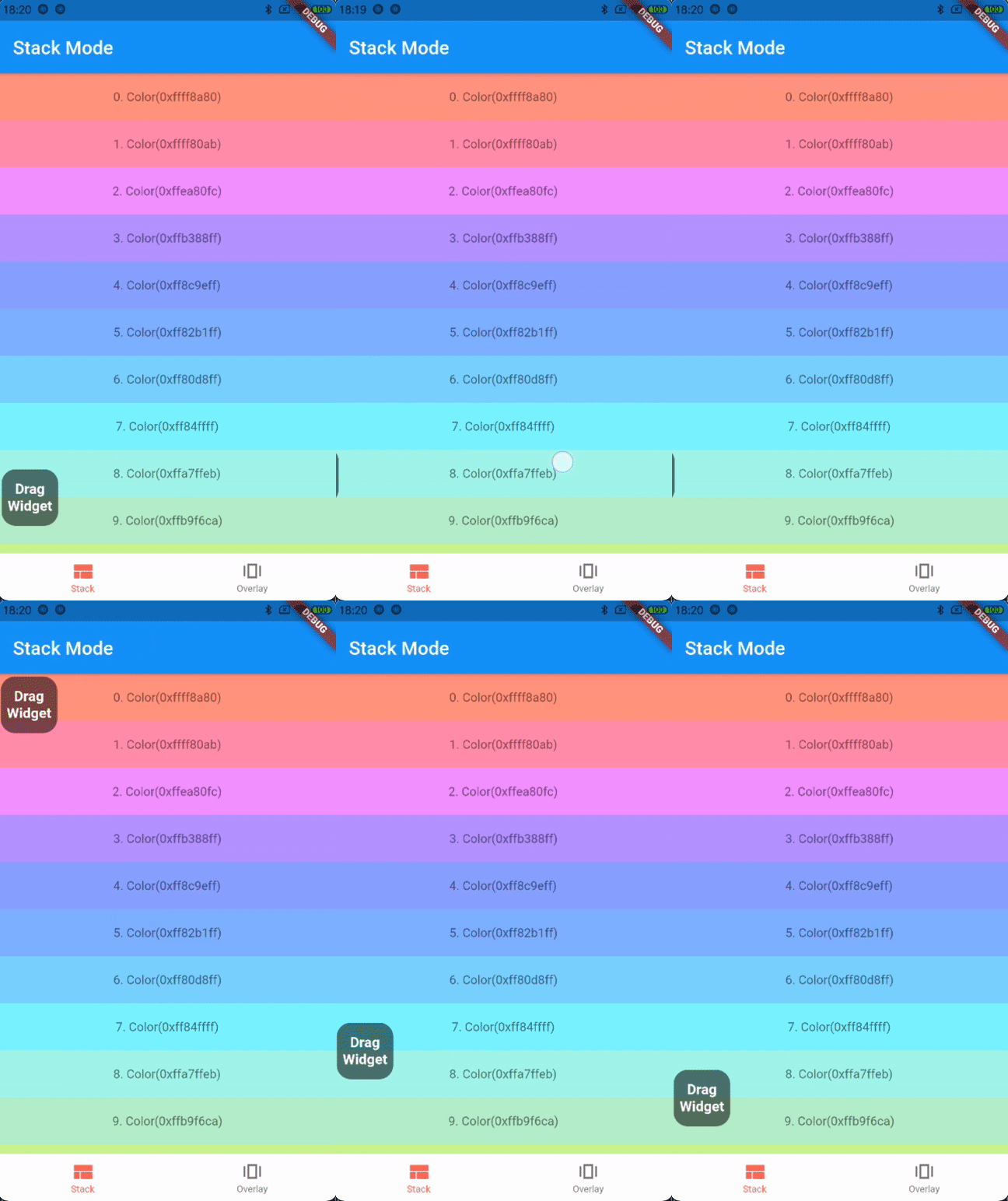
  • the first way: stack mode

    Stack(
      children: [
        listView,
        DraggableFloatWidget(
          child: child,
          eventStreamController: eventStreamController,
          config: DraggableFloatWidgetBaseConfig(
            isFullScreen: false,
            initPositionYInTop: false,
            initPositionYMarginBorder: 50,
            borderBottom: navigatorBarHeight + defaultBorderWidth,
          ),
          onTap: () => print("Drag onTap!"),
        )
      ],
    )
    

    stack mode

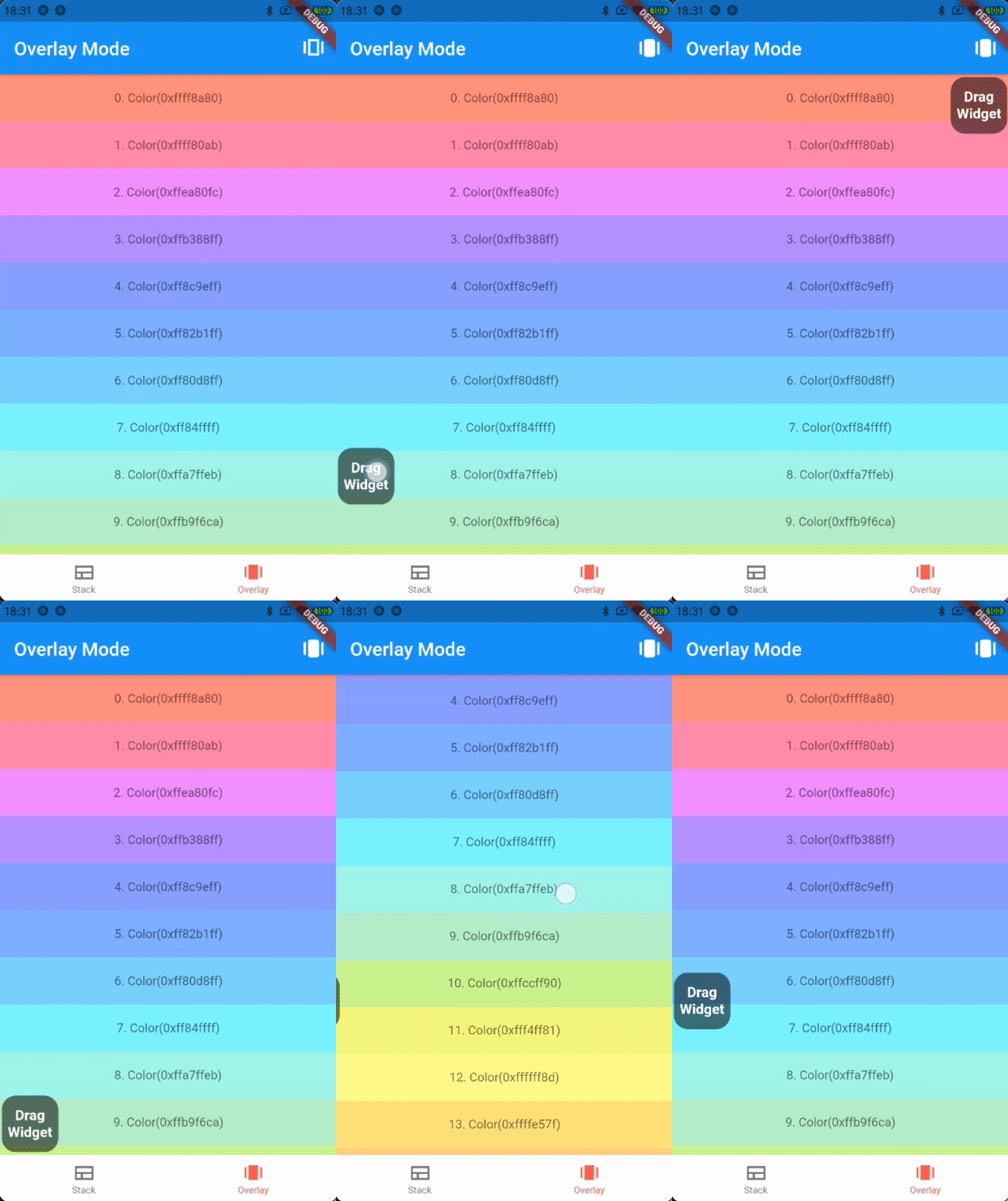
  • the second way: overlay mode

    _overlayEntry = OverlayEntry(builder: (context) {
      return DraggableFloatWidget(
        child: widget.child,
        eventStreamController: widget.eventStreamController,
        config: DraggableFloatWidgetBaseConfig(
          initPositionYInTop: false,
          initPositionYMarginBorder: 50,
          borderTopContainTopBar: true,
          borderBottom: widget.navigatorBarHeight + defaultBorderWidth,
        ),
        onTap: () => print("Drag onTap!"),
      );
    });
    
    /// Warning: context cannot be the context of MaterialApp
    Overlay.of(context)?.insert(_overlayEntry!);
    

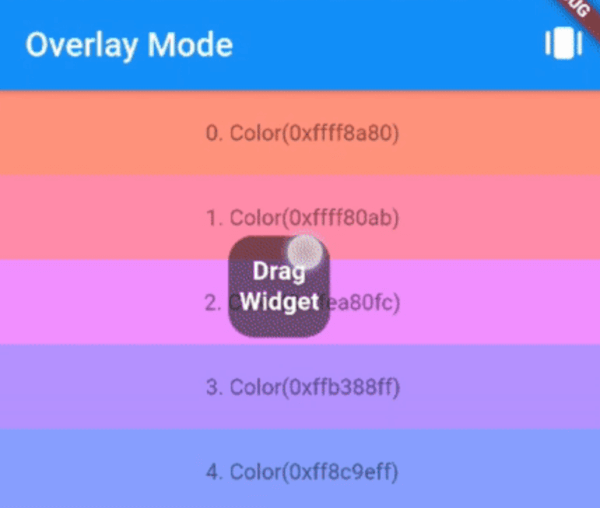
    overlay mode

Contributions

If you encounter any problem or the library is missing a feature feel free to open an issue. Feel free to fork, improve the package and make pull request.

License

MIT

Categorias

Repositório-fonte

Projetos que usam este pacote