Orientação gerada a partir de informações públicas. Apenas para referência.
DynamicCachedFonts é um pacote Flutter que permite o carregamento dinâmico, cache e renderização de fontes da web, com integração contínua para fontes hospedadas no Firebase Cloud Storage. Ele baixa as fontes sob demanda com eficiência, as armazena localmente para reduzir os tempos de carregamento e oferece suporte a múltiplas plataformas, incluindo Android, iOS, Web, macOS e Windows. Ideal para aplicativos que exigem tipografia personalizável ou frequentemente atualizada sem aumentar o tamanho do pacote do aplicativo.
Casos de uso
Carregando fontes do Firebase Cloud Storage
Armazenando em cache fontes da web para uso offline
Suporte a tipografia baseada em tema dinâmico
Reduzindo o tamanho do aplicativo adiando o download de fontes
Habilitar atualizações em tempo real de fontes em aplicativos
Principais recursos
Suporta o Firebase Cloud Storage como fonte de fonte
Cache local automático de fontes baixadas
Compatibilidade multiplataforma
Gerenciamento eficiente de memória
Carregamento de fonte sob demanda
Indicado para
Aplicativos que usam fontes dinâmicas ou remotas
Desenvolvedores integrando o Firebase Cloud Storage
Projetos que exigem atualizações frequentes de fonte
Aplicativos direcionados a múltiplas plataformas
Aplicações voltadas para desempenho
Considerações
Requer acesso à internet para o download inicial da fonte
A gestão de cache pode precisar de manipulação manual
O tamanho dos arquivos de fonte afeta o tempo inicial de carregamento
Limitado a formatos de fonte compatíveis
Dependente da configuração do Firebase para fontes hospedadas em nuvem
README original
Snapshot do README original do repositório-fonte vinculado. Consulte o repositório para o conteúdo mais recente.
Dynamic Cached Fonts
A simple, easy to use yet customizable font loader to use web fonts.
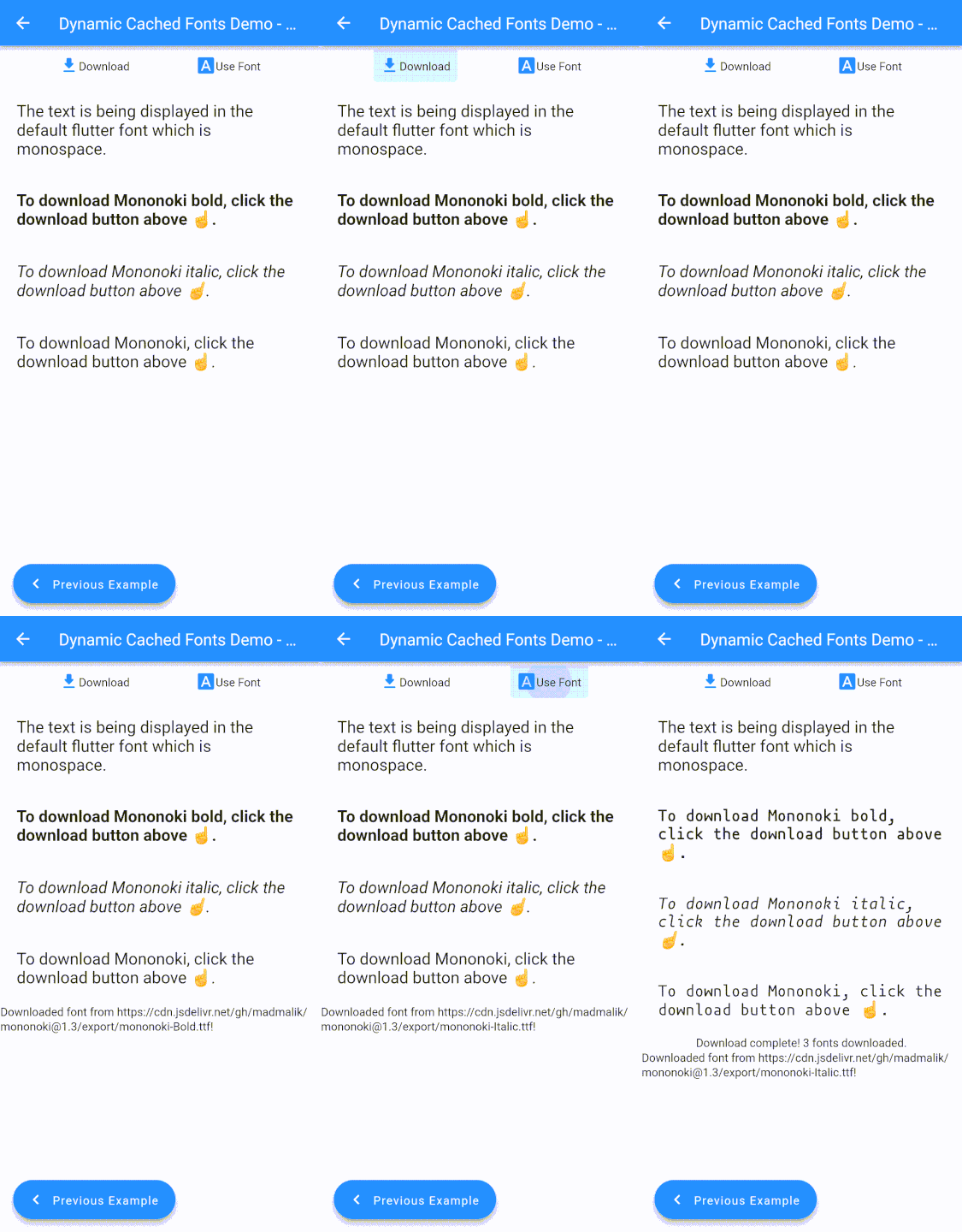
Dynamic Cached Fonts allows you to dynamically load a font from any url and cache it. This way, you can reduce your bundle size and load the font if and when it's required.
Another advantage of dynamically loading fonts is that you can now easily provide an option to your users to pick an app font. This allows for a greater level of customization.
Caching is an added performance upgrade as the font will be downloaded only once and used multiple times, reducing network and battery usage.
🏃 Get Started
To use the package, add dynamic_cached_fonts as a dependency.
⚒️ Usage
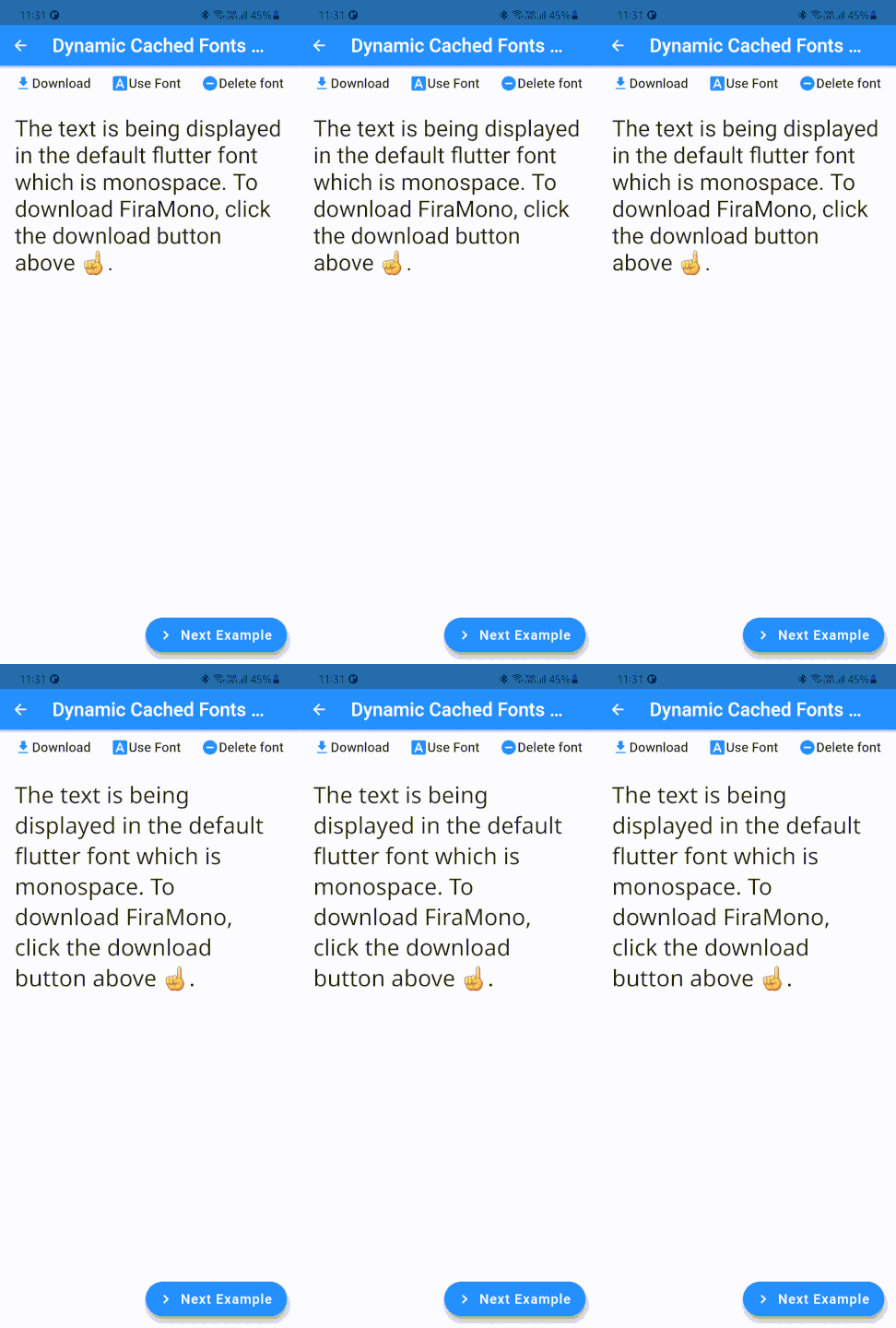
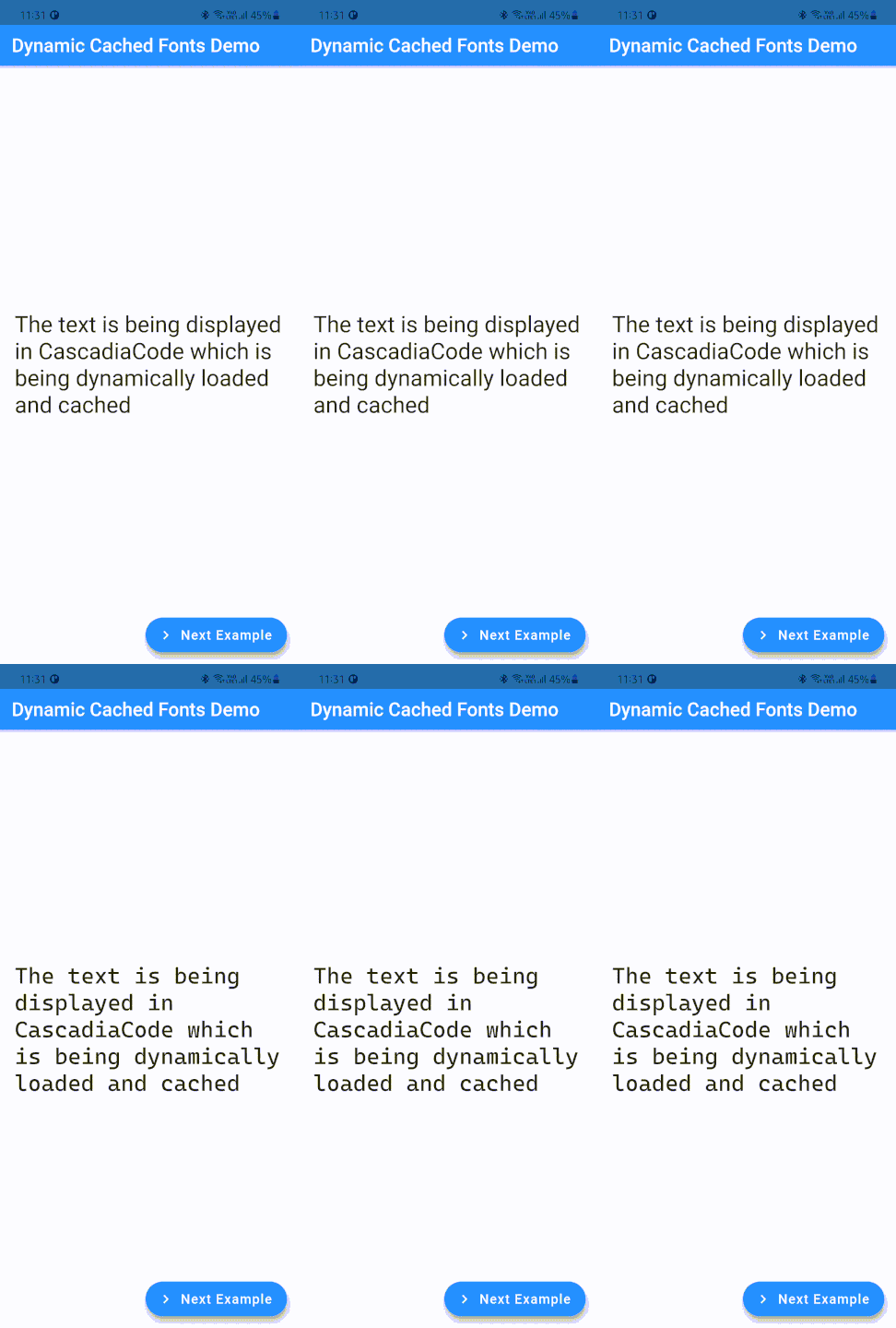
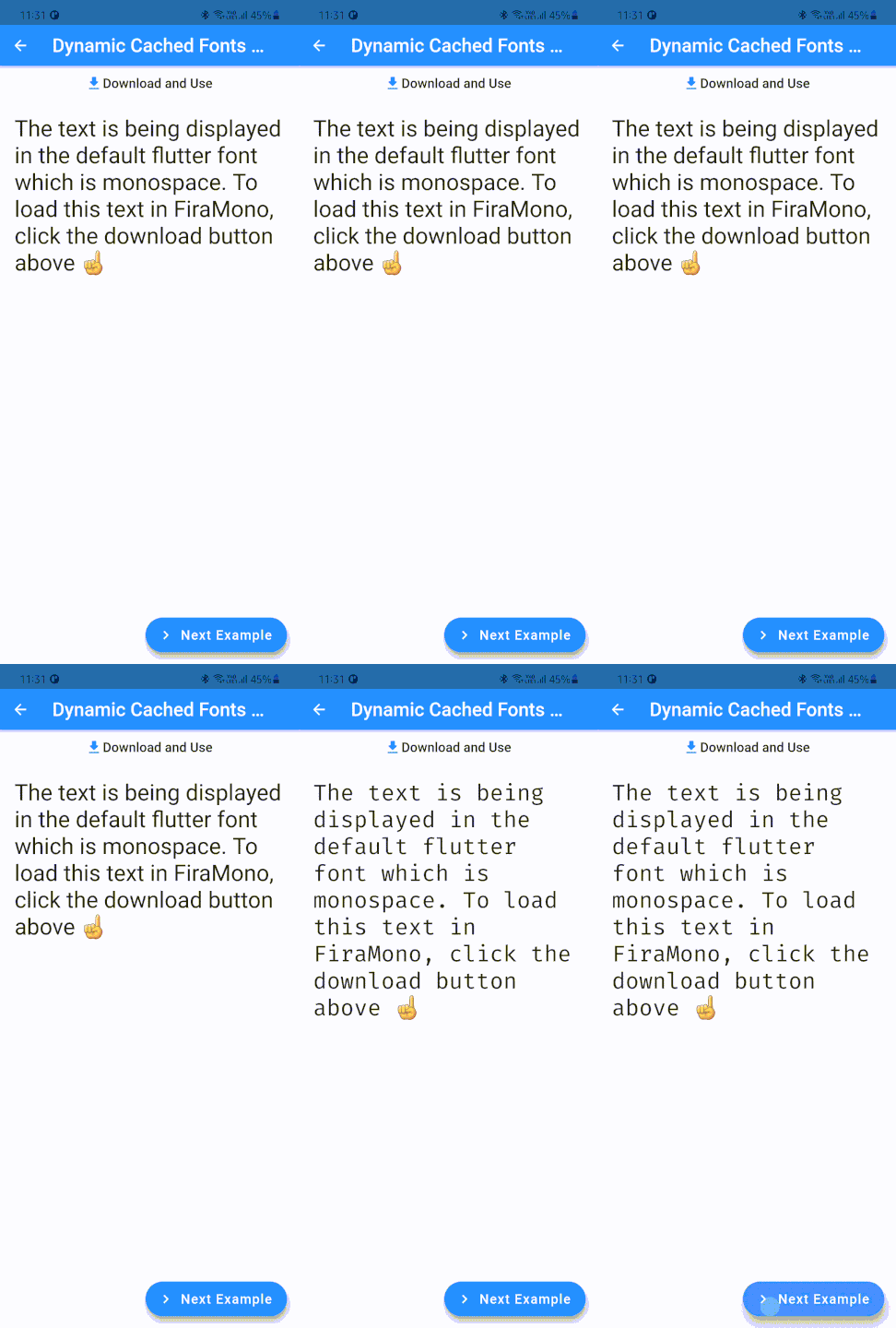
Loading fonts on demand
You can load font on demand, for example - when a page loads
@overridevoidinitState() {
finalDynamicCachedFonts dynamicCachedFont = DynamicCachedFonts(
fontFamily: fontFamilyName, // The font family name to be passed to TextStyle.fontFamily
url: fontUrl, // A valid url pointing to a font file (.ttf or .otf files only)
);
dynamicCachedFont.load(); // Downloads the font, caches and loads it.super.initState();
}
...
Text(
'Some Text',
style: TextStyle(fontFamily: fontFamilyName),
)
TextStyle.fontFamilys are applied only after load() is called.
Calling load() more than once throws a StateError
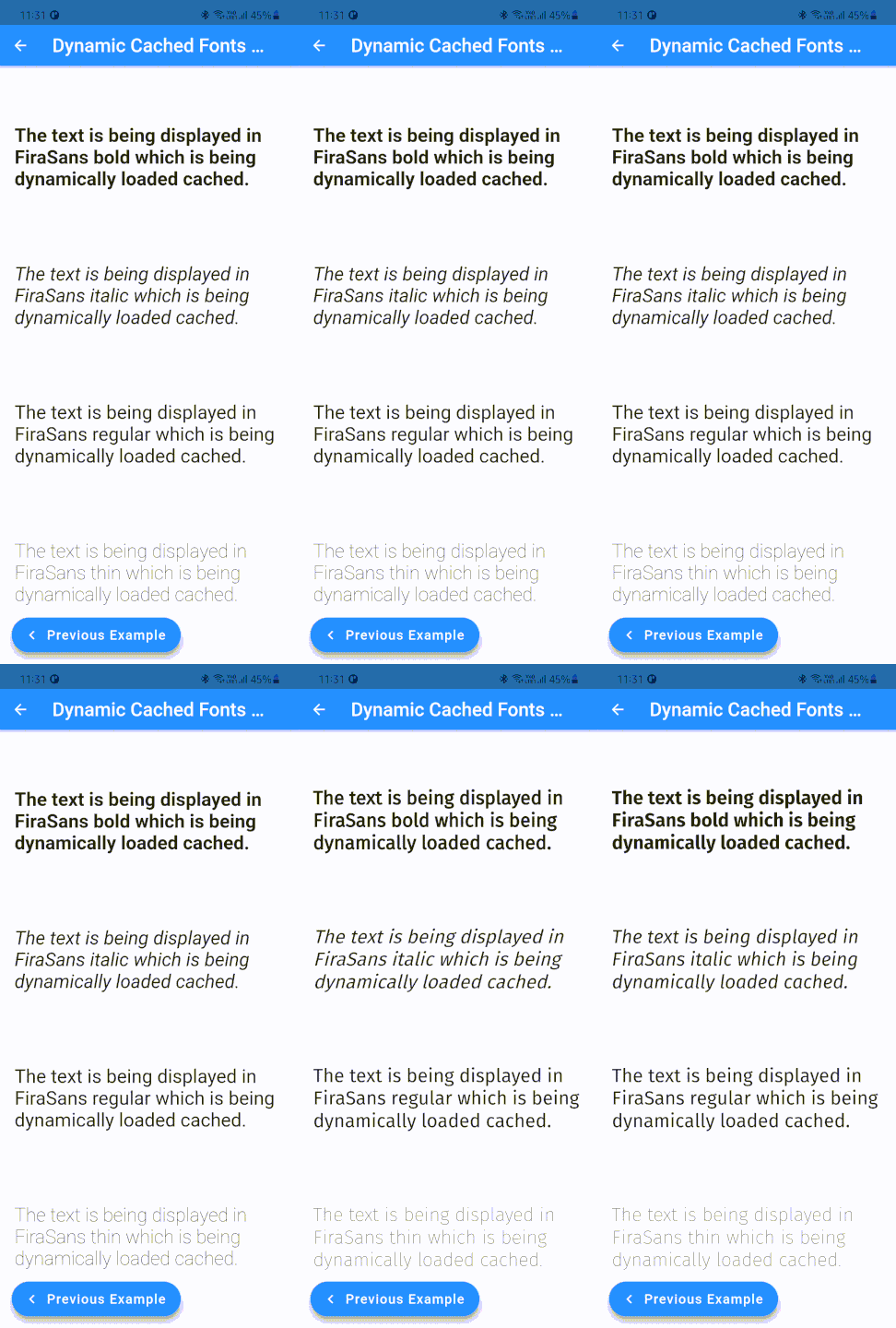
What if you need to load multiple fonts, of varying weights and styles, as a single family...For that, you can use the DynamicCachedFonts.family constructor.
It accepts a list of urls, pointing to different fonts in the same family, as urls.
The package also supports loading the fonts as a Stream! The loadStream returns a single subscription stream which emits the font files.
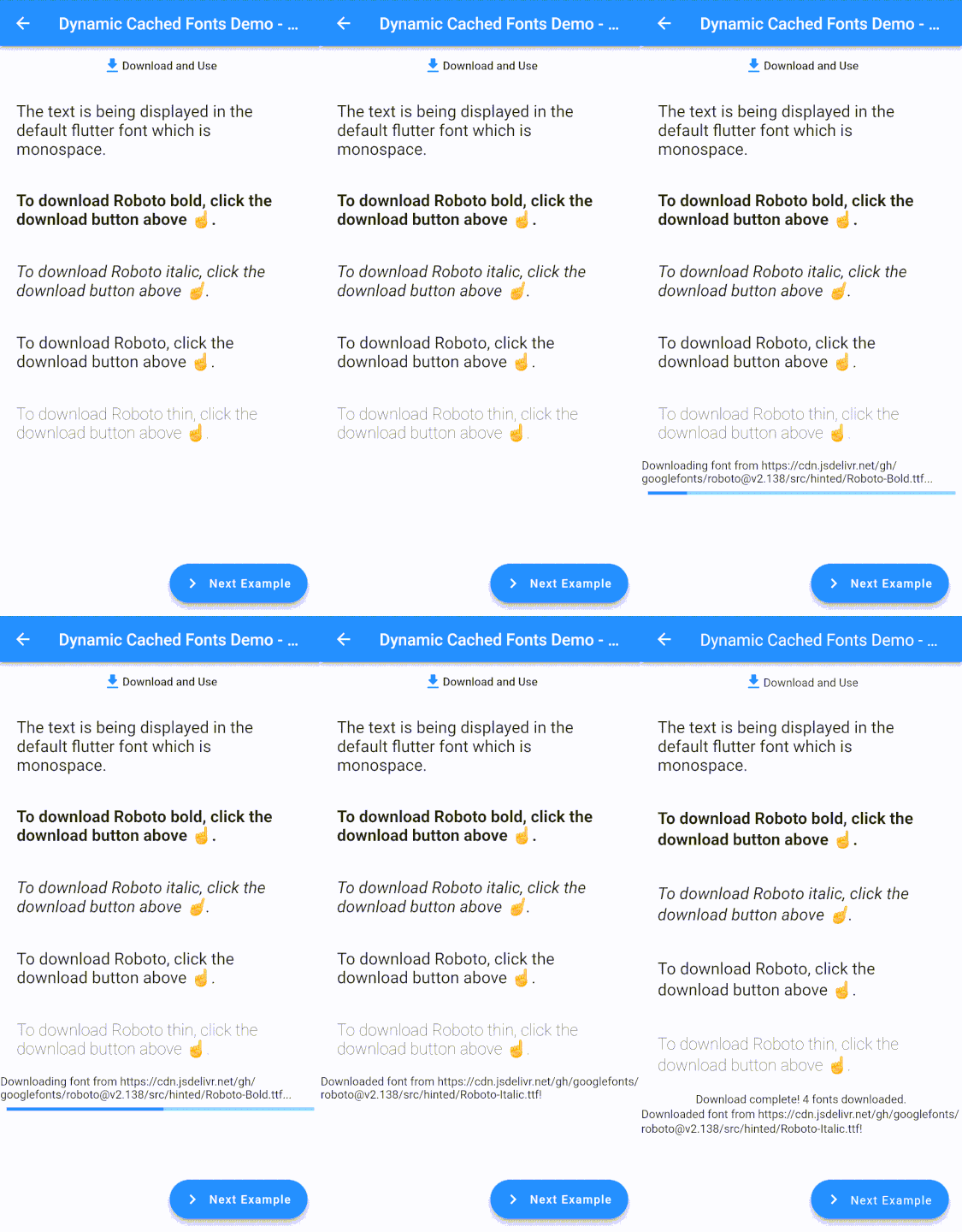
loadStream accepts a callback, downloadProgressListener, that is called each time a DownloadProgress event is received. This happens only when the font is actually being downloaded from the provided url. Subsequent requests, which are usually served from the cache, do not emit any progress events. If the font file has expired, then the file will be downloaded again for which the progress events will be streamed to downloadProgressListener.
When loadStream is called with a single font url, then itemCountProgressListener will be called only once when the font has been loaded into the engine.
And when loadStream is used to load an entire font family, itemCountProgressListener will be called once for every font in the family.
In the example given below, itemCountProgressListener will be called 4 times, once after every font has been loaded into the Flutter engine.
You can pass in maxCacheObjects and cacheStalePeriod here as well.
canLoadFont, loadCachedFont, loadCachedFamily
canLoadFont is used to check whether the font is available in cache. It is usually used in combination with the loadCached* methods.
First, Check whether the font is already in cache. If it is, then load the font.
if(DynamicCachedFonts.canLoadFont(fontUrl)) {
// To load a single font...DynamicCachedFonts.loadCachedFont(
fontUrl,
fontFamily: fontFamilyName,
);
// Or if you want to load multiple fonts as a family...DynamicCachedFonts.loadCachedFamily(
<String>[
fontFamilyNameBoldUrl,
fontFamilyNameItalicUrl,
fontFamilyNameRegularUrl,
fontFamilyNameThinUrl,
],
fontFamily: fontFamilyName,
);
}
Now, if the font isn't available in cache, download it!
cacheFontStream is used to download and cache the font. This method is similar to cacheFont but returns a single subscription Stream that emits the progress of the download.
The download is streamed to the progressListener callback which is called each time a DownloadProgress event is received. This happens only when the font is actually being downloaded from the provided url. Subsequent requests, which are usually served from the cache, do not emit any progress events. If the font file has expired, then the file will be downloaded again for which the progress events will be streamed to downloadProgressListener.
Use canLoadFont to check whether the font is available in cache.
loadCachedFamilyStream is used to load multiple fonts into the Flutter engine, as a single font family. This method is similar to loadCachedFamily but returns a stream.
When loadCachedFamilyStream is called with a single font url, progressListener will be called only once when the font has been loaded into the engine.
And when loadCachedFamilyStream is used to load an entire font family, progressListener will be called once for every font in the family.
In the example given below, progressListener will be called 4 times, once after every font has been loaded into the Flutter engine.
DynamicCachedFonts.loadCachedFamilyStream(
  <String>[
    fontFamilyNameBoldUrl,
    fontFamilyNameItalicUrl,
    fontFamilyNameRegularUrl,
    fontFamilyNameThinUrl,
  ],
  fontFamily: fontFamilyName,
  progressListener: (double progress, int totalItems, int downloadedItems) {},
);
removeCachedFont
To remove a font from cache permanently, use removeCachedFont.
Note - This does not change the font immediately until a complete app restart.
Finally, if you want to customize their implementation, extend RawDynamicCachedFonts and override the static methods.
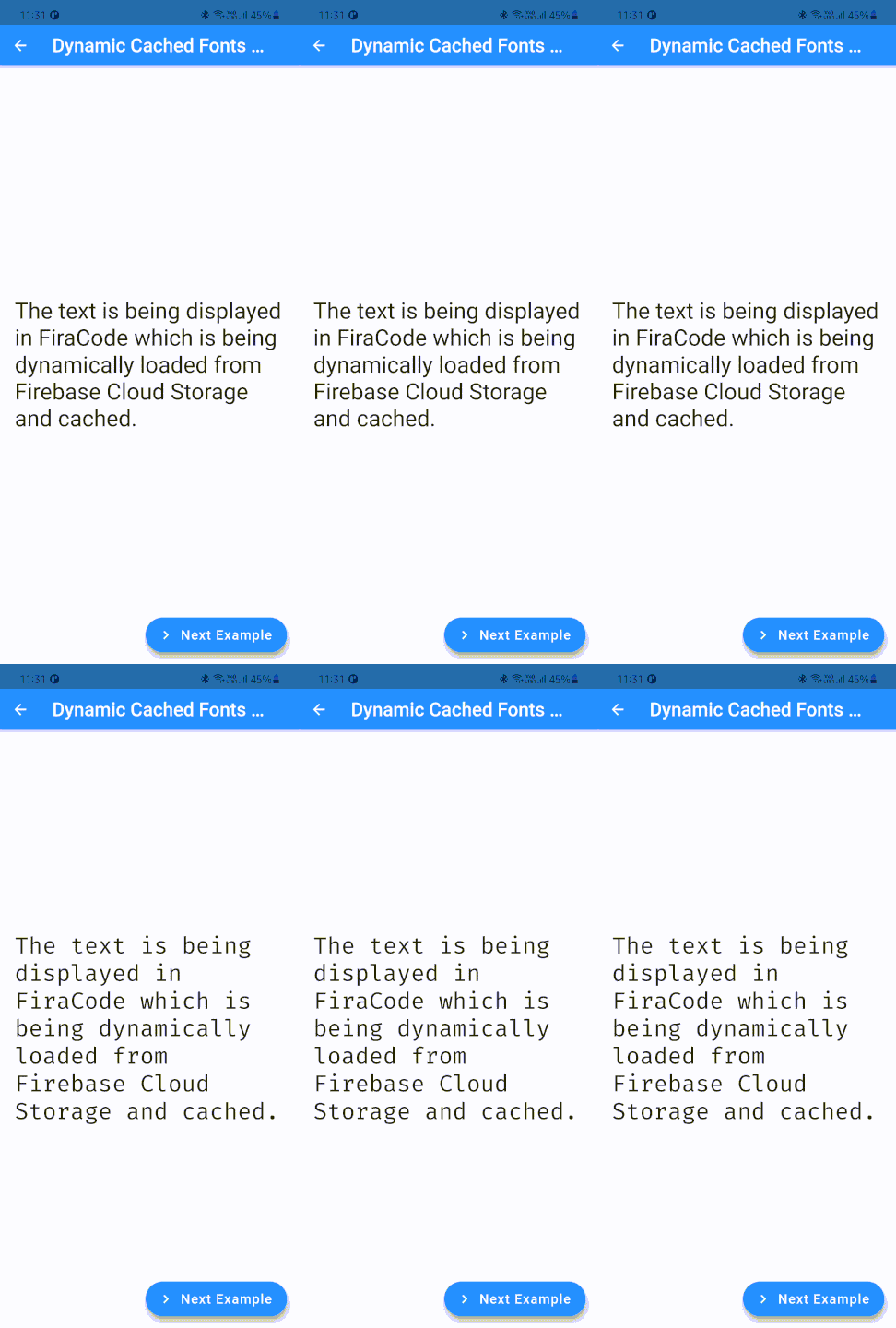
Have a custom font to load from Firebase Cloud Storage? Go for the DynamicCachedFonts.fromFirebase constructor! It accepts a Google Cloud Storage location which is a url starting with gs://. Other than that, it is similar to the default constructor.
Tip: Use DynamicCachedFonts.toggleVerboseLogging to log detailed statuses and configurations for debugging.
🐛 Bug Reports and Help
If you find a bug, please open an issue on Github or if you need any help, let's discuss on Github Discussions!
💁 Contributing
To make things easier, you can use docker compose to set up a dev environment.
Just run docker compose run linux to set up a Linux dev environment or run docker compose run windows to set up a Linux dev environment.
You need to be on a Windows machine to be able to set up a docker Windows environment.
To contribute to the package, fork the repository and open a pull request!