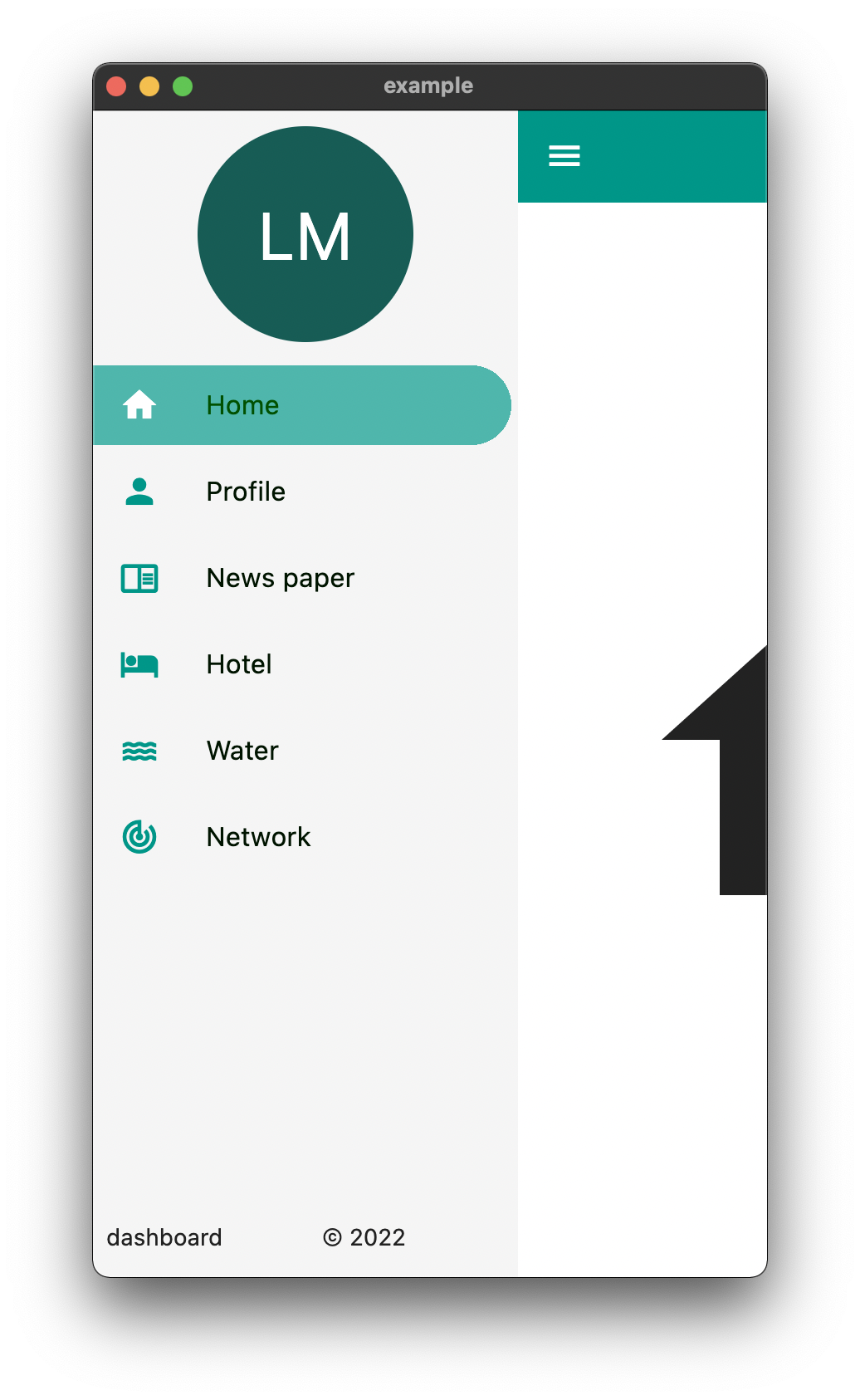
Um pacote para ajudar a criar facilmente layouts de painel e outras funcionalidades de navegação. Tem como objetivo tornar o processo de criação de painéis responsivos simples.
Orientação gerada a partir de informações públicas. Apenas para referência.
Easy Dashboard é um pacote Flutter projetado para simplificar a criação de layouts responsivos de painéis e interfaces de navegação. Ele agiliza o processo de construção de UIs adaptáveis que funcionam perfeitamente em diferentes dispositivos, desde móveis até web e desktop. Com suporte integrado a padrões de design responsivo, permite que desenvolvedores estruturam rapidamente painéis com layouts e fluxos de navegação consistentes. O pacote se concentra em reduzir o código boilerplate e aumentar a produtividade do desenvolvedor ao implementar sistemas de painel complexos.
Casos de uso
Construindo painéis de administração
Criando painéis de dados responsivos
Design de navegação em múltiplas telas
Desenvolvendo aplicativos de monitoramento multiplataforma
Implementação de painéis baseados em layout
Principais recursos
Suporte a layout responsivo
Ferramentas de navegação embutidas
Compatibilidade multiplataforma
Configuração mínima necessária
Composição de widget flexível
Indicado para
Desenvolvedores Flutter construindo interfaces de administração
Equipes que precisam de prototipagem rápida de painéis
Projetos que exigem interfaces responsivas em dispositivos
Desenvolvedores focados na consistência da interface
Aplicativos com estruturas de navegação complexas
Considerações
Pode exigir personalização para layouts altamente únicos
Documentação limitada além dos exemplos básicos
Mais adequado para padrões de painel padrão
Não ideal para interfaces não painel
Depende do desempenho de renderização do Flutter
README original
Snapshot do README original do repositório-fonte vinculado. Consulte o repositório para o conteúdo mais recente.
Easy Dashboard
Provides an easy way to build dashboard layout for your app , but still yet very customizable .
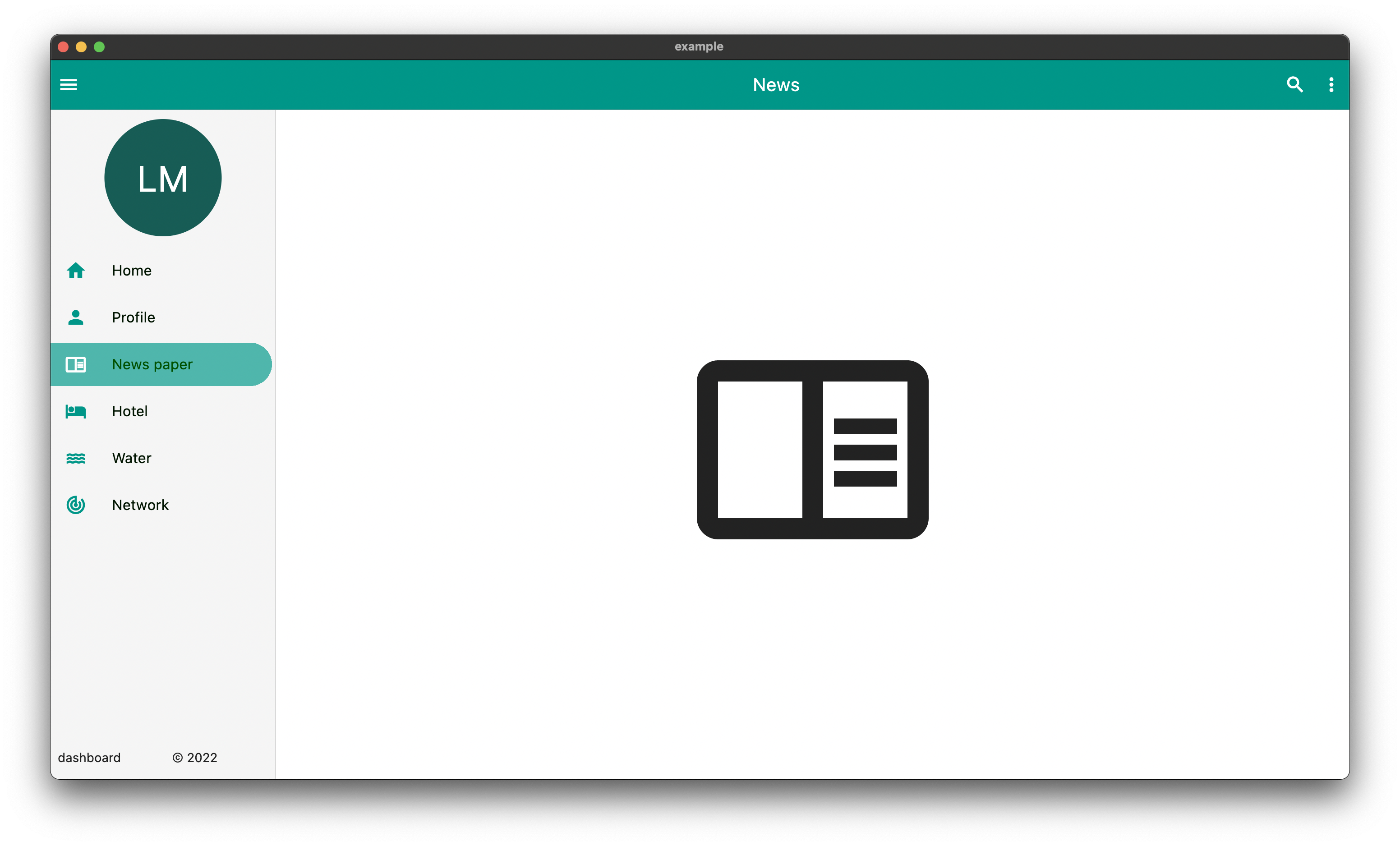
DeskTop
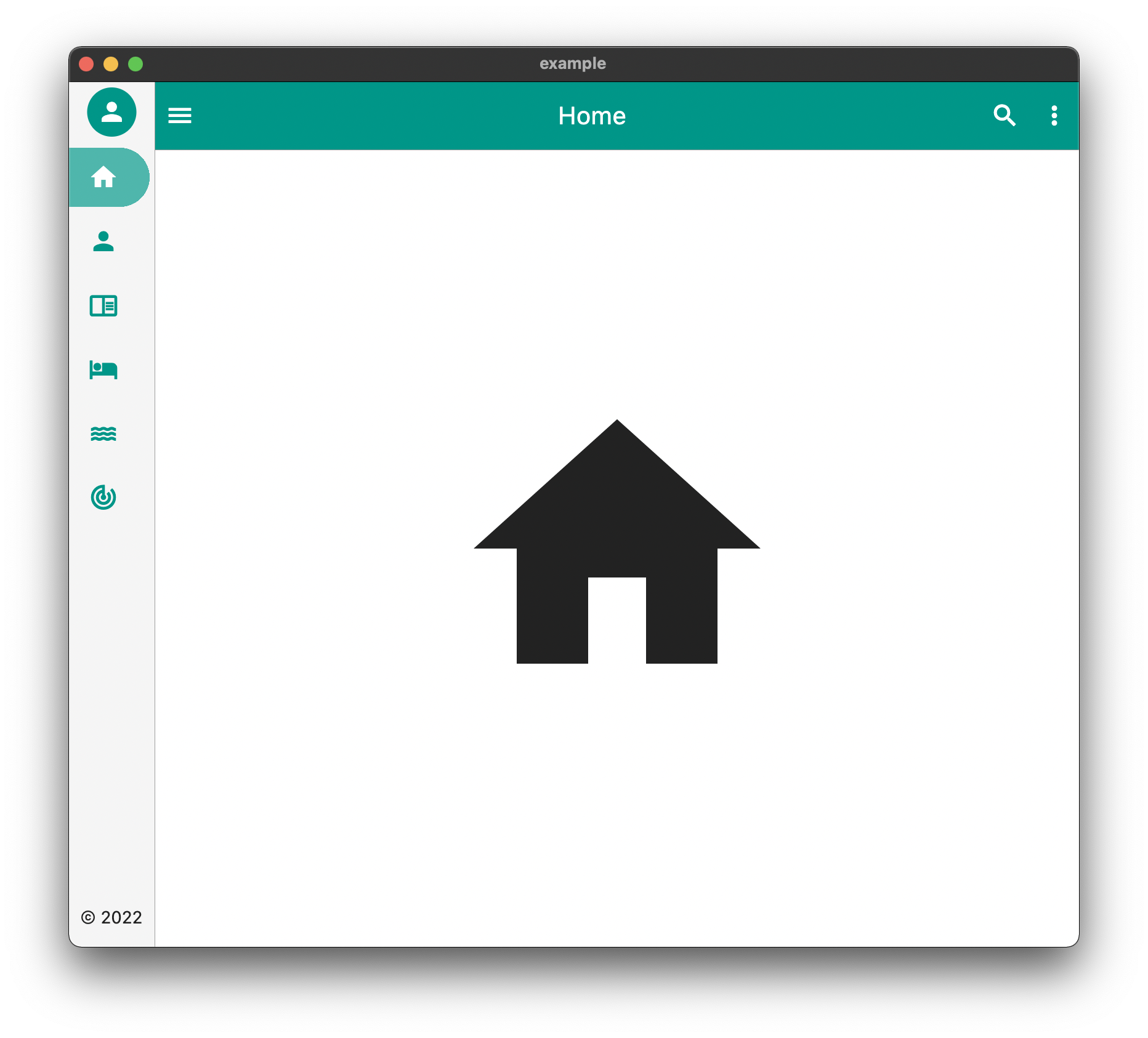
Tablet
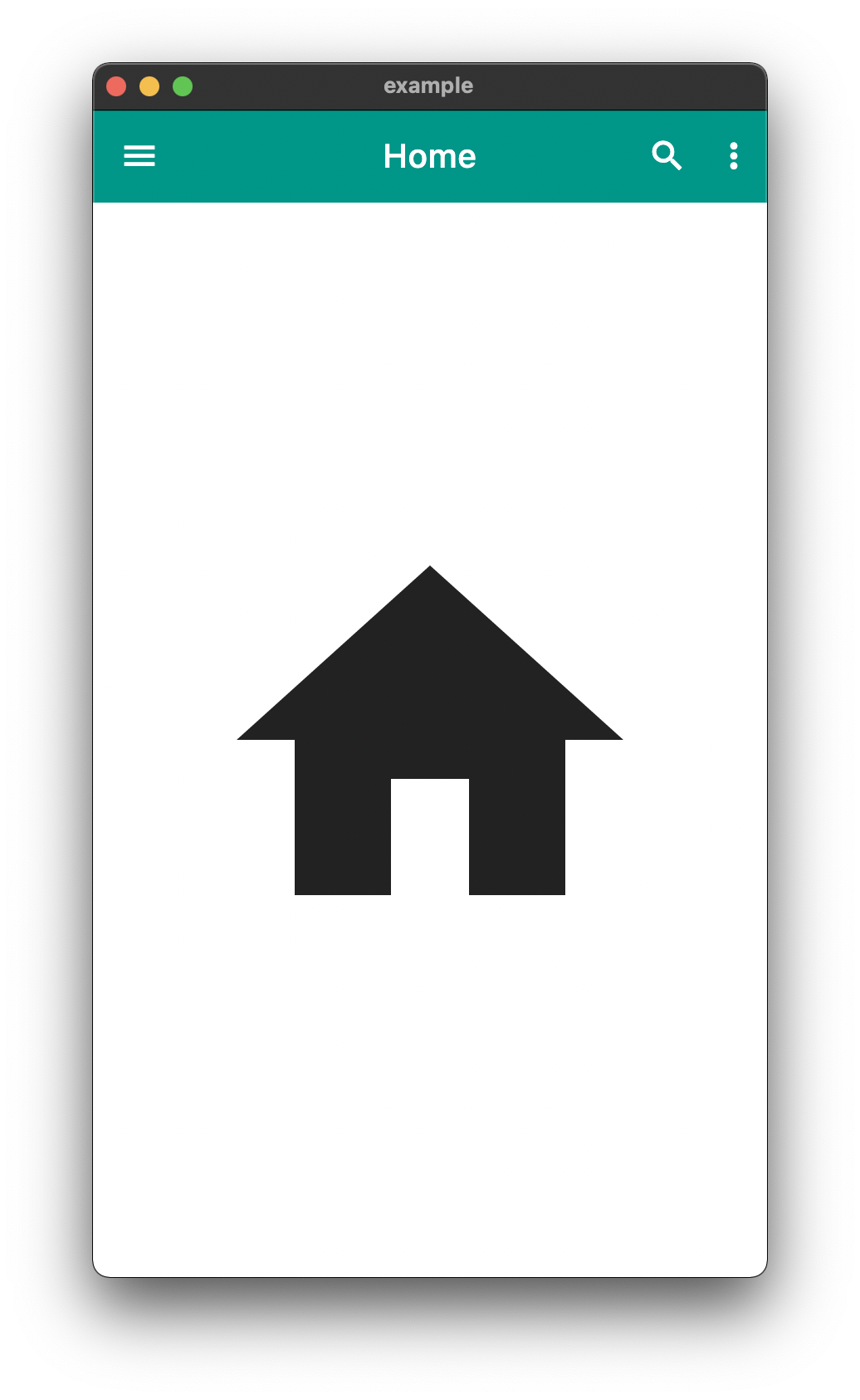
Mobile
The above is an example of an app created with the package
The above example can be found in the /example folder
API
component
usage
body
The default body for the dashboard
duration
The Duration of the animation when the [EasyDashboard] is opened or closed among others.
mobileBreakpoint
The pixels at which the ui breaks into the mobile view
tabletBreakpoint
The pixels at which the ui breaks into the tablet view
mobileView
Display properties while in tablet view such as dashboard style
tabletView
Display properties while in tablet view such as dashboard style
desktopView
Display properties while in desktop view such as dashboard style
tabletMode
What to show when the mobile break point is reached,
mobileMode
What to show when the tablet break point is reached
desktopMode
What to show when the desktop break point is reached
floatingActionButtonLocation
Floating Action Button Location
floatingActionButton
Floating Action Button
systemOverlayStyle
System Overlay Style
floatingActionButtonAnimator
Floating Action Button Animator
appBarHeight
The height of the app bar
centerTitle
Whether or not the appbar title is centered
backgroundColor
General background color of the [EasyDashboard]
navigationIcon
The icon that will control the responsive navigation of the [EasyDashboard]
navigationIconSplashRadius
The splash radius of the navigation icon when pressed
appBarColor
The color of the app bar
sideBarColor
The color of the sidebar navigation
appBarActions
A list of Widgets for the [AppBar]actions
drawer
An drawer widget that will be displayed on the left side of the [EasyDashboard]. You can use the pre-built [EasyDrawer] to create a faster easier drawer .
Issues and Feedback
This is a fairly new package
Please feel free to report any issues you face
Also PR's and additional feedback is appreciated