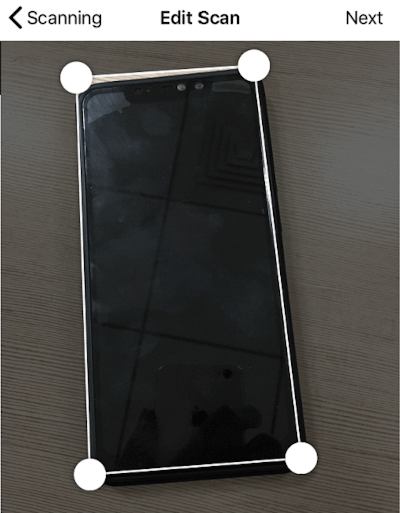
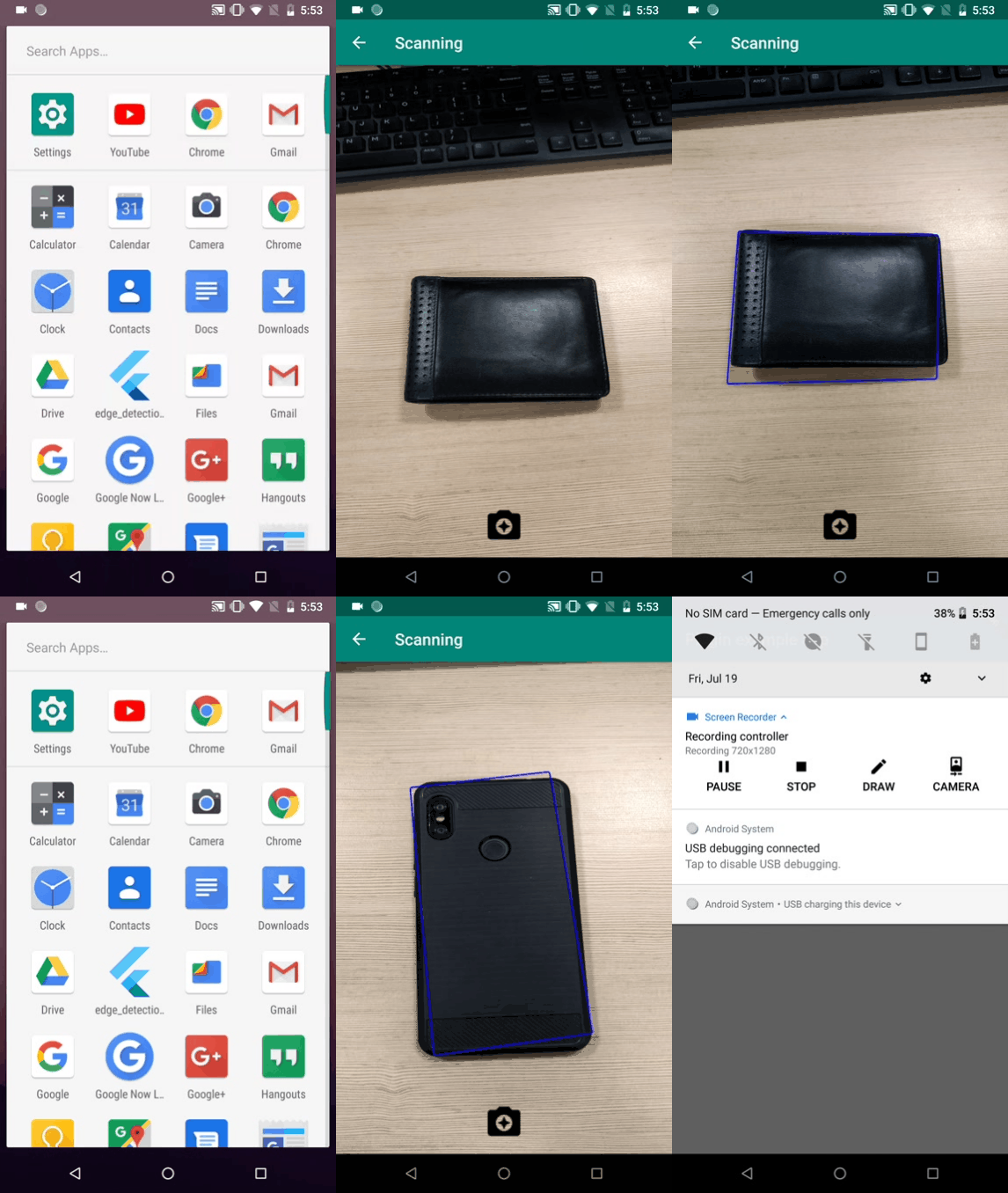
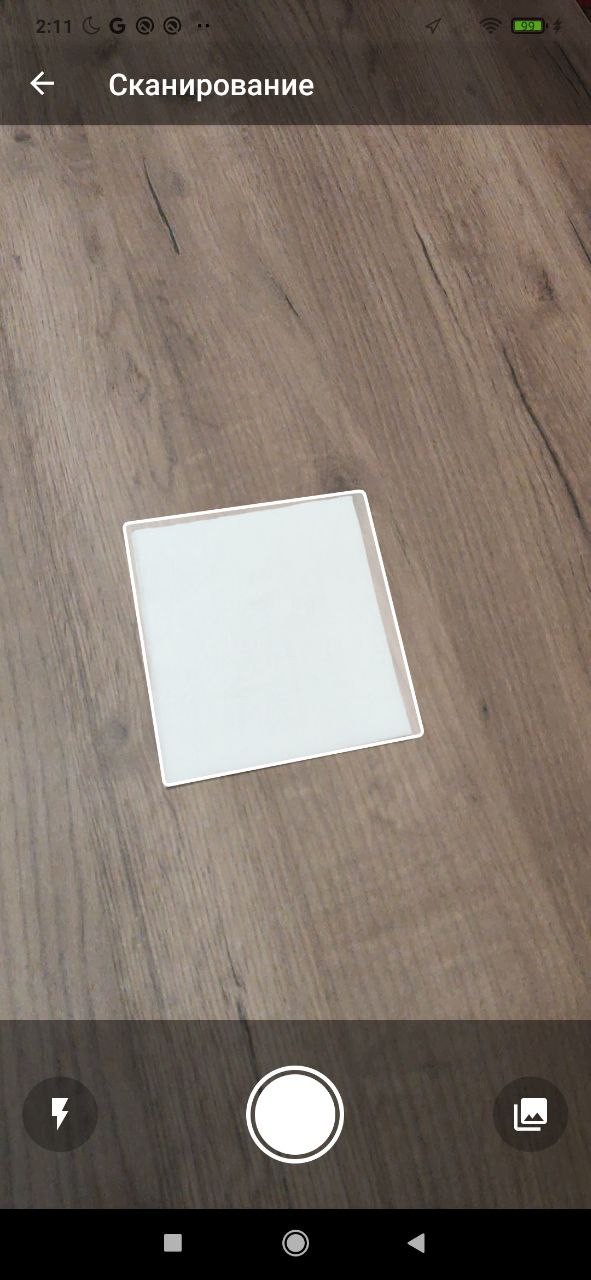
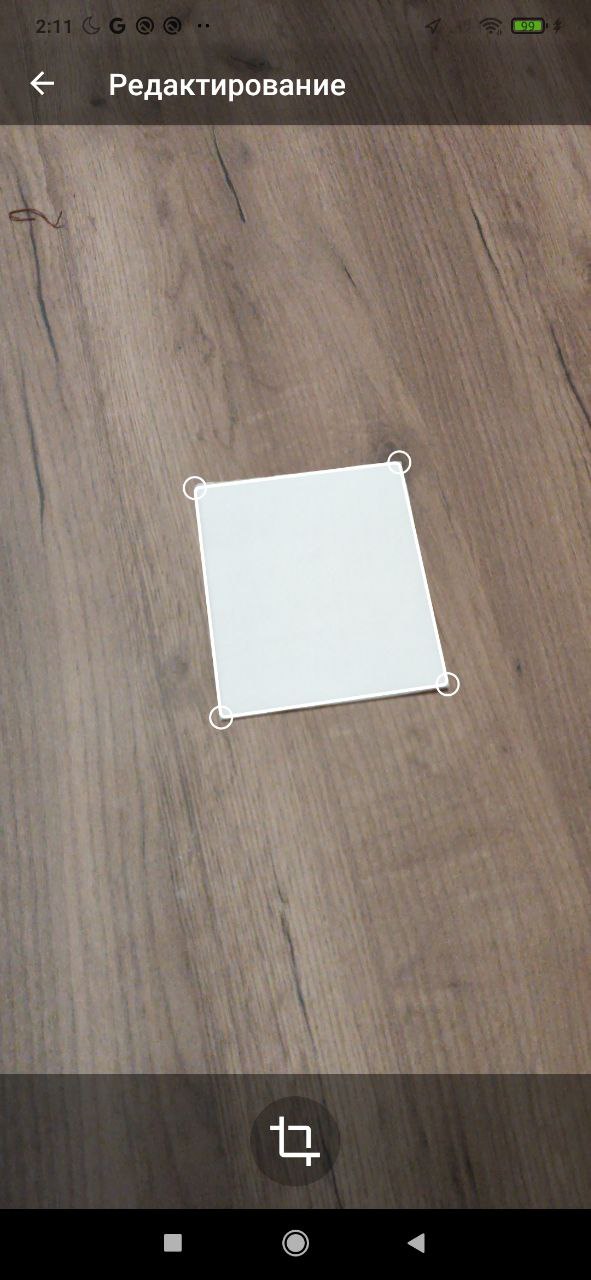
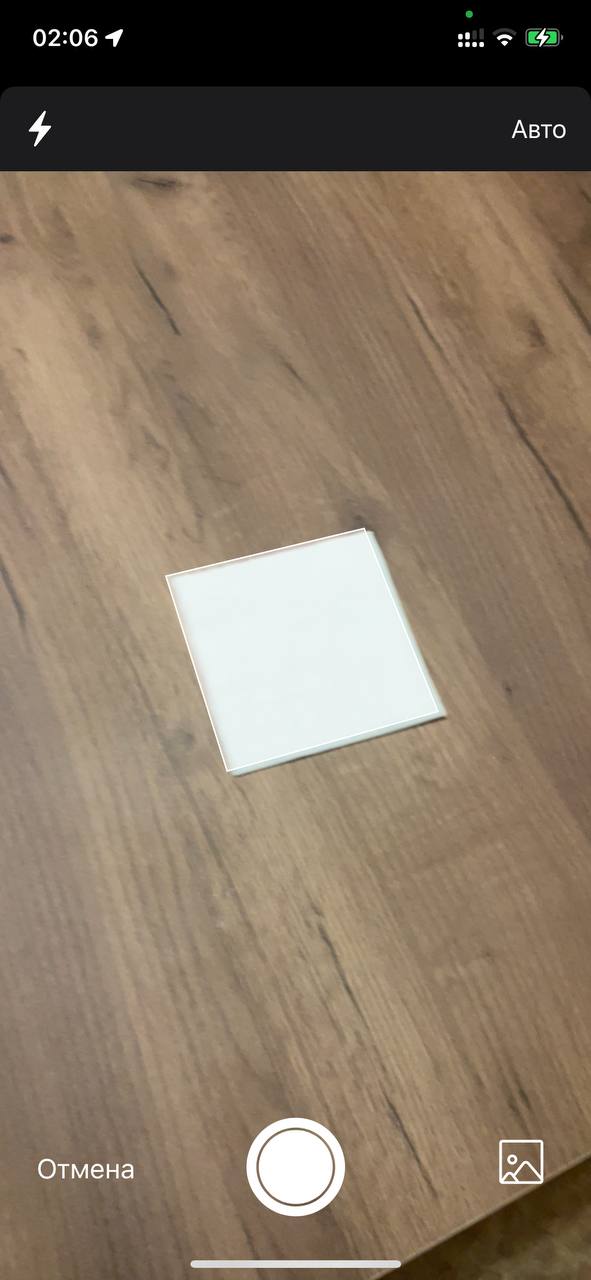
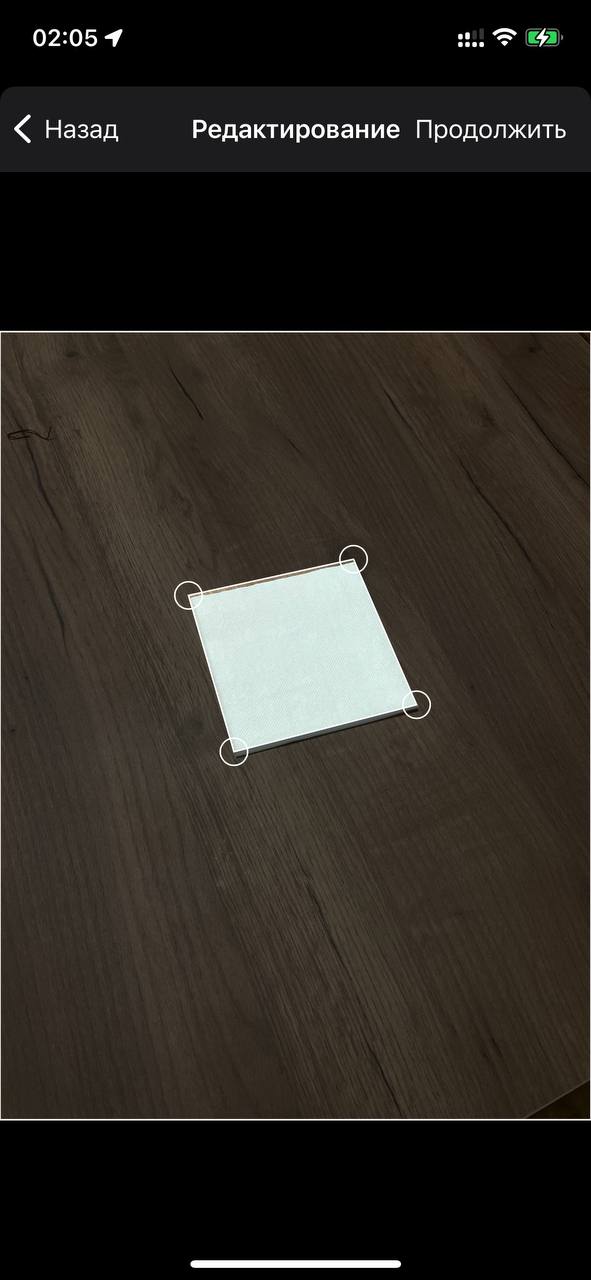
Um plugin do Flutter para detectar bordas de objetos, digitalizar papéis, detectar cantos e detectar retângulos. Permite cortar a imagem do objeto detectado e retorna o caminho da imagem cortada.
Orientação gerada a partir de informações públicas. Apenas para referência.
Um plugin Flutter para detecção de bordas, cantos e retângulos em imagens, ideal para digitalização de documentos. Permite o recorte automático dos objetos detectados e retorna o caminho da imagem cortada. Projetado para uso em aplicações de OCR e visão computacional, suporta tanto plataformas Android quanto iOS. O plugin utiliza técnicas de processamento de imagens para identificar contornos e otimizar documentos escaneados.
Casos de uso
Digitalização de documentos
Corte de imagem
Digitalização de papel
Detecção de limite de objeto
Pré-processamento de OCR
Detecção de retângulo
Principais recursos
Detecção de bordas
Detecção de cantos
Identificação de retângulo
Recorte automático de imagem
Retorna o caminho da imagem cortada
Suporte multiplataforma (Android e iOS)
Indicado para
Scanners de documentos móveis
Aplicações de OCR
Ferramentas de processamento de imagem
Aplicativos educacionais
Ferramentas de melhoria de fotografia
Considerações
Requer permissões de acesso à câmera
O desempenho pode variar em dispositivos de baixa potência
Melhores resultados com imagens de alto contraste
Limitado à detecção de bordas 2D
Pode ser necessário pré-processamento para imagens borradas
README original
Snapshot do README original do repositório-fonte vinculado. Consulte o repositório para o conteúdo mais recente.
edge_detection
A flutter plugin to detect edges of objects, scan paper, detect corners, detect rectangles. It allows cropping of the detected object image and returns the path of the cropped image.
Usage:
iOS
iOS 13.0 or higher is needed to use the plugin. If compiling for any version lower than 13.0 make sure to check the iOS version before using the plugin. Change the minimum platform version to 13 (or higher) in your ios/Podfile file, and inform/request access to the permissions acording with permission_handler
post_install do |installer|
  installer.pods_project.targets.each do |target|
    flutter_additional_ios_build_settings(target)
    target.build_configurations.each do |config|
      config.build_settings['GCC_PREPROCESSOR_DEFINITIONS'] ||= [
        '$(inherited)',

        ## dart: PermissionGroup.camera
         'PERMISSION_CAMERA=1',

        ## dart: PermissionGroup.photos
         'PERMISSION_PHOTOS=1',
      ]

    end
    # End of the permission_handler configuration
  end
end
Fix build on xCode 15
Add this line to your Podfile in your project:
pod 'WeScan', :path =>'.symlinks/plugins/edge_detection/ios/WeScan-3.0.0'
=> like this below:
target 'Runner'do
use_frameworks!
use_modular_headers!
pod 'WeScan', :path => '.symlinks/plugins/edge_detection/ios/WeScan-3.0.0'
flutter_install_all_ios_pods File.dirname(File.realpath(__FILE__))
end
Add below permission to the ios/Runner/Info.plist:
one with the key Privacy - Camera Usage Description and a usage description.
Or in text format add the key:
<key>NSCameraUsageDescription</key><string>Can I use the camera please?</string><key>NSPhotoLibraryUsageDescription</key><string>Can I use the photos please?</string><key>NSPhotoLibraryAddUsageDescription</key><string>Can I use the photos please?</string>
Add to your need localizations to your app through XCode for localize actions buttons from WeScan (https://github.com/WeTransfer/WeScan/tree/master/WeScan/Resources/Localisation)
Android
The plugin code is written in kotlin 1.8.0 so the same has to be set to the android project of yours for compilation.
Change the kotlin_version to 1.8.0 in your android/build.gradle file.
ext.kotlin_version = '1.8.0'
Change the minimum Android SDK version to 21 (or higher) in your android/app/build.gradle file.
minSdkVersion 21
Add dependency:
Please check the latest version before installation.
// Check permissions and request itsbool isCameraGranted = awaitPermission.camera.request().isGranted;
if (!isCameraGranted) {
isCameraGranted = awaitPermission.camera.request() == PermissionStatus.granted;
}
if (!isCameraGranted) {
// Have not permission to camerareturn;
}
// Generate filepath for savingString imagePath = join((awaitgetApplicationSupportDirectory()).path,
"${(DateTime.now().millisecondsSinceEpoch / 1000).round()}.jpeg");
// Use below code for live camera detection with option to select from gallery in the camera feed.try {
//Make sure to await the call to detectEdge.bool success = awaitEdgeDetection.detectEdge(imagePath,
canUseGallery: true,
androidScanTitle: 'Scanning', // use custom localizations for android
androidCropTitle: 'Crop',
androidCropBlackWhiteTitle: 'Black White',
androidCropReset: 'Reset',
);
} catch (e) {
print(e);
}
// Use below code for selecting directly from the gallery.try {
//Make sure to await the call to detectEdgeFromGallery.bool success = awaitEdgeDetection.detectEdgeFromGallery(imagePath,
androidCropTitle: 'Crop', // use custom localizations for android
androidCropBlackWhiteTitle: 'Black White',
androidCropReset: 'Reset',
);
} catch (e) {
print(e);
}