Orientação gerada a partir de informações públicas. Apenas para referência.
O pacote external_app_launcher é um plugin Flutter que permite que aplicativos abram outros aplicativos instalados em dispositivos Android e iOS. Ele simplifica o lançamento de aplicativos externos usando seus nomes de pacote ou URLs, suportando links profundos e intenções específicas do aplicativo. Isso é particularmente útil para integração com aplicativos nativos como mapas, mensagens ou plataformas sociais. O plugin funciona perfeitamente em ambas as principais plataformas móveis e é ideal para compartilhar conteúdo ou redirecionar usuários para serviços de terceiros. Requer configuração mínima e fornece funcionalidade confiável entre plataformas.
Casos de uso
Abrir aplicativos de mapas a partir de dados de localização
Redirecionando usuários para aplicativos de mensagens
Iniciando aplicativos de mídia social para compartilhar
Integração com aplicativos de pagamento ou e-mail
Habilitar links profundos para telas específicas do aplicativo
Principais recursos
Suporta plataformas Android e iOS
API simples para lançar aplicativos externos
Gerencia nomes de pacotes e URLs
Habilita o link profundo
Compatibilidade multiplataforma
Indicado para
Aplicativos que precisam de redirecionamento de aplicativo
Recursos de compartilhamento ou integração
Navegação para serviços de terceiros
Desenvolvedores de ferramentas úteis
Projetos que exigem tratamento de intenção
Considerações
Requer nomes de pacotes ou URLs corretos
Pode falhar se o aplicativo de destino não estiver instalado
Controle limitado sobre o comportamento do aplicativo iniciado
Permissões podem ser necessárias em alguns dispositivos
Depende da implementação específica da plataforma
README original
Snapshot do README original do repositório-fonte vinculado. Consulte o repositório para o conteúdo mais recente.
Overview
A Flutter plugin which helps you to open another app from your app. The package asks you for four parameters out of which two are mandatory.
Getting Started
1. Add package to your project
Complete description to add this package to your project can be found here.
2. To setup native performance for the application in order to launch external apps
For opening apps in android
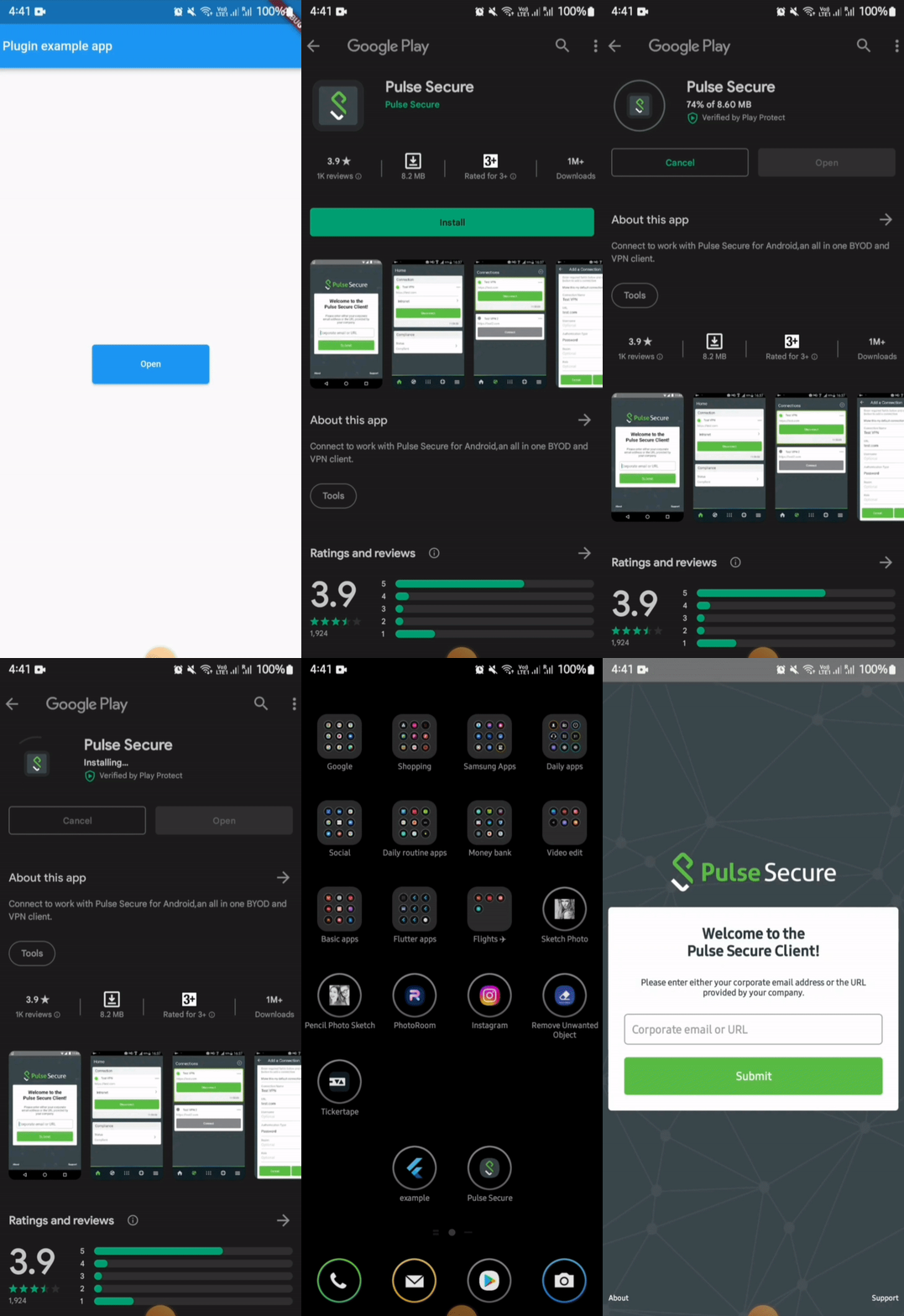
For opening an external app from your app in android, you need provide packageName of the app.
If the plugin finds the app in the device, it will be launched. But if the app is not installed in the device then it leads the user to playstore link of the app.
⚠️ Android 11+ Package Visibility (Required)
On Android 11 (API 30) and above, the OS restricts which packages your app can query. If you do not declare the target package in your AndroidManifest.xml, both isAppInstalled() and openApp() will silently behave as if the app is not installed — even if it is.
You must add a <queries> block above the <application> tag in your android/app/src/main/AndroidManifest.xml for every package you want to interact with:
<manifestxmlns:android="http://schemas.android.com/apk/res/android"><queries><!-- Declare every package you want to check or launch --><packageandroid:name="net.pulsesecure.pulsesecure" /><packageandroid:name="us.zoom.videomeetings" /><packageandroid:name="com.instagram.android" /><!-- Add more packages as needed --></queries><application...>
...
</application></manifest>
Note: Without this declaration, isAppInstalled('us.zoom.videomeetings') will always return false on Android 11+ even if Zoom is installed.
Tip: If you want to query all apps (not recommended for privacy), you can use the QUERY_ALL_PACKAGES permission instead, but this requires justification when publishing to the Play Store.
⚠️ Android 10+ Background Activity Start Limits
On Android 10 (API 29) and above, the OS restricts apps from starting activities from the background (e.g. from background services, background broadcast receivers, or background notifications). Attempting to do so will result in a SecurityException being caught and a descriptive error message being returned.
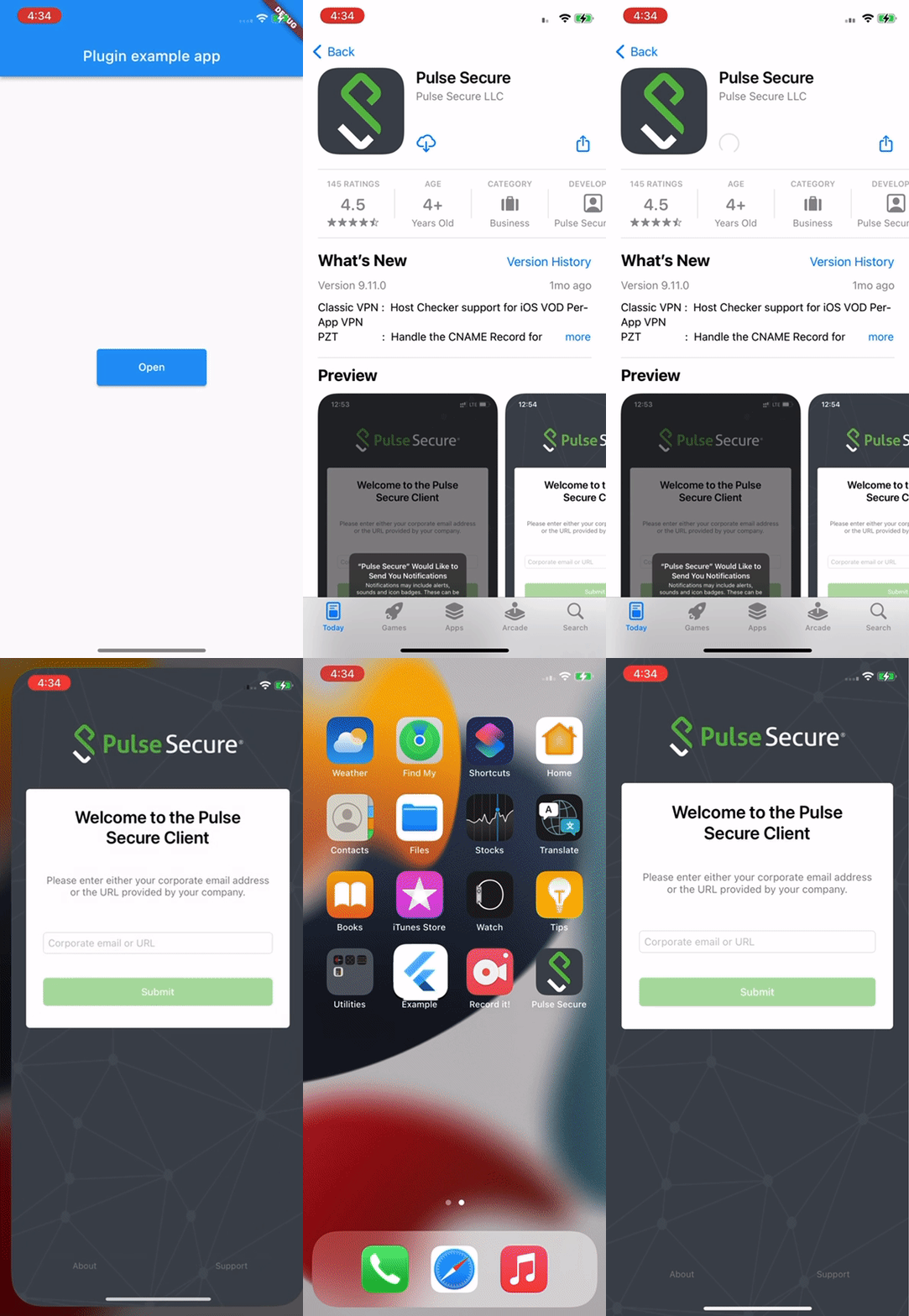
In iOS, for opening an external app from your app, you need to provide the URL scheme of the target app.
⚠️ iOS Platform Limitation: URL Schemes Required
Due to iOS security sandboxing, it is impossible to launch or query external apps using package names/bundle IDs or without a registered custom URL scheme (e.g., instagram://).
You must obtain the target app's custom URL scheme.
If your app's deployment target is iOS 9 or above, you must also whitelist the scheme in your Info.plist under LSApplicationQueriesSchemes (see below).