Orientação gerada a partir de informações públicas. Apenas para referência.
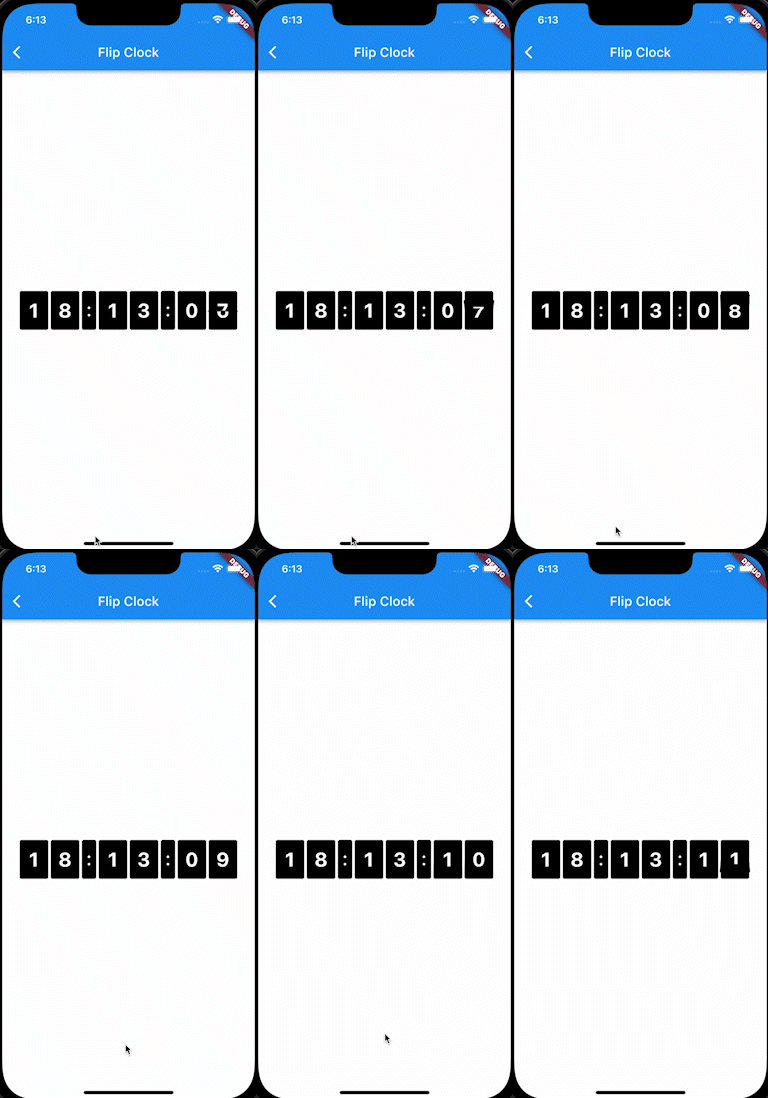
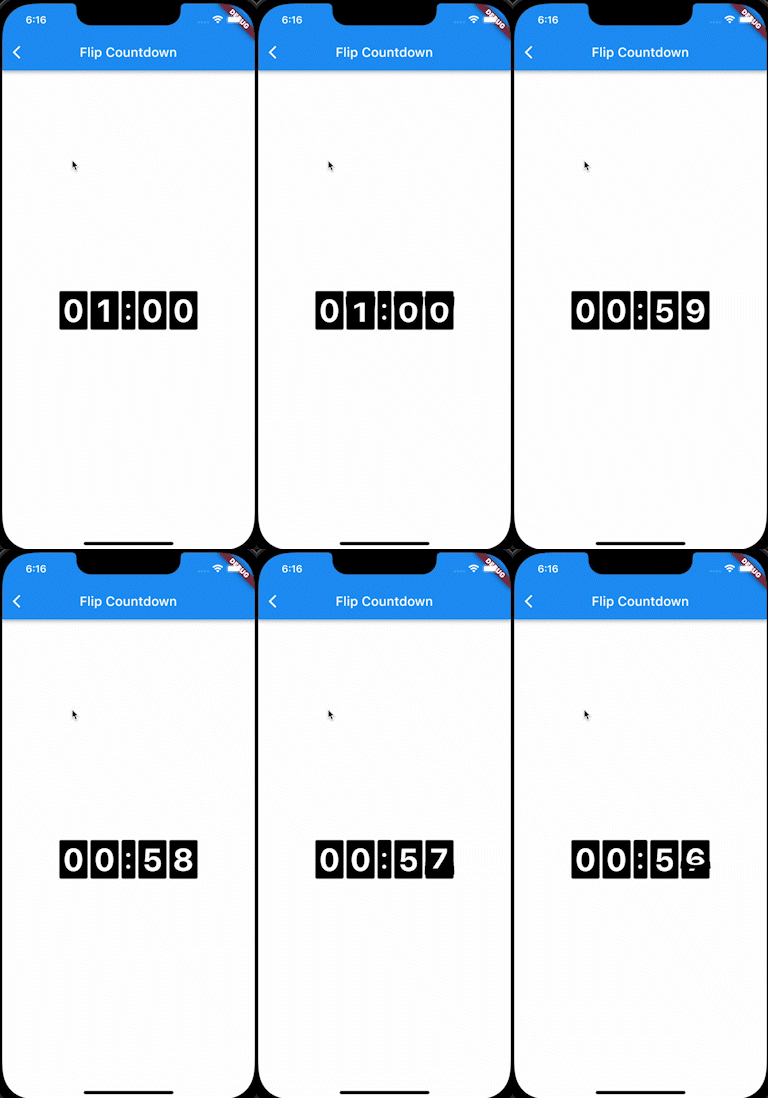
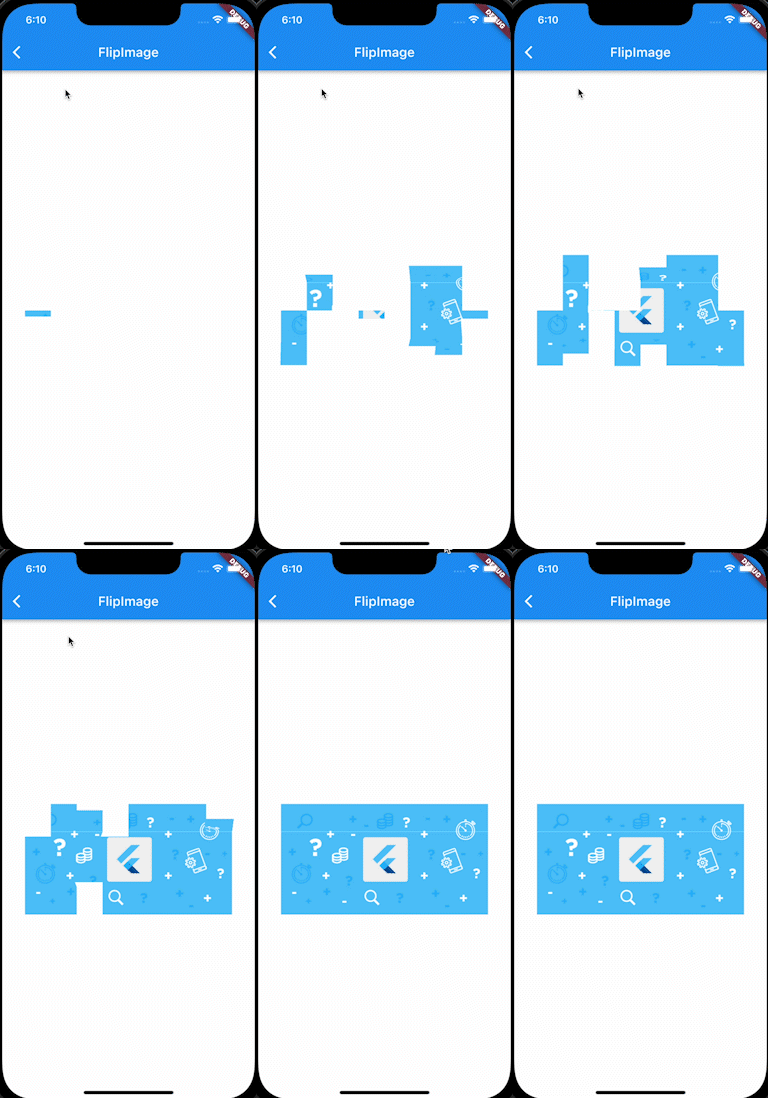
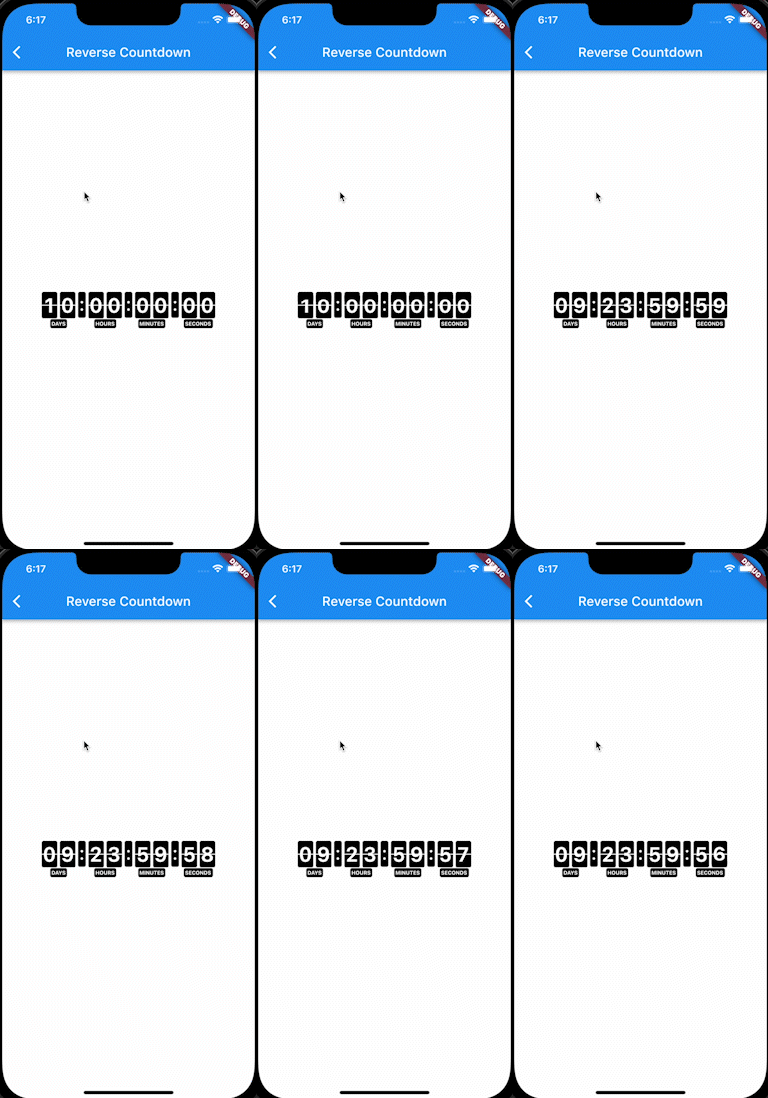
FlipPanelPlus é um pacote Flutter que permite widgets animados de painel virado para exibir conteúdo como imagens, contagens regressivas ou relógios. Ele possui animações internas suaves para simular o efeito de virar painéis físicos, ideal para cronômetros, placares ou exibições de dados dinâmicos. O pacote suporta múltiplas plataformas, incluindo Android, iOS, Web, macOS, Windows e Linux, tornando-o versátil para aplicativos multiplataforma. Com integração simples via pub add, ele melhora a experiência do usuário com feedback visual envolvente.
Casos de uso
Cronômetros de contagem regressiva
Relógios digitais
Exibição de pontuação
Transições de rotação de imagem
Painéis interativos
Rastreadores de pontuação de jogo
Principais recursos
animação de giro embutida
Suporte para múltiplos tipos de conteúdo
Compatibilidade multiplataforma
Integração fácil
Aparência personalizável
Desempenho suave
Indicado para
Aplicativos baseados em temporizador
Recursos de gamificação
Widgets do painel
Ferramentas educacionais
Visualização de dados em tempo real
Componentes de interface interativa
Considerações
Pode afetar o desempenho em dispositivos de baixa gama
Personalização limitada além do estilo básico
Requer manipulação cuidadosa em contextos com estado
Não adequado para animações complexas
Melhor usado com conteúdo estático ou previsível
Depende de atualizações consistentes de dados
README original
Snapshot do README original do repositório-fonte vinculado. Consulte o repositório para o conteúdo mais recente.
Flip Panel Plus
3D flip-panel widgets for Flutter: a countdown timer, a flip clock, and flipping
digits you can drive from any value.
Why this package
A countdown is easy to get wrong. Most implementations subtract a second on
every tick, which quietly drifts when a frame is slow, and jumps to the wrong
value after the app has been in the background.
FlipCountdown derives the time left from how much time has actually passed,
and reads two clocks to do it (a monotonic one and the wall clock), taking
whichever has advanced further:
Late or dropped ticks cannot cause drift; the value is recomputed, not
decremented.
Backgrounding or device sleep is handled: the wall clock catches the
countdown back up.
Moving the device clock backwards cannot rewind the countdown.
Server-driven deadlines are supported directly: pass referenceTime and
the device's own clock is never used to decide how long is left.
Segments are chosen automatically. Days only appear when the countdown is a day
or more, hours only when it is an hour or more. Override with showDays,
showHours, showMinutes and showSeconds.
Controlling it
Pass a FlipCountdownController when you need to drive the countdown from
elsewhere. A controller you create is yours to dispose.
A flip panel is drawn as two halves, and the gap between them is what gives a
split-flap its seam. Set panelSpacing: 0 for a seamless digit:
FlipCountdown(duration: d, panelSpacing: 0)
Labels, separators and segments
FlipCountdown(
duration: d,
showLabels: true,
labelPosition: FlipLabelPosition.above, // or below
labels: constFlipCountdownLabels.short(), // D / H / M / S
separator: constSizedBox(width: 10), // or SizedBox.shrink() to remove
showSeconds: false, // hide any segment
curve: Curves.easeOutBack, // easing on the fold
)
More looks, by composition
FlipCountdown is an ordinary widget, so looks that are not a digit style come
from wrapping it. Two common ones:
Tip on flip speed.flipDuration defaults to 450ms. Against a one-second
tick that means the digit is mid-fold for nearly half of every second, which
is fine behind a solid panel but reads as a broken glyph on the box-less
styles above. Shorten it (240 to 300ms) whenever the digits have no panel to
fold against.
Languages and RTL
Labels are ordinary strings, so pass whatever language you need:
In an RTL app the countdown still reads left to right. A clock is not
mirrored in Arabic or Hebrew: the hours stay on the left, and 12 stays 12
rather than becoming 21. The package pins the layout direction for you, so
dropping it inside an RTL Directionality needs no extra work. If you do want
the segments mirrored, ask for it explicitly:
period must be at least twice duration, otherwise the animation has no time
to settle between flips.
Testing
Time is read through package:clock, so
countdowns can be driven deterministically in tests with withClock, and they
advance normally under testWidgets and fakeAsync.
Credits
Based on flip_panel, which is no longer
maintained.