Buscar pacotes, repositórios e categorias de apps

Detalhes do pacotev2.0.0

floating_snackbar

Um pacote que fornece snackbar flutuante personalizado para o seu projeto.

AndroidiOSWebmacOSWindowsLinux
Downloads em 30 dias
953
Curtidas
28
Pontos Pub
150

Instalar pacote

flutter pub add floating_snackbar

Visão geral do pacote

Orientação gerada a partir de informações públicas. Apenas para referência.

Um pacote Flutter que oferece snackbars flutuantes personalizáveis para melhorar o feedback do usuário em múltiplas plataformas. Projetado para fornecer uma experiência de notificação moderna e animada, com transições suaves e posicionamento dinâmico. Ideal para exibir mensagens breves, alertas ou confirmações sem interromper o fluxo do usuário. O pacote é leve e se integra perfeitamente a projetos existentes com configuração mínima. Funciona no Android, iOS, Web, macOS, Windows e Linux, garantindo comportamento consistente entre dispositivos.

Casos de uso

  • Exibindo atualizações rápidas de status
  • Mostrar mensagens de confirmação após ações
  • Fornecendo feedback do usuário em formulários
  • Notificando usuários sobre operações bem-sucedidas
  • Melhorando a interface com notificações animadas

Principais recursos

  • Aparência e animação personalizáveis
  • design flutuante e não bloqueante
  • Compatibilidade multiplataforma
  • Integração fácil com código existente
  • Suporte para múltiplas posições de exibição

Indicado para

  • Aplicações móveis e web
  • Projetos que precisam de notificações leves
  • Desenvolvedores em busca de componentes de interface modernos
  • Aplicativos que exigem feedback consistente entre plataformas
  • Projetos Flutter voltados para a interface do usuário

Considerações

  • Pode exigir estilos adicionais para designs complexos
  • Limitado às funcionalidades básicas de snackbar
  • Impacto no desempenho com uso frequente
  • Sem suporte embutido para deslizar para fechar
  • Depende de comportamentos específicos da plataforma para renderização

README original

Snapshot do README original do repositório-fonte vinculado. Consulte o repositório para o conteúdo mais recente.

floating_snackbar

pub package CI license

Beautiful, customizable floating snackbars / toasts for Flutter. 🚀

Keep the dead-simple one-liner you already know - or reach for variants, positioning, theming, actions, progress bars, and context-free display when you need them. Pure Dart, zero native code, works on every platform.

Android iOS Linux macOS Web Windows
✅ ✅ ✅ ✅ ✅ ✅

📸 Screenshots

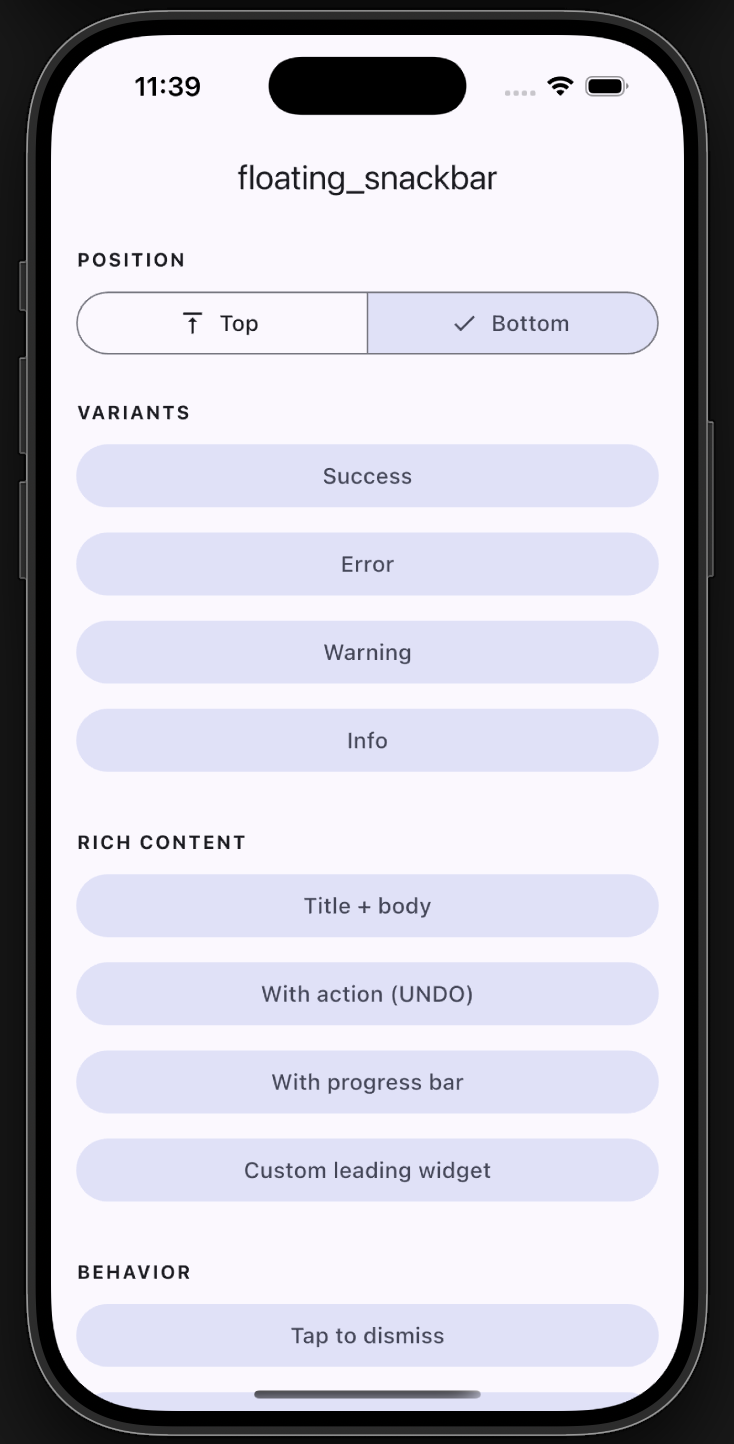
Plain example app screen
Example app
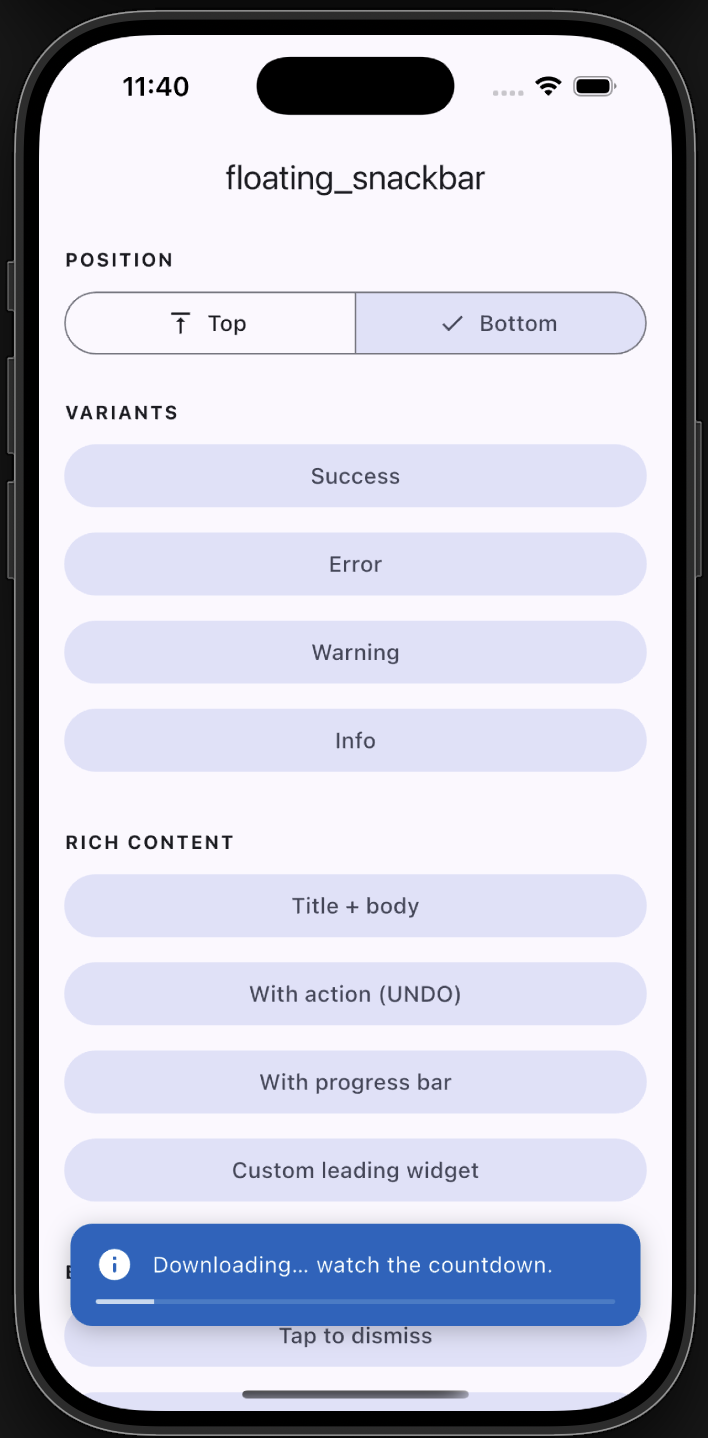
Progress bar
Progress
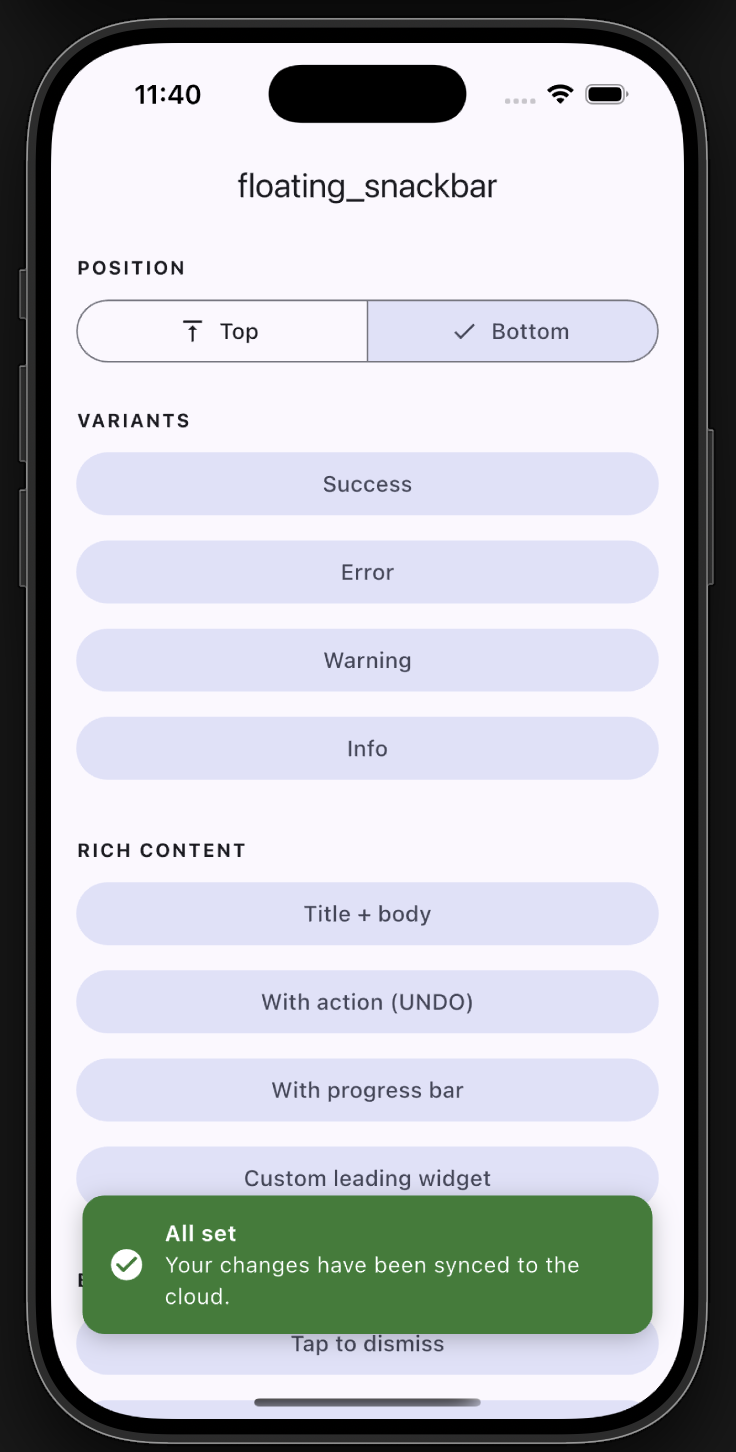
Bottom snackbar with title
Bottom with title
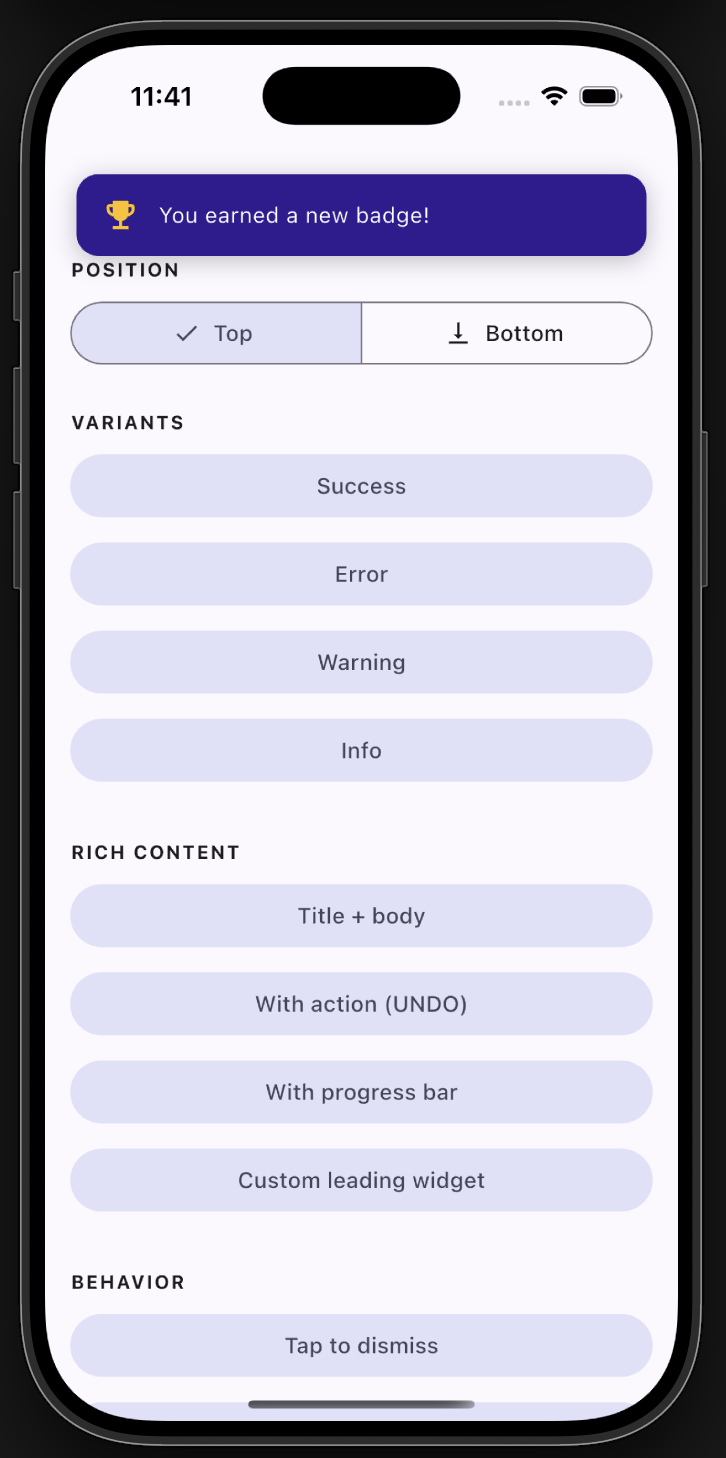
Top position
Top position

✨ Features

  • ✅ Backward compatible - the original floatingSnackBar() still works.
  • 🎨 Variants - success, error, warning, info, with default colors & icons.
  • 📍 Positioning - show at the top or bottom of the screen.
  • 🧩 Rich content - title + body, leading icon/widget, trailing action button.
  • ⏳ Progress bar - optional countdown indicator.
  • 👆 Dismissal - tap-to-dismiss and swipe-to-dismiss.
  • 🌈 Animations - slide, fade, or scale.
  • 🌍 Global theming - set defaults once via FloatingSnackBar.theme.
  • 🪄 Context-free - show from services/blocs with no BuildContext.

📦 Getting started

Add the dependency:

dependencies:
  floating_snackbar: ^2.0.0

Import it:

import 'package:floating_snackbar/floating_snackbar.dart';

🚀 Usage

The simple one-liner (unchanged)
floatingSnackBar(
  message: 'Hi there! I am a floating SnackBar!',
  context: context,
);
Variants
FloatingSnackBar.success(context, 'Saved successfully!');
FloatingSnackBar.error(context, 'Something went wrong.');
FloatingSnackBar.warning(context, 'Battery is running low.');
FloatingSnackBar.info(context, 'A new update is available.');
Positioning
FloatingSnackBar.success(
  context,
  'Shown at the top!',
  position: FloatingSnackBarPosition.top,
);
Title, action & progress
FloatingSnackBar.show(
  context,
  'Item deleted.',
  title: 'Done',
  position: FloatingSnackBarPosition.bottom,
  showProgress: true,
  duration: const Duration(seconds: 5),
  action: FloatingSnackBarAction(
    label: 'UNDO',
    onPressed: () => restoreItem(),
  ),
);
Custom leading widget & colors
FloatingSnackBar.show(
  context,
  'You earned a new badge!',
  leading: const Icon(Icons.emoji_events, color: Colors.amber),
  backgroundColor: const Color(0xFF311B92),
  animation: FloatingSnackBarAnimation.scale,
);
Context-free (no BuildContext)

Wire the navigator key into your app once:

MaterialApp(
  navigatorKey: FloatingSnackBar.navigatorKey,
  // ...
);

Then call from anywhere - a service, a bloc, an interceptor:

FloatingSnackBar.info(null, 'No BuildContext needed!');

Already have a navigator key? Just assign it: FloatingSnackBar.navigatorKey = myExistingKey;

Global theming

Set your defaults once (e.g. in main) and every snackbar follows them:

FloatingSnackBar.theme = const FloatingSnackBarTheme(
  defaultPosition: FloatingSnackBarPosition.top,
  borderRadius: 16,
  duration: Duration(seconds: 3),
  successColor: Colors.teal,
  animation: FloatingSnackBarAnimation.slide,
);
Dismiss programmatically
FloatingSnackBar.dismiss(context); // or dismiss() with the navigatorKey set

📋 API reference

FloatingSnackBar.show(context, message, { ... })
Parameter Type Description
context BuildContext? Required unless navigatorKey is wired up.
message String The body text.
title String? Optional bold title above the message.
type FloatingSnackBarType normal / success / error / warning / info.
position FloatingSnackBarPosition? top or bottom.
animation FloatingSnackBarAnimation? slide / fade / scale.
duration Duration? Visible time before auto-dismiss.
leading Widget? Custom leading widget (overrides the type icon).
action FloatingSnackBarAction? Trailing action button.
backgroundColor Color? Overrides the type/theme background.
textColor Color? Overrides the text color.
textStyle TextStyle? Overrides the message style.
titleStyle TextStyle? Overrides the title style.
dismissOnTap bool? Tap the card to dismiss.
showProgress bool? Show a countdown bar.
replace bool Replace the current snackbar (default) or queue.

success / error / warning / info are thin wrappers over show with the matching type. Every unset argument falls back to FloatingSnackBar.theme.


🧪 Example

A full demo of every feature lives in example/. Run it with:

cd example
flutter run

🤝 Support

Found a bug or have an idea? Open an issue. 🐛


Enjoy building delightful Flutter apps with floating_snackbar! 🎉

Categorias

Repositório-fonte

Projetos que usam este pacote