Buscar pacotes, repositórios e categorias de apps

Capa de fluentui_system_icons
Detalhes do pacotev1.1.273

fluentui_system_icons

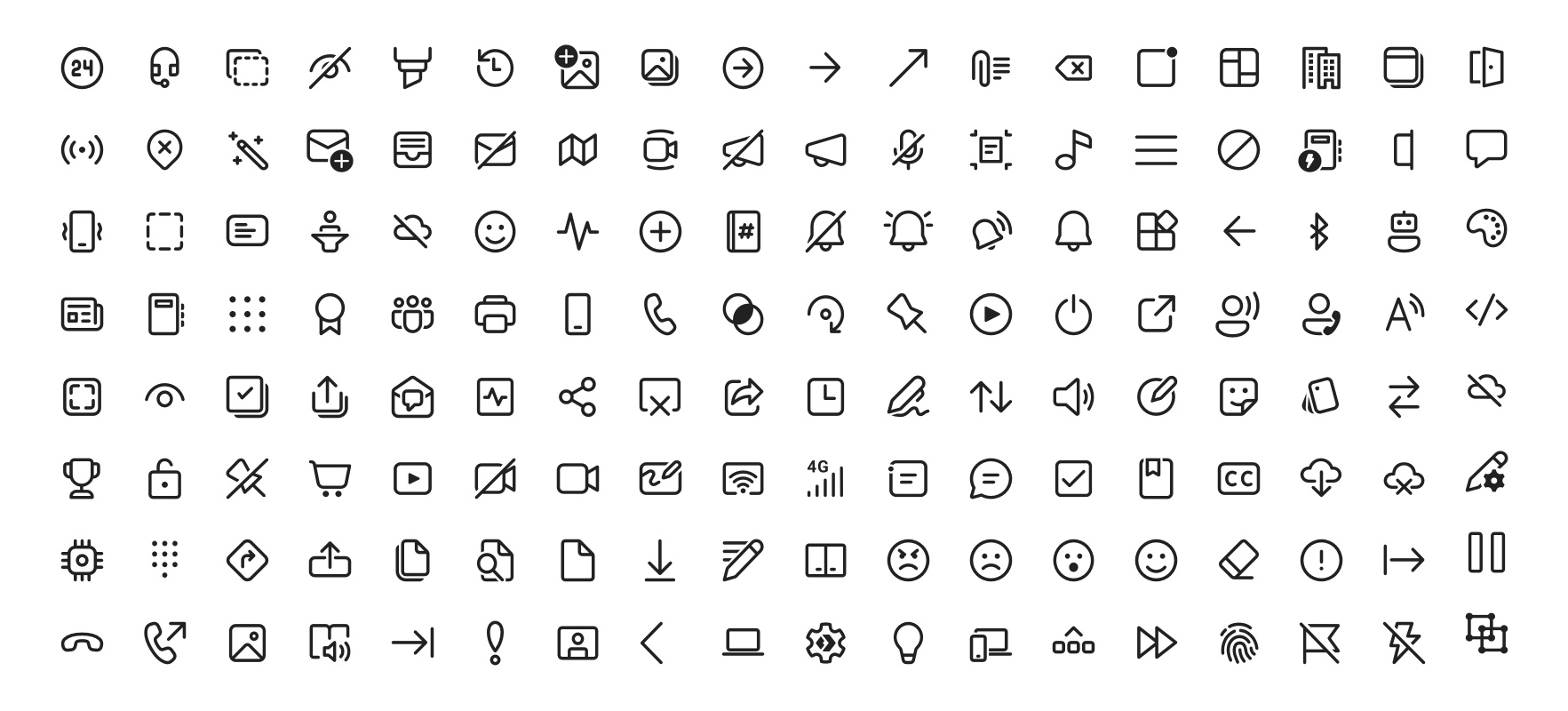
Os ícones do sistema Fluent UI são uma coleção de ícones familiares, amigáveis e modernos da Microsoft.

AndroidiOSWebmacOSWindowsLinux
Downloads em 30 dias
63 mil
Curtidas
958
Pontos Pub
160

Instalar pacote

flutter pub add fluentui_system_icons

Visão geral do pacote

Orientação gerada a partir de informações públicas. Apenas para referência.

Fluent UI System Icons é uma coleção abrangente de ícones modernos, limpos e consistentes desenvolvidos pela Microsoft. Projetados para uso em múltiplas plataformas, esses ícones estão alinhados com o Fluent Design System, oferecendo uma linguagem visual coerente para aplicativos. O pacote permite integração fácil em projetos Flutter, suportando Android, iOS, Web, macOS, Windows e Linux. Com foco em acessibilidade e escalabilidade, permite que desenvolvedores aprimorem interfaces de usuário com ícones profissionais sem sobrecarga de design adicional.

Casos de uso

  • Melhoria na interface do aplicativo
  • design de aplicativo multiplataforma
  • Estilo de interface moderno
  • Design focado em acessibilidade
  • Iconografia consistente com a marca

Principais recursos

  • conjunto oficial de ícones da Microsoft
  • Suporte multiplataforma
  • Ícones vetoriais escaláveis
  • Otimizado para acessibilidade
  • Integração fácil com Flutter

Indicado para

  • Desenvolvedores usando o Fluent Design
  • Aplicativos móveis e de desktop multiplataforma
  • Equipes que priorizam a consistência da marca
  • Designers de UI procurando ícones modernos
  • Projetos que exigem ícones acessíveis

Considerações

  • Requer Flutter 2.5 ou superior
  • Opções limitadas de personalização
  • Dependente de atualizações de fonte externa
  • Não adequado para necessidades altamente personalizadas de ícones
  • Impacto potencial no tamanho com o conjunto completo de ícones

README original

Snapshot do README original do repositório-fonte vinculado. Consulte o repositório para o conteúdo mais recente.

Fluent UI System Icons

Pull request validation

Fluent UI System Icons are a collection of familiar, friendly and modern icons from Microsoft.

Fluent System Icons

Icon List

Direction

Within the metadata.json file for an icon, a property named directionType is used to indicate the direction of the icon. This property can have one of the following values:

  • unique, meaning that the icon is unique and has a specific RTL and LTR version
  • mirror, meaning that the icon can be mirrored for RTL or LTR languages

The property singleton is also used to indicate the default direction that should be used for the icon.

Installation

Android

The library is published via Maven Central, please ensure that the mavenCentral() repository has been added to the root build.gradle file:

repositories {
    ...
    mavenCentral()
}

Include the following dependency in your project's build.gradle:

implementation 'com.microsoft.design:fluent-system-icons:1.1.341@aar'

For library docs, see android/README.md.

iOS and macOS
CocoaPods
use_frameworks!

pod "FluentIcons", "1.1.341"
Carthage
git "git@github.com:microsoft/fluentui-system-icons.git" "1.1.341"

For library docs, see ios/README.md.

Flutter

In the pubspec.yaml of your flutter project, add the following dependency:

dependencies:
  ...
  fluentui_system_icons: ^1.1.341

For library docs, see flutter/README.md.

Plain svg

Inline svg directly. See packages/svg-icons/README.md.

Contributing

Importer

The importer generates the Android and iOS libraries from the icons in the assets directory.

Install dependencies from the repository root (this is a single yarn workspace, so dependencies for every package are installed in one go):

corepack enable
yarn install

Jump into the directory:

cd importer
yarn clean

List all the available commands:

yarn run
Build Pipeline

Our build pipeline runs deploy:android and deploy:ios to create the libraries. The build definitions are located in .github/workflows/.

Demo apps

You can build and run the demo apps following the steps below.

Android
  1. Follow the Importer section above and run the command yarn deploy:android
  2. Open the android directory in Android Studio
  3. Select the sample-showcase in the build configuration dropdown
  4. Click run
Flutter

Prerequisite: Make sure you have flutter configured in Android Studio

  1. Open the flutter directory in Android Studio
  2. Select the example in the directory and open it in Android Studio
  3. Click run

Contact

Please feel free to open a GitHub issue and assign to the following points of contact with questions or requests.

Code of Conduct

This project has adopted the Microsoft Open Source Code of Conduct. For more information see the Code of Conduct FAQ or contact opencode@microsoft.com with any additional questions or comments.

Categorias

Repositório-fonte

Projetos que usam este pacote

Rankings