Orientação gerada a partir de informações públicas. Apenas para referência.
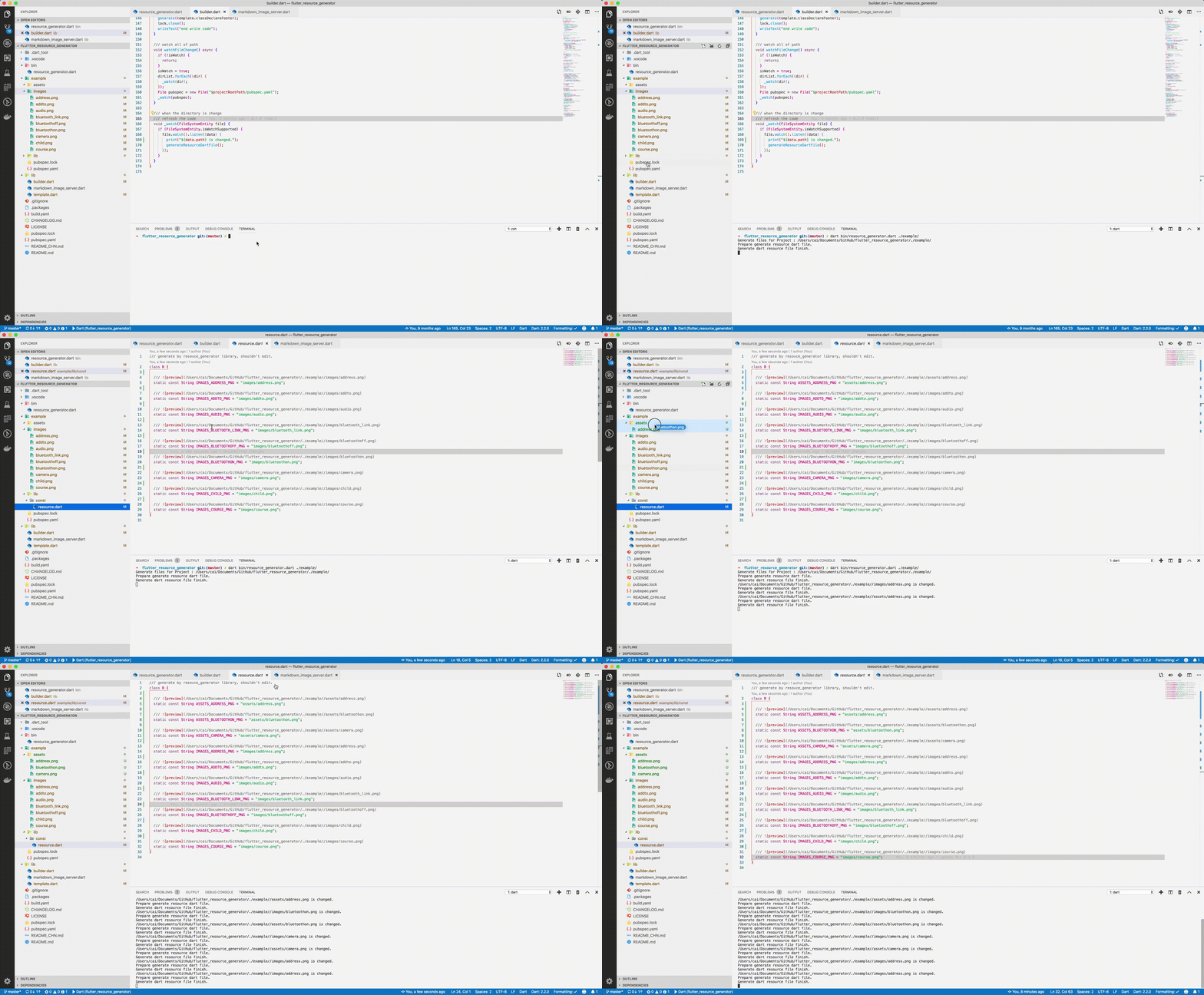
Uma ferramenta de geração de código para Flutter que cria automaticamente uma classe de recursos ao escanear os ativos listados no pubspec.yaml, semelhante ao R.java do Android. Ela simplifica o acesso a ativos com referências seguras por tipo e verificadas em tempo de compilação, reduzindo erros e melhorando a manutenibilidade. O arquivo gerado fornece nomes curtos e legíveis para imagens, fontes e outros ativos, agilizando os fluxos de trabalho de desenvolvimento em múltiplas plataformas.
Casos de uso
Simplificando a gestão de ativos em grandes projetos Flutter
Reduzindo erros em tempo de execução causados por caminhos de ativos digitais mal escritos
Habilitar acesso seguro por tipo aos recursos do aplicativo
Automatizando a geração da classe de recurso durante a compilação
Melhorando a legibilidade do código com referências concisas de ativos
Principais recursos
Gera automaticamente a classe de recurso a partir do pubspec.yaml
Fornece nomes de ativos curtos e limpos
Acesso seguro ao tipo de recurso
Suporta imagens, fontes e outros recursos
Compatibilidade multiplataforma
Indicado para
Desenvolvedores gerenciando muitos recursos em aplicativos Flutter
Equipes que buscam reduzir erros relacionados a ativos
Projetos que exigem convenções de nomeação de recursos consistentes
Crie pipelines de build que precisam da geração automática de recursos
Aplicativos direcionados a múltiplas plataformas
Considerações
Requer configuração do build_runner e dependências
Arquivos gerados não devem ser editados manualmente
Pode aumentar levemente o tempo de compilação
É necessário configurar corretamente o pubspec.yaml
Melhor usado em conjunto com ferramentas de análise de código
README original
Snapshot do README original do repositório-fonte vinculado. Consulte o repositório para o conteúdo mais recente.
Automatically generate the dart file for pubspec.yaml
The purpose of this library is to help flutter developers
automatically generate asset corresponding dart files
to help developers release their hands from this meaningless job,
and the open source community has a lot of the same functionality.
This library is based on dartlang's build library.
dart pub global activate flutter_asset_generator

# or

dart pub global activate -s git https://github.com/fluttercandies/flutter_asset_generator.git
Run below commands:
fgen
or
fgen -s $flutter_project
Support options
Use $ fgen -h or $ fgen --help see usage document.
fgen -h
-w, --[no-]watch    Continue to monitor changes after execution of orders.
                    (defaults to on)

-p, --[no-]preview  Generate file with preview comments.
                    (defaults to on)

-o, --output        Your resource file path.
                    If it's a relative path, the relative flutter root directory
                    (defaults to "lib/const/resource.dart")

-s, --src           Flutter project root path
                    (defaults to ".")

-n, --name          The class name for the constant.
                    (defaults to "R")

-h, --[no-]help     Help usage

-d, --[no-]debug    debug info
File name
Space, '.' and '-' in the path will be converted to _. @ will be converted to _AT_.
Because the two field names will be exactly the same.
Config file
The location of the configuration file is conventional.
Configuration via commands is not supported.
The specified path is fgen.yaml in the flutter project root directory.
The file is yaml format, every element is glob style.
The name of the excluded file is under the exclude node, and the type is a string array. If no rule is included, it means no file is excluded.
The include node is the name of the file that needs to be imported, and the type is a string array. If it does not contain any rules, all file are allowed.
In terms of priority, exclude is higher than include, in other words:
First import the file according to the include nodes, and then exclude the files.
Replacement Rules
File names can be replaced according to the configuration file as shown below: