Orientação gerada a partir de informações públicas. Apenas para referência.
Um pacote Flutter que simplifica a integração de formas de onda de áudio em aplicativos, oferecendo visualizações personalizáveis para música e reprodução de áudio. Ele suporta múltiplas plataformas, incluindo Android, iOS, Web, macOS, Windows e Linux, tornando-o ideal para aplicativos de áudio multiplataforma. Os desenvolvedores podem exibir facilmente dados de forma de onda em tempo real ou pré-carregados com várias opções de estilização. A biblioteca foi projetada para simplicidade e desempenho, permitindo renderização suave mesmo com arquivos de áudio grandes. É particularmente útil em players de música, aplicativos de gravação de voz e ferramentas de análise de áudio.
Casos de uso
interfaces de tocador de música
visualização de gravação de voz
Ferramentas de análise de áudio
Monitoramento de áudio em tempo real
Aplicativos educacionais para ondas sonoras
Interfaces de usuário de reprodução de podcast
Principais recursos
Aparência de onda personalizável
Suporte para renderização de áudio em tempo real
Compatibilidade multiplataforma
Integração fácil com reprodutores de áudio
Espessura e cores de linha configuráveis
Desempenho suave em todas as plataformas
Indicado para
Desenvolvedores construindo aplicativos centrados em áudio
Designers de interface precisando visualizações dinâmicas de onda
Software educacional para física sonora
Aplicativos de áudio para celular e desktop
Aplicativos que exigem feedback de áudio em tempo real
Considerações
Requer pré-processamento de dados de áudio para uso não em tempo real
Pode afetar o desempenho com arquivos de áudio muito longos
Limitado à visualização de onda (sem processamento de áudio)
Mais adequado para aplicativos com frequência moderada a alta de dados de áudio
Não otimizado para formas de onda de resolução extremamente alta
README original
Snapshot do README original do repositório-fonte vinculado. Consulte o repositório para o conteúdo mais recente.
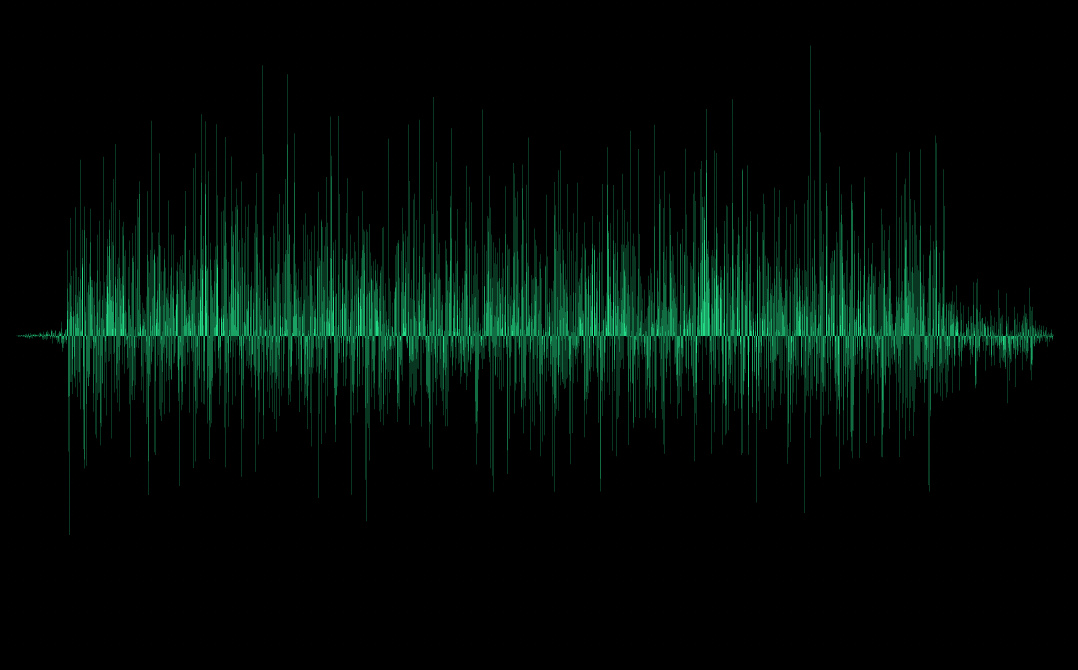
A UI library for easily adding audio waveforms to your apps, with several customization options.
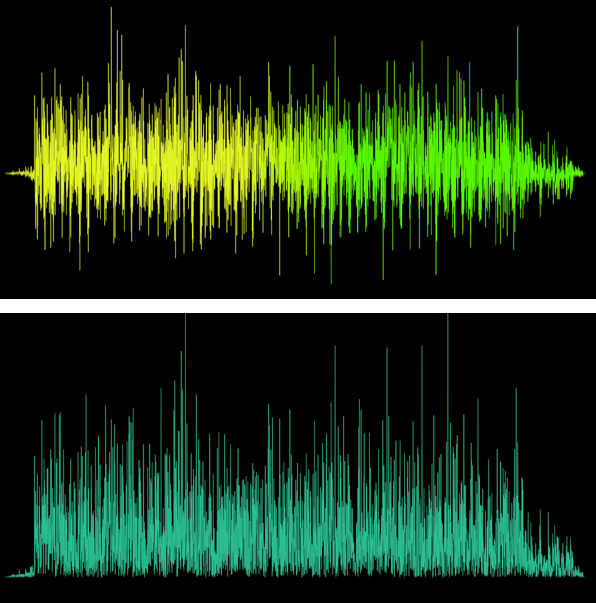
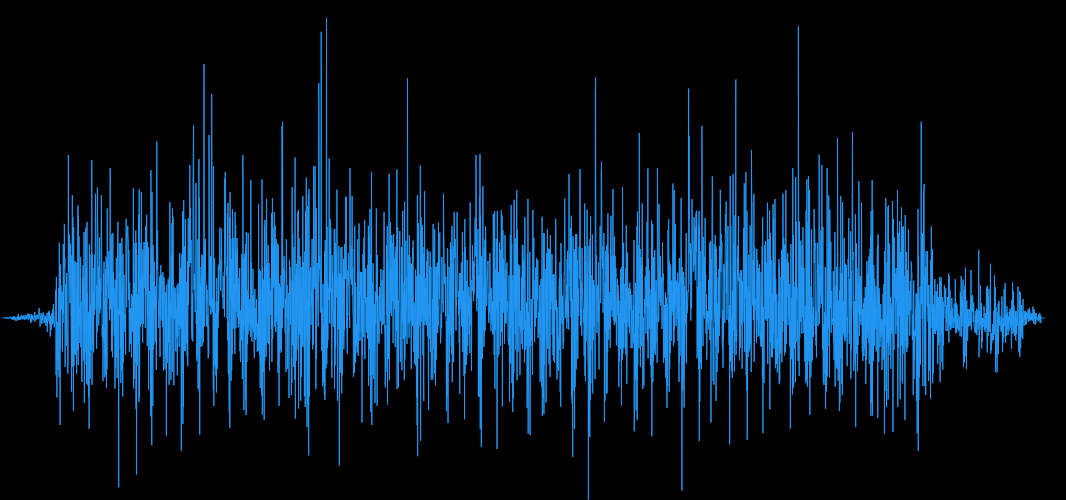
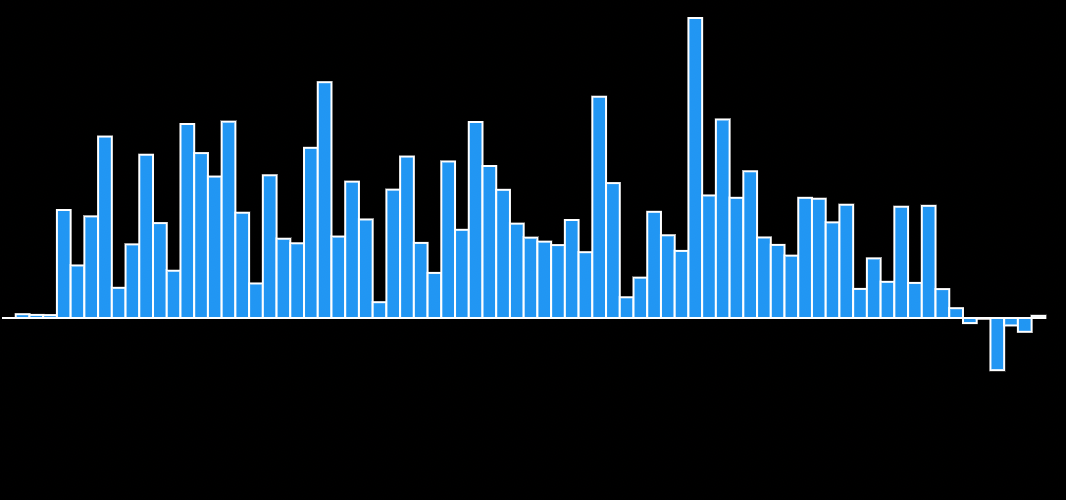
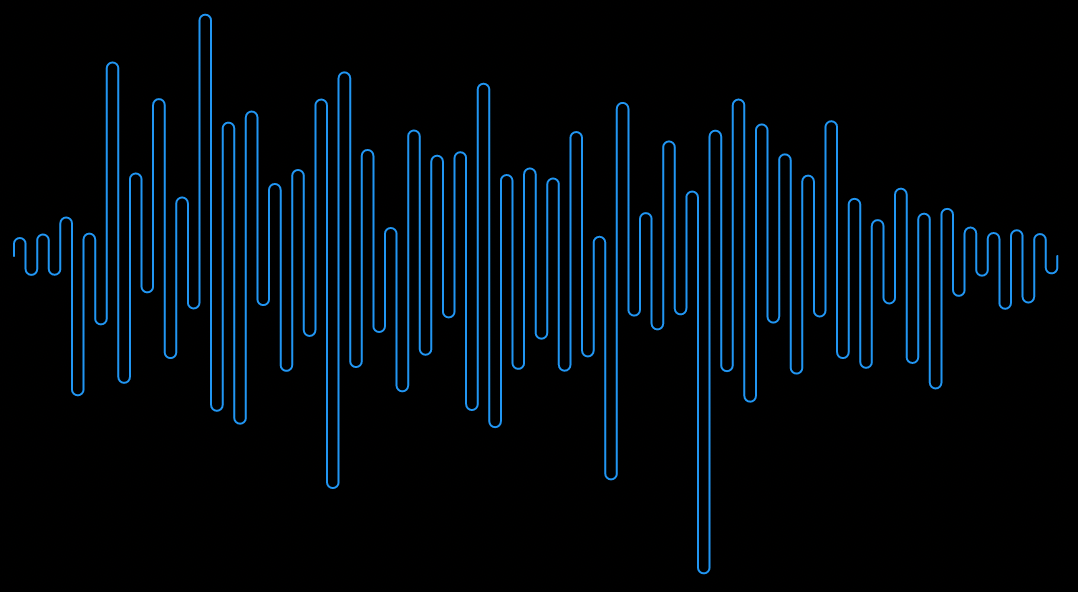
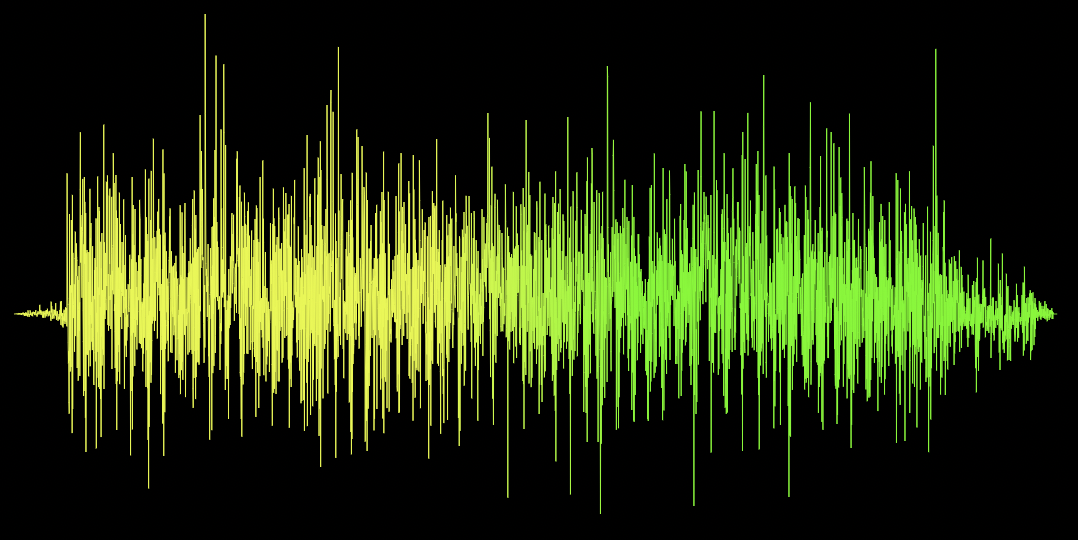
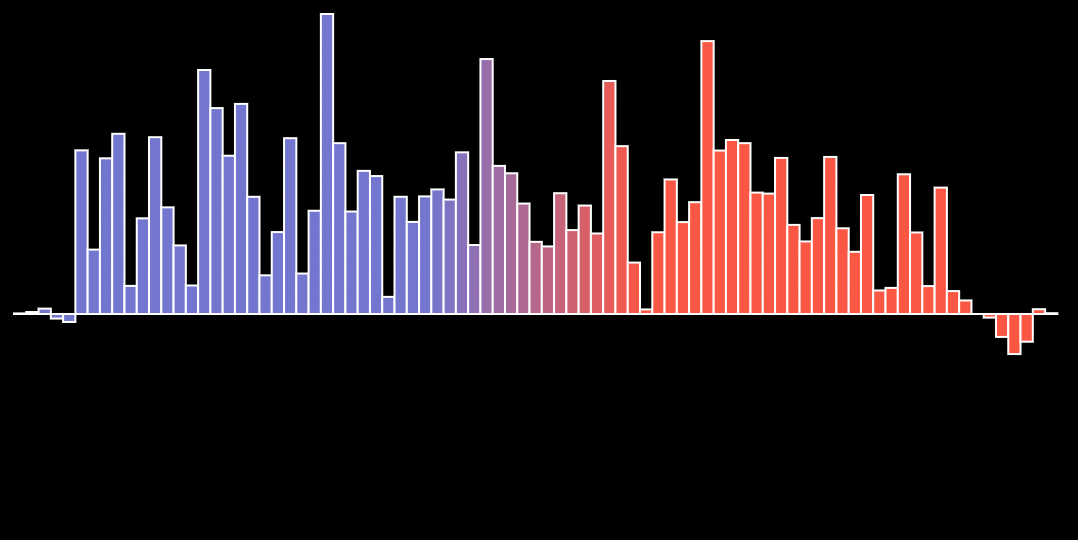
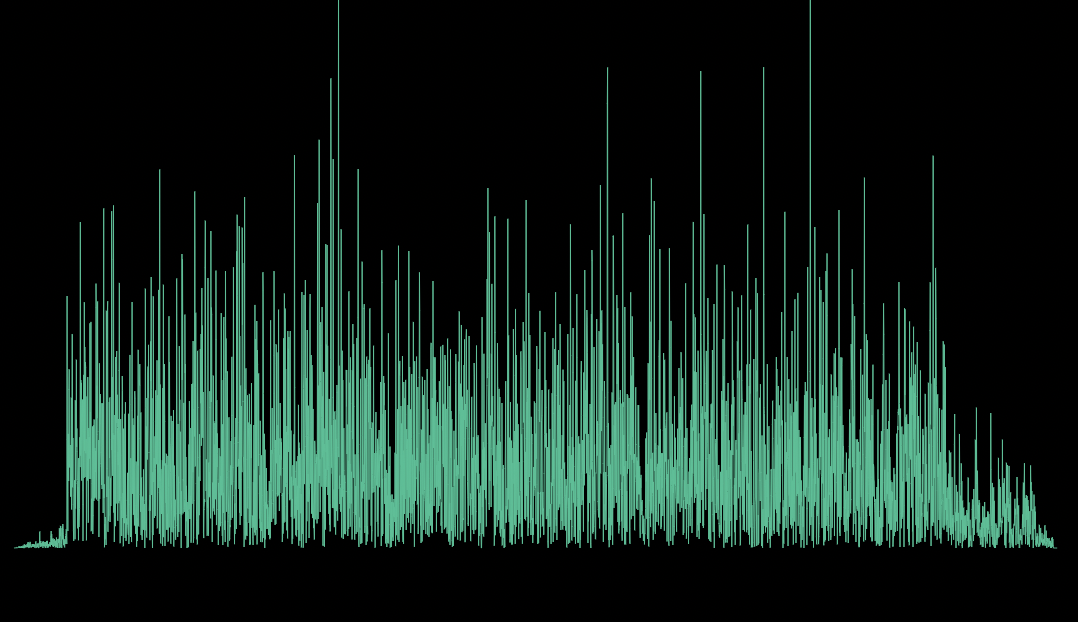
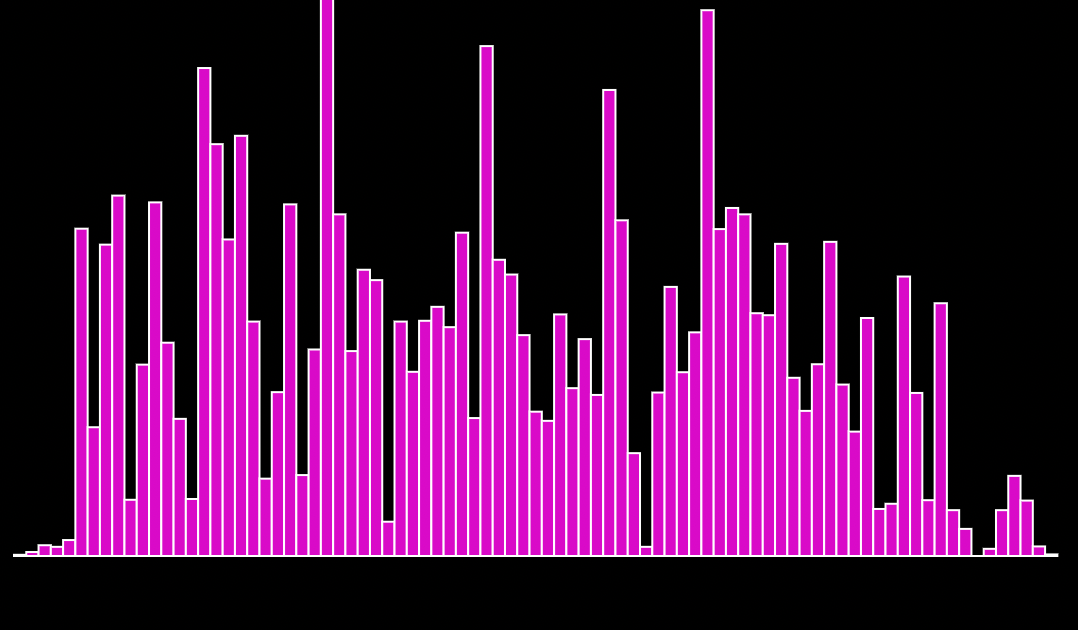
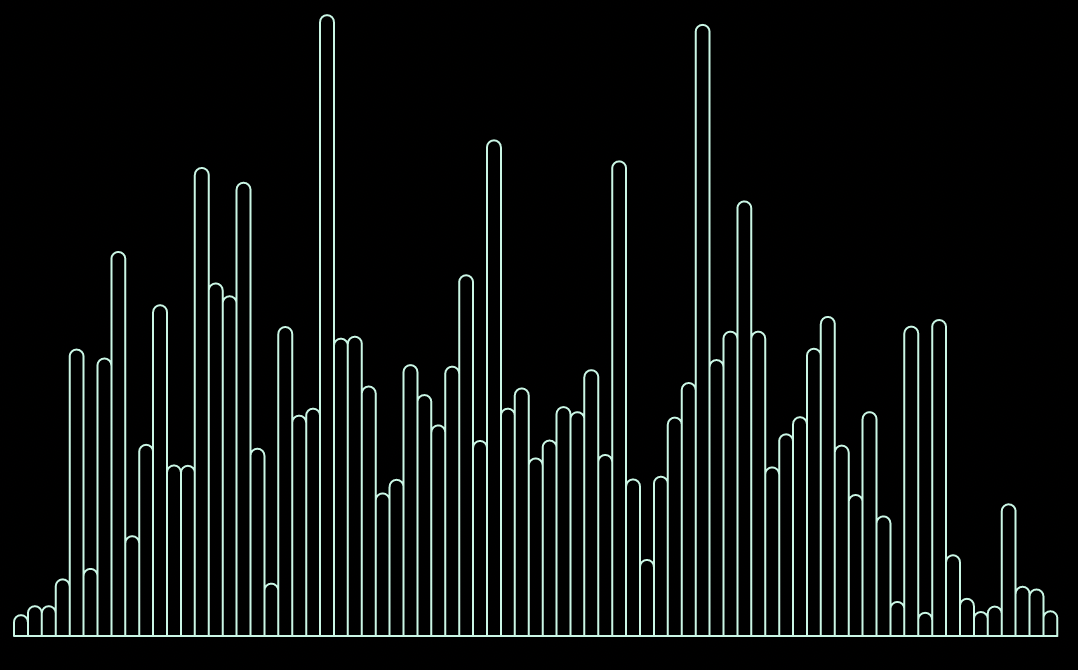
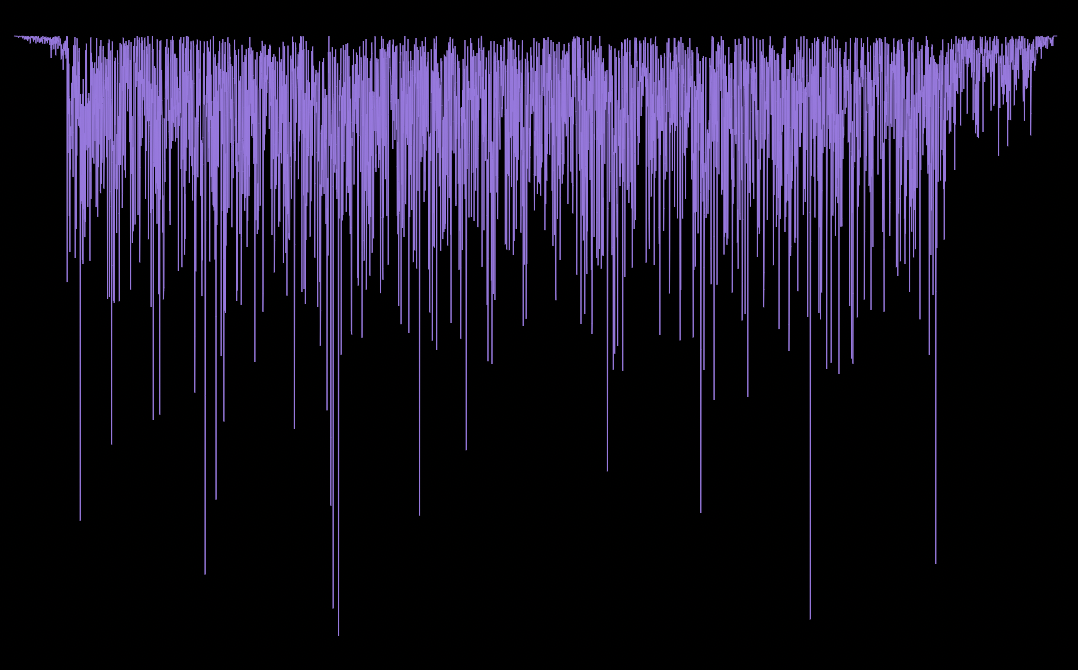
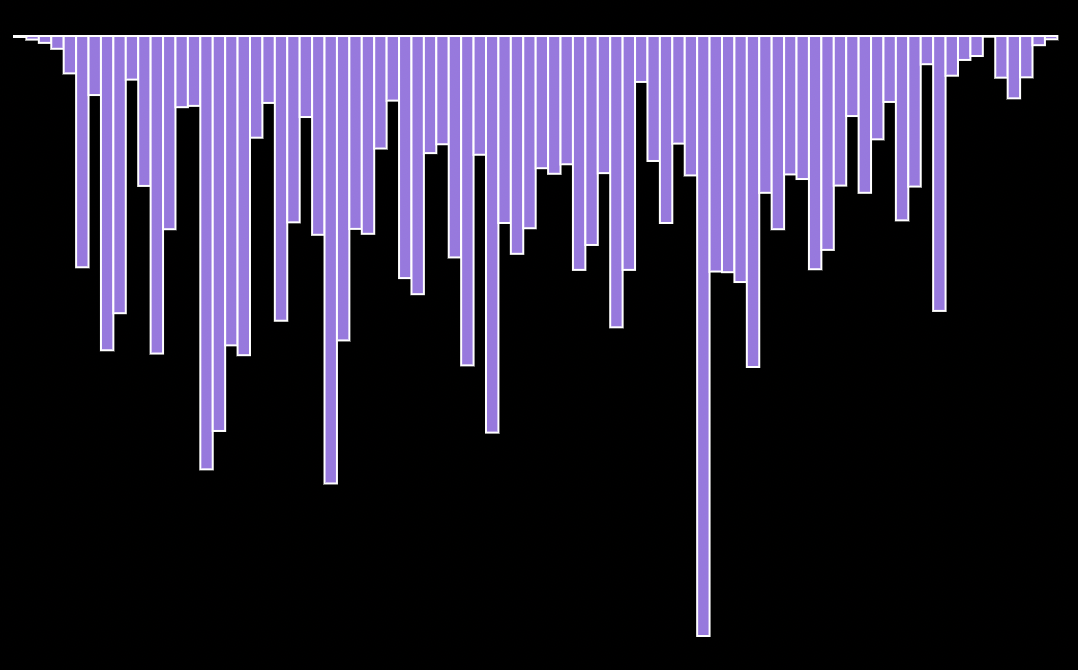
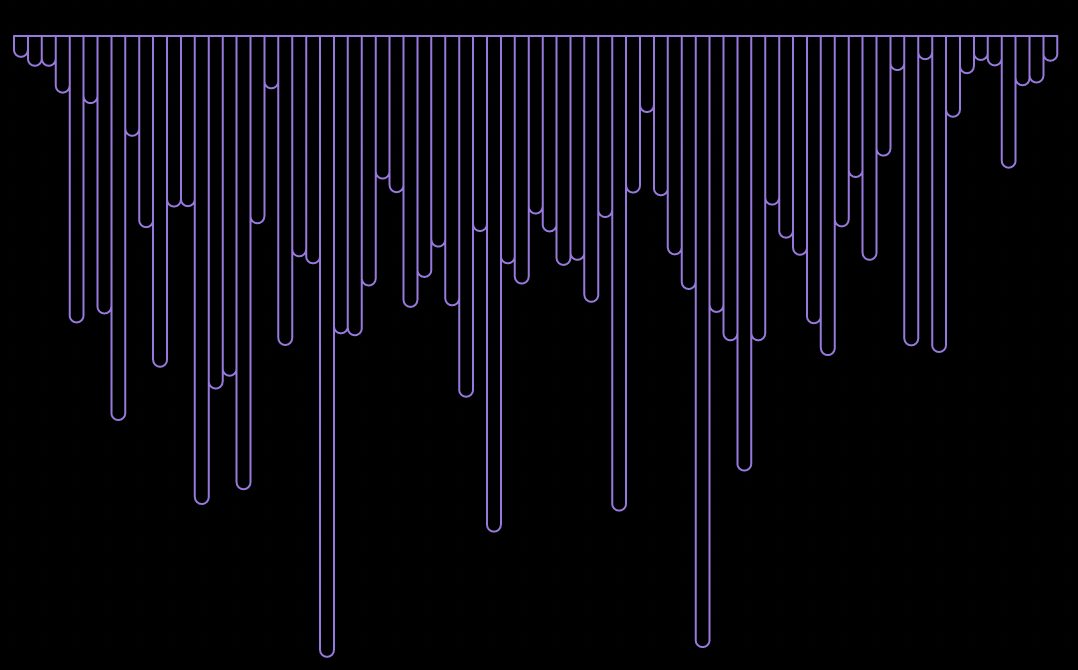
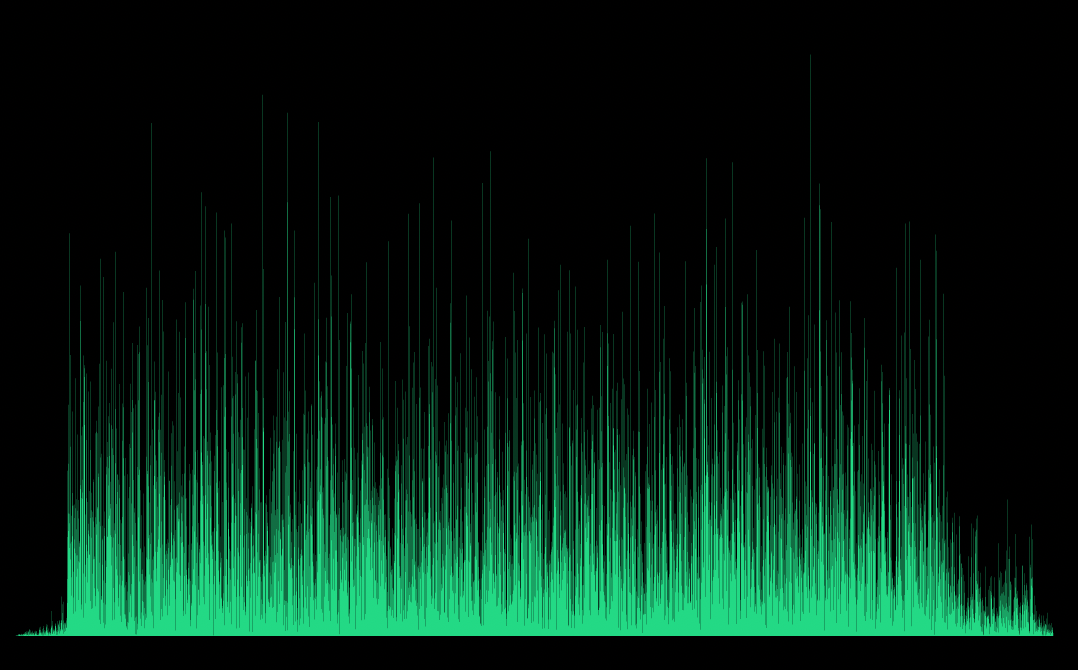
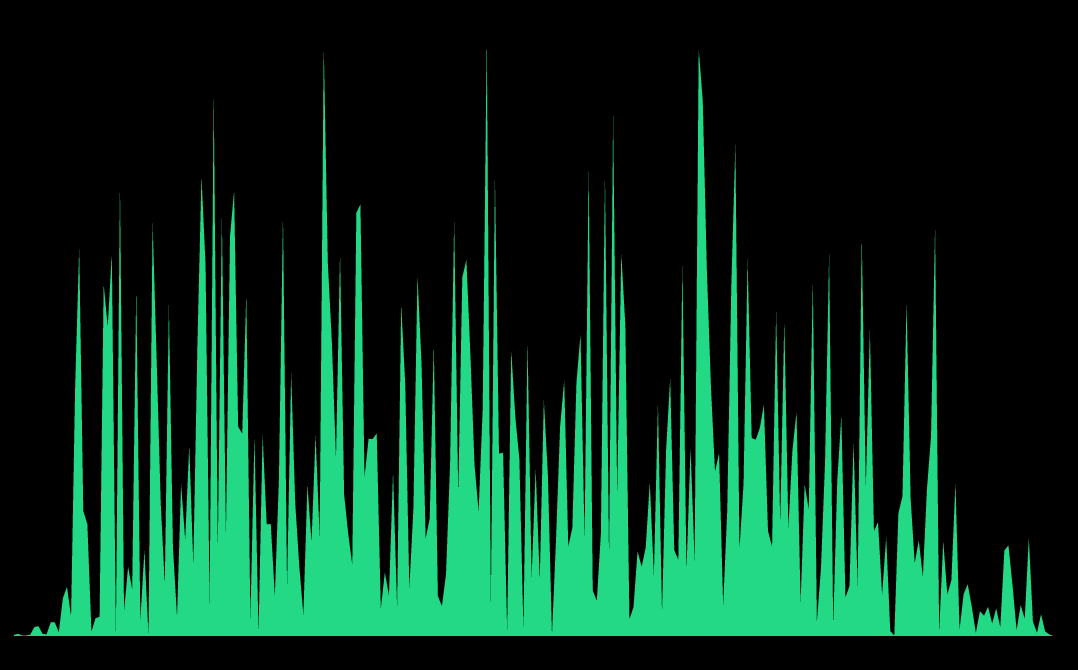
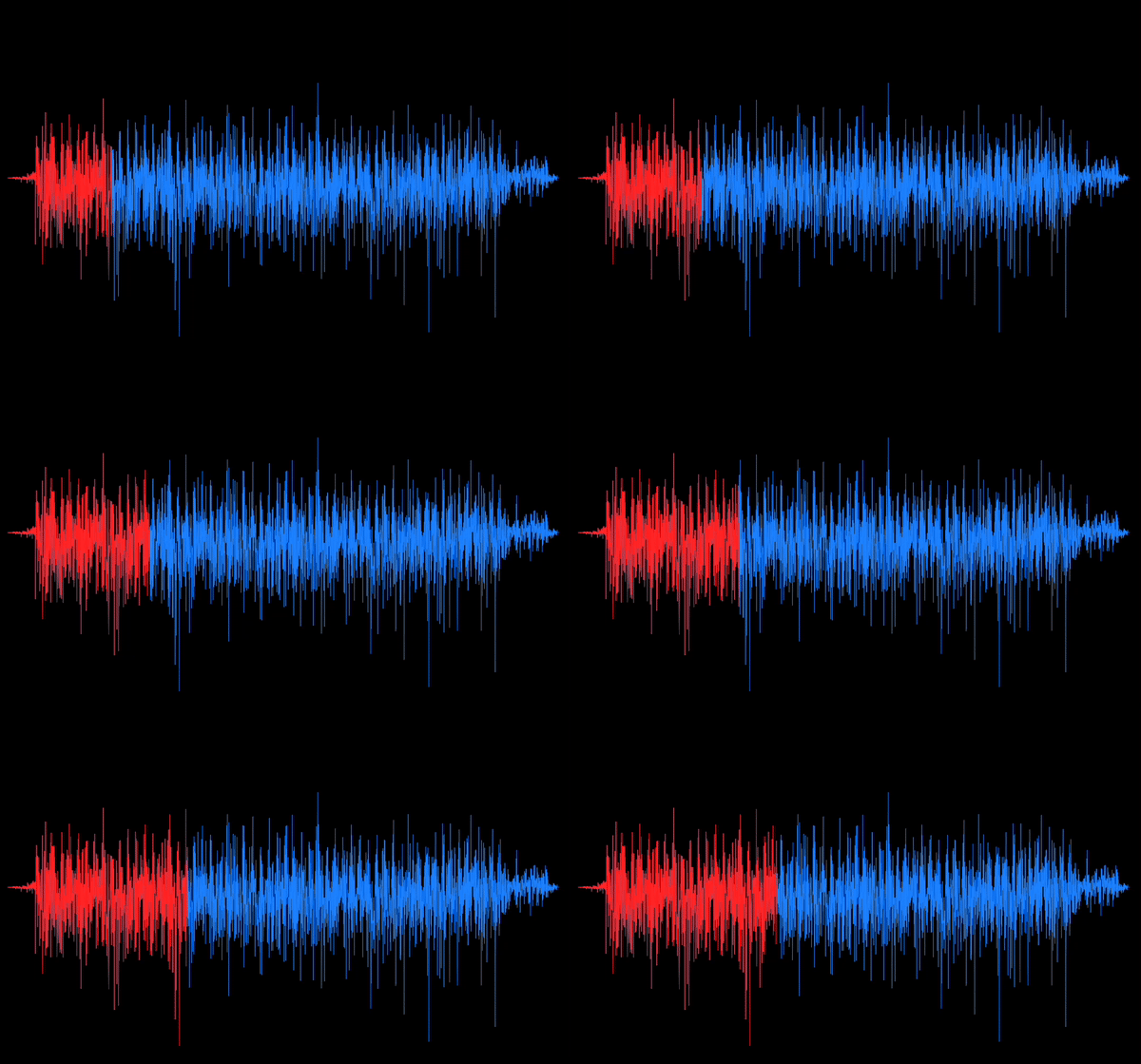
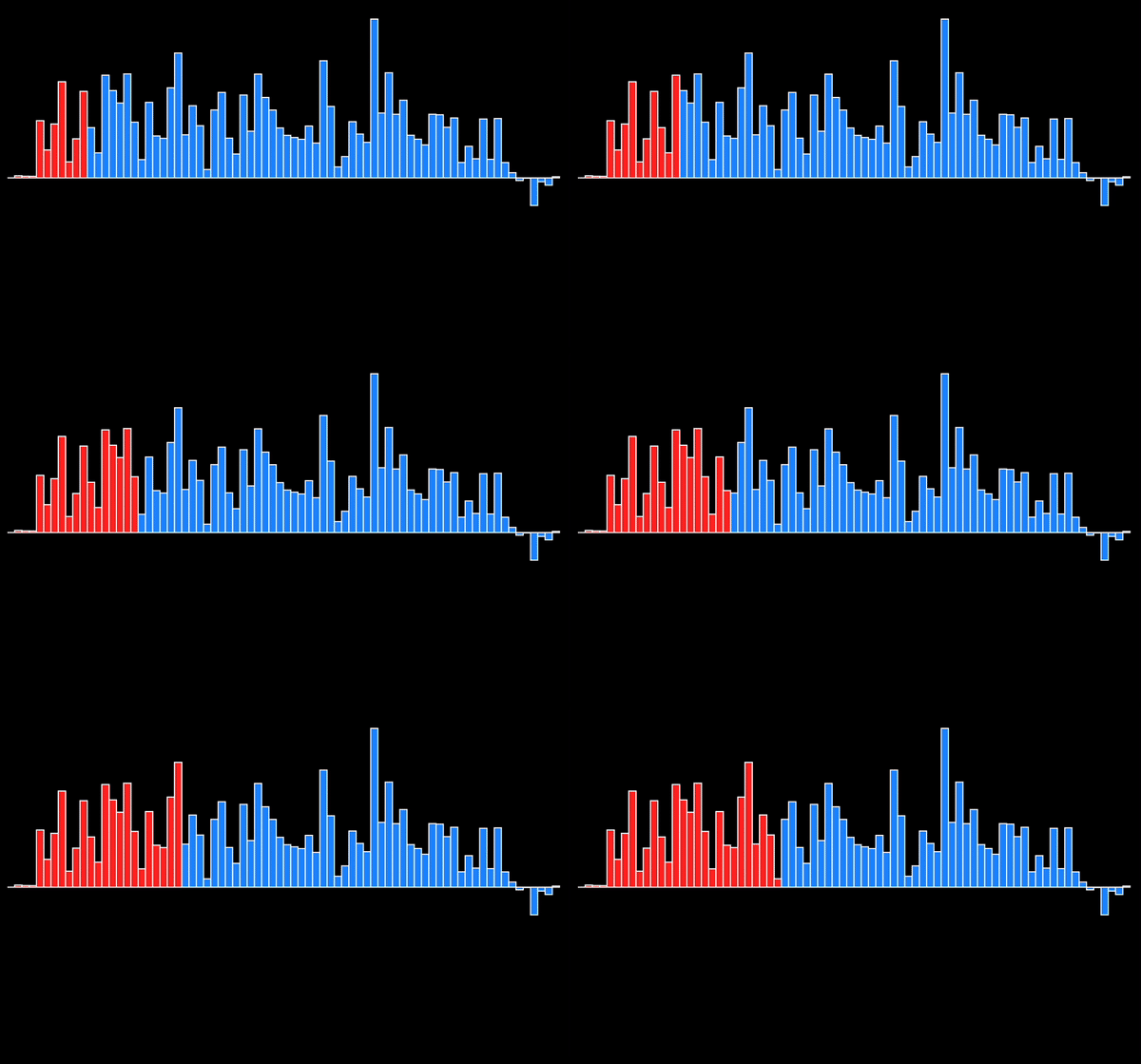
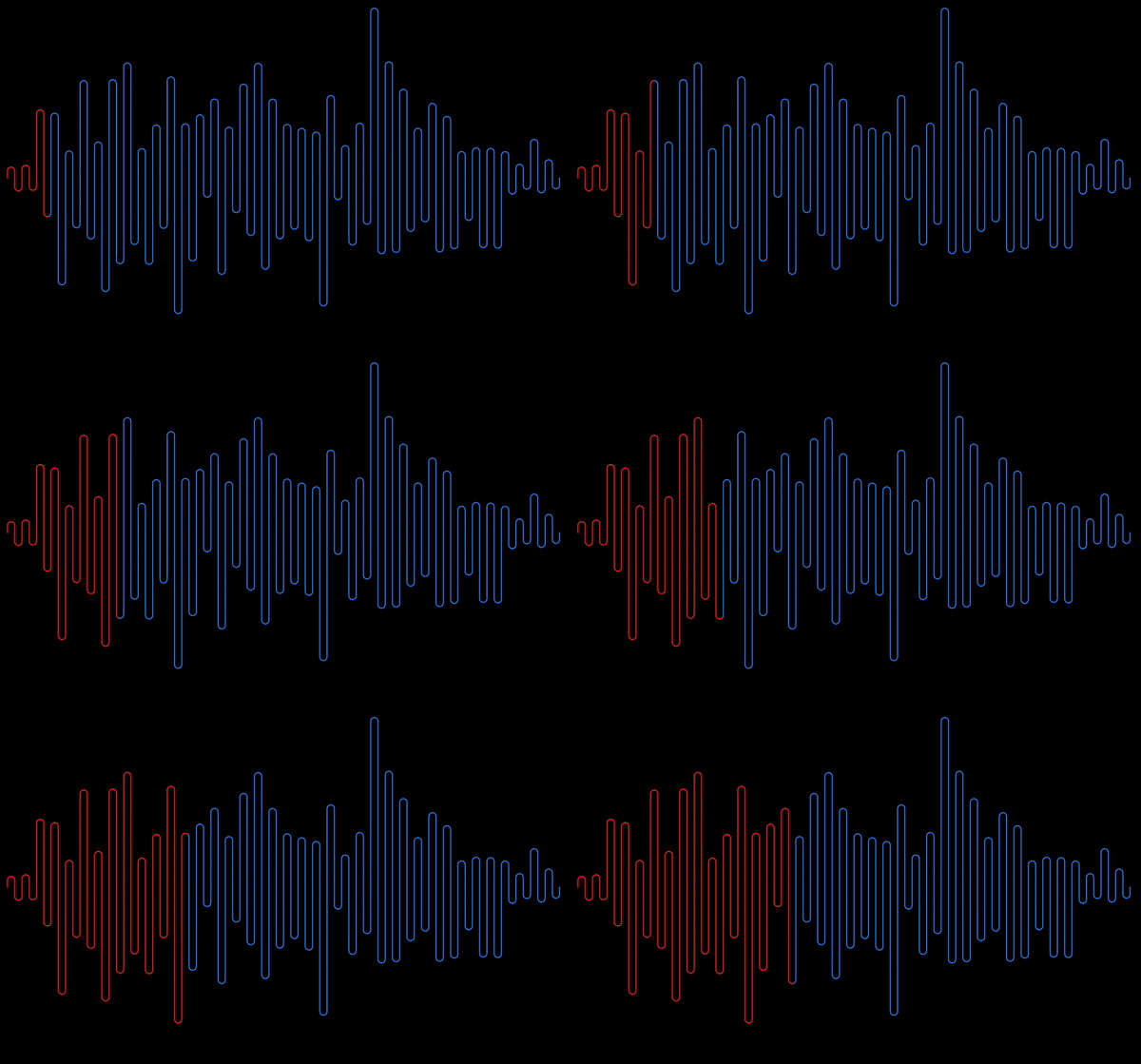
You can use the following available waveform types.
Polygon
Rectangle
Squiggly
Curved Polygon
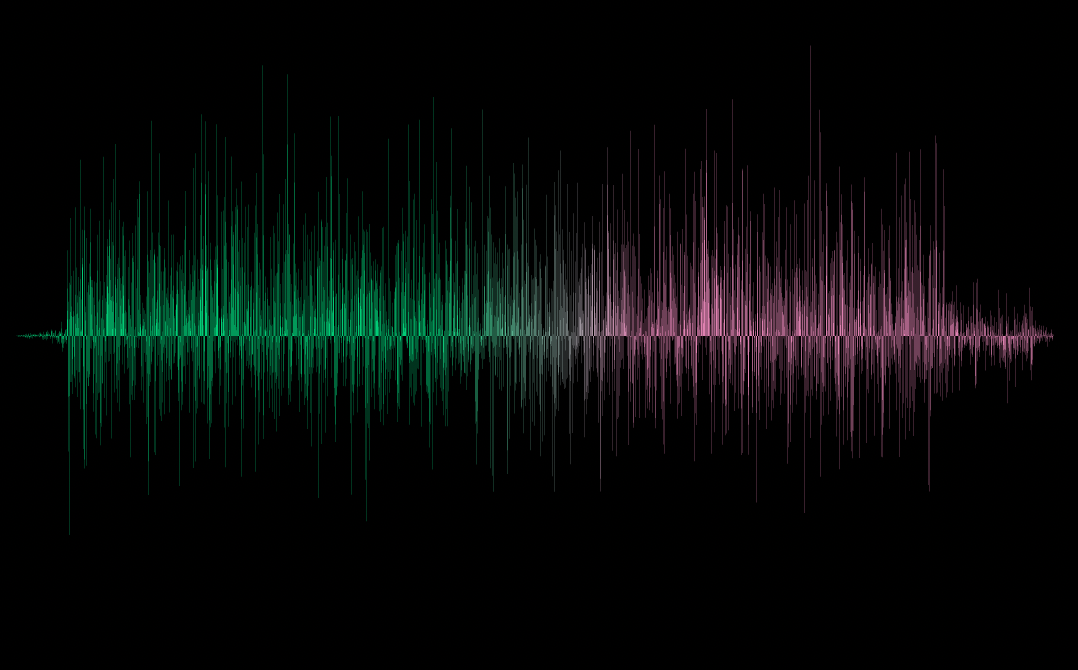
Need to add some gradient to your waveform? Say no more! You get it along with other customization options.
Want an active track for your audio out of the box?
You get that too!
Check out the short demo of what package offers here
Getting started
The package gives you the ability to add waveforms and customize them.
It's mostly like a UI library for waveforms with an additional ability to show active track for playing audio.
So it relies on you to provide the necessary audio data which it needs to draw the waveform.
The data we need is basically a list of points/samples that represents that audio.
You can use this audiowaveform program to get the audio json file which will provide us the samples.
After installing this program on your machine, generate the json file for an audio by using this command in your terminal.
audiowaveform -i test.mp3 -o test.json
The generated data needs to be processed following some rules which are necessary to get the waveforms drawn properly. To process the data use this processor.
Once you have the processed data points list then you can just pass it down to any of the waveforms available and get started using them.
Check out this article for detailed introduction on this section.
Usage
Usage of all waveforms available is the same with only exception of having more/less customization options for different waveforms.
// For a regular waveformPolygonWaveform(
samples: [],
height: height,
width: width,
)
// If you want active track for playing audio, pass [maxDuration] and [elapsedDuration]PolygonWaveform(
samples: [],
height: height,
width: width,
maxDuration: maxDuration,
elapsedDuration: elapsedDuration,
)
Check the Getting Started section on how to generate this.
height :
Waveform height.
width :
Waveform width.
Customization Options
inactiveColor :
Color of the inactive waveform.
activeColor :
Color of the active waveform.
inactiveGradient :
Gradient of the inactive waveform.
activeGradient :
Gradient of the active waveform.
absolute :
Waveform drawn is one sided either above x-axis or below it depending on what invert is set to.
Defaults to false.
invert :
Flips/inverts the waveform upside down.
Defaults to false.
borderWidth :
Width of the border around waveform.
Available only for RectangleWaveform.
isRoundedRectangle :
If true then rounded rectangles are drawn instead of regular rectangles.
Available only for RectangleWaveform.
isCentered :
If true then rectangles are centered along the Y-axis with respect to their center along their height.
If [absolute] is true then this would've no effect.
Available only for RectangleWaveform.
strokeWidth :
Waveform stroke width.
Available only for SquigglyWaveform, CurvedPolygonWaveform.
inactiveBorderColor:
Border color for inactive waveform.
Available only for RectangleWaveform.
activeBorderColor:
Border color for active waveform.
Available only for RectangleWaveform.
showActiveWaveform:
Whether to show active waveform or not.
Defaults to true.
More customization options coming soon!
Contributing Guide
Feature request : If you have any new feature in mind from which this package can benefit then please let me know by filing an issue here.
Improvements : Got any suggestions on improving the package, anything from API to performance then let me know by filing the issue here.
Bugs: If you happen to come across anything that shoudln't be happening then please file an issue here describing what the bug is and how to reproduce it with attached code and preview if possible.
Additional information
What started as a challenge out of curiosity, is now a package that I hope will be helpful to many of you and it was actually really fun building it.
Learned some good stuff while working on it and I hope to make it much more going forward.
If this package helped you then I would appreciate if you ⭐️ the repo which would be enough for me to keep continue working on it 🤓 and feel free to drop by and say hi anytime.