Orientação gerada a partir de informações públicas. Apenas para referência.
Um plugin Flutter que permite digitalização de documentos no Android e iOS, aproveitando a API do Google ML Kit Document Scanner e o VisionKit da Apple. Oferece uma maneira contínua de capturar e detectar bordas de documentos em imagens, cortando e melhorando automaticamente os documentos escaneados. O plugin suporta múltiplas plataformas, incluindo Web, macOS, Windows e Linux, tornando-o ideal para aplicações multiplataforma que exigem digitalização de documentos. Projetado com foco na facilidade de integração, simplifica o processo de adicionar recursos inteligentes de digitalização de documentos sem conhecimento profundo de código nativo.
Casos de uso
Digitalização de documentos em aplicativos móveis
Digitalização automática de faturas e recibos
Fluxos de onboarding com verificação de identidade
Geração de PDF a partir de documentos digitalizados
Banco móvel e processamento de formulários
Principais recursos
Usa o ML Kit e o VisionKit para detecção precisa
Suporte multiplataforma em todos os principais SO
API simples para captura e processamento de imagens
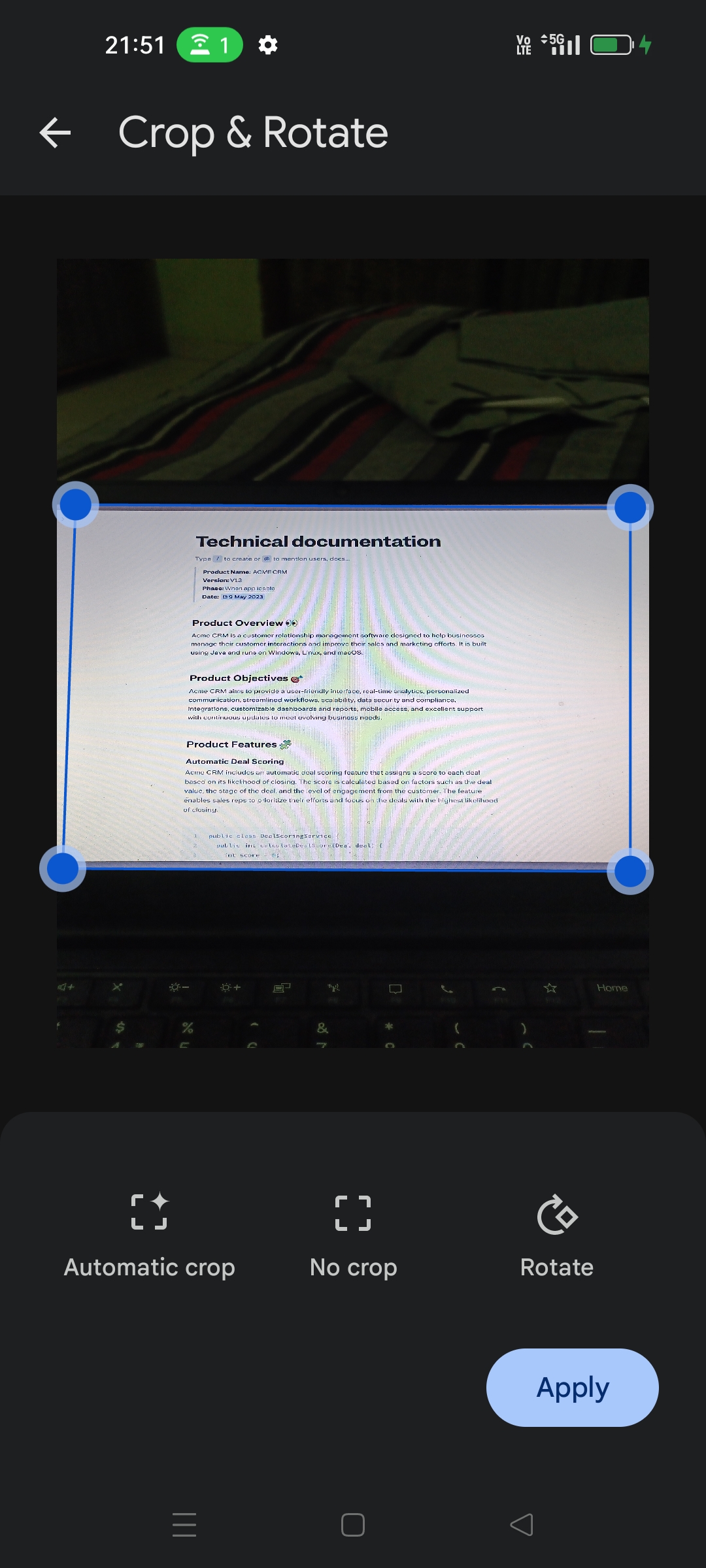
Detecção e corte automático de bordas
Suporta tanto Android quanto iOS com desempenho nativo
Indicado para
Desenvolvedores construindo aplicativos com muitos documentos
Startups que precisam de onboarding rápido
Aplicativos que exigem escaneamentos prontos para OCR
Equipes multiplataforma usando Flutter
Empresas automatizando documentos
Considerações
Requer permissões de câmera em dispositivos móveis
O desempenho pode variar em dispositivos mais antigos
O suporte ao Web depende das capacidades do navegador
Personalização limitada da interface de escaneamento
Depende de SDKs externos (ML Kit, VisionKit)
README original
Snapshot do README original do repositório-fonte vinculado. Consulte o repositório para o conteúdo mais recente.
flutter_doc_scanner
A Flutter plugin for document scanning on Android, iOS, and Web using ML Kit Document Scanner API and VisionKit.
Example
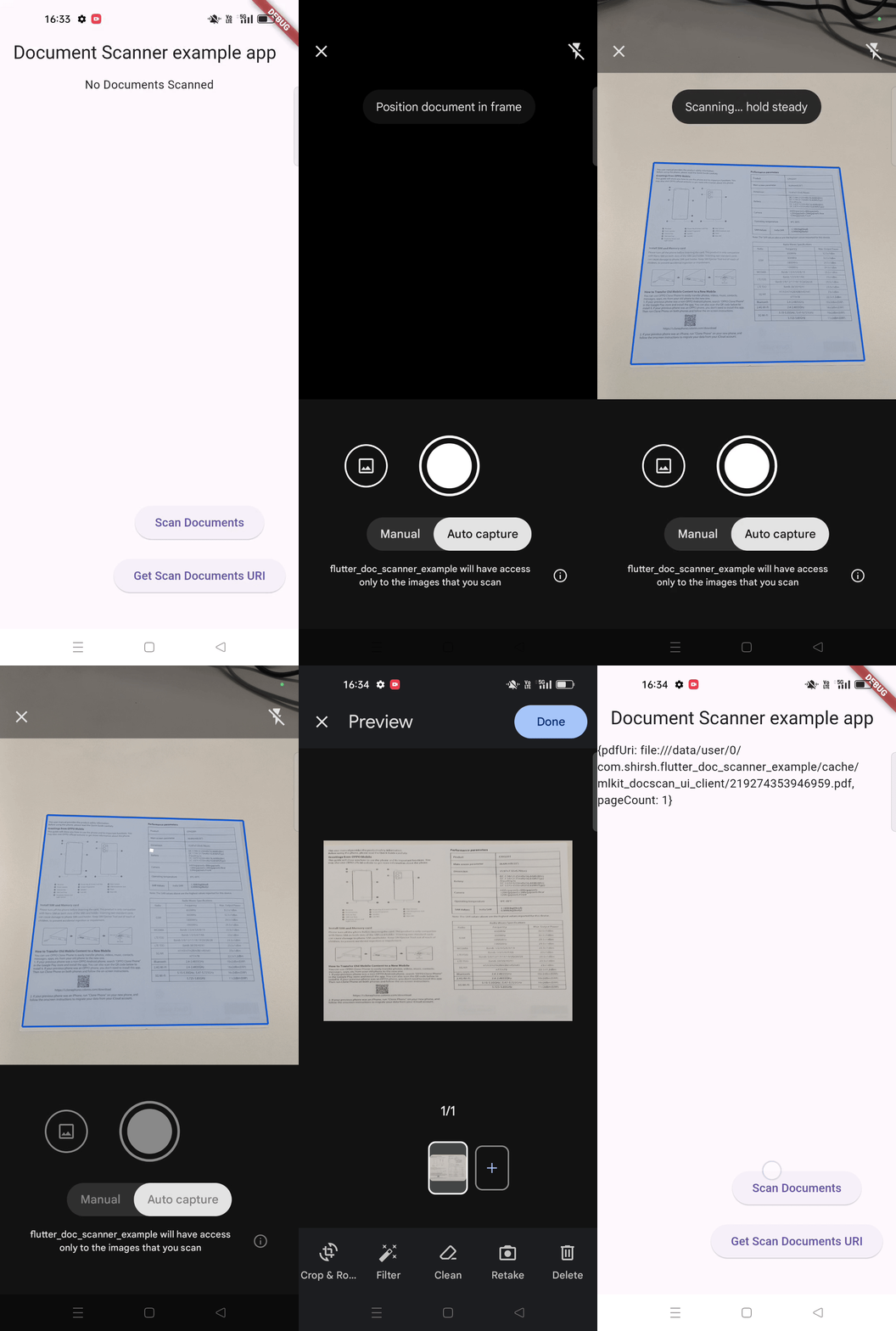
Check out the example directory for a sample Flutter app using flutter_doc_scanner.
Document Scanner Demo
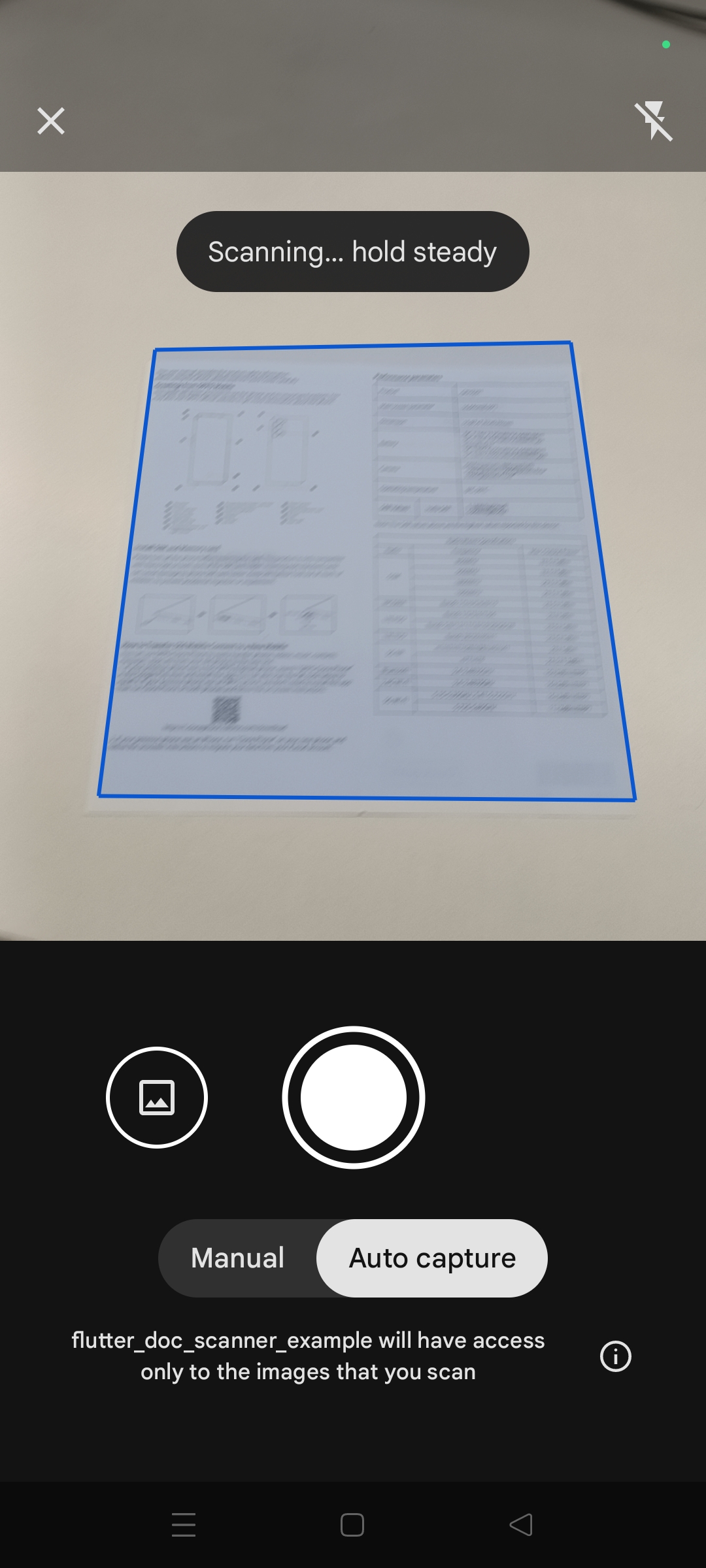
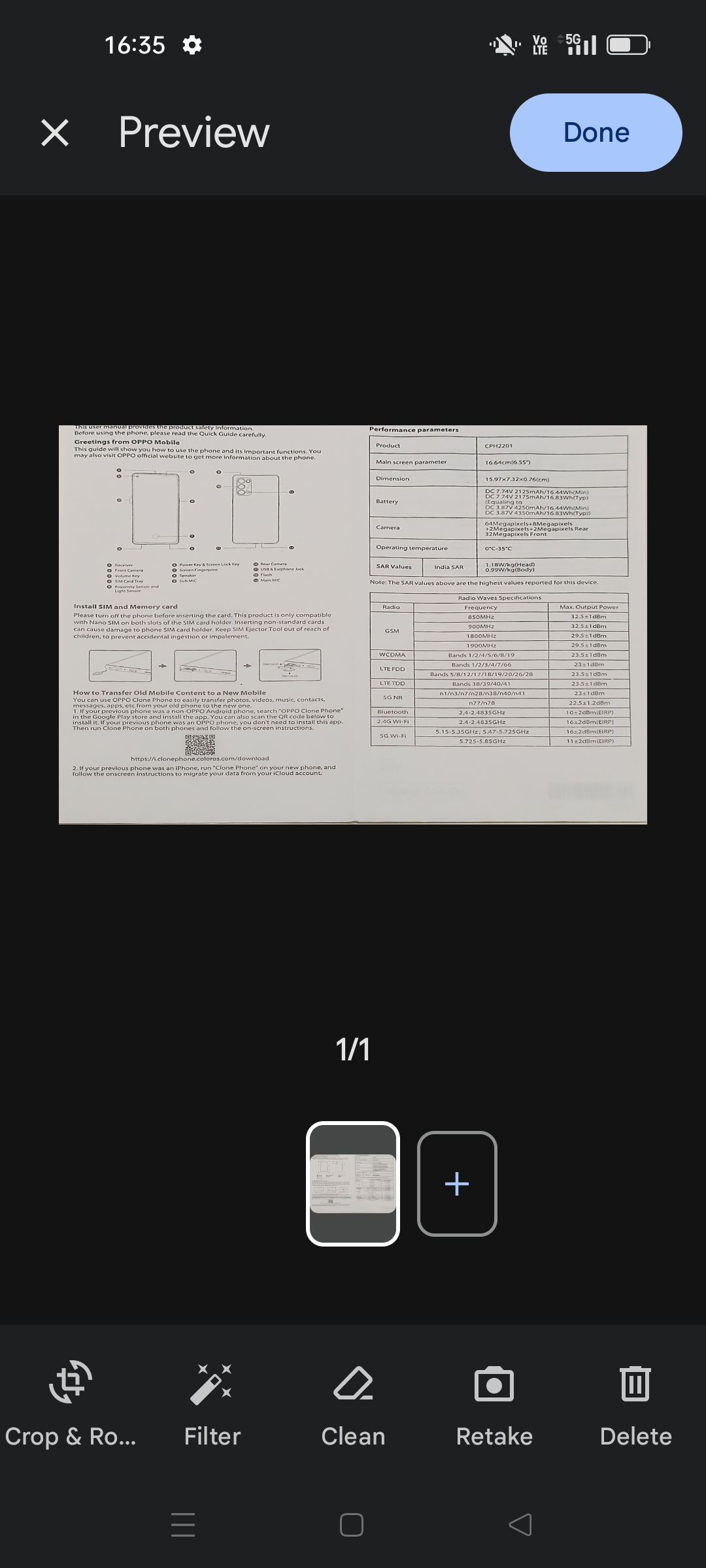
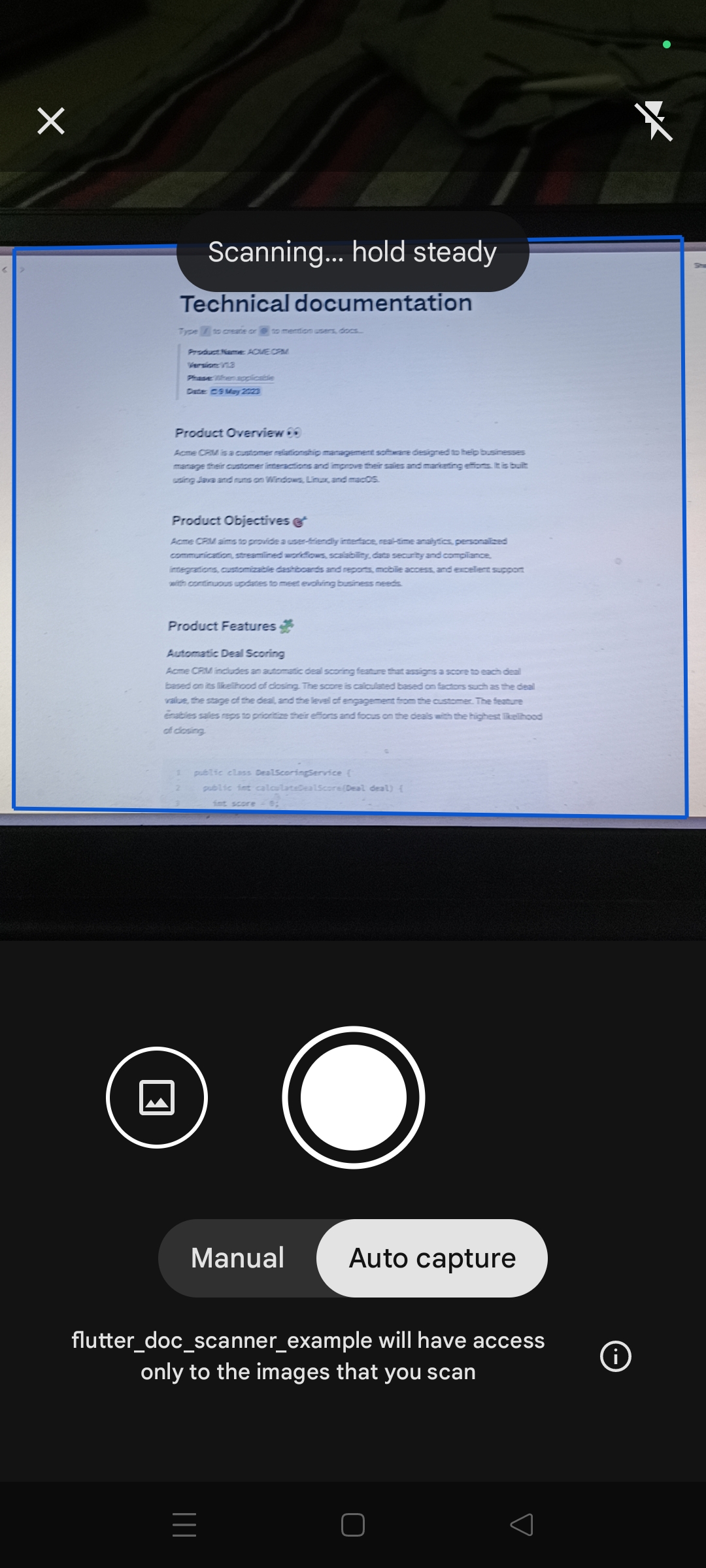
Screenshots
Features
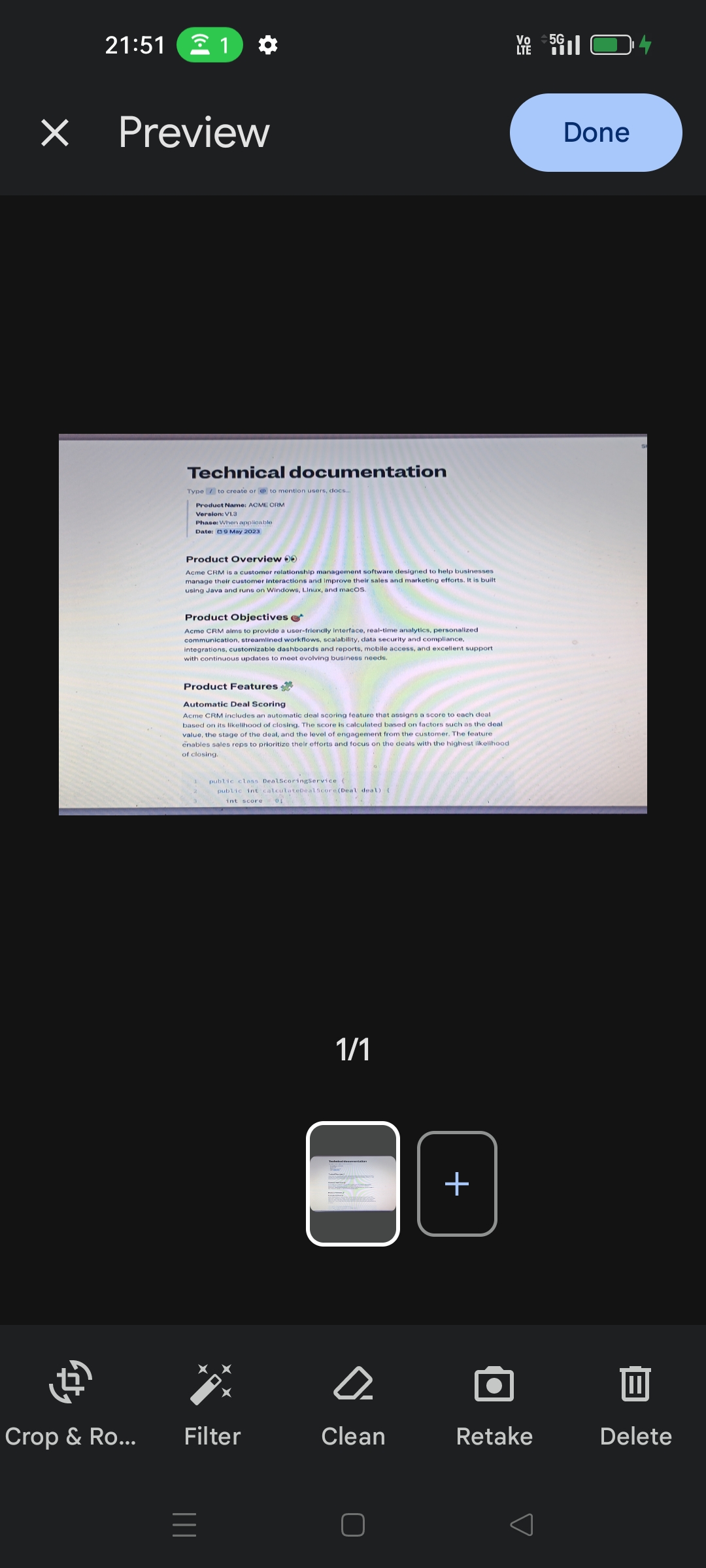
High-quality and consistent user interface for digitizing physical documents.
Accurate document detection with precise corner and edge detection for optimal scanning results.
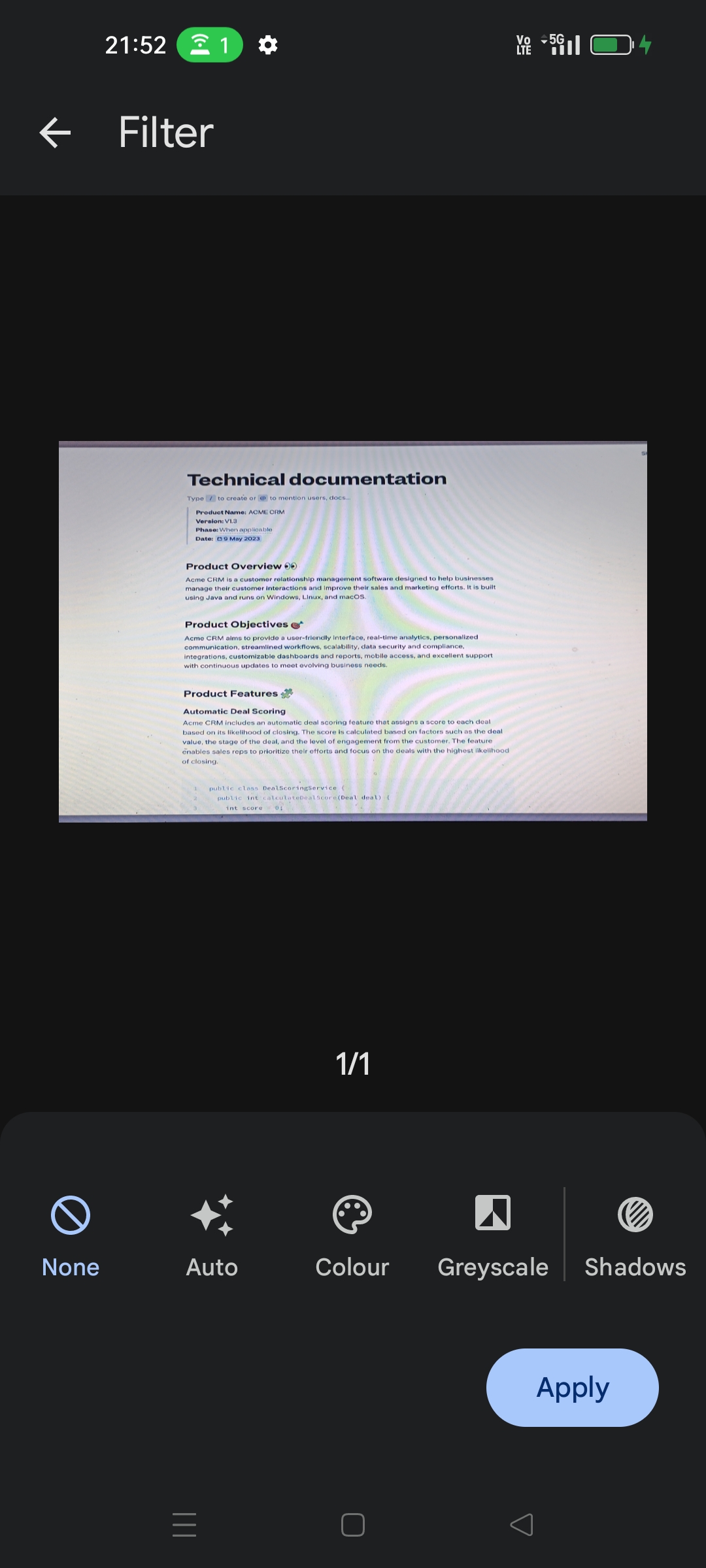
Flexible functionality allows users to crop scanned documents, apply filters, remove fingers, remove stains and other blemishes.
On-device processing helps preserve privacy.
Support for sending digitized files in PDF and JPEG formats back to your app.
Ability to set a scan page limit.
Support for image(png,jpeg) format and PDF has been added through various methods.
Fast single-picture scanning mode via useAutomaticSinglePictureProcessing for quick one-document captures.
Installation
To use this plugin, add flutter_doc_scanner as a dependency in your pubspec.yaml file.
Use the following function for document scanning on Android and iOS:
Future<void> scanDocument() async {
//by default way they fetch pdf for android and png for iOSdynamic scannedDocuments;
try {
scannedDocuments = awaitFlutterDocScanner().getScanDocuments(page: 3) ??
'Unknown platform documents';
} onPlatformException {
scannedDocuments = 'Failed to get scanned documents.';
}
print(scannedDocuments.toString());
}
Note-: If you want to obtain only a PDF scanned document, call getScannedDocumentAsPdf(). Similarly, if you want to get a scanned document in image format, use getScannedDocumentAsImages().
Android result payloads
getScanDocuments / getScannedDocumentAsPdf: returns a map with pdfUri and pageCount.
getScannedDocumentAsImages / getScanDocumentsUri: returns a map with images (list of page URIs) and count (also exposed via legacy Uri / Count keys for backwards compatibility).
Project Setup
Follow the steps below to set up your Flutter project on Android, iOS, and Web.
Android
Minimum Version Configuration
Ensure you meet the minimum version requirements to run the application on Android devices.
In the android/app/build.gradle file, verify that minSdkVersion is at least 21. This setting specifies the minimum Android API level required to run your app, ensuring compatibility with a wide range of Android devices.
Ensure you meet the minimum version requirements to run the application on iOS devices.
In the ios/Podfile file, make sure the iOS platform version is at least 13.0. This setting specifies the minimum iOS version required to run your app, ensuring compatibility with a wide range of iOS devices.
platform :ios, '13.0'
Permission Configuration
Add a String property to the app's Info.plist file with the key NSCameraUsageDescription and the value as the description for why your app needs camera access. This step is required by Apple to explain to users why the app needs access to the camera, and it's crucial for App Store approval.
The permission_handler dependency used by flutter_doc_scanner uses macros to control whether a permission is enabled. To enable camera permission, add the following to your Podfile file. This step ensures that your app can request and handle camera permissions on iOS devices:
  post_install do |installer|
    installer.pods_project.targets.each do |target|
      ... # Here are some configurations automatically generated by flutter

      # Start of the permission_handler configuration
      target.build_configurations.each do |config|

        # You can enable the permissions needed here. For example, to enable camera
        # permission, just remove the `#` character in front so it looks like this:
        #
        # ## dart: PermissionGroup.camera
        # 'PERMISSION_CAMERA=1'
        #
        #  Preprocessor definitions can be found at: https://github.com/Baseflow/flutter-permission-handler/blob/master/permission_handler_apple/ios/Classes/PermissionHandlerEnums.h
        config.build_settings['GCC_PREPROCESSOR_DEFINITIONS'] ||= [
          '$(inherited)',

          ## dart: PermissionGroup.camera
          'PERMISSION_CAMERA=1',
        ]

      end
      # End of the permission_handler configuration
    end
  end
Web
Currently, we have removed web support for this library. For document scanning on the web, you can use the following library: flutter_doc_scanner_web.
Issues and Feedback
Please file issues to send feedback or report a bug. Thank you!
License
The MIT License (MIT) Copyright (c) 2024 Shirsh Shukla
Permission is hereby granted, free of charge, to any person obtaining a copy of this software and
associated documentation files (the "Software"), to deal in the Software without restriction,
including without limitation the rights to use, copy, modify, merge, publish, distribute,
sublicense, and/or sell copies of the Software, and to permit persons to whom the Software is
furnished to do so, subject to the following conditions:
The above copyright notice and this permission notice shall be included in all copies or substantial
portions of the Software.
THE SOFTWARE IS PROVIDED "AS IS", WITHOUT WARRANTY OF ANY KIND, EXPRESS OR IMPLIED, INCLUDING BUT
NOT LIMITED TO THE WARRANTIES OF MERCHANTABILITY, FITNESS FOR A PARTICULAR PURPOSE AND
NONINFRINGEMENT. IN NO EVENT SHALL THE AUTHORS OR COPYRIGHT HOLDERS BE LIABLE FOR ANY CLAIM, DAMAGES
OR OTHER LIABILITY, WHETHER IN AN ACTION OF CONTRACT, TORT OR OTHERWISE, ARISING FROM, OUT OF OR IN
CONNECTION WITH THE SOFTWARE OR THE USE OR OTHER DEALINGS IN THE SOFTWARE.