Orientação gerada a partir de informações públicas. Apenas para referência.
flutter_img é um pacote Flutter que fornece um widget de imagem aprimorado capaz de carregar e exibir imagens de forma eficiente a partir de recursos, redes e arquivos SVG. Ele simplifica o manuseio de imagens em múltiplas plataformas, incluindo Android, iOS, Web, macOS, Windows e Linux. O pacote suporta formatos comuns de imagens como PNG e JPG, bem como gráficos vetoriais escaláveis (SVG), tornando-o ideal para aplicativos que exigem renderização flexível e responsiva de imagens. Com uma configuração mínima via `flutter pub add flutter_img`, os desenvolvedores podem integrar facilmente funcionalidades robustas de imagem em seus aplicativos.
Casos de uso
Carregando imagens de rede
Exibindo imagens de ativos locais
Renderização de SVGs em aplicativos Flutter
Suporte de imagem multiplataforma
Substituição simples do widget de imagem
Principais recursos
Suporta PNG, JPG e SVG
Lida tanto com imagens de ativos quanto com imagens de rede
Configuração mínima necessária
Funciona em todas as principais plataformas
Estados internos de erro e carregamento
Indicado para
Aplicativos que precisam de suporte a SVG
Desenvolvedores procurando widgets de imagem simples
Projetos multiplataforma
aplicações com interface pesada
Prototipagem rápida
Considerações
Limitado a operações básicas de imagem
Nenhuma cache avançada embutida
Depende de biblioteca externa de renderização SVG
Não adequado para processamento de imagens complexas
Pode exigir dependências adicionais para recursos avançados
README original
Snapshot do README original do repositório-fonte vinculado. Consulte o repositório para o conteúdo mais recente.
flutter_img
A Flutter widget with SVG code support and the ability to handle SVG, png, and jpg pictures from
assets and the network. Cached photos can be handled by it.
❗ In order to start using flutter_img you must have the Flutter SDK
installed on your machine.
Add flutter_img to your pubspec.yaml:
dependencies:flutter_img:
Install it:
flutter pub add flutter_img
Parameters
Param
Description
String src
src is the one and only positional parameter here, and it's required it will take the asset link, HTTP image link, or SVG code as a string. as you know it takes a string, so for SVG code make sure there is no new line.
double? height
If you want to set image height explicitly you can pass a height value or it will adjust the height based on image height and screen height
double? width
Similar to the height, the width parameter also can be used for explicit value
BoxShape? shape
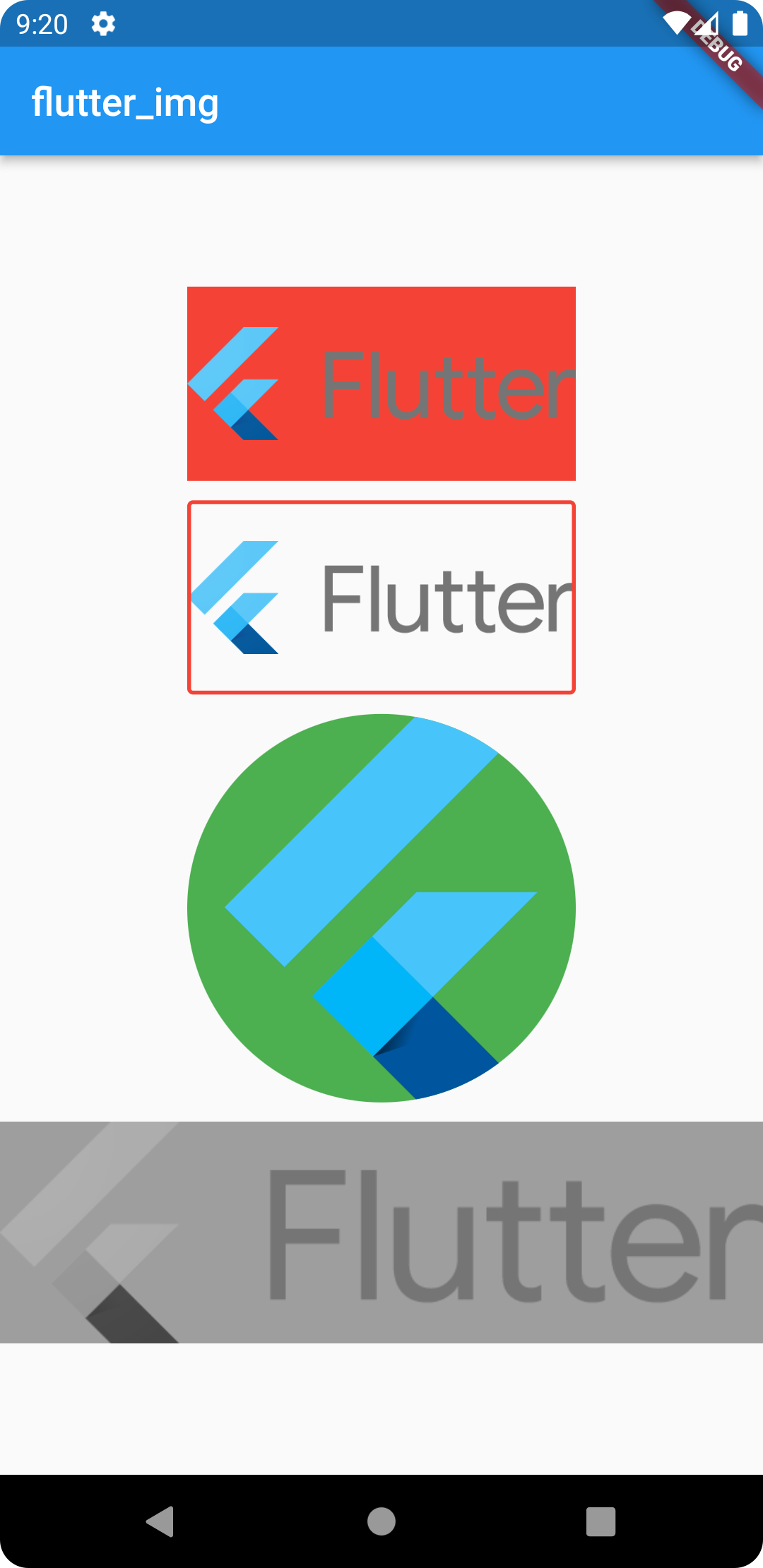
The shape parameter can be used to change the shape of the image.
BoxBorder? border
The border parameter can be used to add the shape of the image.
BorderRadiusGeometry? borderRadius
using borderRadius You can add a border to the image
EdgeInsetsGeometry? margin
the margin of the image
EdgeInsetsGeometry? padding
the padding of the image
ColorFilter? colorFilter
The colorFilter allow you to set a color filter over the image
Widget? placeholder
The placeholder parameter allows you to provide any widget as a placeholder before the network image is fully loaded. this parameter only works with png, jpg/jpeg network images. asset images or SVG images will not be affected
String? blurHash
The blurHash parameter also allows you to load blurhash images before the network image is fully loaded. this parameter only works with png, jpg/jpeg network images. asset images or SVG images will not be affected. By default, if you don't provide placeholder blurhash will apply. and the default value is L5H2EC=PM+yV0g-mq.wG9c010J}I
Color? bgColor
bgColor will set the background color of the image
Widget? errorWidget
errorWidget parameter allows you to provide any widget that will visible if network request failed or any error happened during loading network image
final String? package
package is the name of the package where the image is located. It's only used for asset images