Buscar pacotes, repositórios e categorias de apps

Detalhes do pacotev1.1.0

flutter_spinning_wheel

Um widget personalizável para ser usado como roda giratória no Flutter.

Downloads em 30 dias
42
Curtidas
89
Pontos Pub
40

Instalar pacote

flutter pub add flutter_spinning_wheel

Visão geral do pacote

Orientação gerada a partir de informações públicas. Apenas para referência.

Um widget personalizável do Flutter projetado para criar rodas giratórias interativas, ideal para jogos, recompensas e mecanismos de sorteio. Permite que desenvolvedores definam segmentos com rótulos, cores e animações personalizados. A roda suporta rotação suave, velocidade configurável e callbacks de evento ao final. Desenvolvido com foco em desempenho e facilidade de uso, integra-se perfeitamente a aplicativos Flutter. Perfeito para experiências envolventes em aplicações gamificadas.

Casos de uso

  • Interfaces de usuário gamificadas
  • sistemas de sorteio ou rifa
  • Demonstrações interativas de produtos
  • Recursos do aplicativo baseado em recompensas
  • Quiz educacionais com seleção aleatória

Principais recursos

  • Design de segmento personalizável
  • Controle de animação suave
  • Velocidade e duração de rotação configuráveis
  • Callbacks de evento ao parar
  • Suporta atualizações dinâmicas de segmentos
  • Integração fácil com a interface do Flutter

Indicado para

  • Desenvolvedores de aplicativos construindo jogos
  • Designers criando recompensas interativas
  • Equipes que implementam gamificação
  • Criadores de aplicativos educacionais
  • Campanhas de marketing com elementos interativos

Considerações

  • Requer manipulação manual da lógica de rotação
  • Recursos de acessibilidade embutidos limitados
  • Sem suporte embutido para gestos de toque em todas as plataformas
  • O desempenho pode variar com muitos segmentos
  • Não otimizado para rotações de alta frequência

README original

Snapshot do README original do repositório-fonte vinculado. Consulte o repositório para o conteúdo mais recente.

flutter_spinning_wheel

Build Status License: MIT Pub

A customizable widget to use as a spinning wheel in Flutter.

Getting Started

Installation

Add


flutter_spinning_wheel : ^lastest_version

to your pubspec.yaml, and run

flutter packages get

in your project's root directory.

Basic Usage

Create a new project with command

flutter create myapp

Edit lib/main.dart like this:

import 'package:flutter/material.dart';

import 'package:flutter_circular_slider/flutter_circular_slider.dart';

void main() => runApp(MyApp());

class MyApp extends StatelessWidget {
  @override
  Widget build(BuildContext context) {
    return MaterialApp(
      theme: ThemeData(
        primarySwatch: Colors.blue,
      ),
      home: MyHomePage(),
    );
  }
}

class MyHomePage extends StatelessWidget {
  @override
  Widget build(BuildContext context) {
    return Scaffold(
        backgroundColor: Colors.blueGrey,
        body: Center(
          child: Container(child:
            SpinningWheel(
              Image.asset('assets/images/wheel-6-300.png'),
              width: 310,
              height: 310,
              dividers: 6,
              onEnd: _dividerController.add,
            ),
          ),
        ));
  }
}

You can replace the image with one of your preference.

Basic Game
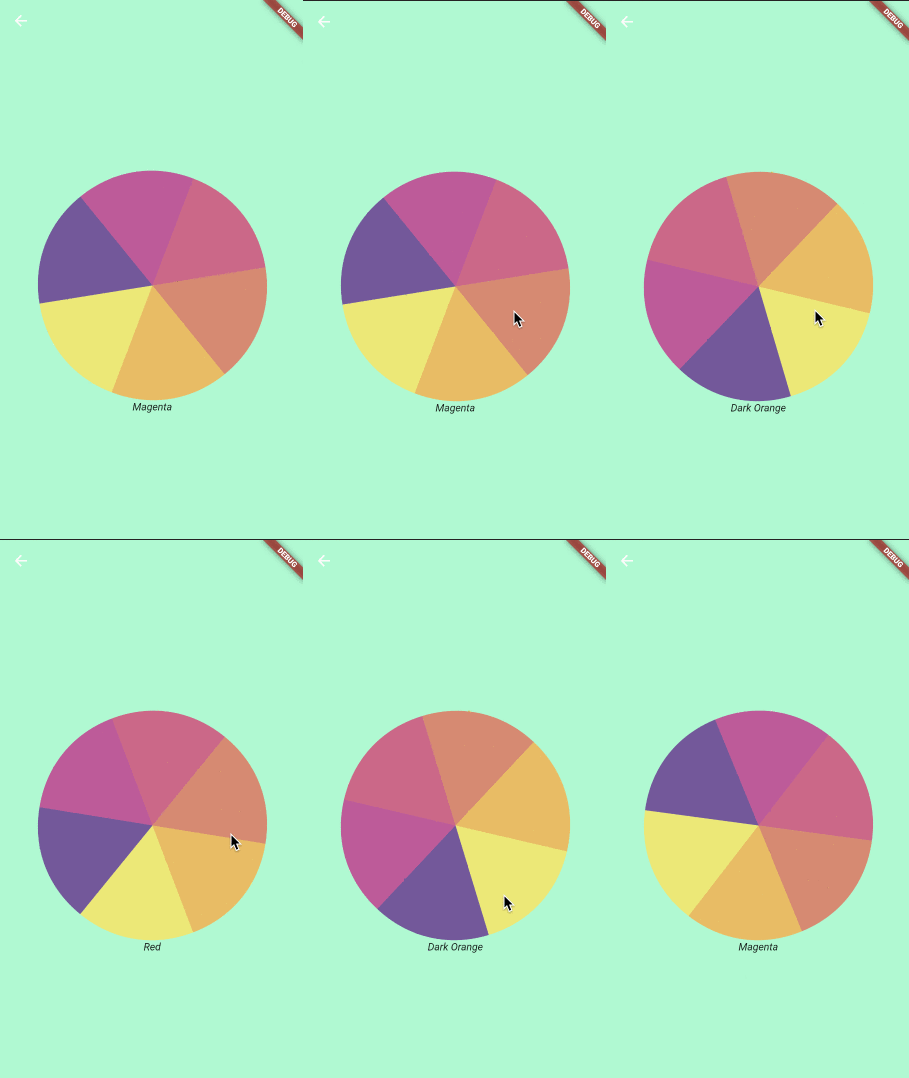
Basic Wheel Game Wheel
Constructor
Parameter Default Description
image The image to be used as wheel.
dividers The number of divisions in the image. It's important that all divisions are equal.
height Height of the container that will display the wheel.
width Width of the container that will display the wheel.
initialSpinAngle 0.0 Initial rotation angle for the wheel, so the wheel could look initialy rotated.
spinResistance 0.5 From >0.0 to 1.0 will be used to calculate the speed and deceleration of the wheel.
canInteractWhileSpinning true If set to false, once the animation starts the user won't be able to stop it.
secondaryImage Secondary image that will be rendered on top of the wheel and won't be affected by the animation.
secondaryImageHeight Height for the secondary image.
secondaryImageWidth Width for the secondary image.
secondaryImageTop Used to fine tune the position of the secondary image. Otherwise it will be centered.
secondaryImageLeft Used to fine tune the position of the secondary image. Otherwise it will be centered.
onUpdate void onUpdate(int value) Callback function executed when the selected divider changes during the animation.
onEnd void onEnd(int value) Callback function executed when the animation stops.
shouldStartOrStop Stream to interact with the wheel, with double being pixelsPerSecond in axis y (default 8000)
Use Cases
Game
import 'dart:async';
import 'dart:math';

import 'package:flutter/material.dart';
import 'package:flutter/services.dart';
import 'package:flutter_spinning_wheel/flutter_spinning_wheel.dart';

void main() {
  SystemChrome.setEnabledSystemUIOverlays([]);
  runApp(MyApp());
}

class MyApp extends StatelessWidget {
  @override
  Widget build(BuildContext context) {
    return MaterialApp(
      theme: ThemeData(
        primarySwatch: Colors.blue,
      ),
      home: MyHomePage(),
    );
  }
}

class MyHomePage extends StatelessWidget {
  final StreamController _dividerController = StreamController<int>();

  dispose() {
    _dividerController.close();
  }

  @override
  Widget build(BuildContext context) {
    return Scaffold(
      appBar: AppBar(backgroundColor: Color(0xffDDC3FF), elevation: 0.0),
      backgroundColor: Color(0xffDDC3FF),
      body: Center(
        child: Column(
          mainAxisAlignment: MainAxisAlignment.center,
          children: [
            SpinningWheel(
              Image.asset('assets/images/roulette-8-300.png'),
              width: 310,
              height: 310,
              initialSpinAngle: _generateRandomAngle(),
              spinResistance: 0.6,
              canInteractWhileSpinning: false,
              dividers: 8,
              onUpdate: _dividerController.add,
              onEnd: _dividerController.add,
              secondaryImage:
                  Image.asset('assets/images/roulette-center-300.png'),
              secondaryImageHeight: 110,
              secondaryImageWidth: 110,
            ),
            SizedBox(height: 30),
            StreamBuilder(
              stream: _dividerController.stream,
              builder: (context, snapshot) =>
                  snapshot.hasData ? RouletteScore(snapshot.data) : Container(),
            )
          ],
        ),
      ),
    );
  }

  double _generateRandomAngle() => Random().nextDouble() * pi * 2;
}

class RouletteScore extends StatelessWidget {
  final int selected;

  final Map<int, String> labels = {
    1: '1000\$',
    2: '400\$',
    3: '800\$',
    4: '7000\$',
    5: '5000\$',
    6: '300\$',
    7: '2000\$',
    8: '100\$',
  };

  RouletteScore(this.selected);

  @override
  Widget build(BuildContext context) {
    return Text('${labels[selected]}',
        style: TextStyle(fontStyle: FontStyle.italic, fontSize: 24.0));
  }
}

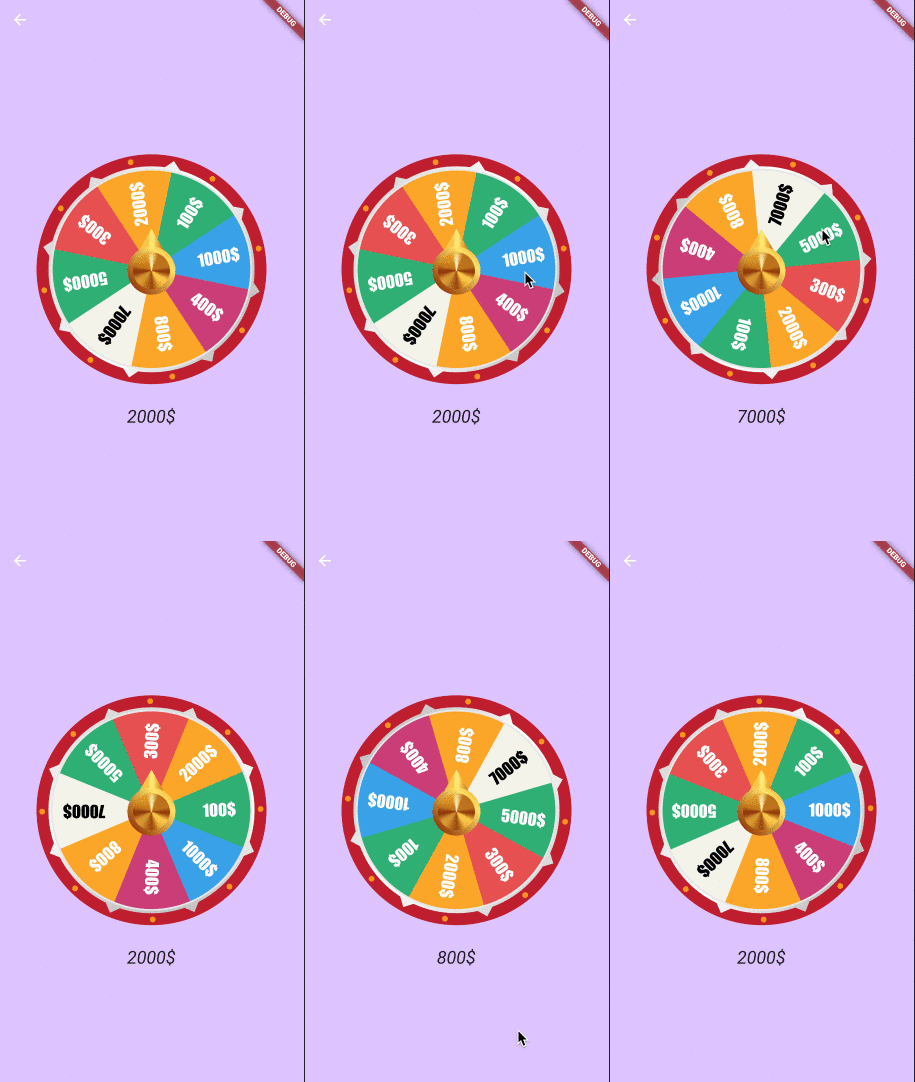
Game Wheel

Categorias

Dependências

Lista de dependências 1 itens

Repositório-fonte

Projetos que usam este pacote

Ainda não há dados.