Buscar pacotes, repositórios e categorias de apps

Capa de flutter_splash_screen
Detalhes do pacotev4.0.0

flutter_splash_screen

Uma API de tela inicial para o Flutter que pode ocultar e exibir a tela inicial programaticamente. Funciona no Android e no iOS.

AndroidiOS
Downloads em 30 dias
193
Curtidas
70
Pontos Pub
140

Instalar pacote

flutter pub add flutter_splash_screen

Visão geral do pacote

Orientação gerada a partir de informações públicas. Apenas para referência.

Um pacote Flutter que fornece uma API programática para controlar a tela de inicialização no Android e no iOS. Permite aos desenvolvedores exibir e ocultar a tela de inicialização dinamicamente durante a inicialização do aplicativo, possibilitando transições suaves e lógica personalizada de tela de inicialização. O pacote se integra perfeitamente às plataformas nativas e oferece suporte tanto para iOS quanto para Android sem necessidade de configuração adicional. É ideal para aplicativos que precisam de visibilidade da tela de inicialização atrasada ou manipulação condicional da tela de inicialização com base no estado do aplicativo.

Casos de uso

  • Controle dinâmico de splash
  • Atrasos na inicialização do aplicativo
  • Exibição condicional de splash
  • Integração de onboarding
  • Transições personalizadas de splash
  • Gerenciamento de tela de splash pós-login

Principais recursos

  • Mostrar/Ocultar programático
  • Suporte a Android e iOS
  • Configuração mínima
  • Integração nativa da plataforma
  • Nenhuma configuração extra necessária
  • Manuseio de transição suave

Indicado para

  • Aplicativos com fluxos de introdução
  • Aplicativos que exigem tela de splash atrasada
  • Desenvolvedores gerenciando o tempo de exibição da tela inicial
  • Splash precisa de plataforma cruzada
  • Aplicativos com lógica de inicialização complexa

Considerações

  • Requer configuração de plataforma nativa para funcionalidade completa
  • Limitado à tela de splash
  • Não adequado para sobreposições de UI complexas
  • Pode ser necessário estilização adicional para designs personalizados
  • Depende da ordem correta de inicialização

README original

Snapshot do README original do repositório-fonte vinculado. Consulte o repositório para o conteúdo mais recente.

flutter_splash_screen

Download PRs Welcome flutter_splash_screen release License MIT RN

A splash screen API for flutter which can programatically hide and show the splash screen. Works on Android and iOS.

Content

Changes

Examples

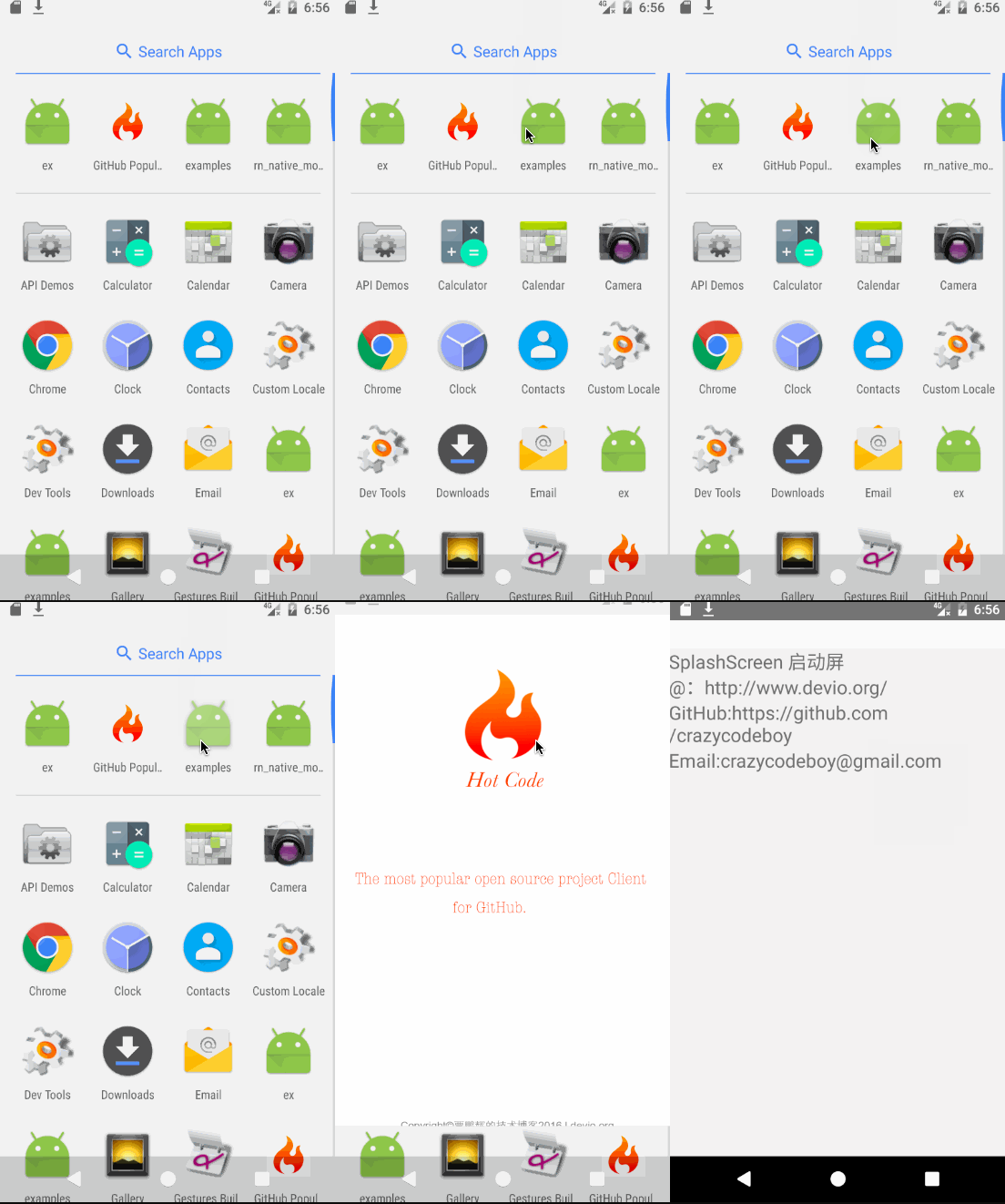
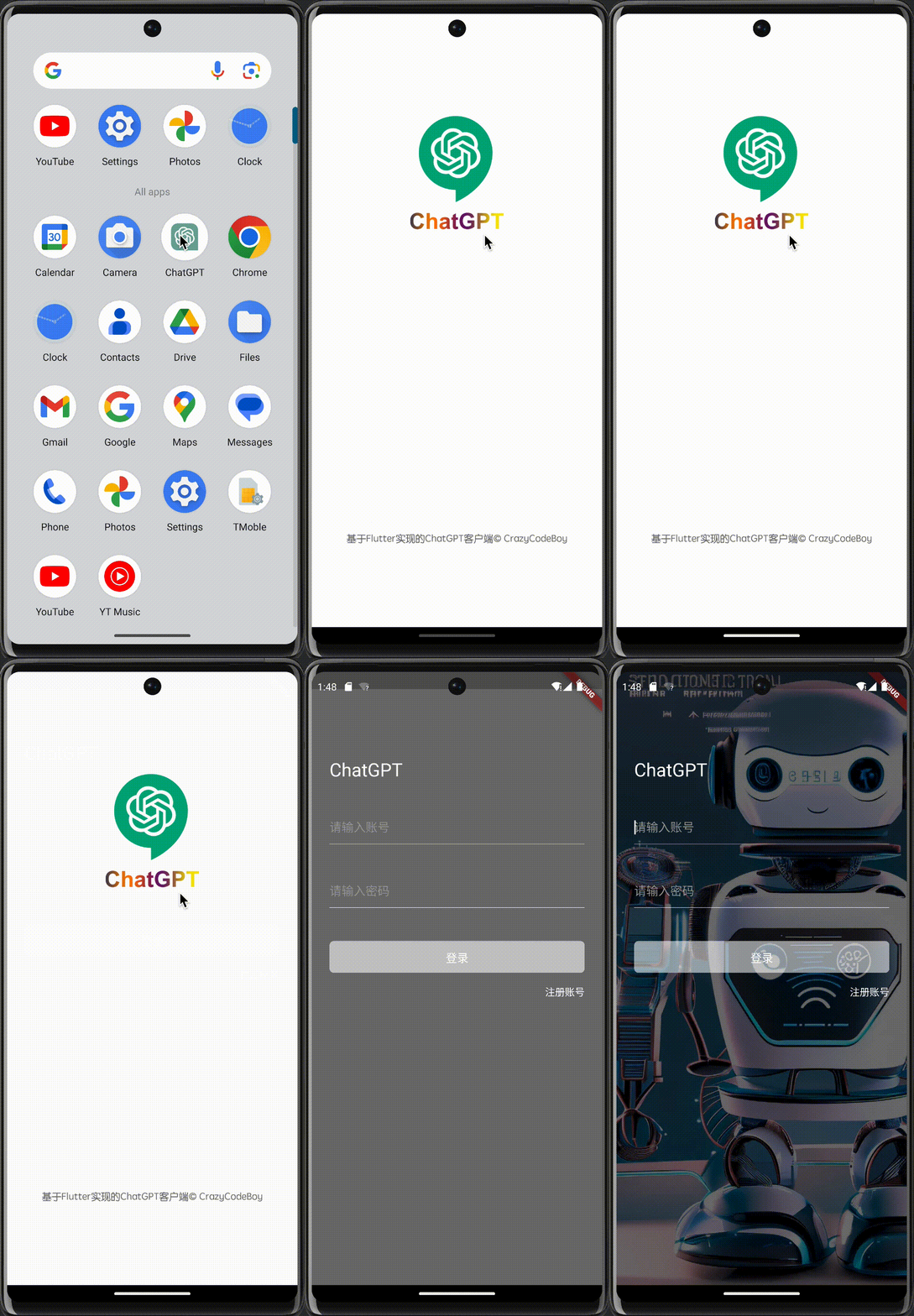
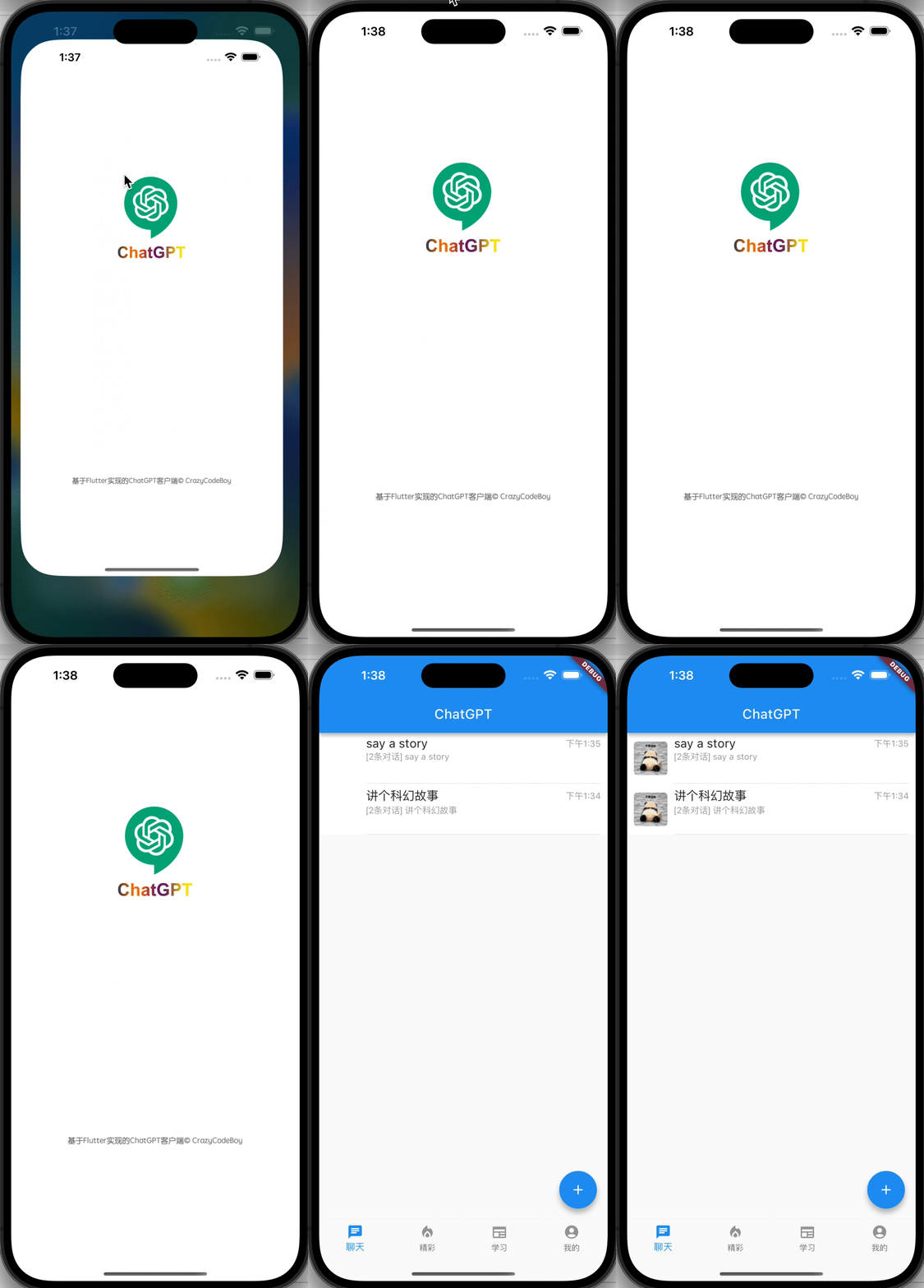
Screenshots Screenshots
flutter_splash_screen-Android flutter_splash_screen-iOS

1. Installation

Depend on it

Run this command:

flutter pub add flutter_splash_screen

2. Plugin Configuration

Android
Update the MainActivity.kt

Update the MainActivity.kt to use flutter_splash_screen via the following changes:

package org.devio.flutter.splashscreen.example

import android.os.Bundle
import io.flutter.embedding.android.FlutterActivity

import org.devio.flutter.splashscreen.SplashScreen // add

class MainActivity : FlutterActivity() {
    override fun onCreate(savedInstanceState: Bundle?) {
        // SplashScreen.show(this) 
        // or enable full screen
        SplashScreen.show(this, true)
        super.onCreate(savedInstanceState)
    }
}
Create launch_screen.xml file

Create a file called launch_screen.xml in app/src/main/res/layout (create the layout-folder if it doesn't exist). The contents of the file should be the following:

<?xml version="1.0" encoding="utf-8"?>
<FrameLayout xmlns:android="http://schemas.android.com/apk/res/android"
    android:layout_width="match_parent" android:layout_height="match_parent"
    android:background="@android:color/white">

    <ImageView android:layout_width="match_parent" android:layout_height="match_parent"
        android:layout_gravity="center|top" android:scaleType="centerCrop"
        android:src="@mipmap/launch_screen" />
</FrameLayout>

Customize your launch screen by creating a launch_screen.png-file and placing it in an appropriate mipmap-folder. Android automatically scales drawable, so you do not necessarily need to provide images for all phone densities. You can create splash screens in the following folders:

  • mipmap-ldpi
  • mipmap-mdpi
  • mipmap-hdpi
  • mipmap-xhdpi
  • mipmap-xxhdpi
  • mipmap-xxxhdpi

Add a color called primary_dark in app/src/main/res/values/colors.xml

<?xml version="1.0" encoding="utf-8"?>
<resources>
    <color name="primary_dark">#000000</color>
</resources>

Optional steps:

If you want the splash screen to be transparent, follow these steps.

Open android/app/src/main/res/values/styles.xml and add <item name="android:windowIsTranslucent">true</item> to the file. It should look like this:


<resources>
    <!-- Base application theme. -->
    <style name="AppTheme" parent="Theme.AppCompat.Light.NoActionBar">
        <!-- Customize your theme here. -->
        <!--设置透明背景-->
        <item name="android:windowIsTranslucent">true</item>
    </style>
</resources>

To learn more see examples

If you want to customize the color of the status bar when the splash screen is displayed:

Create android/app/src/main/res/values/colors.xml and add

<?xml version="1.0" encoding="utf-8"?>
<resources>
    <color name="status_bar_color"><!-- Colour of your status bar here --></color>
</resources>

Create a style definition for this in android/app/src/main/res/values/styles.xml:

<?xml version="1.0" encoding="utf-8"?>
<resources>
    <style name="SplashScreenTheme" parent="SplashScreen_SplashTheme">
        <item name="colorPrimaryDark">@color/status_bar_color</item>
    </style>
</resources>

Change your show method to include your custom style:

SplashScreen.show(this,R.style.SplashScreenTheme);
iOS

Customize your splash screen via LaunchScreen.storyboard,

Learn more to see examples

Usage

Use like so:

import 'dart:async';

import 'package:flutter/material.dart';
import 'package:flutter_splash_screen/flutter_splash_screen.dart';

void main() => runApp(MyApp());

class MyApp extends StatefulWidget {
  @override
  _MyAppState createState() => _MyAppState();
}

class _MyAppState extends State<MyApp> {
  @override
  void initState() {
    super.initState();
    hideScreen();
  }

  ///hide your splash screen
  Future<void> hideScreen() async {
    Future.delayed(Duration(milliseconds: 1800), () {
      FlutterSplashScreen.hide();
    });
  }

  ...

API

Method Type Optional Description
show() function false Open splash screen (Native Method )
hide() function false Close splash screen

Testing

Contribution

Issues are welcome. Please add a screenshot of you bug and a code snippet. Quickest way to solve issue is to reproduce it in one of the examples.

Pull requests are welcome. If you want to change the API or do something big it is best to create an issue and discuss it first.


MIT Licensed

Categorias

Repositório-fonte

Projetos que usam este pacote