Orientação gerada a partir de informações públicas. Apenas para referência.
O SDK Google Gemini para Flutter permite a integração fluida da inteligência artificial avançada Gemini da Google em aplicativos Flutter. Ele fornece uma ponte robusta para aproveitar recursos de IA generativa, como compreensão de linguagem natural, geração de texto e raciocínio multimodal diretamente em aplicativos móveis e de desktop. Projetado para desenvolvedores que buscam funcionalidades de IA de ponta, o pacote suporta plataformas Android, iOS, macOS, Windows e Linux. Com instalação simples via pub add, ele capacita os aplicativos a oferecer interações inteligentes e contextualizadas.
Casos de uso
Interfaces de chat com inteligência artificial
Geração de conteúdo em aplicativos
Análise multimodal de imagem e texto
Recursos de assistente inteligente
Tradução de idioma em tempo real
Principais recursos
Integração nativa com o Google Gemini
Suporte para múltiplas plataformas
Instalação simples do pub add
Respostas de IA em tempo real
Compatibilidade multiplataforma
Indicado para
Desenvolvedores construindo aplicativos com recursos de IA
Equipes integrando IA generativa
Criadores de aplicativos móveis e desktop
Ferramentas de produtividade e conteúdo
Considerações
Requer conexão com a internet para chamadas de API
Depende das credenciais do Google Cloud
Pode incorrer em custos baseados no uso
Funcionalidade offline limitada
Os limites de taxa da API se aplicam
README original
Snapshot do README original do repositório-fonte vinculado. Consulte o repositório para o conteúdo mais recente.
Google DeepMind Gemini
Google Gemini is a set of cutting-edge large language models (LLMs) designed to be the driving force behind Google's future AI initiatives.
This package provides a powerful bridge between your Flutter application and Google's revolutionary Gemini AI. It empowers you to seamlessly integrate Gemini's capabilities into your app, unlocking a world of possibilities for building innovative, intelligent, and engaging experiences that redefine user interaction.
To get the API key you have to create a Gemini account on the ai.google.dev. Once you have to Gemini API key, you are ready to start building.
Create Gemini Instance
final gemini = GoogleGemini(
  apiKey: "--- Your Gemini Api Key --- ",
);
Generate content
With Gemini you use both text and image data for prompting, depending on what model variation you use.
For example, you can generate text using text prompt with the gemini-pro model and use both text and image data to prompt the gemini-pro-vision model
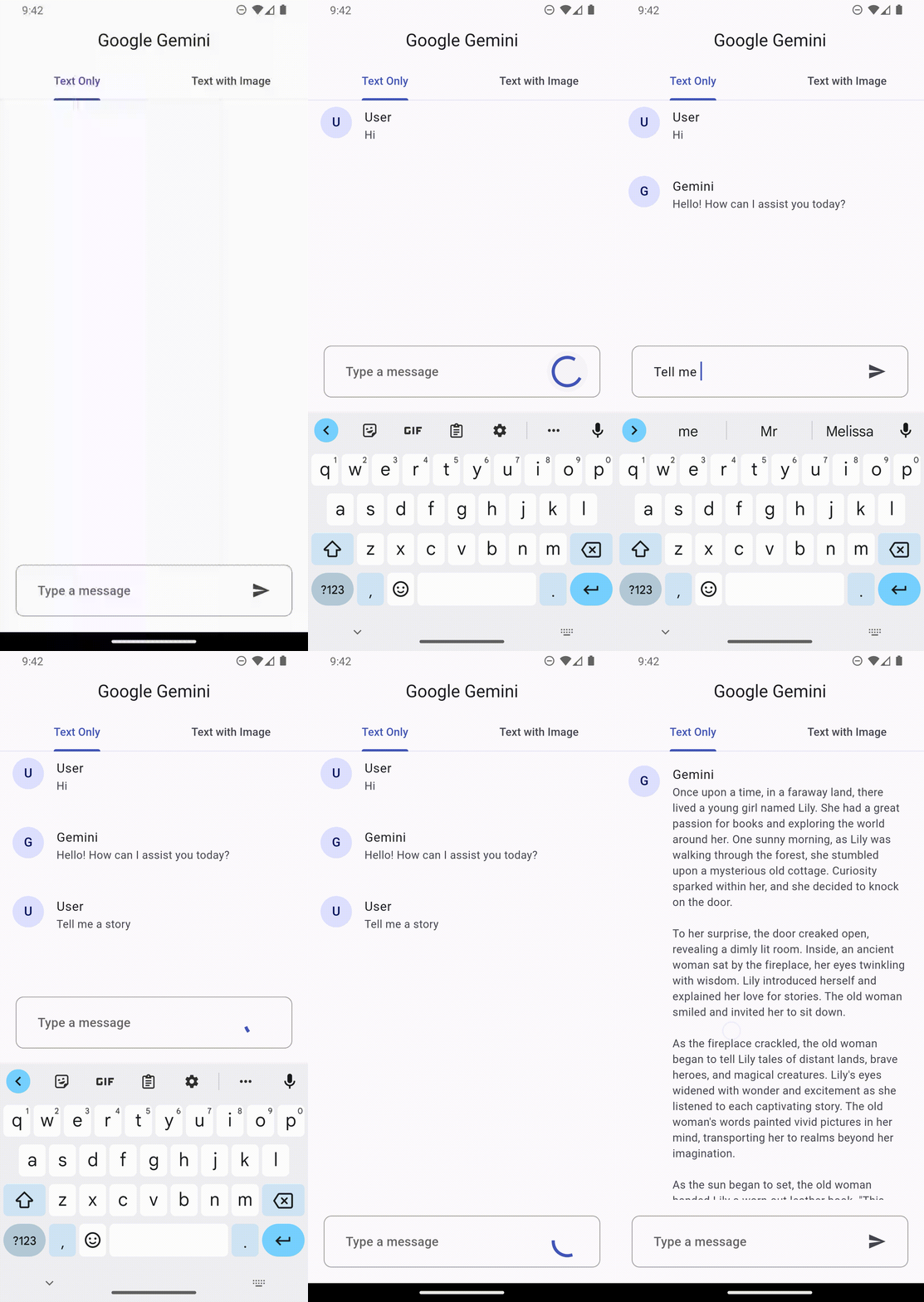
Text only input
This feature lets you perform natural language processing (NLP) tasks such as text completion and summarization.
gemini.generateFromText("Tell me a story")
.then((value) => print(value.text))
.catchError((e) => print(e));
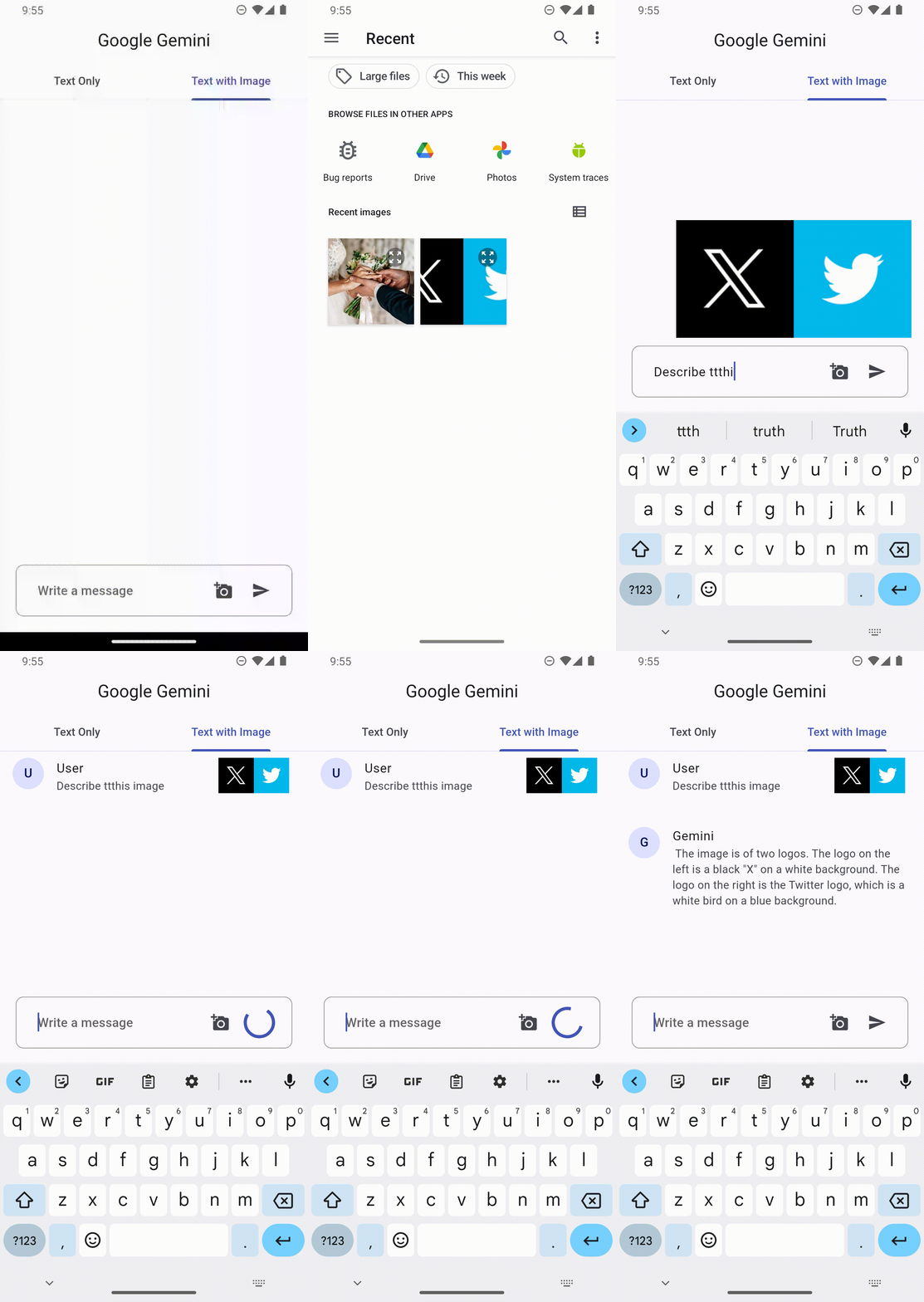
Text and image input
You can send a text prompt with an image to the gemini-pro-vision model to perform a vision related task. For example, captioning an image or identifying what's in an image.
File image = File("assets/images.png")

gemini.generateFromTextAndImages(
  query: "What is this picture?",
  image: image
)
.then((value) => print(value.text))
.catchError((e) => print(e));
Configuration
Every prompt you send to the model includes parameter values that control how the model generates a response. The model can generate different results for different parameter values.
Model parameters
The most common model parameters are:
Max output tokens: Specifies the maximum number of tokens that can be generated in the response. A token is approximately four characters. 100 tokens correspond to roughly 60-80 words.
Temperature: The temperature controls the degree of randomness in token selection. Lower temperatures are good for prompts that require a more deterministic or less open-ended response, while higher temperatures can lead to more diverse or creative results.
topK: The topK parameter changes how the model selects tokens for output.
topP: The topP parameter changes how the model selects tokens for output.
stop_sequences: Set a stop sequence to tell the model to stop generating content. A stop sequence can be any sequence of characters. Try to avoid using a sequence of characters that may appear in the generated content.
Example
// Generation Configurationfinal config = GenerationConfig(
temperature: 0.5,
maxOutputTokens: 100,
topP: 1.0,
topK: 40,
stopSequences: []
);
// Gemini Instancefinal gemini = GoogleGemini(
apiKey: "--- Your Gemini Api Key ---",
config: config // pass the config here
);
Safety settings
Safety settings are part of the request you send to the text service. It can be adjusted for each request you make to the API.
Categories
These categories cover various kinds of harms that developers may wish to adjust.