Orientação gerada a partir de informações públicas. Apenas para referência.
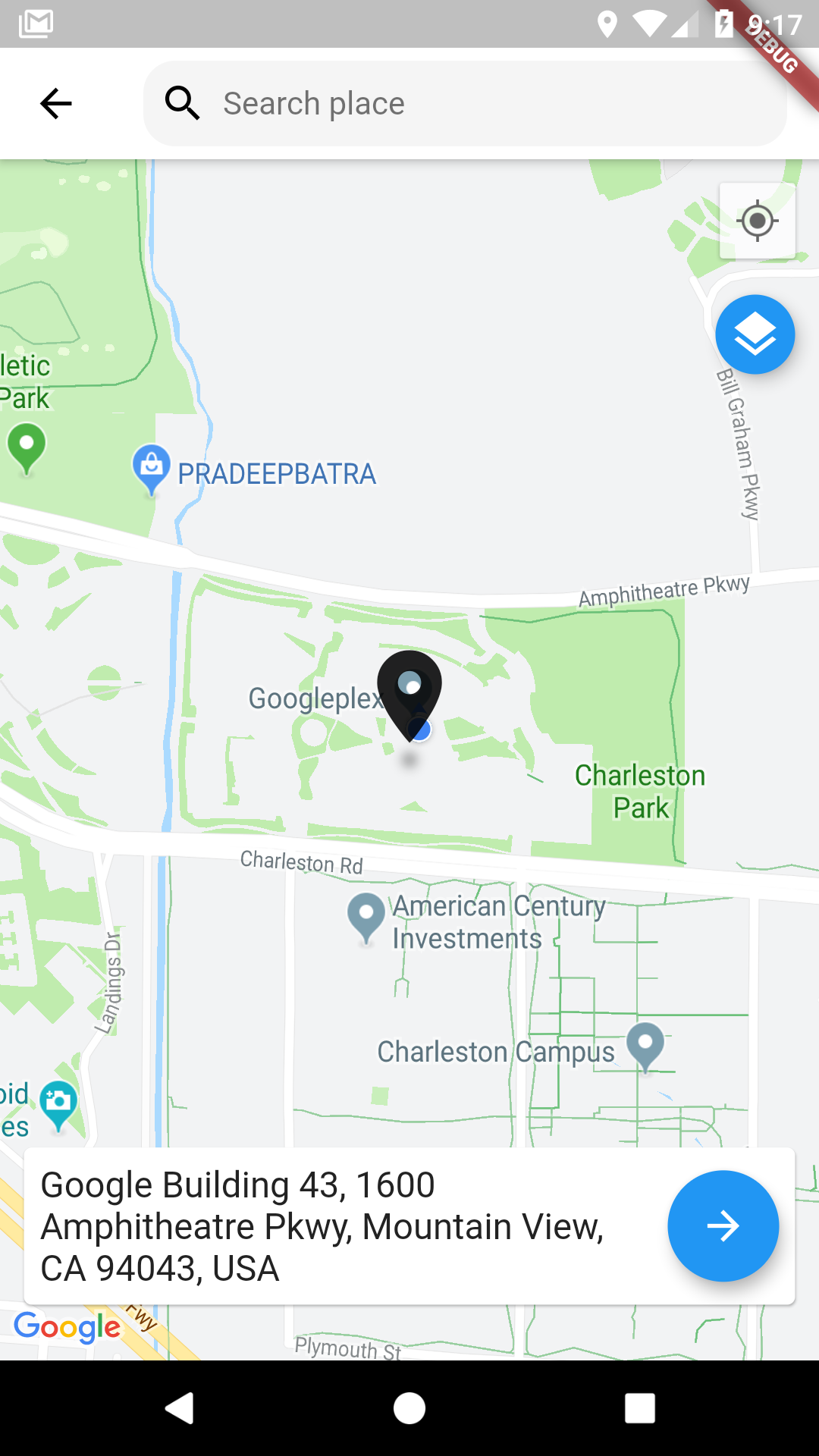
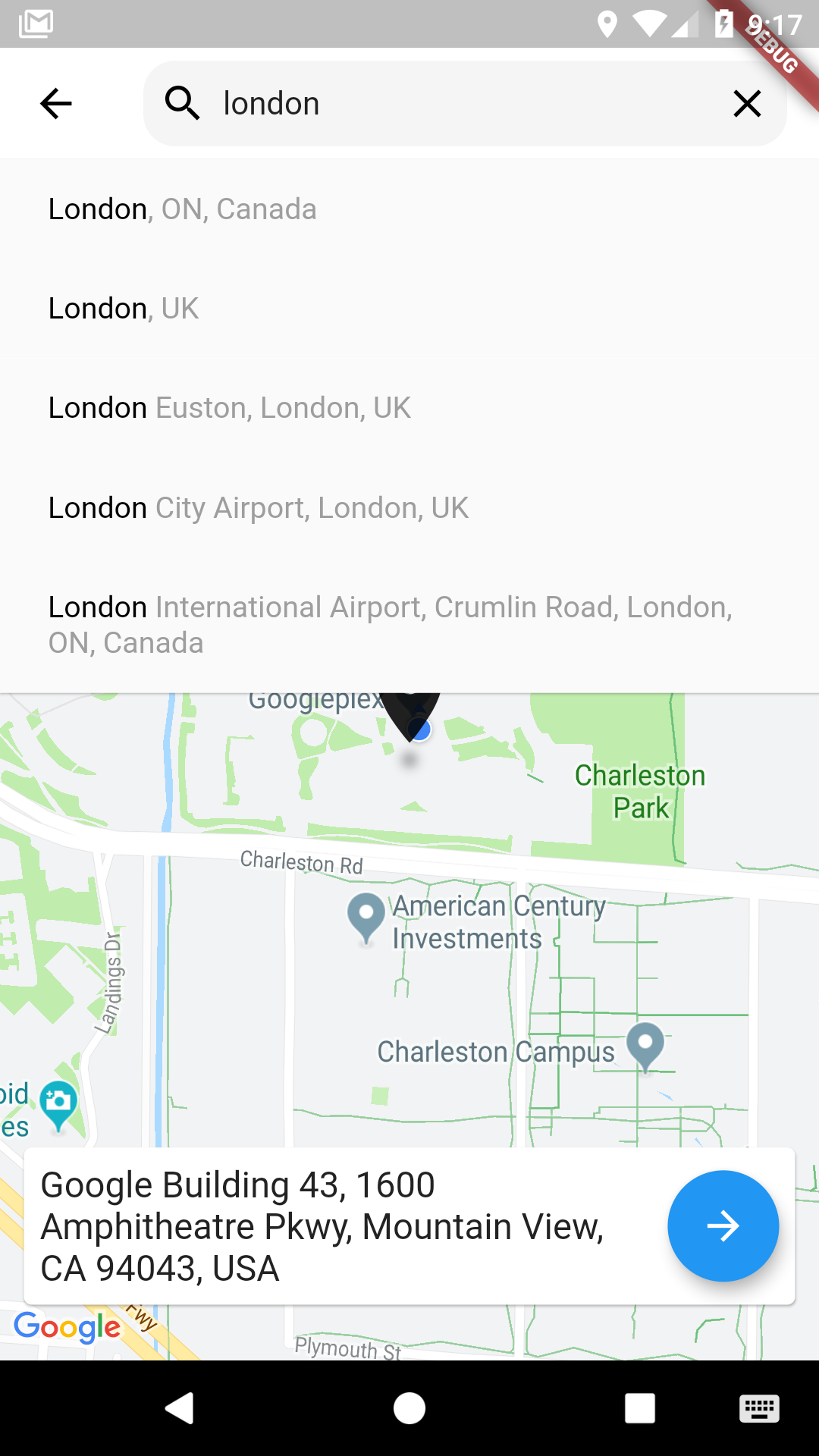
Um pacote Flutter que permite aos usuários selecionar localizações em um mapa do Google com uma interface intuitiva. Construído sobre o google_maps_flutter, oferece uma maneira fluida de selecionar coordenadas e recuperar detalhes de endereço. Ideal para aplicativos que exigem entrada de localização, como serviços de entrega, aplicativos de viagem ou ferramentas de planejamento de eventos. O seletor suporta navegação interativa no mapa, posicionamento de marcadores e geocodificação automática. Simplifica a integração da seleção de localização baseada em mapas em aplicativos Flutter sem desenvolvimento personalizado extensivo.
Casos de uso
Selecionar endereços de entrega
Locais de reserva para eventos
Localização de check-ins de usuários
Integração de formulários baseados em mapa
Definir pontos de retirada em aplicativos de carona
Principais recursos
Integração de mapa interativo do Google
Posicionamento de marcadores e suporte a arrastar
Geocodificação automática a partir de toques no mapa
Componentes de interface personalizáveis
Retorna latitude, longitude e endereço formatado
Indicado para
Aplicativos que precisam de entrada de localização precisa
Desenvolvedores usando o Google Maps no Flutter
Campos de formulário com conhecimento de localização
Plataformas de viagem e logística
Interfaces de seleção de endereço voltadas para o usuário
Considerações
Requer chave da API do Google Maps
Limitado a Android e iOS (sem suporte para web)
Depende do plugin google_maps_flutter
Pode ser necessário permissões adicionais para acesso à localização
O desempenho depende da qualidade de renderização do mapa
README original
Snapshot do README original do repositório-fonte vinculado. Consulte o repositório para o conteúdo mais recente.
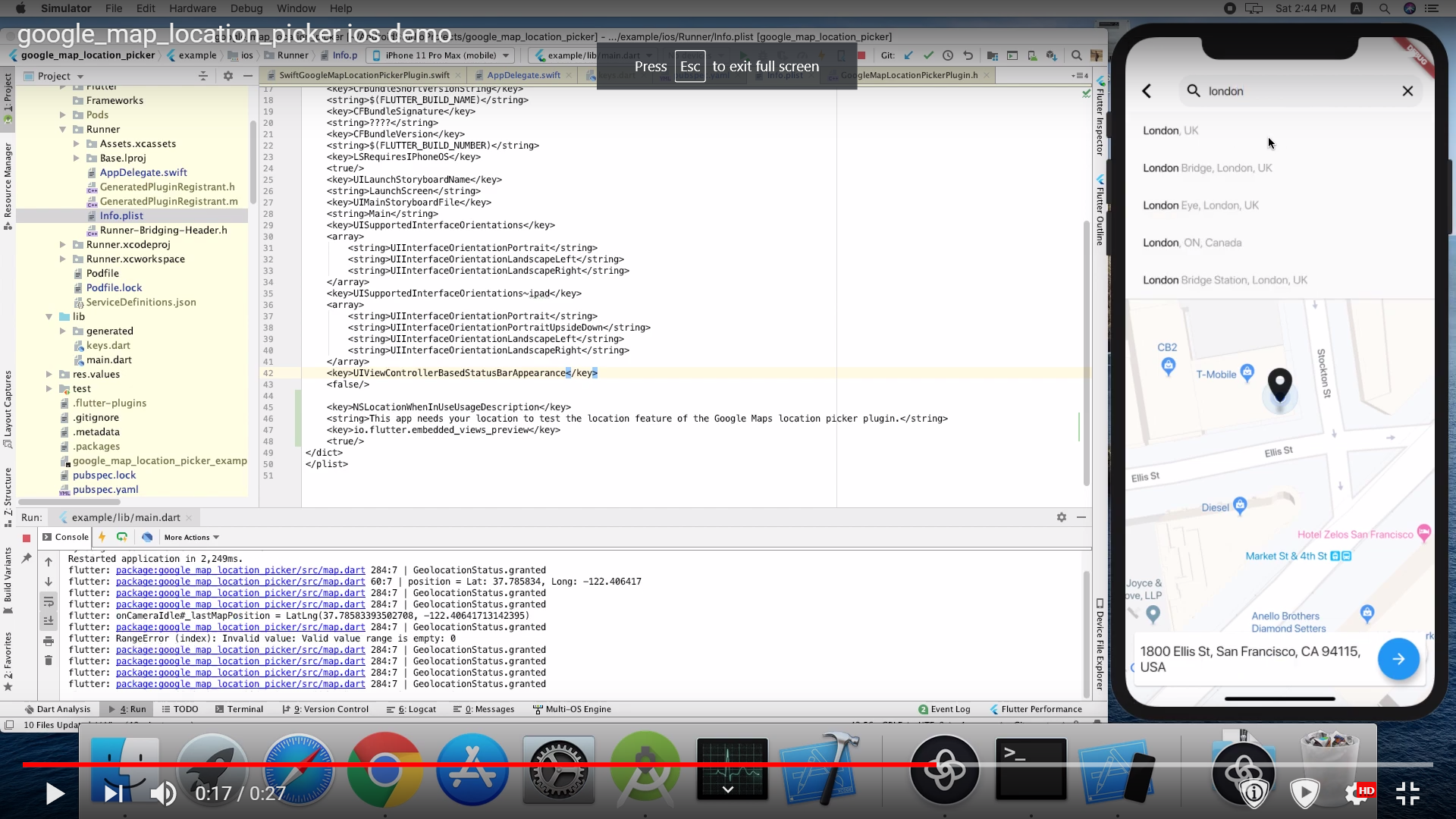
you need also to define NSLocationWhenInUseUsageDescription
<key>NSLocationWhenInUseUsageDescription</key>
<string>This app needs your location to test the location feature of the GoogleMaps location picker plugin.</string>
Note
The following permissions are not required to use Google Maps Android API v2, but are recommended.
android.permission.ACCESS_COARSE_LOCATION Allows the API to use WiFi or mobile cell data (or both) to determine the device's location. The API returns the location with an accuracy approximately equivalent to a city block.
android.permission.ACCESS_FINE_LOCATION Allows the API to determine as precise a location as possible from the available location providers, including the Global Positioning System (GPS) as well as WiFi and mobile cell data.
You must also explicitly declare that your app uses the android.hardware.location.network or android.hardware.location.gps hardware features if your app targets Android 5.0 (API level 21) or higher and uses the ACCESS_COARSE_LOCATION or ACCESS_FINE_LOCATION permission in order to receive location updates from the network or a GPS, respectively.
The following permissions are defined in the package manifest, and are automatically merged into your app's manifest at build time. You don't need to add them explicitly to your manifest:
android.permission.INTERNET Used by the API to download map tiles from Google Maps servers.
android.permission.ACCESS_NETWORK_STATE Allows the API to check the connection status in order to determine whether data can be downloaded.
Restricting Autocomplete Search to Region
The LocationResults returned can be restricted to certain countries by passing an array of country codes into the countries parameter of showLocationPicker(). Countries must be two character, ISO 3166-1 Alpha-2 compatible.
You can find code information at Wikipedia: List of ISO 3166 country codes or the ISO Online Browsing Platform.
The example below restricts Autocomplete Search to the United Arab Emirates and Nigeria