Buscar pacotes, repositórios e categorias de apps

Capa de image_picker_web
Detalhes do pacotev4.0.0

image_picker_web

Plugin Flutter Web para selecionar imagens (como Widget, File ou Uint8List) e vídeos (como File ou Uint8List)

Web
Downloads em 30 dias
18,1 mil
Curtidas
160
Pontos Pub
140

Instalar pacote

flutter pub add image_picker_web

Visão geral do pacote

Orientação gerada a partir de informações públicas. Apenas para referência.

Um plugin Flutter para web que permite aos usuários selecionar imagens e vídeos diretamente do navegador da web. Oferece opções flexíveis de saída, retornando mídias selecionadas como Widget, File ou Uint8List para integração perfeita em aplicações web. Projetado especificamente para plataformas web, melhora a experiência do usuário ao suportar seleção nativa de arquivos com configuração mínima. O plugin é mantido por um contribuidor da comunidade e suporta padrões modernos da web. Ideal para aplicativos que exigem upload ou visualização de mídia em ambientes de navegador.

Casos de uso

  • Formulários de upload de foto baseados na web
  • Seleção de vídeo para criação de conteúdo
  • Visualização prévia dos meios antes do upload
  • Personalização da imagem do perfil do usuário
  • Galerias web interativas

Principais recursos

  • Suporte para seleção de imagem e vídeo
  • Retorna mídia como File ou Uint8List
  • Oferece opção de visualização do widget
  • Otimizado para plataforma da web
  • Integração simples com Flutter Web

Indicado para

  • Desenvolvedores Flutter construindo aplicativos web
  • Aplicativos que precisam de entrada de mídia baseada em navegador
  • Projetos que exigem seletor de mídia leve
  • Aplicações exclusivas para web com fluxos de trabalho de mídia
  • Desenvolvedores procurando consistência entre plataformas

Considerações

  • Limitado apenas à plataforma da web
  • Requer permissão do navegador para acesso a arquivos
  • Não oferece suporte para captura de câmera na web
  • Pode apresentar comportamentos variados entre navegadores
  • Depende de repositório externo no GitHub para atualizações

README original

Snapshot do README original do repositório-fonte vinculado. Consulte o repositório para o conteúdo mais recente.

ImagePickerWeb

Issues Stars Pub Version Flutter Web CI

This Web-Plugin allows Flutter Web to pick images (as File, Widget or Uint8List) and videos (as File or Uint8List). Many thanks goes to AlvaroVasconcelos for the implementation of picking images in his plugin: flutter_web_image_picker

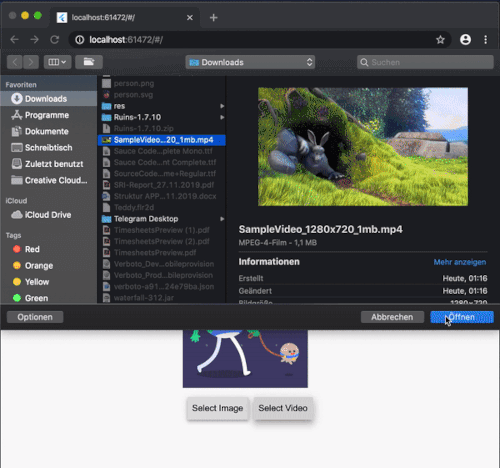
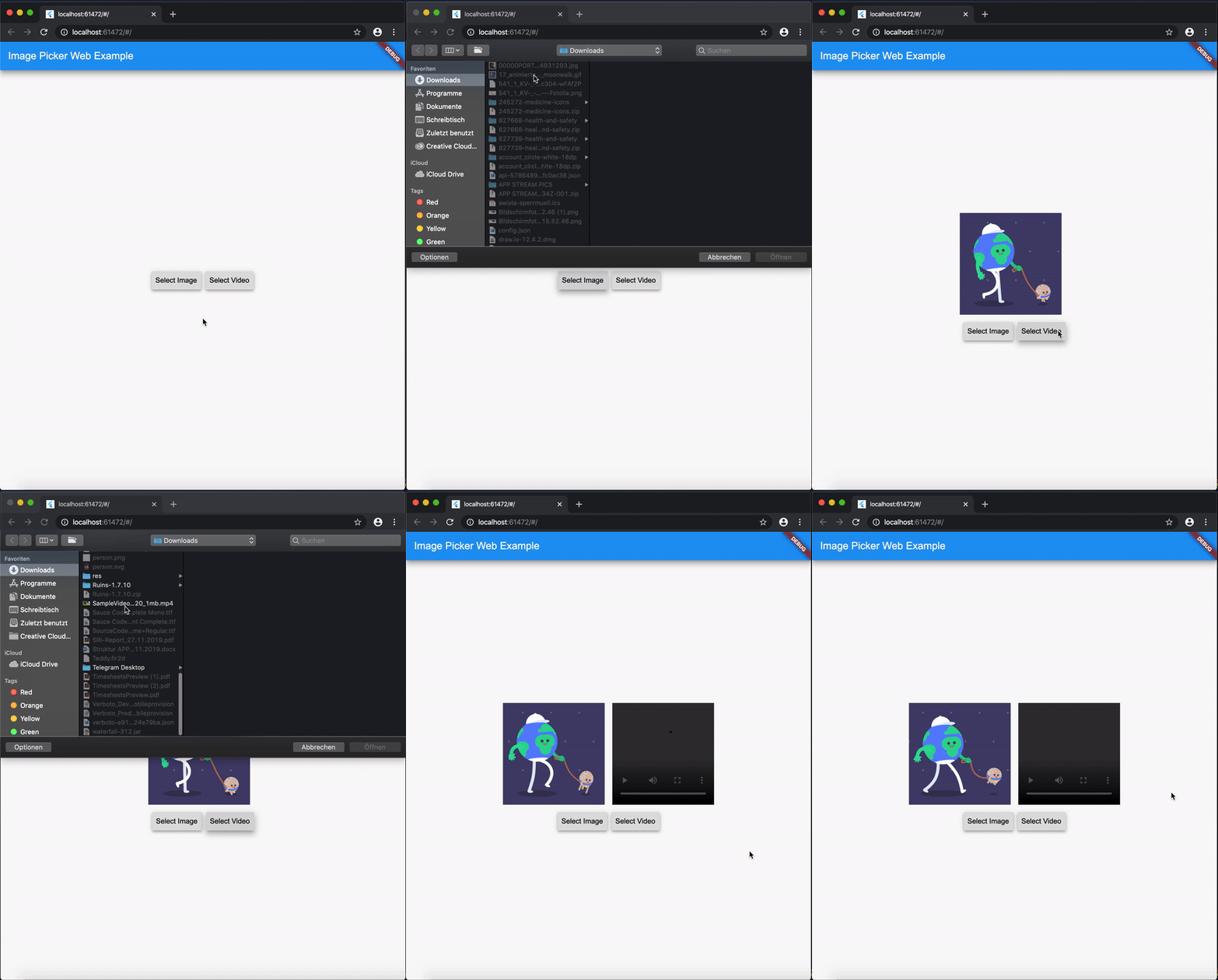
ExampleGif

Disclaimer for Videos
  • Till now [Mar. 2020] it's not possible (due to security reasons) to play a local video file (see also video_player_web). But you can retreive the file and upload them somewhere and play it as a network source.

Getting Started

Add image_picker_web to your pubspec.yaml:

image_picker_web: any

Picking Images

Pick an image

Load image as Image.memory Widget:

Image? fromPicker = await ImagePickerWeb.getImageAsWidget();

Load image as bytes:

Uint8List? bytesFromPicker = await ImagePickerWeb.getImageAsBytes();

Load image as and html.File object :

html.File? imageFile = (await ImagePickerWeb.getMultiImagesAsFile())?[0];
Pick multiple images

Load images as a List<Image> :

List<Image>? fromPicker = await ImagePickerWeb.getMultiImagesAsWidget();

Load images as bytes :

List<Uint8List>? bytesFromPicker = await ImagePickerWeb.getMultiImagesAsBytes();

Load images as List<html.File> objects :

List<html.File> imageFiles = await ImagePickerWeb.getMultiImagesAsFile();

How do I get all Informations out of my Image/Video (e.g. Image AND File in one run)?

Besides the standard getImage() or getVideo() methods you can use the getters:

  • getImageInfo or
  • getVideoInfo to acheive this.

Full Example

import 'dart:html' as html;
 
import 'package:mime_type/mime_type.dart';
import 'package:path/path.dart' as Path;
import 'package:image_picker_web/image_picker_web.dart';
import 'package:flutter/material.dart';

 html.File _cloudFile;
 var _fileBytes;
 Image _imageWidget;
 
 Future<void> getMultipleImageInfos() async {
    var mediaData = await ImagePickerWeb.getImageInfo;
    String mimeType = mime(Path.basename(mediaData.fileName));
    html.File mediaFile =
        new html.File(mediaData.data, mediaData.fileName, {'type': mimeType});

    if (mediaFile != null) {
      setState(() {
        _cloudFile = mediaFile;
        _fileBytes = mediaData.data;
        _imageWidget = Image.memory(mediaData.data);
      });
    }
  }

With getMultipleImageInfos() you can get all three available types in one call.

Picking Videos

To load a video as html.File do:

html.File? videoFile = await ImagePickerWeb.getVideoAsFile();

To load a video as Uint8List do:

Uint8List? videoData = await ImagePickerWeb.getVideoAsBytes();

Reminder: Don't use Uint8List retreivement for big video files! Flutter can't handle that. Pick bigger sized videos and high-resolution videos as html.File !

After you uploaded your video somewhere hosted, you can retreive the network url to play it.

MediaInfos
  • The methods getVideoInfo and getImageInfo are also available and you can use them to retreive further informations about your picked source.
Pick multiple images

Load videos as bytes:

List<Uint8List>? videos = ImagePickerWeb.getMultiVideosAsBytes();

Load videos as List<html.File> objects :

List<html.File>? videoFiles = await ImagePickerWeb.getMultiVideosAsFile();

Migration Guide

From 3.0.0 to 4.0.0
  • The WebImagePicker class has been removed. Use methods from ImagePickerWeb class instead.
  • getImageInfo and getVideoInfo are now methods and not getters. Use them like ImagePickerWeb.getImageInfo() and ImagePickerWeb.getVideoInfo().

Categorias

Repositório-fonte

Projetos que usam este pacote