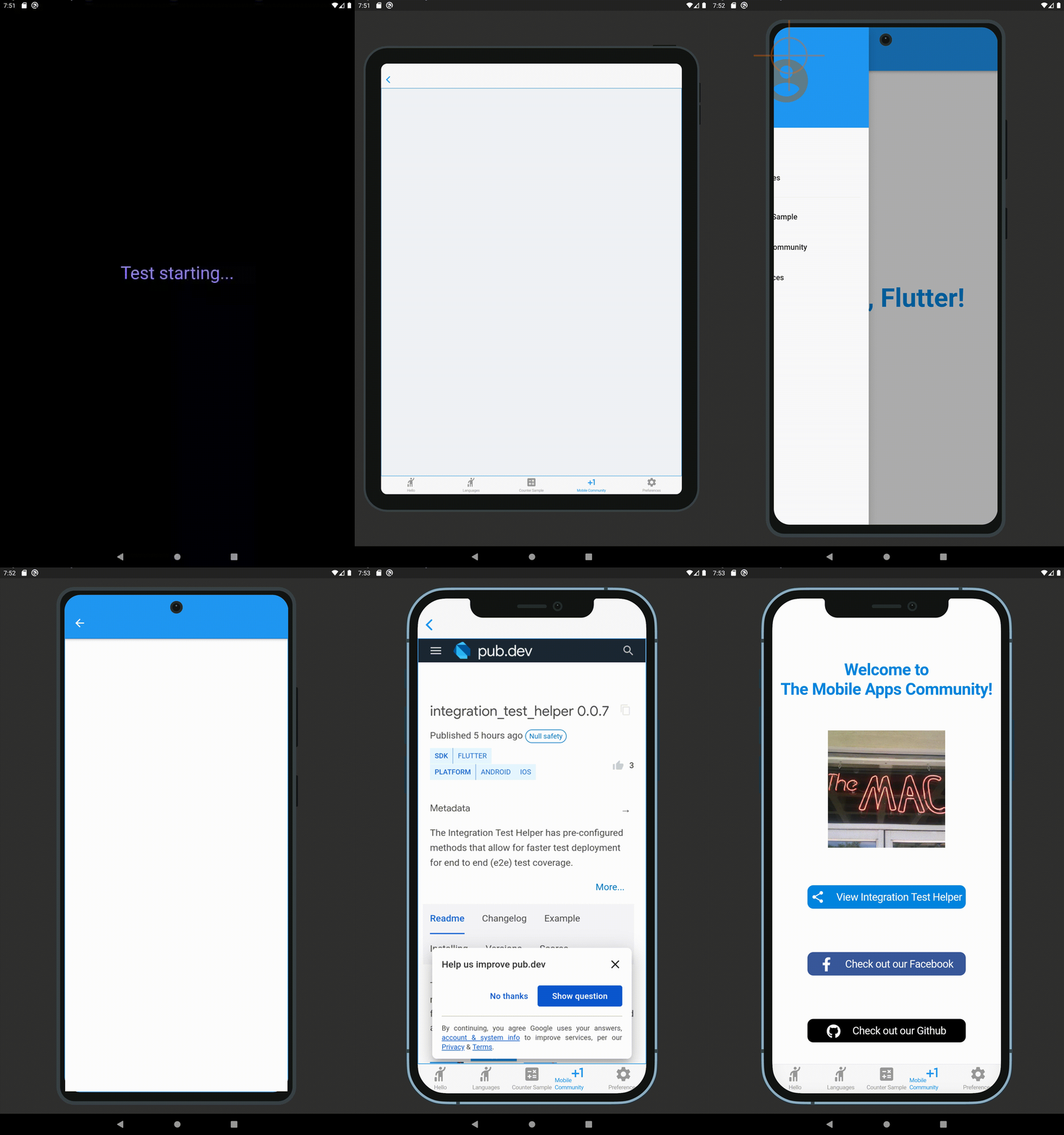
A visualização de teste de integração possui métodos pré-configurados que permitem uma implantação mais rápida dos testes de ponta a ponta (e2e) para cobertura de testes (usando interfaces do Android e iOS).
Orientação gerada a partir de informações públicas. Apenas para referência.
O Integration Test Preview fornece métodos pré-configurados para acelerar os testes de ponta a ponta (e2e) em aplicativos Flutter usando interfaces nativas do Android e iOS. Simplifica a configuração e execução de testes, permitindo que desenvolvedores alcancem uma cobertura abrangente de testes e2e com pouca ou nenhuma boilerplate. O pacote se integra perfeitamente ao framework integration_test do Flutter e foi projetado para implantação rápida de testes em múltiplas plataformas. Suporta testes em dispositivos reais e emuladores, garantindo um comportamento confiável compatível com ambientes de produção.
Casos de uso
Acelerando o desenvolvimento de testes e2e
Testando interações de interface do usuário da plataforma nativa
Simplificando a implantação de testes entre plataformas
Validando fluxos de trabalho do aplicativo de ponta a ponta
Reduzindo o tempo de configuração do teste
Suporte a pipelines de CI/CD
Principais recursos
métodos de teste pré-configurados
Testes de interface do usuário nativos para Android e iOS
Código de boilerplate mínimo
Integração contínua com integration_test
Implantação rápida de testes
Compatibilidade multiplataforma
Indicado para
Equipes do Flutter focadas em testes de ponta a ponta
Desenvolvedores procurando ciclos de teste mais rápidos
Projetos que exigem validação de plataforma nativa
fluxos de trabalho de desenvolvimento impulsionados por CI/CD
Equipes que adotam práticas de teste automatizado
Considerações
Requer configuração de plataforma Android e iOS
Limitado ao escopo de testes e2e
Sem suporte para plataformas da web ou desktop
Dependente do framework integration_test
Pode exigir configuração adicional para cenários complexos
README original
Snapshot do README original do repositório-fonte vinculado. Consulte o repositório para o conteúdo mais recente.
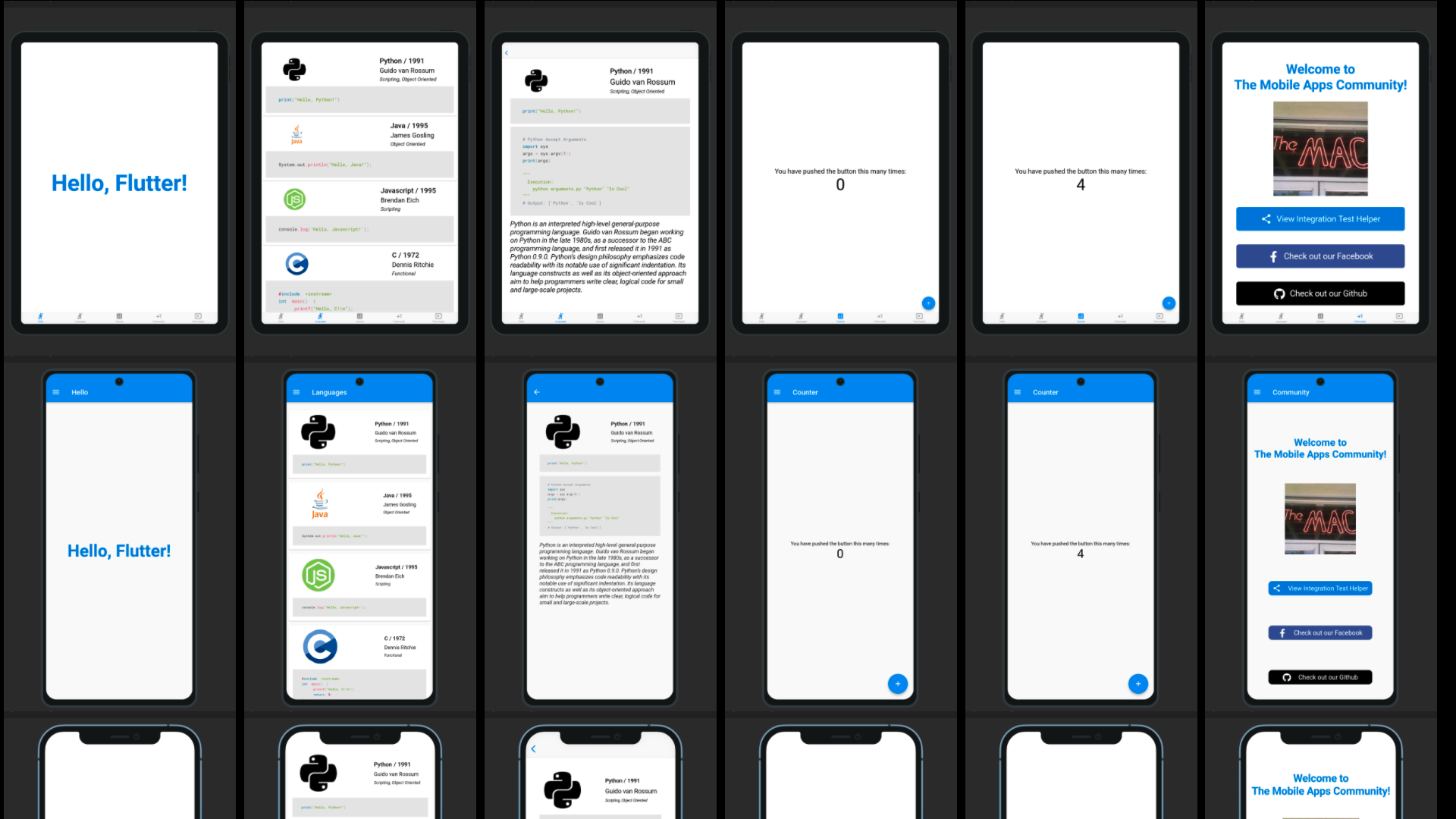
Integration Test Preview has pre-configured methods that allow for faster test deployment for end to end (e2e) test coverage (using Android and iOS platform UIs). This package is based upon the Integration Test Helper and Device Preview packages, and does much more with the combination of the two of them. It also allows for specific device size preview screenshots for the app stores, generated locally in your project path.
Features
Integration Test Preview Example
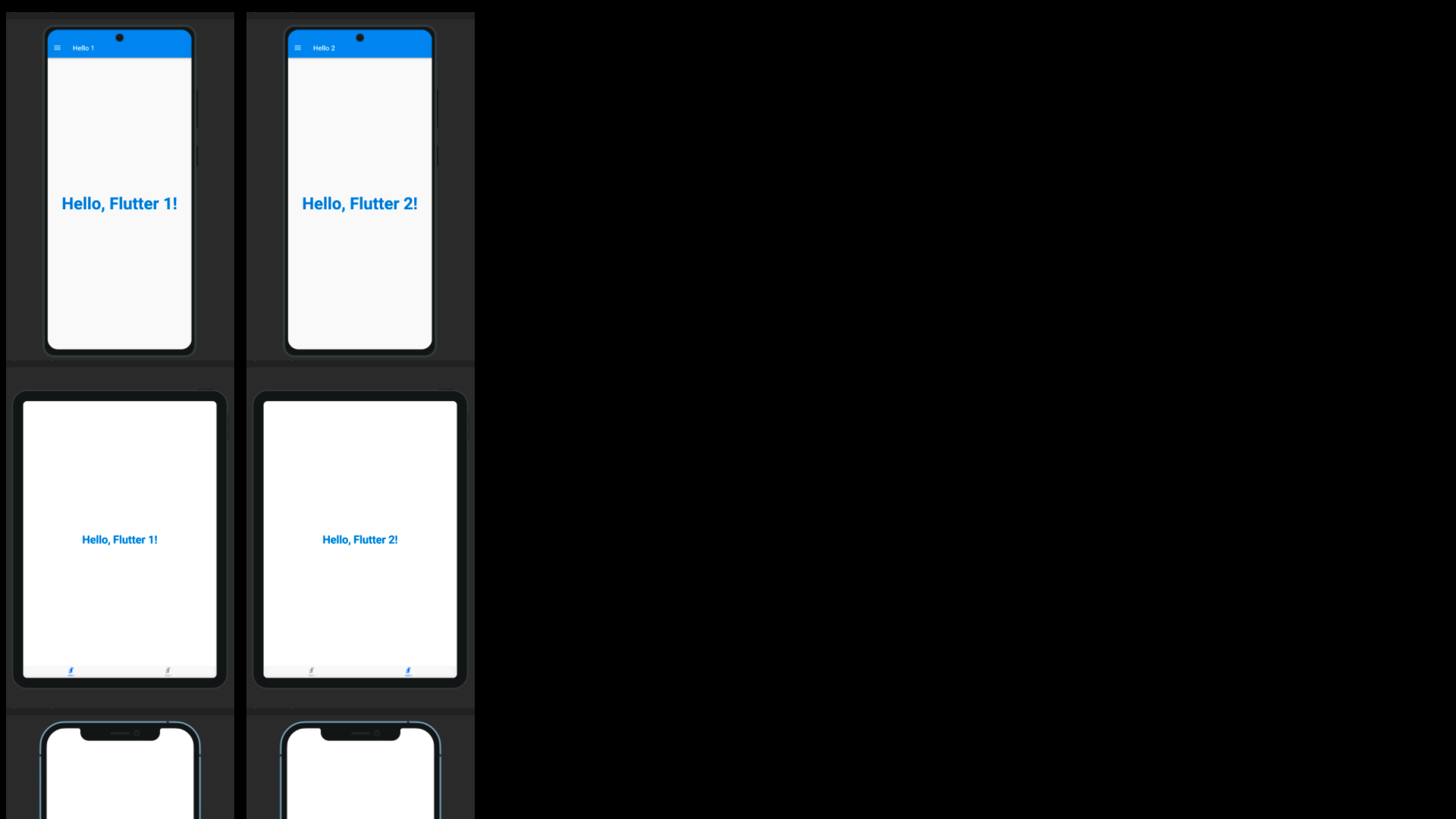
When running a test using a IntegrationTestPreview subclass, you can assign the devices that you want to test against (and take screenshots for). The following is an example of how you can test all your features end to end on multiple screen types:
import'package:flutter_test/flutter_test.dart';
import'package:integration_test_preview/integration_test_binding.dart';
import'package:device_frame/src/devices/devices.dart';
import'package:device_frame/src/info/info.dart';
import'package:example/main.dart'as app;
import'app_feature_groups.dart';
voidmain() async {
const minutesPerDevice = 3;
finalList<DeviceInfo> testDevices = [
Devices.ios.iPhone12, Devices.android.samsungGalaxyNote20, Devices.ios.iPadPro11Inches,
];
final totalExpectedDuration = Duration(minutes: testDevices.length * minutesPerDevice);
final binding = IntegrationTestPreviewBinding.ensureInitialized();
testWidgets('Testing end to end multi-screen integration', (WidgetTester tester) async {
final main = app.setupMainWidget();
final integrationTestGroups = ScreenIntegrationTestGroups(binding);
await integrationTestGroups.initializeDevices(testDevices, state: ScreenshotState.RESPONSIVE);
await integrationTestGroups.initializeTests(tester, main);
}, timeout: Timeout(totalExpectedDuration)
);
}
Reviewing the screenshot results
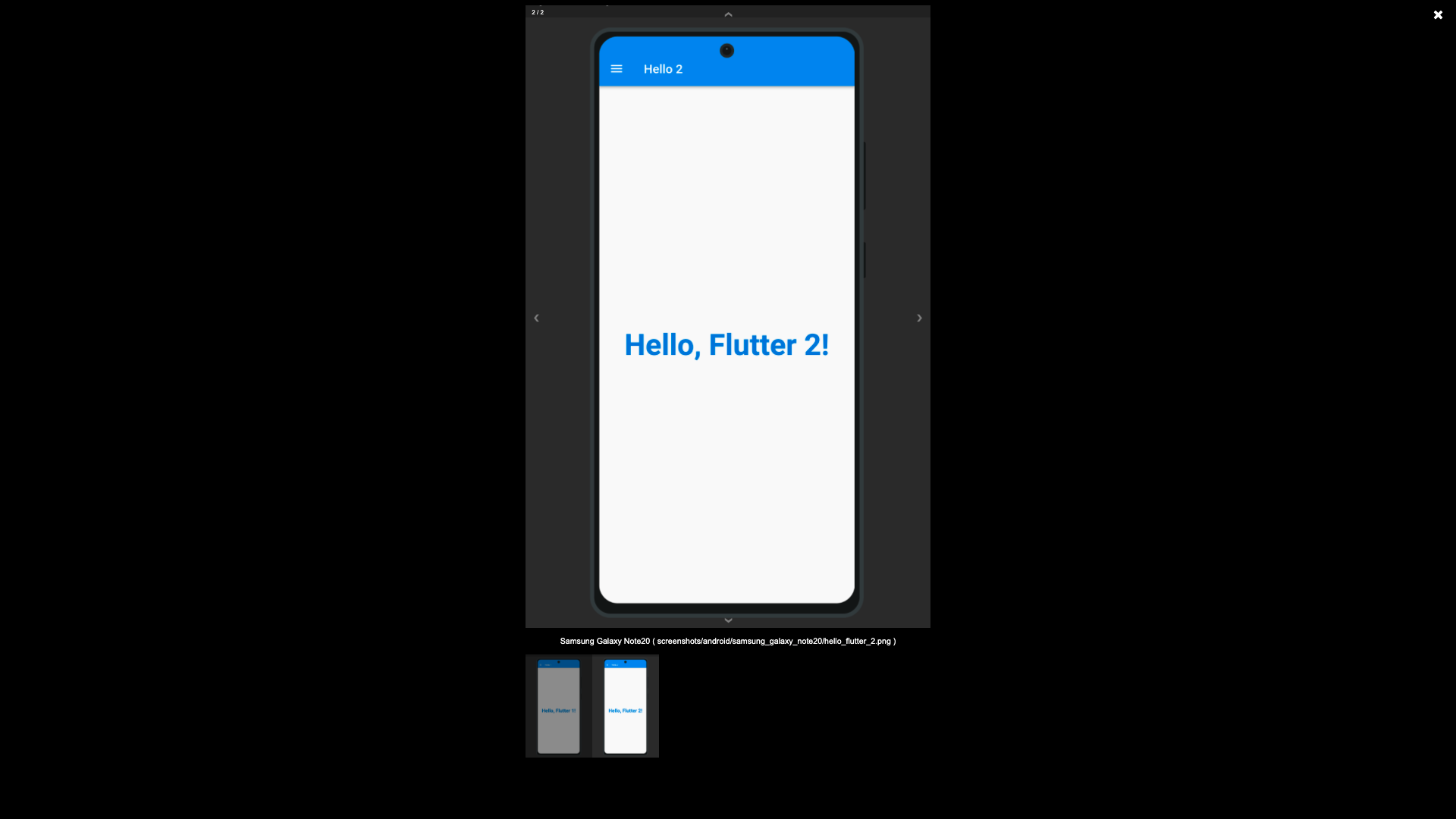
The screenshots generated using the Screenshot State, by default are written to the screenshots directory, this is possible using the test_driver/app_features_test.dart custom integrationDriver example below. The custom integrationDriver implementation allows for the generated screenshots to be displayed in an HTML page by the name of screenshots.html in your project directory.
The following file examples can be combined together (as a Hello World for the Integration Test Preview) to demonstrate how the package works. First you create a way to switch between platforms, a base Widget file that can switch between platforms (Android/iOS/etc.), create a driver file for saving to the screenshots directory, an IntegrationTestPreview subclass for grouping Widget tests against the grouped widgets.
Subclass IntegrationTestPreview (in integration_test/app_feature_groups.dart)
The Integration Test Preview supports platform specific implementations, for methods like the showHelloFlutter
method. This method uses the Drawer for Android and accomodates the Android environment UI interations. And uses
the Tab Bar for iOS and accomodates the iOS environment UI interations.