Orientação gerada a partir de informações públicas. Apenas para referência.
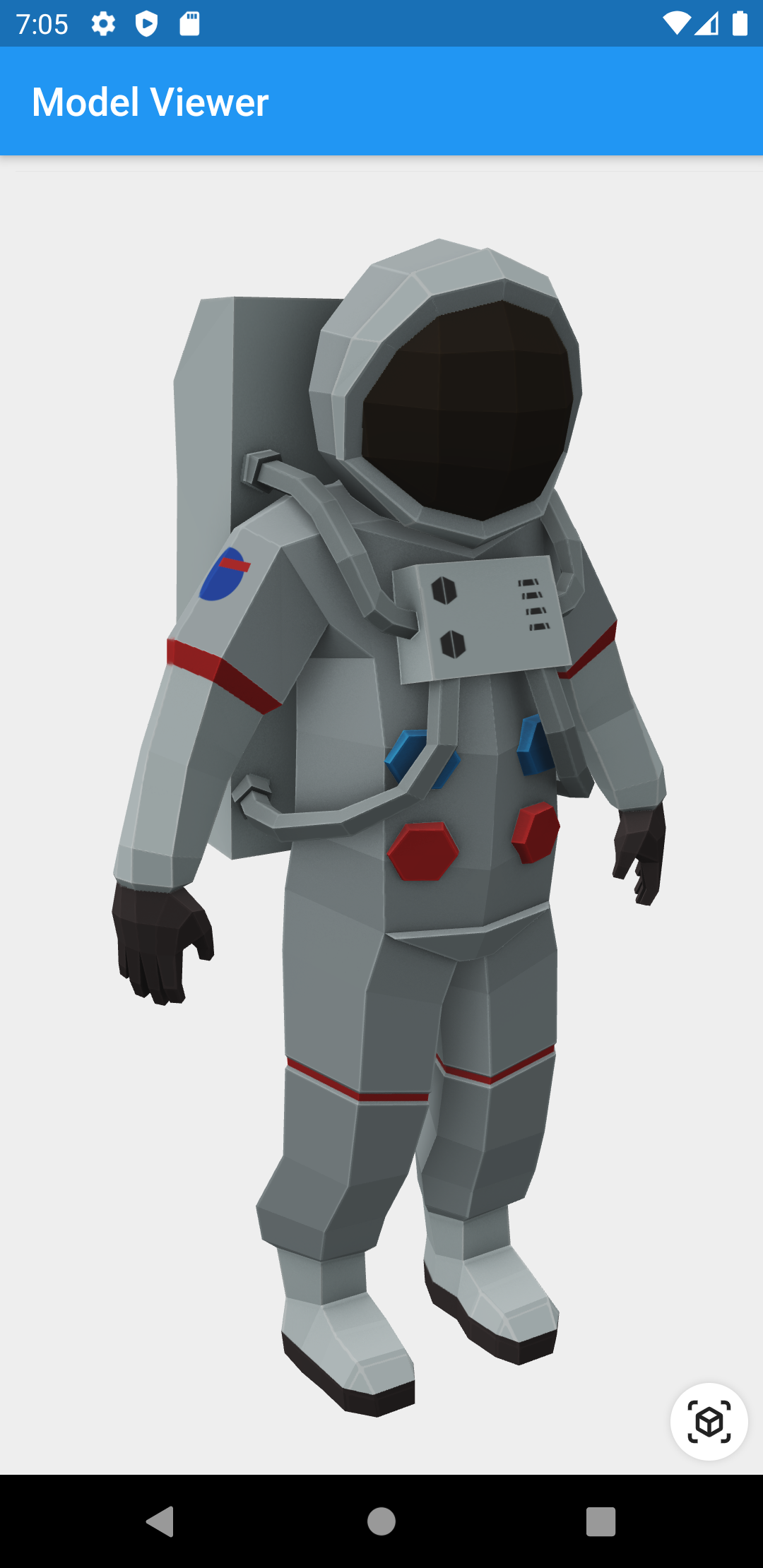
Um widget do Flutter que permite o renderização e interação com modelos 3D nos formatos glTF e GLB. Oferece uma maneira simples de incorporar e manipular conteúdo 3D em aplicativos Flutter, com suporte a recursos como rotação, zoom e panorâmica. Ideal para aplicativos que exigem experiências visuais imersivas, como apresentações de produtos ou ferramentas educacionais. O widget aproveita os recursos nativos da plataforma para desempenho ótimo e interações suaves.
Casos de uso
Visualização de produtos em aplicativos de comércio eletrônico
Conteúdo educacional interativo 3D
Tentativas virtuais para moda ou acessórios
integrações de realidade aumentada
Pré-visualizações de modelos 3D em ferramentas de design
Principais recursos
Suporta formatos de modelo 3D glTF e GLB
Gestos de toque embutidos para rotação e zoom
Renderização de alto desempenho usando backends nativos
Integração fácil com widgets do Flutter
Leve e focado na visualização central 3D
Indicado para
Desenvolvedores construindo aplicativos Flutter com suporte a 3D
Plataformas de comércio eletrônico que exibem produtos
Aplicações educacionais ou de treinamento
Experiências de AR/VR com ativos 3D
Considerações
Limitado ao suporte de formato glTF/GLB
Sem manipulação embutida de animação ou física
Requer otimização de modelo 3D para melhor desempenho
O comportamento de renderização específico do plataforma pode variar
README original
Snapshot do README original do repositório-fonte vinculado. Consulte o repositório para o conteúdo mais recente.
3D Model Viewer for Flutter
This is a Flutter widget for rendering interactive
3D models in the glTF and
GLB formats.
To use this widget on Android 9+ devices, your app must be permitted to make
an HTTP connection to http://localhost:XXXXX. Android 9 (API level 28)
changed the default for android:usesCleartextTraffic from true to
false, so you will need to configure your app's
android/app/src/main/AndroidManifest.xml as follows:
This does not affect Android 8 and earlier. See #7 for more information.
Info.plist (iOS only)
To use this widget on iOS, you need to opt-in to the embedded views preview
by adding a boolean property to your app's ios/Runner/Info.plist file, with
the key io.flutter.embedded_views_preview and the value YES:
Note that due to browsers' CORS security restrictions, the model file
must be served with a Access-Control-Allow-Origin: * HTTP header.
Frequently Asked Questions
Q: Why do I get the error net::ERR_CLEARTEXT_NOT_PERMITTED?
You didn't configure your AndroidManifest.xml as per the installation
instructions earlier in this document. See also #7.
Q: Why does the example app just show a blank screen?
A: Most likely, the platform browser version on your device or emulator is
too old and does not support the features that Model Viewer needs.
For example, the stock Chrome version on the Android 10 emulator is too old
and will display a blank screen; it must be upgraded from the Play Store in
order to use this package. (The stock Chrome version on the Android 11
emulator works fine, however.) See google/model-viewer#1109.
Q: Why doesn't my 3D model load and/or render?
A: There are several reasons why your model URL could fail to load and
render:
It might not be possible to load the model URL due to CORS security
restrictions. The server hosting the model file must send appropriate
CORS response headers for Model Viewer to be able to load the file.
See google/model-viewer#1015.
It might not be possible to parse the provided glTF or GLB file.
Some tools can produce invalid files when exporting glTF. Always
run your model files through the glTF Validator to check for this.
The platform browser might not support the features that Model Viewer
needs. See google/model-viewer#1109.