Orientação gerada a partir de informações públicas. Apenas para referência.
Um pacote Flutter que integra reprodução de vídeo nativa da plataforma usando o VideoView do Android e o AVPlayer do iOS. Ele fornece renderização suave e de alto desempenho de vídeos aproveitando componentes nativos em vez de soluções baseadas em software. Isso garante melhor compatibilidade com diversos formatos de vídeo e aceleração por hardware. O widget é projetado para desenvolvedores que buscam a melhor qualidade e desempenho na reprodução de vídeos em plataformas Android e iOS.
Casos de uso
Reproduzindo vídeos com aceleração por hardware
Integração com controles de vídeo nativos
Suporte a formatos de vídeo complexos
Construindo aplicativos com muitos meios de comunicação
Garantir reprodução com baixa latência
Principais recursos
Usa players de vídeo nativos no Android e no iOS
Renderização de vídeo acelerada por hardware
Sobreposição mínima do Flutter
Consistência multiplataforma
Suporte a reprodução em tela cheia e em segundo plano
Indicado para
Aplicativos de mídia que exigem alto desempenho
Aplicativos com conteúdo de vídeo extenso
Desenvolvedores priorizam a qualidade de reprodução nativa
Projetos que precisam de lógica mínima de vídeo personalizada
Considerações
Personalização limitada em comparação com widgets puros do Flutter
Requer configuração específica da plataforma para recursos avançados
Pode não suportar todos os codecs de vídeo por padrão
Depende das atualizações da plataforma nativa
Menor controle sobre elementos da interface do usuário do que implementações personalizadas
README original
Snapshot do README original do repositório-fonte vinculado. Consulte o repositório para o conteúdo mais recente.
native_video_view
A video player widget displayed using the platform native player
(VideoView in Android and AVPlayer in iOS).
Disclaimer
This plugin uses VideoView because in some devices the ExoPlayer plugin
is not working correctly (due to decoders or something) and VideoView is
a reasonable alternative. In iOS is sorta similar to Google's
video_player so you should use
their plugin if you want a player for iOS only.
Installation
First you need to add the dependency in your pubspec.yaml.
native_video_view:^0.3.0
Then import the plugin in the .dart file you want to use it.
You need to add the necessary permissions to play the videos. If
you are playing videos from the internet, you need to add the internet
permissions in your AndroidManifest.xml located in the android
folder in your project.
keepAspectRatio: Wraps the video player in a AspectRatio widget.
The aspect ratio is calculated once the video is loaded. By default the
aspect ratio is 4/3.
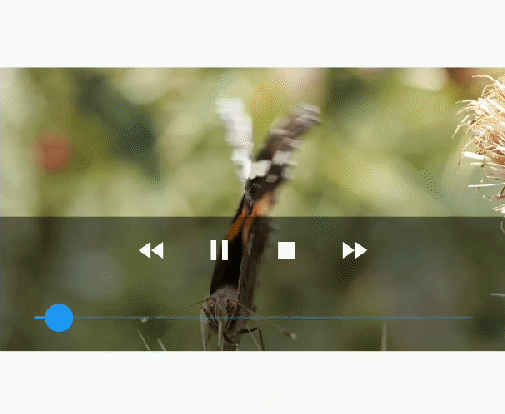
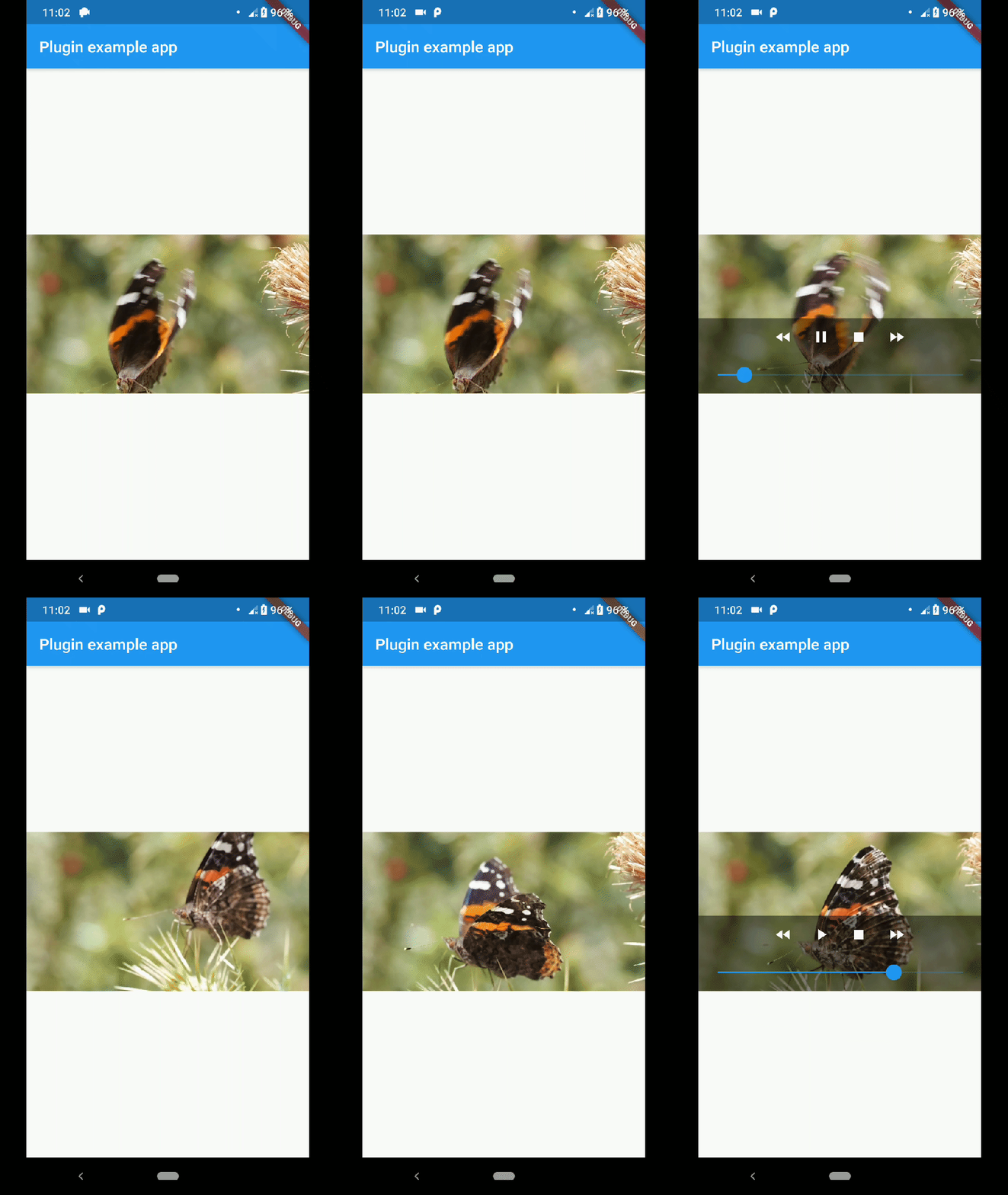
showMediaController: Shows a default media controller overlay
in the video player widget.
enableVolumeControl: Adds an option in the MediaController to control the volume of the
playback.
useExoPlayer: Use ExoPlayer as the underlying player.
Android Only.
autoHide: Automatically hides the media controller after
a few seconds of no use. Default is true.
autoHideTime: The time after which the controller is hidden.
Default is 2 seconds.
onCreated: (required) Callback called when the PlatformView is
finished creating.
onPrepared: (required) Callback called when the player has
finished loading the video.
onCompletion: (required) Callback called when the video reached
the end.
onError: Callback called if an error occurs in the player.
onProgress: Callback used to notify progress in the video
playback.
AudioFocus
To make the player get the audio focus of the system you just have to use the setting
requestAudioFocus when setting the video source. See the example below.