Snapshot do README original do repositório-fonte vinculado. Consulte o repositório para o conteúdo mais recente.
Photo Filters package for flutter
A flutter package for iOS and Android for applying filter to an image. A set of preset filters are also available. You can create your own filters too.
Installation
First, add photofilters and image as a dependency in your pubspec.yaml file.
iOS
No configuration required - the plugin should work out of the box.
Android
No configuration required - the plugin should work out of the box.
Example
import 'dart:async';
import 'dart:io';

import 'package:flutter/material.dart';
import 'package:path/path.dart';
import 'package:photofilters/photofilters.dart';
import 'package:image/image.dart' as imageLib;
import 'package:image_picker/image_picker.dart';

void main() => runApp(new MaterialApp(home: MyApp()));

class MyApp extends StatefulWidget {
  @override
  _MyAppState createState() => new _MyAppState();
}

class _MyAppState extends State<MyApp> {
  String fileName;
  List<Filter> filters = presetFiltersList;
  File imageFile;

  Future getImage(context) async {
    imageFile = await ImagePicker.pickImage(source: ImageSource.gallery);
    fileName = basename(imageFile.path);
    var image = imageLib.decodeImage(imageFile.readAsBytesSync());
    image = imageLib.copyResize(image, width: 600);
     Map imagefile = await Navigator.push(
      context,
      new MaterialPageRoute(
        builder: (context) => new PhotoFilterSelector(
              title: Text("Photo Filter Example"),
              image: image,
              filters: presetFiltersList,
              filename: fileName,
              loader: Center(child: CircularProgressIndicator()),
              fit: BoxFit.contain,
            ),
      ),
    );
    if (imagefile != null && imagefile.containsKey('image_filtered')) {
      setState(() {
        imageFile = imagefile['image_filtered'];
      });
      print(imageFile.path);
    }
  }

  @override
  Widget build(BuildContext context) {
    return new Scaffold(
      appBar: new AppBar(
        title: new Text('Photo Filter Example'),
      ),
      body: Center(
        child: new Container(
          child: imageFile == null
              ? Center(
                  child: new Text('No image selected.'),
                )
              : Image.file(imageFile),
        ),
      ),
      floatingActionButton: new FloatingActionButton(
        onPressed: () => getImage(context),
        tooltip: 'Pick Image',
        child: new Icon(Icons.add_a_photo),
      ),
    );
  }
}
UI Screen Shots
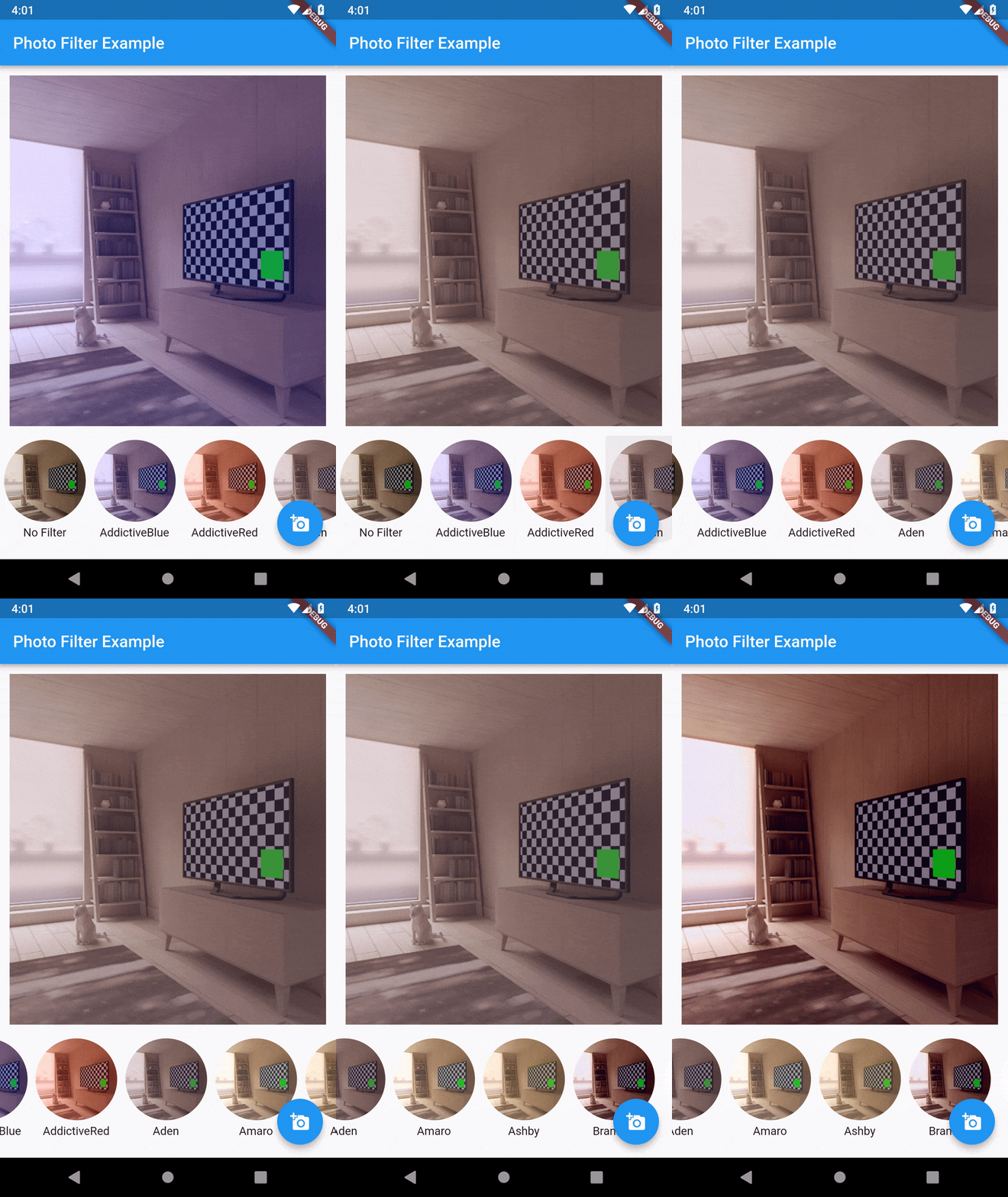
Sample Images of Filters
|
|
|
|
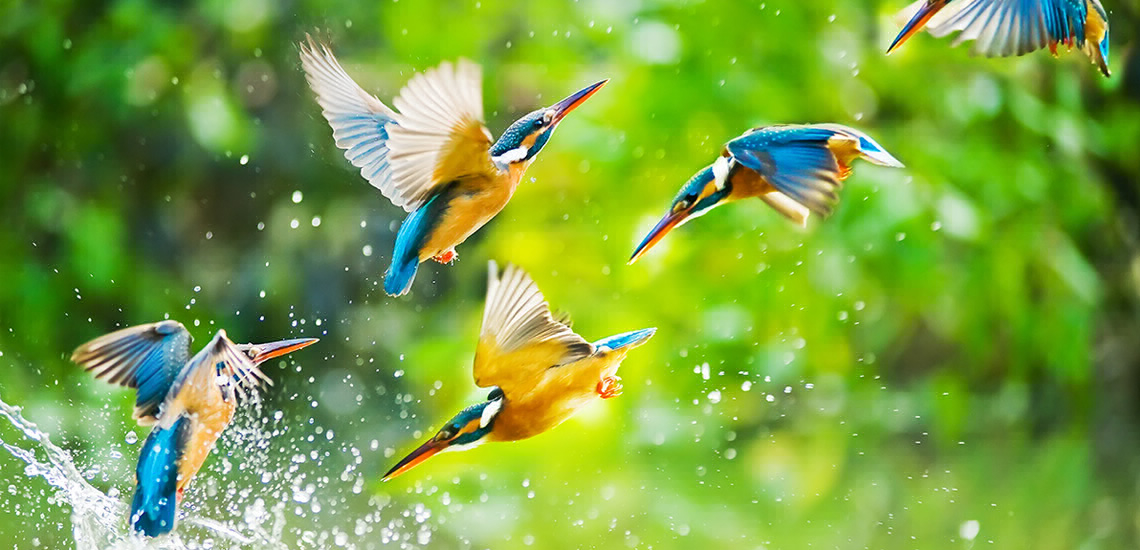 No Filter |
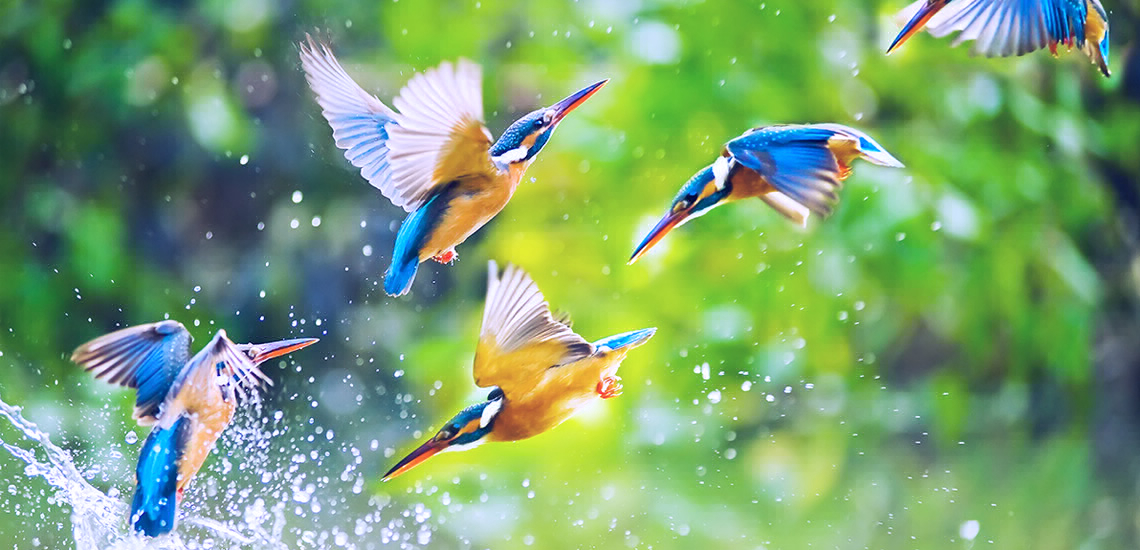 AddictiveBlue |
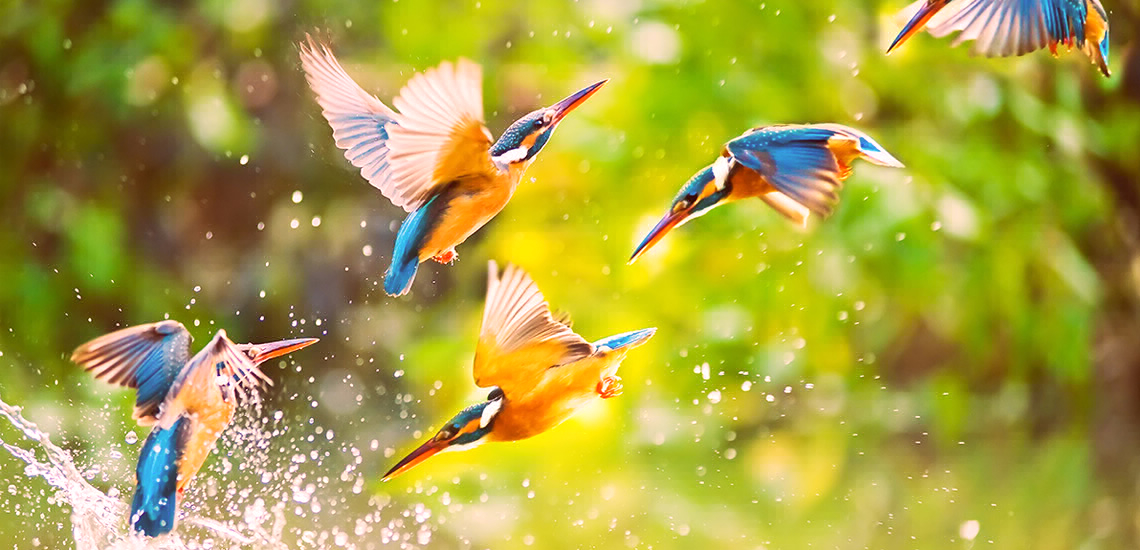 AddictiveRed |
 Aden |
 Amaro |
 Ashby |
 Brannan |
 Brooklyn |
 Charmes |
 Clarendon |
 Crema |
 Dogpatch |
 Earlybird |
 1977 |
 Gingham |
 Ginza |
 Hefe |
 Helena |
 Hudson |
 Inkwell |
 Juno |
 Kelvin |
 Lark |
 Lo-Fi |
 Ludwig |
 Maven |
 Mayfair |
 Moon |
 Nashville |
 Perpetua |
 Reyes |
 Rise |
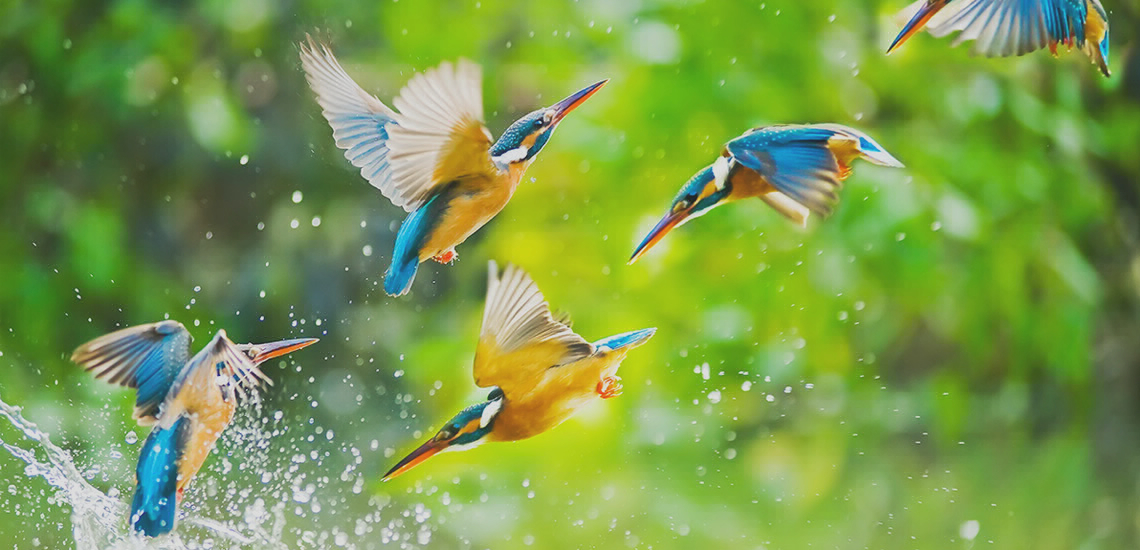 Sierra |
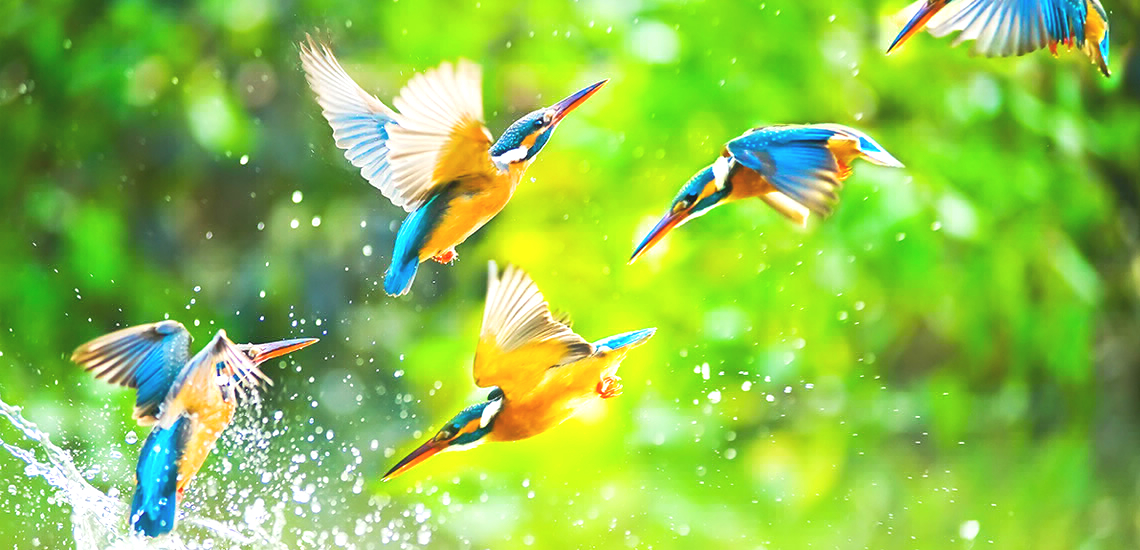 Skyline |
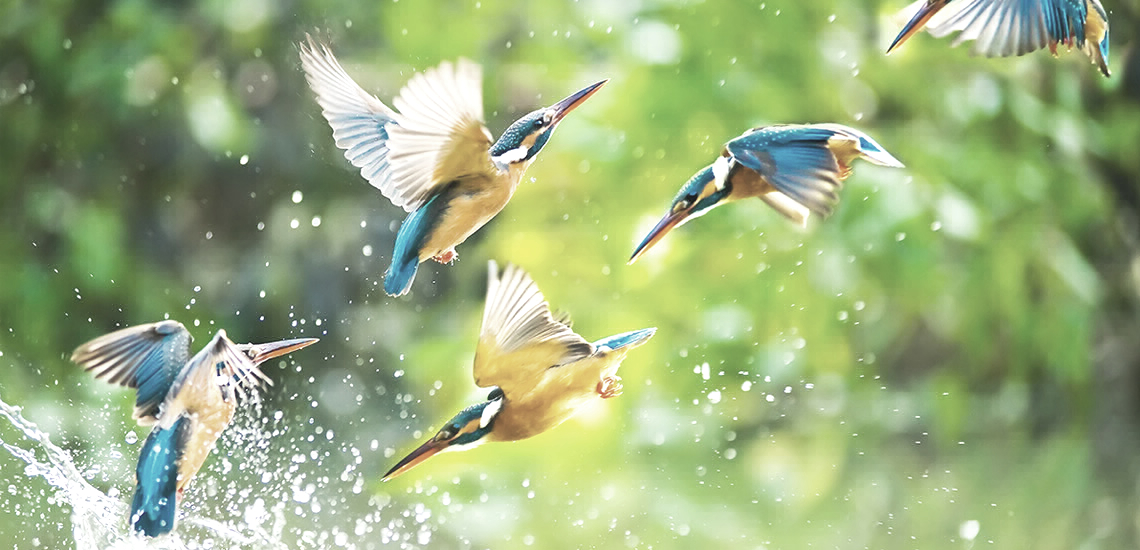 Slumber |
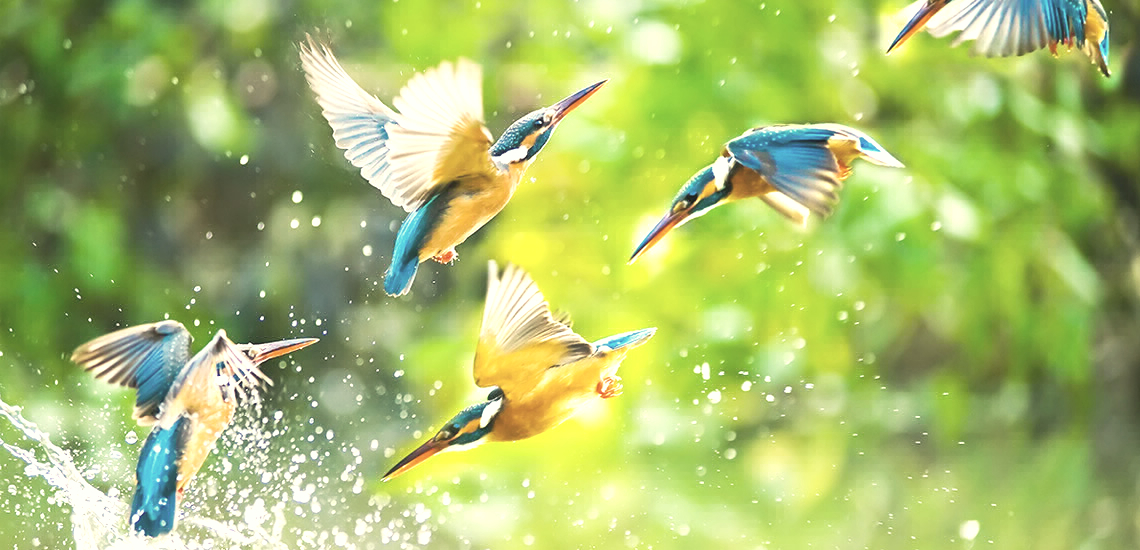 Stinson |
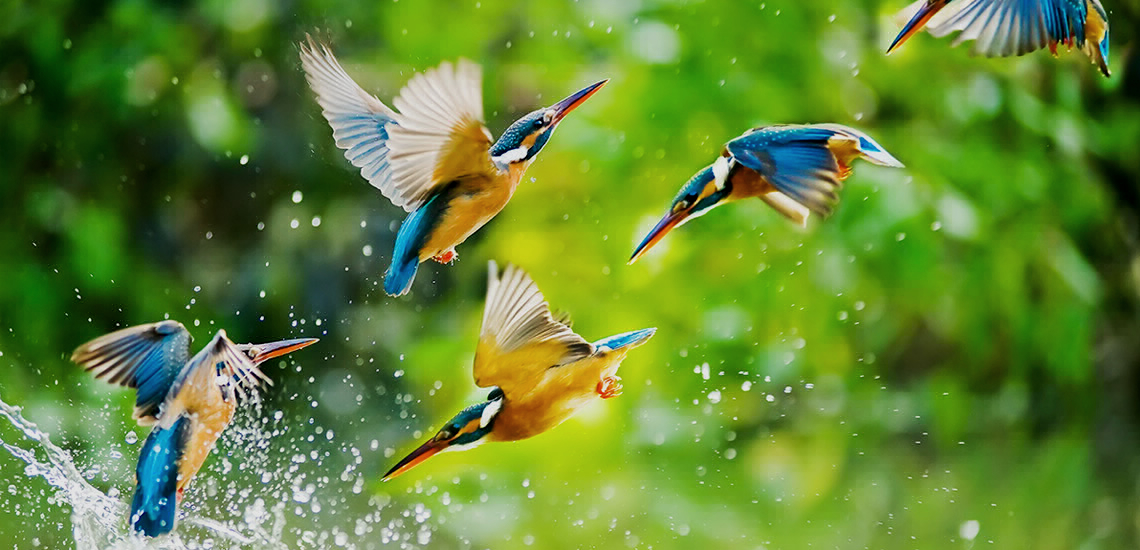 Sutro |
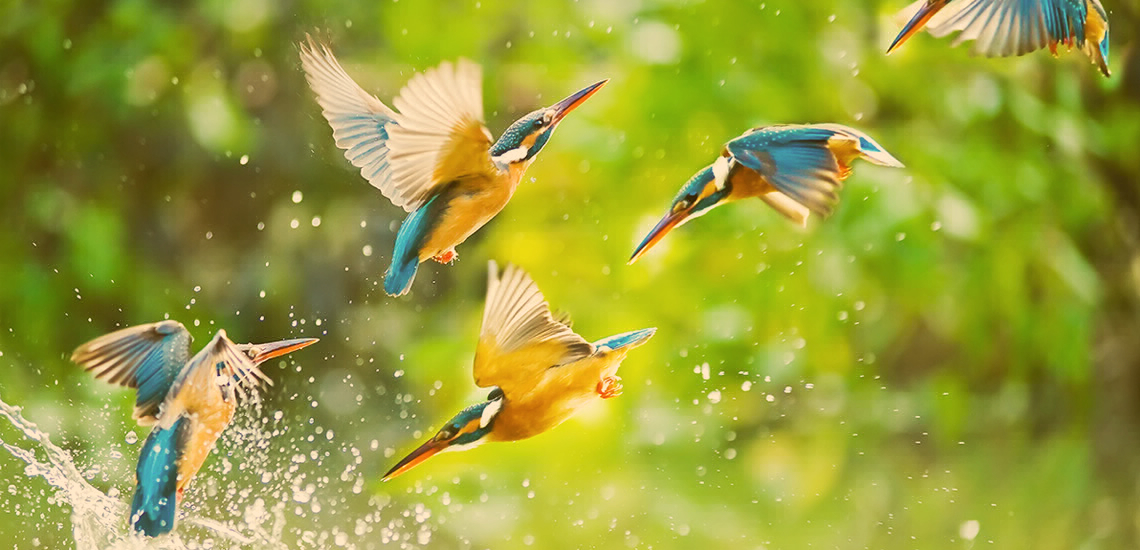 Toaster |
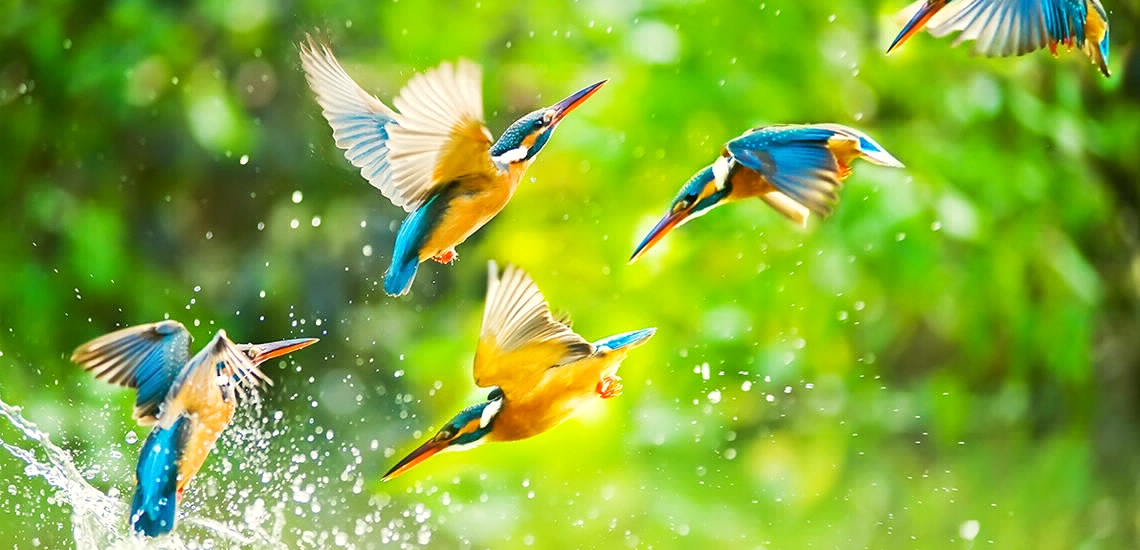 Valencia |
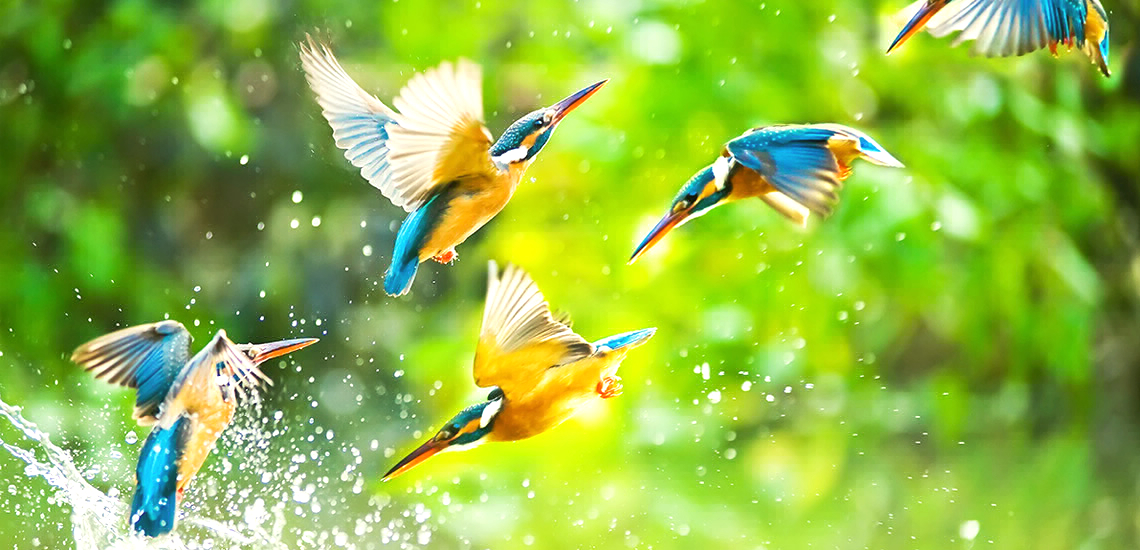 Vesper |
 Walden |
 Willow |
 X-Pro II |
|
Sample Images of Convolution Filters
|
|
|
|
 Identity |
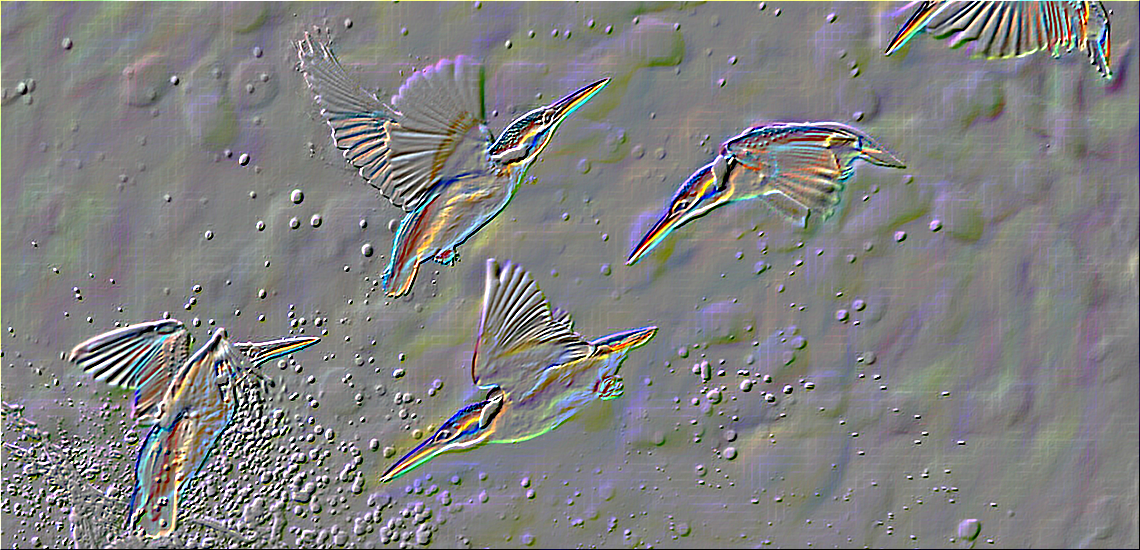 Emboss |
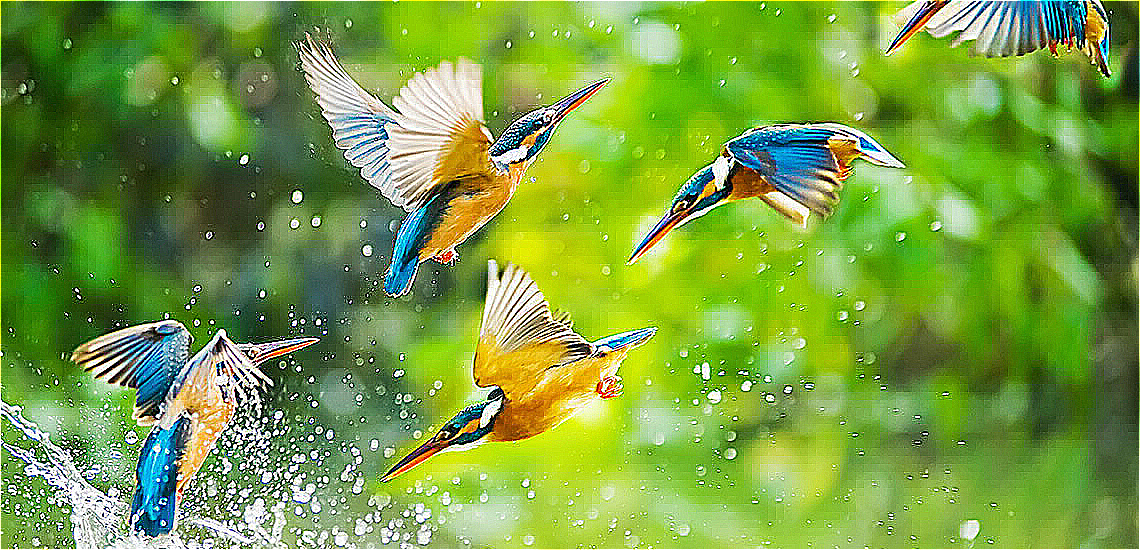 Sharpen |
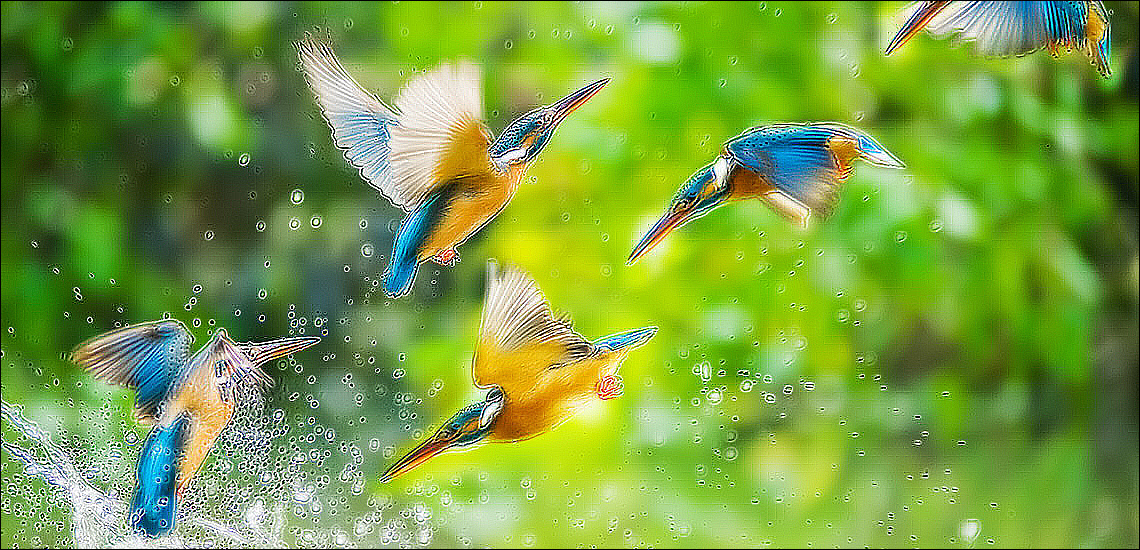 Colored Edge Detection |
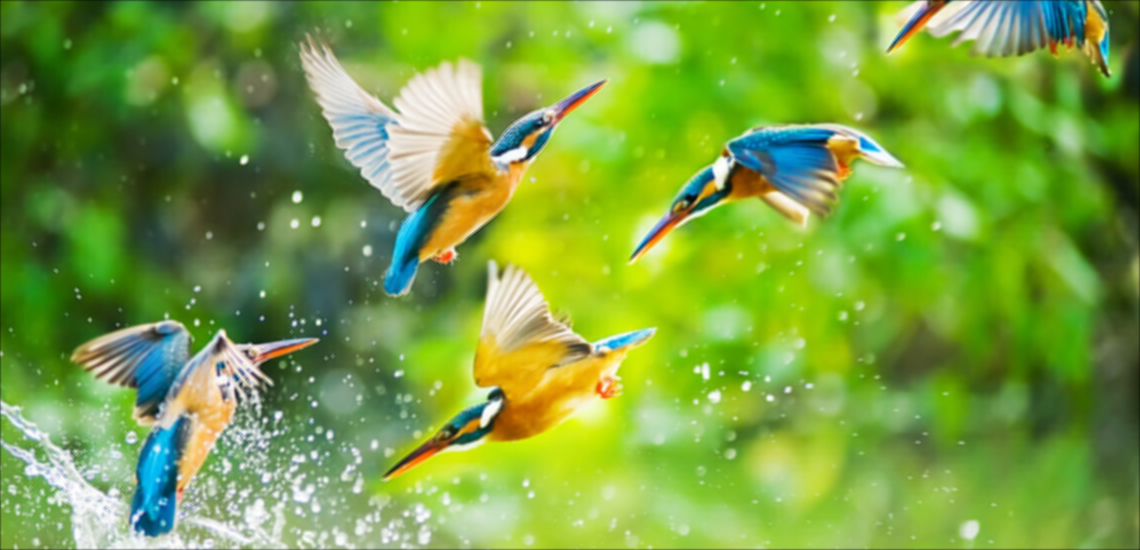 Blur |
 Edge Detection Medium |
 Edge Detection Hard |
 Guassian Blur |
 Low Pass |
 High Pass |
 Mean |
|
Filters
There are two types of filters. ImageFilter and ColorFilter.
Image Filter
Image filter applies its subfilters directly to the whole image one by one. It is computationally expensive since the complexity & time increases as the number of subfilters increases.
You can create your own custom image filter as like this:
    import 'package:photofilters/filters/image_filters.dart';

    var customImageFilter = new ImageFilter(name: "Custom Image Filter");
    customImageFilter.subFilters.add(ConvolutionSubFilter.fromKernel(
      coloredEdgeDetectionKernel,
    ));
    customImageFilter.subFilters.add(ConvolutionSubFilter.fromKernel(
      gaussian7x7Kernel,
    ));
    customImageFilter.subFilters.add(ConvolutionSubFilter.fromKernel(
      sharpenKernel,
    ));
    customImageFilter.subFilters.add(ConvolutionSubFilter.fromKernel(
      highPass3x3Kernel,
    ));
    customImageFilter.subFilters.add(ConvolutionSubFilter.fromKernel(
      lowPass3x3Kernel,
    ));
    customImageFilter.subFilters.add(SaturationSubFilter(0.5));
You can also inherit the ImageFilter class to create another image filter.
class MyImageFilter extends ImageFilter {
  MyImageFilter(): super(name: "My Custom Image Filter") {
    this.addSubFilter(ConvolutionSubFilter.fromKernel(sharpenKernel));
  }
}
Color Filter
Color filter applies its subfilters to each pixel one by one. It is computationally less expensive than the ImageFilter. It will loop through the image pixels only once irrespective of the number of subfilters.
You can create your own custom color filter as like this:
    import 'package:photofilters/filters/color_filters.dart';

    var customColorFilter = new ColorFilter(name: "Custom Color Filter");
    customColorFilter.addSubFilter(SaturationSubFilter(0.5));
    customColorFilter
        .addSubFilters([BrightnessSubFilter(0.5), HueRotationSubFilter(30)]);
You can inherit the ColorFilter class too
class MyColorFilter extends ColorFilter {
  MyColorFilter() : super(name: "My Custom Color Filter") {
    this.addSubFilter(BrightnessSubFilter(0.8));
    this.addSubFilter(HueRotationSubFilter(30));
  }
}
Sub filters
There are two types of subfilters. One can be added to the ColorFilter and the other can be added to the ImageFilter. You can inherit ColorSubFilter class to implement the former and you can use the ImageSubFilter mixin to implement the latter. You can create a same subfilter that can be used for both Image and Color Filters. The BrightnessSubFilter is an example of this.
class BrightnessSubFilter extends ColorSubFilter with ImageSubFilter {
final num brightness;
BrightnessSubFilter(this.brightness);
@override
void apply(Uint8List pixels, int width, int height) =>
image_filter_utils.brightness(pixels, brightness);
@override
RGBA applyFilter(RGBA color) =>
color_filter_utils.brightness(color, brightness);
}
Getting Started
For help getting started with Flutter, view our online documentation.
For help on editing package code, view the documentation.

