Snapshot do README original do repositório-fonte vinculado. Consulte o repositório para o conteúdo mais recente.




The ProVideoEditor is a Flutter widget designed for video editing within your application. It provides a flexible and convenient way to integrate video editing capabilities into your Flutter project.
Table of contents
Preview
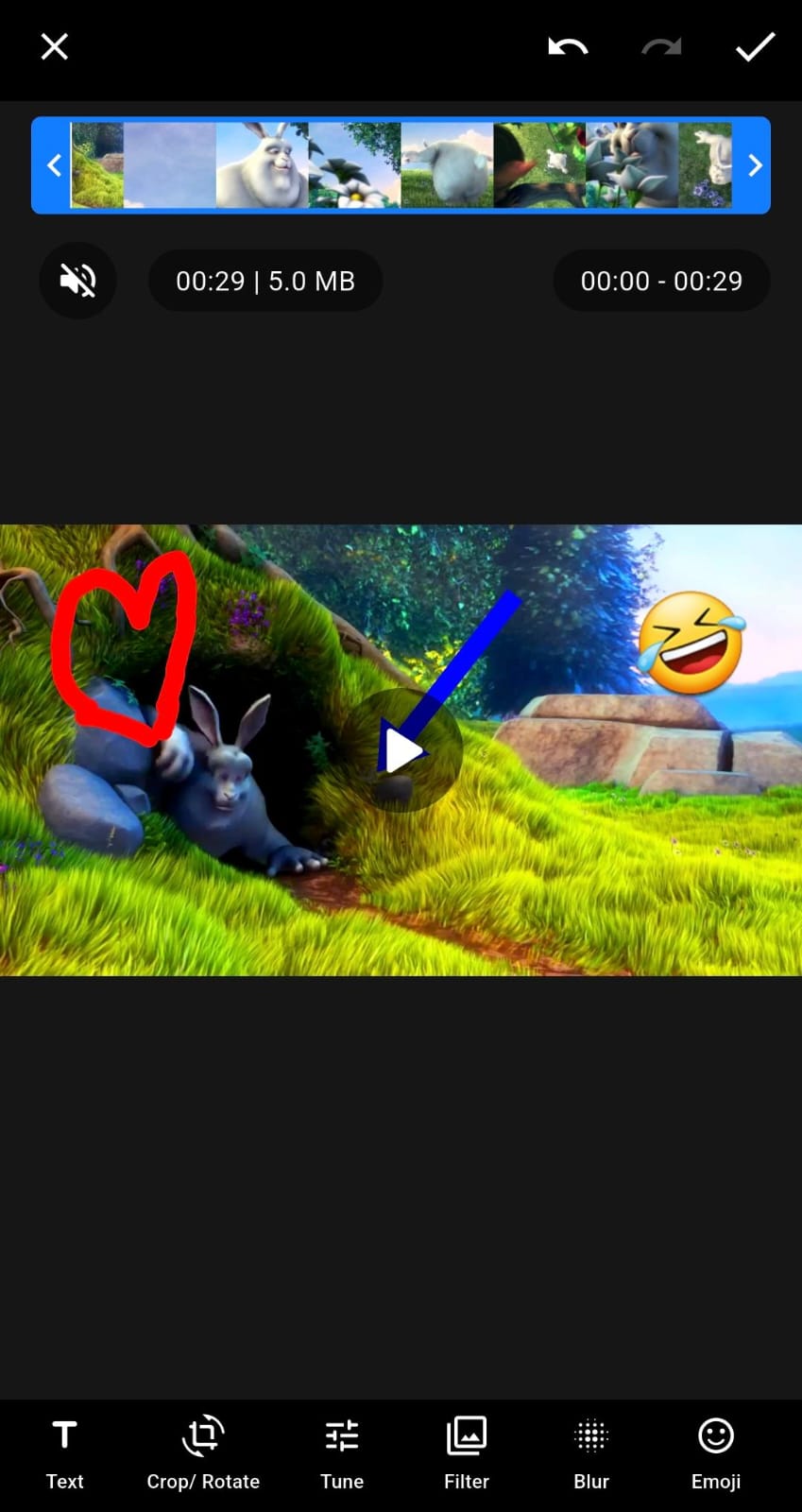
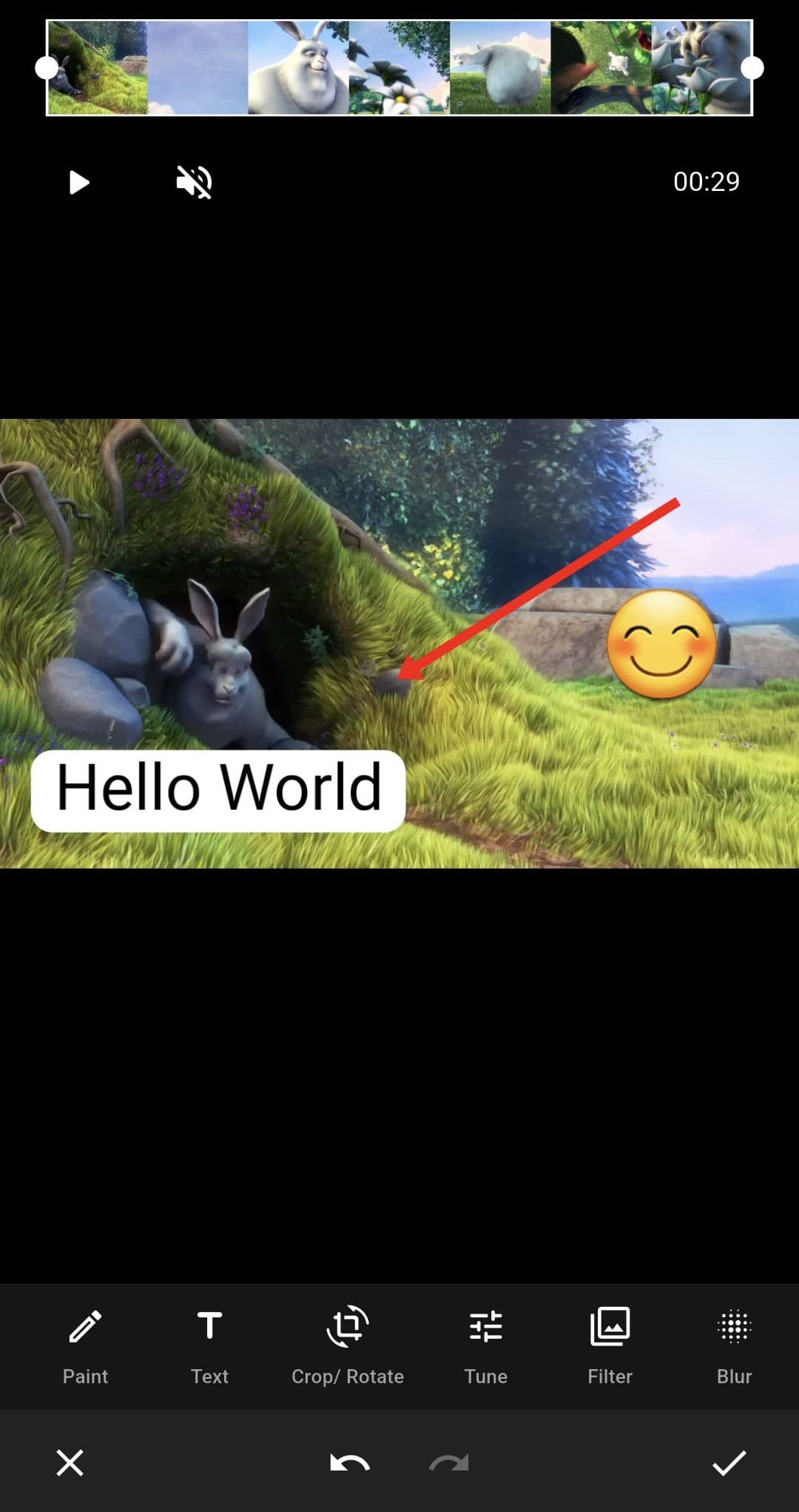
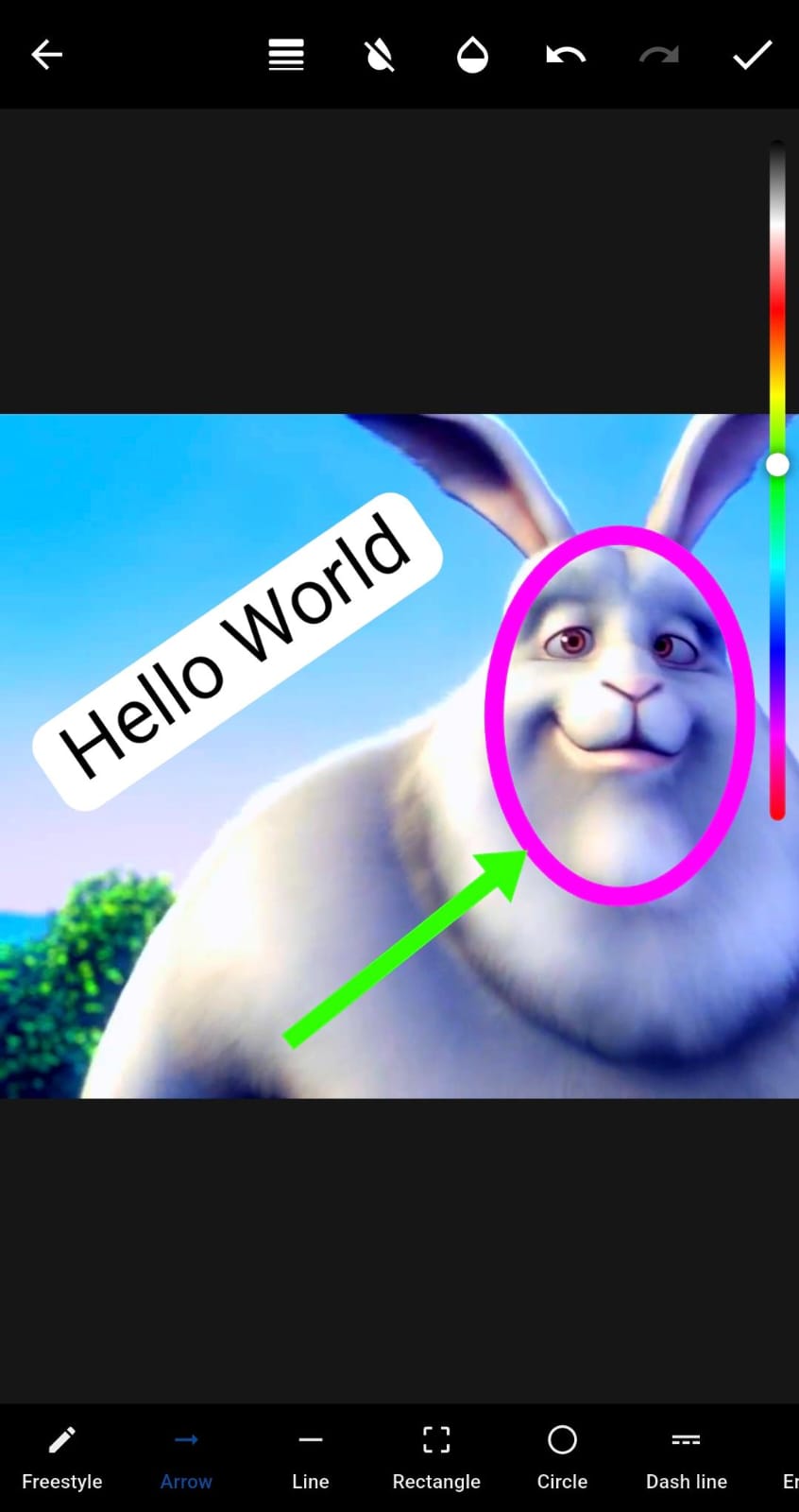
| Basic-Editor |
Grounded-Design |
Paint-Editor |
|
|
|
| Crop-Rotate-Editor |
Tune-Editor |
Filter-Editor |
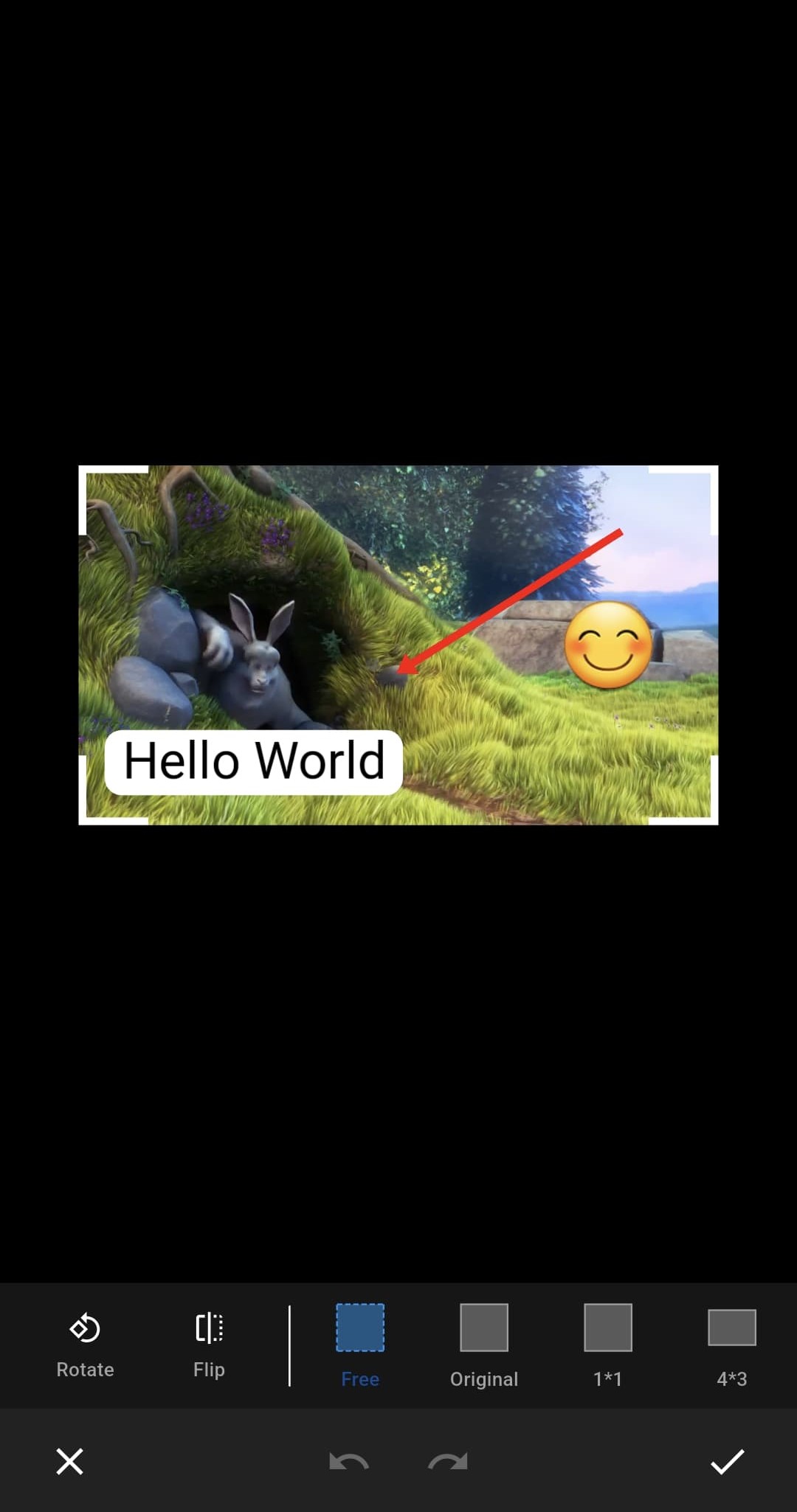
|
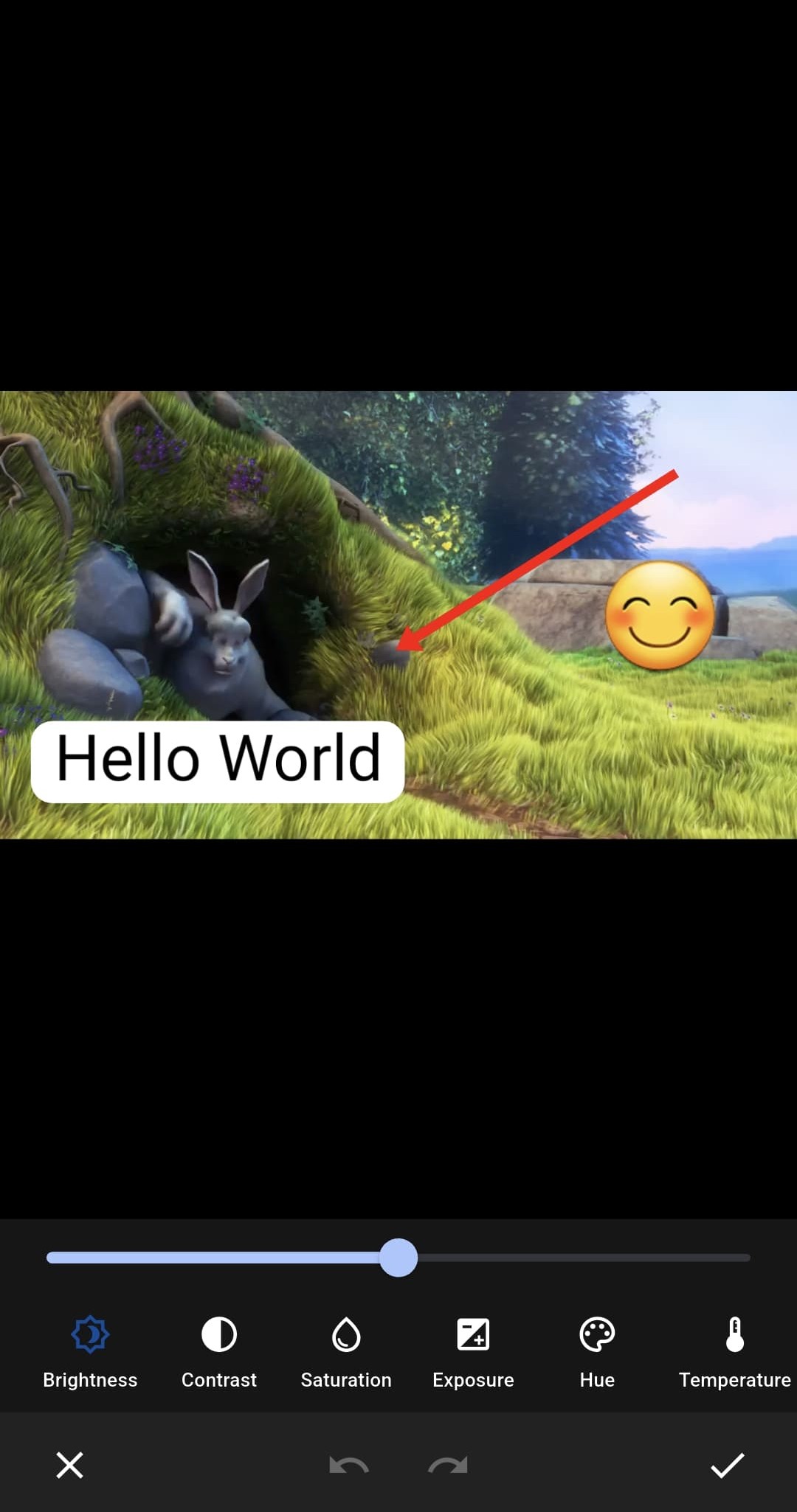
|
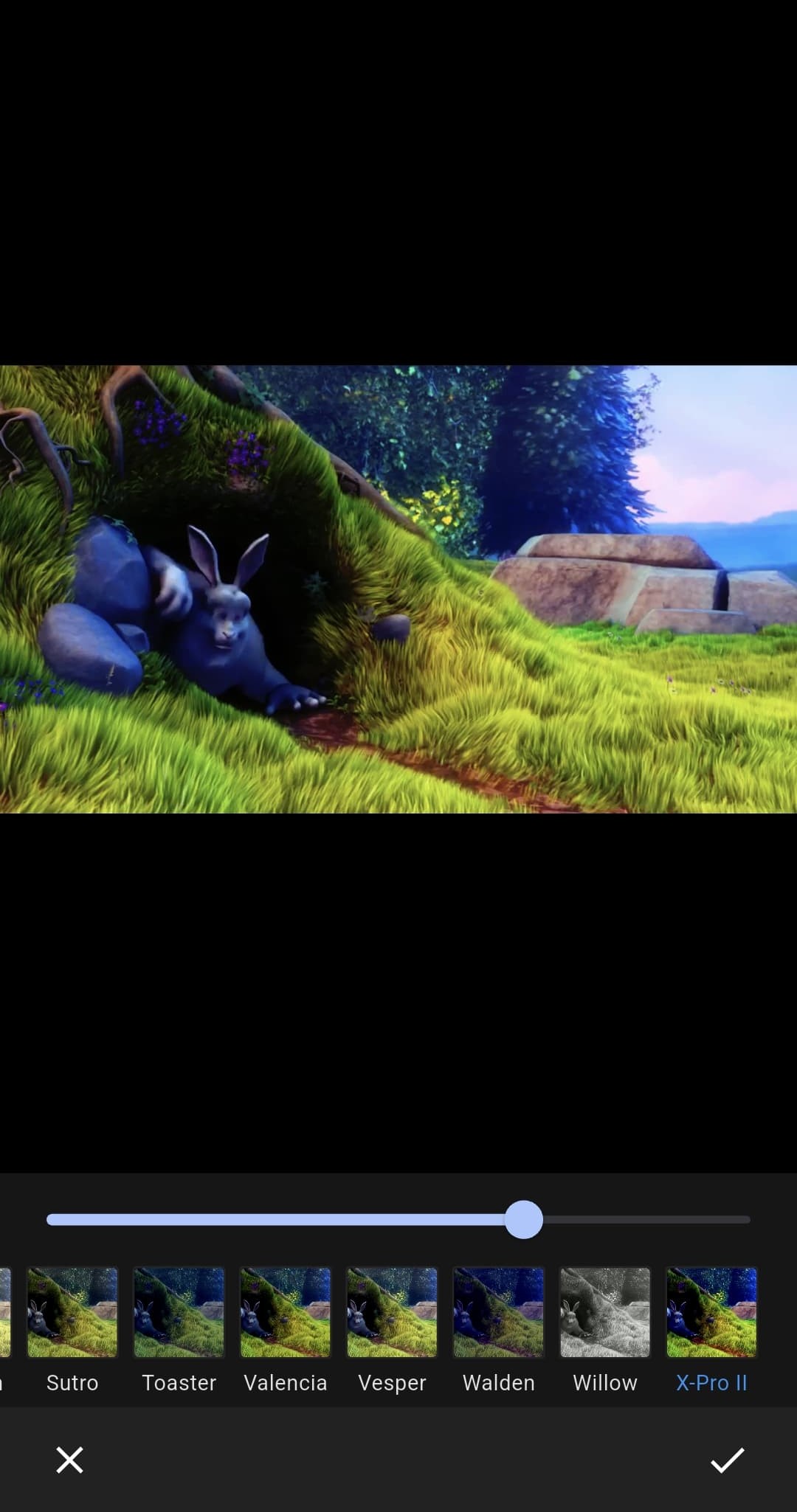
|
| Paint-Editor-Grounded |
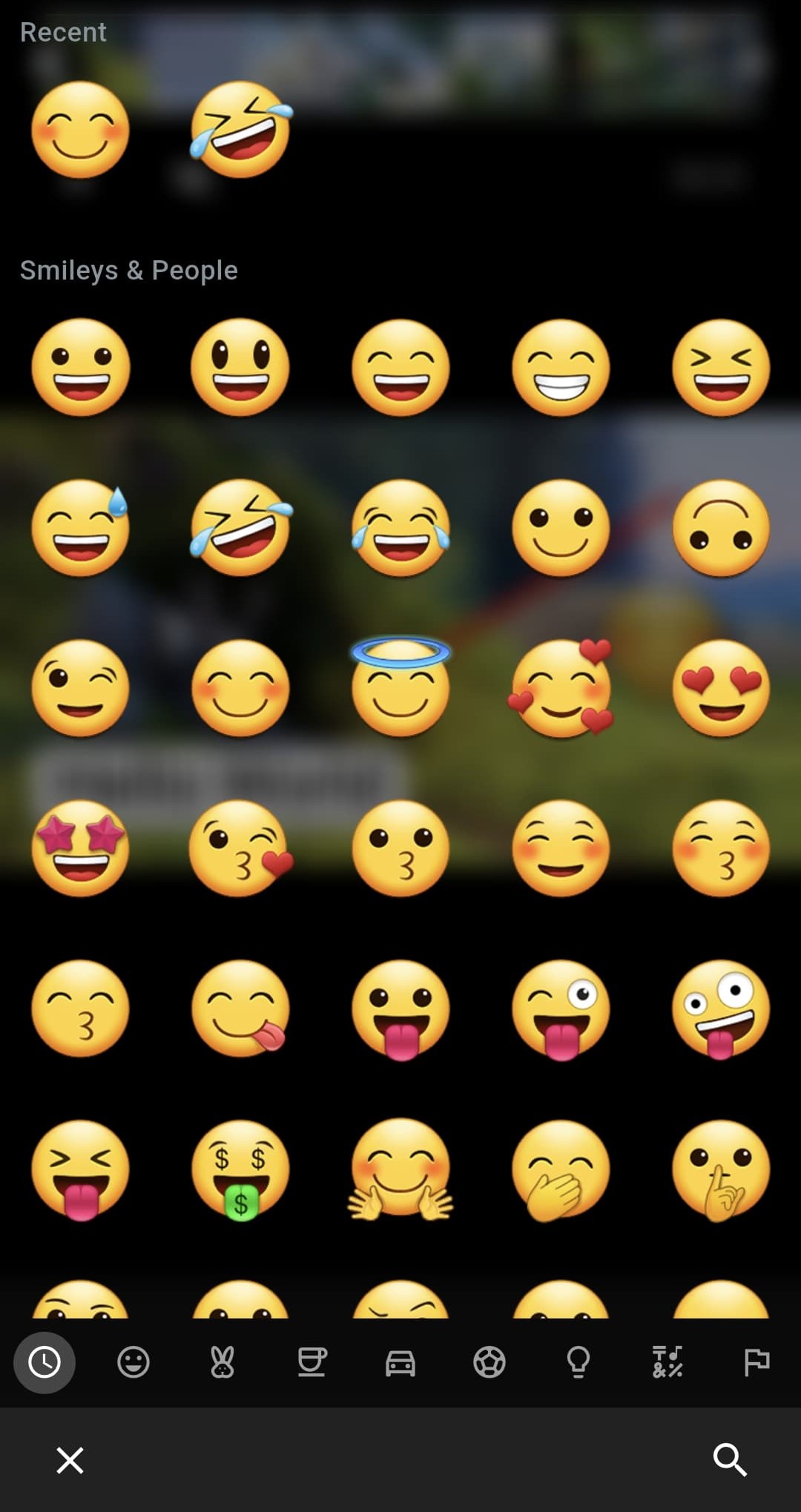
Emoji-Editor |
|
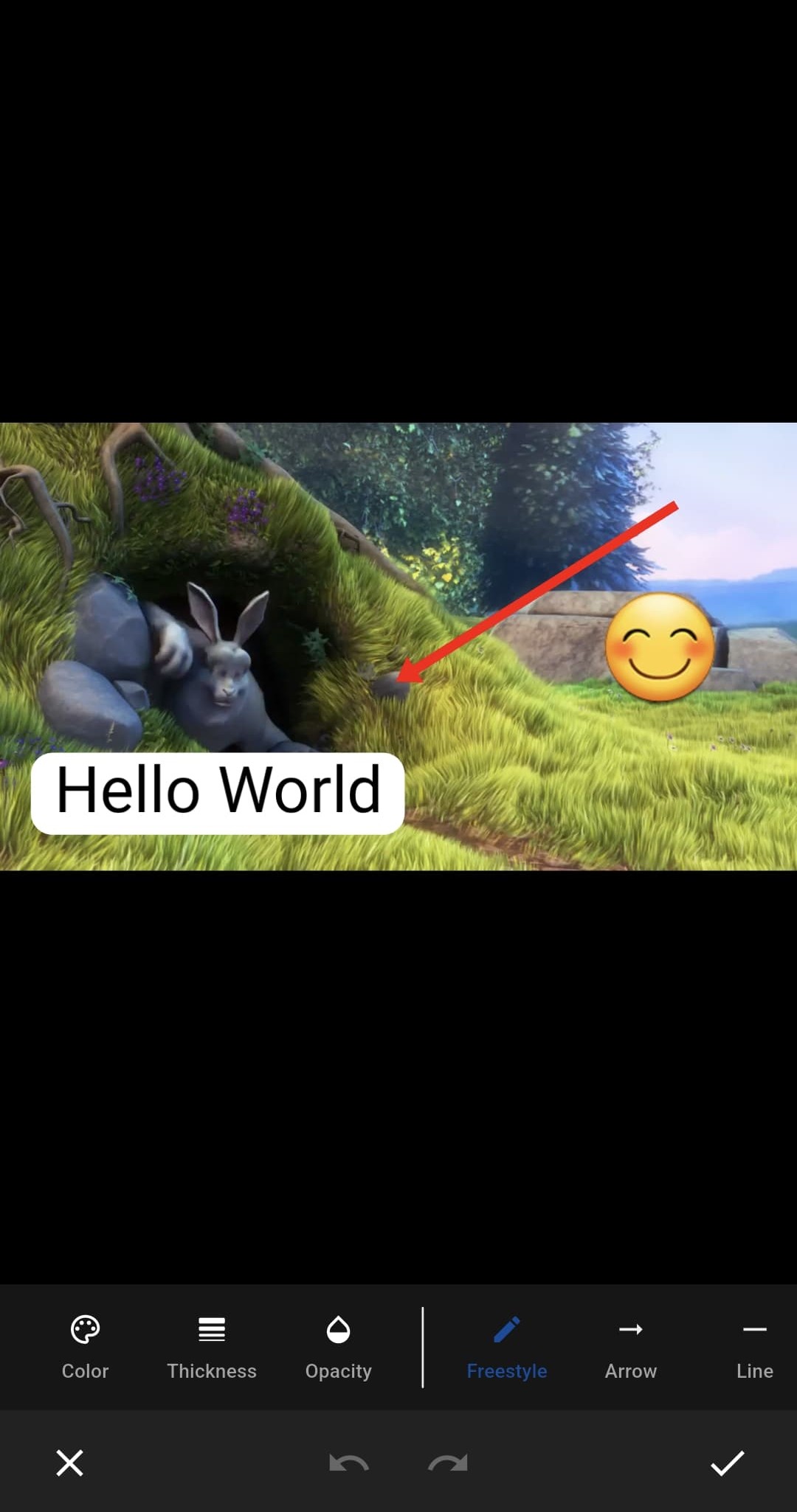
|
|
|
Features
🎥 Video Editing Capabilities
- 📈 Metadata: Extract detailed metadata from the video file.
- 🖼️ Thumbnails: Generate one or multiple thumbnails from the video, in one call or streamed frame by frame.
- 🎞️ Keyframes: Retrieve keyframe information from the video.
- ✂️ Trim: Cut the video to a specified start and end time.
- 🔗 Merge Videos: Concatenate multiple video clips into a single output.
- 🎬 Stop-Motion: Turn a sequence of still images into a video, each frame held for a configurable duration.
- ⏩ Playback Speed: Adjust the playback speed of the video.
- ⏪ Reverse Video: Play a video segment backwards.
- 🔇 Mute Audio: Remove or mute the audio track from the video.
- 📊 Waveform: Generate audio waveform data for visualization, with support for streaming mode.
🔧 Transformations
- ✂️ Crop by
x, y, width, and height
- 🔁 Flip horizontally and/or vertically
- 🔄 Rotate by 90deg turns
- 🔍 Scale to a custom size
🎨 Visual Effects
- 🖼️ Layers: Overlay a image like a text or drawings on the video.
- 🕐 Timed Image Layers: Position image overlays at specific coordinates with optional start/end times.
- 📐 Layer Size: Scale image layers to custom dimensions via the
size property.
- 🔄 Layer Rotation: Rotate image layers around their center via the
rotation property (radians).
- 🎞️ Animated GIF Layers: Overlay animated GIFs — detected automatically and played frame by frame, with optional
loop.
- 🎬 Layer Animations: Animate image layers with fade, slide, and scale effects, configurable easing curves, and in/out/inOut phases. A slide travels to a canvas edge or to a start point you pick yourself.
- 🎞️ Clip Transitions: Add transitions between adjacent clips —
dissolve, fadeToBlack, fadeToWhite, slide, push, and wipe — with configurable duration, easing curve, and direction.
- 🧮 Color Matrix: Apply one or multiple 4x5 color matrices (e.g., for filters).
- 💧 Blur: Add a blur effect to the video.
- 🟩 Chroma Key: Remove a green (or blue, or any saturated hue) screen with a soft edge and spill suppression, and fill it with a color, an image, or — in a
VideoComposition — the layer below. ChromaKey.autoDetect measures the key straight off the footage; greenScreen()/blueScreen() presets are there when you already know. Configurable globally, per VideoLayer, or per VideoSegment.
- 📡 Bitrate: Cap the video bitrate. Sources already below the cap are exported losslessly over the fast path; sources above it are re-encoded down to the cap. If constant bitrate (CBR) isn't supported, it will gracefully fall back to the next available mode.
- 🌐 Streaming Optimization: Optimize video for progressive playback by placing metadata (moov atom) at the start of the file.
📱 Runtime Features
- 📊 Progress: Track the progress of one or multiple running tasks.
- 🧵 Multi-Tasking: Execute multiple video processing tasks concurrently.
- 🔇 Native Log Level: Control native log verbosity per API call with
NativeLogLevel (none, error, warning, info, debug, verbose).
- 🪵 Native Log Stream: Receive native logs (including renderer diagnostics) back in Dart via
logStream to pipe into your own logger and export.
Platform Support
| Method |
Android |
iOS |
macOS |
Windows |
Linux |
Web |
Metadata |
✅ |
✅ |
✅ |
✅ |
⚠️ |
✅ |
Thumbnails |
✅ |
✅ |
✅ |
❌ |
❌ |
✅ |
Thumbnail Streaming |
✅ |
✅ |
✅ |
❌ |
❌ |
✅ |
KeyFrames |
✅ |
✅ |
✅ |
❌ |
❌ |
✅ |
Rotate |
✅ |
✅ |
✅ |
❌ |
❌ |
🚫 |
Flip |
✅ |
✅ |
✅ |
❌ |
❌ |
🚫 |
Crop |
✅ |
✅ |
✅ |
❌ |
❌ |
🚫 |
Scale |
✅ |
✅ |
✅ |
❌ |
❌ |
🚫 |
Trim |
✅ |
✅ |
✅ |
❌ |
❌ |
🚫 |
Playback-Speed |
✅ |
✅ |
✅ |
❌ |
❌ |
🚫 |
Remove-Audio |
✅ |
✅ |
✅ |
❌ |
❌ |
🚫 |
Overlay Layers |
✅ |
✅ |
✅ |
❌ |
❌ |
🚫 |
Timed Image Layers |
✅ |
✅ |
✅ |
❌ |
❌ |
🚫 |
Layer Animations |
✅ |
✅ |
✅ |
❌ |
❌ |
🚫 |
Clip Transitions |
✅ |
✅ |
✅ |
❌ |
❌ |
🚫 |
Layer Size |
✅ |
✅ |
✅ |
❌ |
❌ |
🚫 |
Multiple ColorMatrix 4x5 |
✅ |
✅ |
✅ |
❌ |
❌ |
🚫 |
Cancel export task |
✅ |
✅ |
✅ |
❌ |
❌ |
🚫 |
Blur background |
🧪 |
🧪 |
🧪 |
❌ |
❌ |
🚫 |
Chroma Key (Greenscreen) |
✅ |
✅ |
✅ |
❌ |
❌ |
🚫 |
Custom Audio Tracks |
✅ |
✅ |
✅ |
❌ |
❌ |
🚫 |
Merge Videos |
✅ |
✅ |
✅ |
❌ |
❌ |
🚫 |
Stop-Motion (Images→Video) |
✅ |
✅ |
✅ |
❌ |
❌ |
🚫 |
Extract Audio |
✅ |
✅ |
✅ |
❌ |
❌ |
🚫 |
Waveform |
✅ |
✅ |
✅ |
❌ |
❌ |
🚫 |
Waveform Streaming |
✅ |
✅ |
✅ |
❌ |
❌ |
🚫 |
Streaming Optimization |
✅ |
✅ |
✅ |
❌ |
❌ |
🚫 |
Censor-Layers "Pixelate" |
❌ |
❌ |
❌ |
❌ |
❌ |
🚫 |
Legend
- ✅ Supported with Native-Code
- ⚠️ Supported with Native-Code but not tested
- 🧪 Supported but visual output can differs from Flutter
- ❌ Not supported but planned
- 🚫 Not supported and not planned
Setup
Android, iOS, macOS, Linux, Windows, Web
No additional setup required.
Usage
Basic Example
var data = VideoRenderData(
videoSegments: [
VideoSegment(
video: EditorVideo.asset('assets/my-video.mp4'),
),
],
enableAudio: false,
startTime: const Duration(seconds: 5),
endTime: const Duration(seconds: 20),
);
Uint8List result = await ProVideoEditor.instance.renderVideo(data);
StreamBuilder<ProgressModel>(
stream: ProVideoEditor.instance.progressStream,
builder: (context, snapshot) {
var progress = snapshot.data?.progress ?? 0;
return CircularProgressIndicator(value: animatedValue);
}
)
Quality Preset Example
var data = VideoRenderData.withQualityPreset(
videoSegments: [
VideoSegment(video: EditorVideo.asset('assets/my-video.mp4')),
],
qualityPreset: VideoQualityPreset.p1080,
startTime: const Duration(seconds: 5),
endTime: const Duration(seconds: 20),
);
Uint8List result = await ProVideoEditor.instance.renderVideo(data);
var customData = VideoRenderData.withQualityPreset(
videoSegments: [
VideoSegment(video: EditorVideo.asset('assets/my-video.mp4')),
],
qualityPreset: VideoQualityPreset.p720,
bitrateOverride: 5000000,
);
Merge Videos Example
var data = VideoRenderData(
videoSegments: [
VideoSegment(
video: EditorVideo.file(File('/path/to/video1.mp4')),
startTime: Duration(seconds: 0),
endTime: Duration(seconds: 5),
),
VideoSegment(
video: EditorVideo.file(File('/path/to/video2.mp4')),
startTime: Duration(seconds: 2),
endTime: Duration(seconds: 8),
),
VideoSegment(
video: EditorVideo.asset('assets/video3.mp4'),
),
],
outputFormat: VideoOutputFormat.mp4,
);
Uint8List result = await ProVideoEditor.instance.renderVideo(data);
Stop-Motion Example
var data = StopMotionRenderData(
frames: [
StopMotionFrame(image: EditorLayerImage.file(File('/path/to/frame1.png'))),
StopMotionFrame(image: EditorLayerImage.file(File('/path/to/frame2.png'))),
StopMotionFrame(
image: EditorLayerImage.memory(frame3Bytes),
duration: const Duration(milliseconds: 500),
),
],
frameRate: 12,
fit: StopMotionFit.contain,
);
Uint8List result = await ProVideoEditor.instance.renderStopMotion(data);
Reverse Video Example
var data = VideoRenderData(
videoSegments: [
VideoSegment(
video: EditorVideo.file(File('/path/to/clip.mp4')),
reverseVideo: true,
),
],
outputFormat: VideoOutputFormat.mp4,
);
Uint8List result = await ProVideoEditor.instance.renderVideo(data);
Clip Transitions Example
var data = VideoRenderData(
videoSegments: [
VideoSegment(
video: EditorVideo.asset('assets/clip-a.mp4'),
endTime: const Duration(seconds: 5),
transition: const ClipTransition(
type: ClipTransitionType.dissolve,
duration: Duration(milliseconds: 800),
curve: AnimationCurve.easeInOut,
),
),
VideoSegment(
video: EditorVideo.asset('assets/clip-b.mp4'),
transition: const ClipTransition(
type: ClipTransitionType.wipe,
duration: Duration(milliseconds: 700),
direction: ClipTransitionDirection.right,
),
),
VideoSegment(video: EditorVideo.asset('assets/clip-c.mp4')),
],
outputFormat: VideoOutputFormat.mp4,
);
Uint8List result = await ProVideoEditor.instance.renderVideo(data);
Composition (Layers) Example
var data = VideoRenderData(
composition: VideoComposition(
canvasSize: const Size(1080, 1920),
backgroundColor: const Color(0xFF000000),
layers: [
VideoLayer(
clips: [VideoSegment(video: EditorVideo.asset('assets/main.mp4'))],
),
VideoLayer(
opacity: 1.0,
transform: const SegmentTransform(
offset: Offset(700, 60),
size: Size(320, 568),
fit: SegmentFit.cover,
),
clips: [
VideoSegment(
video: EditorVideo.asset('assets/pip.mp4'),
volume: 0,
timelineStart: const Duration(seconds: 2),
),
],
),
],
),
outputFormat: VideoOutputFormat.mp4,
);
Uint8List result = await ProVideoEditor.instance.renderVideo(data);
Extract Audio Example
Extract audio track from a video.
Supports MP3, AAC, and M4A formats with optional trimming.
final video = EditorVideo.asset('assets/video.mp4');
bool hasAudio = await ProVideoEditor.instance.hasAudioTrack(video);
if (!hasAudio) {
print('Video has no audio track');
return;
}
var config = AudioExtractConfigs(
video: video,
format: AudioFormat.aac,
startTime: Duration(seconds: 10),
endTime: Duration(seconds: 30),
);
final directory = await getTemporaryDirectory();
String outputPath = '${directory.path}/extracted_audio.mp3';
try {
await ProVideoEditor.instance.extractAudioToFile(outputPath, config);
} on AudioNoTrackException {
print('Video has no audio track');
}
StreamBuilder<ProgressModel>(
stream: ProVideoEditor.instance.progressStreamById(config.id),
builder: (context, snapshot) {
var progress = snapshot.data?.progress ?? 0;
return CircularProgressIndicator(value: progress);
}
)
Waveform Example
Generate audio waveform data for visualization. Supports multiple resolutions and optional streaming mode for progressive UI updates.
var config = WaveformConfigs(
video: EditorVideo.asset('assets/video.mp4'),
resolution: WaveformResolution.medium,
);
WaveformData waveform = await ProVideoEditor.instance.getWaveform(config);
print('Samples: ${waveform.sampleCount}');
print('Duration: ${waveform.duration}ms');
print('Stereo: ${waveform.isStereo}');
AudioWaveform(
waveform: waveform,
style: WaveformStyle(
height: 100,
waveColor: Colors.blue,
backgroundColor: Colors.grey.shade900,
),
)
AudioWaveform.interactive(
waveform: waveform,
currentPosition: currentPosition,
onSeek: (position) => print('Seek to: $position'),
style: WaveformStyle(
height: 120,
),
)
Streaming Waveform:
For long videos, use streaming mode to get progressive updates with animated bars:
AudioWaveform.streaming(
config: WaveformConfigs(
video: EditorVideo.asset('assets/long-video.mp4'),
resolution: WaveformResolution.high,
),
style: WaveformStyle(
height: 80,
waveColor: Colors.greenAccent,
backgroundColor: Colors.black,
),
onComplete: () {
print('Waveform generation complete!');
},
)
var config = WaveformConfigs(
video: EditorVideo.asset('assets/long-video.mp4'),
resolution: WaveformResolution.high,
chunkSize: 100,
);
await for (var chunk in ProVideoEditor.instance.getWaveformStream(config)) {
print('Progress: ${(chunk.progress * 100).toStringAsFixed(0)}%');
if (chunk.isComplete) {
print('Waveform generation complete!');
}
}
Cancel an active render
The cancel API is currently implemented only on Android, iOS, and macOS.
On Windows, Linux, and Web, cancel is not wired up yet, so callers should either:
- gate by platform before calling
cancel, or
- be prepared to handle a
PlatformException / UnimplementedError.
When you cancel a render started with renderVideoToFile, the returned Future completes with a RenderCanceledException. If your UI is awaiting that future directly (instead of using unawaited), make sure to catch this exception so you can reset any loading state cleanly rather than treating it as an error.
final renderModel = VideoRenderData(
videoSegments: [
VideoSegment(video: EditorVideo.asset('assets/sample.mp4')),
],
);
final outputPath = '${(await getTemporaryDirectory()).path}/video.mp4';
final renderFuture = ProVideoEditor.instance.renderVideoToFile(
outputPath,
renderModel,
);
unawaited(renderFuture);
try {
await renderFuture;
} on RenderCanceledException {
}
if (Platform.isAndroid || Platform.isIOS || Platform.isMacOS) {
await ProVideoEditor.instance.cancel(renderModel.id);
}
A cancel answers at once, and the cancelled job's future completes before the cancel's does. The job's id is free again from that moment — a retry can start the same id right after cancelling it without being refused as already running. The cancelled pipeline may still be unwinding at that point, so a job restarted under the same id is accepted at once but begins only after that pipeline has finished — its output can never be removed by the old job's cleanup. Reuse the id for a retry to get that guarantee.
Find out why a render failed
A render that fails for any other reason throws a PlatformException (or, for encoder failures, a RenderEncoderException). Its message is the platform's own description of the failure — written for a person, and on iOS/macOS in that person's language, so it is nothing to branch on. NativeFailureDetails reads what is: the error's domain and code, and the chain of causes underneath.
try {
await ProVideoEditor.instance.renderVideoToFile(outputPath, renderModel);
} on PlatformException catch (e) {
final details = NativeFailureDetails.of(e);
if (details?.isOutOfStorage ?? false) {
} else {
}
}
| Platform |
domain |
code / codeName |
cause |
| iOS, macOS |
NSError.domain, e.g. AVFoundationErrorDomain, NSPOSIXErrorDomain, ExportWatchdog |
NSError.code (-11807 for AVErrorDiskFull) |
the NSUnderlyingErrorKey chain |
| Android |
the outermost throwable's class, e.g. androidx.media3.transformer.ExportException |
ExportException.errorCode and its name, e.g. ERROR_CODE_VIDEO_FRAME_PROCESSING_FAILED |
the Java cause chain |
Advanced Example
var task = VideoRenderData(
id: 'my-special-task',
videoSegments: [
VideoSegment(
video: EditorVideo.asset('assets/my-video.mp4'),
volume: 0.7,
playbackSpeed: 2,
),
],
imageLayers: [
ImageLayer(
image: EditorLayerImage.memory(layerBytes),
offset: const Offset(100, 50),
rotation: 45 * pi / 180,
startTime: const Duration(seconds: 2),
endTime: const Duration(seconds: 8),
),
],
outputFormat: VideoOutputFormat.mp4,
startTime: const Duration(seconds: 5),
endTime: const Duration(seconds: 20),
blur: 10,
bitrate: 5000000,
maxFrameRate: 30,
enableAudio: false,
audioTracks: [
VideoAudioTrack(
path: customAudioPath,
volume: 0.3,
),
],
transform: const ExportTransform(
flipX: true,
flipY: true,
x: 10,
y: 20,
width: 300,
height: 400,
rotateTurns: 3,
scaleX: .5,
scaleY: .5,
),
colorFilters: [
ColorFilter(matrix: [ 1.0, 0.0, 0.0, 0.0, 50.0, 0.0, 1.0, 0.0, 0.0, 0.0, 0.0, 0.0, 1.0, 0.0, 0.0, 0.0, 0.0, 0.0, 1.0, 0.0 ]),
ColorFilter(matrix: [ 1.0, 0.0, 0.0, 0.0, 0.0, 0.0, 1.0, 0.0, 0.0, 0.0, 0.0, 0.0, 1.0, 0.0, 0.0, 0.0, 0.0, 0.0, 1.0, 0.0 ]),
],
chromaKey: const ChromaKey(
color: Color(0xFF00B140),
similarity: 0.20,
smoothness: 0.08,
spill: 0.5,
backgroundColor: Color(0xFF000000),
),
);
Uint8List result = await ProVideoEditor.instance.renderVideo(task);
final key = await ChromaKey.autoDetect(
greenScreenVideo,
backgroundColor: Colors.black,
);
const greenKey = ChromaKey.greenScreen(backgroundColor: Color(0xFF000000));
const blueKey = ChromaKey.blueScreen(backgroundColor: Color(0xFF000000));
final keyedTask = VideoRenderData(
composition: VideoComposition(
layers: [
VideoLayer(clips: [VideoSegment(video: backgroundVideo)]),
VideoLayer(
clips: [VideoSegment(video: greenScreenVideo)],
chromaKey: const ChromaKey(),
),
],
),
);
StreamBuilder<ProgressModel>(
stream: ProVideoEditor.instance.progressStreamById(task.id),
builder: (context, snapshot) {
var progress = snapshot.data?.progress ?? 0;
return TweenAnimationBuilder<double>(
tween: Tween<double>(begin: 0, end: progress),
duration: const Duration(milliseconds: 300),
builder: (context, animatedValue, _) {
return Row(
crossAxisAlignment: CrossAxisAlignment.center,
mainAxisAlignment: MainAxisAlignment.start,
spacing: 10,
children: [
CircularProgressIndicator(value: animatedValue),
Text(
'${(animatedValue * 100).toStringAsFixed(1)} / 100',
style: const TextStyle(
fontSize: 20,
fontWeight: FontWeight.w500,
),
)
],
);
});
}
)
Editor Example
The video editor requires the use of the pro_image_editor. You can find the basic video editor example here and the "grounded" design example here.
You can also use other prebuilt designs from pro_image_editor, such as the WhatsApp or Frosted Glass design. Just check the examples in pro_image_editor to see how it's done.
API Reference
VideoSegment
Represents a video clip segment for merging multiple videos.
VideoSegment({
required EditorVideo video,
Duration? startTime,
Duration? endTime,
double? volume,
double? playbackSpeed,
bool reverseVideo = false,
ClipTransition? transition,
})
Parameters:
video (required): The video source using EditorVideo.file(), EditorVideo.asset(), EditorVideo.network(), or EditorVideo.memory().startTime (optional): The starting point for this clip. If omitted, starts from the beginning (0:00).endTime (optional): The ending point for this clip. If omitted, uses the full video duration.volume (optional): Per-clip audio volume multiplier (0.0 = mute, 1.0 = original).playbackSpeed (optional): Per-clip playback speed (e.g. 0.5 = half, 2.0 = double).reverseVideo (optional): Renders this clip backwards when true.transition (optional): A ClipTransition describing how this clip transitions into the next clip (dissolve, fade-to-black, slide, etc.). Ignored on the last segment.
Usage Example:
VideoSegment(video: EditorVideo.asset('video.mp4'))
VideoSegment(
video: EditorVideo.file(File('video.mp4')),
startTime: Duration(seconds: 5),
endTime: Duration(seconds: 10),
)
Metadata Example
VideoMetadata result = await ProVideoEditor.instance.getMetadata(
    video: EditorVideo.asset('assets/my-video.mp4'),
);
Thumbnails Example
List<Uint8List> result = await ProVideoEditor.instance.getThumbnails(
    ThumbnailConfigs(
        video: EditorVideo.asset('assets/my-video.mp4'),
        outputFormat: ThumbnailFormat.jpeg,
        timestamps: const [
            Duration(seconds: 10),
            Duration(seconds: 15),
            Duration(seconds: 22),
        ],
        outputSize: const Size(200, 200),
        boxFit: ThumbnailBoxFit.cover,
    ),
);
Thumbnail Stream Example
For a timeline strip — dozens of frames per clip — ask for them all at once and
consume them as they are decoded. The whole request is a single native decode
pass, so it is far cheaper than splitting it into small getThumbnails calls
for the sake of progressive fill, and cancelling the subscription stops the
decoder immediately.
final configs = ThumbnailConfigs(
video: EditorVideo.file('/path/to/video.mp4'),
outputSize: const Size(96, 108),
timestamps: [
for (var ms = 0; ms < 6300; ms += 77) Duration(milliseconds: ms),
],
maxParallelDecoders: 1,
);
final frames = List<Uint8List?>.filled(configs.timestamps.length, null);
await for (final frame in ProVideoEditor.instance.getThumbnailStream(configs)) {
for (final index in frame.indices) {
frames[index] = frame.bytes;
}
updateStrip(frames);
}
Keyframes Example
List<Uint8List> result = await ProVideoEditor.instance.getKeyFrames(
    KeyFramesConfigs(
        video: EditorVideo.asset('assets/my-video.mp4'),
        outputFormat: ThumbnailFormat.jpeg,
        maxOutputFrames: 20,
        outputSize: const Size(200, 200),
        boxFit: ThumbnailBoxFit.cover,
    ),
);
Native Log Level Example
Control native log verbosity per API call on Android, iOS, and macOS.
List<Uint8List> thumbnails = await ProVideoEditor.instance.getThumbnails(
ThumbnailConfigs(
video: EditorVideo.asset('assets/my-video.mp4'),
outputSize: const Size(200, 200),
timestamps: const [Duration(seconds: 5)],
),
nativeLogLevel: NativeLogLevel.none,
);
VideoMetadata metadata = await ProVideoEditor.instance.getMetadata(
video: EditorVideo.asset('assets/my-video.mp4'),
nativeLogLevel: NativeLogLevel.error,
);
Native Log Stream Example
Capture native logs (including the renderer diagnostics) in Dart so you can
forward them to your own logger and let users export them. The stream emits a
NativeLogEntry for every native log on Android, iOS, and macOS, gated by the
nativeLogLevel you pass to the operation. On Web, Windows, and Linux the
stream stays empty.
final subscription = ProVideoEditor.instance.logStream.listen((entry) {
myLogger.log(entry.level.name, entry.message,
tag: entry.tag, stackTrace: entry.stackTrace);
});
await ProVideoEditor.instance.renderVideoToFile(
outputPath,
renderData,
nativeLogLevel: NativeLogLevel.debug,
);
await subscription.cancel();
Sponsors

Included Packages
A big thanks to the authors of these amazing packages.
- Packages created by the Dart team:
Contributors

Made with contrib.rocks.
