Buscar pacotes, repositórios e categorias de apps

Capa de rflutter_alert
Detalhes do pacotev2.0.7

rflutter_alert

O RFlutter Alert é um alerta/pop-up super personalizável e fácil de usar para o Flutter. Você pode criar estilos de alerta reutilizáveis ou adicionar quantos botões quiser com facilidade.

AndroidiOSWebmacOSWindowsLinux
Downloads em 30 dias
14,1 mil
Curtidas
1,1 mil
Pontos Pub
150

Instalar pacote

flutter pub add rflutter_alert

Visão geral do pacote

Orientação gerada a partir de informações públicas. Apenas para referência.

RFlutter Alert é um pacote personalizável e de fácil uso para criar alertas e diálogos pop-up em aplicativos Flutter. Permite que desenvolvedores criem facilmente estilos de alerta reutilizáveis com botões ilimitados, oferecendo diversas opções de personalização como animações, cores e layouts de conteúdo. Ideal para exibir notificações, confirmações ou prompts interativos em múltiplas plataformas. O pacote se integra perfeitamente ao sistema de widgets do Flutter e é mantido por ratel.com.tr.

Casos de uso

  • Exibindo diálogos de confirmação
  • Mostrando notificações personalizadas
  • Criando modelos de alerta reutilizáveis
  • Manipulação de entrada do usuário por meio de popups
  • Implementando dicas de onboarding
  • Gerenciando alertas de validação de formulário

Principais recursos

  • Aparência altamente personalizável
  • Suporte para múltiplos botões
  • Estilos de alerta reutilizáveis
  • animações embutidas
  • Compatibilidade multiplataforma
  • Integração fácil com o Flutter

Indicado para

  • Desenvolvedores iniciantes do Flutter
  • Aplicativos que precisam de alertas frequentes
  • Componentes de interface interativa
  • Aplicativos multiplataforma
  • Design de diálogo personalizado
  • Prototipagem rápida

Considerações

  • Pode exigir estilos adicionais para layouts complexos
  • Temas internos limitados em comparação com bibliotecas de UI completas
  • Impacto potencial no desempenho com muitos alertas aninhados
  • Não ideal para fluxos de trabalho modais pesados
  • Requer manipulação manual de callbacks de botão
  • Mais adequado para diálogos simples a moderadamente complexos

README original

Snapshot do README original do repositório-fonte vinculado. Consulte o repositório para o conteúdo mais recente.

RFlutter Alert

RFlutter Alert is super customizable and easy-to-use alert/popup dialogs for Flutter. You may create reusable alert styles or add buttons as much as you want with ease.

Version

Features

  • Single line basic alert
  • Adding buttons dynamically (as much as you want)
  • Predefined beautiful alert styles (success, error, warning, info)
  • Reusable alert styles
  • Super customizable
    • Change animation (fromTop, fromBottom, fromRight, fromLeft, grow, shrink) & Custom Animation
    • Set animation duration
    • Show/hide close button
    • Set overlay tap to dismiss
    • Assign Title and desc styles
    • Change dialog border style

Getting started

You must add the library as a dependency to your project.

dependencies:
 rflutter_alert: ^2.0.7

You can also reference the git repo directly if you want:

dependencies:
 rflutter_alert:
   git: git://github.com/RatelHub/rflutter_alert.git

You should then run flutter packages get

Example Project

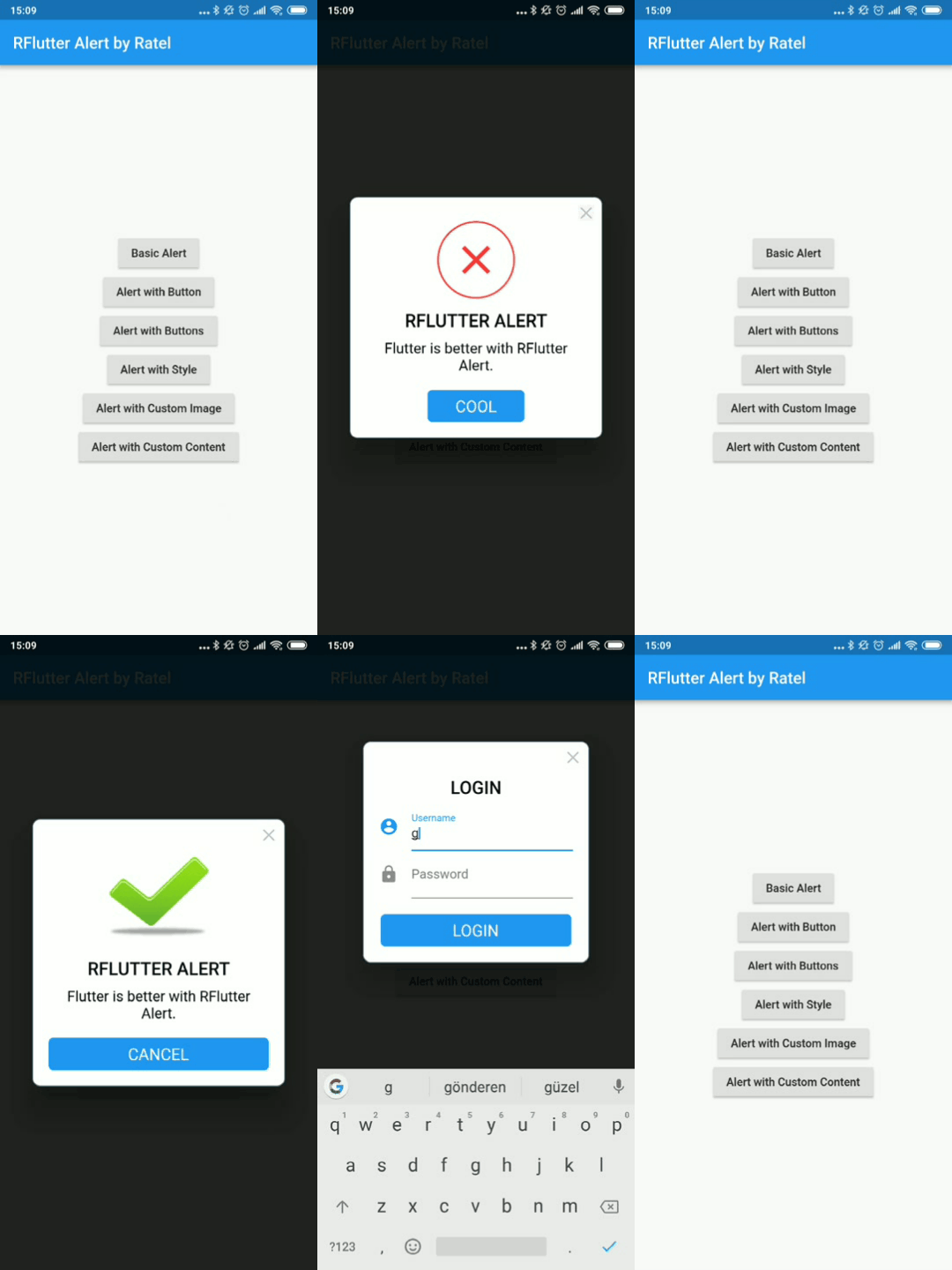
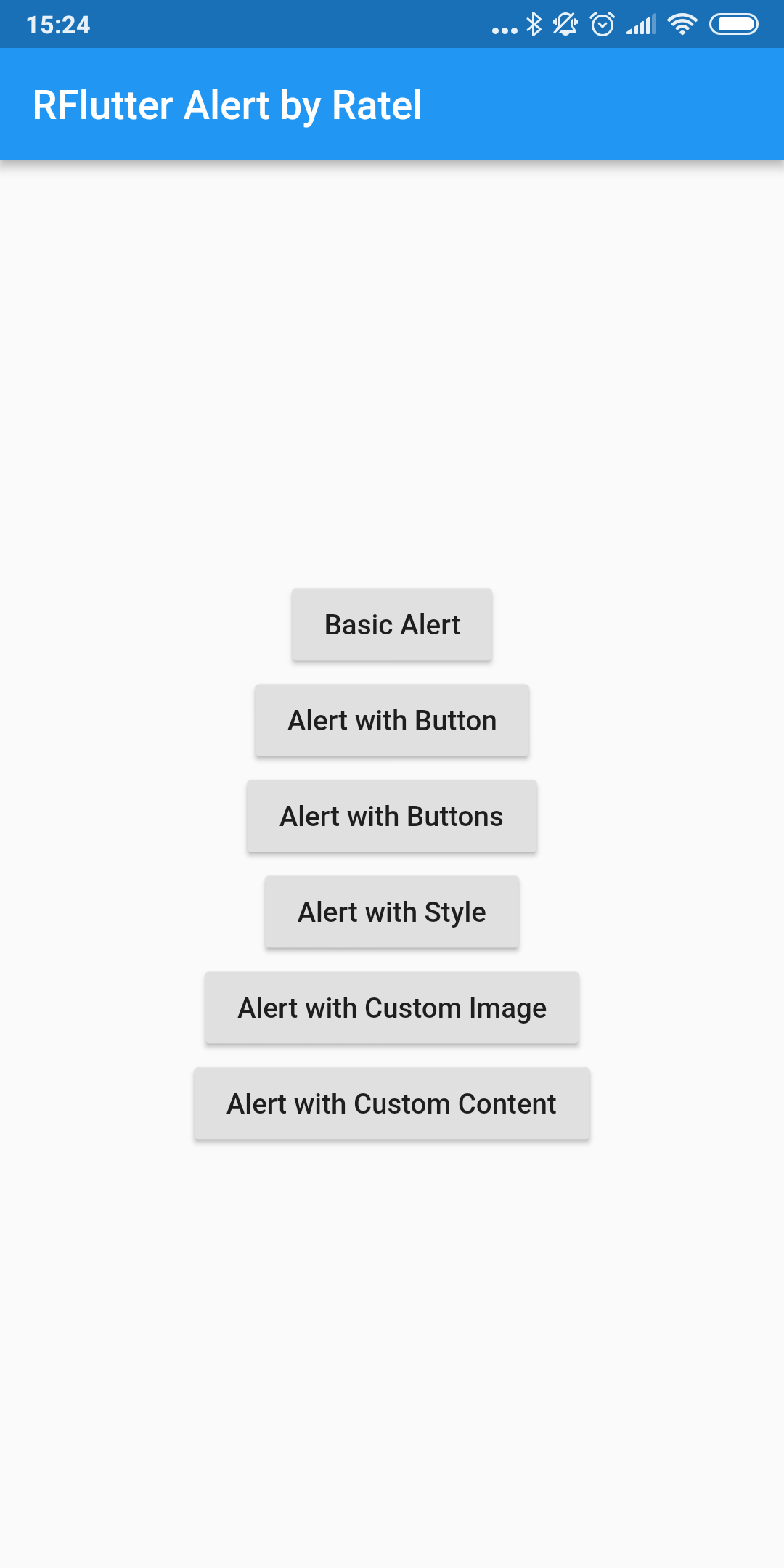
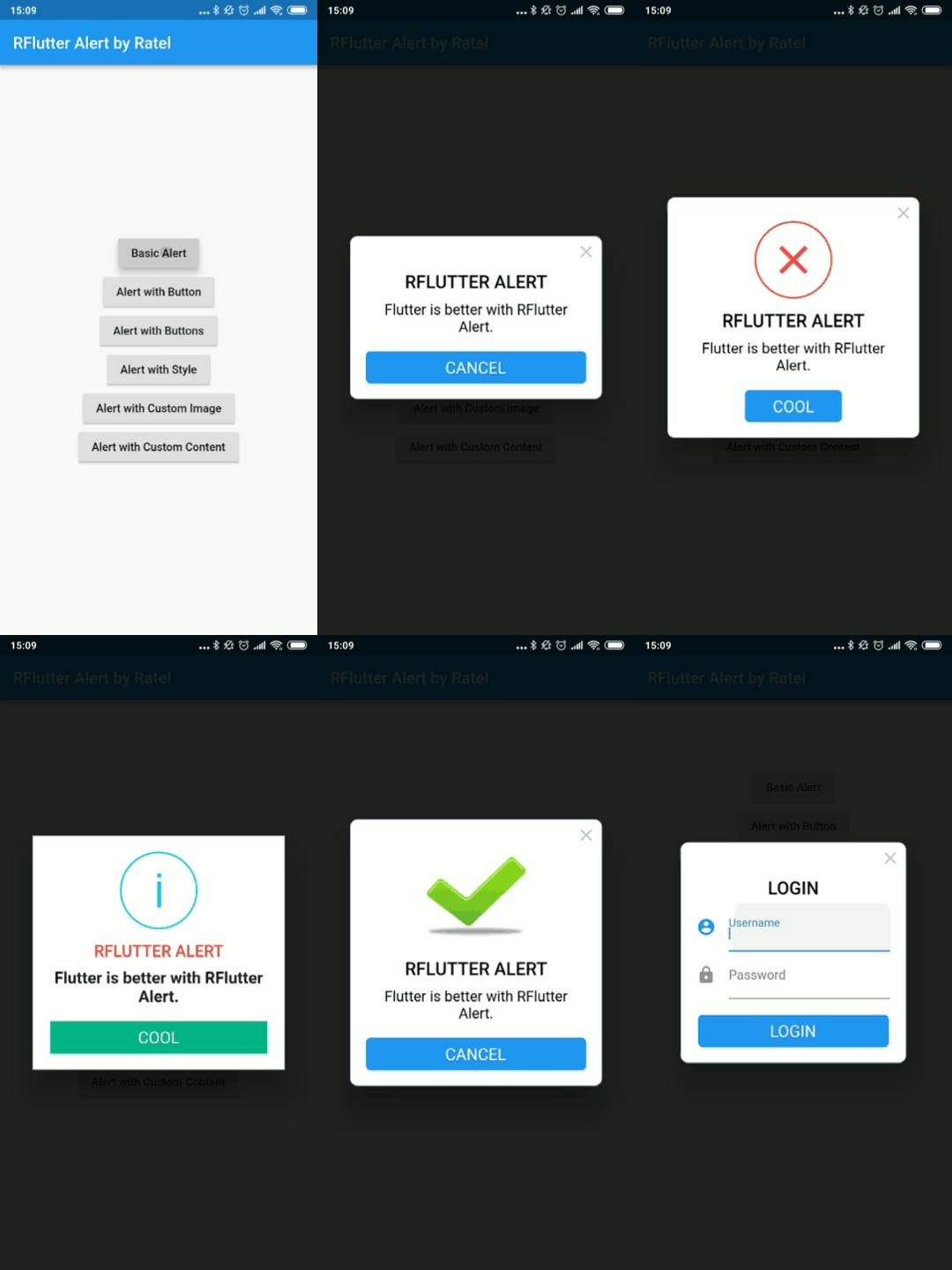
There is a detailed example project in the example folder. You can directly run and play on it. There are code snippets from example project below.

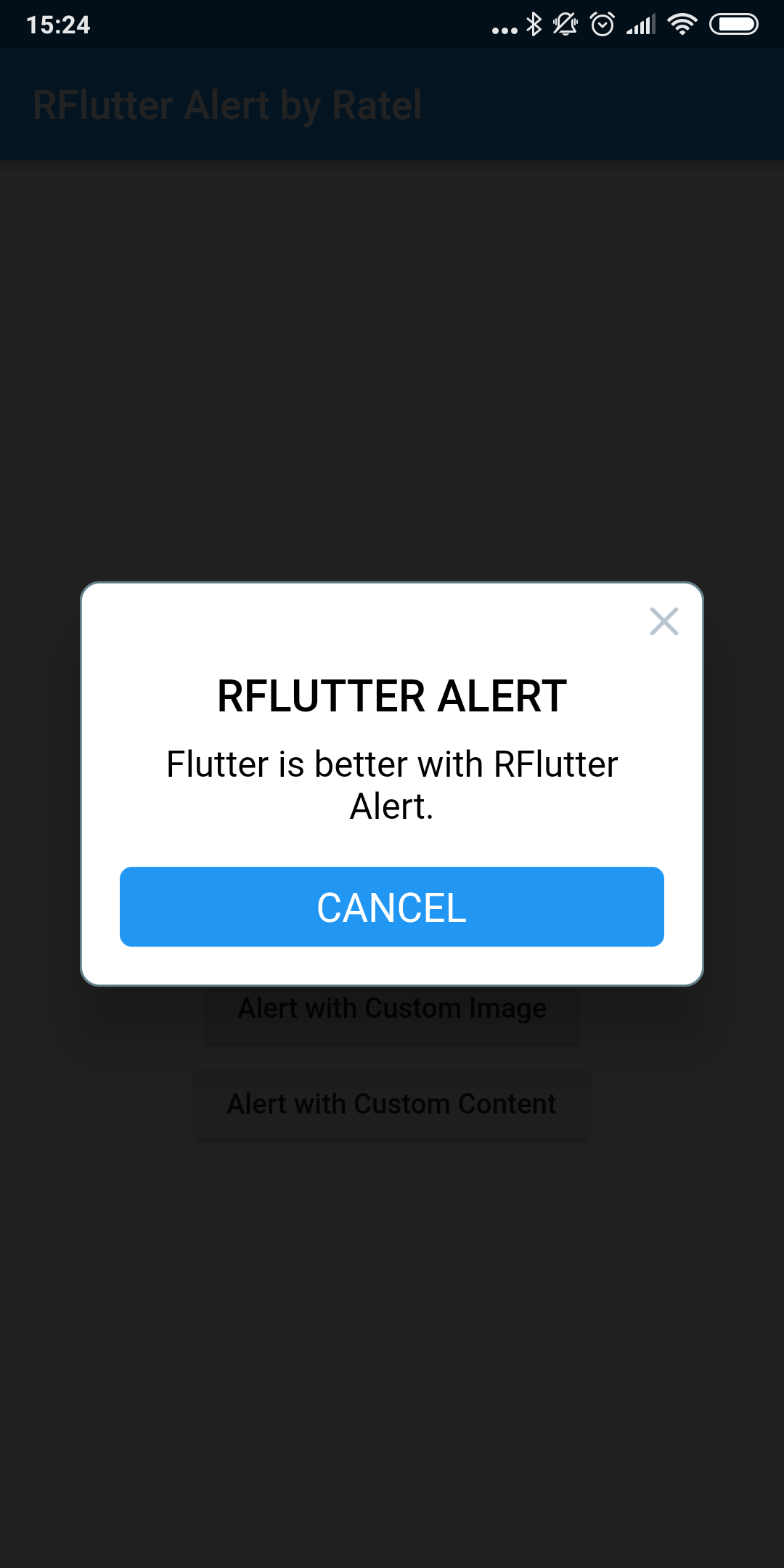
Basic Alert

Alert(context: context, title: "RFLUTTER", desc: "Flutter is awesome.").show();

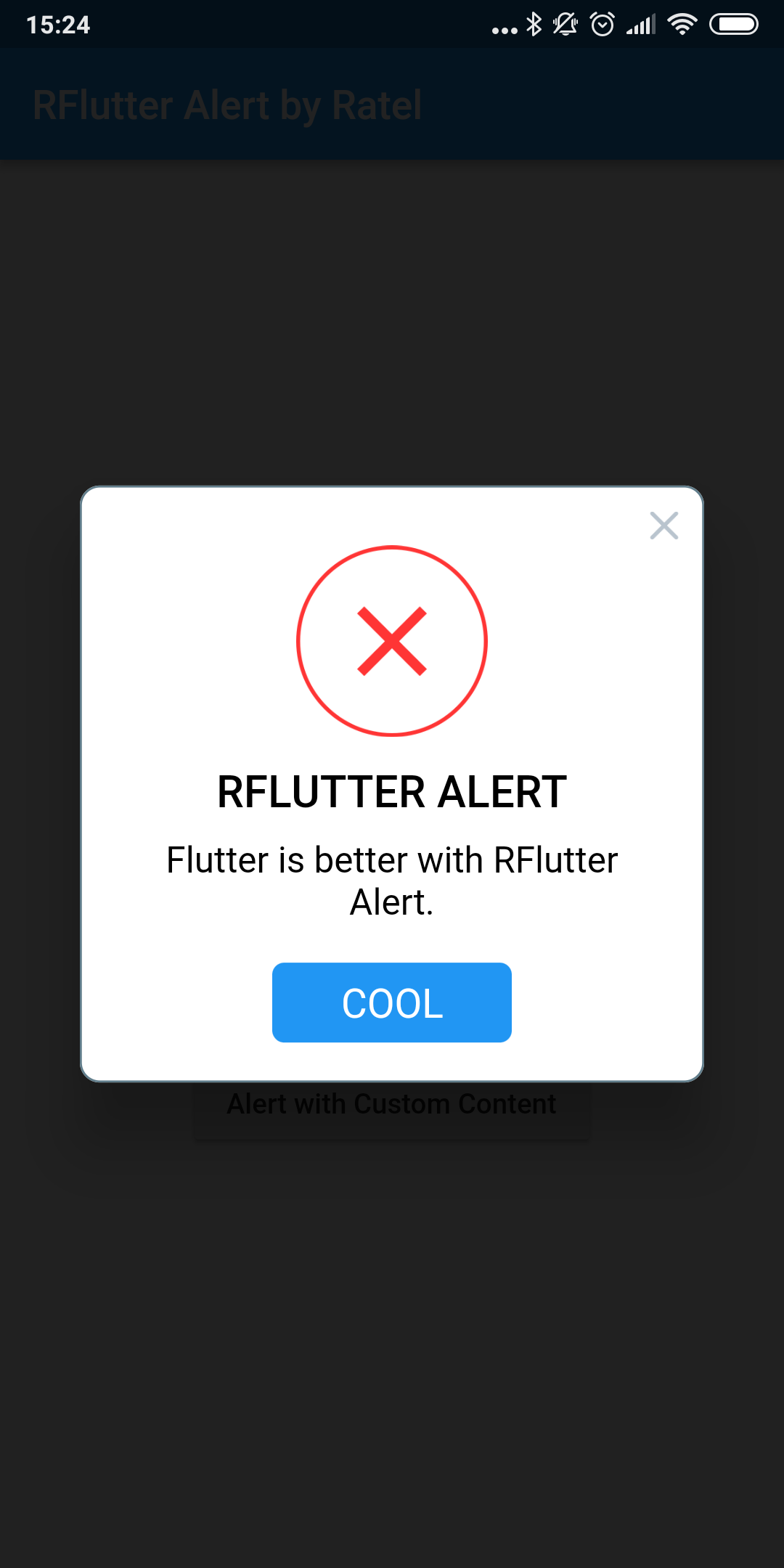
Alert with Button

    Alert(
      context: context,
      type: AlertType.error,
      title: "RFLUTTER ALERT",
      desc: "Flutter is more awesome with RFlutter Alert.",
      buttons: [
        DialogButton(
          child: Text(
            "COOL",
            style: TextStyle(color: Colors.white, fontSize: 20),
          ),
          onPressed: () => Navigator.pop(context),
          width: 120,
        )
      ],
    ).show();

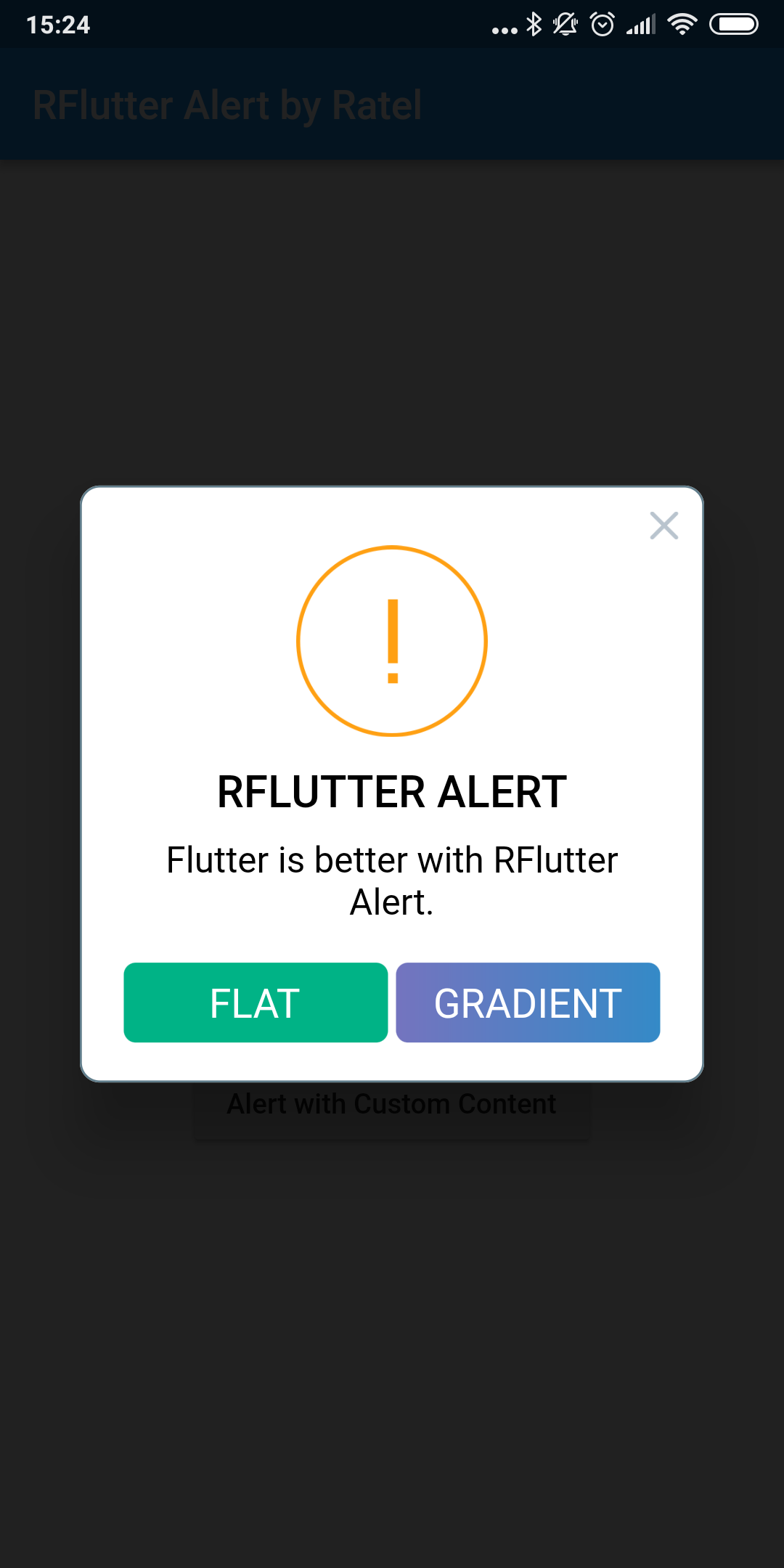
Alert with Buttons

    Alert(
      context: context,
      type: AlertType.warning,
      title: "RFLUTTER ALERT",
      desc: "Flutter is more awesome with RFlutter Alert.",
      buttons: [
        DialogButton(
          child: Text(
            "FLAT",
            style: TextStyle(color: Colors.white, fontSize: 20),
          ),
          onPressed: () => Navigator.pop(context),
          color: Color.fromRGBO(0, 179, 134, 1.0),
        ),
        DialogButton(
          child: Text(
            "GRADIENT",
            style: TextStyle(color: Colors.white, fontSize: 20),
          ),
          onPressed: () => Navigator.pop(context),
          gradient: LinearGradient(colors: [
            Color.fromRGBO(116, 116, 191, 1.0),
            Color.fromRGBO(52, 138, 199, 1.0)
          ]),
        )
      ],
    ).show();

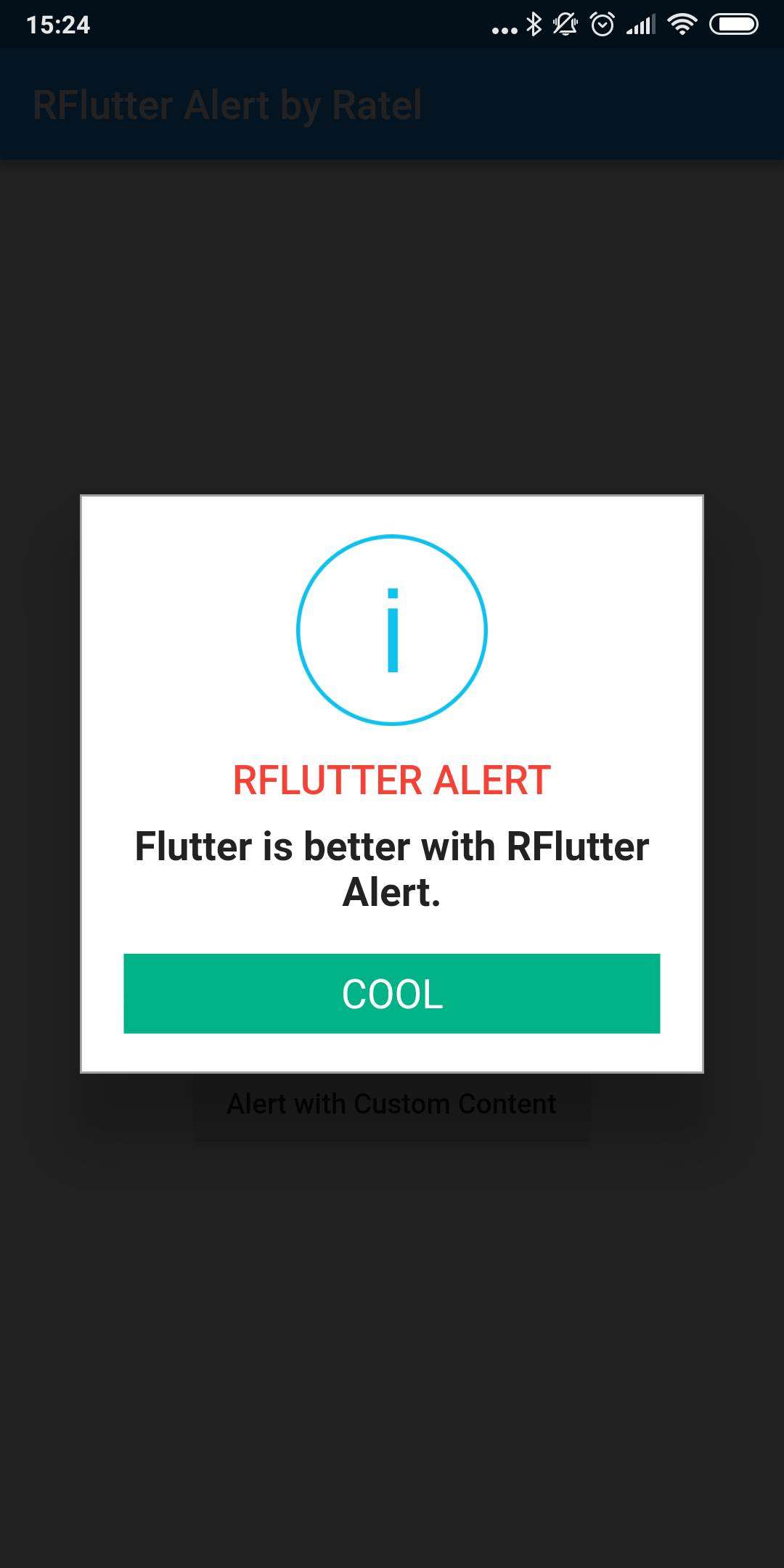
Alert with Style

AlertStyle

Use the AlertStyle class to customize.

    var alertStyle = AlertStyle(
      animationType: AnimationType.fromTop,
      isCloseButton: false,
      isOverlayTapDismiss: false,
      descStyle: TextStyle(fontWeight: FontWeight.bold),
      descTextAlign: TextAlign.start,
      animationDuration: Duration(milliseconds: 400),
      alertBorder: RoundedRectangleBorder(
        borderRadius: BorderRadius.circular(0.0),
        side: BorderSide(
          color: Colors.grey,
        ),
      ),
      titleStyle: TextStyle(
        color: Colors.red,
      ),
      alertAlignment: Alignment.topCenter,
    );

And assign your AlertStyle object to Alert's style field.

    Alert(
      context: context,
      style: alertStyle,
      type: AlertType.info,
      title: "RFLUTTER ALERT",
      desc: "Flutter is more awesome with RFlutter Alert.",
      buttons: [
        DialogButton(
          child: Text(
            "COOL",
            style: TextStyle(color: Colors.white, fontSize: 20),
          ),
          onPressed: () => Navigator.pop(context),
          color: Color.fromRGBO(0, 179, 134, 1.0),
          radius: BorderRadius.circular(0.0),
        ),
      ],
    ).show();

Alert with Custom Image

    Alert(
      context: context,
      title: "RFLUTTER ALERT",
      desc: "Flutter is better with RFlutter Alert.",
      image: Image.asset("assets/success.png"),
    ).show();

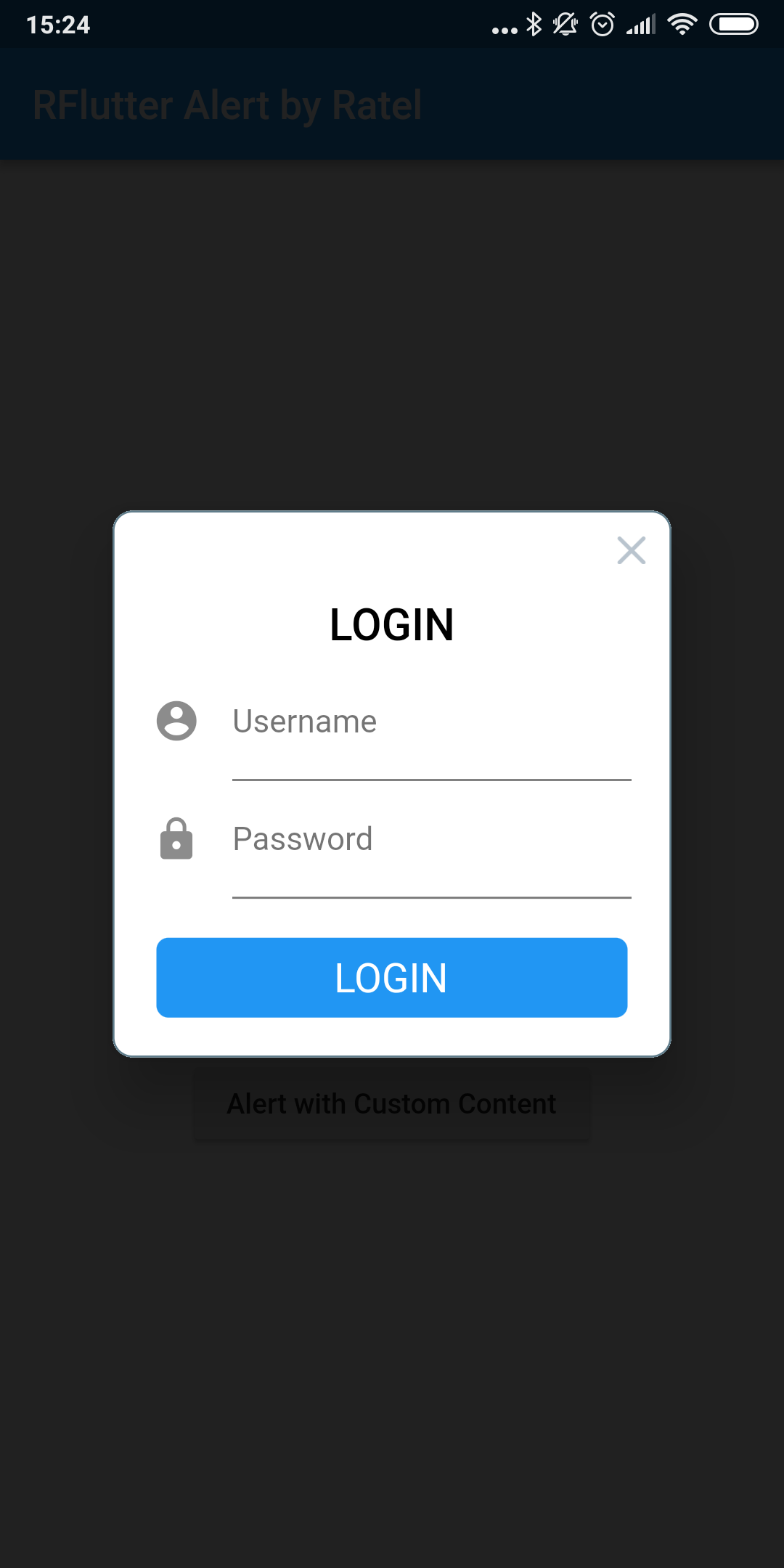
Alert with Custom Content

    Alert(
        context: context,
        title: "LOGIN",
        content: Column(
          children: <Widget>[
            TextField(
              decoration: InputDecoration(
                icon: Icon(Icons.account_circle),
                labelText: 'Username',
              ),
            ),
            TextField(
              obscureText: true,
              decoration: InputDecoration(
                icon: Icon(Icons.lock),
                labelText: 'Password',
              ),
            ),
          ],
        ),
        buttons: [
          DialogButton(
            onPressed: () => Navigator.pop(context),
            child: Text(
              "LOGIN",
              style: TextStyle(color: Colors.white, fontSize: 20),
            ),
          )
        ]).show();

Contributions

  • If you found a bug, open an issue.
  • If you have a feature request, open an issue.
  • If you want to contribute, submit a pull request.

Version compatability

See CHANGELOG for all breaking (and non-breaking) changes.


Made with ❤ by Ratel

Categorias

Repositório-fonte

Projetos que usam este pacote