Orientação gerada a partir de informações públicas. Apenas para referência.
O pacote roulette oferece um widget de roda de roleta simples e personalizável projetado para jogos de sorteio e sistemas de recompensas. Construído com Flutter, suporta animações suaves de rotação e pode ser facilmente integrado a aplicativos para sorteios, concursos ou experiências gamificadas. O widget é leve e funciona em todas as principais plataformas, incluindo Android, iOS, Web, macOS, Windows e Linux. É ideal para desenvolvedores que buscam uma solução pronta para adicionar rodas giratórias interativas sem implementação complexa.
Casos de uso
Sorteios de loteria
Recompensas gamificadas para usuários
Seleção de prêmios do concurso
Recursos de aplicativo interativo
Ferramentas de engajamento do usuário
Principais recursos
Animação de rotação suave
Segmentos de roda personalizáveis
Compatibilidade multiplataforma
Integração simples da API
Duração de rotação configurável
Indicado para
Desenvolvedores de aplicativos construindo jogos
Equipes criando campanhas promocionais
Aplicativos educacionais com elementos interativos
Aplicativos que precisam de seleção aleatória de prêmios
Considerações
Personalização limitada além do estilo básico
Sem efeitos sonoros embutidos
Requer tratamento manual da lógica de resultado
Não otimizado para rotações de alta frequência
Depende de gerenciamento externo de estado para resultados
README original
Snapshot do README original do repositório-fonte vinculado. Consulte o repositório para o conteúdo mais recente.
Project Status: Stable & Open for Contributions
This project has reached its primary goals. The author actively maintains it for compatibility with the latest SDKs and critical bug fixes, but is no longer actively developing new features.
Feature Requests: Suggestions are welcome! Please open an Issue for discussion.
Contributions: If you need a new feature, Pull Requests are highly encouraged and appreciated.
This is a Flutter library that provides a simple wheel widget for lottery usage.
Features
Quickly build customizable roulettes
Support roulettes with different sized parts based on specified weight
Easily control the roll animation and settle position
Support text, icons and images for roulette parts
There are various types of roulette provided by this package (text is optional):
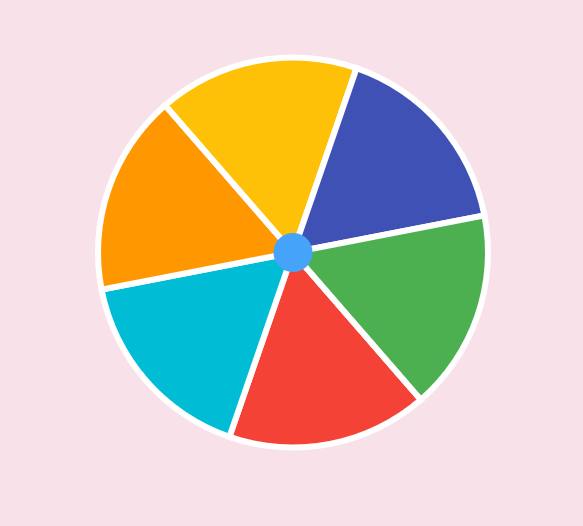
Uniformed roulette:
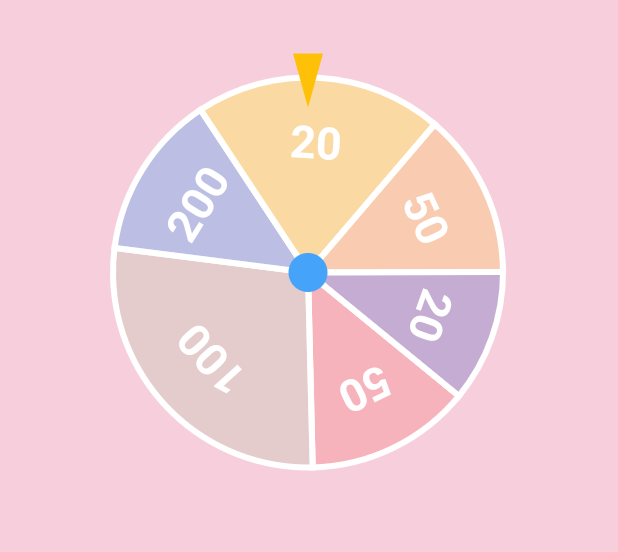
Weight-based roulette:
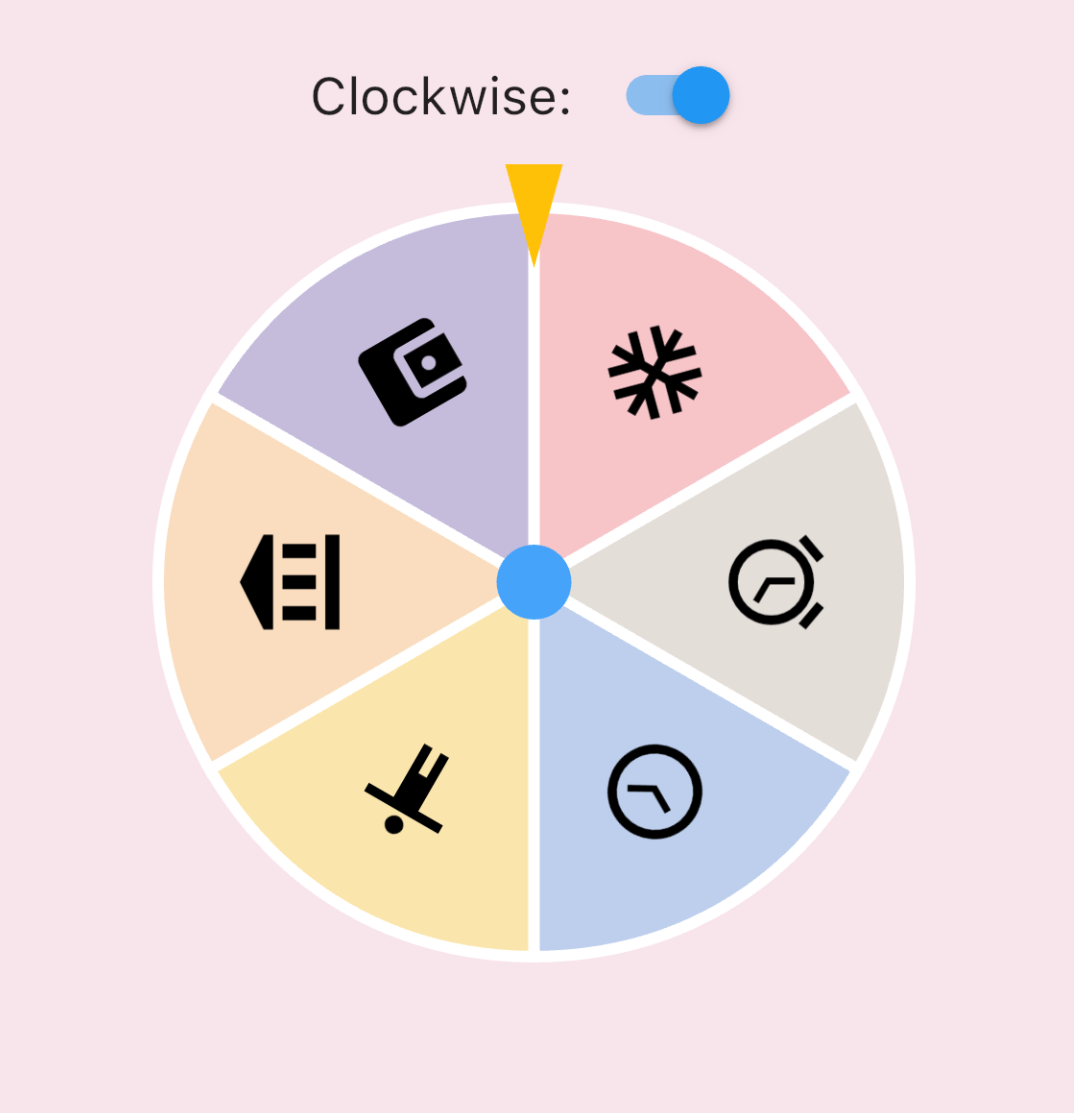
IconData roulette (available in 0.1.4):
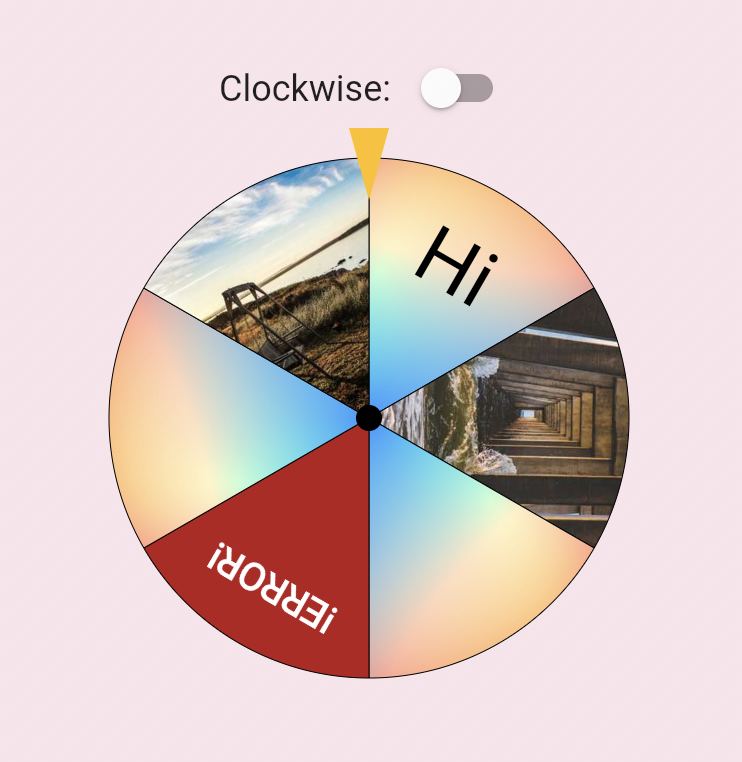
Image roulette (available in 0.1.5):
Getting started
Add this to your pubspec.yaml file:
dependencies:roulette:^1.0.0-rc.1
Note (v1.0.0-rc.1): The package no longer depends on package:flutter/material.dart.
RouletteStyle now requires centerStickerColor and dividerColor — use the deprecated
RouletteStyle.material() to keep the previous default look. It's highly recommend to specify the colors explicitly, the material ported version will be removed in future.
Roll infinitely before determine the result (available in 0.3.2)
You can also use rollInfinitely to roll infinitely until you call stop or rollTo method:
// Roll infinitely
controller.rollInfinitely();
// Getting the result value somewhere...try {
final result = await service.request()
final index = values.indexOf(result);
// Stop rolling and settle to index
controller.rollTo(index, offset: random.nextDouble());
} catch (e, st) {
// Or stop rolling immediately, stop with this method has no animation// controller.stop();
}
Please refer to API documentation for more details.
For more complete examples, please check the example app.
Legal Statement
The creators of this library do not endorse or encourage any illegal gambling activities. Please use this library responsibly and comply with all applicable laws in your local jurisdiction. The authors assume no liability for any misuse of this software.